Airport Madness 3D
Про игру
Место в каталоге, подборки и покупка
В «Airport Madness 3D» главный упор на одиночное прохождение — для поклонников жанра «Приключенческие игры».
- одиночное прохождение
Где искать ещё
«Airport Madness 3D» попала в 3 тематических подборок PlayGuide («Топ игр Steam», «Новинки Steam» и др.) — ссылки ниже. Также на странице: требования к ПК, скриншоты, FAQ и типичные ошибки запуска.
Где купить
«Airport Madness 3D» — покупка и установка через Steam; страницу можно добавить в список желаемого.
- 880 ₽
Краткая информация о Airport Madness 3D
Платформы
Особенности
Теги Steam
Видео, стримы и гайды по Airport Madness 3D


Сообщество и сервисы Steam — Airport Madness 3D
Скриншоты Airport Madness 3D


Системные требования Airport Madness 3D — пойдёт ли на моём ПК?
Чтобы запустить «Airport Madness 3D» на ПК, по данным Steam достаточно минимальной конфигурации: ос Windows 10, Windows 8, Windows 7, Windows Vista, Windows XP, озу 512 MB ОЗУ, процессор 1.0 GHZ, место на диске 200 MB.
Если система на грани минимума, снизьте настройки графики и закройте фоновые приложения. Подробный разбор и калькулятор совместимости — по ссылке «Пойдёт ли» в меню страницы.
Минимальные требования
- ОС *: Windows 10, Windows 8, Windows 7, Windows Vista, Windows XP
- Процессор: 1.0 GHZ
- Оперативная память: 512 MB ОЗУ
- DirectX: версии 8.0
- Место на диске: 200 MB
Гайд и ответы по Airport Madness 3D
Перед установкой «Airport Madness 3D» — коротко по данным Steam Плюс ответы на частые вопросы.
Airport Madness 3D на Steam Deck
Стоит ли брать «Airport Madness 3D» в дорогу на Deck — ниже статус из Steam и типичные ограничения по производительности.
Статус Steam Deck не указан
Можно ли играть в Airport Madness 3D без интернета
Можно ли играть в «Airport Madness 3D» без интернета — одиночный режим, кооп и MMO по категориям Steam.
Да, по данным Steam доступен одиночный режим — игру можно проходить офлайн.
Какое время прохождения у Airport Madness 3D?
Steam не публикует официальное время прохождения «Airport Madness 3D». В Steam у «Airport Madness 3D» уже 332 отзывов — там часто пишут о длительности. Ориентируйтесь также на гайды и видео на YouTube.
Можно ли играть в Airport Madness 3D с контроллером?
«Airport Madness 3D»: явной поддержки геймпада в Steam нет — уточните в описании или отзывах.
Не запускается, вылетает, лагает — Airport Madness 3D
О чём Airport Madness 3D
Avoid Midair Colllisions!
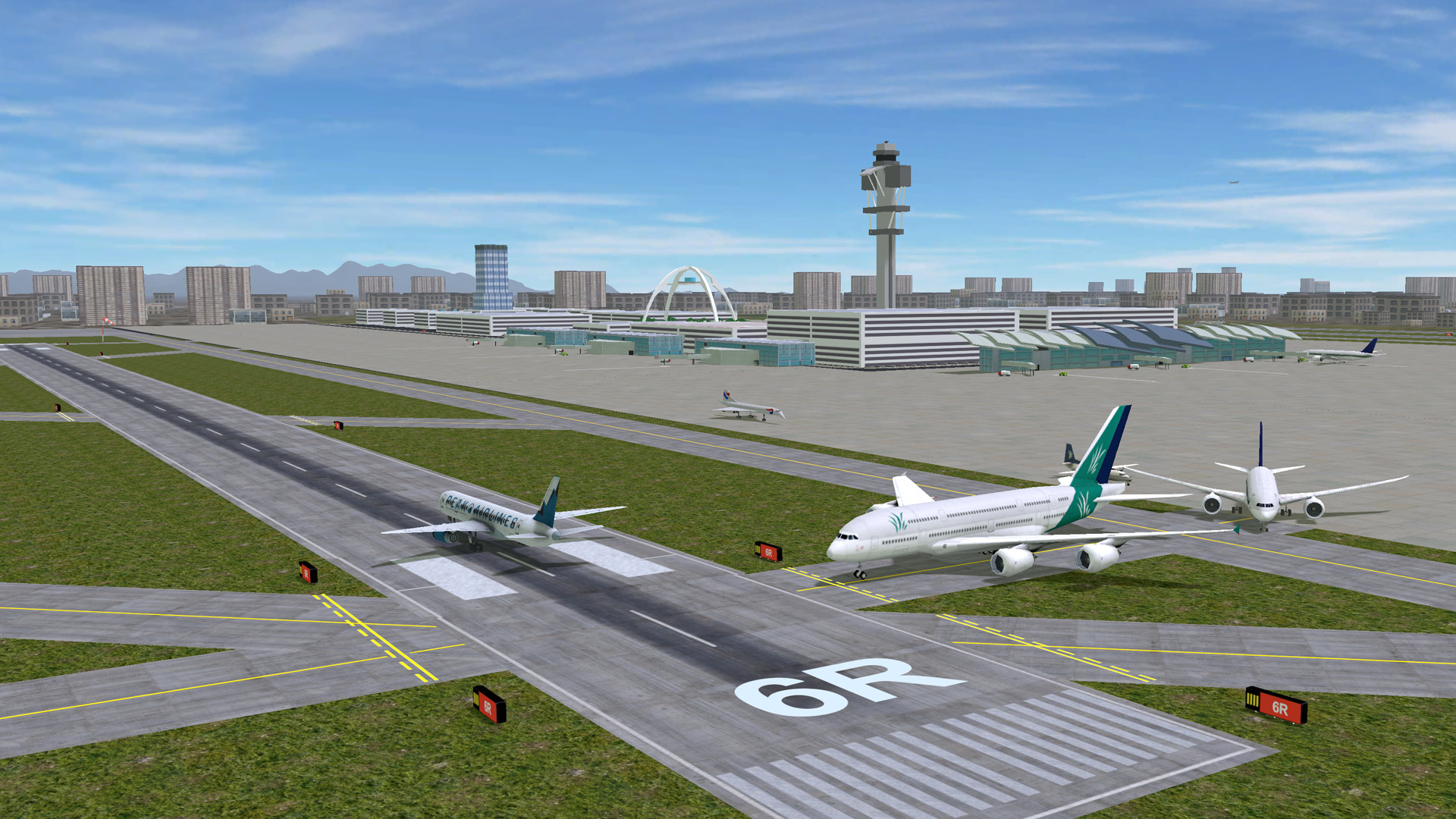
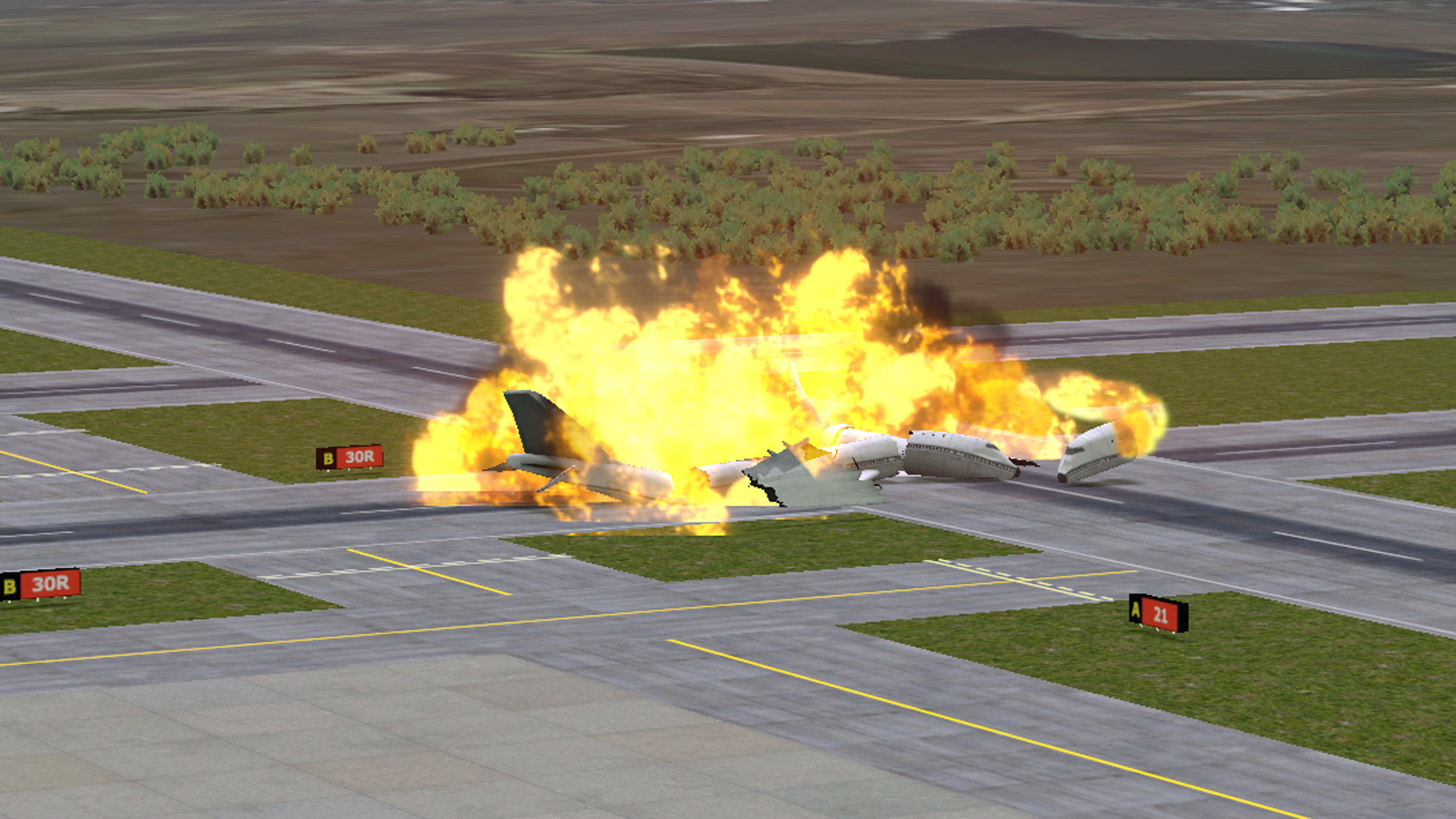
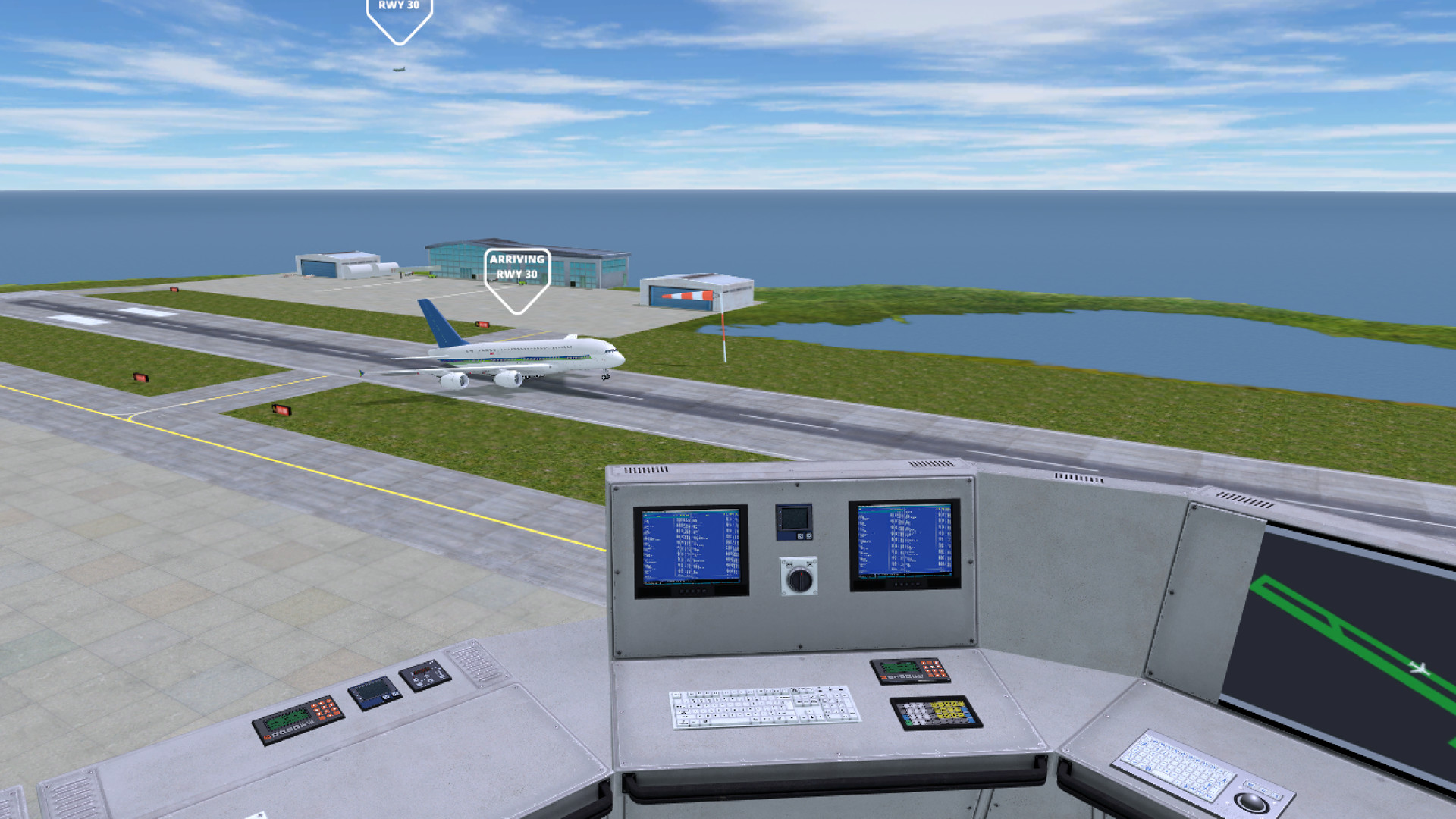
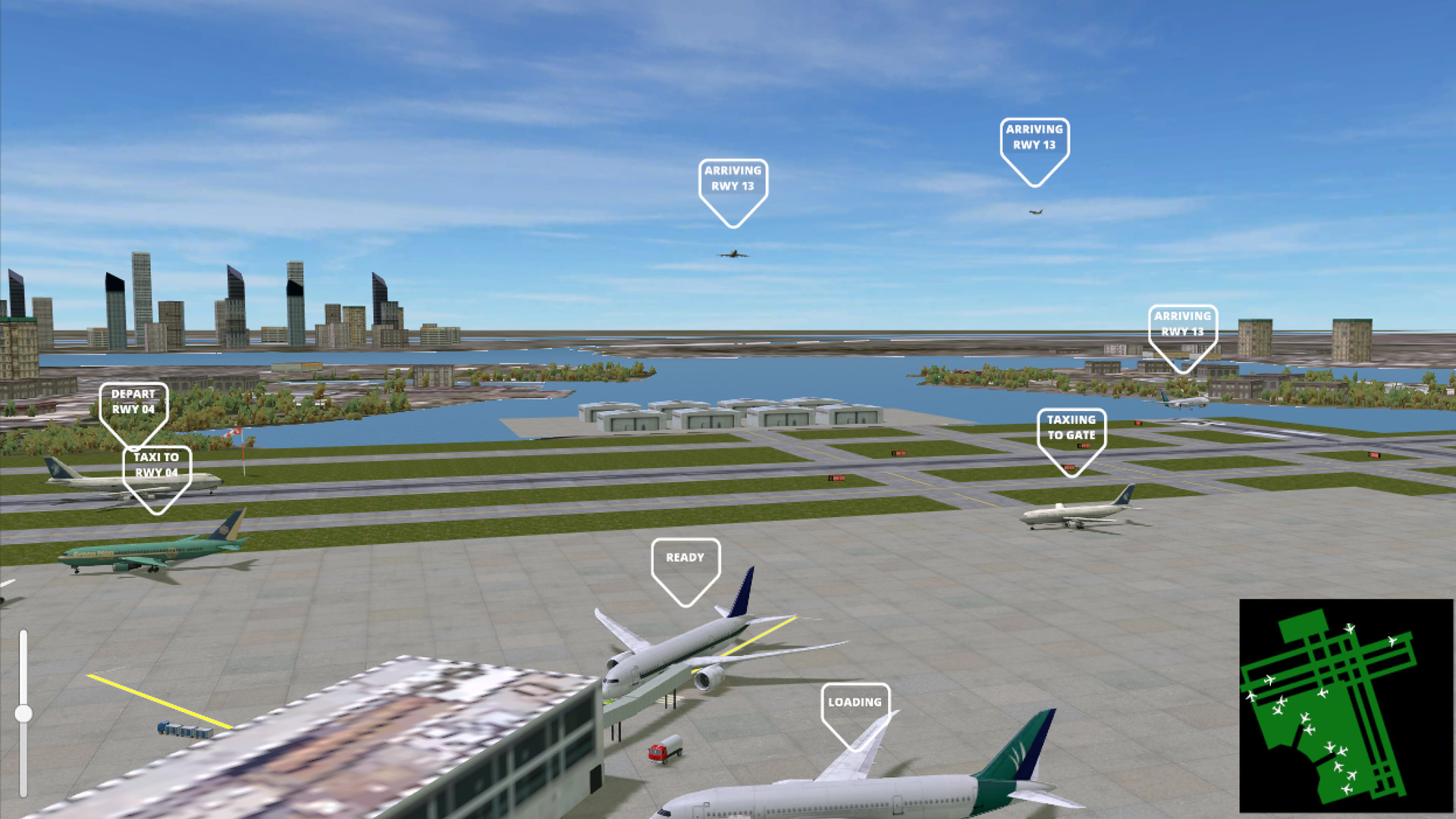
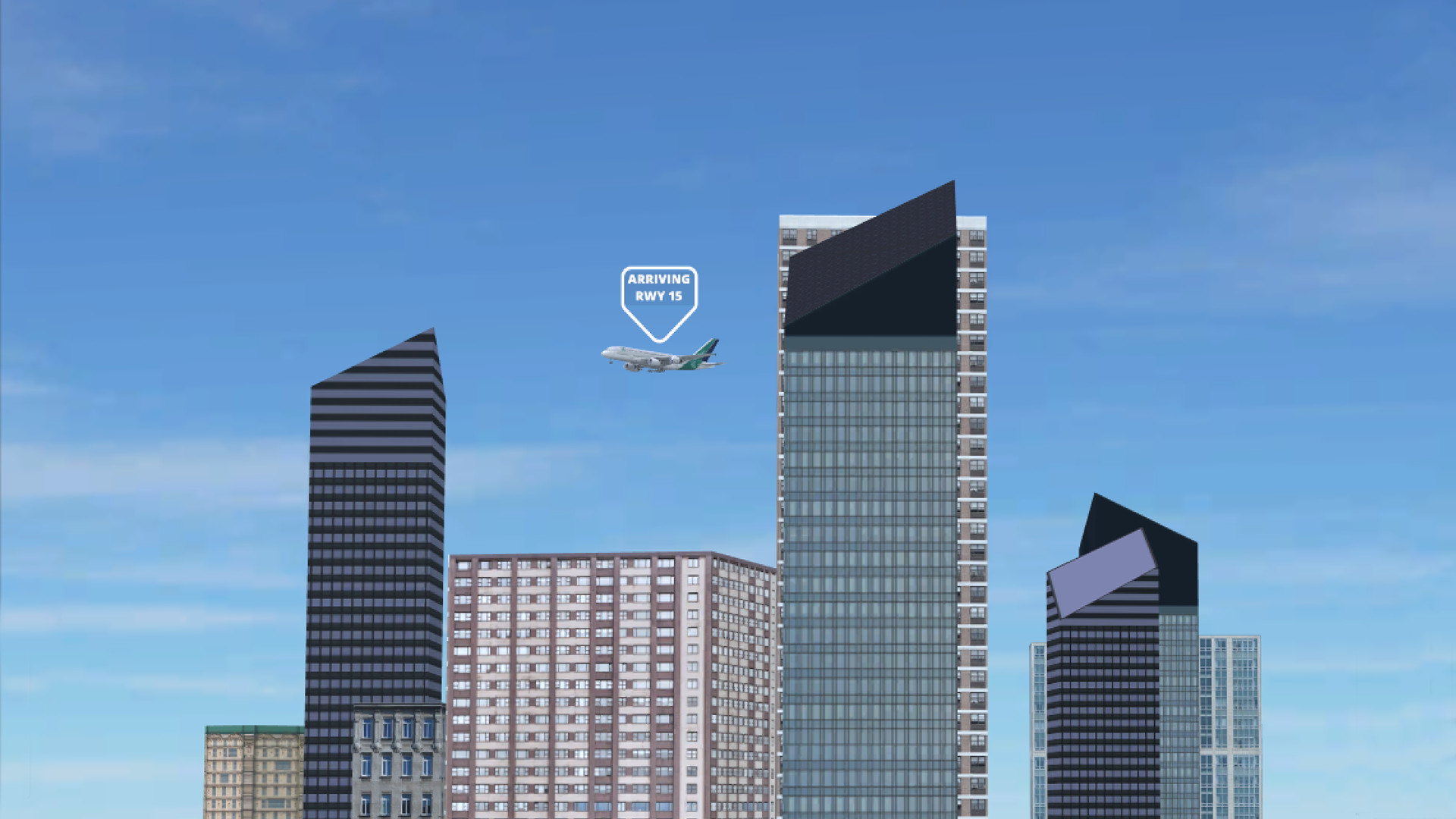
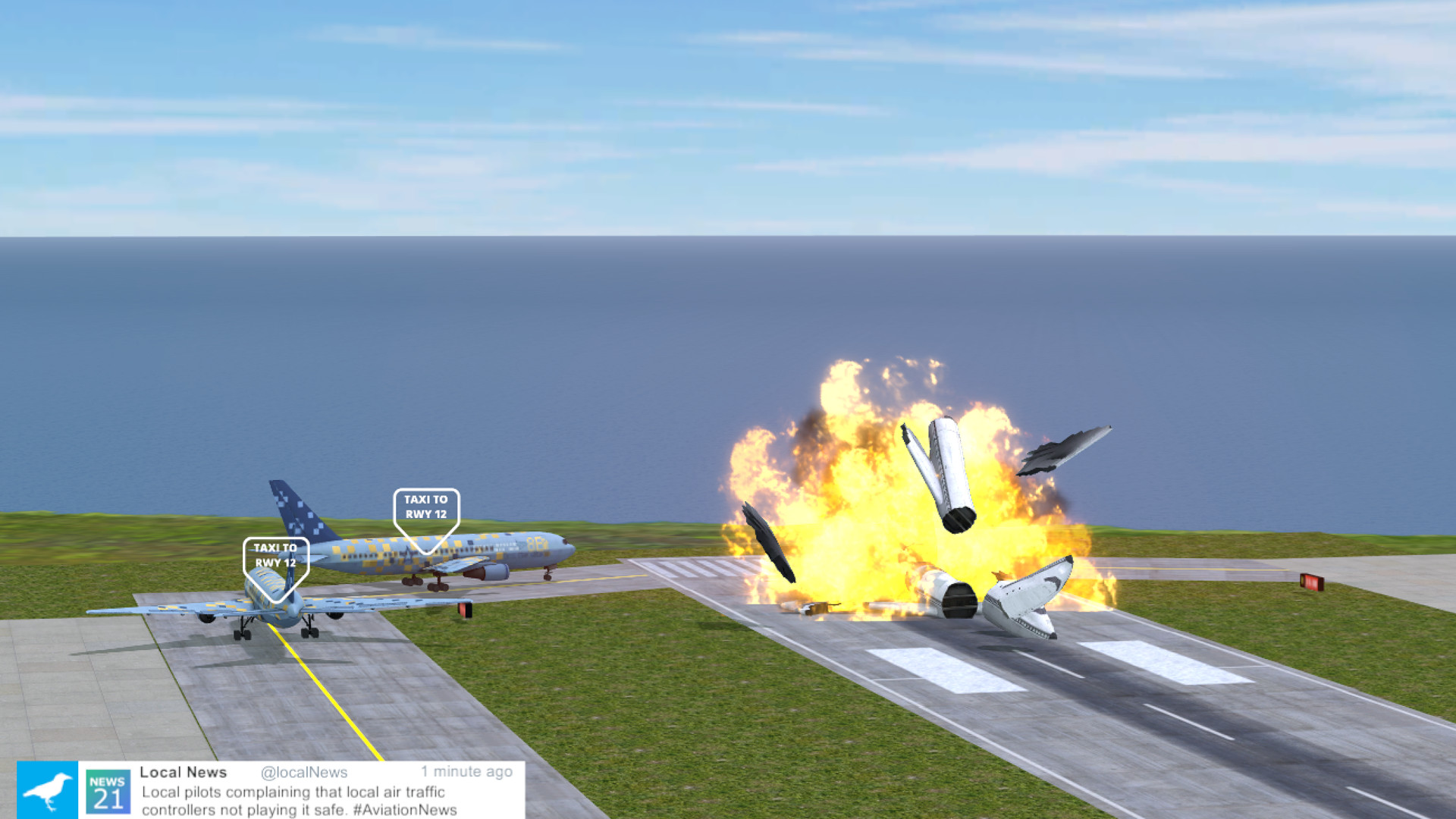
The seventh version of Airport Madness offers players a 3-dimensional air traffic control experience, from a control tower perspective. You get to sit in a virtual swivel chair, able to pan around the airport with the drag of your mouse. Choose good weather or bad, adjust the tower height to your preference, then do your best to manage jet traffic into and out of eight different real-world airports. Listen to human pilot voices as the aircraft obey your every command. Watch as the animated windsocks react to gusty winds. Scan your radar screens for potential conflicts between aircraft.
Designed by real-world air traffic controllers
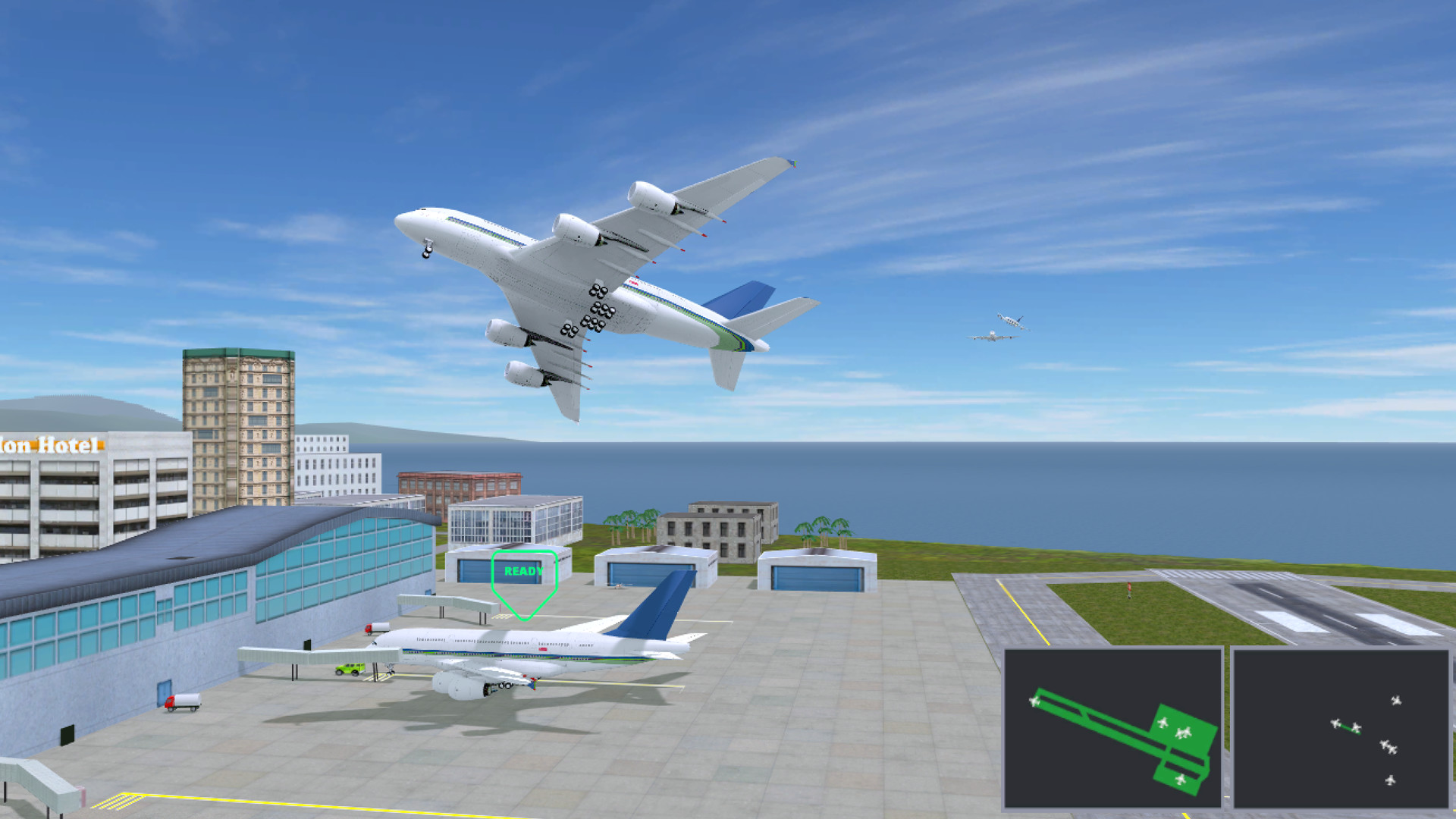
• Surface Radar Display
• Airborne Radar Display
• Human pilot voices
• Dead real flight characteristics
• Optional bad weather
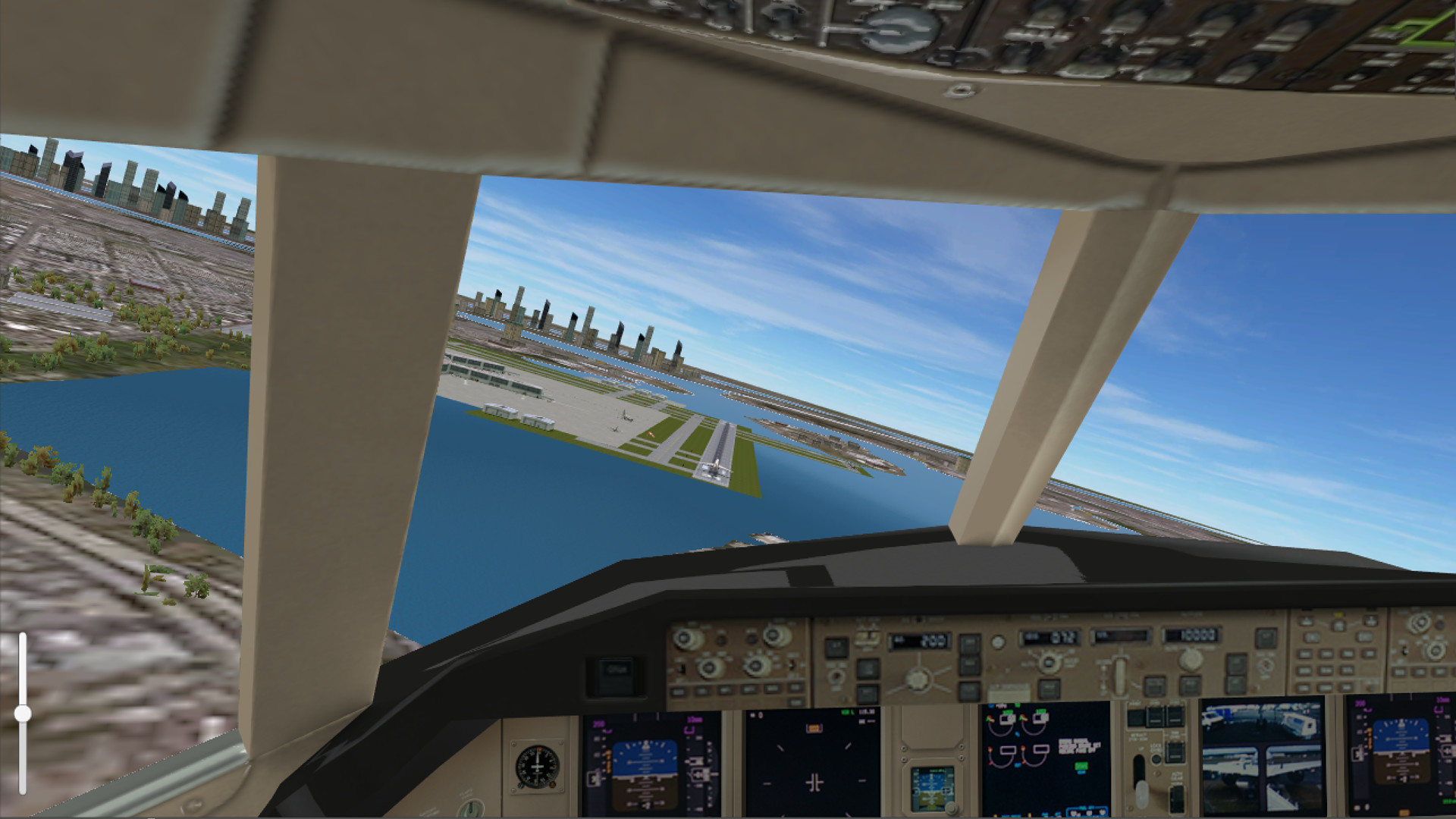
• Three different views, including "pilot cam"
• Adjustable tower height
• Zoomable view
• Reversible traffic patterns
• Multiple game play modes
Nine Awesome Airports!
• Norman Manley Airport, Kingston Jamaica
• Billy Bishop Airport, Toronto Ontario
• Rocky Mountain Metropolitan Airport, Broomfield Colorado
• LaGuardia Airport, New York USA
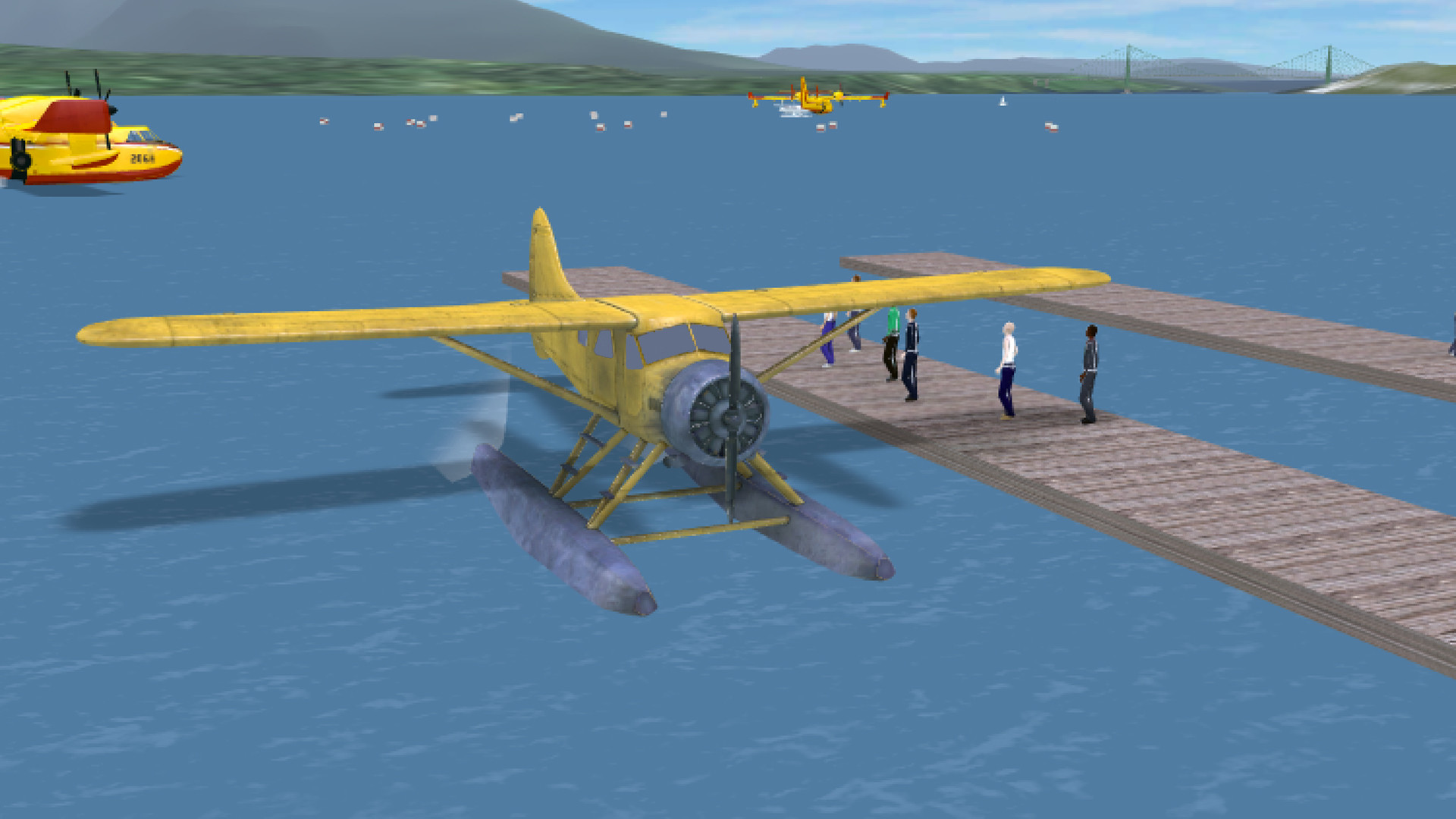
• Vancouver Harbour (float plane base), Vancouver, Canada
• Castlegar (forest fire fight), BC, Canada
• Los Angeles
• Boston Logan
• Seattle-Tacoma
Airport Madness 3D has similar game play mechanic to the rest of the series. In this version, each airport offers two separate traffic patterns, a huge step upwards from our previous six versions of Airport Madness.
Choose your view!
• Adjustable-height control tower view
• Runway threshold view
• "Pilot cam" cockpit view from all aircraft
• Zoom in or out, pan in all directions
It feels real!
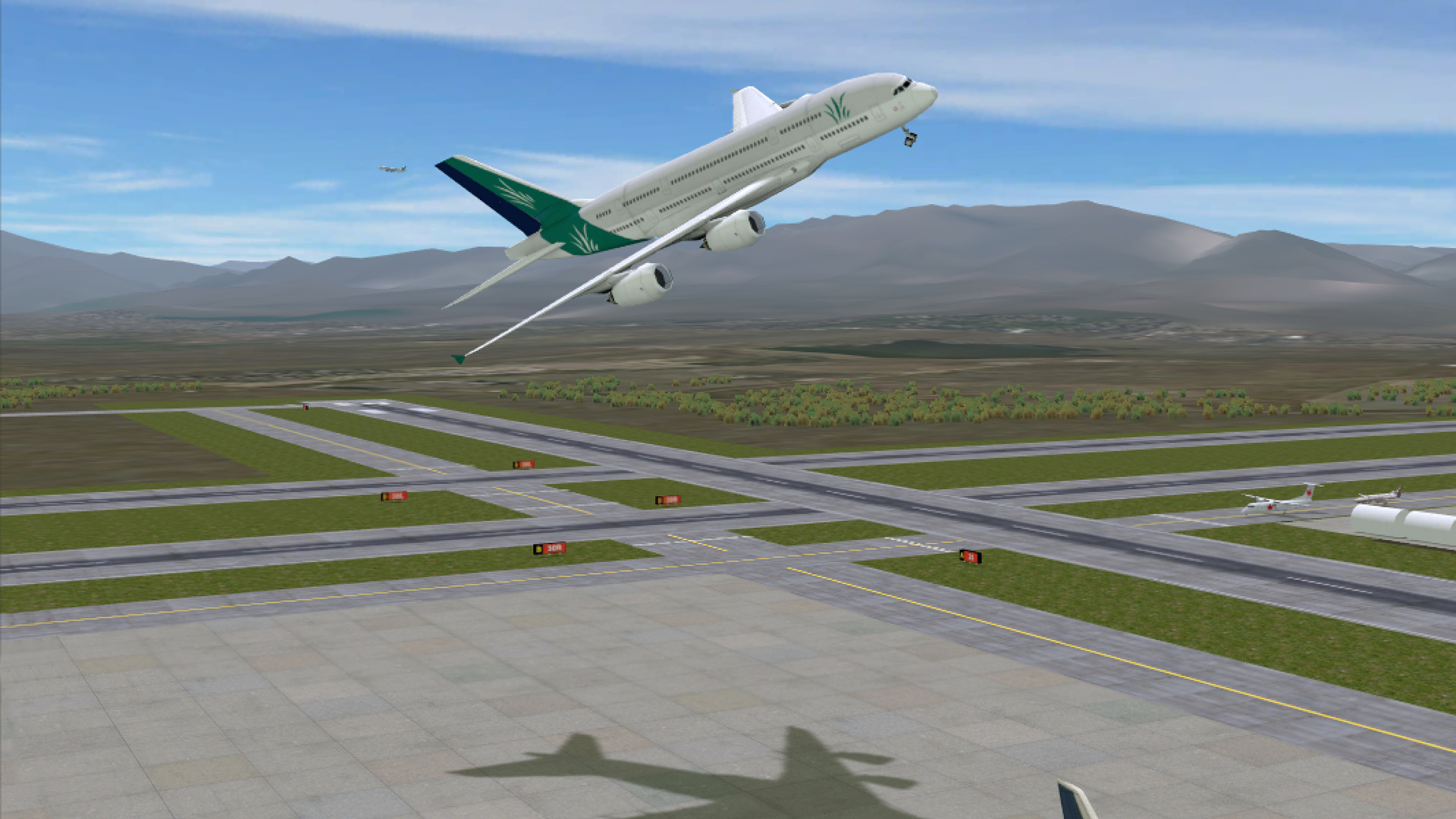
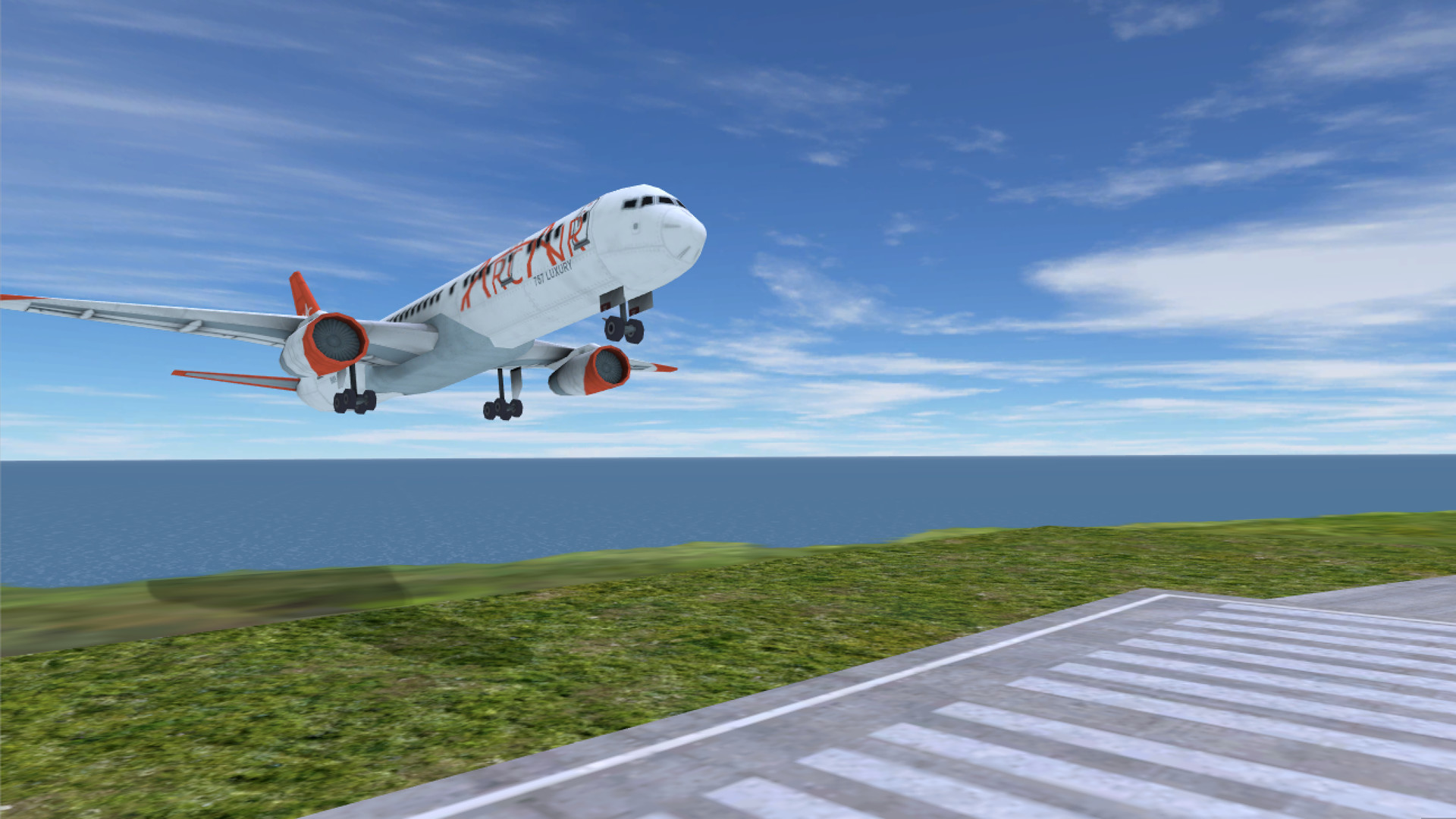
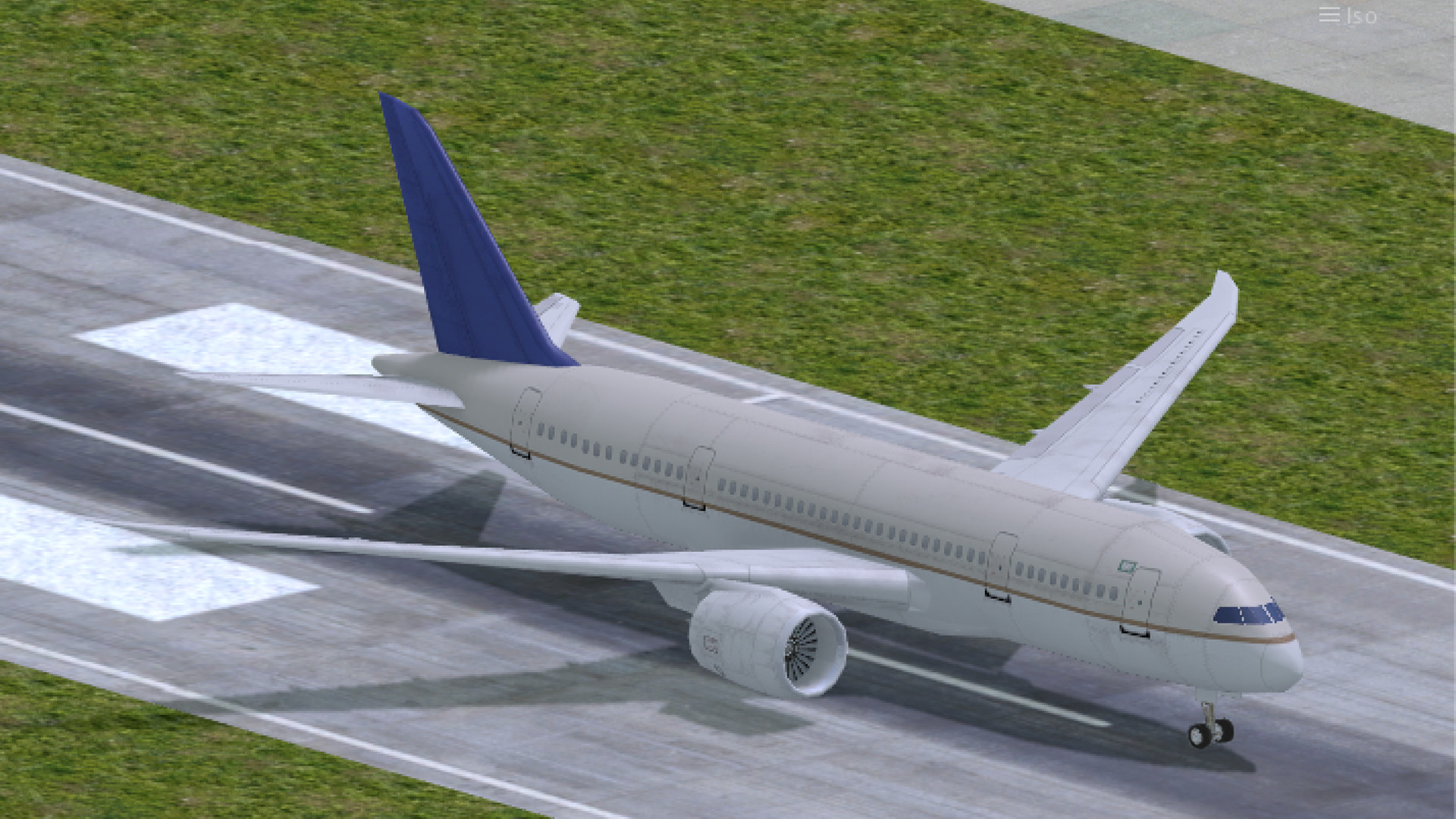
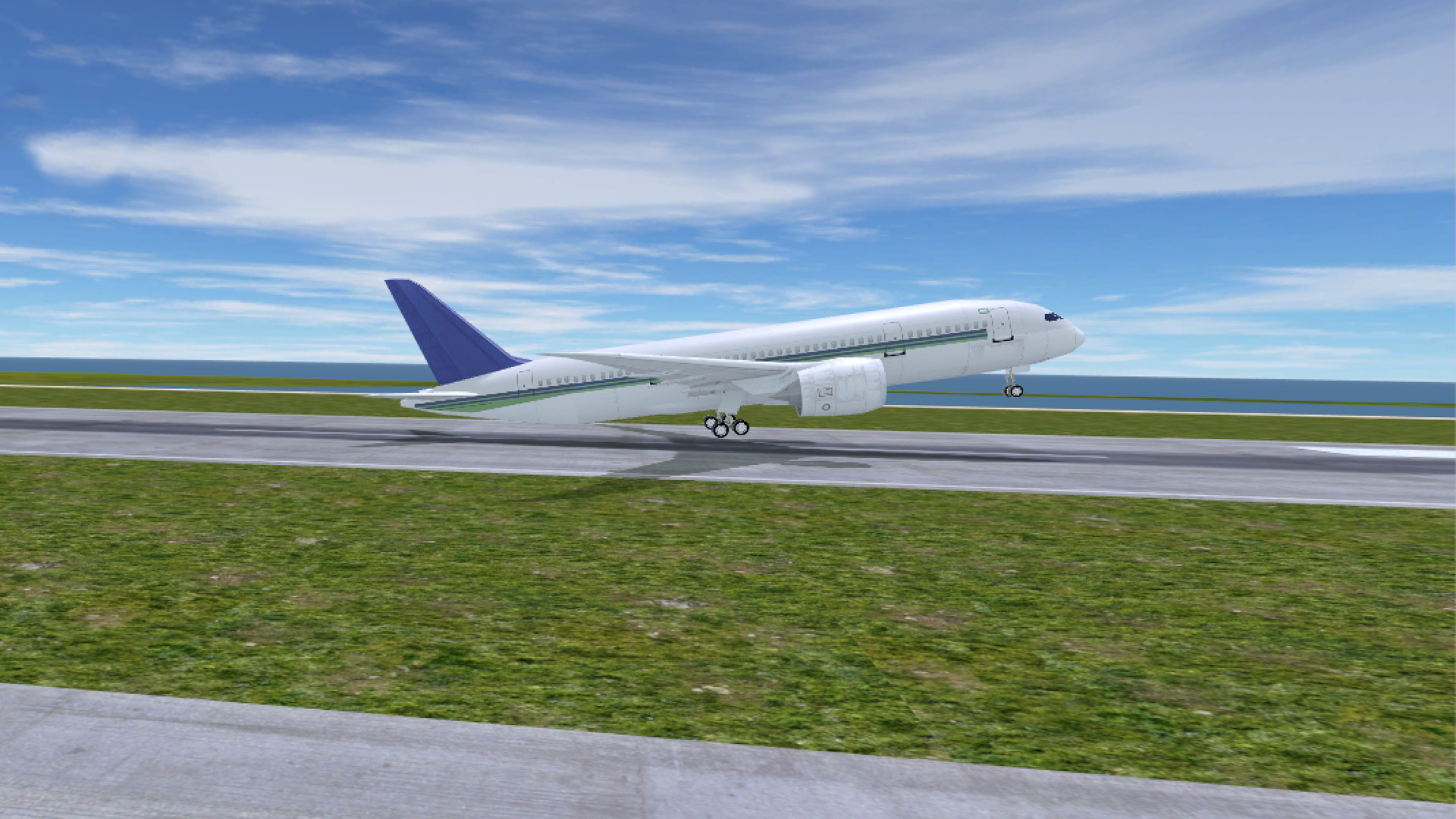
Our terrain is built from real-world earth data. Airport designs are based on real-world layouts. Game play has been designed by real-world air traffic controllers and commercial pilots. Even the aircraft flight characteristics are highly realistic. Watch as the airplanes actually raise their nose during the takeoff rotation, and during the landing flare. Sounds are authentic. We've added the rumble of an aircraft's takeoff thrust, and the whine of a jet engine as it spools up at the gate.
Airport Madness 3D is a game you've got to play…