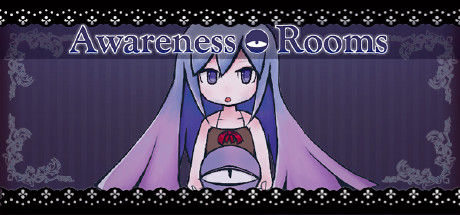
Awareness Rooms
Про игру
Место в каталоге, подборки и покупка
«Awareness Rooms» — для коротких вечерних сессий и нестандартных идей; ключевые режимы: одиночное прохождение.
- одиночное прохождение
В каталоге
«Awareness Rooms» попала в 4 тематических подборок PlayGuide («Топ игр Steam», «Новинки Steam» и др.) — ссылки ниже. Также на странице: требования к ПК, скриншоты, FAQ и типичные ошибки запуска.
Краткая информация о Awareness Rooms
Платформы
Особенности
Теги Steam


Сообщество и сервисы Steam — Awareness Rooms
Скриншоты Awareness Rooms
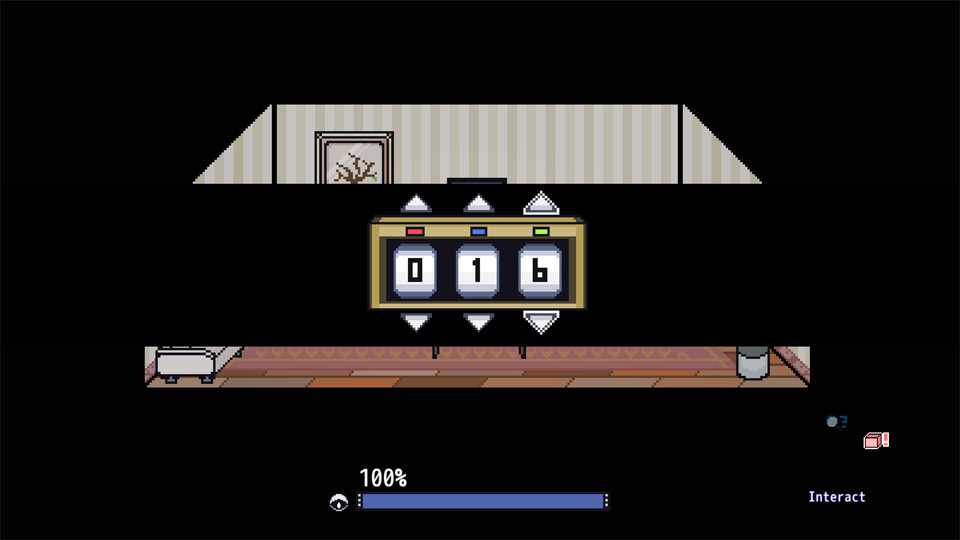
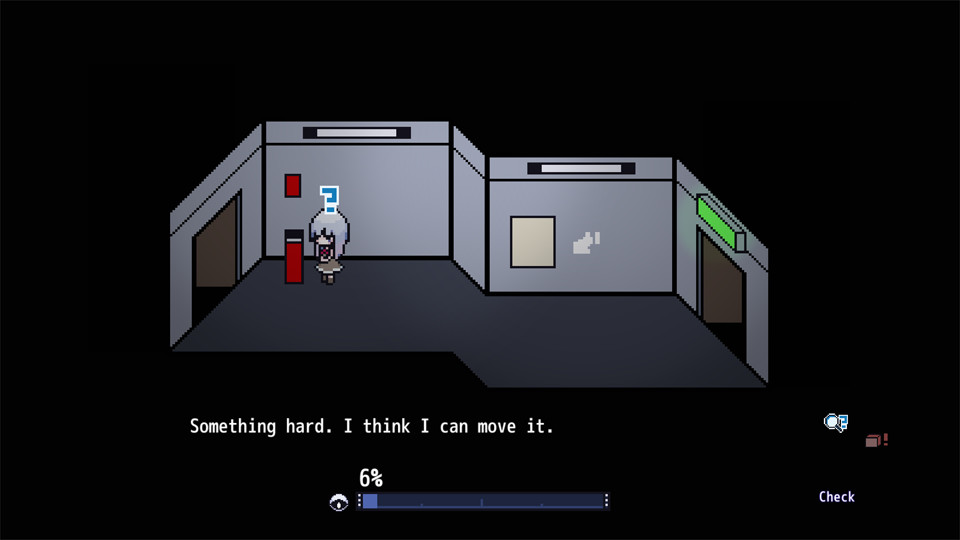
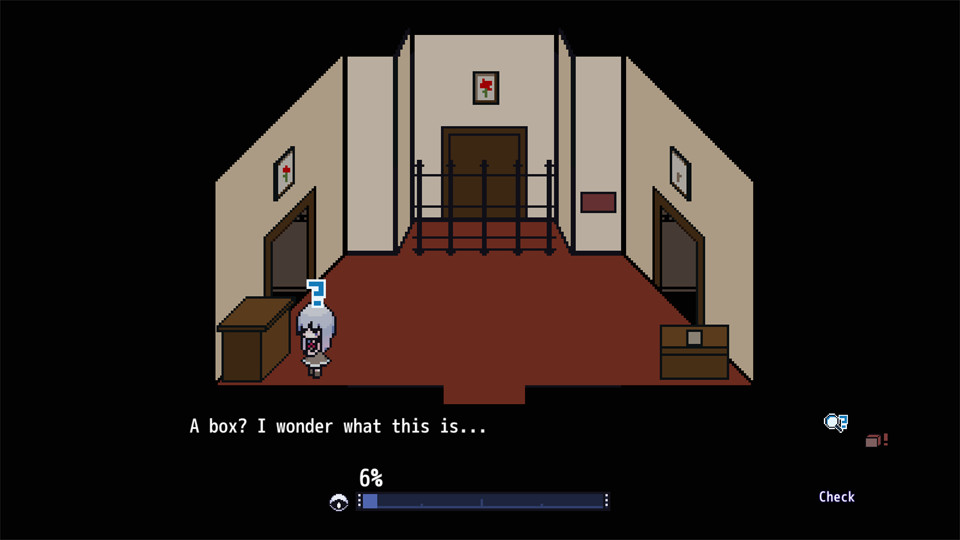
Системные требования Awareness Rooms — пойдёт ли на моём ПК?
Чтобы запустить «Awareness Rooms» на ПК, по данным Steam достаточно минимальной конфигурации: ос Windows, видеокарта DirectX® 9 level Graphics Card, процессор Intel Core2 or better, место на диске 200 MB.
Если система на грани минимума, снизьте настройки графики и закройте фоновые приложения. Подробный разбор и калькулятор совместимости — по ссылке «Пойдёт ли» в меню страницы.
Минимальные требования
- ОС: Windows
- Процессор: Intel Core2 or better
- Видеокарта: DirectX® 9 level Graphics Card
- DirectX: версии 9.0
- Место на диске: 200 MB
Гайд и ответы по Awareness Rooms
Требования, размер, язык, Steam Deck и офлайн — кратко по данным Steam Плюс ответы на частые вопросы.
Awareness Rooms на Steam Deck
Стоит ли брать «Awareness Rooms» в дорогу на Deck — ниже статус из Steam и типичные ограничения по производительности.
Playable — играбельно на Steam Deck
Можно ли играть в Awareness Rooms без интернета
Офлайн в «Awareness Rooms»: когда игра запускается без сети, а когда нужен постоянный онлайн.
Да, по данным Steam доступен одиночный режим — игру можно проходить офлайн.
На сколько часов рассчитан Awareness Rooms?
Steam не публикует официальное время прохождения «Awareness Rooms». В Steam у «Awareness Rooms» уже 545 отзывов — там часто пишут о длительности. Ориентируйтесь также на гайды и видео на YouTube.
Работает ли геймпад в Awareness Rooms?
«Awareness Rooms»: явной поддержки геймпада в Steam нет — уточните в описании или отзывах.
Не запускается, вылетает, лагает — Awareness Rooms
О чём Awareness Rooms
When I came to, I was in a room I knew nothing of.
As I looked around and checked objects, opened doors, operated machines, I slowly gained awareness...
Eventually I was able to perform various actions.
From searching blindly, to solving puzzles actively.
Relying on what I have made sense of, I have found my way out of here.
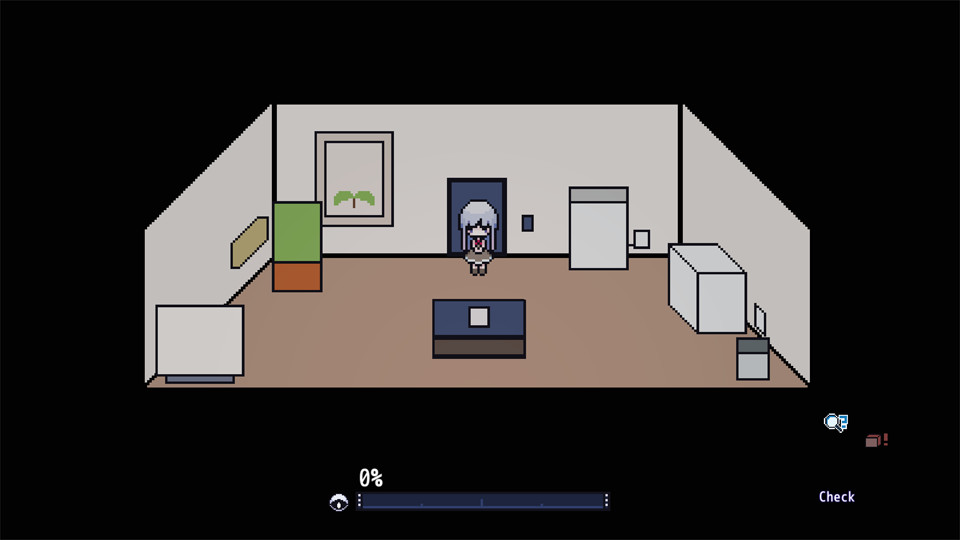
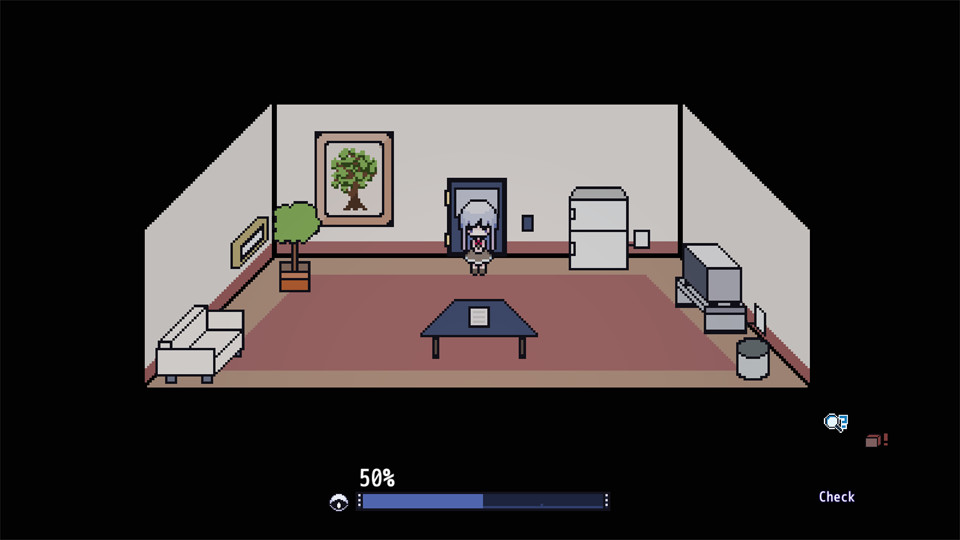
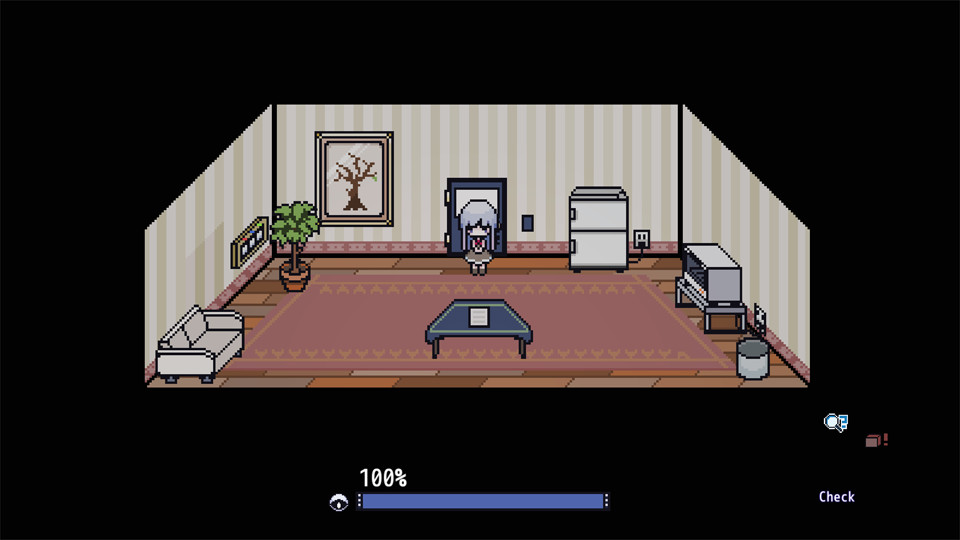
This is a new type of escape game. However, it is a little different from ordinary escape games; the girl doesn't have enough "awareness" in the beginning, and she can only recognize a "fridge" as "a large metallic box" or "tree" as something with "rough and busy texture".
So, as I said, this is a new style of escape game where you don't even have a clue nor puzzle to solve!
...Of course, you can escape eventually.
When you "Check" or "Interact" with the objects in the room, your "Awareness" level increases and the girl starts to recognize the true form of each object. For example, the girl picks up something-or-other at some point but she has no idea what it is or how to use it: once she has increased her "Awareness" level to a certain amount, she now realizes it is a "handle-like object" and can be used somewhere.
When I was playing the game, I felt like I was quickly re-experiencing the days of a baby improving its sense of perception by feeling everything in the surroundings. Also the game gave me lots of "Aha!" moments (a.k.a. the eureka effect). In any case, it was very pleasant experience.
It's not the end when you maximize your "Awareness" level, instead it's the beginning of the puzzle. When you get stuck, go back-to-the-basics; "Check" and "Interact" all the objects again!A small hint:
When you "Check" or "Interact" the object, a "?" or "!" icon over the girl's head will appear, if it has no colour, you'll know you are already "aware" of those objects. When the level reaches 50% or 100%, the colour will come back and you will have detailed information for the objects.
When you use/lose the item, usually you can collect it again at the place where you found it. So stop whining and run for the item! (Sorry, the girl cannot run)
When you already have too many items and no space for a new one, you should go back and put another item back. You can place the item by using it at the same place where you found it (same action as when you pick it up).
Controls (keyboard recommended): Move: Arrow keys Check/Interact: Z key Switch action: Hold the left Shift key and select with Arrow keys
When confronted with something you don't really understand, you feel things like fear, or…