
Bigscreen Beta
Про игру
Место в каталоге, подборки и покупка
«Bigscreen Beta» — проект с акцентом на одиночное прохождение, PvP и онлайн — для тех, кому важны реализм и погружение в процесс.
- одиночное прохождение
- PvP
- онлайн
Подборки и ранг
«Bigscreen Beta» попала в 4 тематических подборок PlayGuide («Топ игр Steam», «Популярные игры Steam» и др.) — ссылки ниже. Также на странице: требования к ПК, скриншоты, FAQ и типичные ошибки запуска.
Цена и платформы
«Bigscreen Beta» — покупка и установка через Steam; страницу можно добавить в список желаемого.
- Бесплатно
Краткая информация о Bigscreen Beta
Платформы
Особенности
Теги Steam


Сообщество и сервисы Steam — Bigscreen Beta
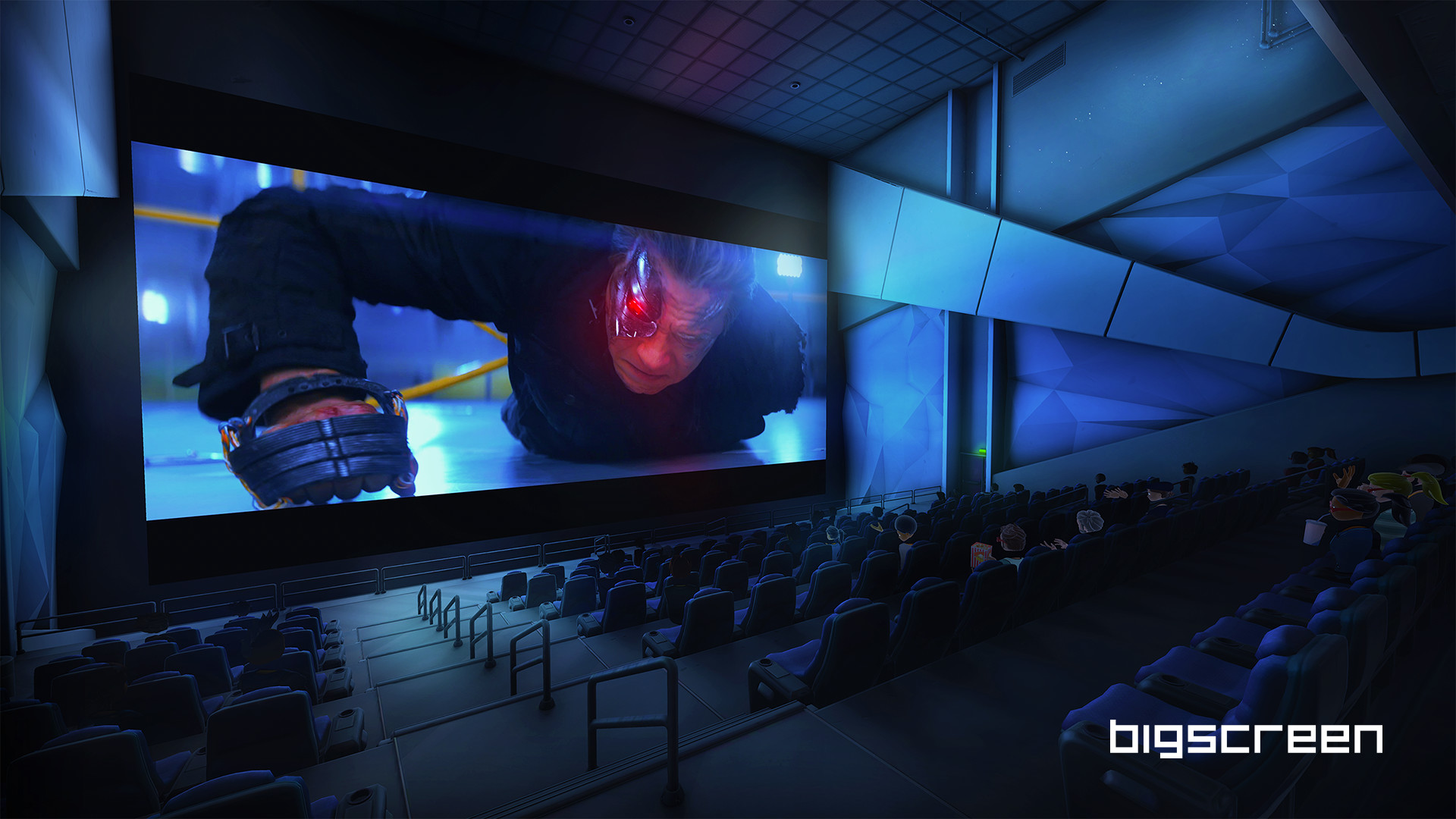
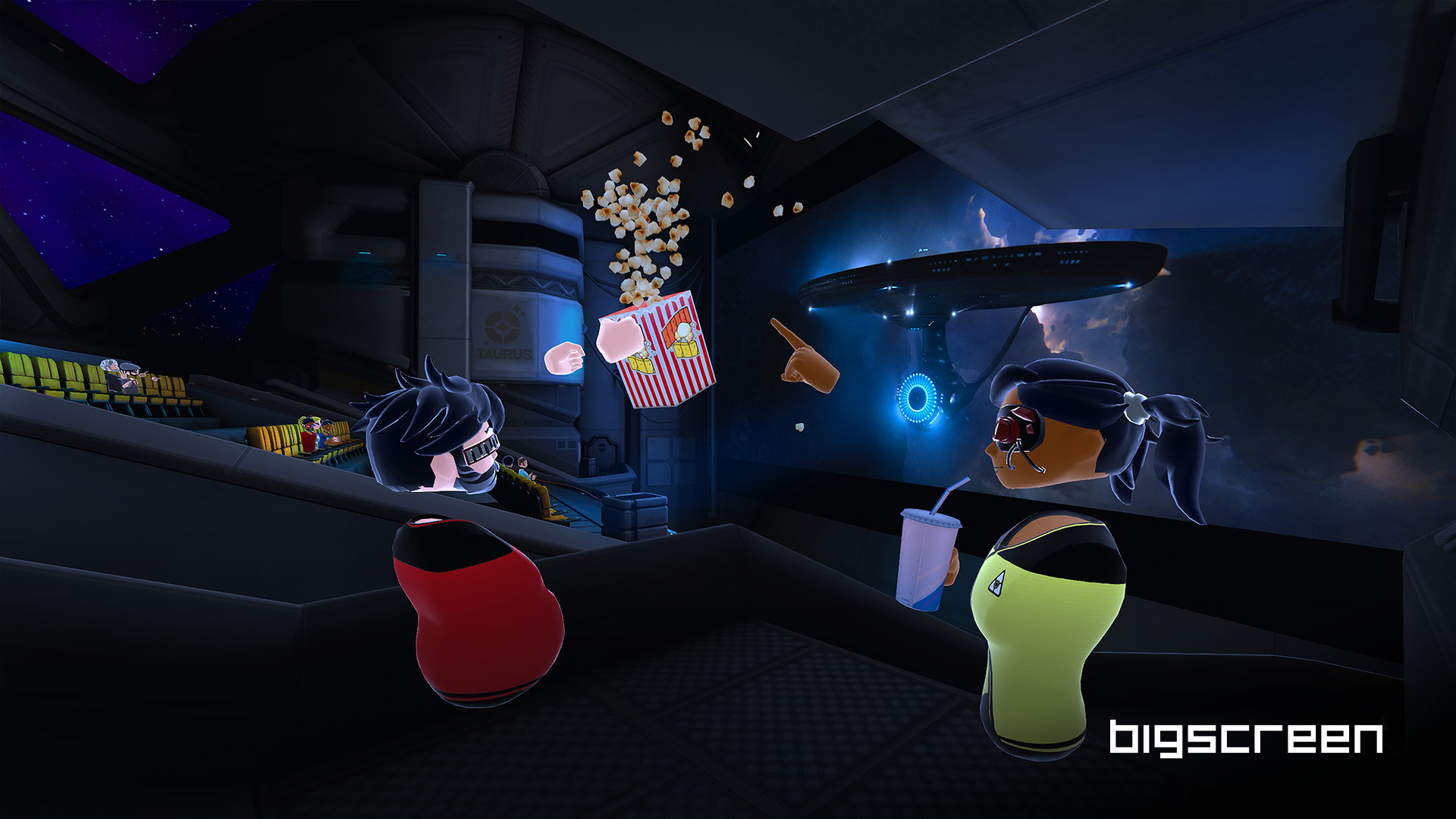
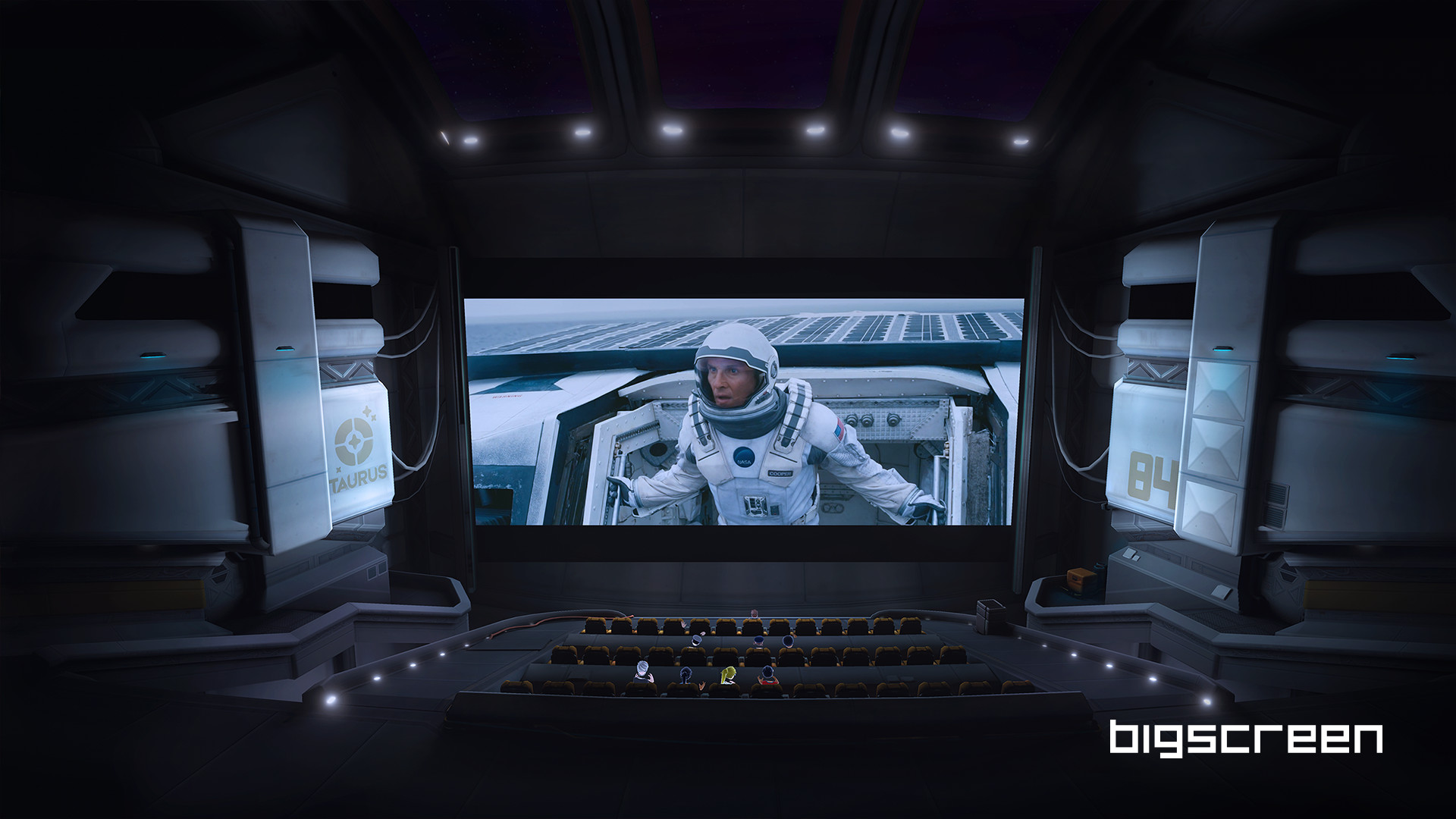
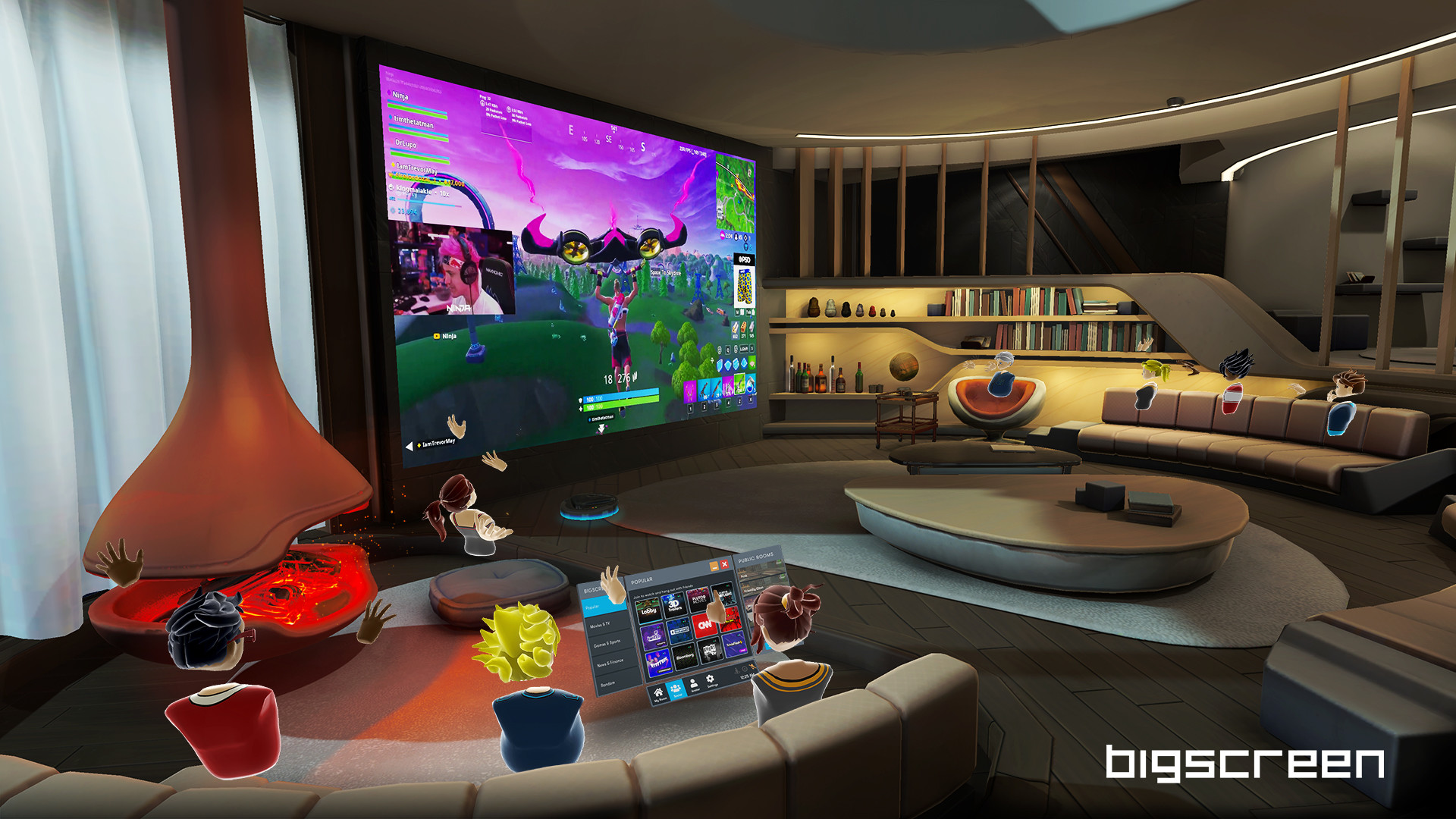
Скриншоты Bigscreen Beta




Системные требования Bigscreen Beta — пойдёт ли на моём ПК?
Чтобы запустить «Bigscreen Beta» на ПК, по данным Steam достаточно минимальной конфигурации: ос Windows 10, озу 8 GB ОЗУ, видеокарта NVIDIA GTX 970 / AMD 290 equivalent or greater, процессор Intel i5-4590. По требованиям к памяти это типичный домашний компьютер прошлых лет — без запаса на максималки.
Для комфортной игры без просадок разработчик рекомендует: озу 16 GB ОЗУ, видеокарта NVIDIA GTX 1060 or greater. Разрыв по ОЗУ (8 → 16 ГБ) обычно чувствуется в стабильности FPS. Точный расчёт под ваше железо — в разделе «Пойдёт ли на моём ПК».
Минимальные требования
- 64-разрядные процессор и операционная система
- ОС: Windows 10
- Процессор: Intel i5-4590
- Оперативная память: 8 GB ОЗУ
- Видеокарта: NVIDIA GTX 970 / AMD 290 equivalent or greater
- DirectX: версии 11
- Место на диске: 1500 MB
- Поддержка VR: SteamVR or Oculus PC
Рекомендуемые требования
- 64-разрядные процессор и операционная система
- ОС: Windows 10
- Оперативная память: 16 GB ОЗУ
- Видеокарта: NVIDIA GTX 1060 or greater
- Место на диске: 1500 MB
Гайд и ответы по Bigscreen Beta
Практичные ответы: пойдёт ли на ваш ПК, сколько весит, есть ли русский и можно ли без интернета Плюс ответы на частые вопросы.
Bigscreen Beta на Steam Deck
«Bigscreen Beta» на Steam Deck — статус Verified/Playable и на что обратить внимание в портативном режиме.
Статус Steam Deck не указан
Можно ли играть в Bigscreen Beta без интернета
Офлайн в «Bigscreen Beta»: когда игра запускается без сети, а когда нужен постоянный онлайн.
Есть одиночный режим, но также указан мультиплеер — офлайн возможен в сюжете, онлайн-режимы требуют сеть.
Bigscreen Beta — можно ли играть бесплатно?
«Bigscreen Beta» распространяется бесплатно в Steam.
Работает ли геймпад в Bigscreen Beta?
«Bigscreen Beta»: явной поддержки геймпада в Steam нет — уточните в описании или отзывах.
Какое время прохождения у Bigscreen Beta?
Steam не публикует официальное время прохождения «Bigscreen Beta». Ориентируйтесь также на гайды и видео на YouTube.
Не запускается, вылетает, лагает — Bigscreen Beta
О чём Bigscreen Beta
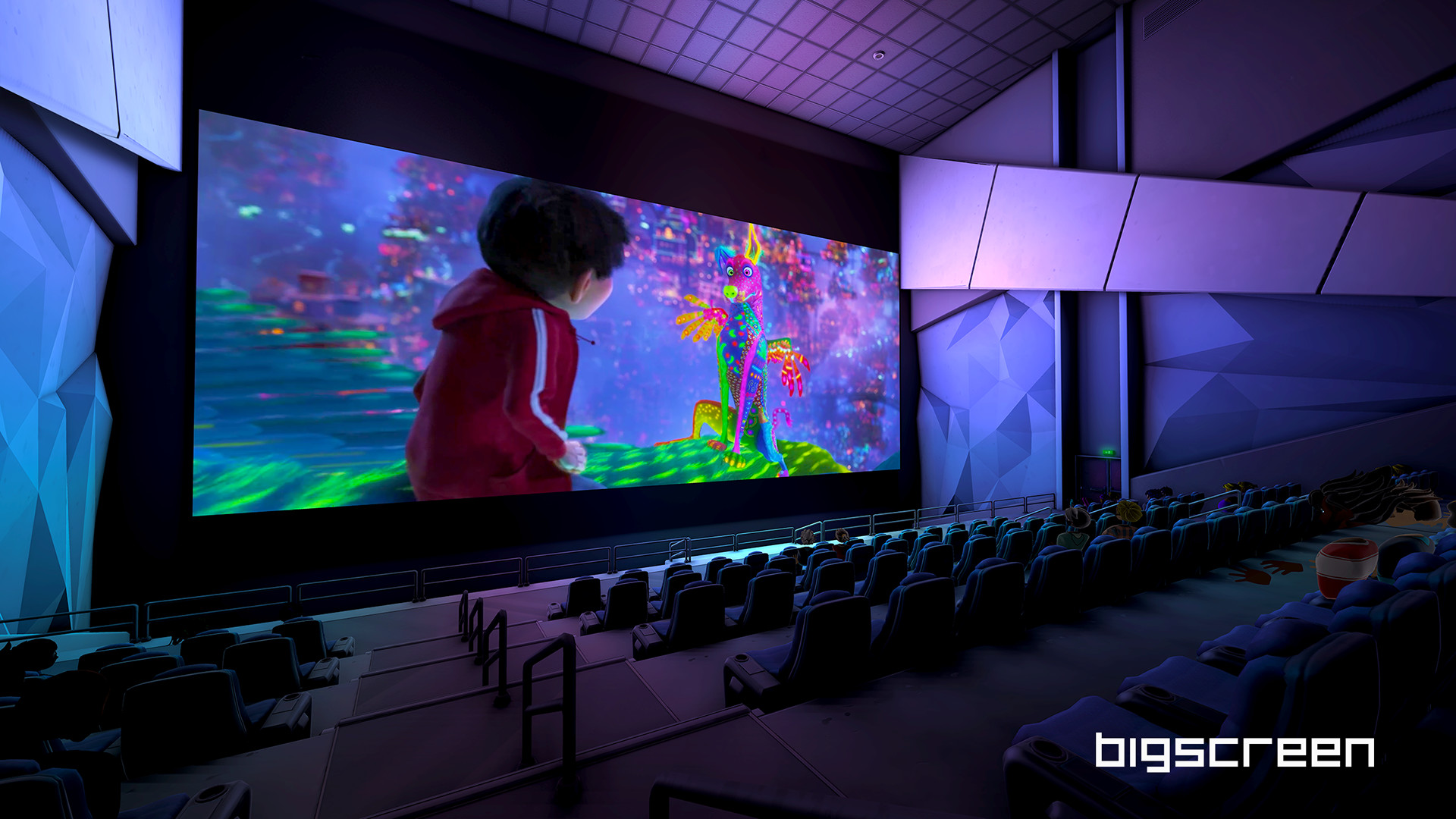
Bigscreen enables people to watch videos in VR with friends through a variety of ways! Share your desktop screen, watch high quality, premium 3D movies, attend live rocket launch events, play your own video files using our new videoplayer feature, and much more!
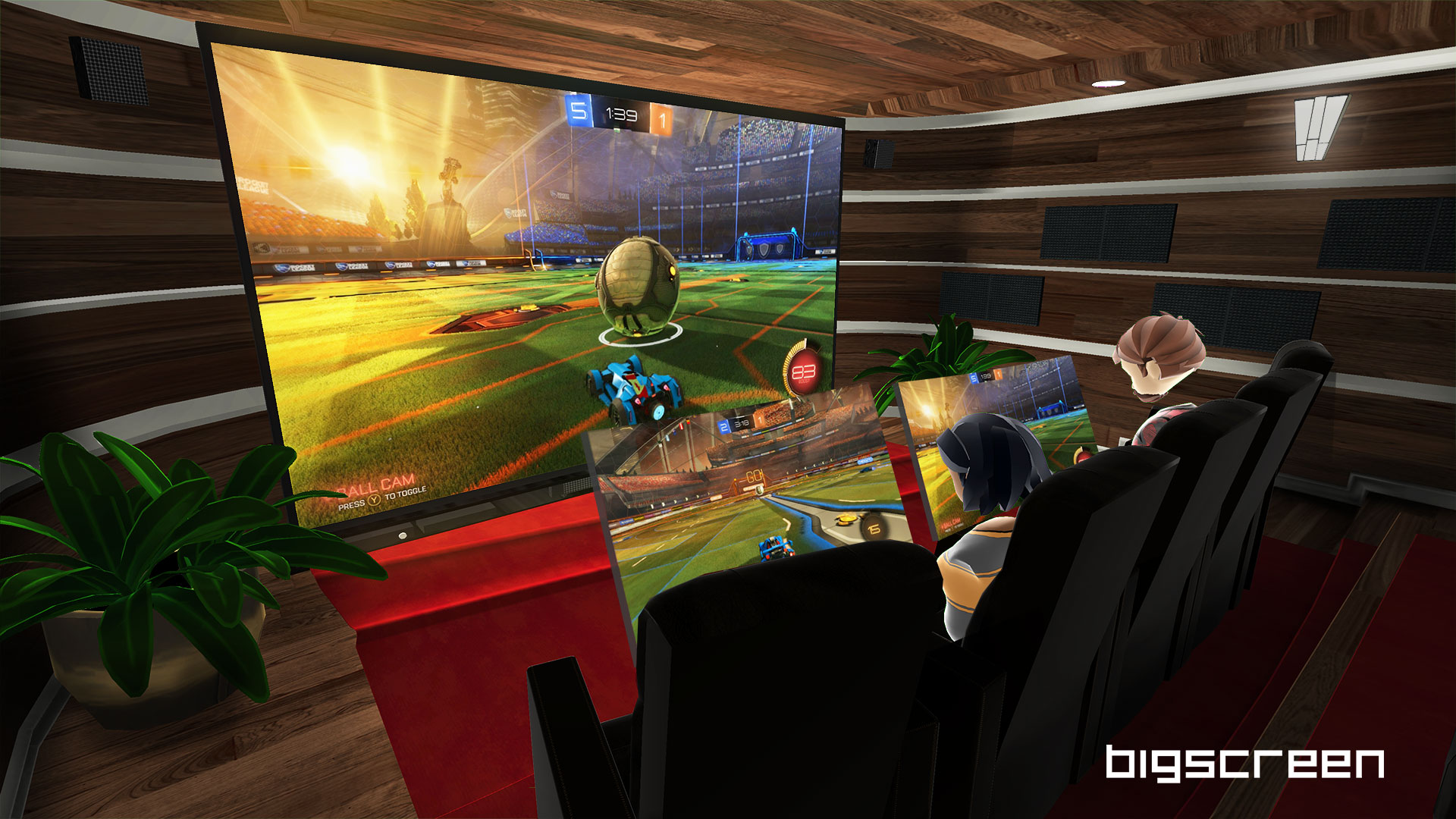
Watch your favorite movies with friends and family around the world in a cozy home theater or a massive IMAX-style cinema! Relive the good ol' days when you hung out with friends IRL and played video games in the basement until 4AM. Screen cheat or strategize and play together! Instead of that tiny 13" laptop, play any game on massive, customizable screens. Wrap the virtual screen around you for a more immersive experience.
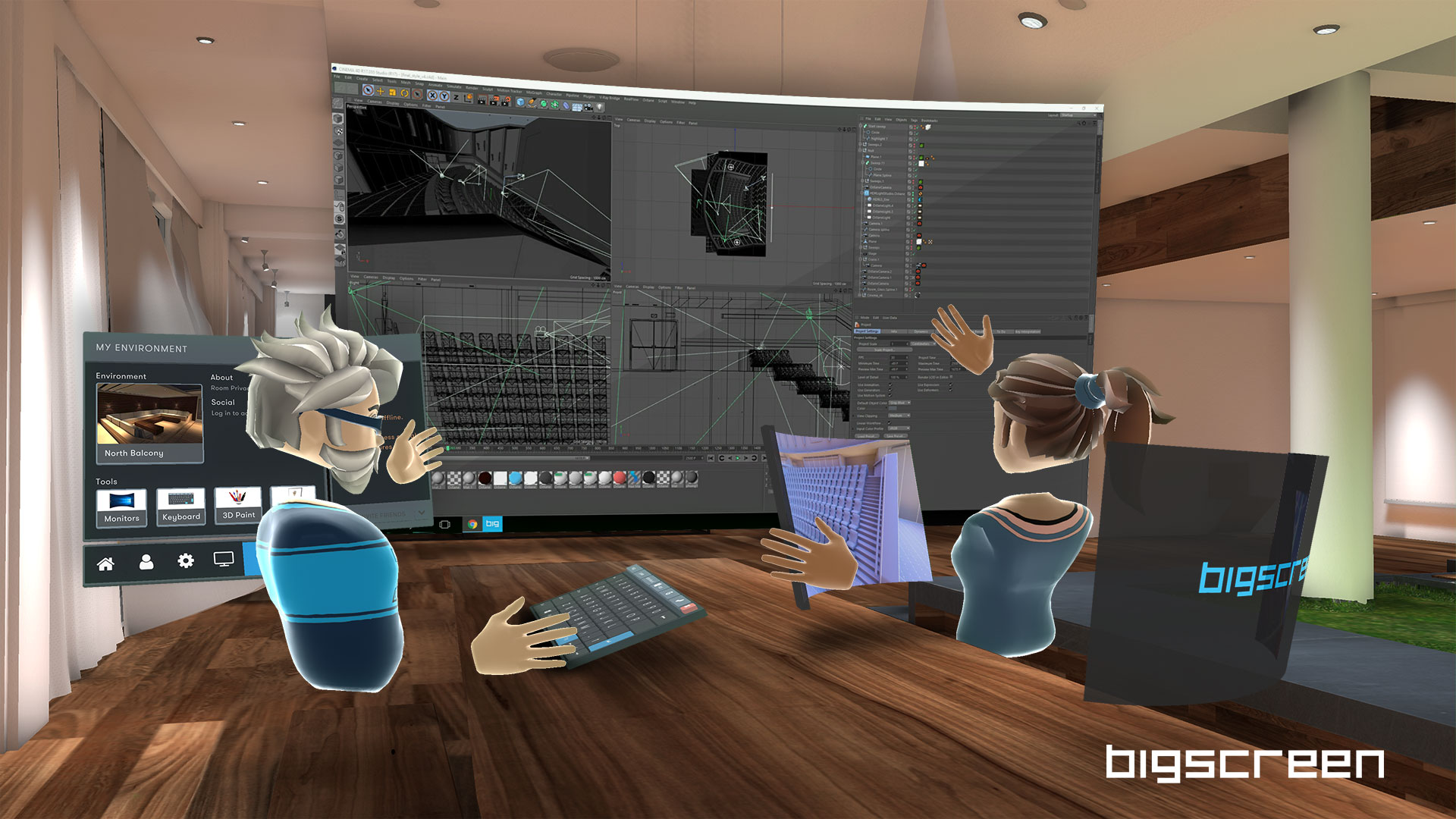
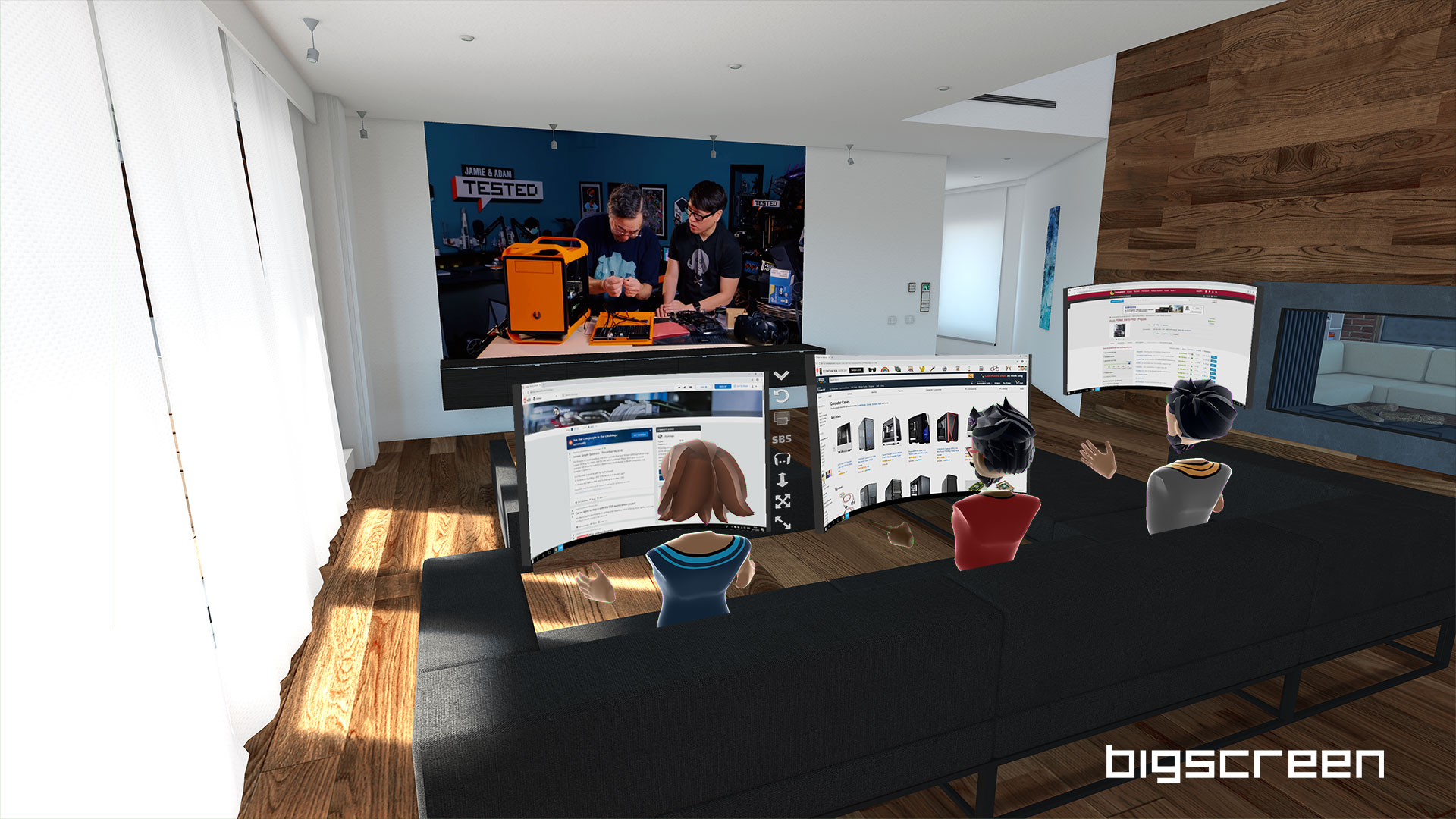
See your PC's desktop screen on huge virtual monitors! There's multi-monitor support for up to three virtual monitors and all customizable to any shape or size. With desktop screensharing and multi-monitor capabilities, you can also work alongside the videoplayer, enabling you to put the videoplayer on the big screen, while being surrounded by monitors. This enables a mix of productivity and entertainment, creating the ultimate workspace.
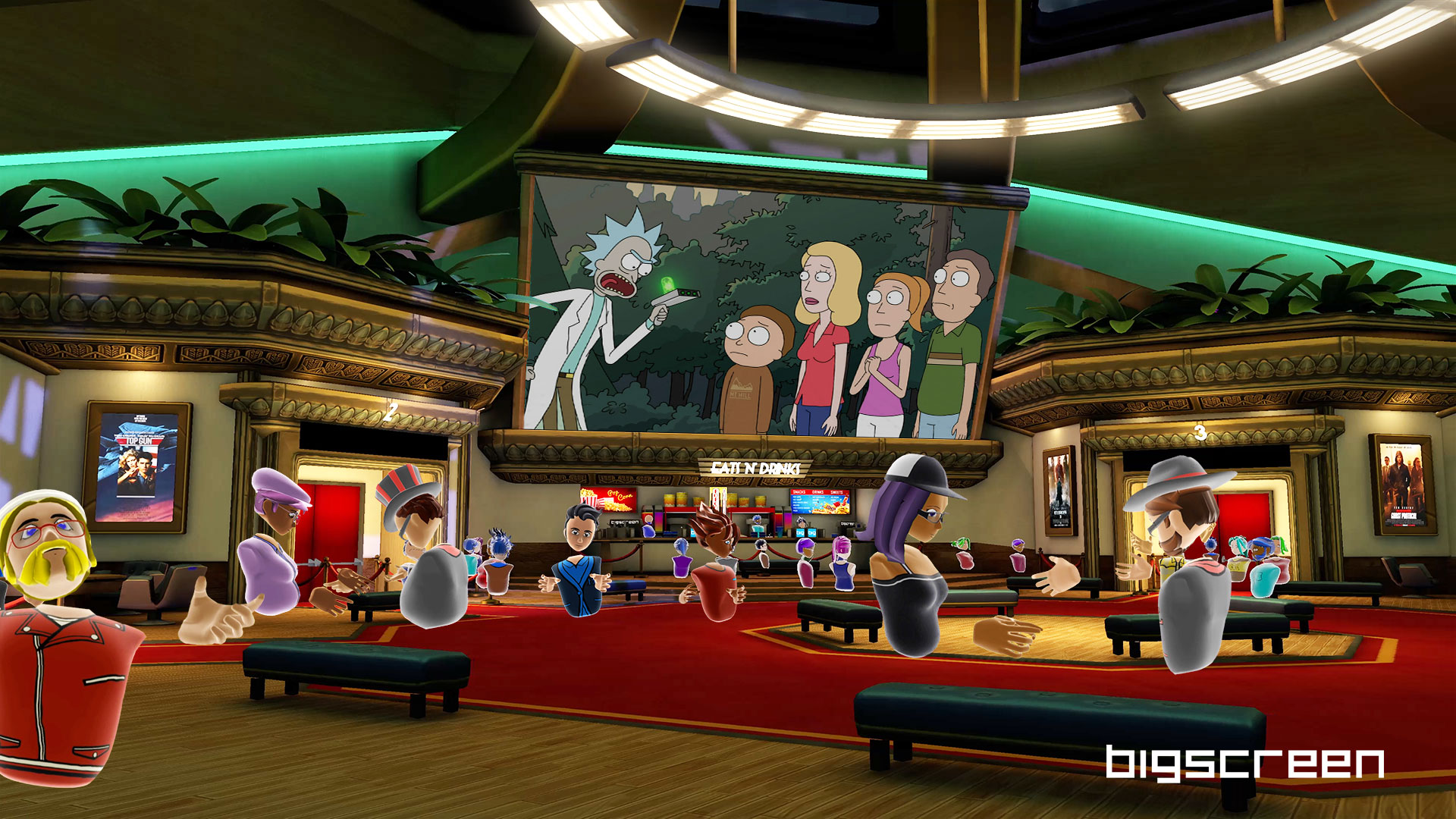
Bigscreen's partnership with movie studios, such as Paramount Pictures, provides official movie broadcasts and enables you to rent and watch high quality 3D movies in VR. You can also watch movies in side-by-side 3D or over-under 3D directly from your desktop. Our videoplayer supports many file formats and codecs, including 3D movies!
Worried about not having the same VR headset? There's cross-platform VR headset support for the Oculus Rift, Oculus Rift S, Oculus Quest, HTC Vive, any SteamVR headset, and any Windows Mixed Reality headset!
Want to socialize a bit? Create or join public or private rooms for up to 12 people! Check out what other people are doing in their rooms, hang out, and make new friends!
Find a scene that fits your mood! Choose from a variety of environments such as an actual movie theater, a retro-styled theater, a space station, campfires, modern living rooms, and more!
Maybe you're not always here to watch a video or a movie. 3D markers are available for you to create images in the virtual space, and you can share that with anyone that hangs out in your room. They might even want to draw beside you!
We're always working on new features! Feel free to let us know how we can improve your experience in Bigscreen from the options listed in the Support section below.
• FRIEND SYSTEM: Add your friends to your list so they can easily join your rooms.
• NEW AVATARS: Updated avatar options will be available for you to customize even further.
• Built-in YouTube and TV channels in your own rooms.
• More movie studio partnerships to host even more 3D movie screenings…