CHAQS
Про игру
Место в каталоге, подборки и покупка
«CHAQS» — для тех, кому важны реализм и погружение в процесс; ключевые режимы: одиночное прохождение.
- одиночное прохождение
Где искать ещё
Игра есть в 3 подборках каталога («Новинки Steam», «Игры для слабого ПК» и др.); ниже ссылки. На странице «CHAQS» также требования Steam, блок «Пойдёт ли на моём ПК», FAQ и подборки по жанру.
Цена и платформы
Оформить «CHAQS» можно в Steam — цена и скидки обновляются на карточке магазина.
- 590 ₽
Краткая информация о CHAQS
Платформы
Теги Steam


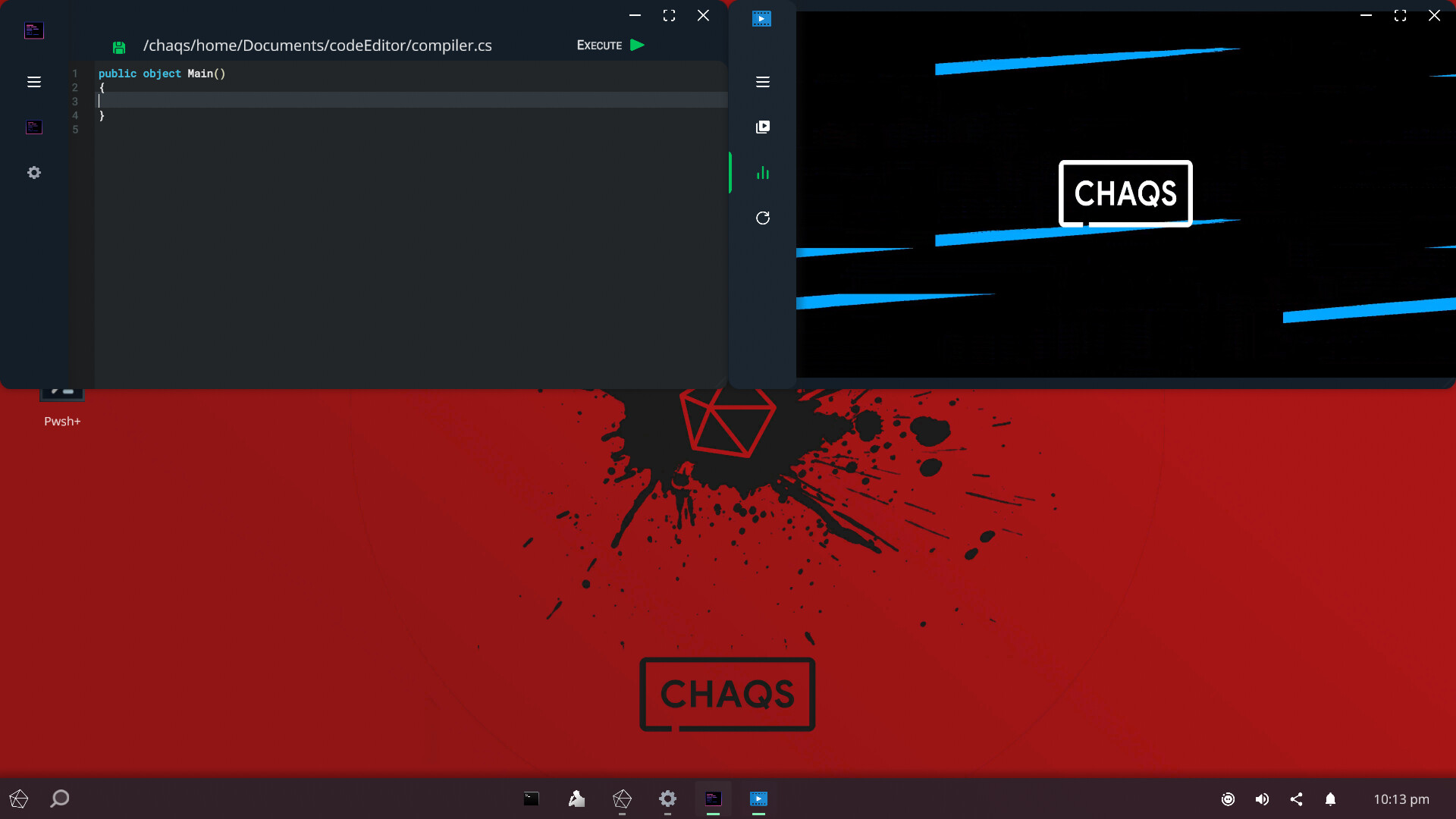
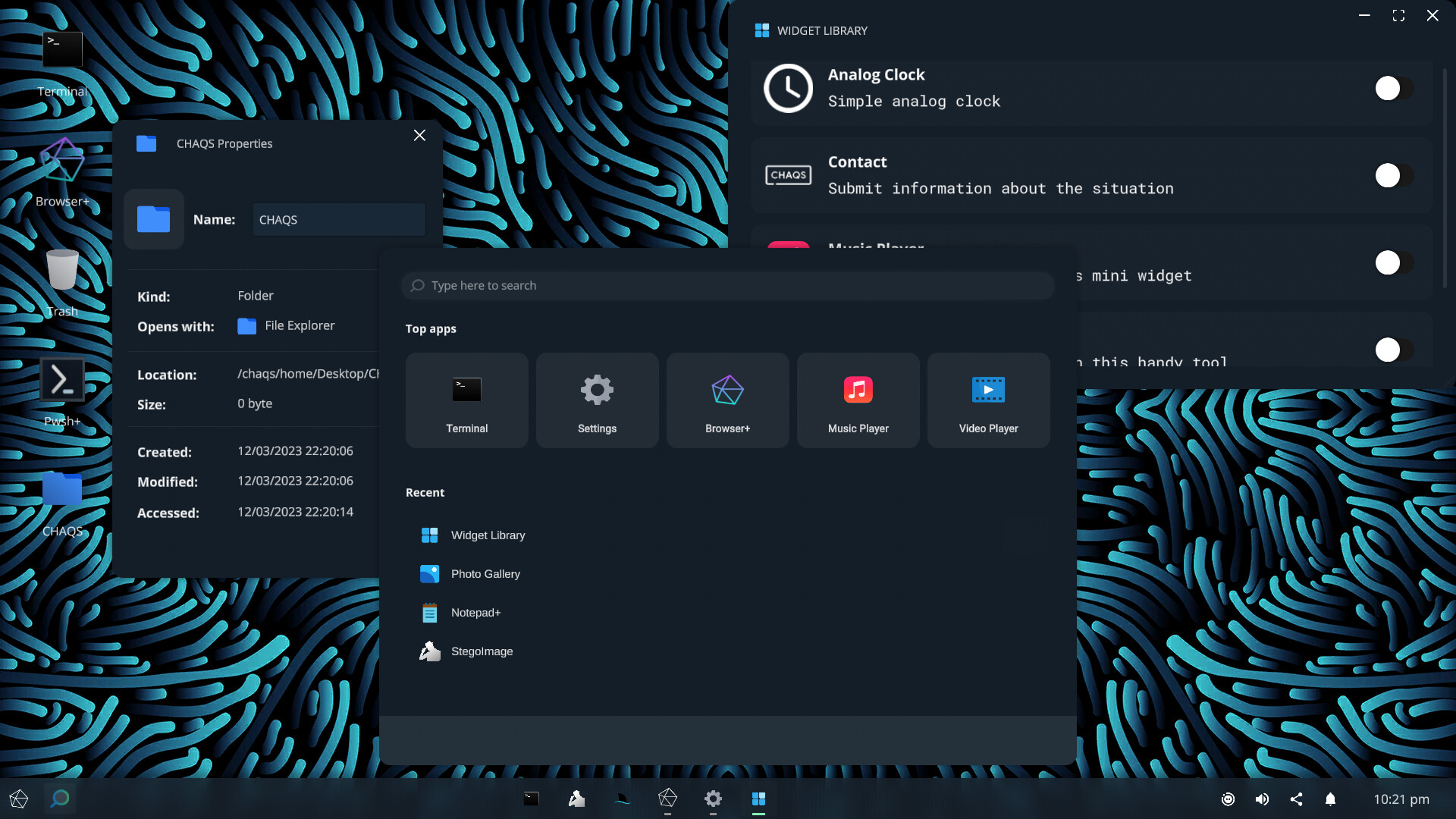
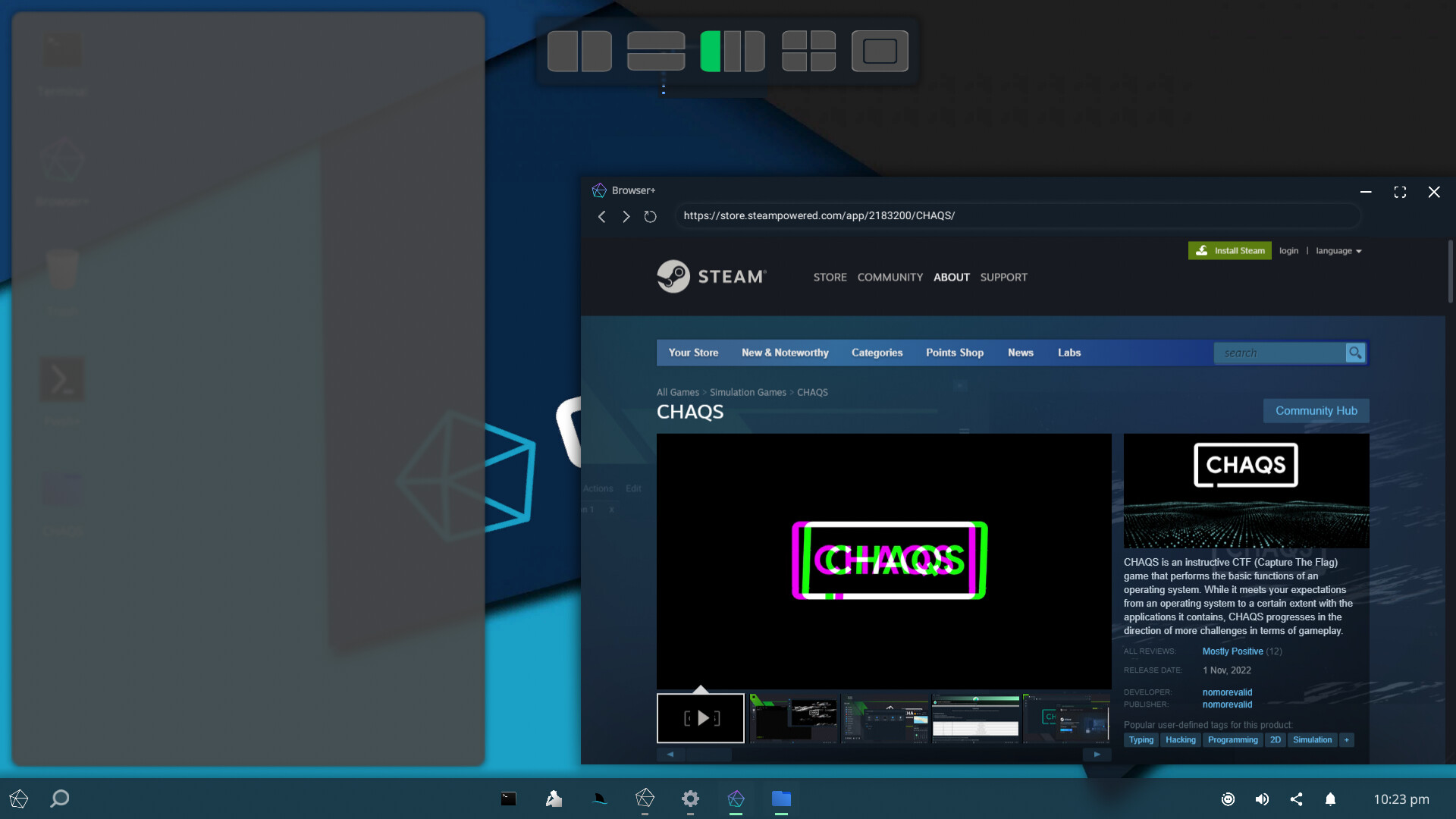
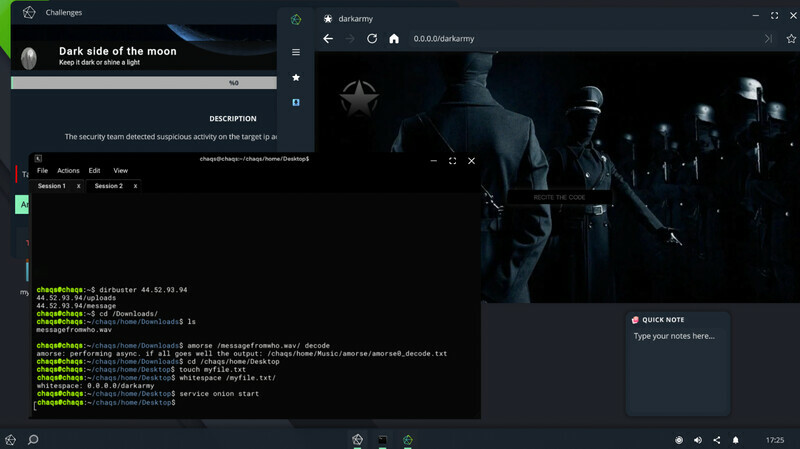
Скриншоты CHAQS
Системные требования CHAQS — пойдёт ли на моём ПК?
Чтобы запустить «CHAQS» на ПК, по данным Steam достаточно минимальной конфигурации: ос Windows 7, озу 4 GB ОЗУ, видеокарта Intel HD Graphics, процессор 2.16Ghz. По требованиям к памяти это очень скромный по нынешним меркам ПК.
Для комфортной игры без просадок разработчик рекомендует: озу 8 GB ОЗУ, видеокарта Intel UHD Graphics 630, процессор 3.2Ghz. Разрыв по ОЗУ (4 → 8 ГБ) обычно чувствуется в стабильности FPS. Точный расчёт под ваше железо — в разделе «Пойдёт ли на моём ПК».
Минимальные требования
- ОС *: Windows 7
- Процессор: 2.16Ghz
- Оперативная память: 4 GB ОЗУ
- Видеокарта: Intel HD Graphics
- Место на диске: 750 MB
Рекомендуемые требования
- ОС: Windows 11
- Процессор: 3.2Ghz
- Оперативная память: 8 GB ОЗУ
- Видеокарта: Intel UHD Graphics 630
- Сеть: Широкополосное подключение к интернету
- Место на диске: 750 MB
Гайд и ответы по CHAQS
Перед установкой «CHAQS» — коротко по данным Steam Плюс ответы на частые вопросы.
Есть ли русский в CHAQS
Поддержка русского в «CHAQS» — интерфейс, субтитры и озвучка по официальному списку языков Steam.
Русский язык в списке Steam не найден — вероятно только другие языки.
*озвучивание доступно на этих языках
CHAQS на Steam Deck
Стоит ли брать «CHAQS» в дорогу на Deck — ниже статус из Steam и типичные ограничения по производительности.
Статус Steam Deck не указан
Можно ли играть в CHAQS без интернета
Офлайн в «CHAQS»: когда игра запускается без сети, а когда нужен постоянный онлайн.
Да, по данным Steam доступен одиночный режим — игру можно проходить офлайн.
Сколько времени займёт CHAQS?
Steam не публикует официальное время прохождения «CHAQS». Ориентируйтесь также на гайды и видео на YouTube.
Поддерживает ли CHAQS геймпад?
«CHAQS»: явной поддержки геймпада в Steam нет — уточните в описании или отзывах.
CHAQS — сколько ГБ нужно для установки?
По данным Steam, «CHAQS» занимает около 750 MB на диске. Заложите запас на сохранения, моды и обновления.
Не запускается, вылетает, лагает — CHAQS
О чём CHAQS
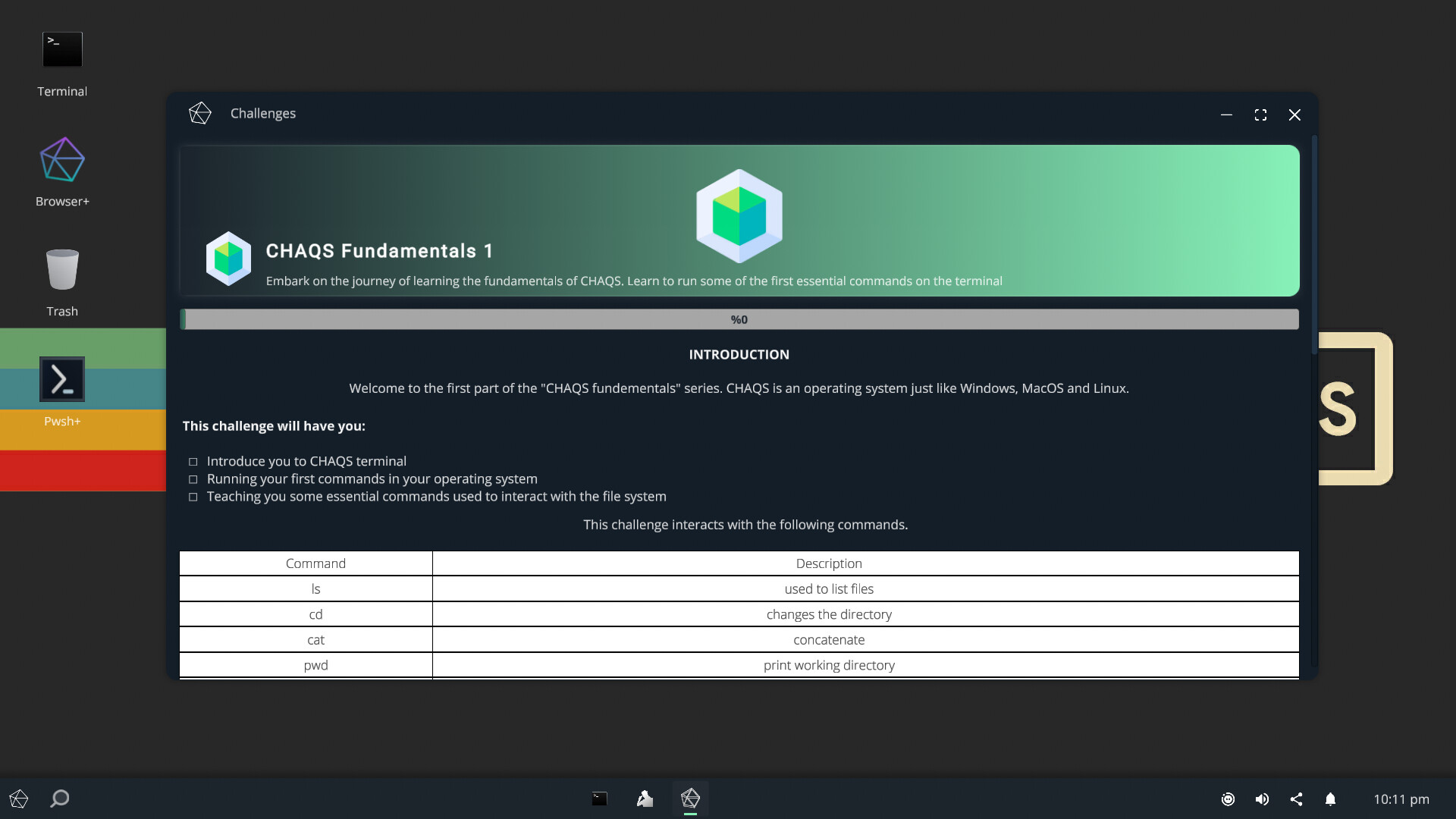
CHAQS is an instructive CTF (Capture The Flag) game that performs the basic functions of an operating system. While it meets your expectations from an operating system to a certain extent with the applications it contains, CHAQS progresses in the direction of more challenges in terms of gameplay. Therefore, it meets the visual needs of the user with its graphical interface, but the terminal creates the entire game aspect of CHAQS. Although all of the terminal commands are written to meet gaming needs, some of them can operate outside of these needs. The prepared challenges do not fully reflect real-world ethical hacking, they are similar.Terminal
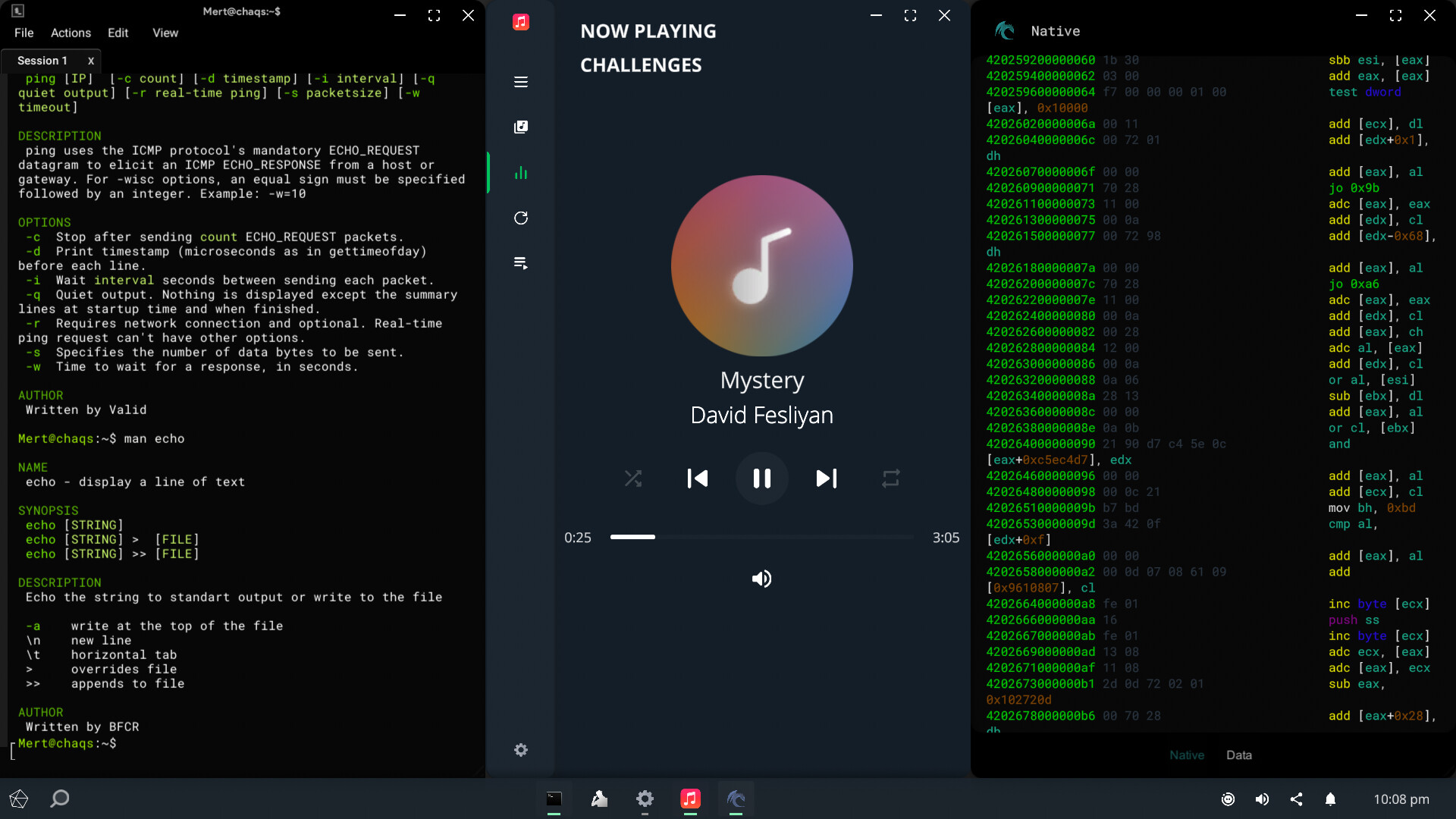
Terminal is a command-line interpreter that provides a command line user interface for CHAQS. The terminal, which was developed inspired by the Unix shell, is the most important part of the game with dozens of commands and command line utilities.
Terminal commands and utilities : alias, apropos, amorse, ascii, audiodecoder, base, binary, brainfuck, calculate, cal, cat, cd, challenges, charon, checksum, clone, cronjob, count, cowsay, cp, cpdir, df, diff, dig, dirbuster, disconnect, dna, dtmf, du, echo, enum4chaqs, execute, exifsm, extract, factor, fibonacci, file, find, free, grep, hash-identifier, head, hex, history, hostname, imager, imap, import, interface, ip, ipconfig, kill, killall, linq2chaqs, logname, ls, man, mandb, mkdir, morse, mousemove, mv, mvdir, nc, neeko, nevr, nyx, permutation, piet, ping, provide, ps, pwd, pwsh+, qrsm, rename, renamedir, rm, rmdir, rot, save, scp, sfc, service, sort, sqlmap, ssh, steg, stegoimage, strings, submit, sysinfo, tac, tail, touch, traceroute, translate, trash, tree, uname, unzip, upload, uptime, wc, wget, whatis, whitespace, whoami, whois, xclip, xorChallenges
Challenges are missions tailored for the game. In order to move on to the next challenge, the answers to the current challenge must be provided. Beginner challenges offer insights that are designed to provide you with the necessary guidance, gracefully and intelligibly. Challenges allow you to interact with all terminal commands and command line utilities.Runtime Compiler
CHAQS has a runtime compiler that executes a code file of the C# programming language with the execute command.Embedded Browser
The Browser+ application offers you a CEF-based in-game browser.Functional Programs
CHAQS has been prepared by deducting your expectations from an operating system. It has programs and widgets such as video player, music player, notepad, photo gallery.Bliss Speech Recognizer
Bliss transforms the voice command into action according to predefined methods.Steganography
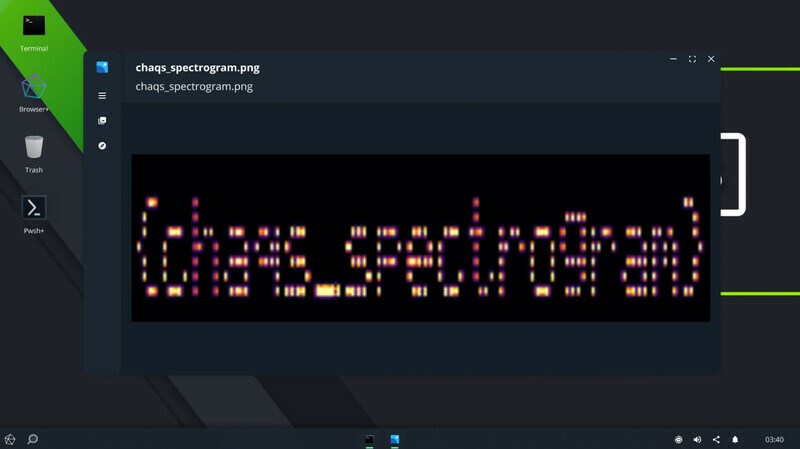
CHAQS has a comprehensive set of steganography tools with the stegoimage program, which shows the different channel results of images with a graphical interface, and command-line programs such as amorse, audiodecoder, dtmf, steg, strings.Snap Layouts
Snap layouts are a series of predefined zones where you can place each app for quick access. Snap layouts help users arrange applications in five different ways.Keyboard Hook
The keyboard hook allows for easy switching between programs in CHAQS and disables the operating system's native Alt+Tab combination while CHAQS is running. In case the keyboard hook is active, you cannot use the alt and tab keys of the operating system in any way.Automatic API Calls
Automatic API calls performs an automatic request at the beginning of the game for valid api call files located in the api folder under the Documents directory and shows the request result in the accessibility panel. The provide command allows you to make custom api requests in the game.Weather and Map Services…