Cmoar VR Cinema
Про игру
Место в каталоге, подборки и покупка
«Cmoar VR Cinema» — для тех, кому важны реализм и погружение в процесс; ключевые режимы: одиночное прохождение.
- одиночное прохождение
Где искать ещё
Игра есть в 4 подборках каталога («Топ игр Steam», «Новинки Steam» и др.); ниже ссылки. На странице «Cmoar VR Cinema» также скриншоты, сравнение с похожими, FAQ и раздел про проблемы с запуском.
Где купить
«Cmoar VR Cinema» — покупка и установка через Steam; страницу можно добавить в список желаемого.
- 249 ₽
Краткая информация о Cmoar VR Cinema
Платформы
Особенности
Теги Steam


Сообщество и сервисы Steam — Cmoar VR Cinema
Скриншоты Cmoar VR Cinema

Системные требования Cmoar VR Cinema — пойдёт ли на моём ПК?
Чтобы запустить «Cmoar VR Cinema» на ПК, по данным Steam достаточно минимальной конфигурации: ос Windows 7 SP1, Windows 8.1 or later, Windows 10, озу 4 GB ОЗУ, видеокарта Nvidia GeForce GTX 970, AMD Radeon R9 290 equivalent or better, процессор Intel i5-4590, AMD FX 8350 equivalent or better. По требованиям к памяти это очень скромный по нынешним меркам ПК.
Для комфортной игры без просадок разработчик рекомендует: озу 4 GB ОЗУ, видеокарта NVIDIA® GeForce® GTX 980 equivalent or greater, процессор Intel i7-3770 equivalent or greater. Точный расчёт под ваше железо — в разделе «Пойдёт ли на моём ПК».
Минимальные требования
- ОС *: Windows 7 SP1, Windows 8.1 or later, Windows 10
- Процессор: Intel i5-4590, AMD FX 8350 equivalent or better
- Оперативная память: 4 GB ОЗУ
- Видеокарта: Nvidia GeForce GTX 970, AMD Radeon R9 290 equivalent or better
- Поддержка VR: SteamVR or Oculus PC
- Дополнительно: Video Output: HDMI 1.4, DisplayPort 1.2 or newer; USB Port: 1x USB 2.0 or better port
Рекомендуемые требования
- ОС *: Windows 7 SP1, Windows 8.1 or later, Windows 10
- Процессор: Intel i7-3770 equivalent or greater
- Оперативная память: 4 GB ОЗУ
- Видеокарта: NVIDIA® GeForce® GTX 980 equivalent or greater
- Дополнительно: Video Output: HDMI 1.4 or DisplayPort 1.2 or newer; USB Port: 1x USB 2.0 or greater port
Гайд и ответы по Cmoar VR Cinema
Практичные ответы: пойдёт ли на ваш ПК, сколько весит, есть ли русский и можно ли без интернета Плюс ответы на частые вопросы.
Cmoar VR Cinema на Steam Deck
Портативная совместимость «Cmoar VR Cinema»: официальная отметка Steam Deck и практические нюансы управления.
Статус Steam Deck не указан
Можно ли играть в Cmoar VR Cinema без интернета
Можно ли играть в «Cmoar VR Cinema» без интернета — одиночный режим, кооп и MMO по категориям Steam.
Да, по данным Steam доступен одиночный режим — игру можно проходить офлайн.
Сколько времени займёт Cmoar VR Cinema?
Steam не публикует официальное время прохождения «Cmoar VR Cinema». В Steam у «Cmoar VR Cinema» уже 207 отзывов — там часто пишут о длительности. Ориентируйтесь также на гайды и видео на YouTube.
Cmoar VR Cinema — есть ли поддержка геймпада?
«Cmoar VR Cinema» в Steam отмечена с полной поддержкой геймпада.
Не запускается, вылетает, лагает — Cmoar VR Cinema
О чём Cmoar VR Cinema
Watching your favourite movies has never been so immersive as in our Cmoar VR Cinema! Bringing the atmosphere of your favourite cinema straight to your home enables you to relive all those exciting moments you had when you first stepped into the auditorium. Relax and enjoy those glorious battles, romantic finales, comedic moments once more in the most immersive VR Media Player on Steam!FEATURES
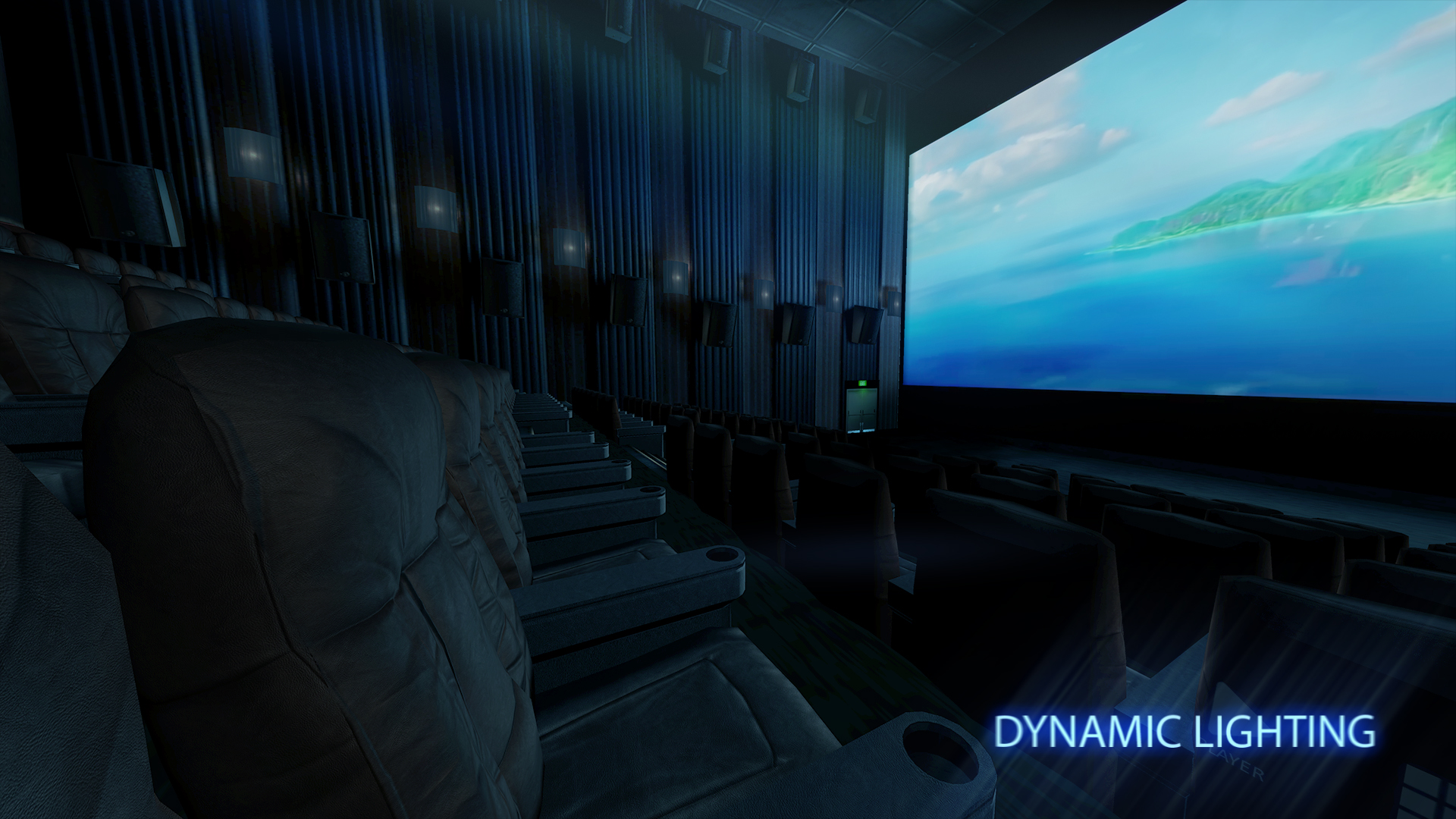
• Dynamic Lighting effect
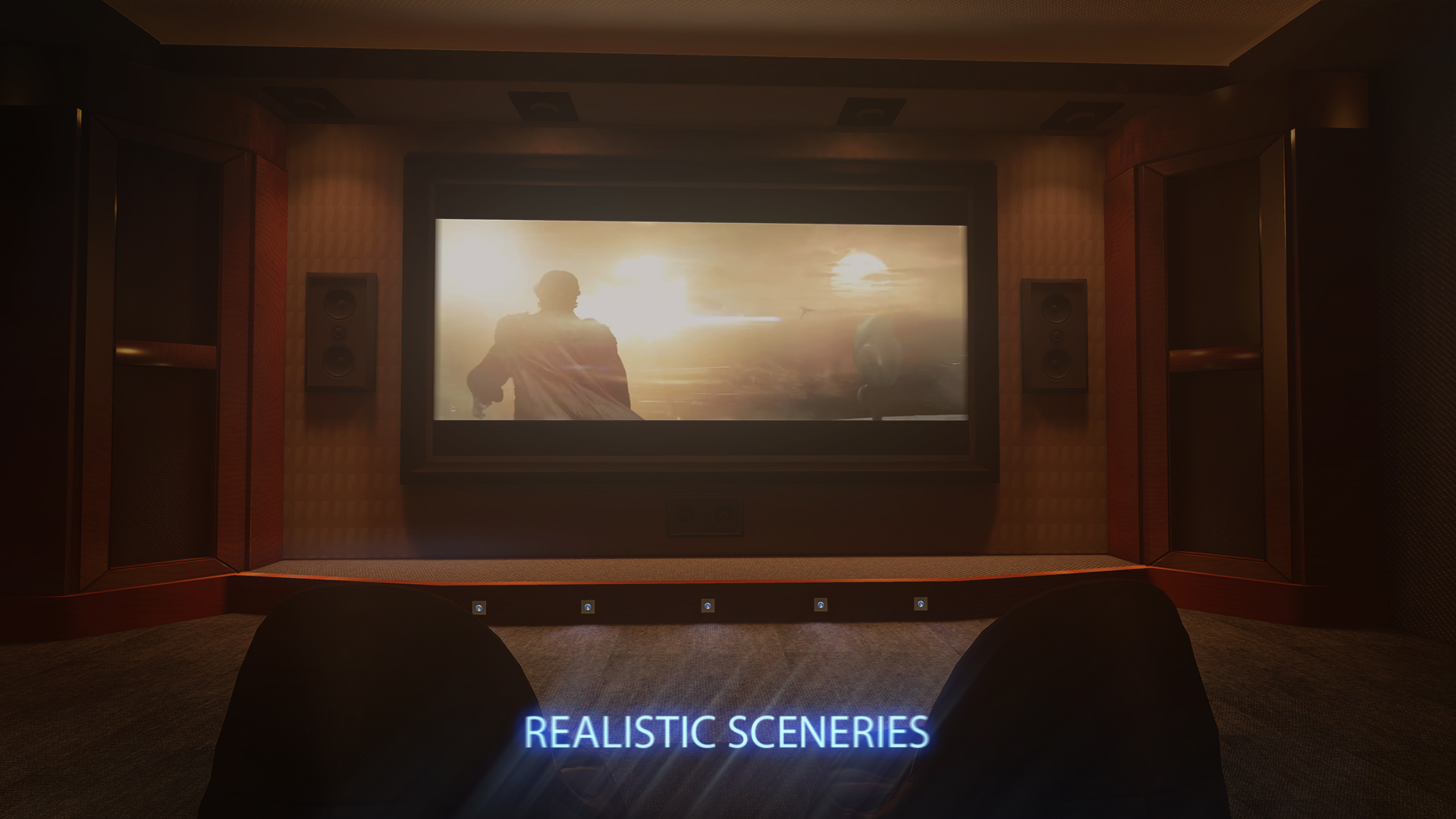
• Four beutiful realistic sceneries
• LAN PLEX support ( DLNA server) [NEW!]
• LAN shared media (UPNP/DLNA media servers) [NEW!]
• Disc (DVD) with navigation (inside LAN category) [NEW!]
• 3D 180° & 360° movies with options (orientation/zoom/tilt) [NEW!]
• Support for 2D & 3D Movies (SBS/Over-Under)
• Watching Youtube videos (1080p 2D)
• Watching Youtube videos (1080p 3D)
• Seat change ability
• Embedded subtitles and audio track support
• Full Native HTC Vive & Oculus support
• VR gamepad support
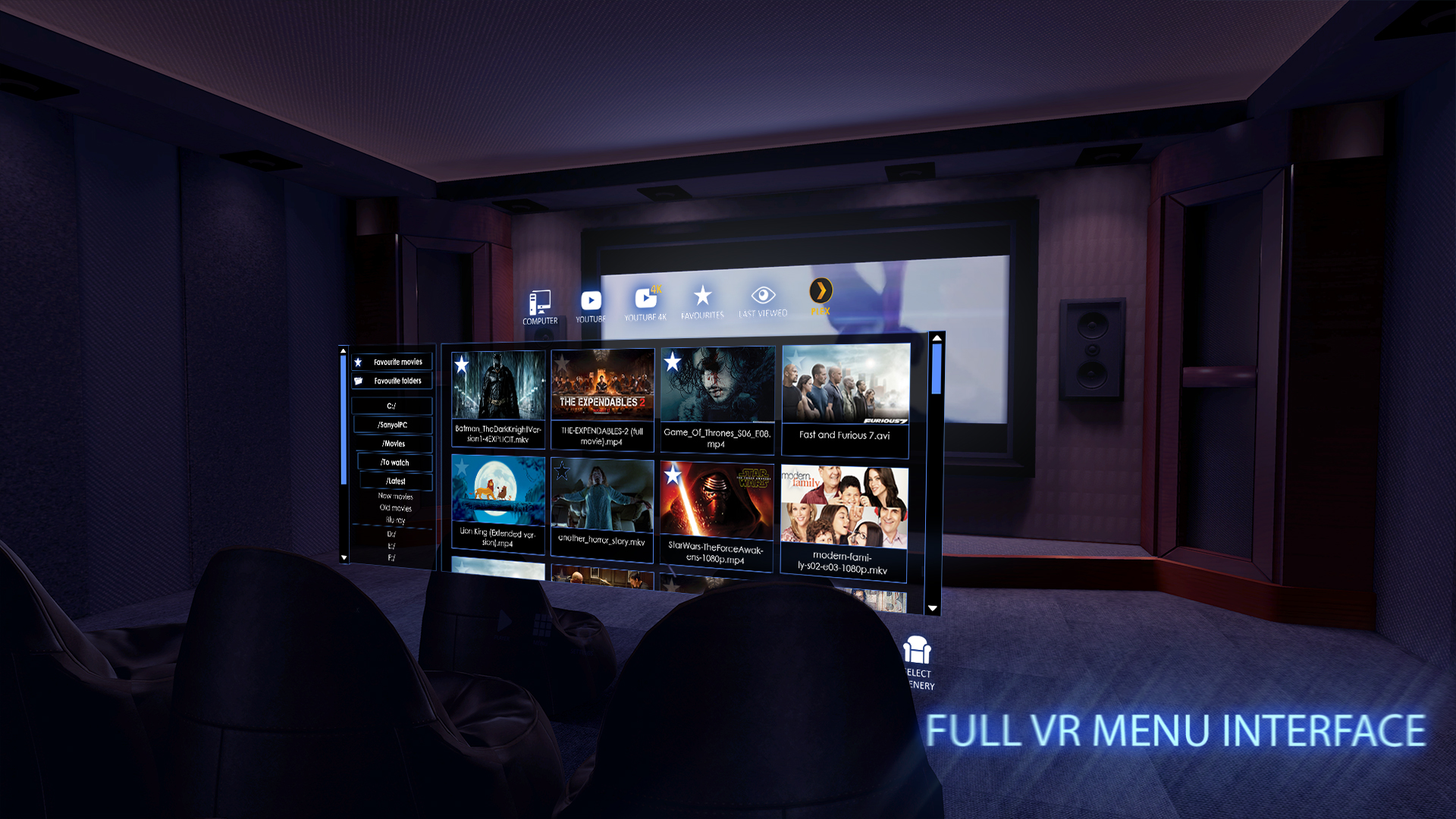
• VR menu interface
• Add every video and directory to Favourites
• "Last-viewed” option
• Many subtitle encoding formats
If you have problems with Plex discover - see a tutorial (if default Plex setup is not working) : or to restart Plex server. If you encounter any problems feel free to contact us on sboczek@10antshill.com.
Dynamic Lighting The VR Cinema enables you to fully immerse yourself in the world of virtual reality and watching your favourite movie once again has never been so realistic. Sit comfortably in your seat an allow yourself to be mesmerised by the experience.
Seat change ability Can't see enough? Don't like your seat? Now you can change your seat in three of our environments and enjoy the movie from a completely different perspective.
Youtube & Youtube 3D Watching videos has never been easier as now you are simply two clicks away from enjoying every Youtube video in our cinema. Whether it be Youtube or Youtube 3D, everything is within your reach.
Steam VR compatibility Your favourite mobile VR Cinema is now available on PC. Precise motion tracking and natural controller gestures enable you to fully adopt stationary VR's advantages to enhance your experience within our virtual reality.
VR Gamepad support Use your VR controller to fully navigate within our cinema's menu. It has never been easier to manouver through your files and search for your favourite moments. In conjuction with its precision and intuitive user interface, Cmoar VR Cinema enables you to sit back and fully enjoy the movie.
Transitional realistic sceneries (home, cinema, boat show) If you don't like the current auditorium you can immediately make a quick switch to a cozy, comfortable room or you can quickly disable the entire environment to solely focus on the main screen. The choice is yours.
Add every movie to Favourites With just one click you can add your most beloved movie to the Favourites label.…