ComPressure
Про игру
Место в каталоге, подборки и покупка
«ComPressure» — проект с акцентом на одиночное прохождение — для любителей тактики и планирования.
- одиночное прохождение
PlayGuide
«ComPressure» попала в 3 тематических подборок PlayGuide («Новинки Steam», «Игры для слабого ПК» и др.) — ссылки ниже. Также на странице: требования к ПК, скриншоты, FAQ и типичные ошибки запуска.
Покупка и платформы
«ComPressure» — покупка и установка через Steam; страницу можно добавить в список желаемого.
- 133 ₽
Краткая информация о ComPressure
Платформы
Теги Steam


Сообщество и сервисы Steam — ComPressure
Скриншоты ComPressure
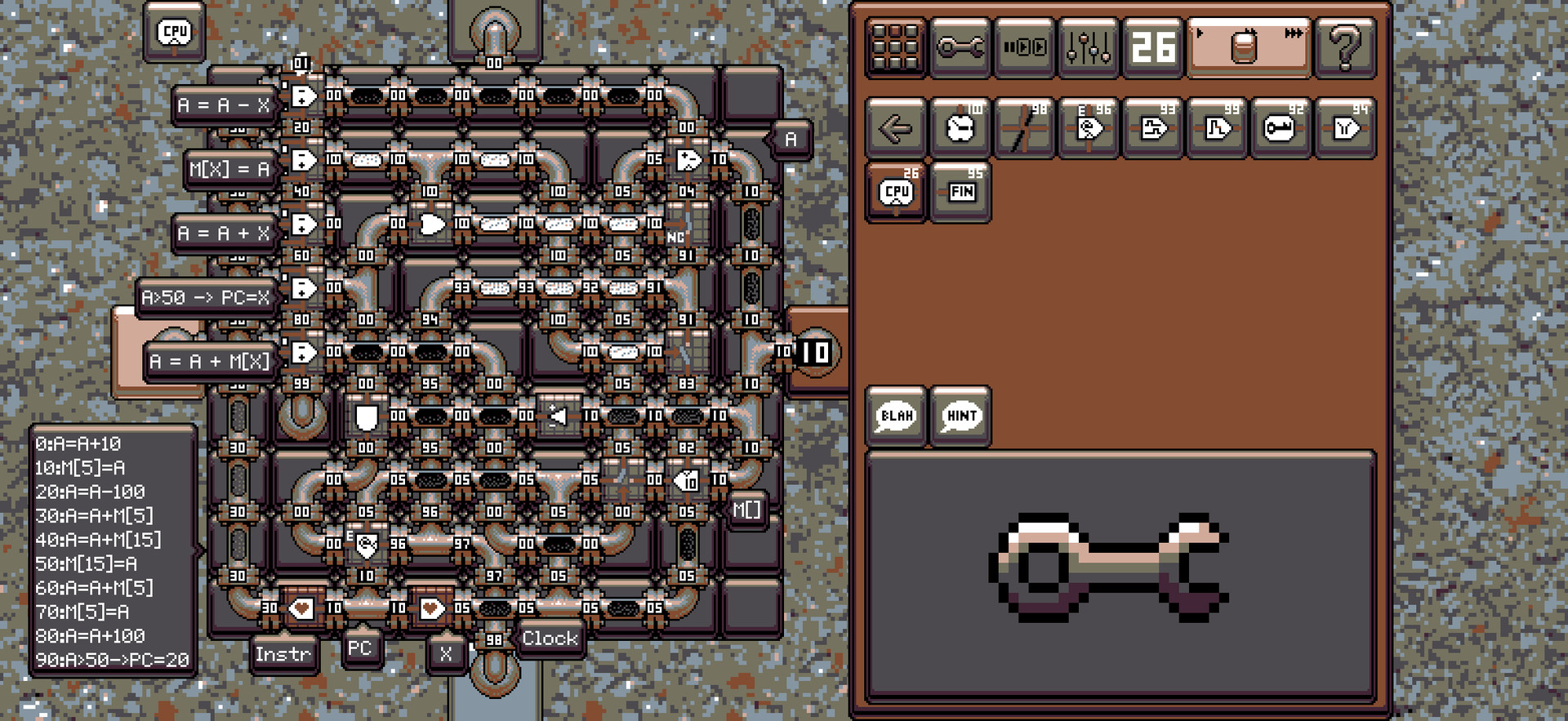
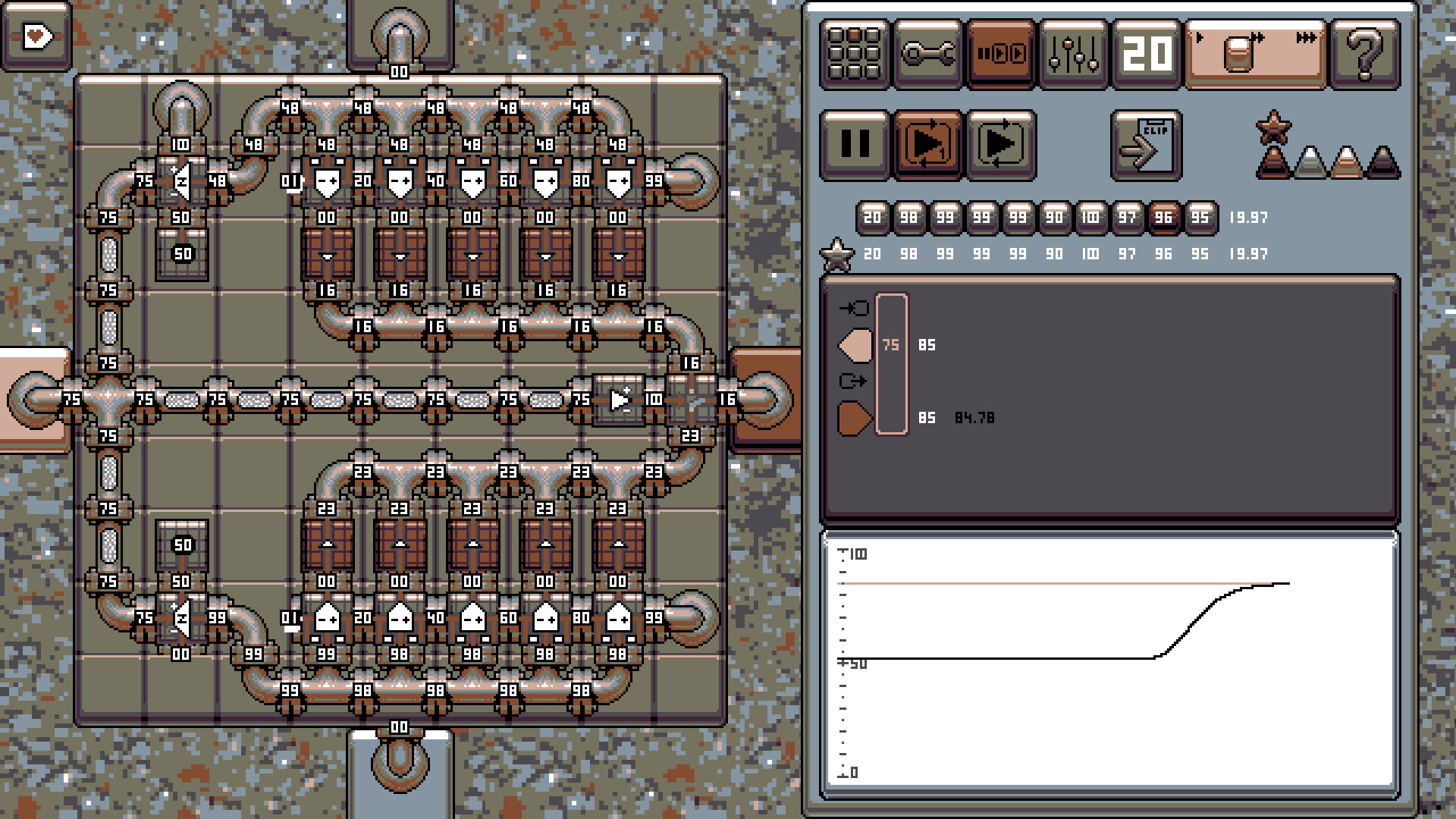
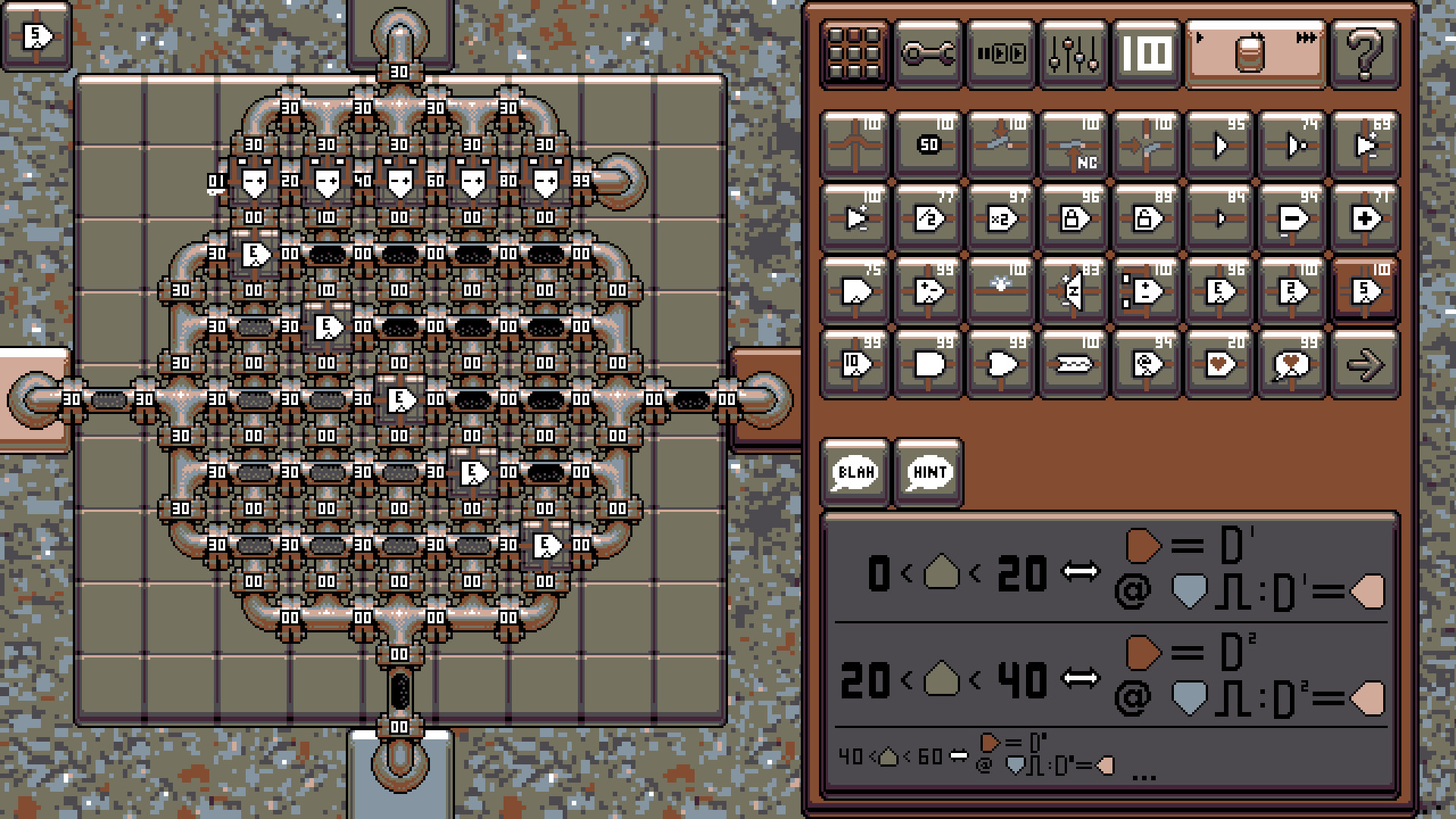
Системные требования ComPressure — пойдёт ли на моём ПК?
Чтобы запустить «ComPressure» на ПК, по данным Steam достаточно минимальной конфигурации: озу 1 GB ОЗУ. По требованиям к памяти это очень скромный по нынешним меркам ПК.
Для комфортной игры без просадок разработчик рекомендует: озу 1 GB ОЗУ. Точный расчёт под ваше железо — в разделе «Пойдёт ли на моём ПК».
Минимальные требования
- 64-разрядные процессор и операционная система
- Оперативная память: 1 GB ОЗУ
Рекомендуемые требования
- 64-разрядные процессор и операционная система
- Оперативная память: 1 GB ОЗУ
Гайд и ответы по ComPressure
Перед установкой «ComPressure» — коротко по данным Steam Плюс ответы на частые вопросы.
Есть ли русский в ComPressure
Если важен русский язык в «ComPressure», проверьте тип локализации — интерфейса, субтитров или полной озвучки.
По данным Steam: русский интерфейс, русские субтитры.
ComPressure на Steam Deck
Портативная совместимость «ComPressure»: официальная отметка Steam Deck и практические нюансы управления.
Playable — играбельно на Steam Deck
Можно ли играть в ComPressure без интернета
Офлайн в «ComPressure»: когда игра запускается без сети, а когда нужен постоянный онлайн.
Да, по данным Steam доступен одиночный режим — игру можно проходить офлайн.
На сколько часов рассчитан ComPressure?
Steam не публикует официальное время прохождения «ComPressure». Казуальные и indie-проекты вроде «ComPressure» часто длятся от пары часов до 10–15 часов. Ориентируйтесь также на гайды и видео на YouTube.
ComPressure — есть ли поддержка геймпада?
«ComPressure»: явной поддержки геймпада в Steam нет — уточните в описании или отзывах.
Не запускается, вылетает, лагает — ComPressure
О чём ComPressure
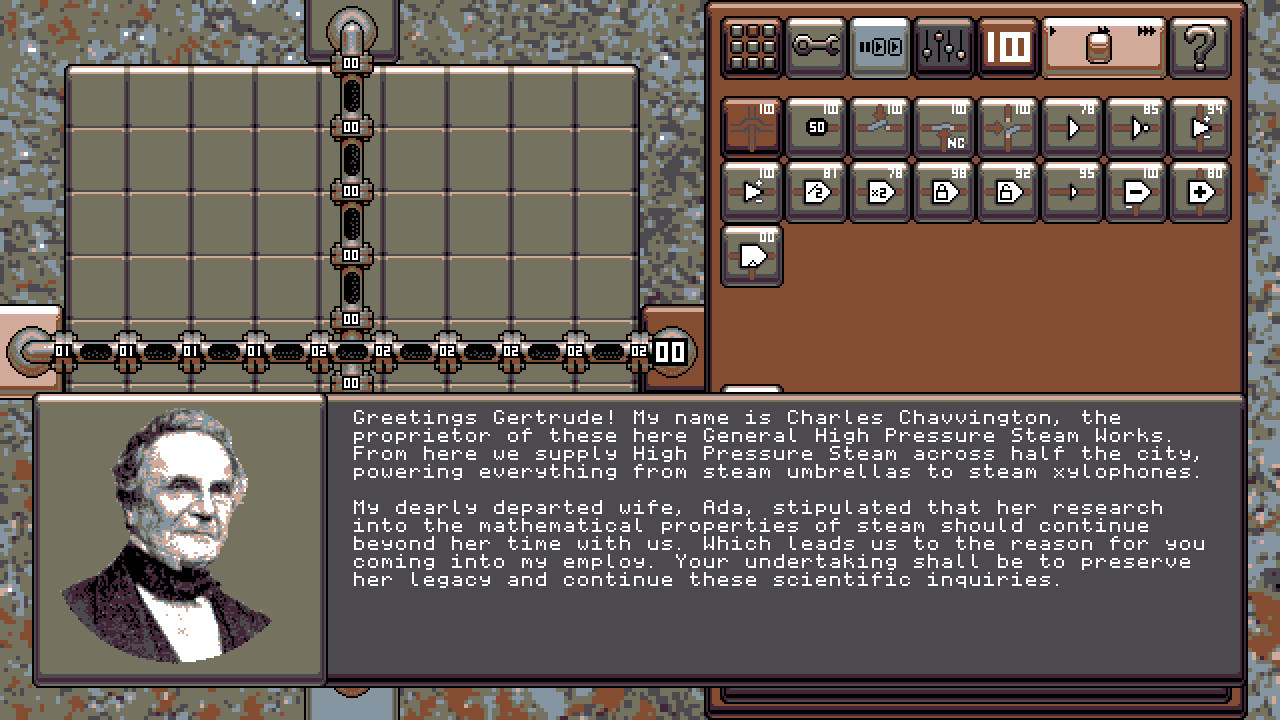
For too long have we relied on cogs and gears to control our lives. Welcome to a new age, the age of steam!
The simple valve, which controls the flow of steam based on the pressure on it's control ports, is the only component that is needed to revolutionise our control over machines. From simple switches, to adders, tabulators, and eventually entire computers. Your companions will guide you through the discovery of steam based computation. A word of warning though. This game is hard. One can not discover an entire new field of science alone. Which is why an Academy of steam engineers (Discord) is available to you. A friendly community who are happy to assist you and share their latest steam innovations. Each solved challenge yields another useful element that can be used in future designs. Poor solutions in previous stages make poor components to use further on, so you will be coming back to old designs, tuning and optimising them with things you have learned.The Game
The following is a quick walkthrough the game dynamics. It all starts with pipes. Left click to start a pipe and click each time to extend it in the direction of the mouse pointer. Right click to end.
When placing more pipes, they can either cross, or join existing pipes. To join, extend the pipe in the direction of an existing pipe.
To delete, press or hold right mouse button.
In the edit menu (one with the spanner) you can select to place a steam inlet. It is also available by pressing Tab twice. There are buttons to rotate the direction before placing, but you can also use Q and E on the keyboard. Then place with the left mouse button.
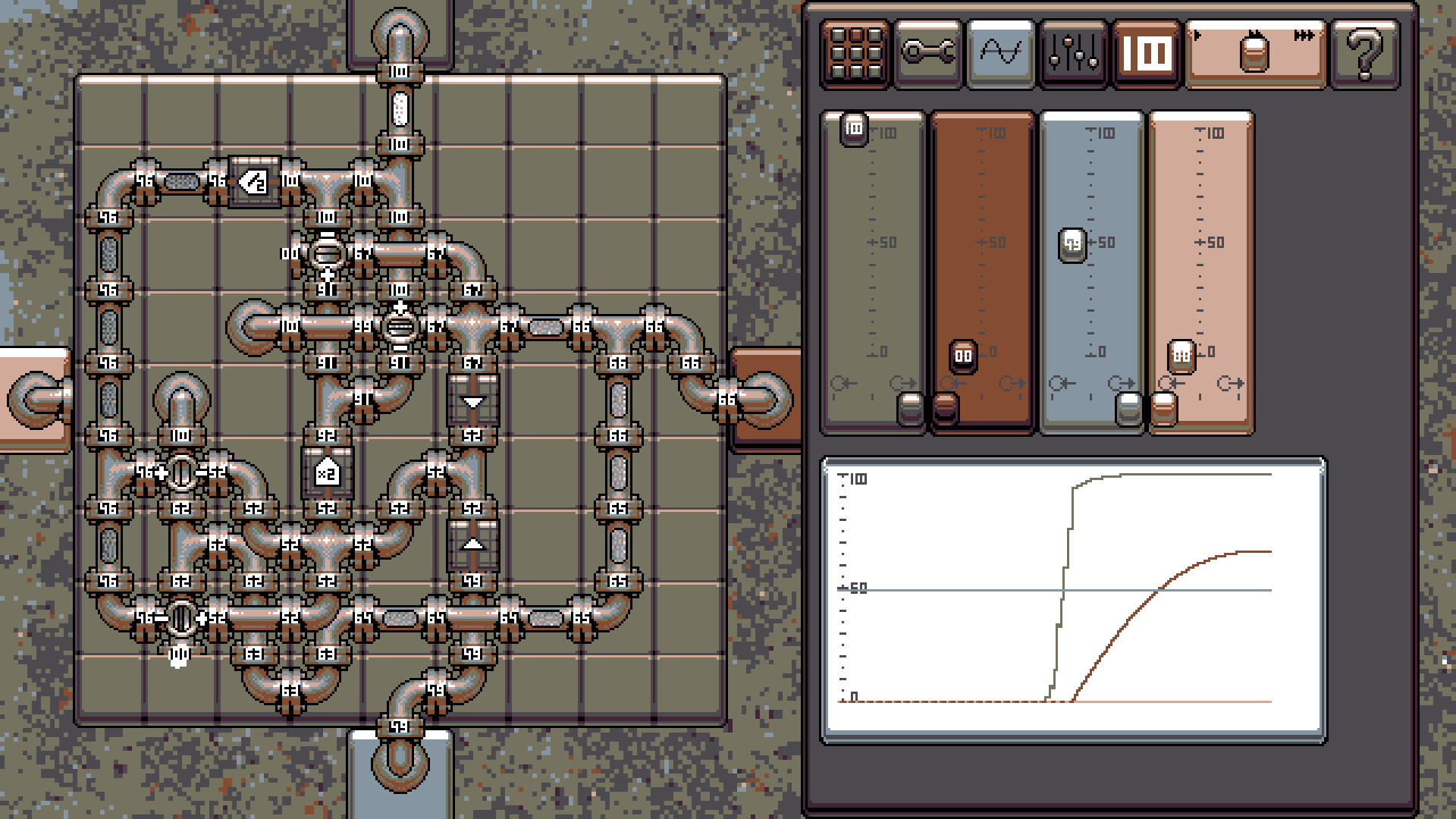
The numbers appearing on the pipe connections show the current pressure, from 100 when connected to a steam inlet, to 0 at any uncapped pipe end.
The last component is the valve. If the pressure on the + side of the valve is higher than on the - side, the valve becomes open and lets steam pass through the valve. If the + and - sides are at the same pressure, of the - side is higher, then the valve is closed and does not allow steam through.
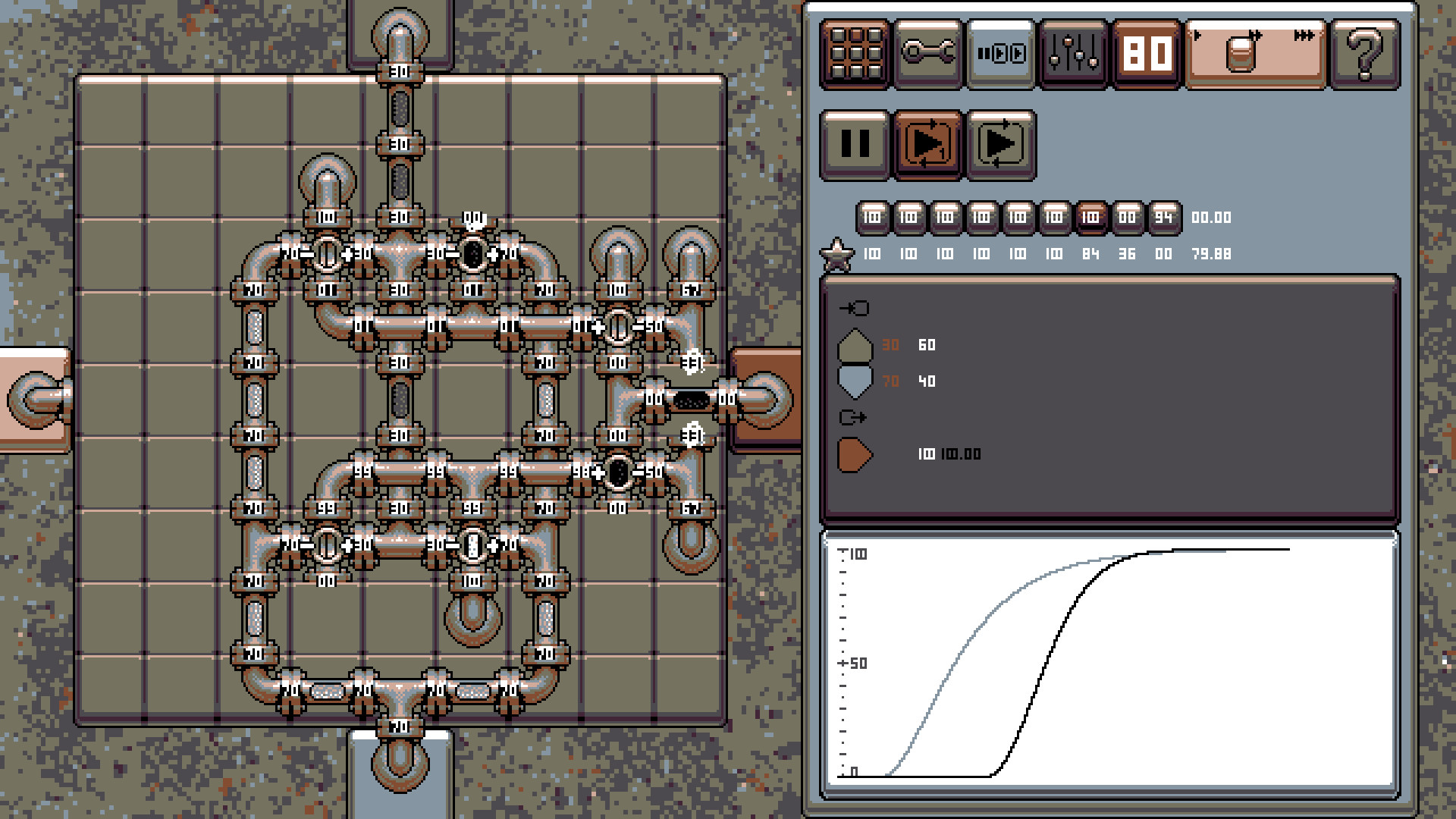
The design is continually examined with a series of tests. If the output is within 5% of the test target, a score is given depending on how accurate the output is.…