CozyTyper
Про игру
Место в каталоге, подборки и покупка
В «CozyTyper» главный упор на одиночное прохождение — для тех, кому важны реализм и погружение в процесс.
- одиночное прохождение
PlayGuide
Игра есть в 4 подборках каталога («Топ игр Steam», «Новинки Steam» и др.); ниже ссылки. На странице «CozyTyper» также требования Steam, блок «Пойдёт ли на моём ПК», FAQ и подборки по жанру.
Цена и платформы
Ключ и загрузка «CozyTyper» — на официальной странице игры в Steam.
- −50%
- 66 ₽
Краткая информация о CozyTyper
Платформы
Теги Steam


Сообщество и сервисы Steam — CozyTyper
Скриншоты CozyTyper
Системные требования CozyTyper — пойдёт ли на моём ПК?
Чтобы запустить «CozyTyper» на ПК, по данным Steam достаточно минимальной конфигурации: ос Windows 10 or newer, озу 2 GB ОЗУ, видеокарта 256 mb video memory, процессор 2 Ghz. По требованиям к памяти это очень скромный по нынешним меркам ПК.
Если система на грани минимума, снизьте настройки графики и закройте фоновые приложения. Подробный разбор и калькулятор совместимости — по ссылке «Пойдёт ли» в меню страницы.
Минимальные требования
- ОС: Windows 10 or newer
- Процессор: 2 Ghz
- Оперативная память: 2 GB ОЗУ
- Видеокарта: 256 mb video memory
- DirectX: версии 10
- Место на диске: 750 MB
Гайд и ответы по CozyTyper
Перед установкой «CozyTyper» — коротко по данным Steam Плюс ответы на частые вопросы.
CozyTyper на Steam Deck
Портативная совместимость «CozyTyper»: официальная отметка Steam Deck и практические нюансы управления.
Playable — играбельно на Steam Deck
Можно ли играть в CozyTyper без интернета
Офлайн в «CozyTyper»: когда игра запускается без сети, а когда нужен постоянный онлайн.
Да, по данным Steam доступен одиночный режим — игру можно проходить офлайн.
Какое время прохождения у CozyTyper?
Steam не публикует официальное время прохождения «CozyTyper». Казуальные и indie-проекты вроде «CozyTyper» часто длятся от пары часов до 10–15 часов. В Steam у «CozyTyper» уже 316 отзывов — там часто пишут о длительности. Ориентируйтесь также на гайды и видео на YouTube.
Работает ли геймпад в CozyTyper?
«CozyTyper»: явной поддержки геймпада в Steam нет — уточните в описании или отзывах.
Не запускается, вылетает, лагает — CozyTyper
О чём CozyTyper
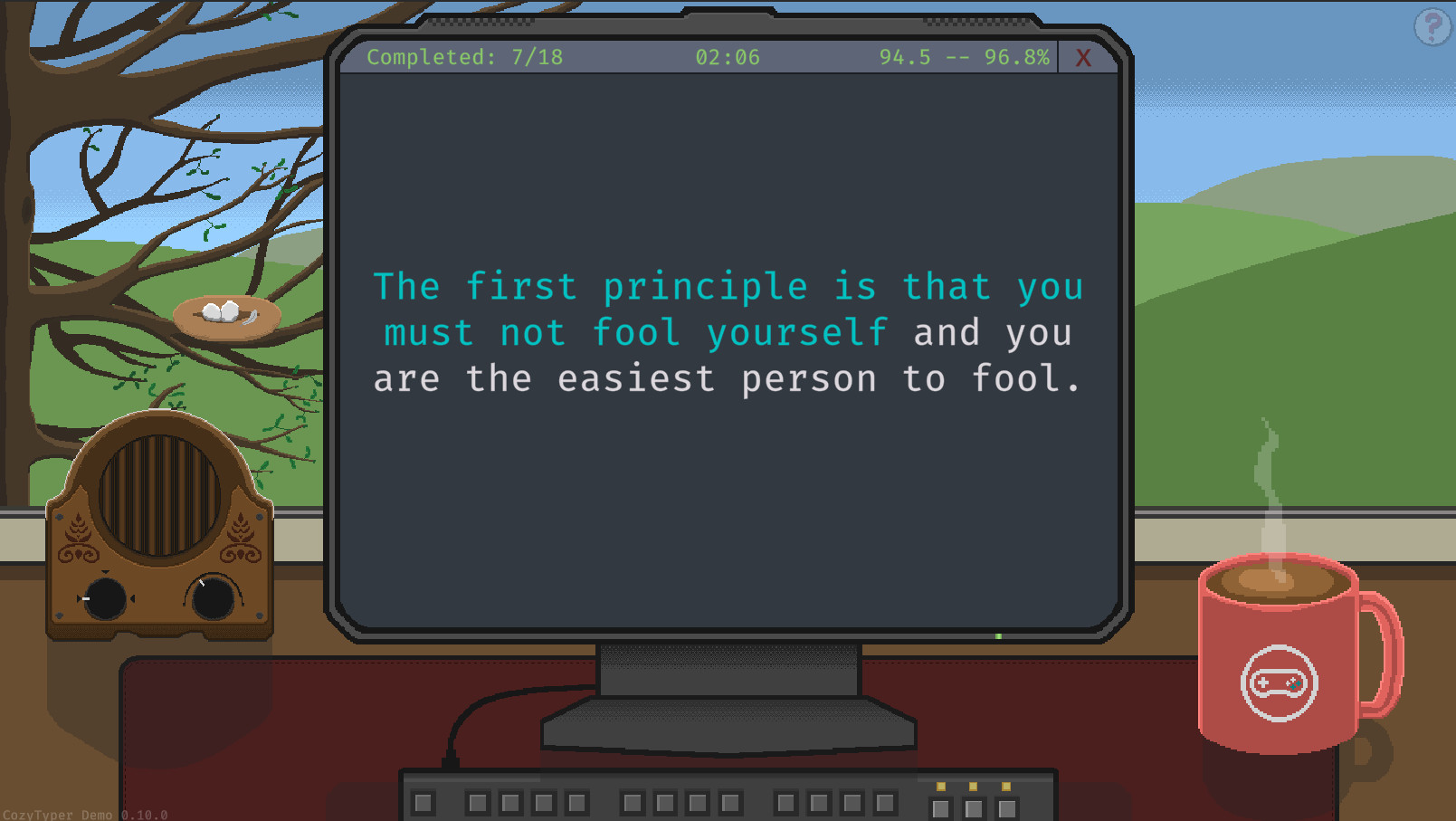
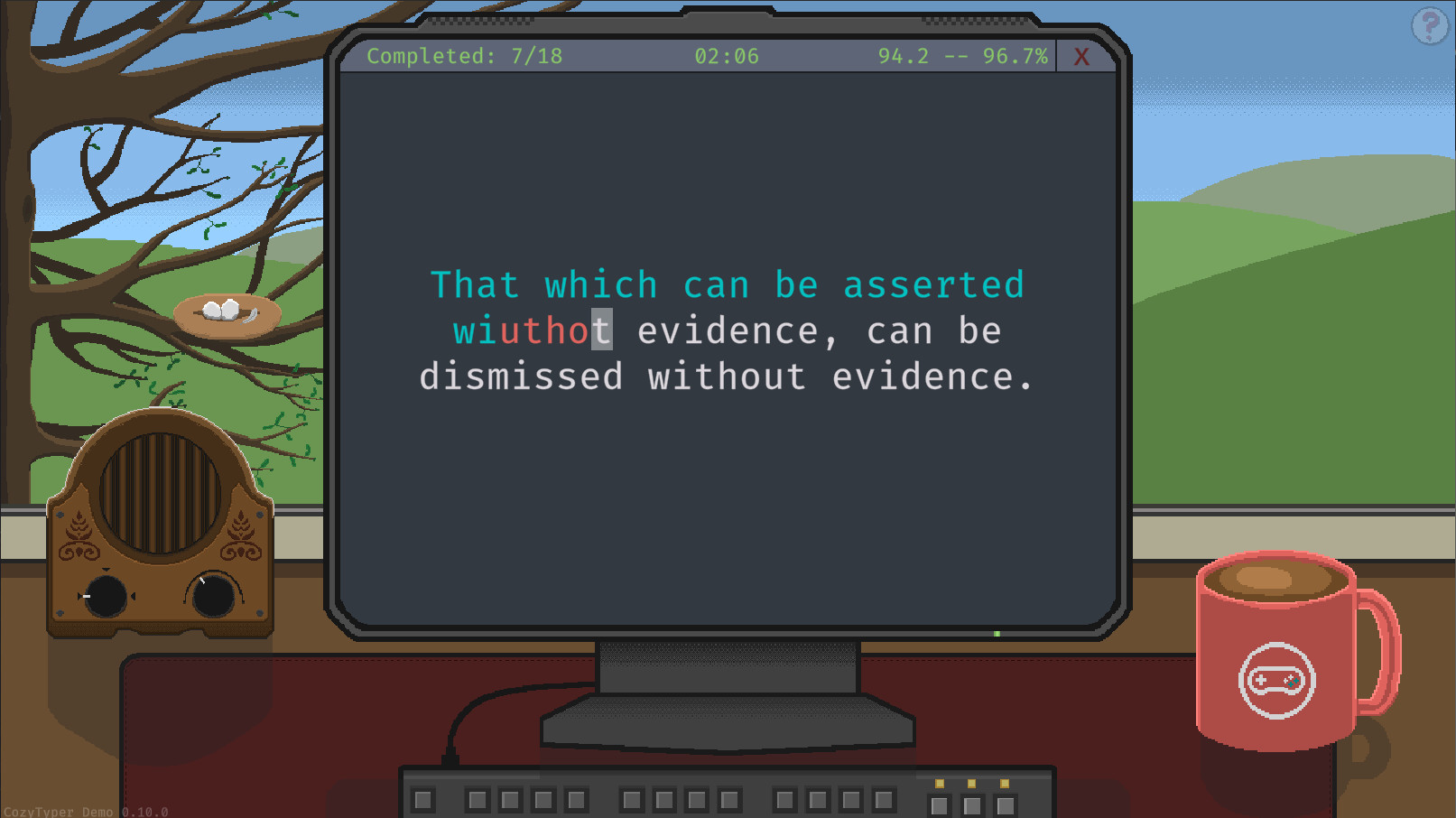
CozyTyper is a new take on the typing game genre. By focusing on accuracy above all else, CozyTyper removes the pressure of a ticking clock and lets you focus on learning the muscle memory, through which you will naturally gain speed!
In order to simulate the most natural typing experience, in CozyTyper you type out full quotes sourced from games, movies, novels, famous speeches and more. As you progress through the difficulties, the quotes get longer and more technical to push your touch typing to the next level!
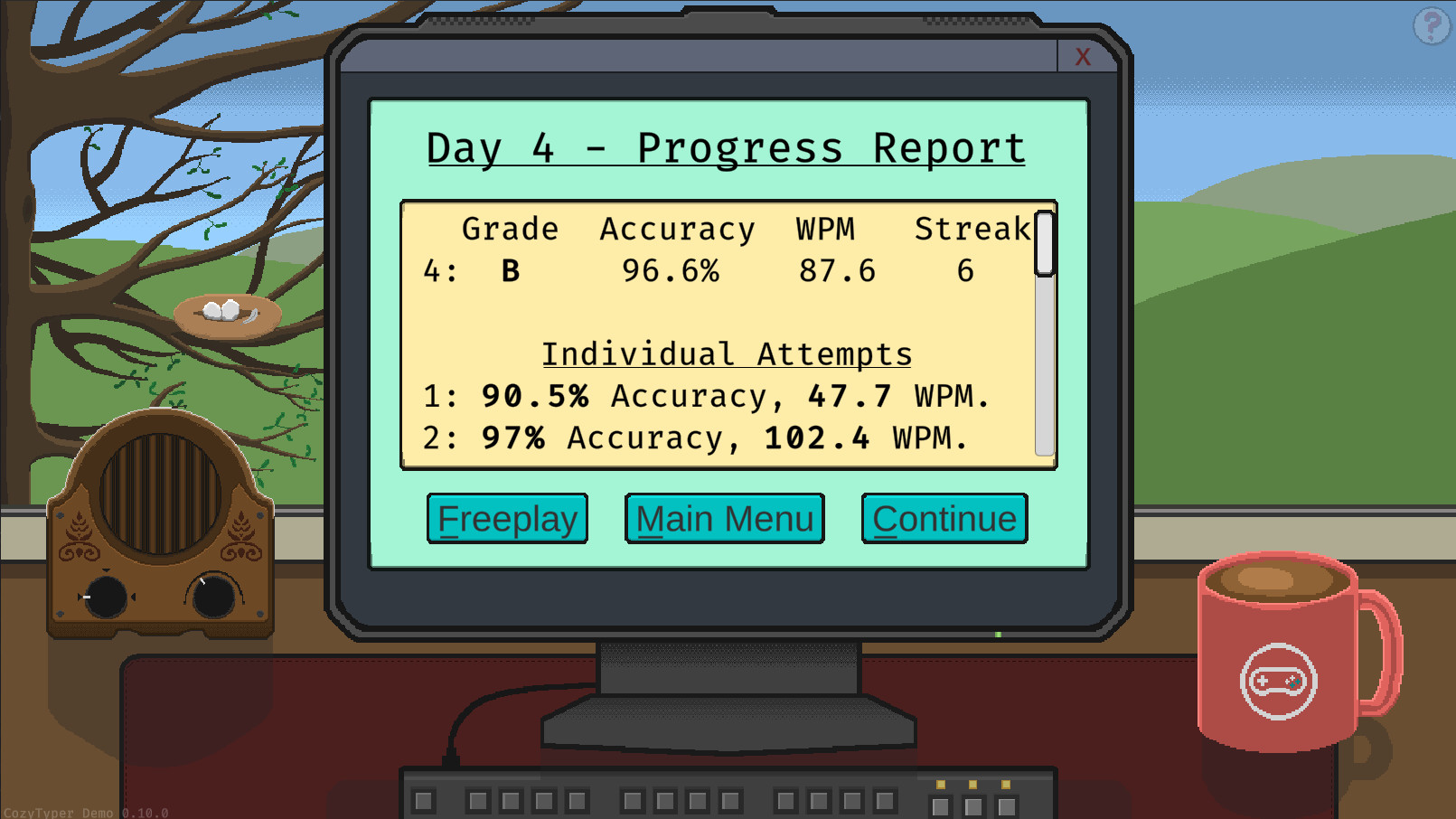
Anita has been an enthusiast typist ever since she received her first IBM Selectric back it ’67. Now that she has retired, she worked with her grandson to help bring her teaching technique to anyone willing to learn. Enroll in her course to and watch your stats improve! She sends you progress reports along the way so you can see your improvement in real-time. As you progress through the story, at the end of each in-game day, all of your successfully completed quotes will be unlocked for endless play in the Freeplay game mode. At the end of each in-game week you will also unlock bonus quotes at that level.
Freeplay mode allows you to practice quotes without the structure of the course, while still recording and updating your stats. You can have freeplay select between any of your unlocked quotes, or you can have it only select a specific difficulty from the settings menu.
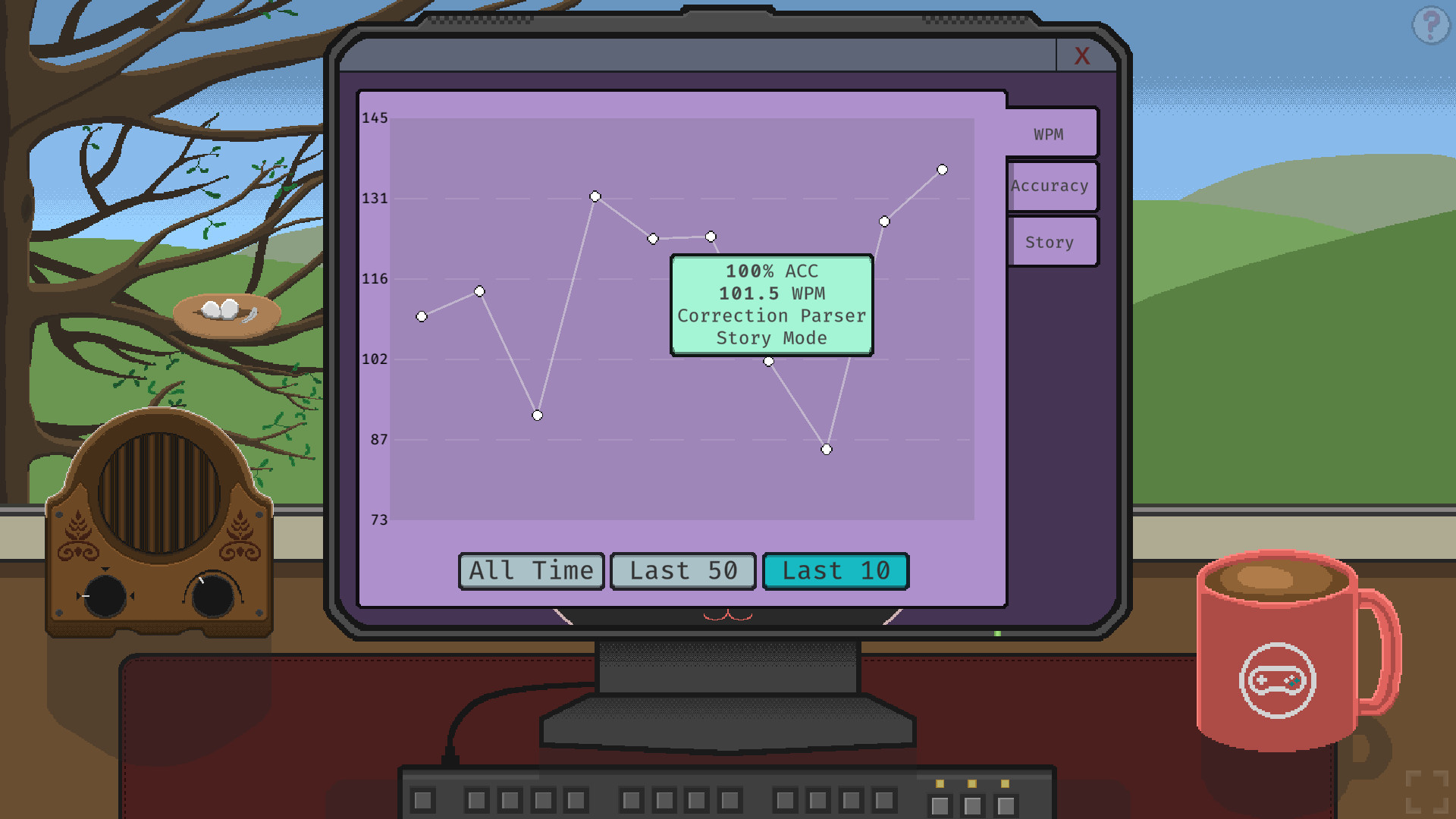
In this page you can find graphs displaying the accuracy and words per minute of your latest quotes, as well as your daily progress reports from story mode.
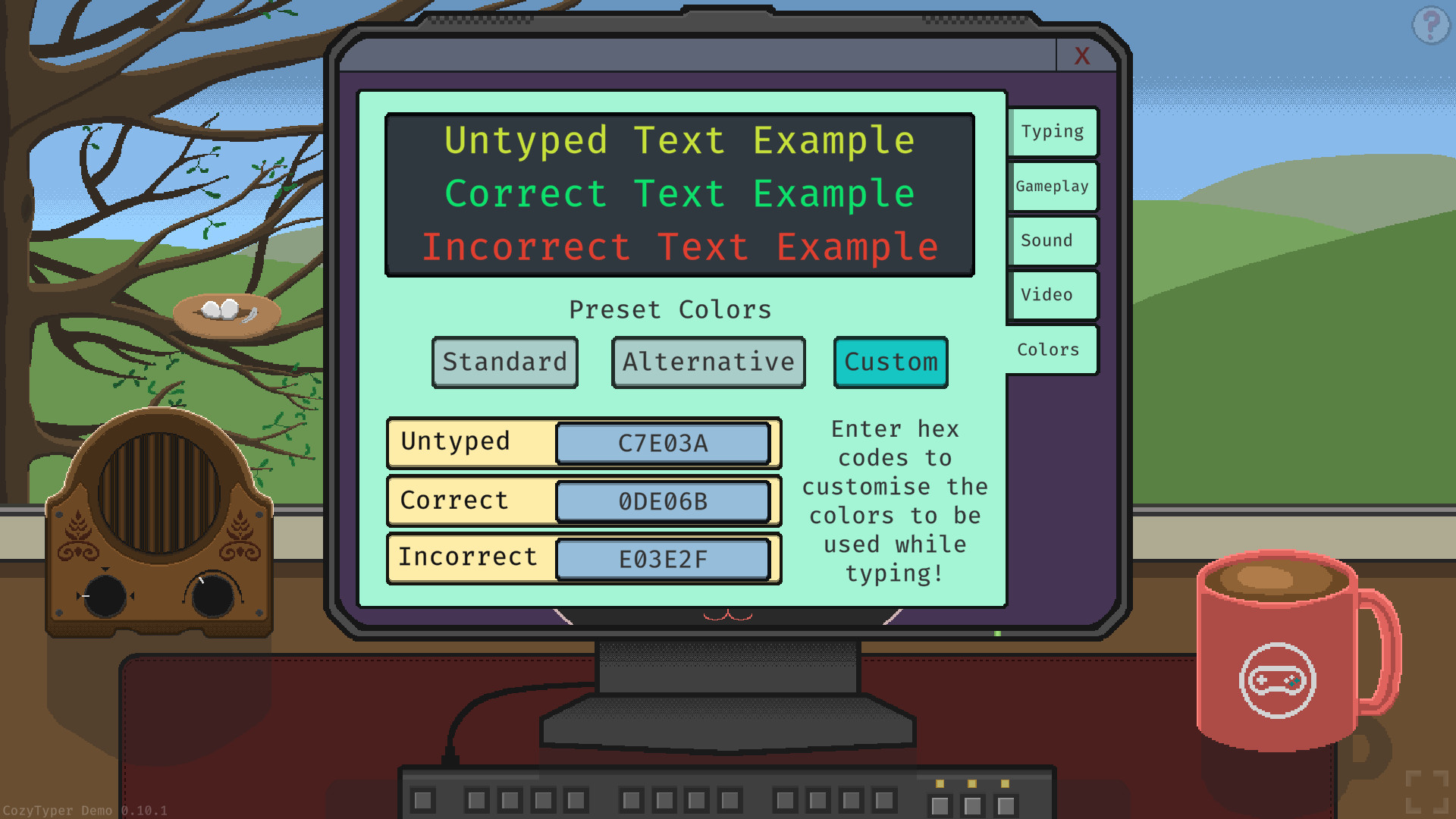
Cozytyper comes with 3 different typing cursors, and 3 different typing modes. You can use either of the two color presets, of choose your own colors, to adjust the text highlighting to what works best for you!
imophi is a small game studio started by two friends with a deep passion for game development.…