
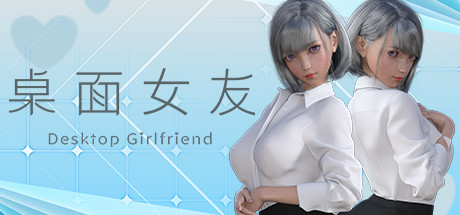
Desktop Girlfriend
Про игру
Место в каталоге, подборки и покупка
«Desktop Girlfriend» — для тех, кому важны реализм и погружение в процесс; ключевые режимы: одиночное прохождение.
- одиночное прохождение
PlayGuide
Игра есть в 2 подборках каталога («Топ игр Steam», «Новинки Steam»); ниже ссылки. На странице «Desktop Girlfriend» также минимальные и рекомендуемые specs, похожие игры и ответы на частые вопросы.
Где купить
Ключ и загрузка «Desktop Girlfriend» — на официальной странице игры в Steam.
- $1,99
Краткая информация о Desktop Girlfriend
Платформы
Особенности
Теги Steam
Видео, стримы и гайды по Desktop Girlfriend


Сообщество и сервисы Steam — Desktop Girlfriend
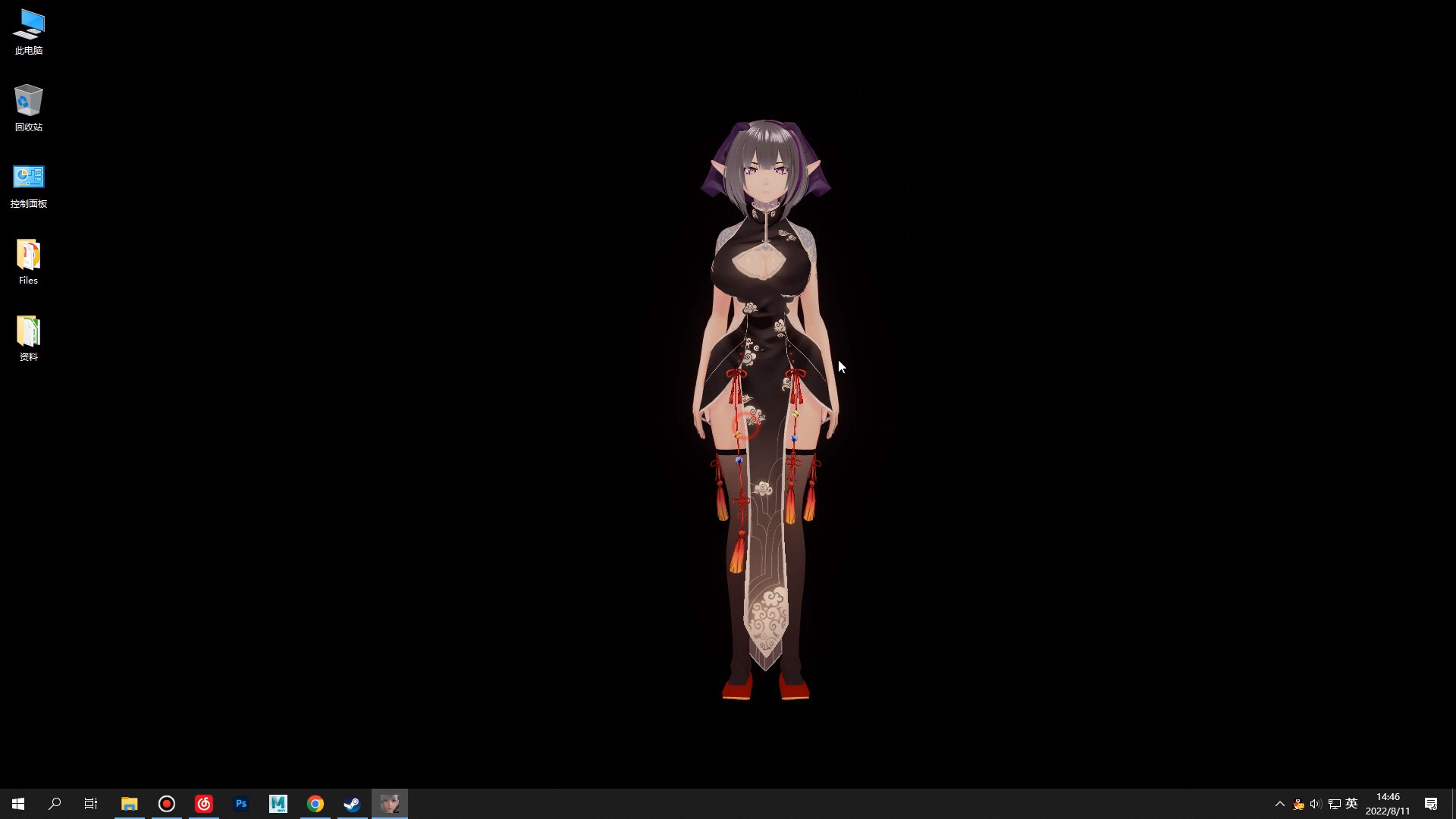
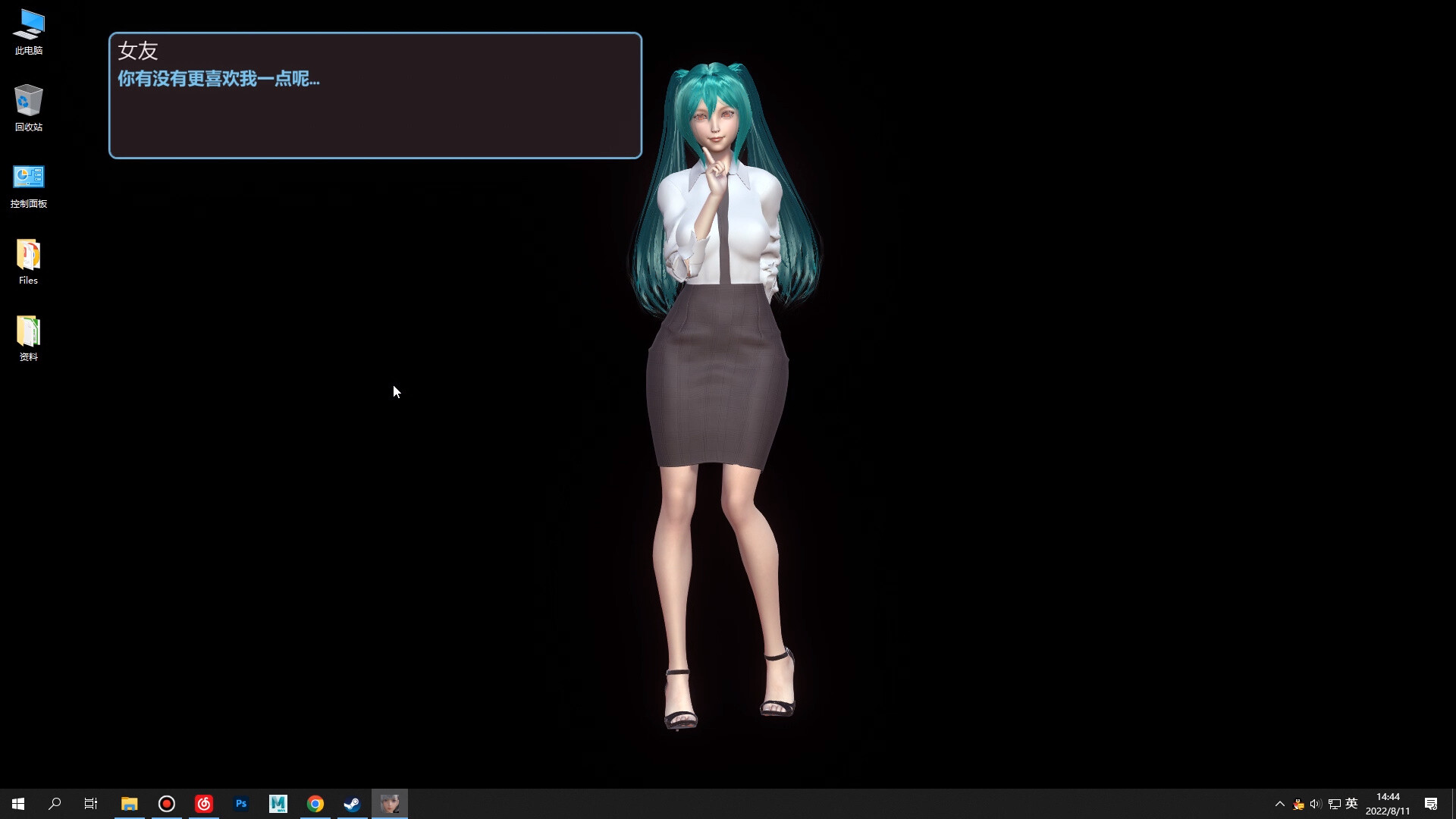
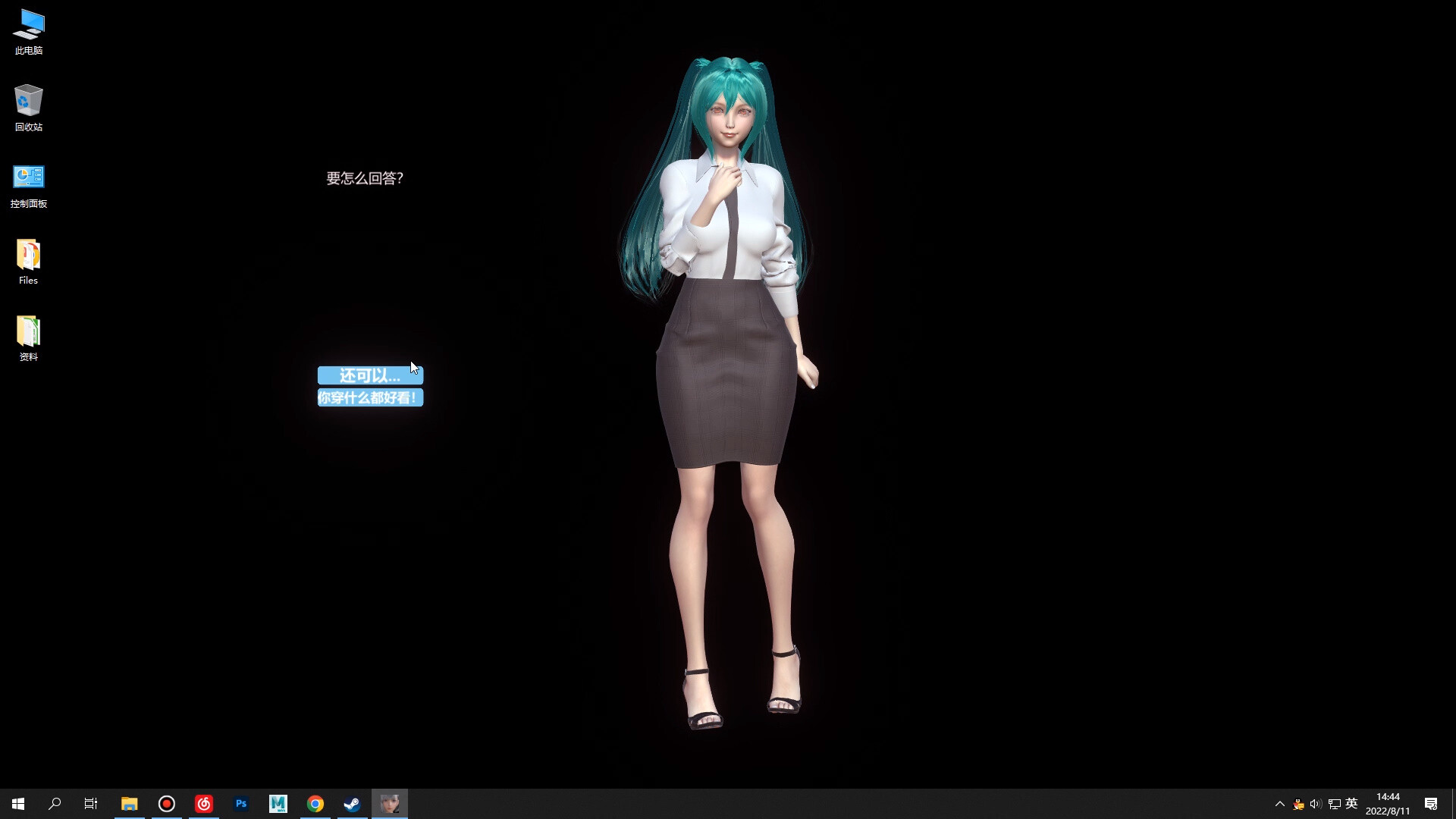
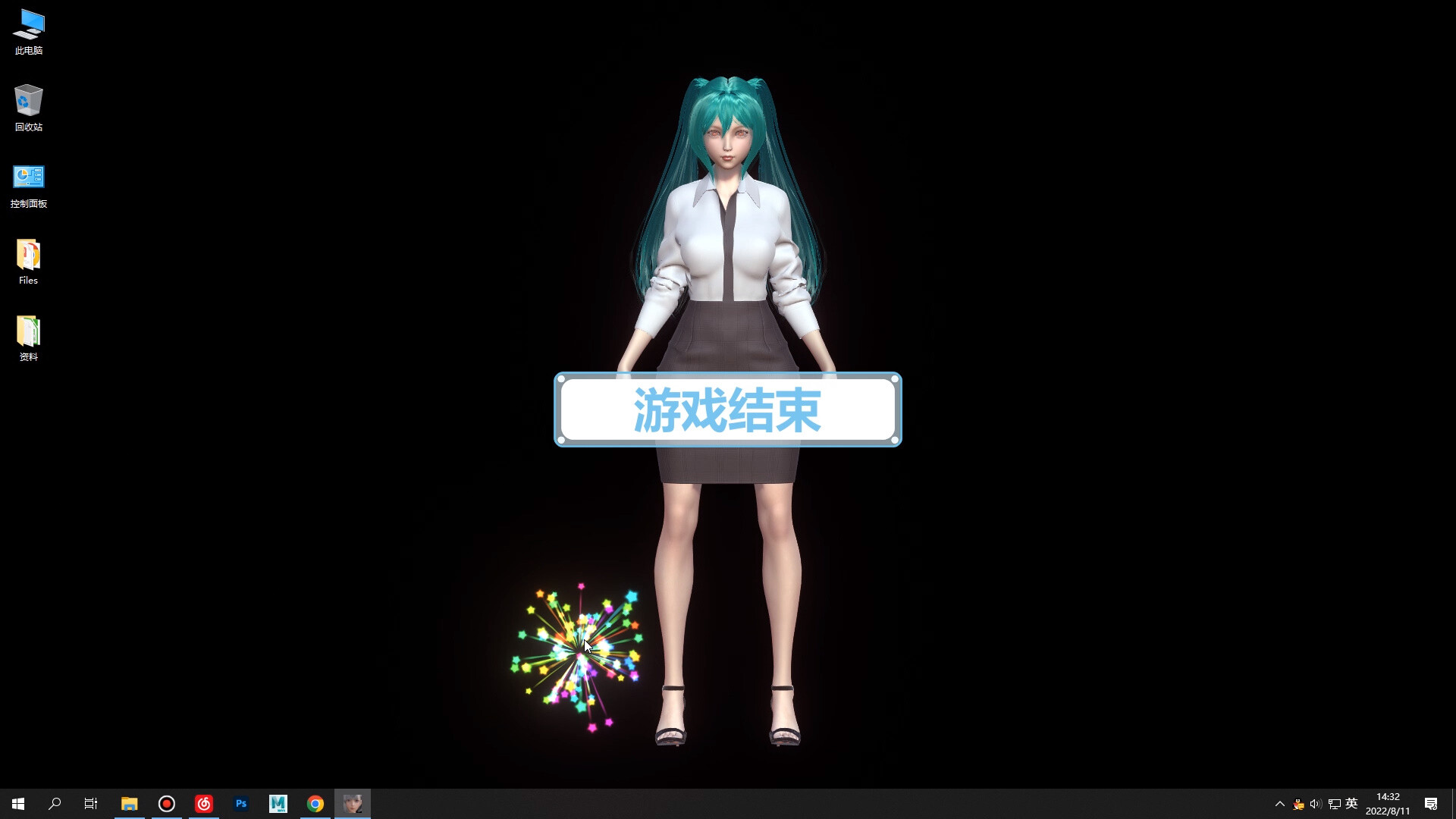
Скриншоты Desktop Girlfriend
Системные требования Desktop Girlfriend — пойдёт ли на моём ПК?
Чтобы запустить «Desktop Girlfriend» на ПК, по данным Steam достаточно минимальной конфигурации: озу 8 GB RAM, видеокарта DirectX 9 compatible graphics card, процессор 1.2 GHz, место на диске 4 GB available space. По требованиям к памяти это типичный домашний компьютер прошлых лет — без запаса на максималки.
Если система на грани минимума, снизьте настройки графики и закройте фоновые приложения. Подробный разбор и калькулятор совместимости — по ссылке «Пойдёт ли» в меню страницы.
Минимальные требования
- OS *: WIN7 SP1/WIN8/WIN10/XP
- Processor: 1.2 GHz
- Memory: 8 GB RAM
- Graphics: DirectX 9 compatible graphics card
- Storage: 4 GB available space
Гайд и ответы по Desktop Girlfriend
Перед установкой «Desktop Girlfriend» — коротко по данным Steam Плюс ответы на частые вопросы.
Desktop Girlfriend на Steam Deck
Стоит ли брать «Desktop Girlfriend» в дорогу на Deck — ниже статус из Steam и типичные ограничения по производительности.
Статус Steam Deck не указан
Можно ли играть в Desktop Girlfriend без интернета
Можно ли играть в «Desktop Girlfriend» без интернета — одиночный режим, кооп и MMO по категориям Steam.
Да, по данным Steam доступен одиночный режим — игру можно проходить офлайн.
Сколько длится Desktop Girlfriend?
Steam не публикует официальное время прохождения «Desktop Girlfriend». Казуальные и indie-проекты вроде «Desktop Girlfriend» часто длятся от пары часов до 10–15 часов. В Steam у «Desktop Girlfriend» уже 616 отзывов — там часто пишут о длительности. Ориентируйтесь также на гайды и видео на YouTube.
Desktop Girlfriend — есть ли поддержка геймпада?
«Desktop Girlfriend»: явной поддержки геймпада в Steam нет — уточните в описании или отзывах.
Не запускается, вылетает, лагает — Desktop Girlfriend
О чём Desktop Girlfriend
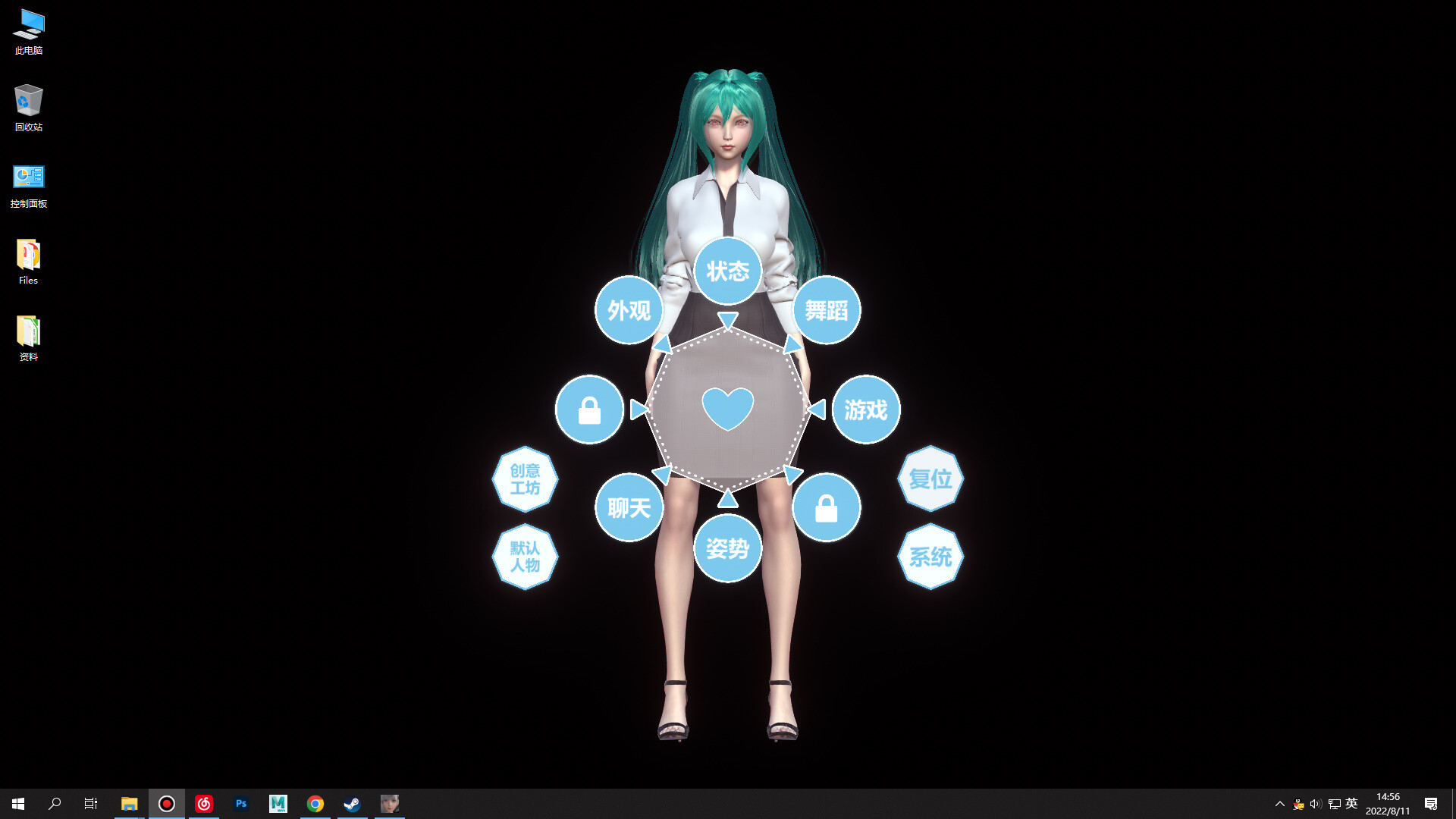
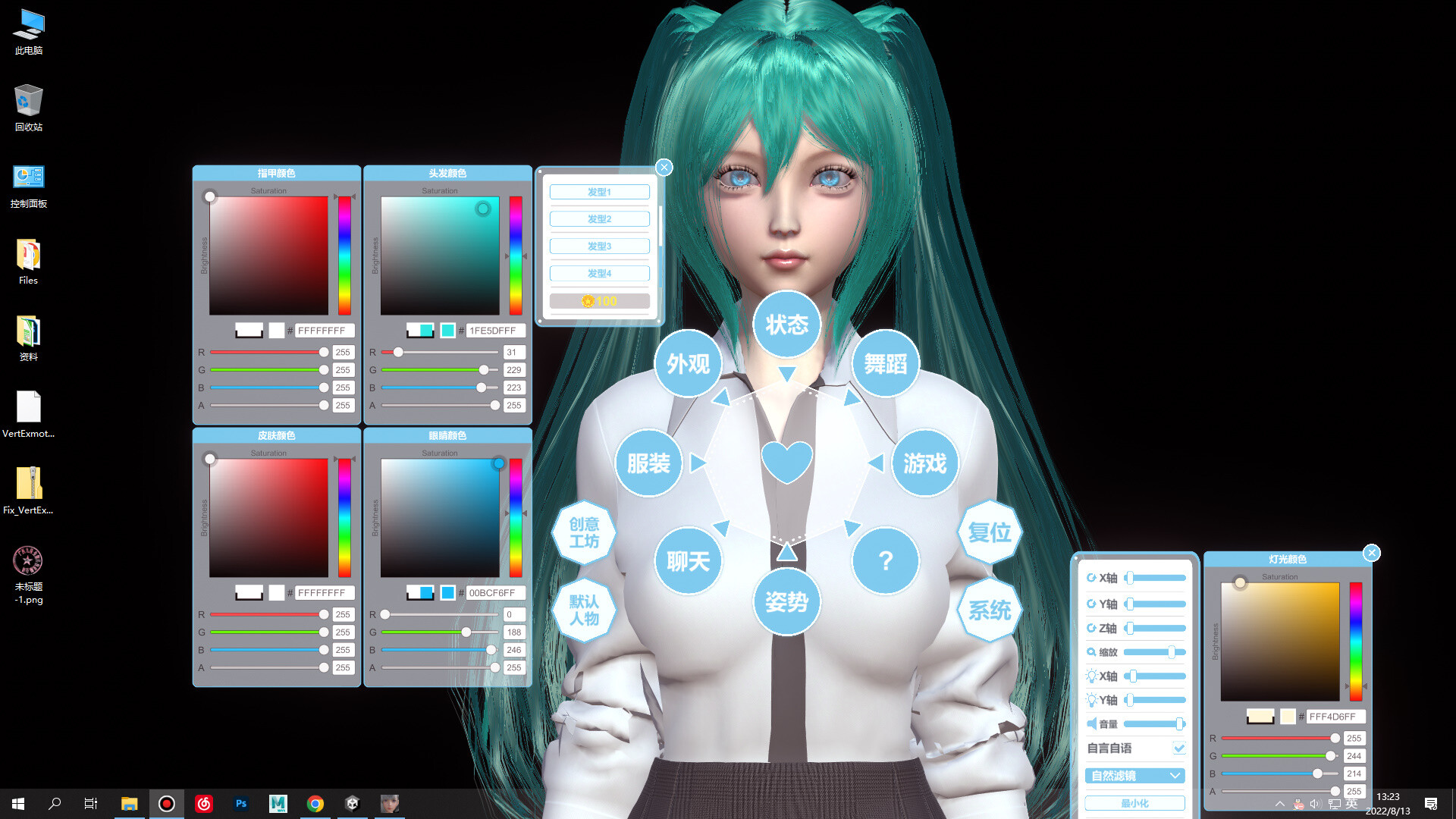
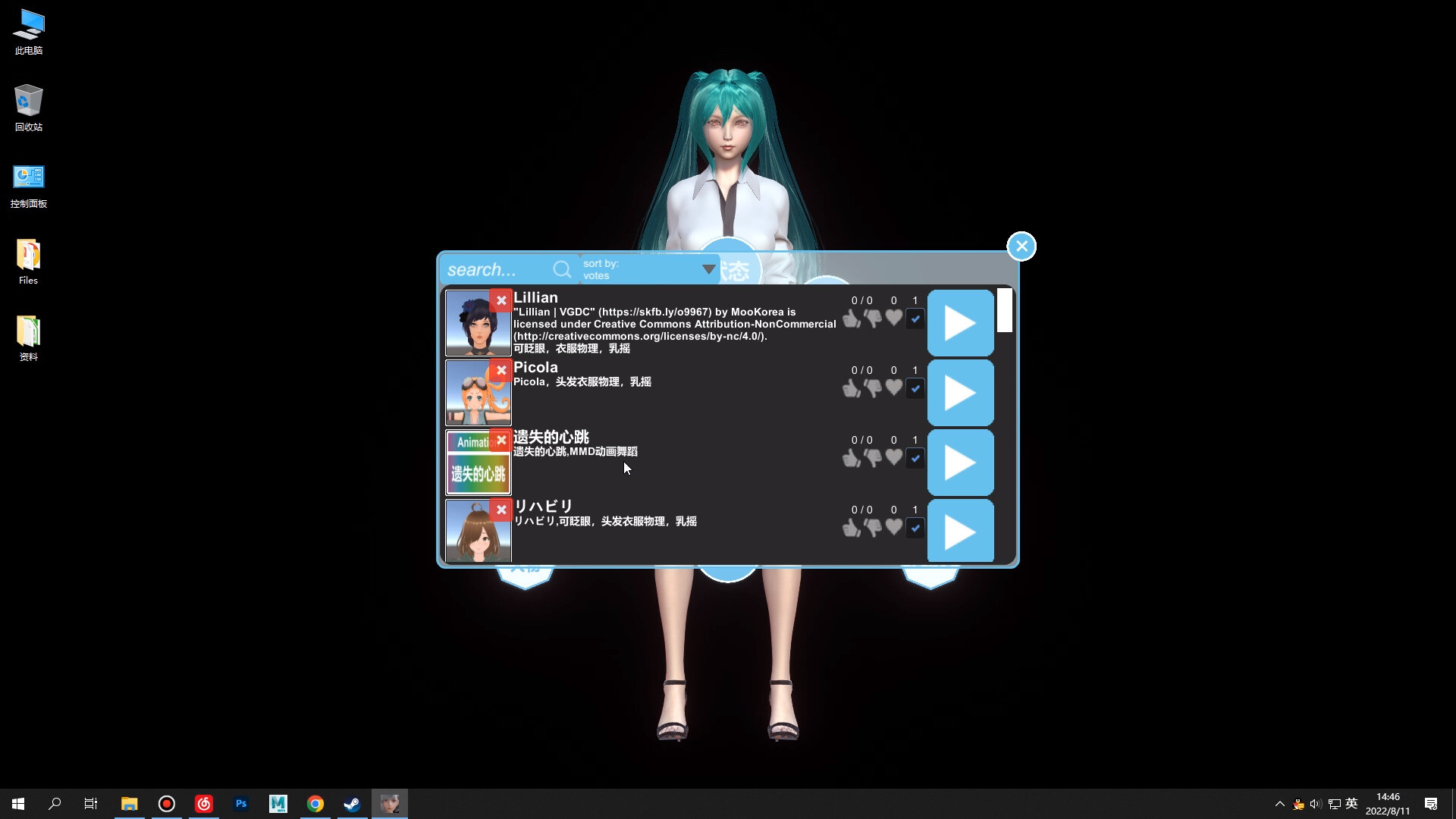
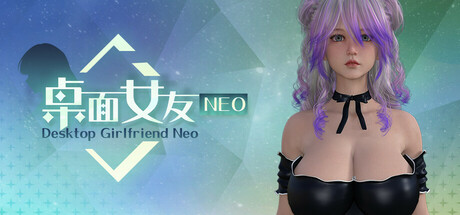
Desktop Girlfriend is a desktop interactive girlfriend game that allows users to interact with their virtual girlfriend in various ways, such as interactive games, customizing her hairstyle, hair color, and more. Desktop Girlfriend is a faithful girlfriend who loves the user, she will always be with the user, so that the user does not feel alone. In addition, the game plans to support steam workshop, which allows users to make and upload their own kind of girlfriend and all kinds of animations, making the game even richer! Features. -Custom hair and hair color -Customize nail color -Custom scene lighting colors --6 different endings of the plot play -2 mini-games -Characters and clothes with physics effects -Realistic eye system【Steam Workshop】
[Mod Teaching]
Open the steam client, enter the game library, right-click the game icon -> Manage -> browse local files. Open the game installation directory.
As shown in the picture above, all the mod's teaching content and tools are contained in this folder, please read it carefully.【What should I do if I can't play the game? ]
Can not run the game normally, has been stuck in the loading interface, the character background becomes black and can not see the desktop solution
Win7
Click the system icon at the bottom left corner of the desktop - Control Panel - System and Security - System - Advanced System Settings - Advanced - Performance - Settings, check [Aero] and [Clear Glass], then click [Adjust to Best Appearance], after that click [OK]
Win10
Open [DVIDIA Control Panel] - [Manage 3D Settings], find [Multi-Frame Sampling AA (MFAA)] and [Smooth Processing - FXAA] and change these two options to [Off]
If the above method still does not solve the problem, please try the following general method
1. Restart the computer…