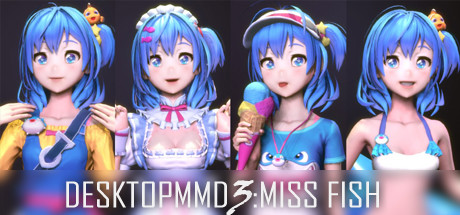
DesktopMMD3:Miss Fish
Про игру
Место в каталоге, подборки и покупка
«DesktopMMD3:Miss Fish» — проект с акцентом на одиночное прохождение — для ценителей сюжета, прокачки и долгих сессий.
- одиночное прохождение
Где искать ещё
Для «DesktopMMD3:Miss Fish» мы собрали 4 смежных списков («Топ игр Steam», «Новинки Steam» и др.) и материалы: требования Steam, блок «Пойдёт ли на моём ПК», FAQ и подборки по жанру.
Steam и платформы
Оформить «DesktopMMD3:Miss Fish» можно в Steam — цена и скидки обновляются на карточке магазина.
- 165 ₽
Краткая информация о DesktopMMD3:Miss Fish
Платформы
Теги Steam
Видео, стримы и гайды по DesktopMMD3:Miss Fish


Сообщество и сервисы Steam — DesktopMMD3:Miss Fish
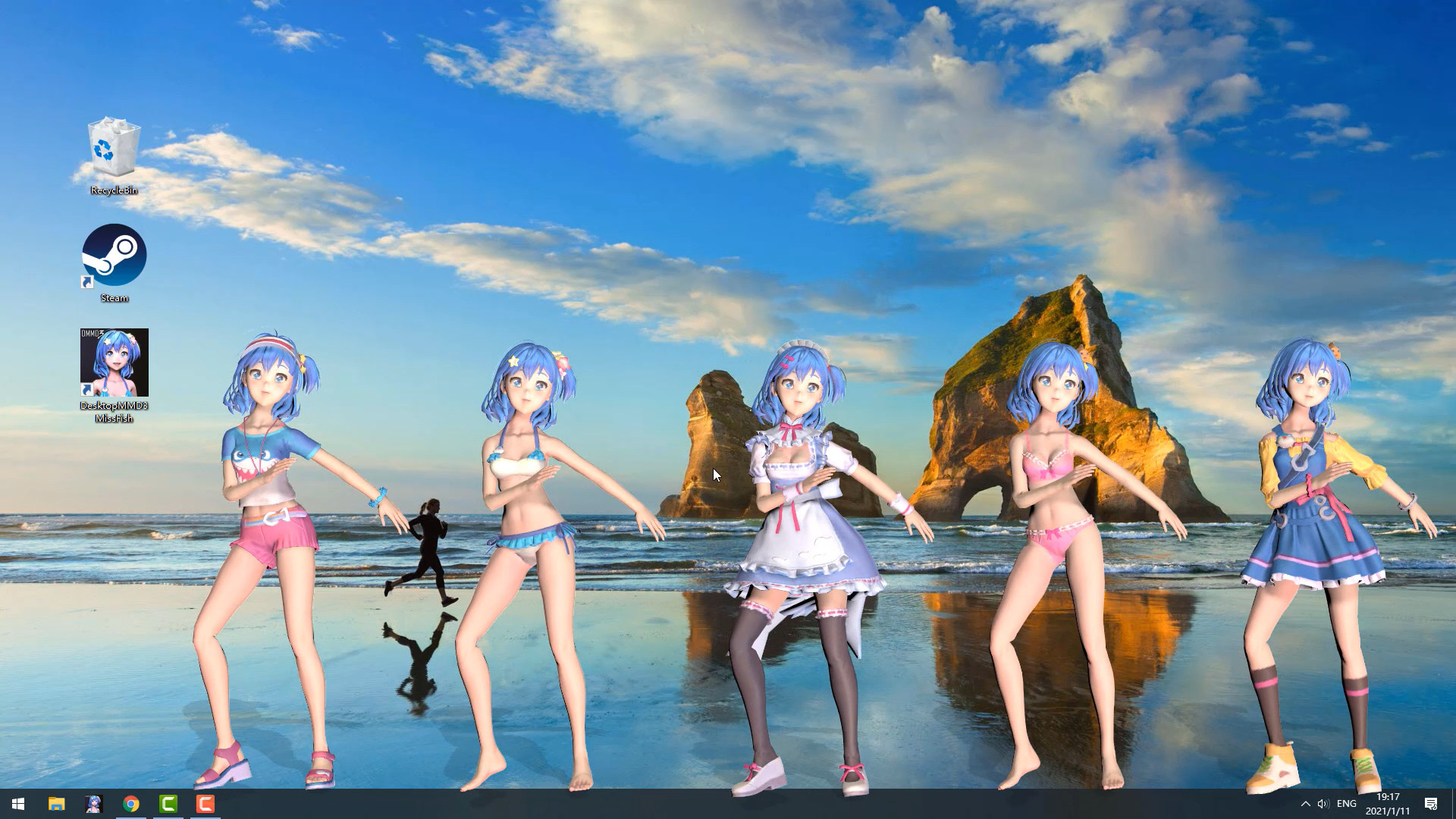
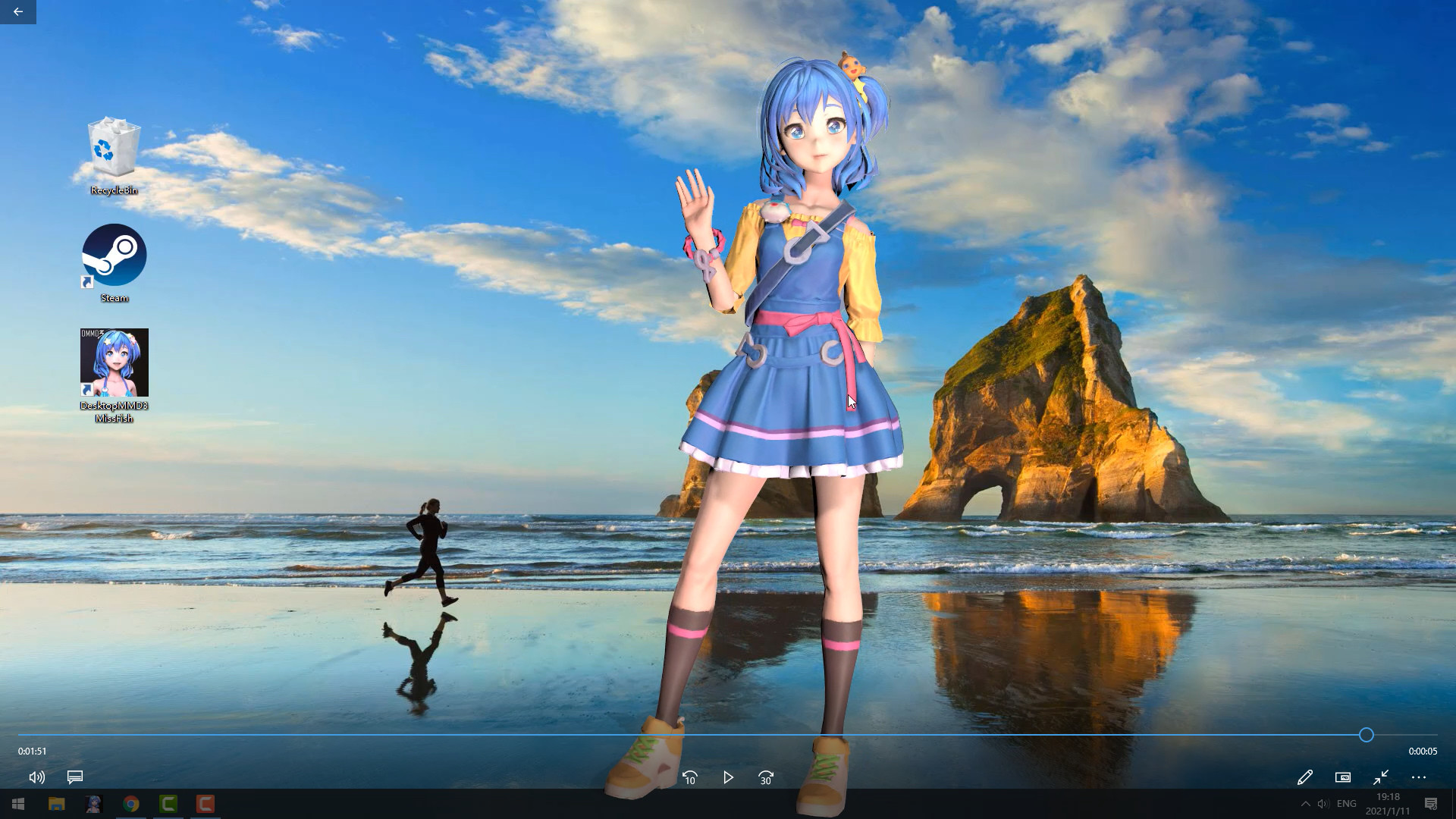
Скриншоты DesktopMMD3:Miss Fish
Системные требования DesktopMMD3:Miss Fish — пойдёт ли на моём ПК?
Чтобы запустить «DesktopMMD3:Miss Fish» на ПК, по данным Steam достаточно минимальной конфигурации: ос Windows 10 / 8.1 / 8 / 7(with Aero), озу 2 GB ОЗУ, видеокарта HD Graphics 4000 or above, процессор Intel i3 or equivalent. По требованиям к памяти это очень скромный по нынешним меркам ПК.
Для комфортной игры без просадок разработчик рекомендует: озу 4 GB ОЗУ, видеокарта NVIDIA GeForce GTX 660, AMD HD7870, 2 GB VRAM or above, процессор Intel i7 or equivalent. Разрыв по ОЗУ (2 → 4 ГБ) обычно чувствуется в стабильности FPS. Точный расчёт под ваше железо — в разделе «Пойдёт ли на моём ПК».
Минимальные требования
- ОС *: Windows 10 / 8.1 / 8 / 7(with Aero)
- Процессор: Intel i3 or equivalent
- Оперативная память: 2 GB ОЗУ
- Видеокарта: HD Graphics 4000 or above
- Место на диске: 500 MB
Рекомендуемые требования
- ОС: Windows 10
- Процессор: Intel i7 or equivalent
- Оперативная память: 4 GB ОЗУ
- Видеокарта: NVIDIA GeForce GTX 660, AMD HD7870, 2 GB VRAM or above
- Место на диске: 1024 MB
Гайд и ответы по DesktopMMD3:Miss Fish
Требования, размер, язык, Steam Deck и офлайн — кратко по данным Steam Плюс ответы на частые вопросы.
DesktopMMD3:Miss Fish на Steam Deck
Портативная совместимость «DesktopMMD3:Miss Fish»: официальная отметка Steam Deck и практические нюансы управления.
Статус Steam Deck не указан
Можно ли играть в DesktopMMD3:Miss Fish без интернета
Офлайн в «DesktopMMD3:Miss Fish»: когда игра запускается без сети, а когда нужен постоянный онлайн.
Да, по данным Steam доступен одиночный режим — игру можно проходить офлайн.
Сколько длится DesktopMMD3:Miss Fish?
Steam не публикует официальное время прохождения «DesktopMMD3:Miss Fish». Для RPG вроде «DesktopMMD3:Miss Fish» обычно закладывают десятки часов на сюжет и больше на полное прохождение. В Steam у «DesktopMMD3:Miss Fish» уже 245 отзывов — там часто пишут о длительности. Ориентируйтесь также на гайды и видео на YouTube.
DesktopMMD3:Miss Fish — есть ли поддержка геймпада?
«DesktopMMD3:Miss Fish»: явной поддержки геймпада в Steam нет — уточните в описании или отзывах.
Не запускается, вылетает, лагает — DesktopMMD3:Miss Fish
О чём DesktopMMD3:Miss Fish
Buy DMMD3 Get DMMD4 Free
Buy “DesktopMMD3:Miss Fish” Now and Get "DesktopMMD4: Born to Dance"
The difference between DesktopMMD3 and DesktopMagicEnginTouchable Lover
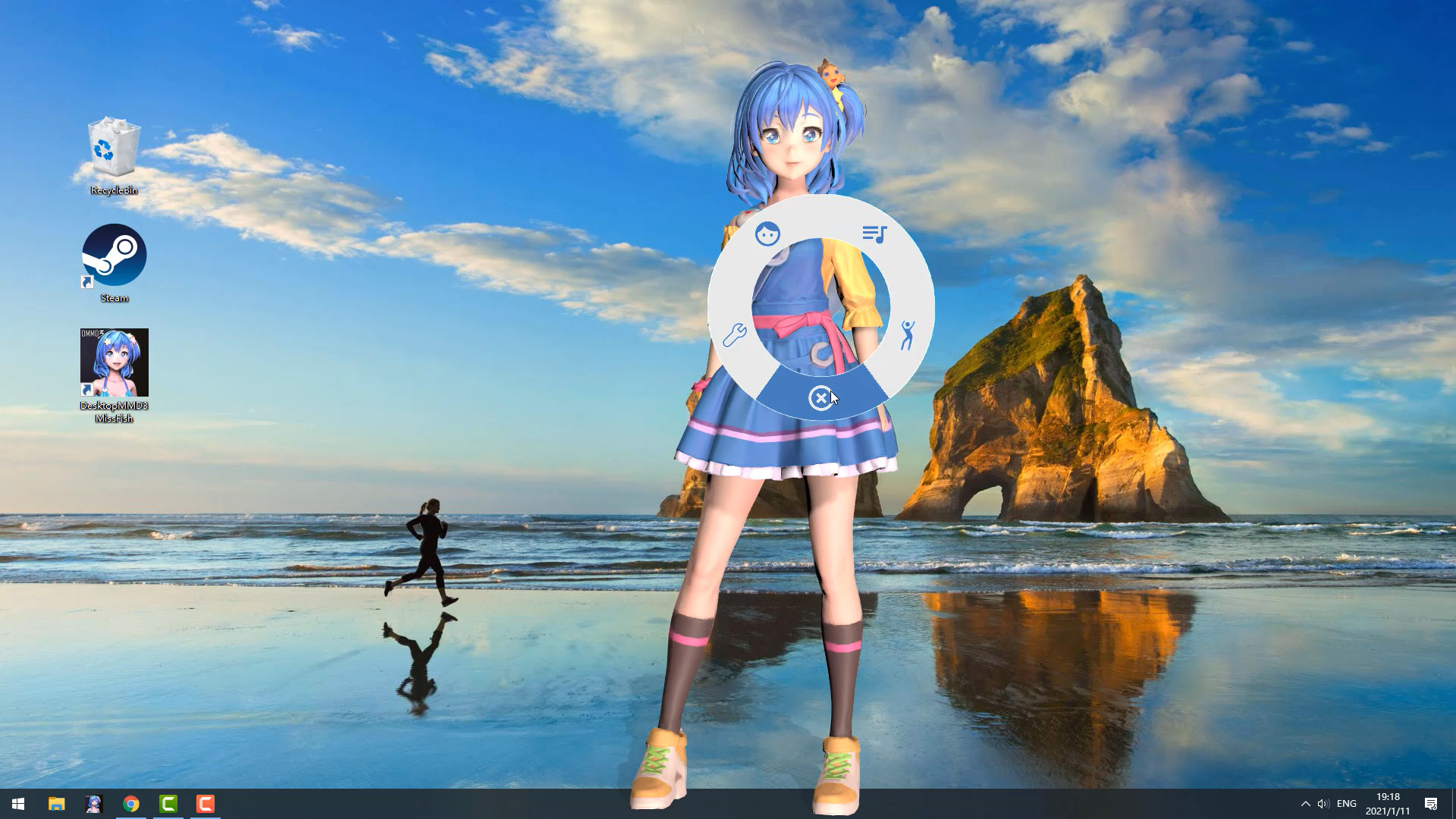
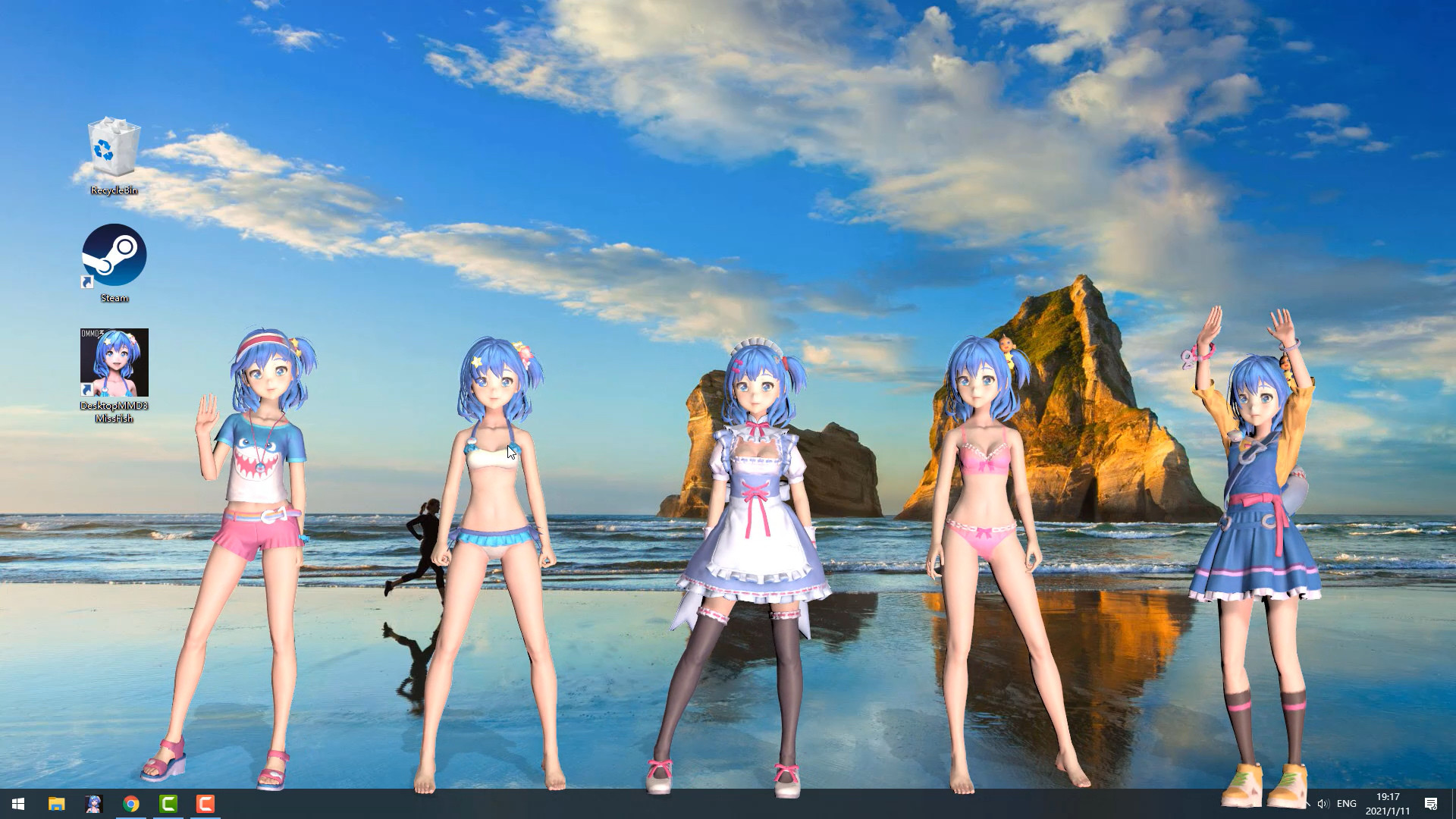
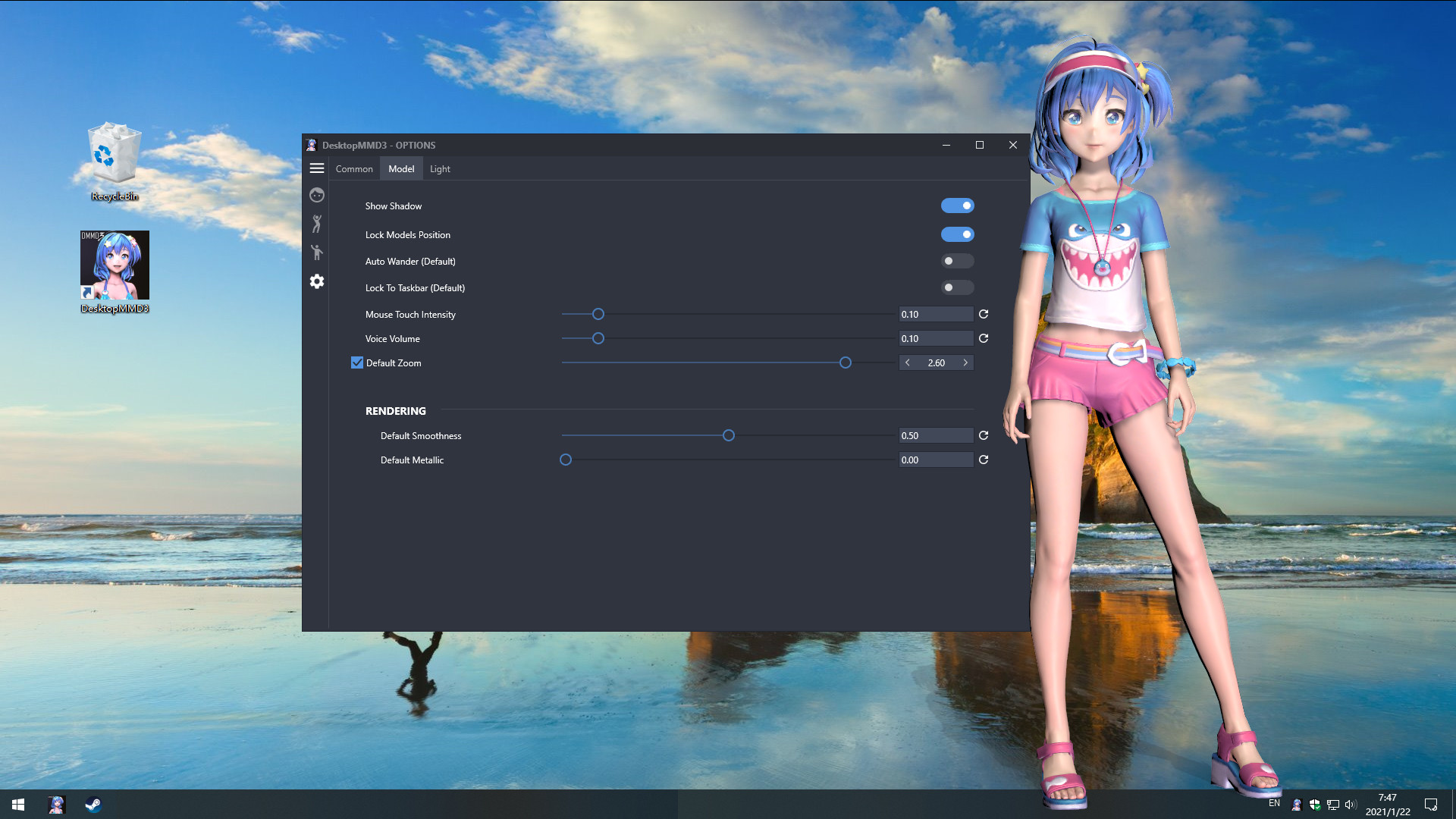
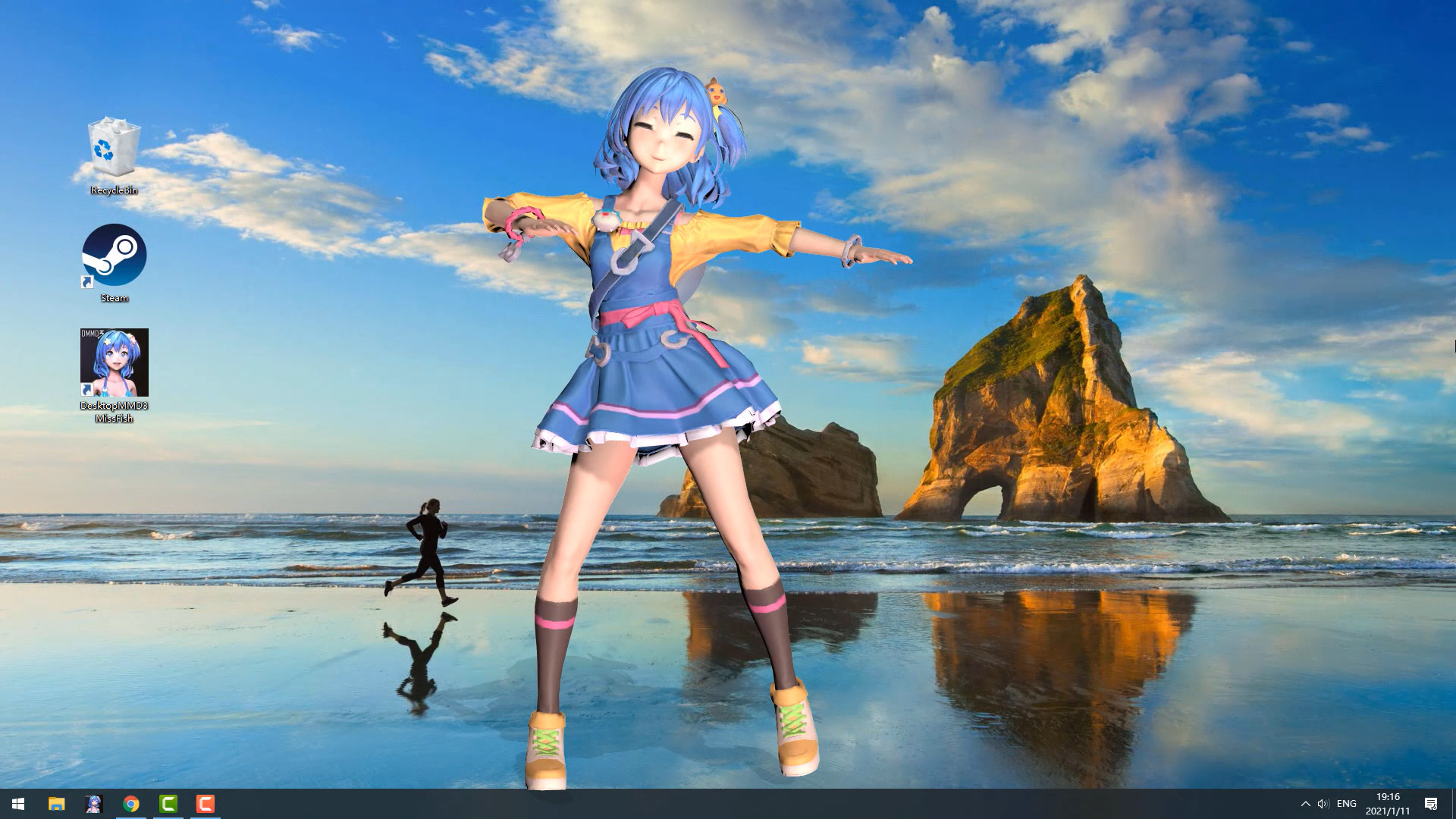
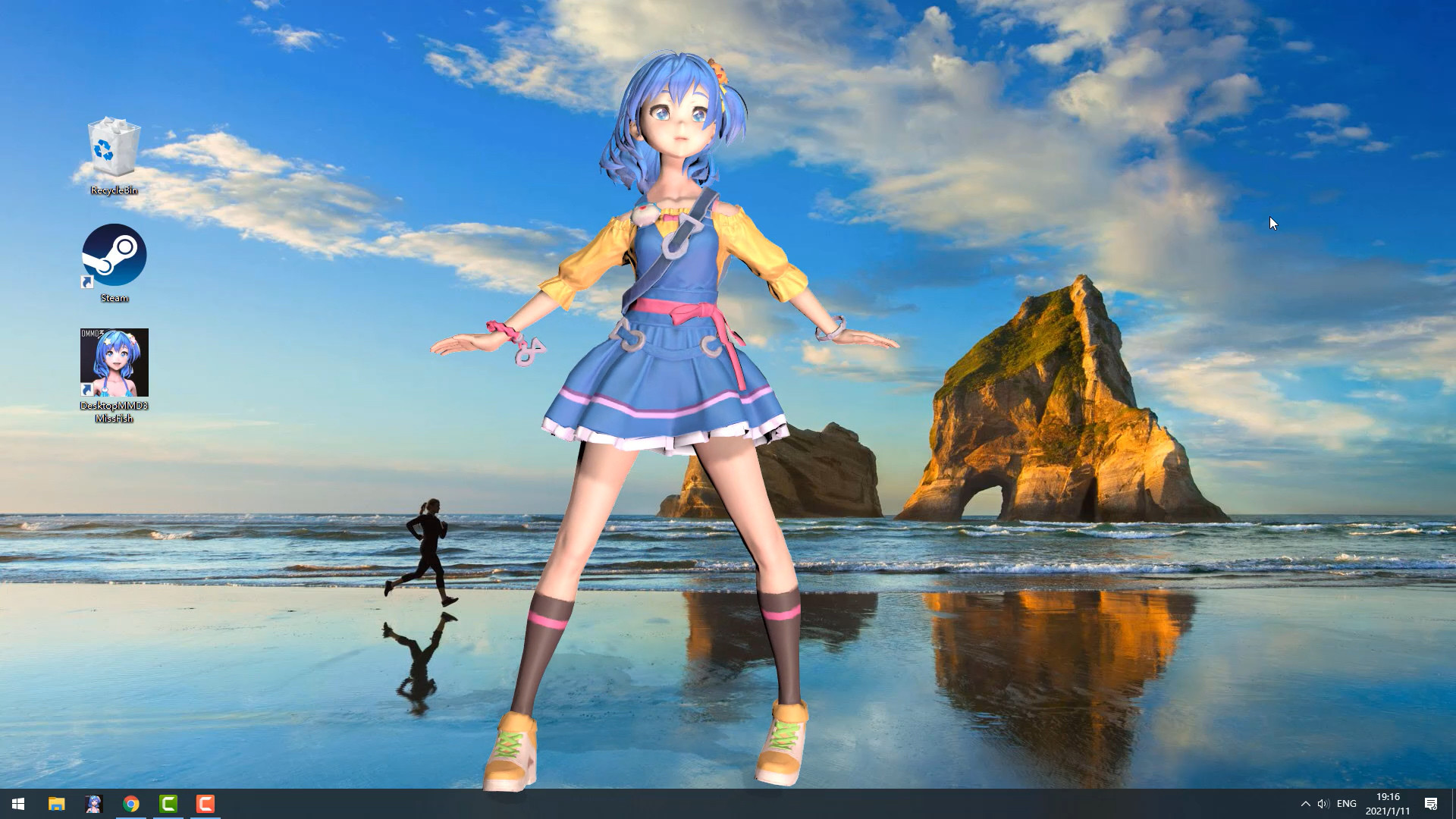
Living and dancing lovely girl “Miss Fish” on your desktop! She will always be with you, even while playing game or browsing the web.Features:
• BRAND NEW Next-Generation HD Rendering Engine, make the models render more realistic and high visual fidelity.
• BRAND NEW Mouse Move Touch Function ,now the mouse can really pass through model's hair and skirt.
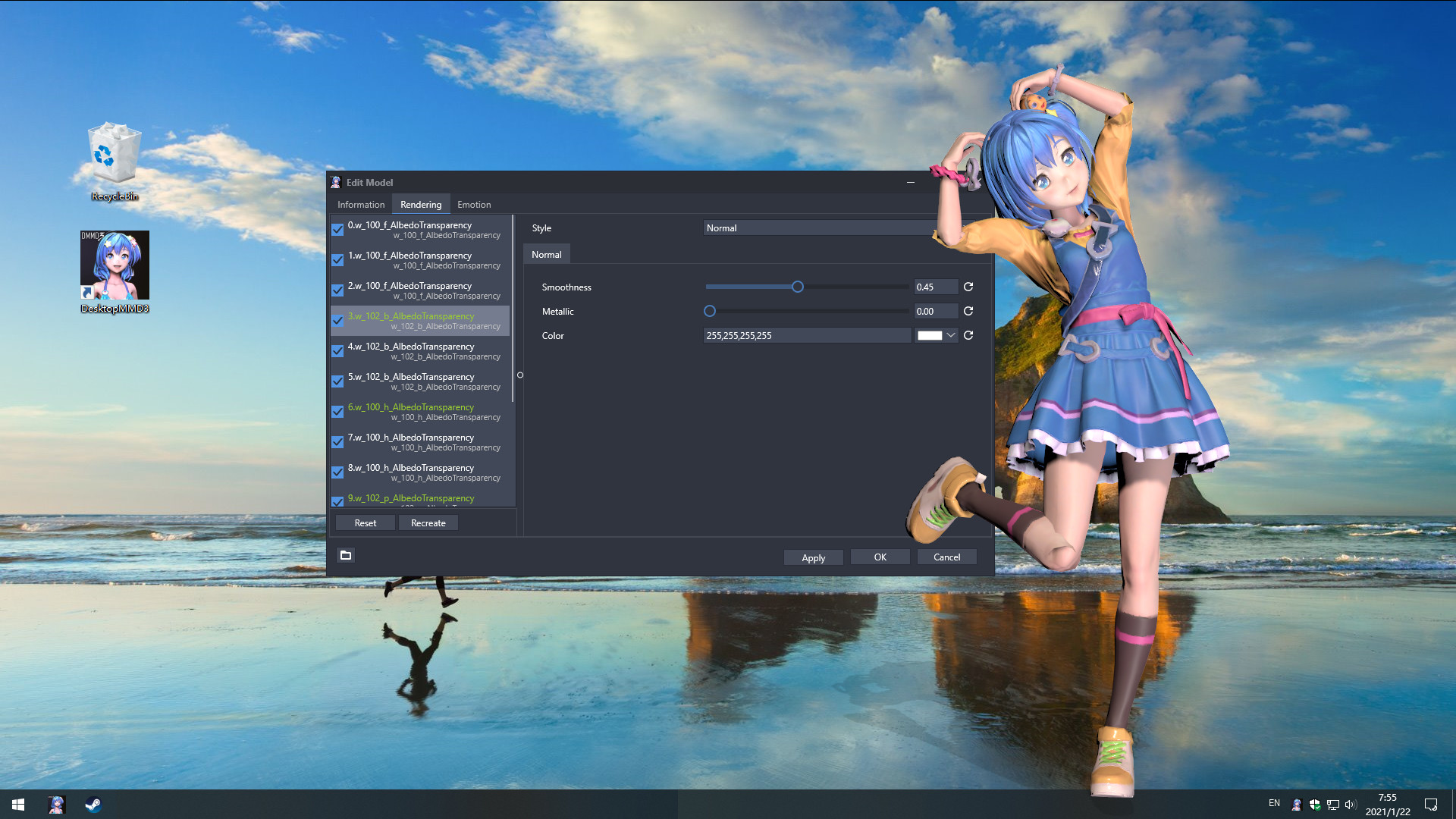
• BRAND NEW Model Customization Module, supports customizing every part of the model, such as adjusting the rendering style and color or visible.
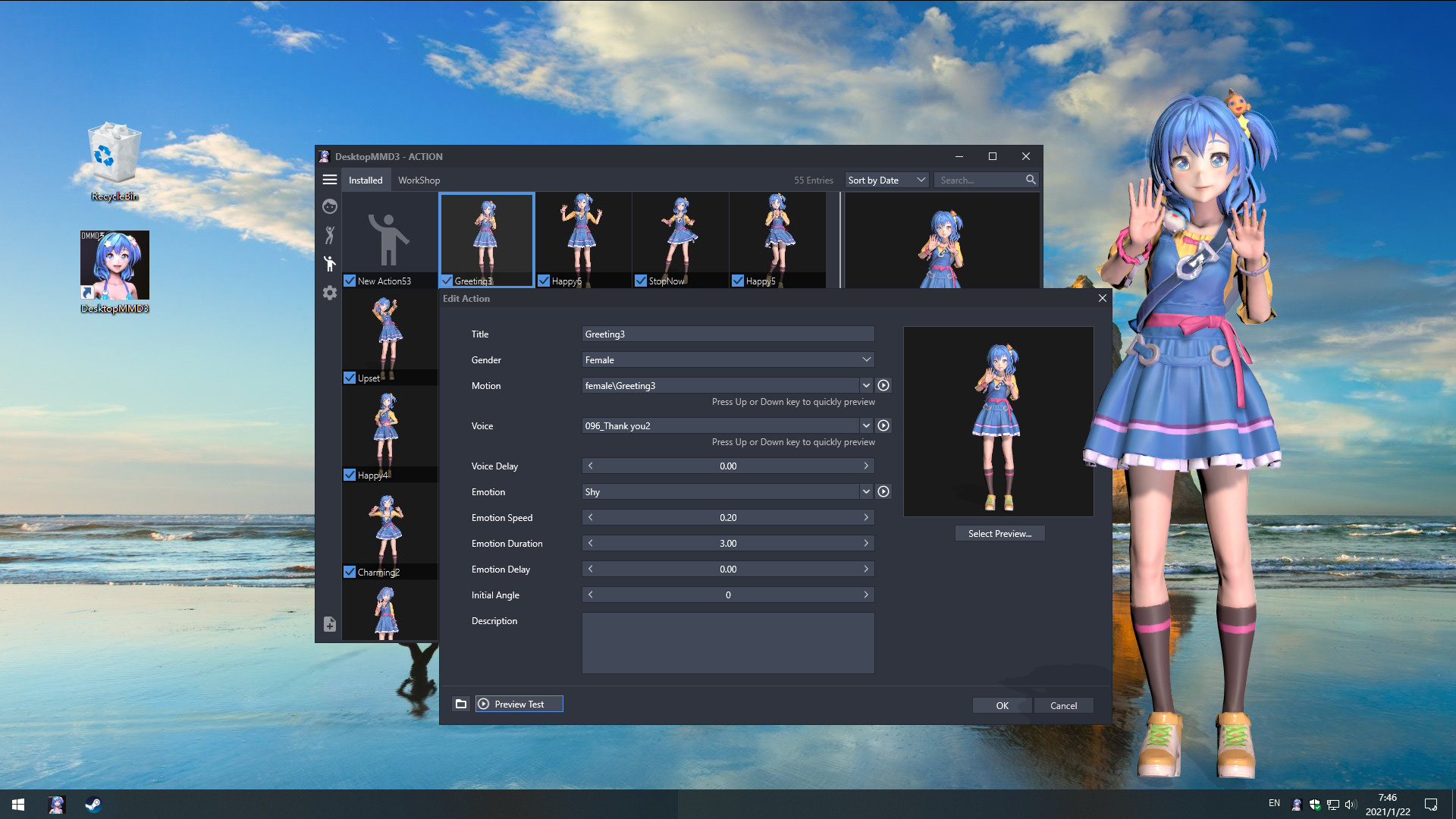
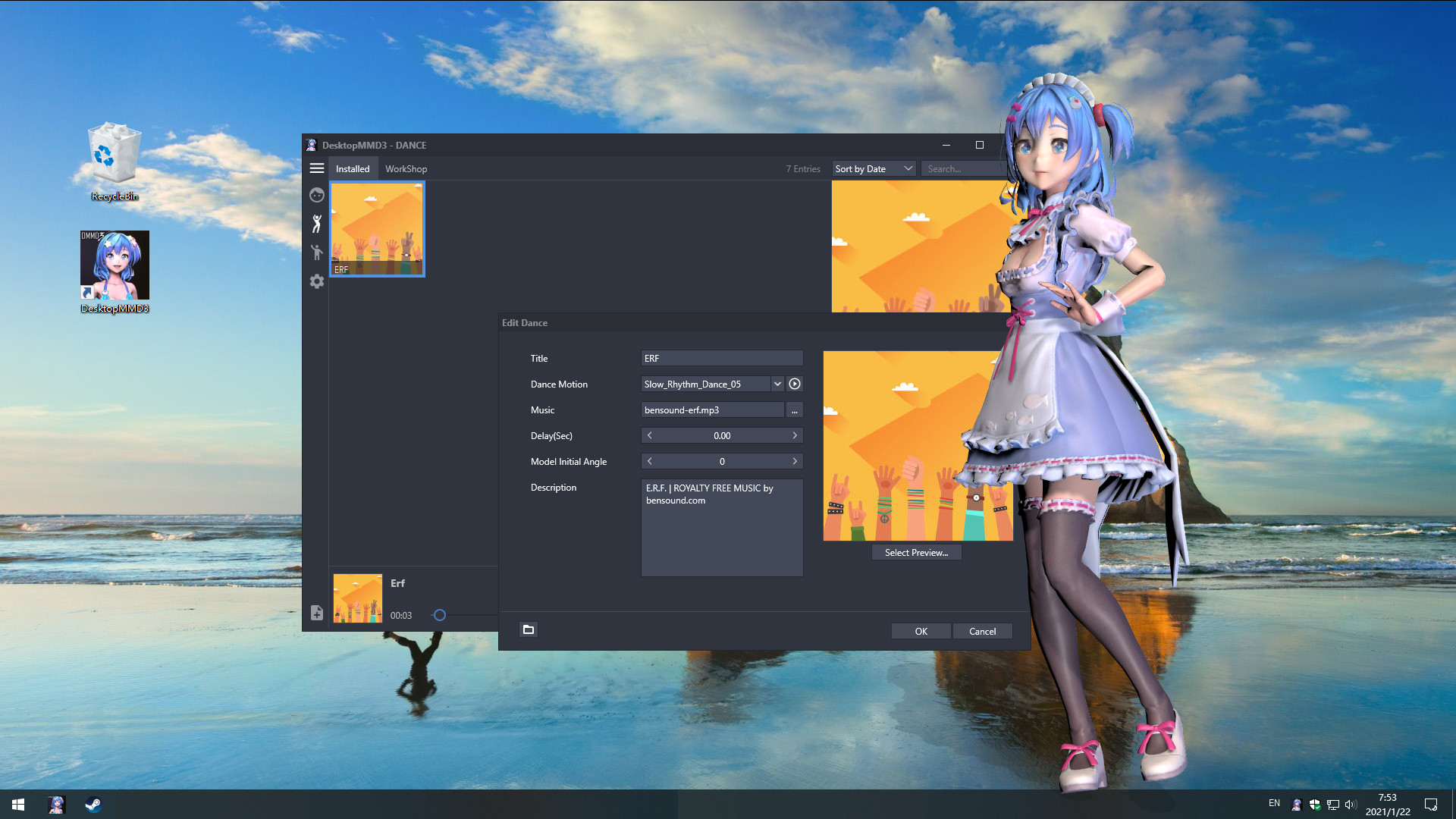
• BRAND NEW Interactive Action Module, support custom motion, voice, emotion and LipSync,support workshop, Built-in 75 female motions and 68 male motions, 126 female voices and 126 male voices.
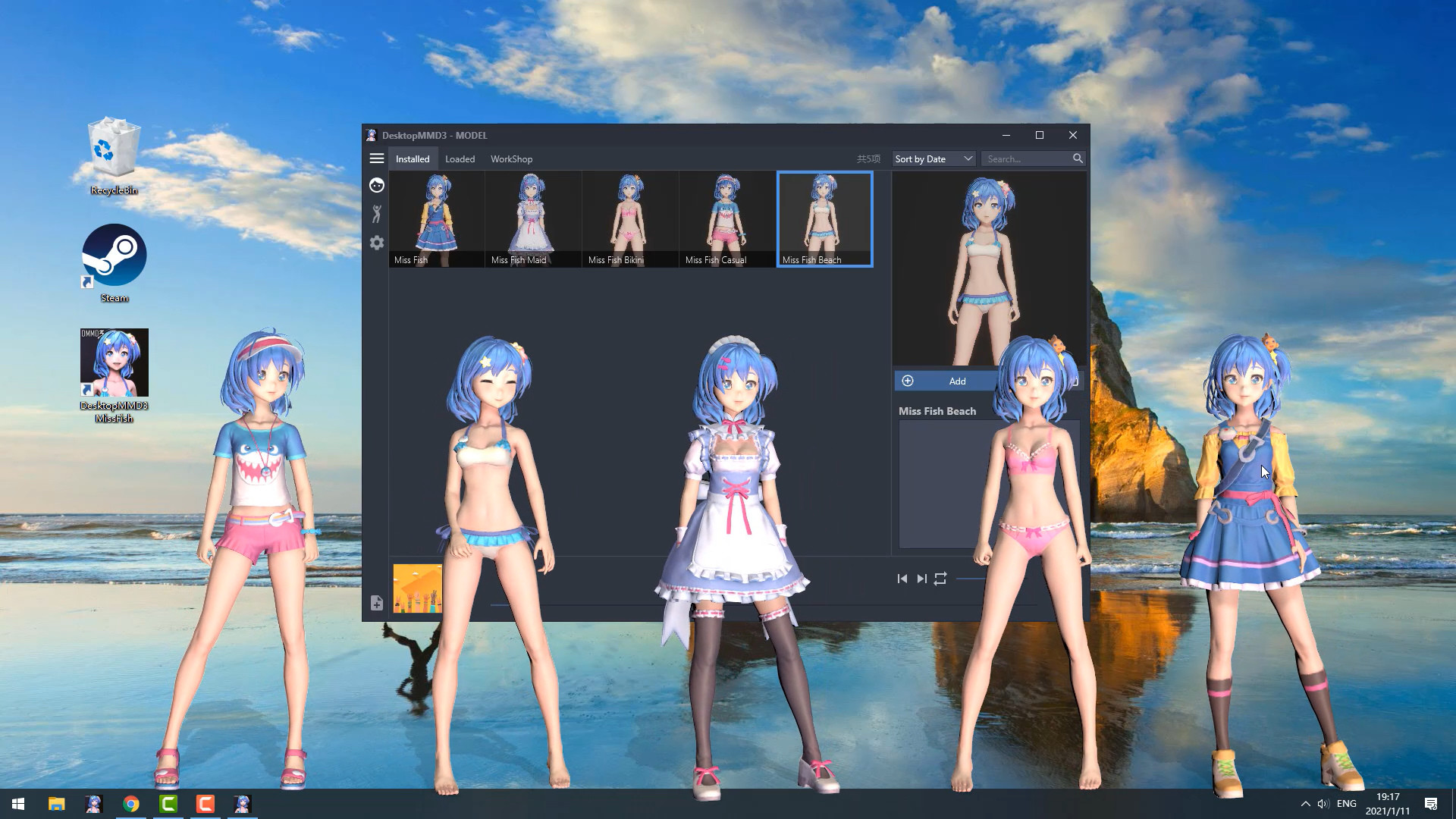
• BRAND NEW Lovely default characters “Miss Fish” comes with four outfits.
• Gives your desktop some life with lovely AI girls and lots of Interactive animations.
• Supports third party music players such as CloudMusic, QQMusic, Spotify, Winamp, Foobar2000, Kugou and so on.
• Support act on top of other windows (Optional).
• Support idle animations and interacte with mouse cursor.
• Support one-click import of MMD / VRM models
• Contains 60 built-in dance templates (19 slow-rhythms / 15 mid-rhythms / 17 fast-rhythms / 8 short-dances / moonwalk). It allows easily-applied personalization of dances for your favorite music.
• Compatible with all other software and live wallpapers.
• Supports Windows 7 (with Aero), 8, 8.1 and 10 Credits
• "Miss Fish" model created by "Press START"
• Translation / Proofreading by Nyanco Channel
================================================================================ Q: Why is my background all black on some computers? A: You can press the "Win" key to pop up the taskbar, and then proceed to the following operations: 1. Open the Nvidia panel and select [manage 3D settings] on the left 2. [multi frame sampling AA (MFAA)] and [smoothing fxaa] in the right side are changed to [off] 3. Close the application to solve the problem of game black screen.
Q: Why can not display model on desktop sometimes? A: Some models has problem and make DesktopMMD3 crash ,just need close all models in "Manage Model">"Loaded" List and restart DesktopMMD3 from tray icon popupmenu.
Q: How to add model to desktop? A: You can subscribe models from STEAM Workshop at "Manage Model">"Workshop" , and then load model at "Manage Model">"Installed" list.
Q: How to import MMD/VRM model into DesktopMMD3? A: Drag and drop MMD model file .pmx or .vrm file into DesktopMMD3 "Manage Model">"Installed" List Box, the model will auto display on your desktop.
Q: How to Hiding "Now Playing DesktopMMD3" from Steam status? A: Right click tray icon and select menu item "Preferences" and uncheck the "Enable Steam Support", and restart app from tray icon menu.
Q: How to set higher Anti-aliasing ? How to set the model to HD texture? How to modify the drawing quality of the model?…