Dino Crisis 2
Про игру
Место в каталоге, подборки и покупка
«Dino Crisis 2» — для динамичного геймплея и отзывчивого экшена; ключевые режимы: одиночное прохождение.
- одиночное прохождение
Подборки и ранг
Для «Dino Crisis 2» мы собрали 2 смежных списков («Топ игр Steam», «Новинки Steam») и материалы: требования к ПК, скриншоты, FAQ и типичные ошибки запуска.
Краткая информация о Dino Crisis 2
Платформы
Теги Steam


Сообщество и сервисы Steam — Dino Crisis 2
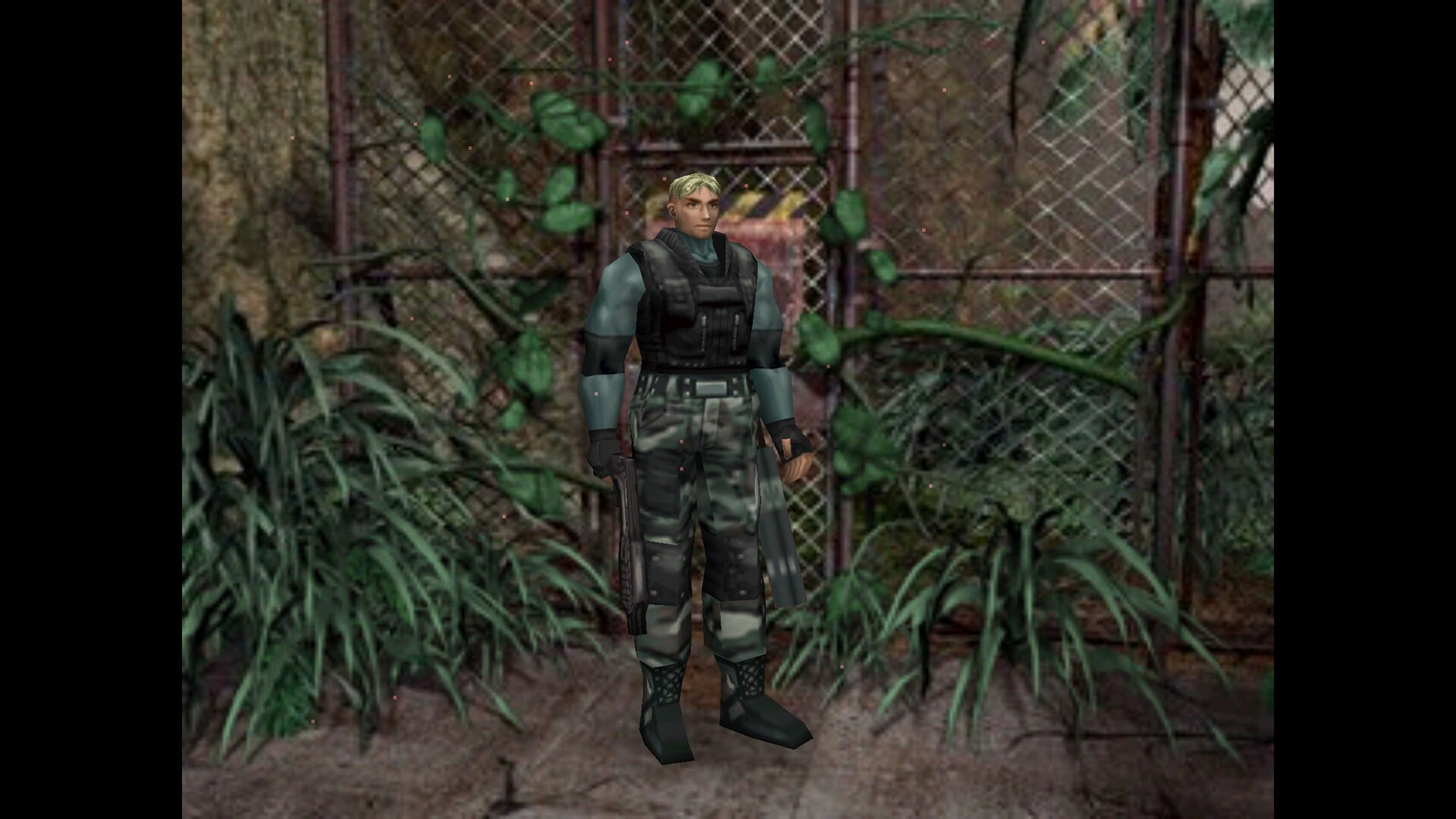
Скриншоты Dino Crisis 2
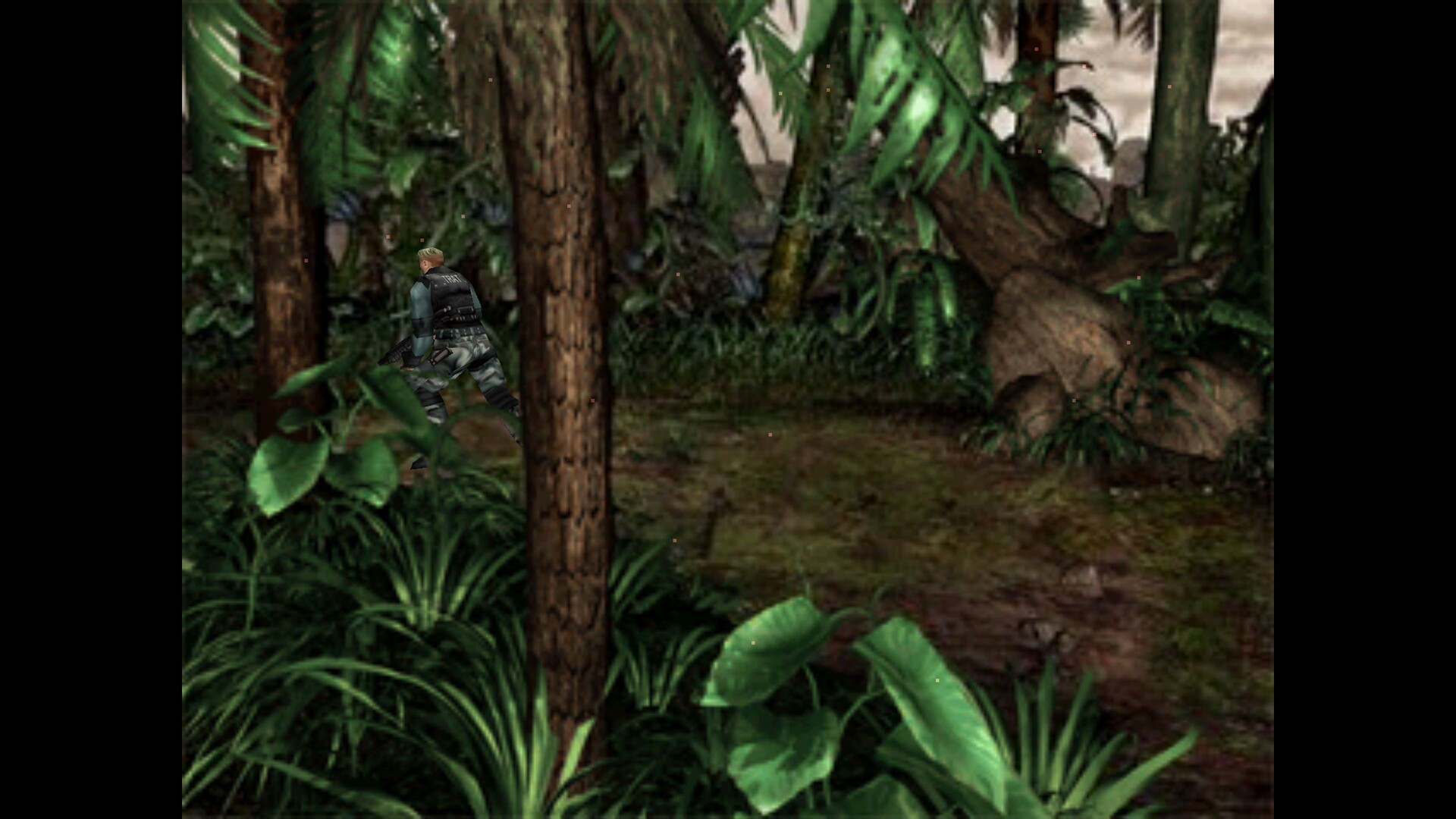
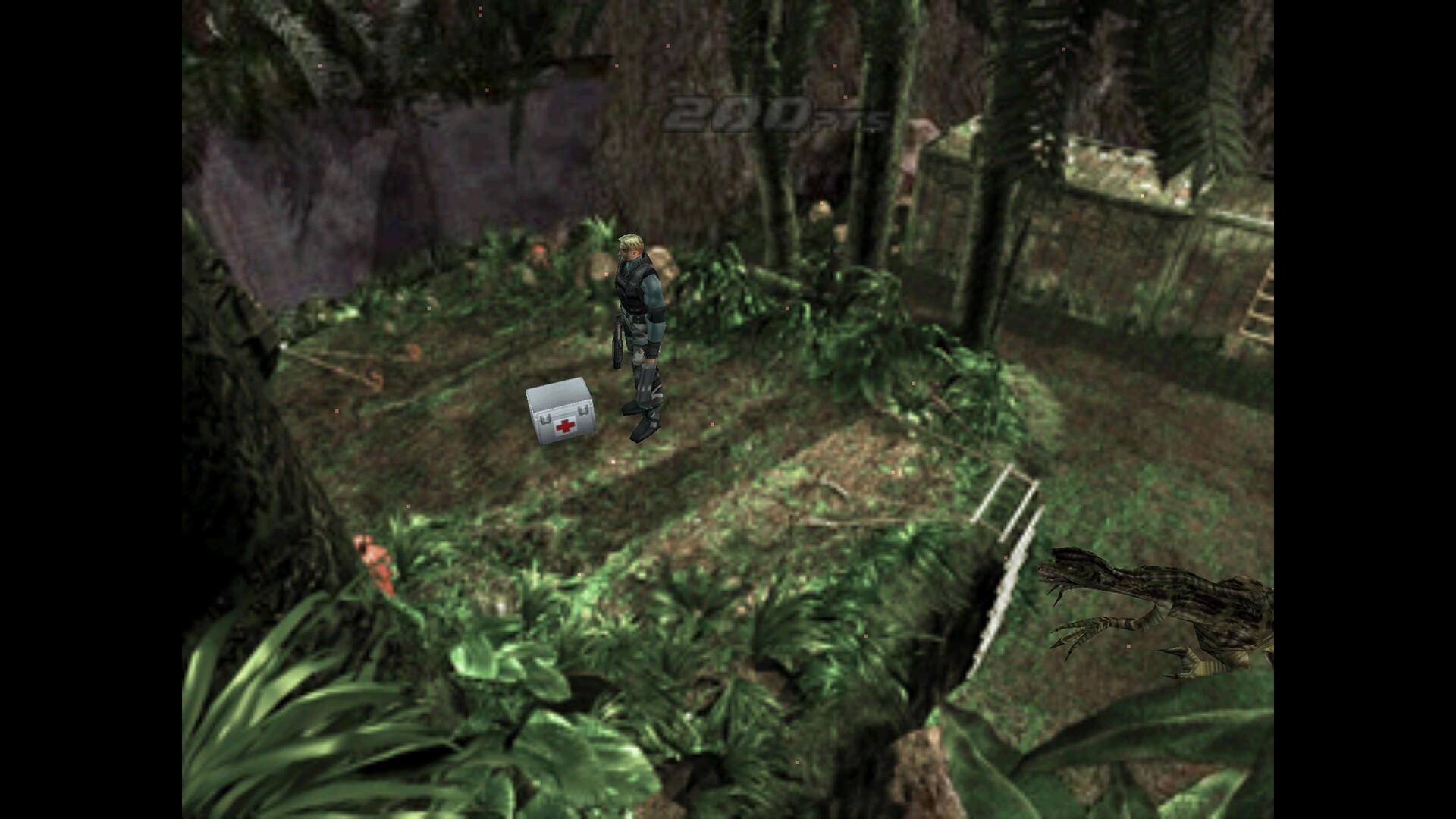
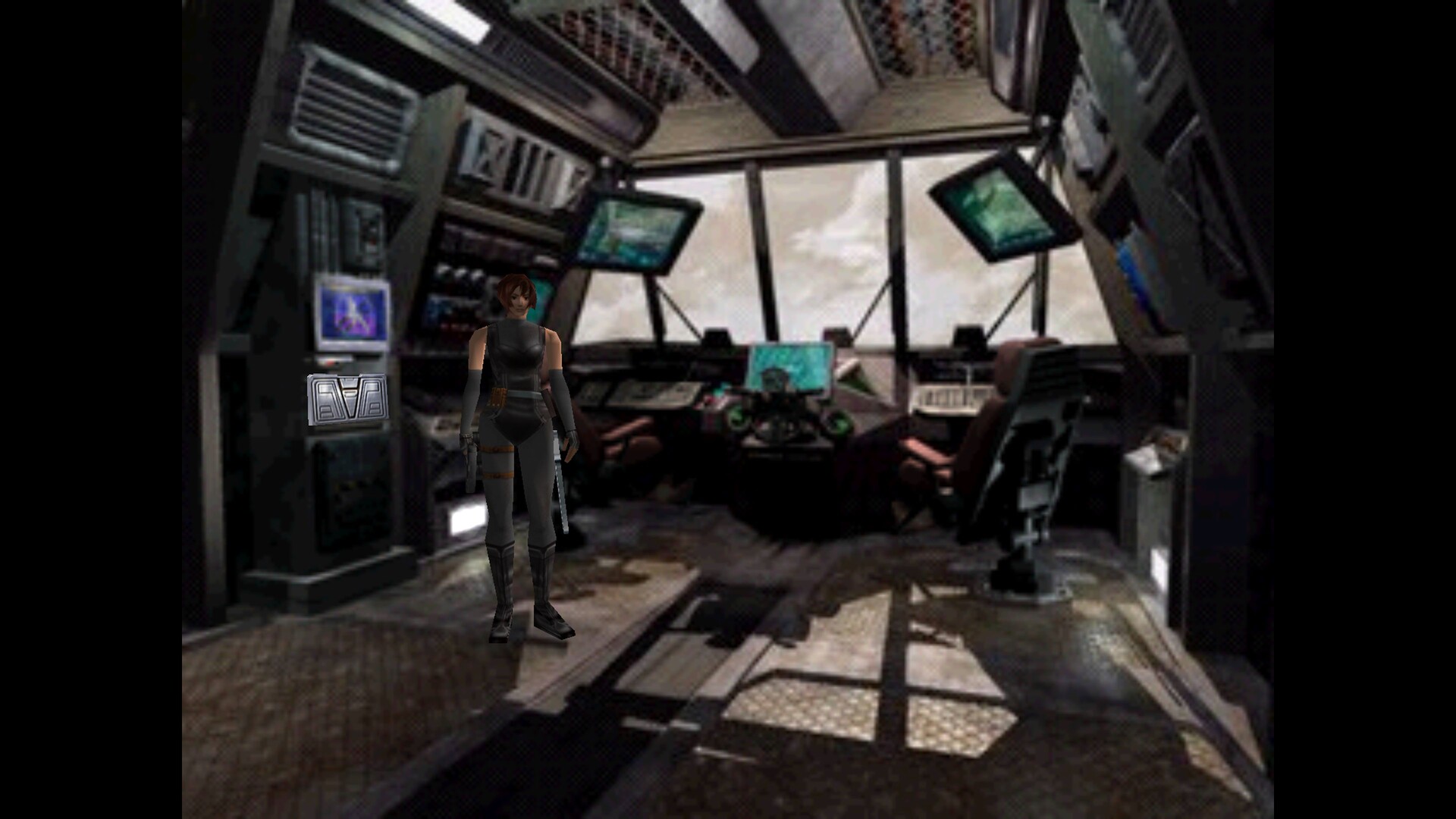
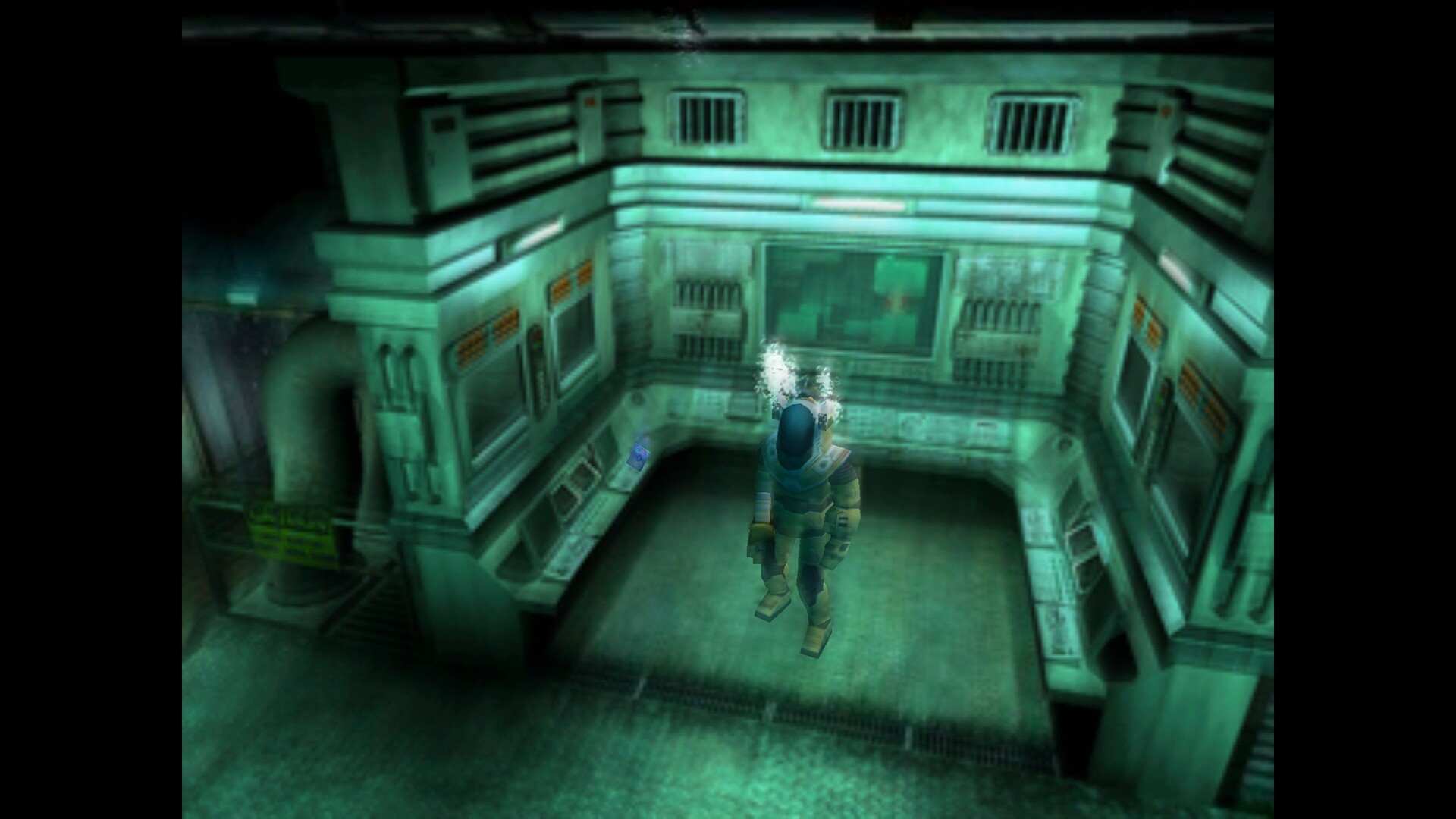
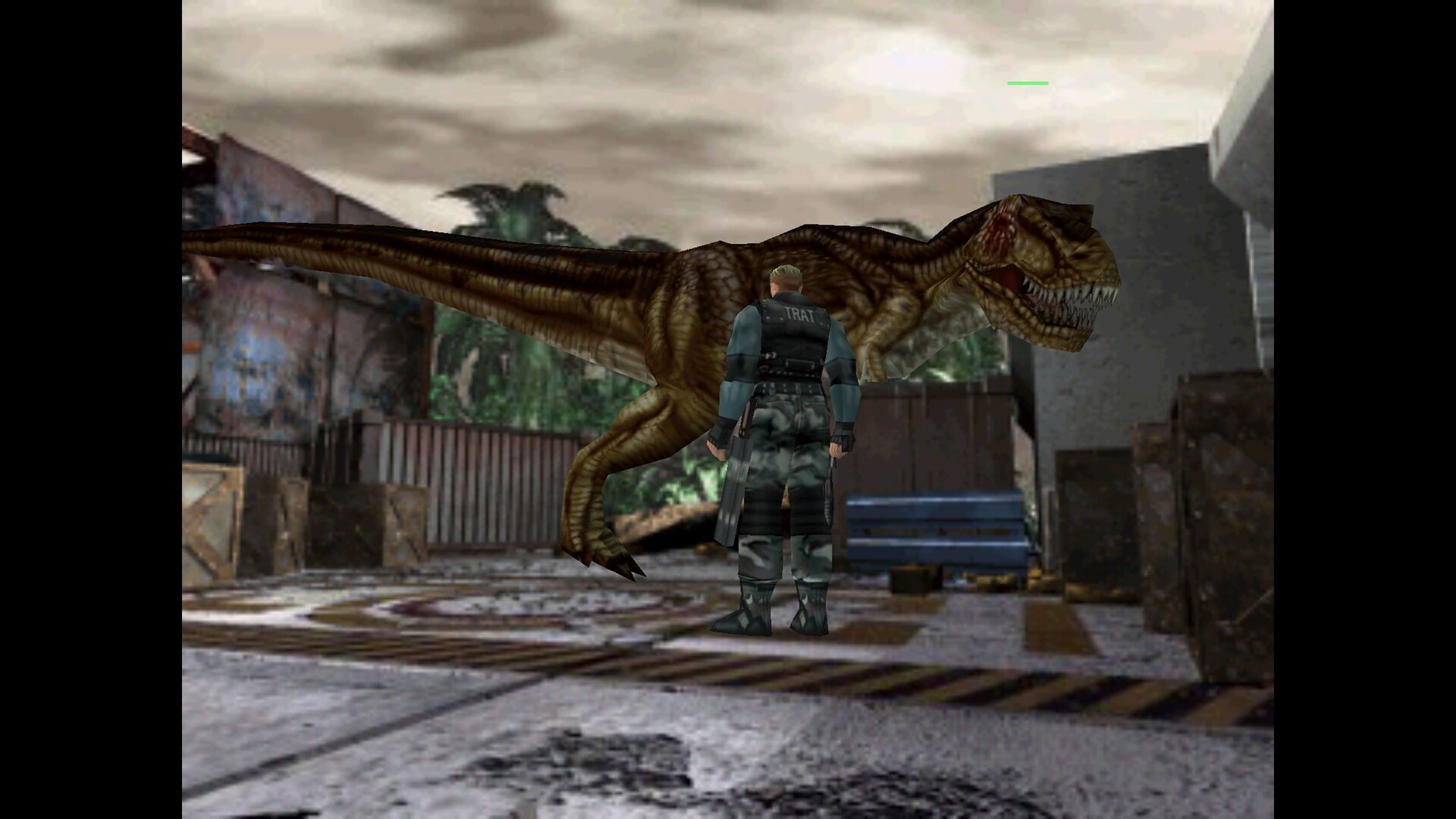
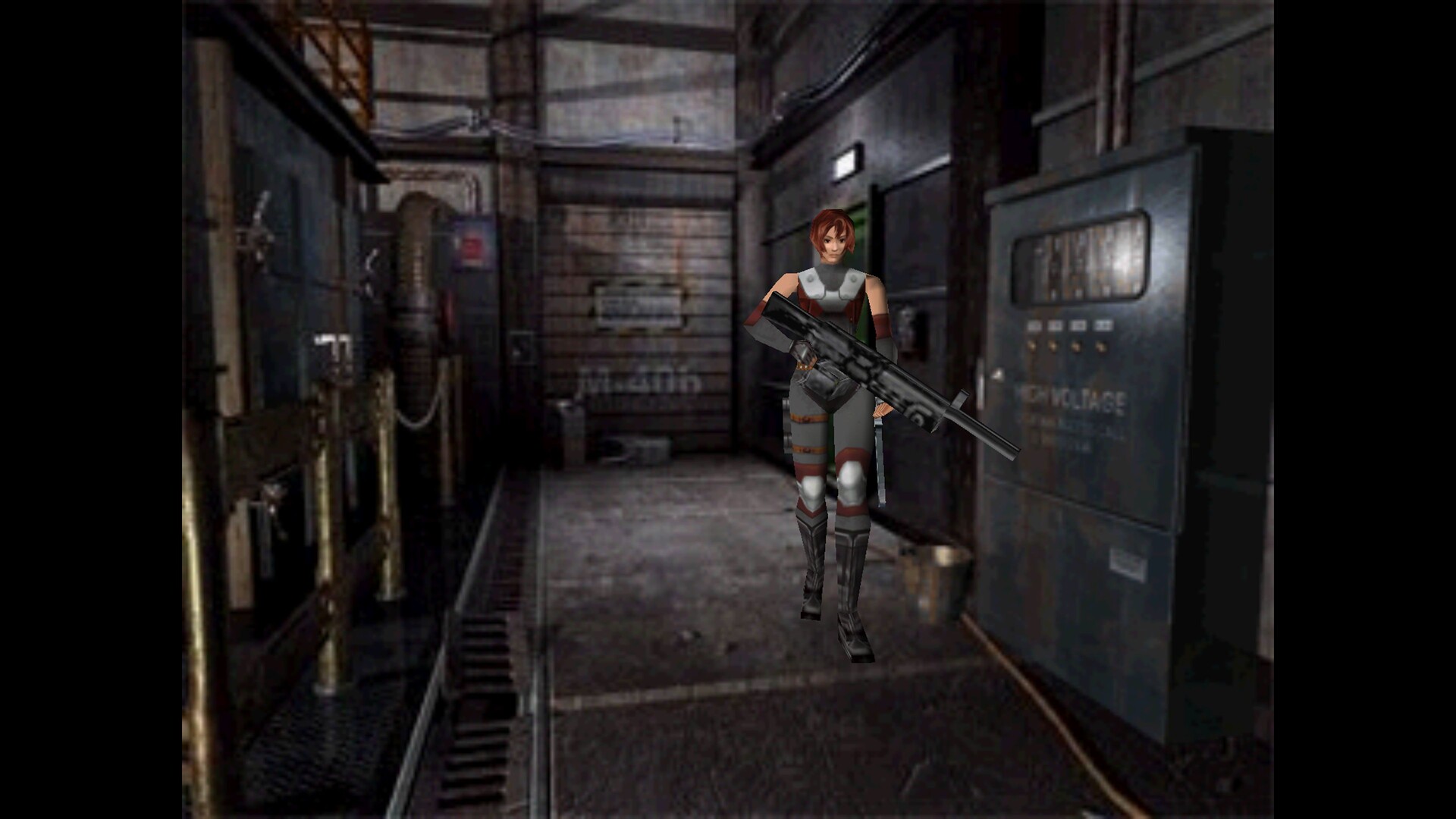
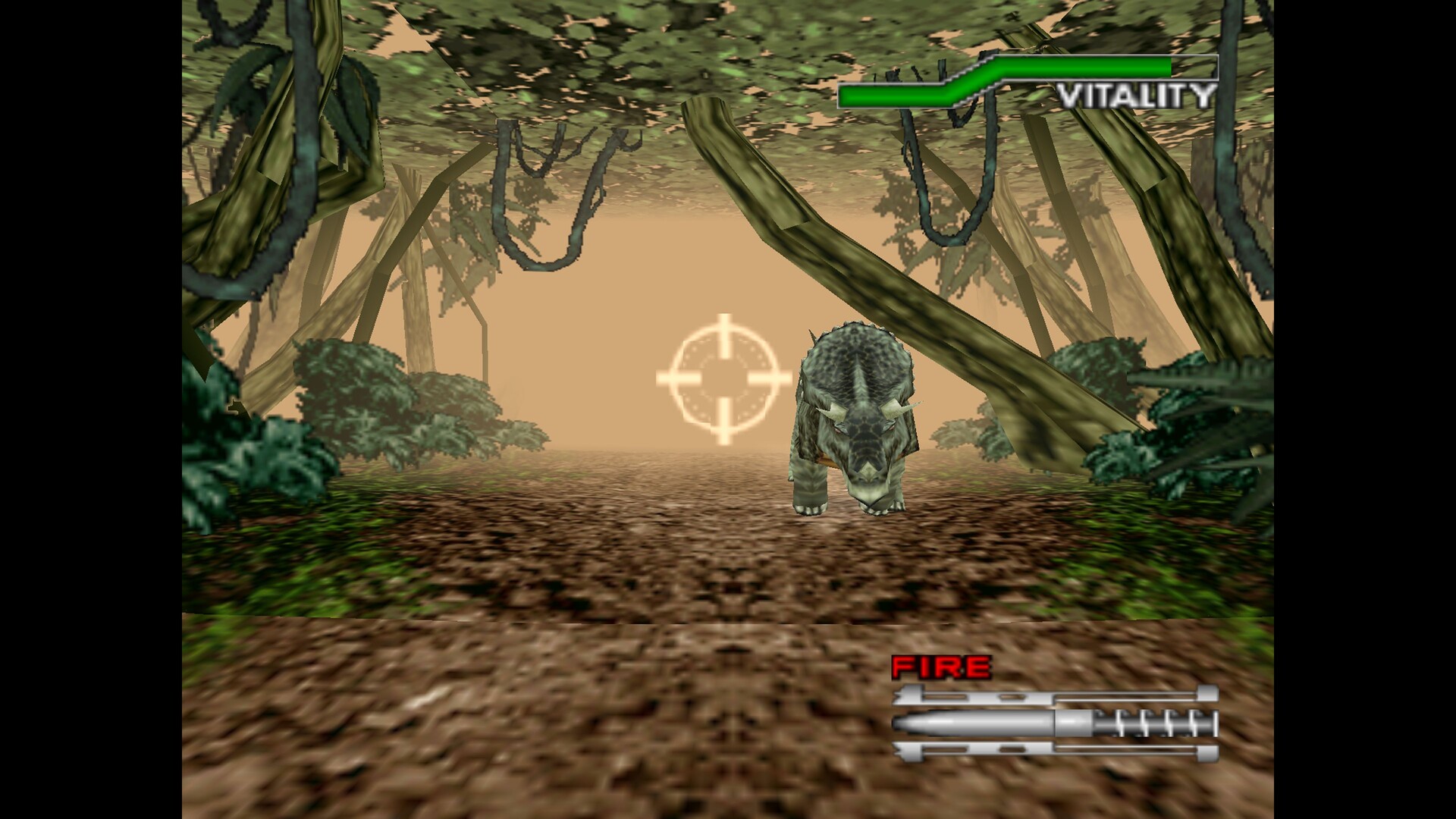
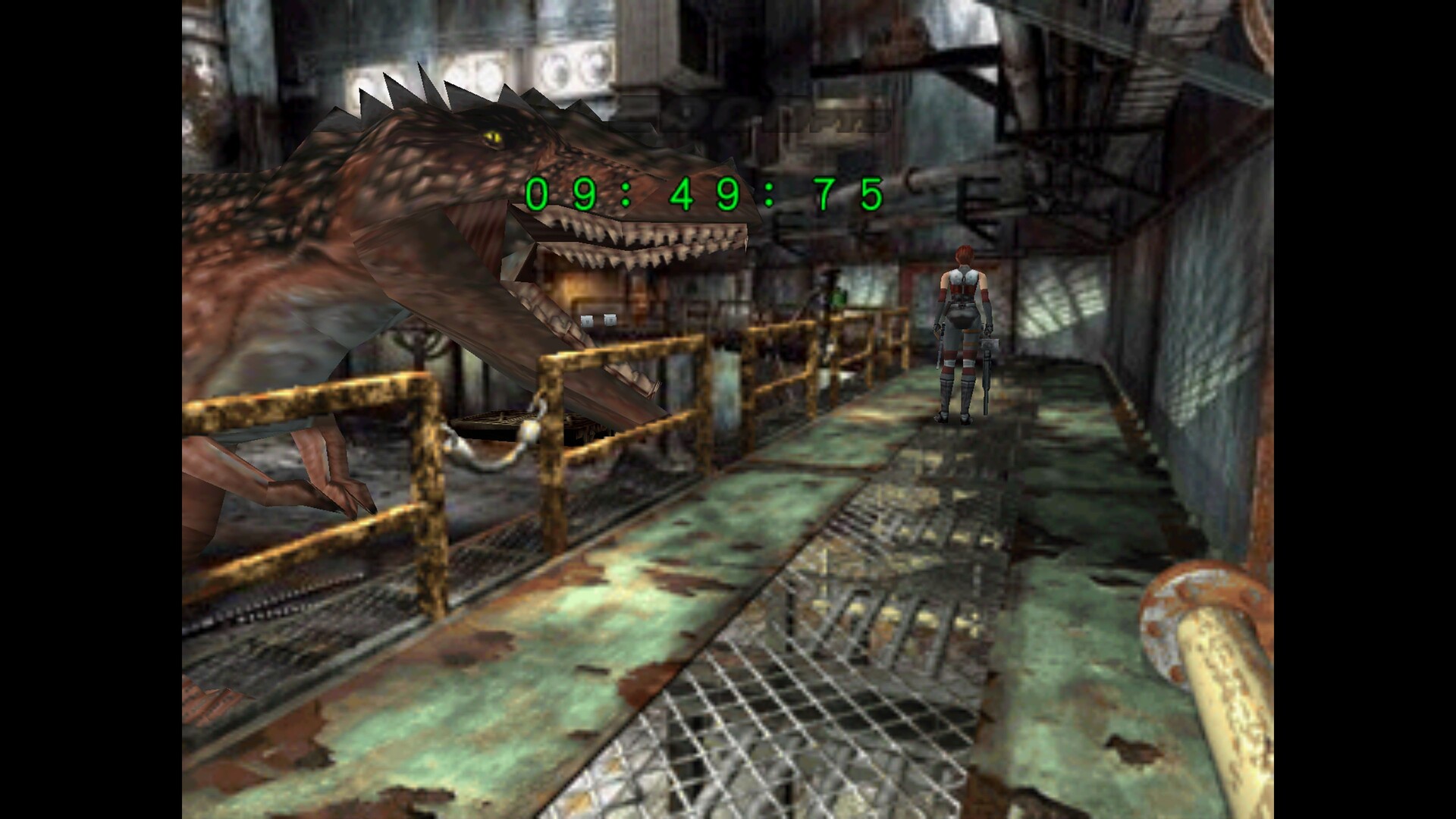
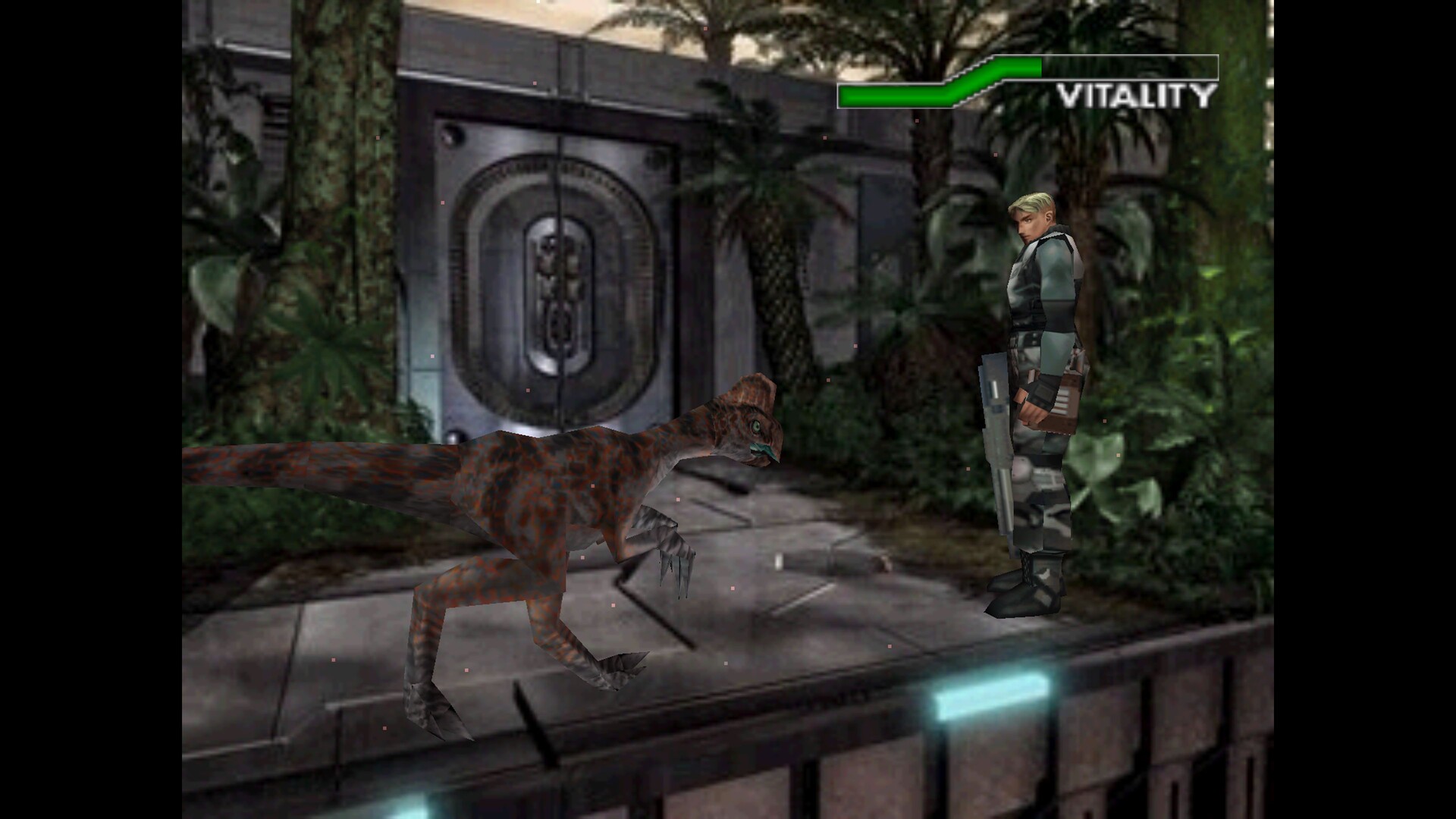
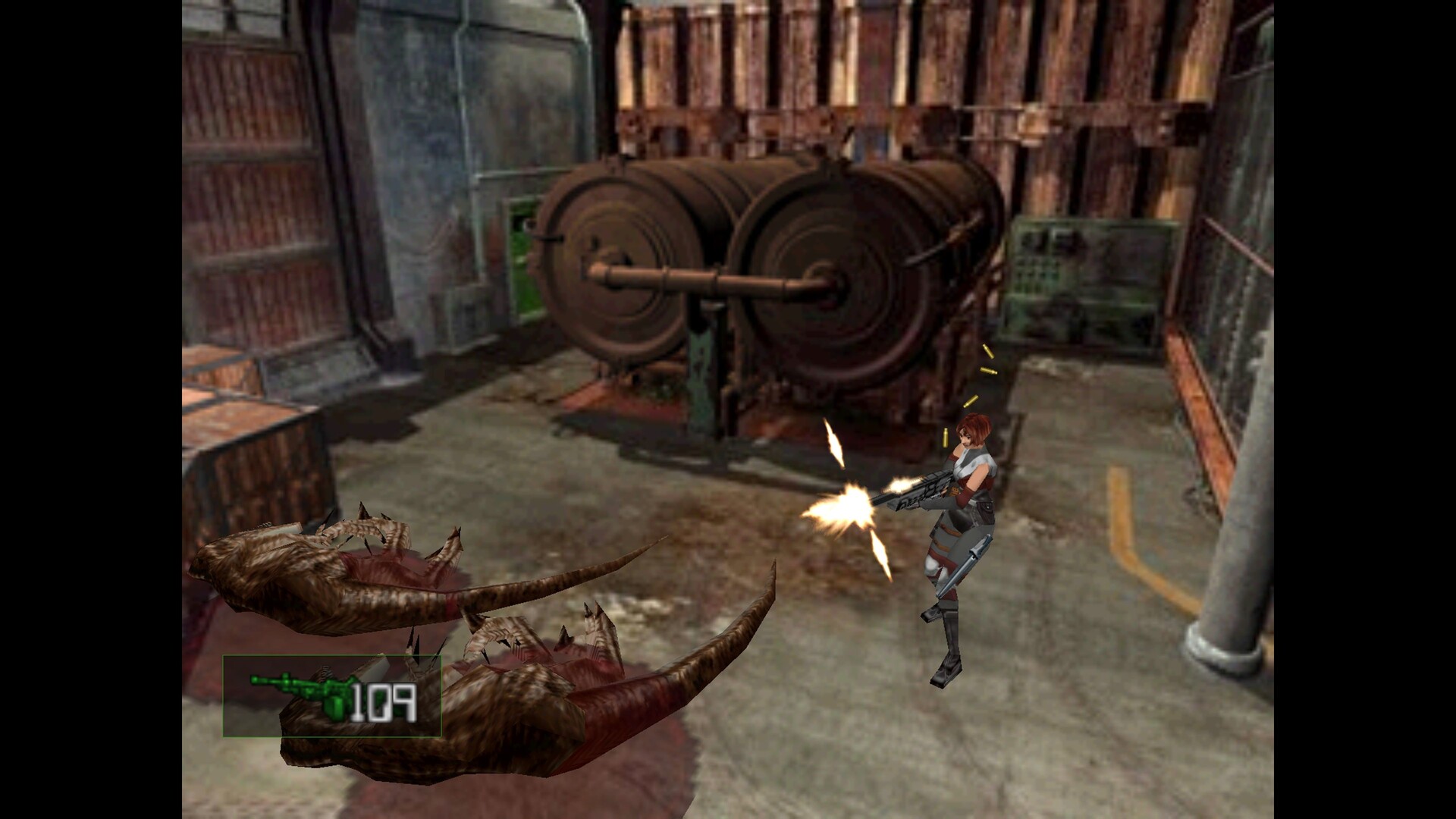
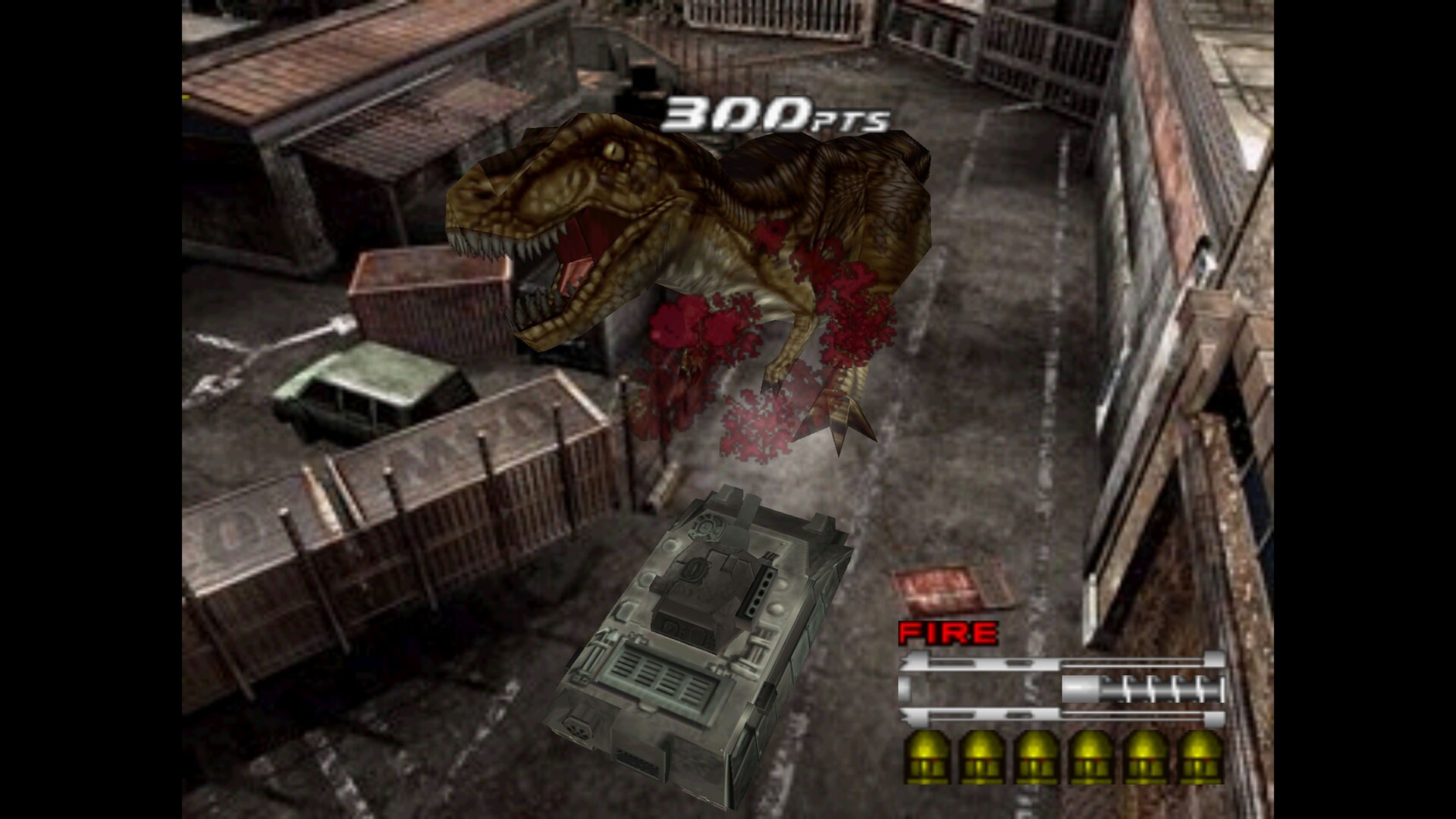
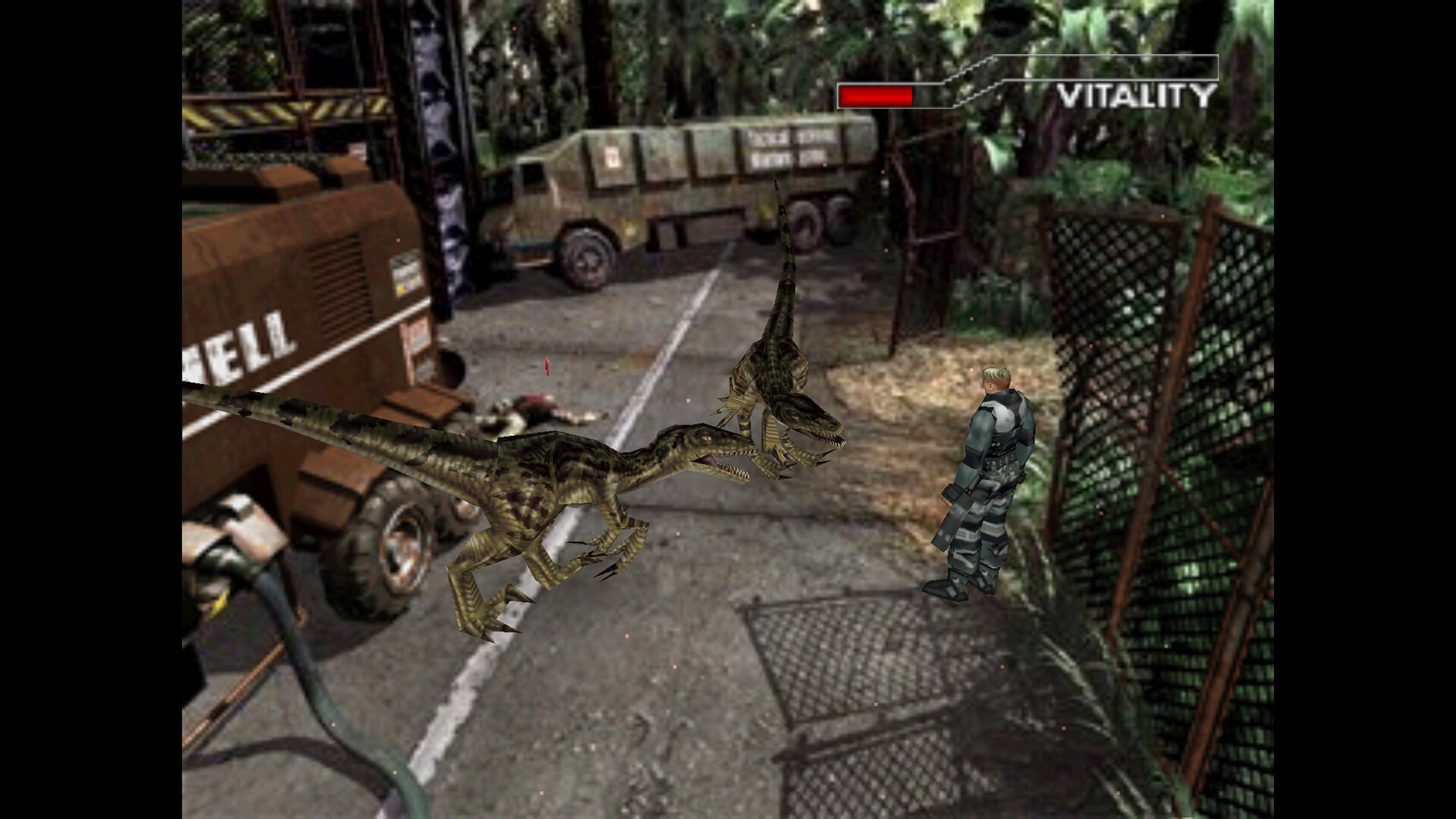
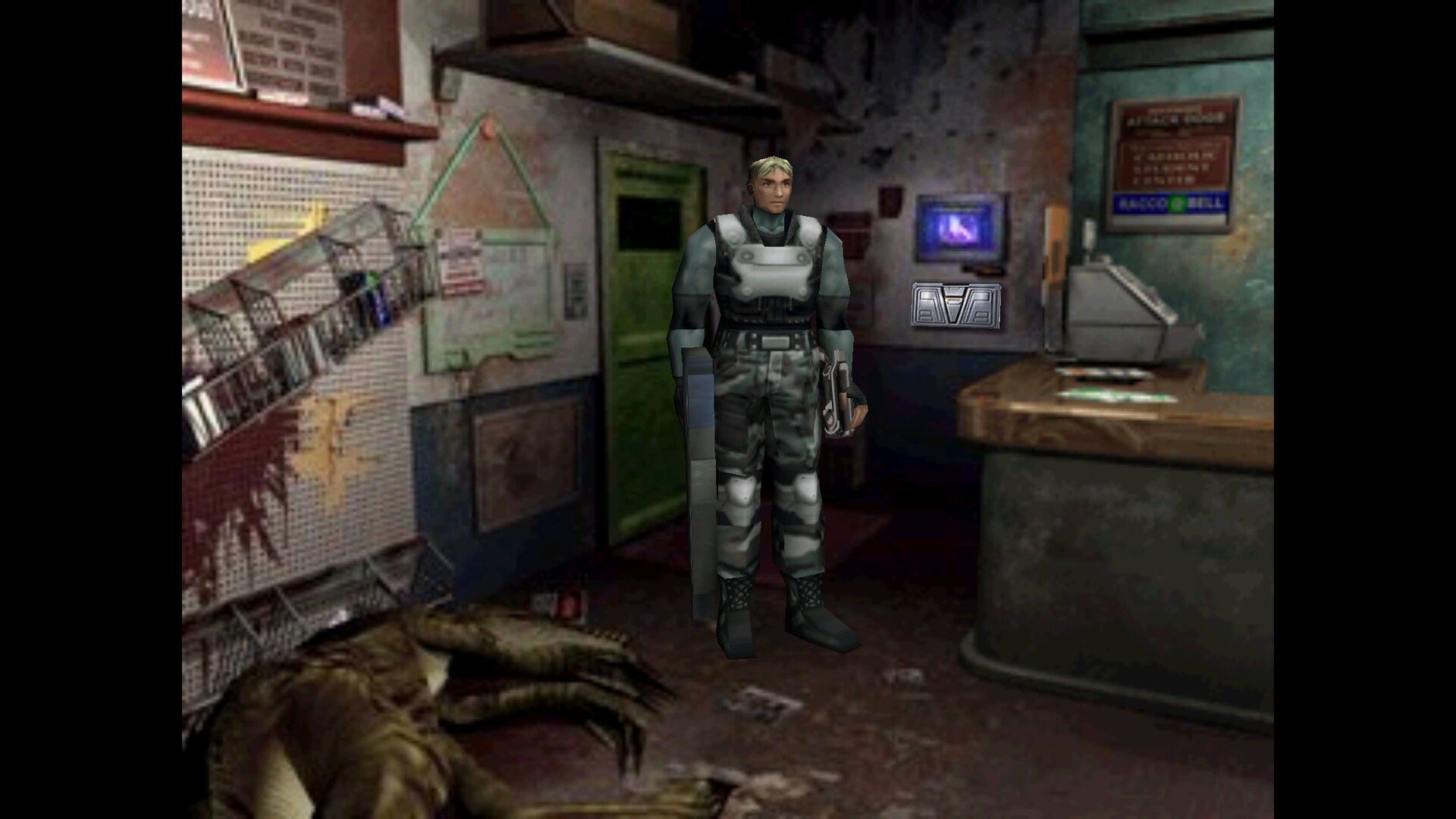
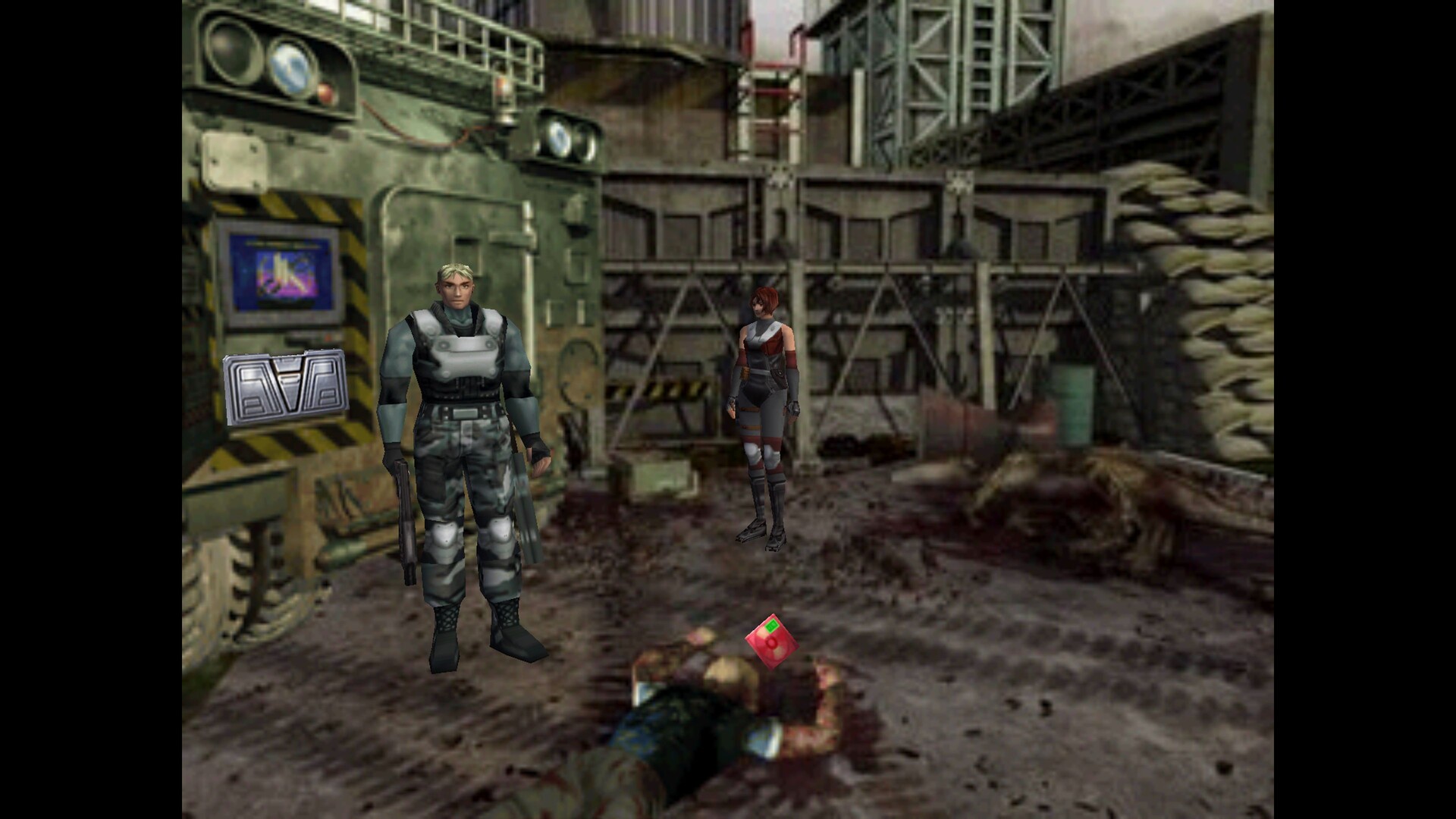
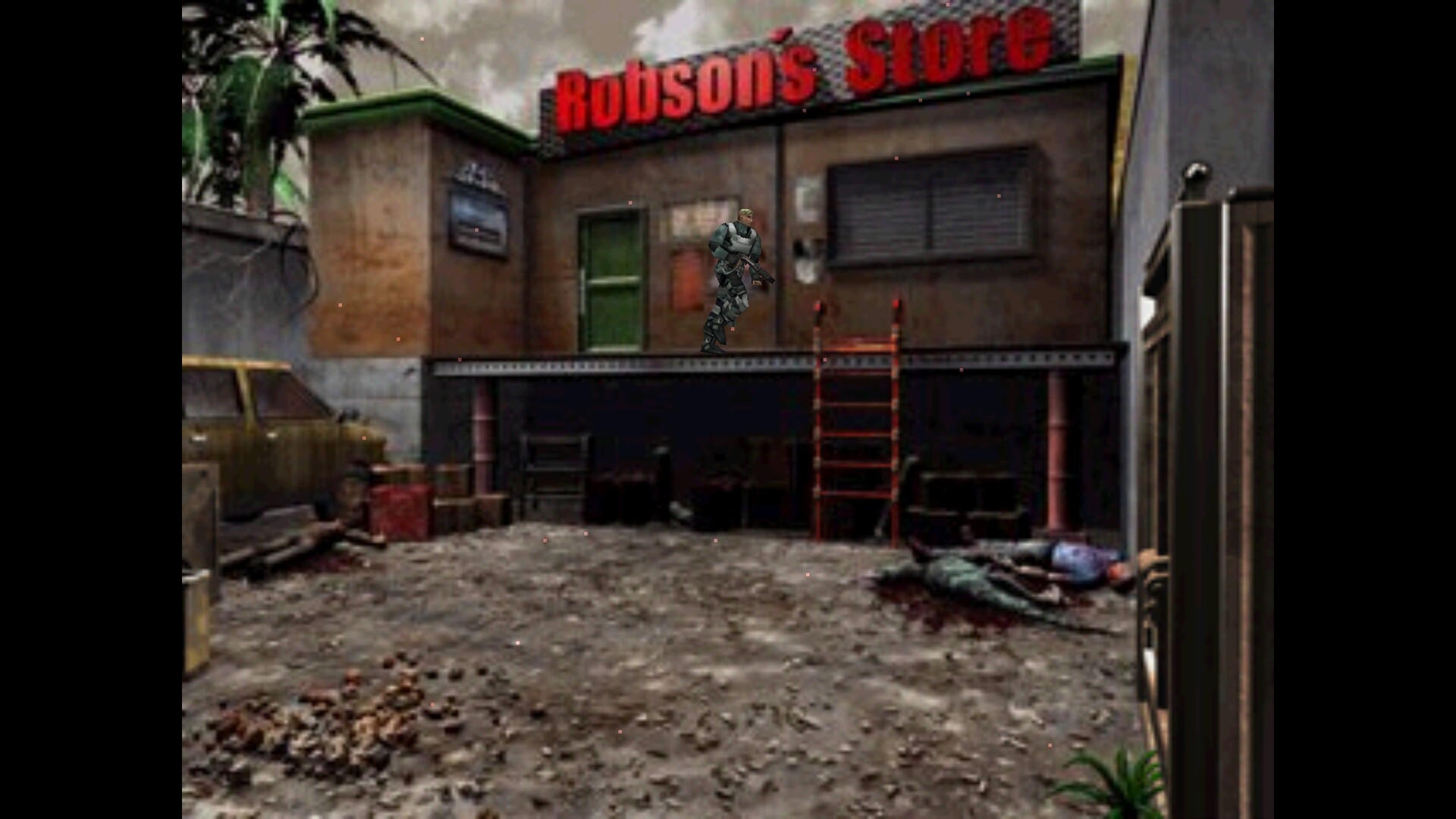
Системные требования Dino Crisis 2 — пойдёт ли на моём ПК?
Чтобы запустить «Dino Crisis 2» на ПК, по данным Steam достаточно минимальной конфигурации: ос Windows 11, озу 8 GB ОЗУ, видеокарта NVIDIA GTX 1660(6GB) or Radeon RX 5600XT(6GB), процессор Intel Core i5 8500 or Ryzen 3 3100 or better. По требованиям к памяти это типичный домашний компьютер прошлых лет — без запаса на максималки.
Если система на грани минимума, снизьте настройки графики и закройте фоновые приложения. Подробный разбор и калькулятор совместимости — по ссылке «Пойдёт ли» в меню страницы.
Минимальные требования
- ОС: Windows 11
- Процессор: Intel Core i5 8500 or Ryzen 3 3100 or better
- Оперативная память: 8 GB ОЗУ
- Видеокарта: NVIDIA GTX 1660(6GB) or Radeon RX 5600XT(6GB)
- DirectX: версии 12
- Место на диске: 2 GB
Гайд и ответы по Dino Crisis 2
Практичные ответы: пойдёт ли на ваш ПК, сколько весит, есть ли русский и можно ли без интернета Плюс ответы на частые вопросы.
Dino Crisis 2 на Steam Deck
«Dino Crisis 2» на Steam Deck — статус Verified/Playable и на что обратить внимание в портативном режиме.
Unsupported — официально не поддерживается
Можно ли играть в Dino Crisis 2 без интернета
Перед поездкой без Wi‑Fi проверьте «Dino Crisis 2» — ниже режимы из Store API Steam.
Да, по данным Steam доступен одиночный режим — игру можно проходить офлайн.
На сколько часов рассчитан Dino Crisis 2?
Steam не публикует официальное время прохождения «Dino Crisis 2». В Steam у «Dino Crisis 2» уже 623 отзывов — там часто пишут о длительности. Ориентируйтесь также на гайды и видео на YouTube.
Можно ли играть в Dino Crisis 2 с контроллером?
У «Dino Crisis 2» частичная поддержка геймпада — не все действия могут быть на контроллере.
Не запускается, вылетает, лагает — Dino Crisis 2
О чём Dino Crisis 2
STORY SECTION A year has passed since the operation to retrieve Dr. Kirk. Third Energy, both a source of "ultimate clean energy" and a potential "ultimate weapon," has proven to be dangerously unpredictable. The government, having taken control of the project from Dr. Kirk, continued its development. Then, the “accident” happened once again. The research city of Edward City was completely destroyed in an explosion from the Third Energy reactor—an event far more catastrophic than the previous accident. In response, the government launched a rescue mission to retrieve the research data and any remaining personnel. To reach Edward City, believed to have been displaced in time by the reactor’s explosion, the government deployed an experimental, untested “time gate” device to send a rescue team back in time. No one could foresee the consequences of this mission—except one person: Regina… Here’s some of the adjustments we made: Full compatibility with Windows 10 and Windows 11. All 2 localizations of the game included (English, Japanese). Easy difficulty, Dino Colosseum and Dino Duel included. Improved DirectX game renderer. New rendering options (Windowed Mode, Vertical Synchronization Control, Gamma Correction, Integer Scaling, Anti-Aliasing and more). Improved music playback and volume scaling. Improved item rendering and fogging. Improved cartridge boxes alignment. Issue-free video playback, task switching and game exit. Support for modern controllers (Sony DualSense, Sony DualShock4, Microsoft Xbox Series, Microsoft Xbox One, Microsoft Xbox 360, Nintendo Switch, Logitech F series and many more) with optimal button binding regardless of the hardware and wireless mode. Graphic Option Settings Overview "Display mode" - Provides the control over monitor resolution and refresh rate. "Presentation" - Provides the control over presentation mode (fullscreen / windowed). "Aspect ratio correction" - Provides the control over image aspect ratio correction. "Scaling method" - Provides the control over image scaling mode (how image is scaled on a monitor). "Vertical synchronization" - Provides the control over vertical synchronization (frame synchronization). "Gamma Correction” - Provides the control over gamma correction (image brightness). "Anisotropic filtering" - Provides the control over anisotropic texture filtering technique (texturing quality). "Antialiasing" - Provides the control over anti-aliasing technique (3D geometry edges smoothing). ※WARNING※ The difference of each settings may be difficult to distingush depending on the environment As is now tradition, let’s take a trip down memory lane and revisit how Dino Crisis 2 was described back in 2000: In addition to “Regina,” the main character continues from the previous work, “Dylan” also makes an appearance The number of weapons you can handle has increased, so use the characteristics of each to overcome difficult challenges! More than 10 types of dinosaurs. The number of dinosaurs attacking at once has doubled! The game takes place in the world of the Cretaceous Period...…