
DreamDasher
Про игру
Место в каталоге, подборки и покупка
«DreamDasher» — проект с акцентом на одиночное прохождение — для коротких вечерних сессий и нестандартных идей.
- одиночное прохождение
Где искать ещё
«DreamDasher» попала в 4 тематических подборок PlayGuide («Топ игр Steam», «Новинки Steam» и др.) — ссылки ниже. Также на странице: скриншоты, сравнение с похожими, FAQ и раздел про проблемы с запуском.
Цена и платформы
Оформить «DreamDasher» можно в Steam — цена и скидки обновляются на карточке магазина.
- Бесплатно
Краткая информация о DreamDasher
Платформы
Особенности
Теги Steam


Сообщество и сервисы Steam — DreamDasher
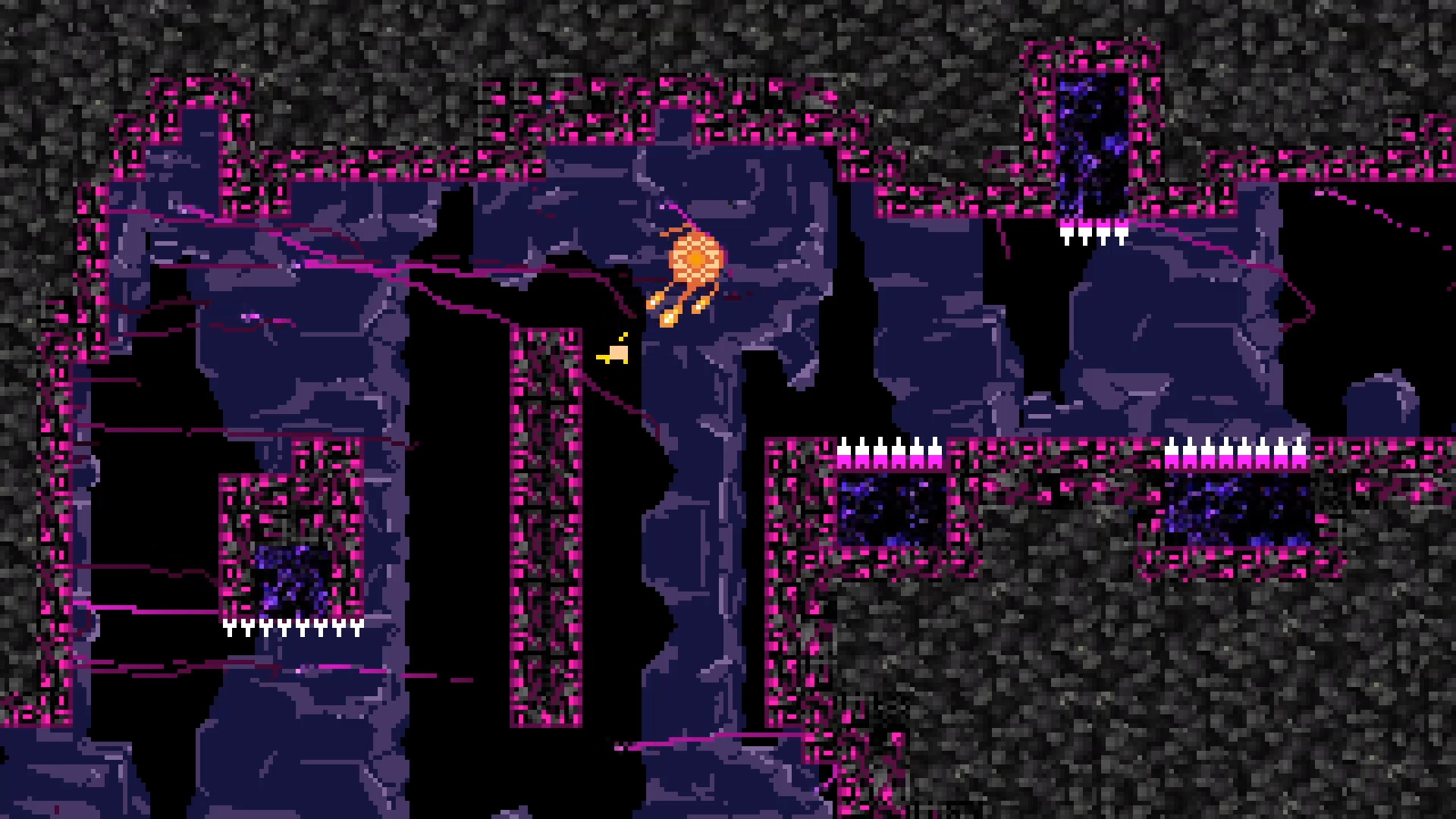
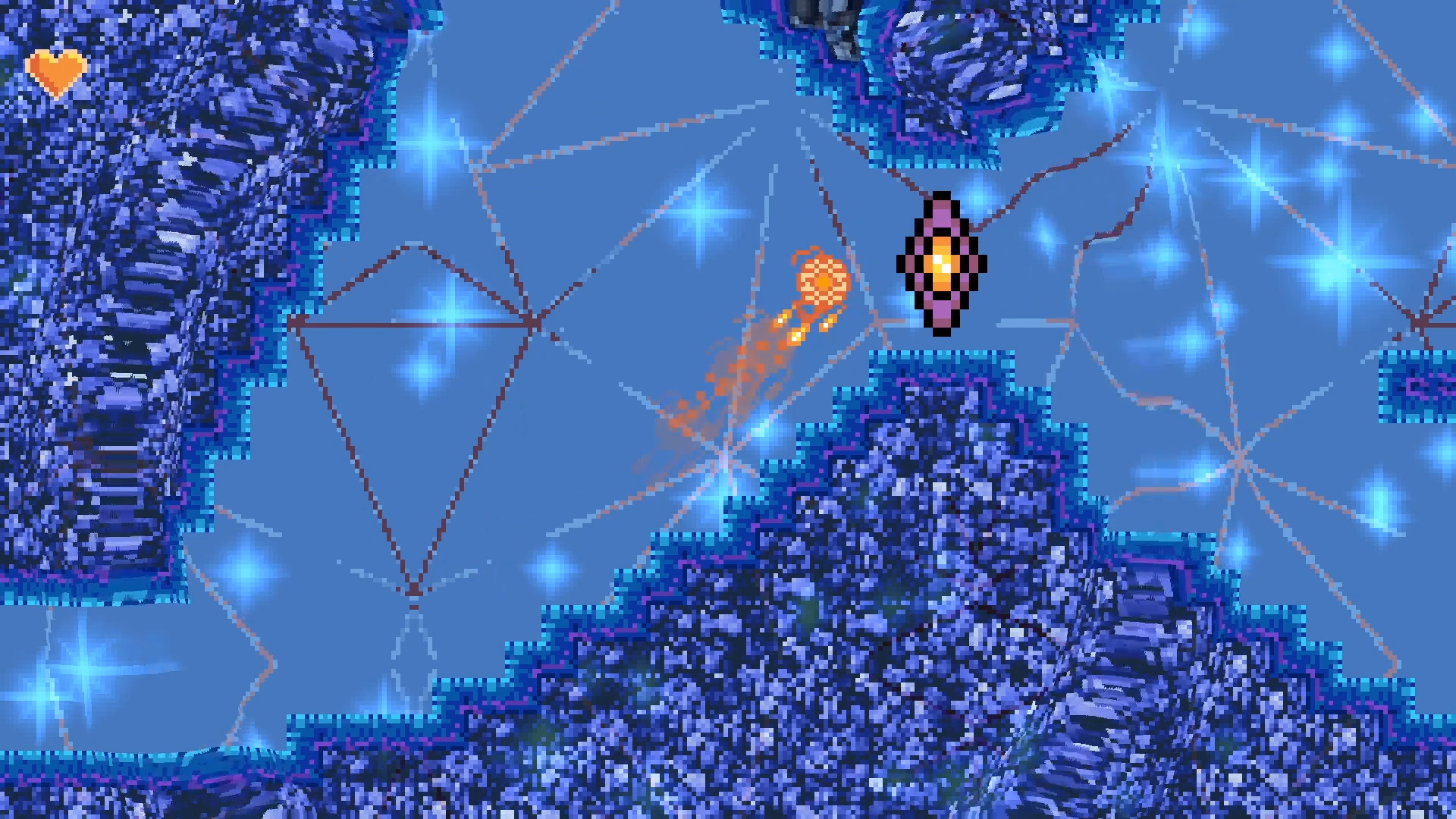
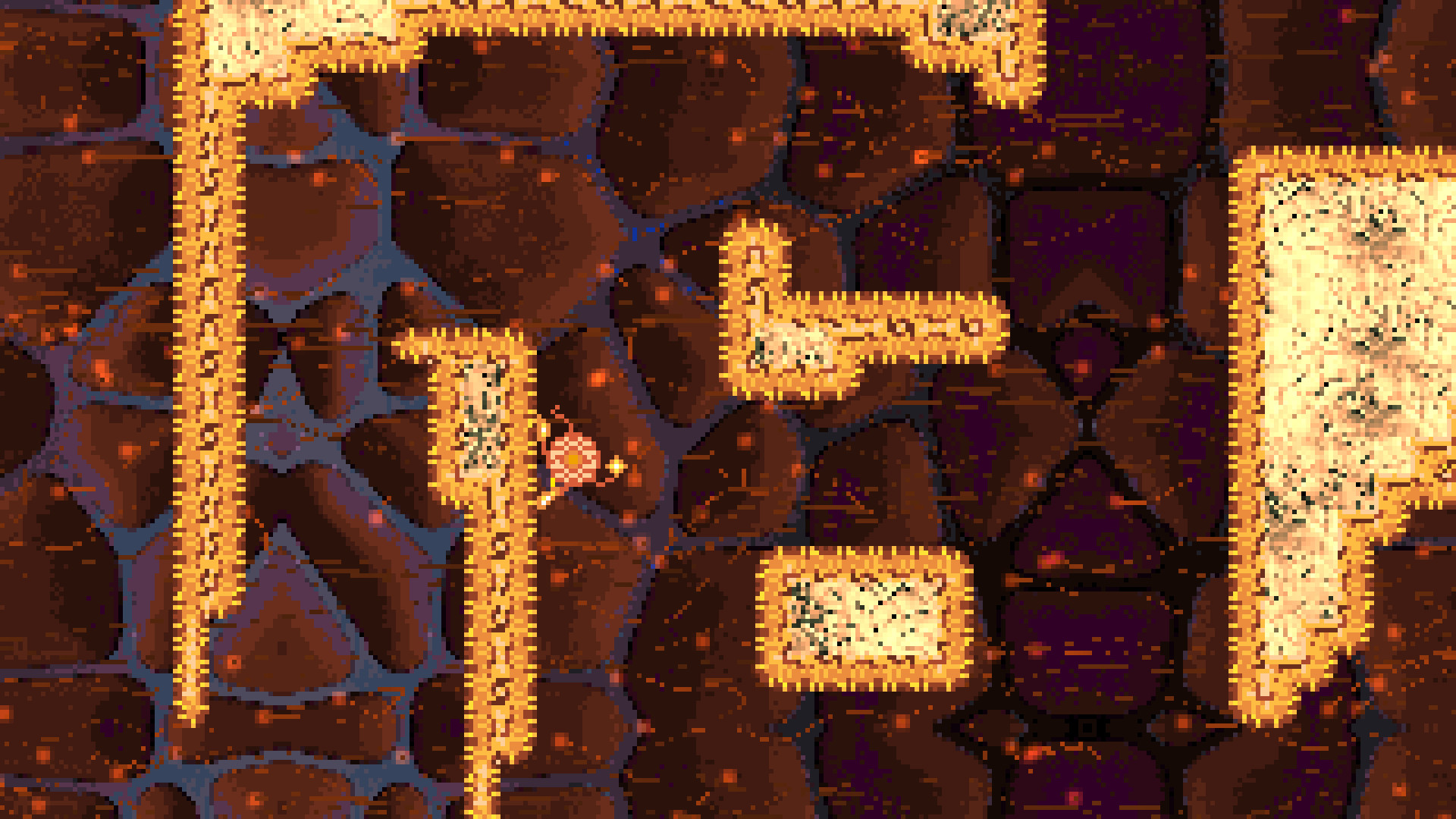
Скриншоты DreamDasher
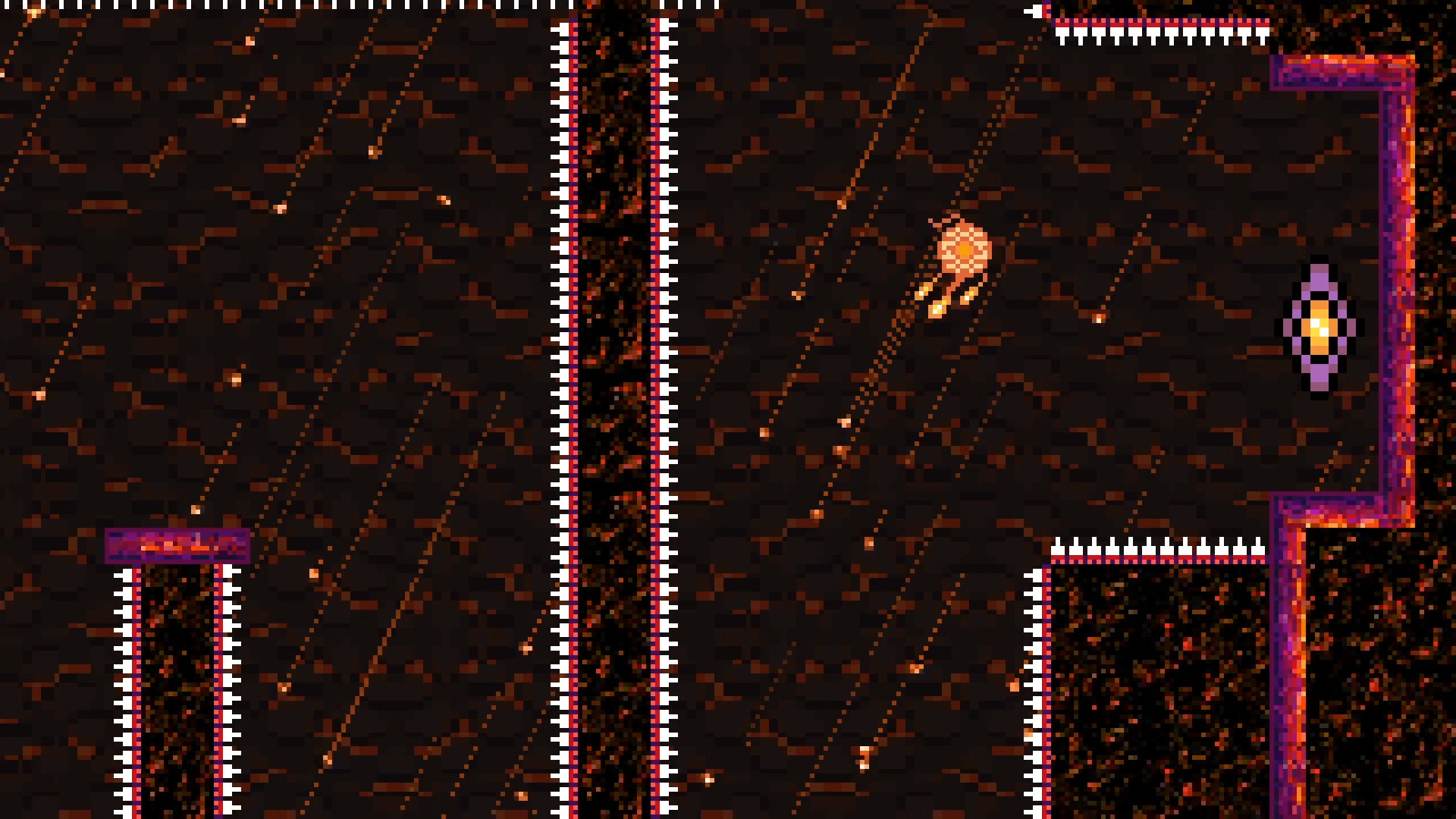
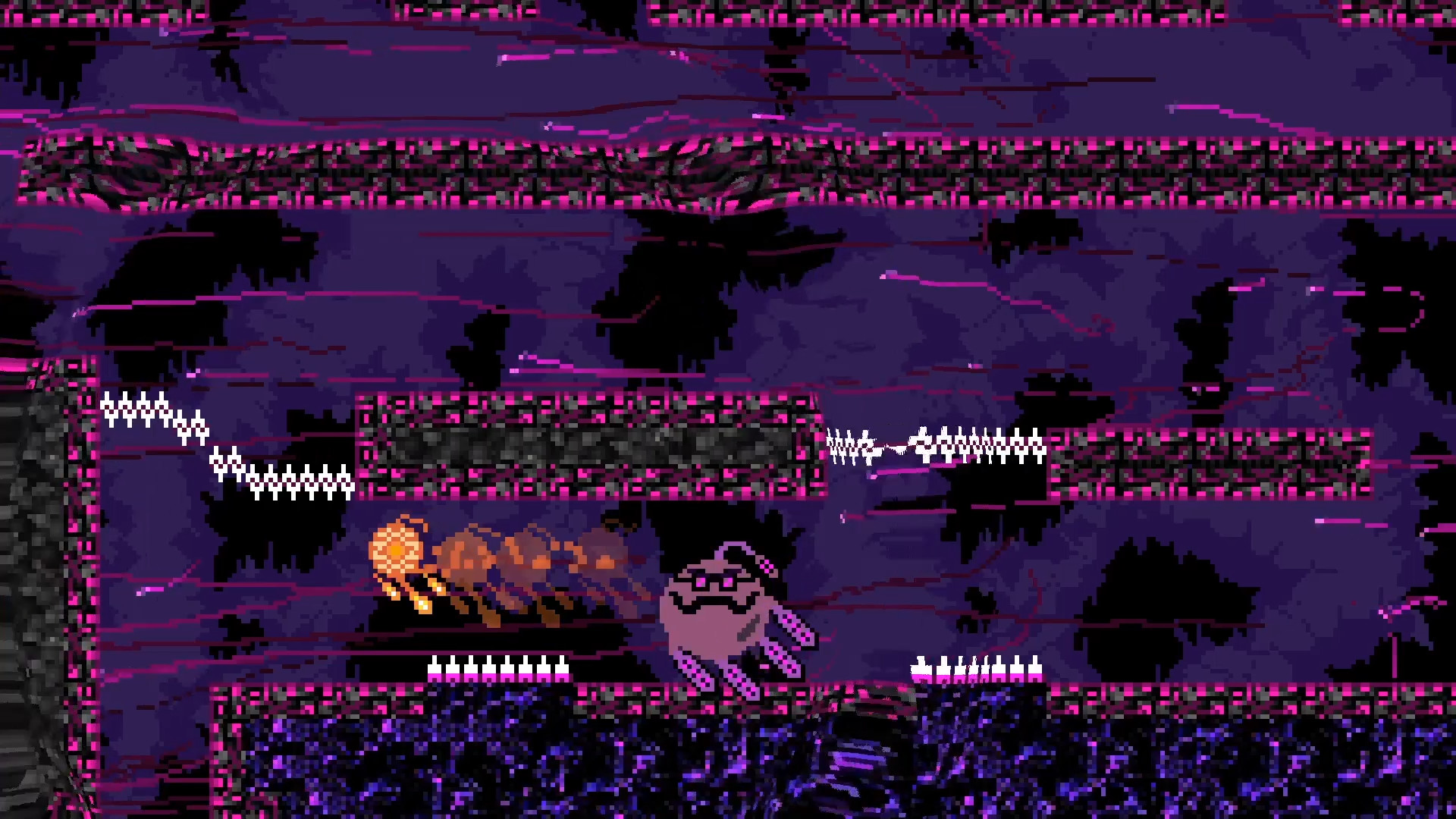
Системные требования DreamDasher — пойдёт ли на моём ПК?
Чтобы запустить «DreamDasher» на ПК, по данным Steam достаточно минимальной конфигурации: ос Windows 10, озу 512 MB ОЗУ, процессор 1Ghz or faster, место на диске 150 MB.
Если система на грани минимума, снизьте настройки графики и закройте фоновые приложения. Подробный разбор и калькулятор совместимости — по ссылке «Пойдёт ли» в меню страницы.
Минимальные требования
- 64-разрядные процессор и операционная система
- ОС: Windows 10
- Процессор: 1Ghz or faster
- Оперативная память: 512 MB ОЗУ
- Место на диске: 150 MB
Рекомендуемые требования
- 64-разрядные процессор и операционная система
Гайд и ответы по DreamDasher
Требования, размер, язык, Steam Deck и офлайн — кратко по данным Steam Плюс ответы на частые вопросы.
DreamDasher на Steam Deck
«DreamDasher» на Steam Deck — статус Verified/Playable и на что обратить внимание в портативном режиме.
Статус Steam Deck не указан
Можно ли играть в DreamDasher без интернета
Перед поездкой без Wi‑Fi проверьте «DreamDasher» — ниже режимы из Store API Steam.
Да, по данным Steam доступен одиночный режим — игру можно проходить офлайн.
Нужно ли платить за DreamDasher?
«DreamDasher» распространяется бесплатно в Steam.
Работает ли геймпад в DreamDasher?
«DreamDasher» в Steam отмечена с полной поддержкой геймпада.
Сколько длится DreamDasher?
Steam не публикует официальное время прохождения «DreamDasher». Ориентируйтесь также на гайды и видео на YouTube.
Не запускается, вылетает, лагает — DreamDasher
О чём DreamDasher
Major Update v2.1 Sept 2024
This major update v2.1 revamps dashing, jumping, knock-back, battles, along with additional bug fixes. These are all improvements based on player feedback. Thank you for all of your input!
Game
The Dreamworld has been infected! It is up to you to explore the Dreamworld as the DreamDasher, discover its secrets, and defeat the Nightmare.
This game was inspired by our favorite modern platformer games. They inspired us to head down this journey and to make and share this short adventure for free.
The game is designed to be played with a Controller (e.g., Xbox, PlayStation, Switch Pro). The game does provide keyboard controls as well as touch screen for touch screen devices, but please be aware that the keyboard and touchscreen inputs are harder to use.
For any issues, please send email to support@c3bgames.com with the details. Thanks!
Key Features
• Single player, free, no ads game.
• This is a Short Story adventure that typically takes between 1-2 hours to complete.
• Parkour Platformer with precise and simple controls: jump, air-dash, wall-slide, and invert-gravity.
• Dashing is key for the DreamDasher. You can also fly through the air and overcome obstacles as you control gravity.
• Instantaneous nearby respawning.
• Supports a wide range of difficulty levels (Easy to Nightmare Mode), and additional Difficulty Modifiers for adjusting the difficulty settings of the game further.
• Frequent autosaving to load where you left off.
• Supports remapping controller, keyboard and mouse controls
Tips
• You gain abilities as you progress through the story
• Pressing the same key/button as you use for Jump advances you through the Dialog
• The longer you hold the jump key/button the higher DreamDasher will jump
• To reach the highest heights, first jump and then dash when in the air. Dash allows DreamDasher to reach additional heights when performed after you've Jumped into the air
• Wall Jump DreamDasher to go up a passage way. This consists of pressing the jump key/button when you are on the wall and at the same time pressing the joystick/key in the oppositive direction of the wall you are jumping off of.
• DashAttack and Gravity can only be performed once between touching the ground. There are indicators showing if DreamDasher has its DashAttack and/or Gravity available. If DashAttack is availble you will see an Orange glow around DreamDasher. If Gravity change is available, you will see Orange vapors coming out of the top of DreamDasher. These will disappear when you've consumed your DashAttack and/or Gravity change while in the air until you touch the ground again.
• Dash is your attack when needed
• Press the joystick/controls against a wall to slowly slide down the wall. While wall sliding, you can also press the joystick or key in the down direction of DreamDasher while on the wall to slide faster down the wall.
Hints
• Towards the end of the game Nightmare has two types of laser attacks. The first is a sweeping laser, and you can Dash through the sweeping laser unharmed. The second is a tracking laser that tracks DreamDashers movement, and it charges over a couple of seconds and then fires. The tracking laser can be avoided by hiding behind objects when it is about to fire.
• When trying to find all of the Crystals, look for secret passage ways (they will look different) when in the Blue level/rooms.
Difficulty Settings
• Difficulty - Supports 4 difficulty levels (Easy, Normal, Hard, Nightmare) which adjust the damage and speed of action during the game
• The following Difficulty Modifiers allow you to further adjust the difficulty of the game. Turning on any of the below Difficulty Modifiers can result in some achievements not being obtainable
• Difficulty Modifier Game Speed - Allows you to slow down or increase the overall speed of the game. Default value is 1
• Difficulty Modifier Dash - Allows you to turn on Dash early as well as set it to infinite dashes (allows you to fly).…