
DYE
Про игру
Место в каталоге, подборки и покупка
«DYE» заточена под одиночное прохождение — для коротких вечерних сессий и нестандартных идей.
- одиночное прохождение
В каталоге
Игра есть в 4 подборках каталога («Топ игр Steam», «Новинки Steam» и др.); ниже ссылки. На странице «DYE» также требования к ПК, скриншоты, FAQ и типичные ошибки запуска.
Покупка и платформы
«DYE» — покупка и установка через Steam; страницу можно добавить в список желаемого.
- −84%
- 21 ₽
Краткая информация о DYE
Платформы
Особенности
Теги Steam


Скриншоты DYE
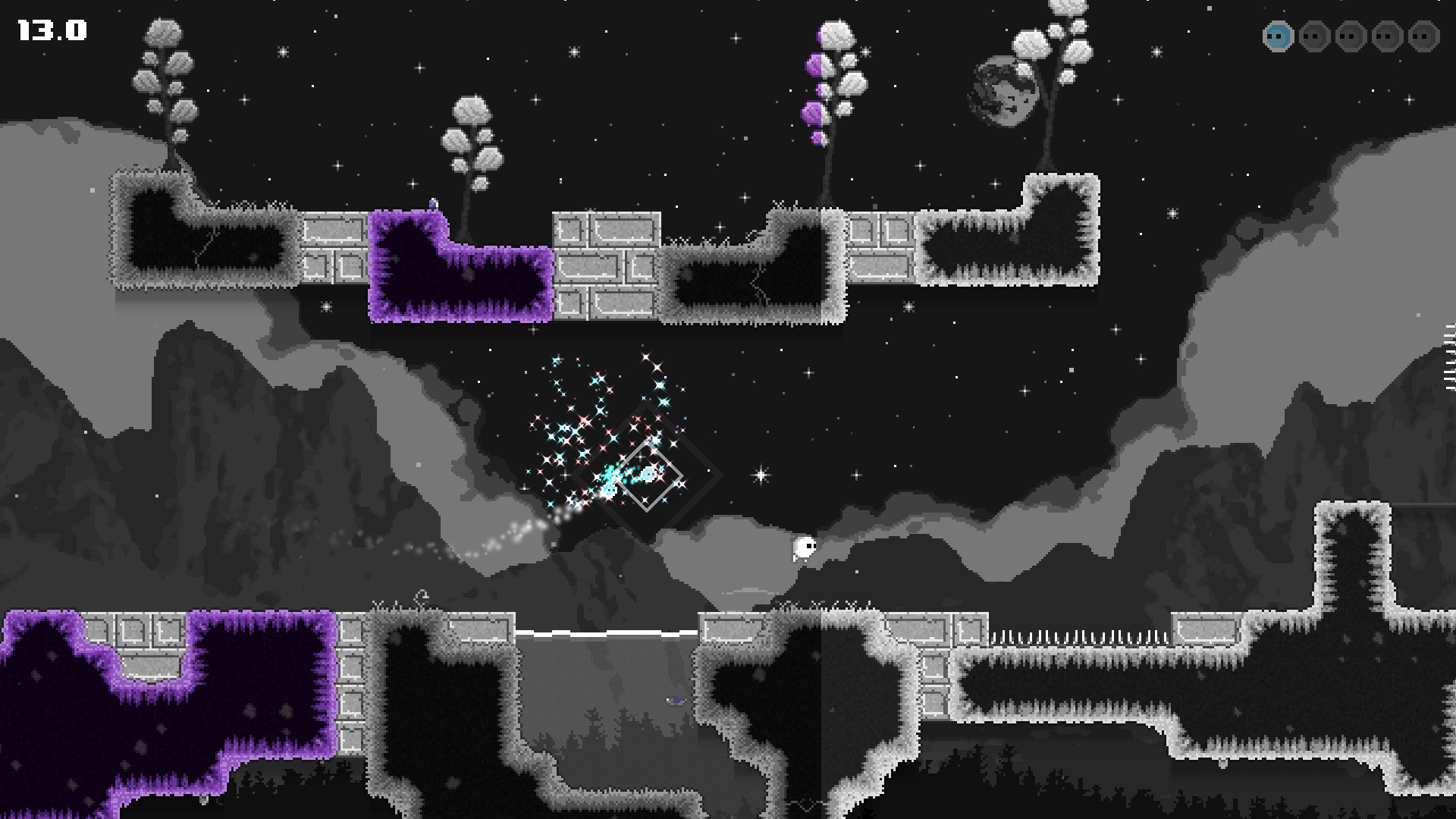

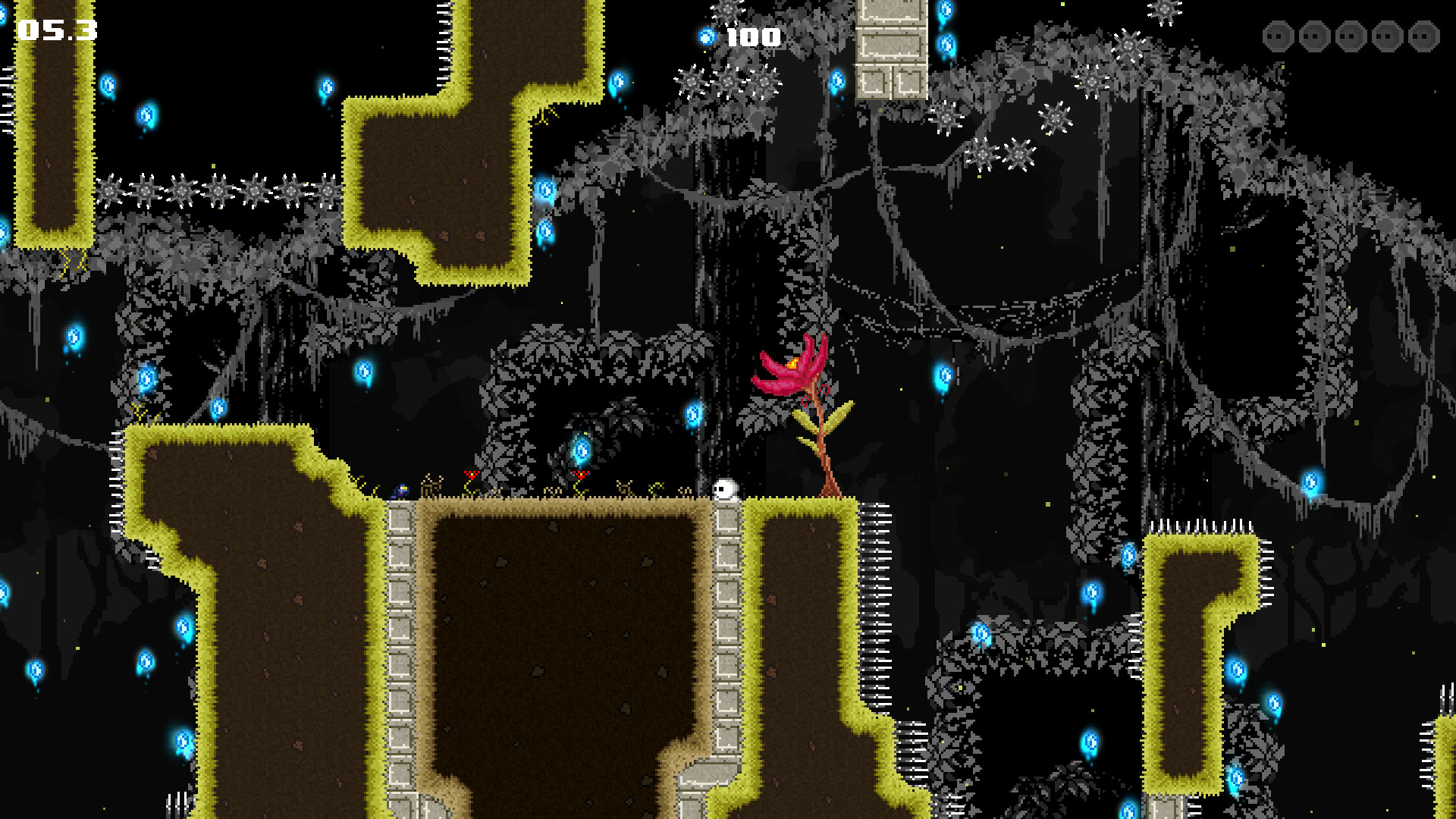
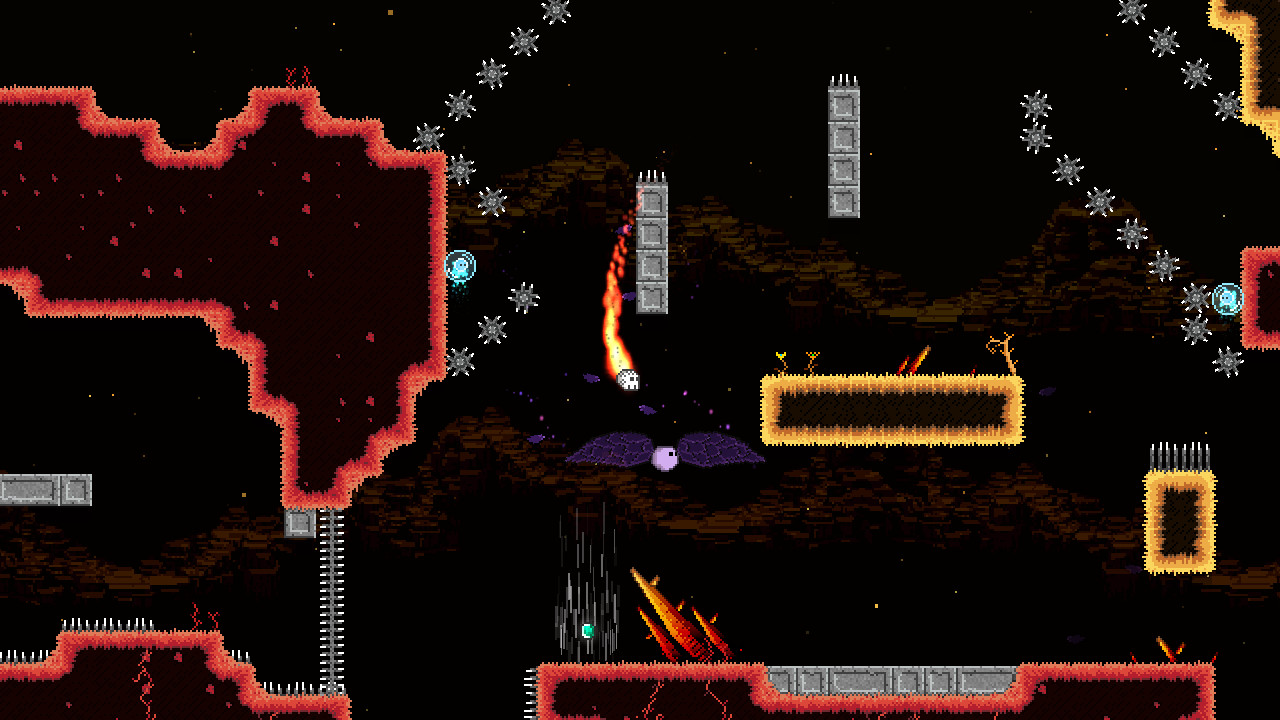
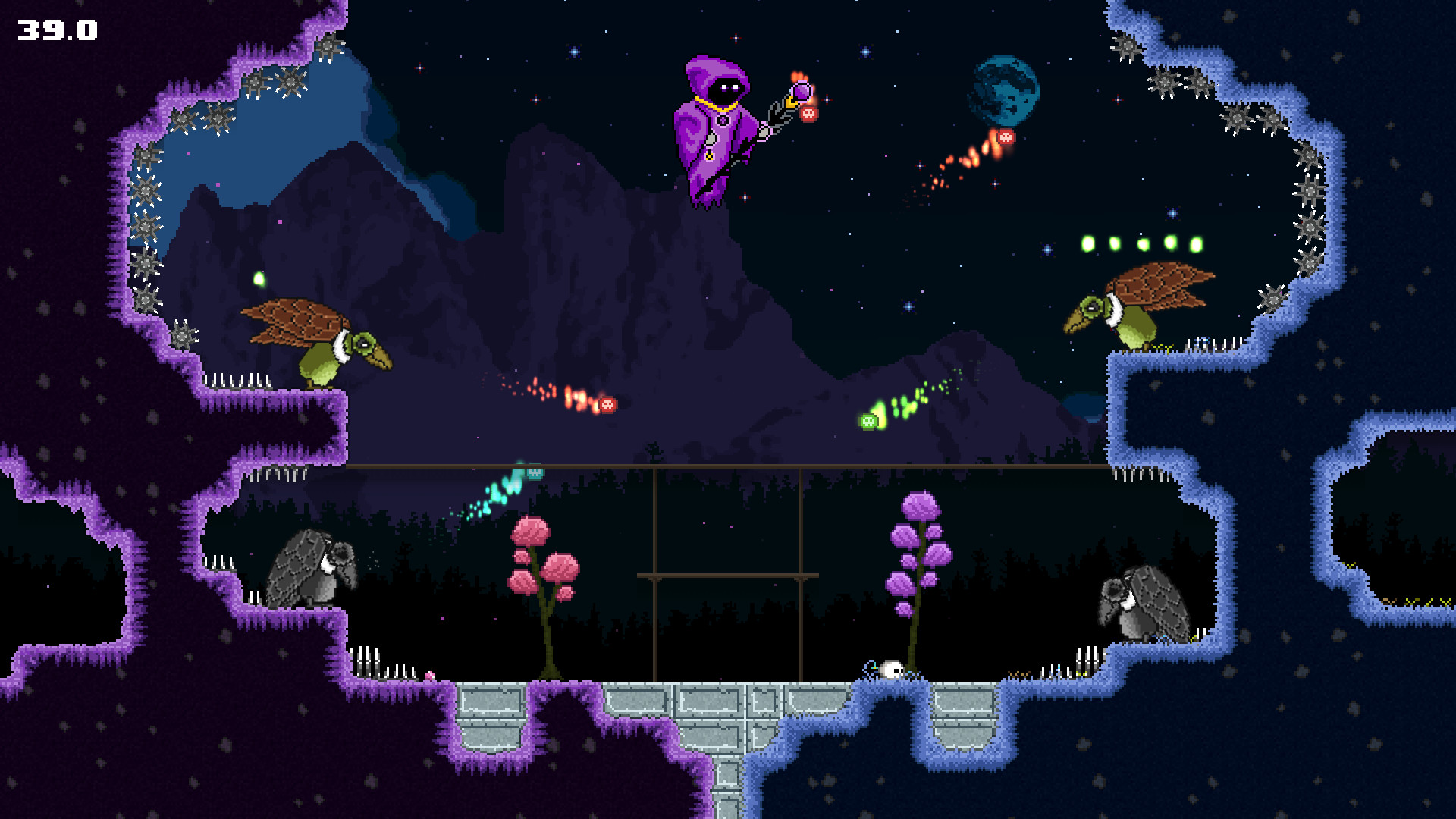
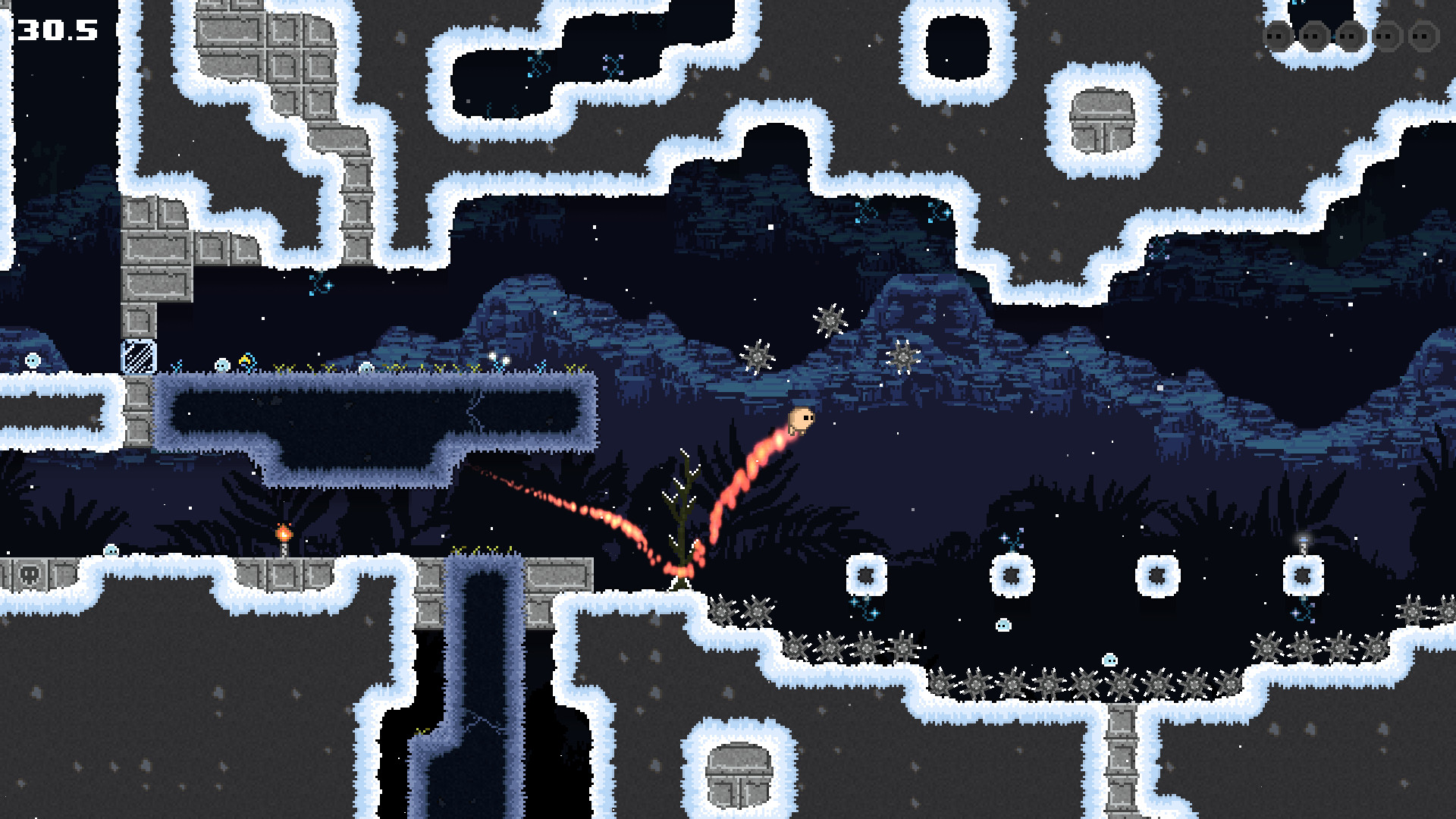
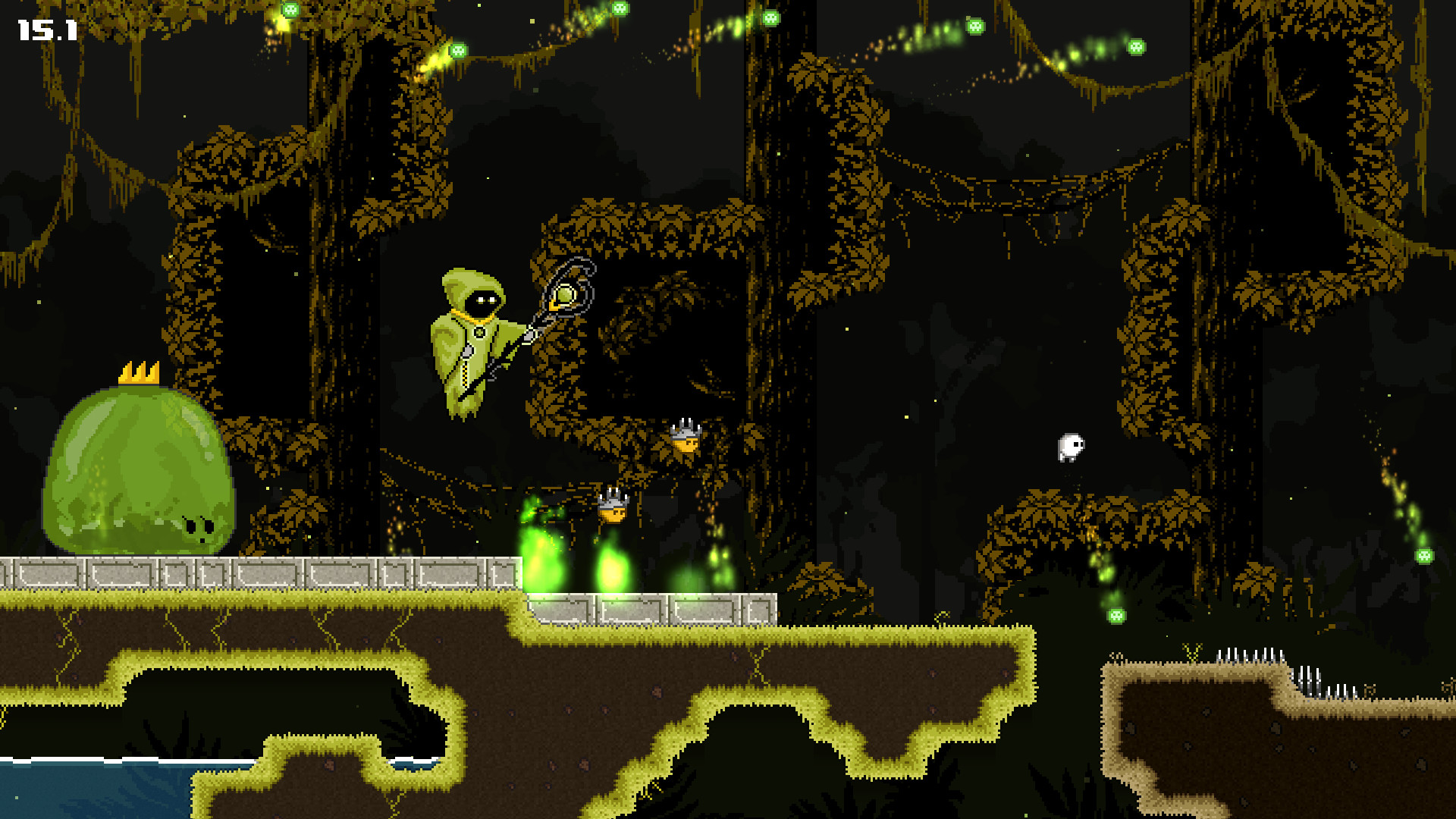
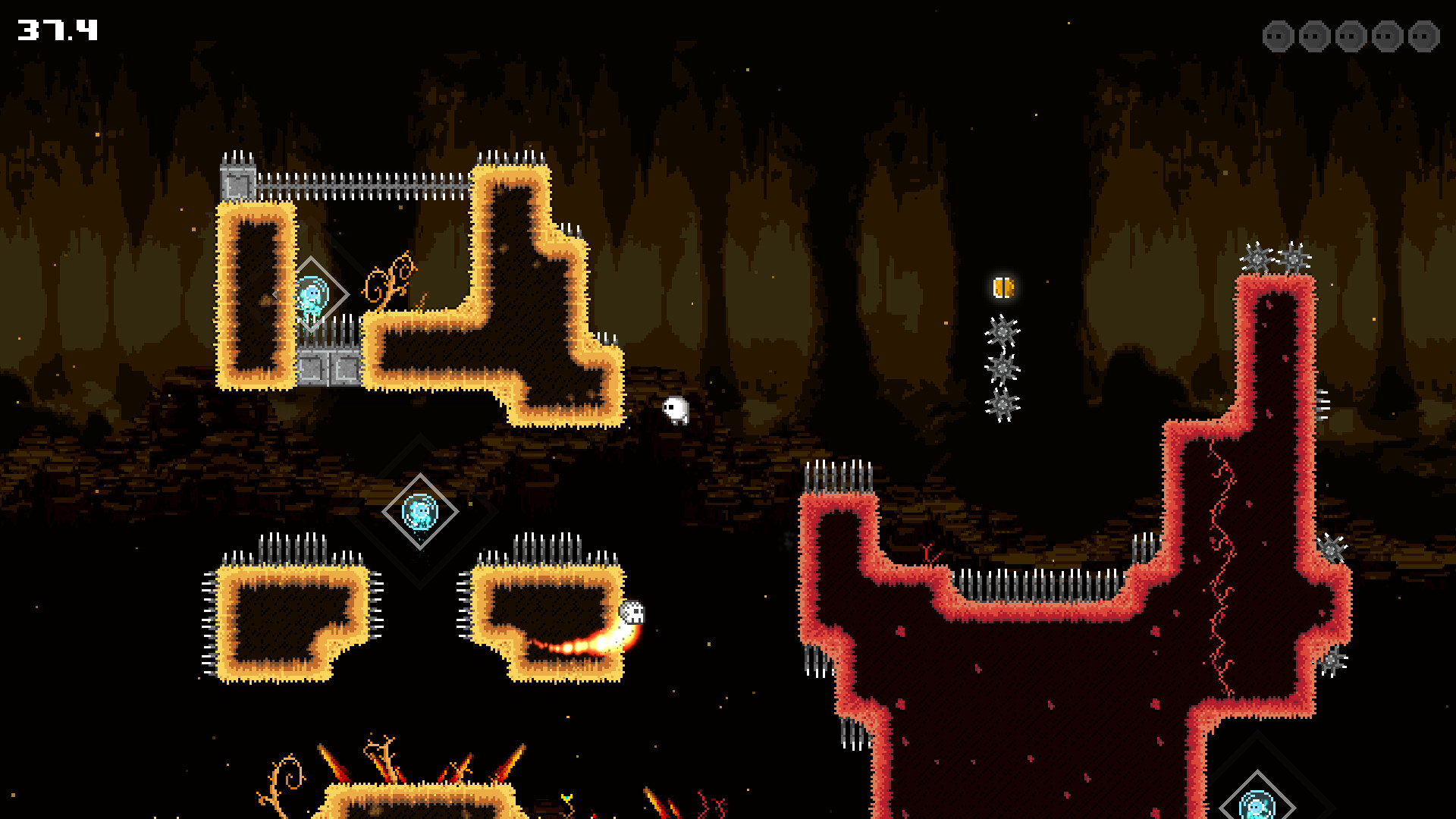
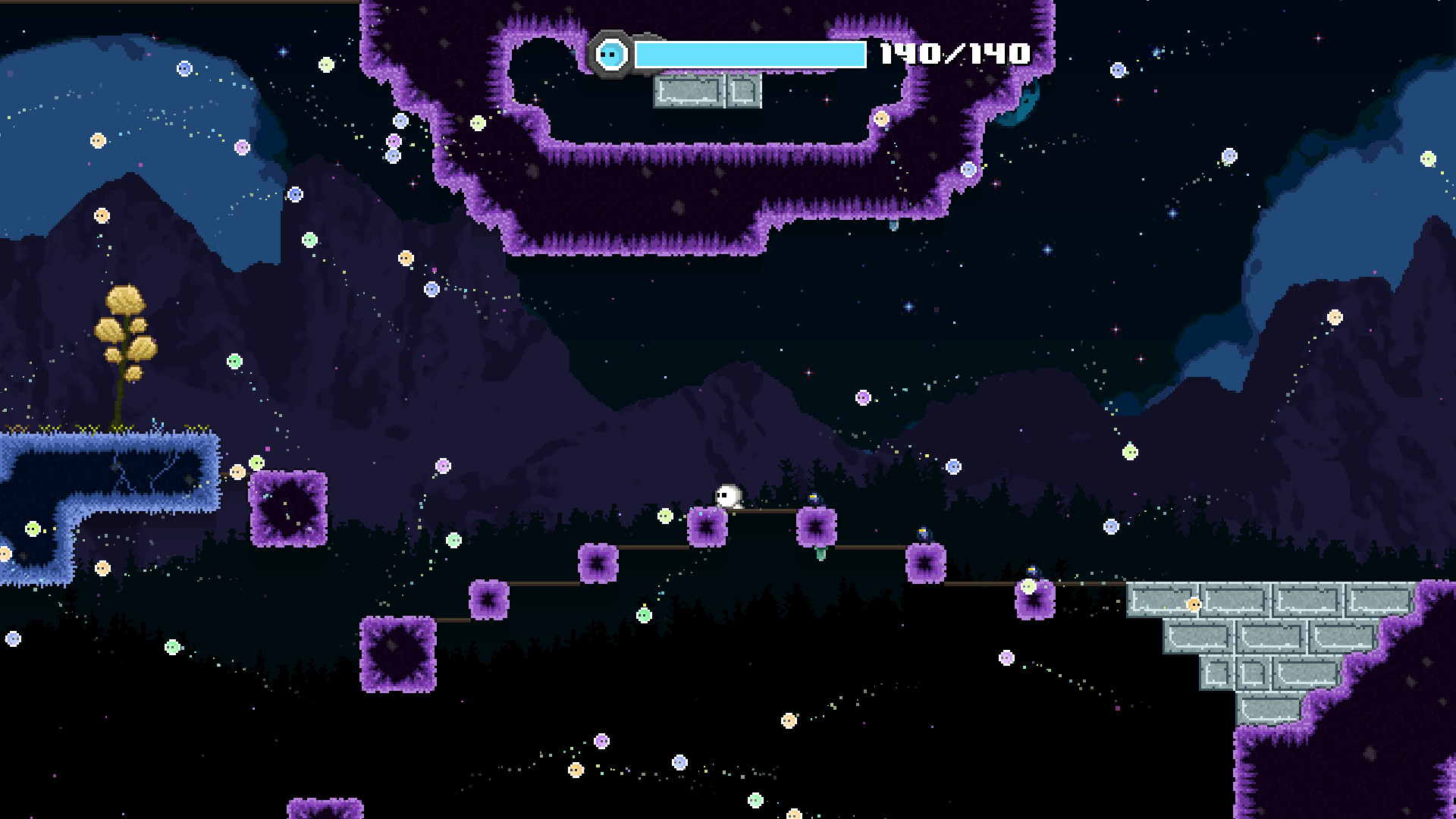
Системные требования DYE — пойдёт ли на моём ПК?
Чтобы запустить «DYE» на ПК, по данным Steam достаточно минимальной конфигурации: ос Windows® 7 / Windows® 8 / Windows® 10 64-bit (latest Service Pack), озу 1 GB ОЗУ, видеокарта Intel® HD Graphics 4400 or higher, процессор Intel® Core™ i3 or higher. По требованиям к памяти это очень скромный по нынешним меркам ПК.
Для комфортной игры без просадок разработчик рекомендует: озу 1 GB ОЗУ, видеокарта Intel® HD Graphics 4400 or higher, процессор Intel® Core™ i3 or higher. Точный расчёт под ваше железо — в разделе «Пойдёт ли на моём ПК».
Минимальные требования
- ОС *: Windows® 7 / Windows® 8 / Windows® 10 64-bit (latest Service Pack)
- Процессор: Intel® Core™ i3 or higher
- Оперативная память: 1 GB ОЗУ
- Видеокарта: Intel® HD Graphics 4400 or higher
- Место на диске: 600 MB
Рекомендуемые требования
- ОС *: Windows® 7 / Windows® 8 / Windows® 10 64-bit (latest Service Pack)
- Процессор: Intel® Core™ i3 or higher
- Оперативная память: 1 GB ОЗУ
- Видеокарта: Intel® HD Graphics 4400 or higher
- Место на диске: 600 MB
Гайд и ответы по DYE
Перед установкой «DYE» — коротко по данным Steam Плюс ответы на частые вопросы.
DYE на Steam Deck
«DYE» на Steam Deck — статус Verified/Playable и на что обратить внимание в портативном режиме.
Verified — отлично работает на Steam Deck
Можно ли играть в DYE без интернета
Перед поездкой без Wi‑Fi проверьте «DYE» — ниже режимы из Store API Steam.
Да, по данным Steam доступен одиночный режим — игру можно проходить офлайн.
Сколько времени займёт DYE?
Steam не публикует официальное время прохождения «DYE». Ориентируйтесь также на гайды и видео на YouTube.
DYE — есть ли поддержка геймпада?
«DYE» в Steam отмечена с полной поддержкой геймпада.
Не запускается, вылетает, лагает — DYE
О чём DYE
DYE is a challenging precision platformer where you help Hue rescue Pigments and defeat the nefarious Necrolights in order to restore color to the world! Jump, wall jump and float your way through 4 unique worlds with hundreds of challenges. Anyone from first-time platform gamers to experienced hardcore speedrunners will find a rewarding test of skill in saving Hue's homeworld.
DYE has tight and responsive controls, and has been balanced around the use of a controller. Full keyboard support is available, but spare your hands and sanity (seriously), and use a controller. DYE has native support for all common controllers including Xbox, Steam, PS4, and most others.What others are saying
• "The controls are so slick... its a difficult game but I feel like i have total control" - TGH_Plays -
• "The sounds, the music, the levels... it just all comes together so well" -Vellhart -
• "This was quite a journey... peaked at the right amount of difficulty" - Yagamoth -
• "The soundtrack in this game is magnificent!" - Tehjman1993 -
• "Its genius, I'm not gonna lie, but it's really evil as well!" - Krazyman50 - Key Features
• 56 levels (560 total pigments to collect)
• 8 skins, unlockable by achievement
• Leaderboards for all versions of individual levels and speedruns
• 4 worlds with unique boss fights
• Hard Mode versions of each level
• Challenge levels
• Scaling difficulty from beginner to expert level
• Original 18 track soundtrack (55 minutes)
• Achievements
• Trading cards What's In Each World?
Each world contains 9 regular levels, 4 challenge levels and 1 unique boss fight.
The 9 regular levels in each world of DYE are a series of challenges with Pigments along the way. Each Pigment you rescue will restore a layer of color, and rescuing all 5 in a level will restore all color to that level.…