Erma: The Game
Про игру
Место в каталоге, подборки и покупка
«Erma: The Game» заточена под одиночное прохождение — для коротких вечерних сессий и нестандартных идей.
- одиночное прохождение
В каталоге
В PlayGuide «Erma: The Game» открывается через 4 подборок («Топ игр Steam», «Новинки Steam» и др.). Плюс на этой странице — требования Steam, блок «Пойдёт ли на моём ПК», FAQ и подборки по жанру.
Цена и платформы
«Erma: The Game» — покупка и установка через Steam; страницу можно добавить в список желаемого.
- 200 ₽
Краткая информация о Erma: The Game
Платформы
Теги Steam


Сообщество и сервисы Steam — Erma: The Game
Скриншоты Erma: The Game
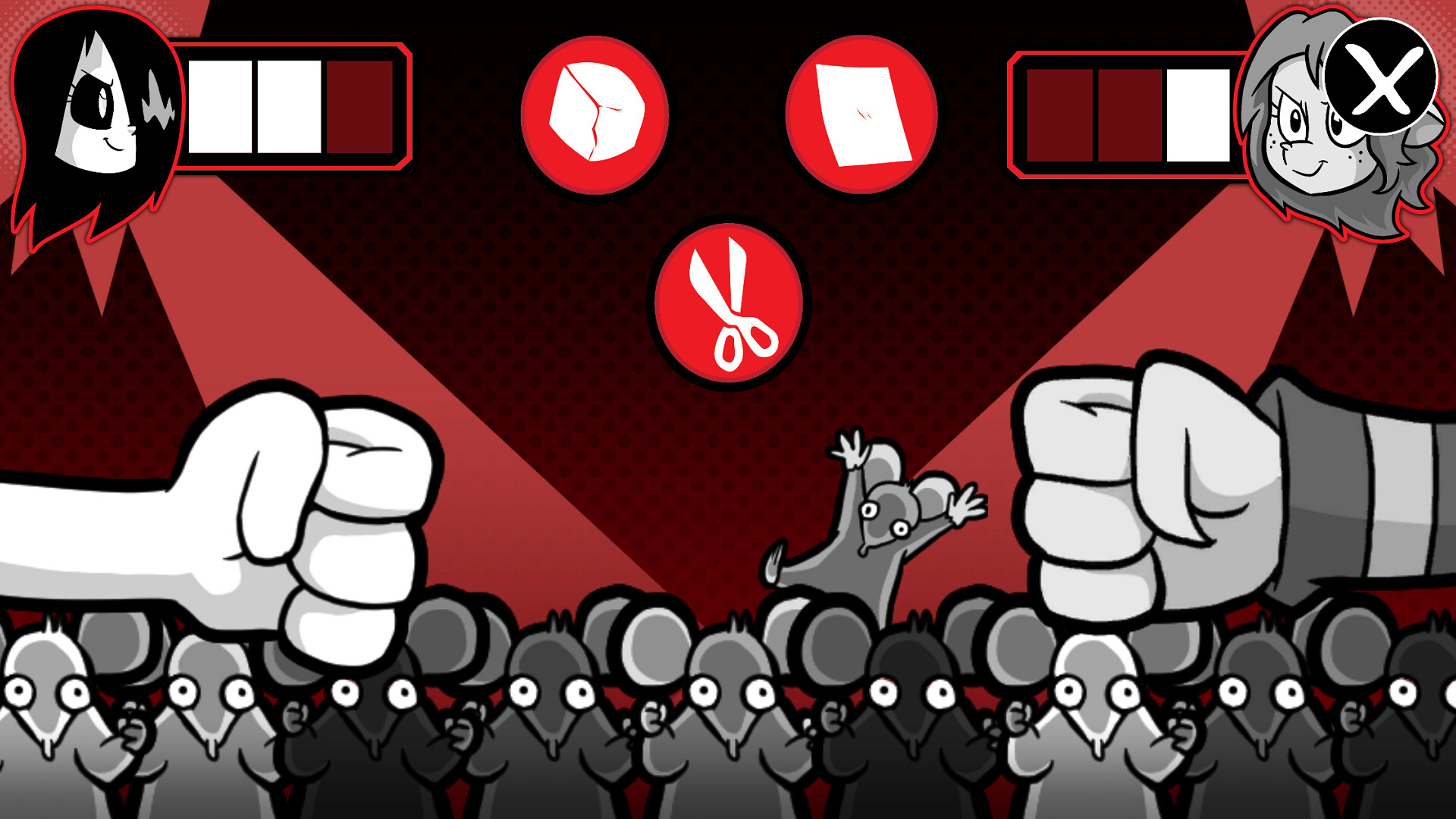
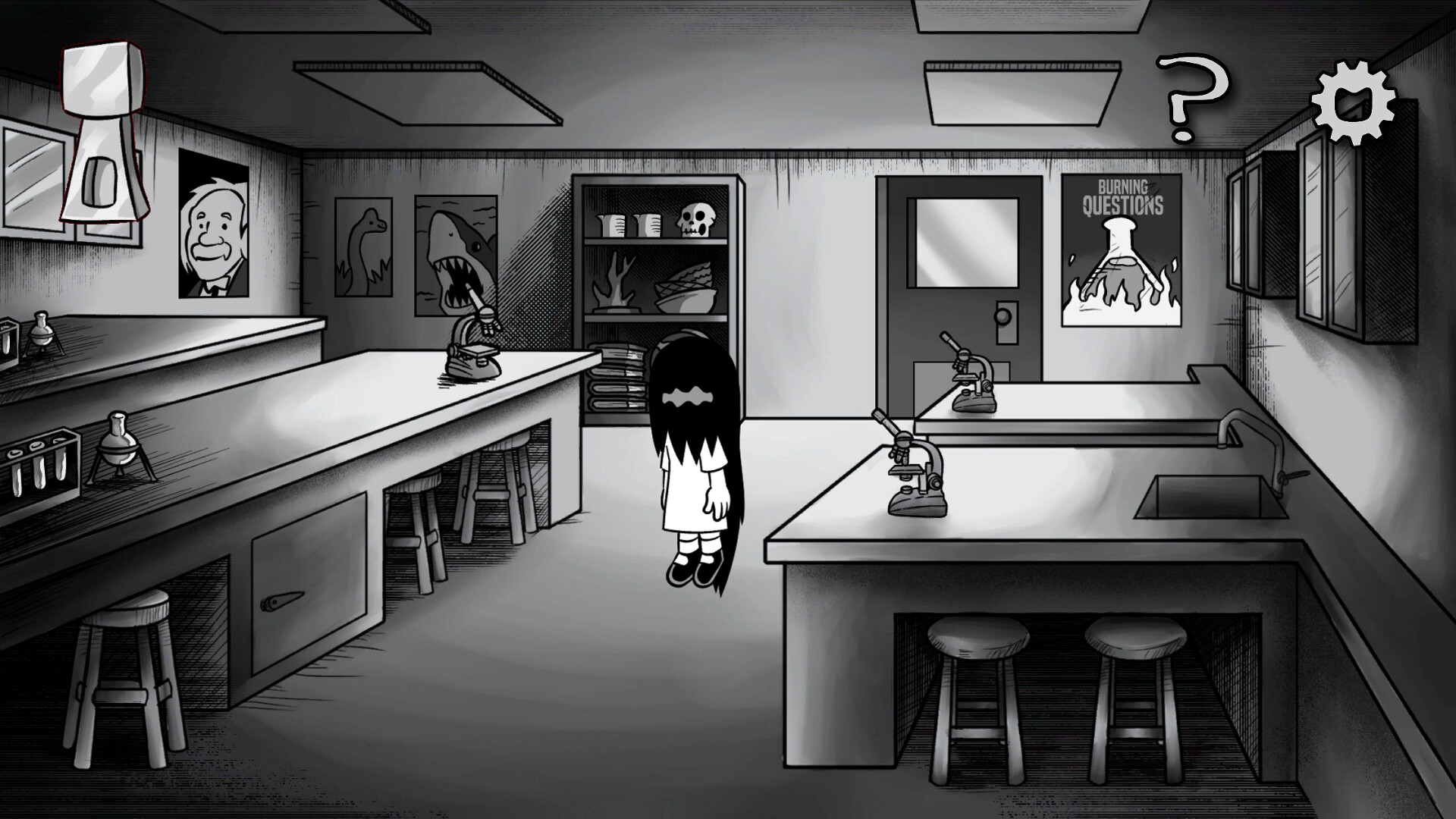
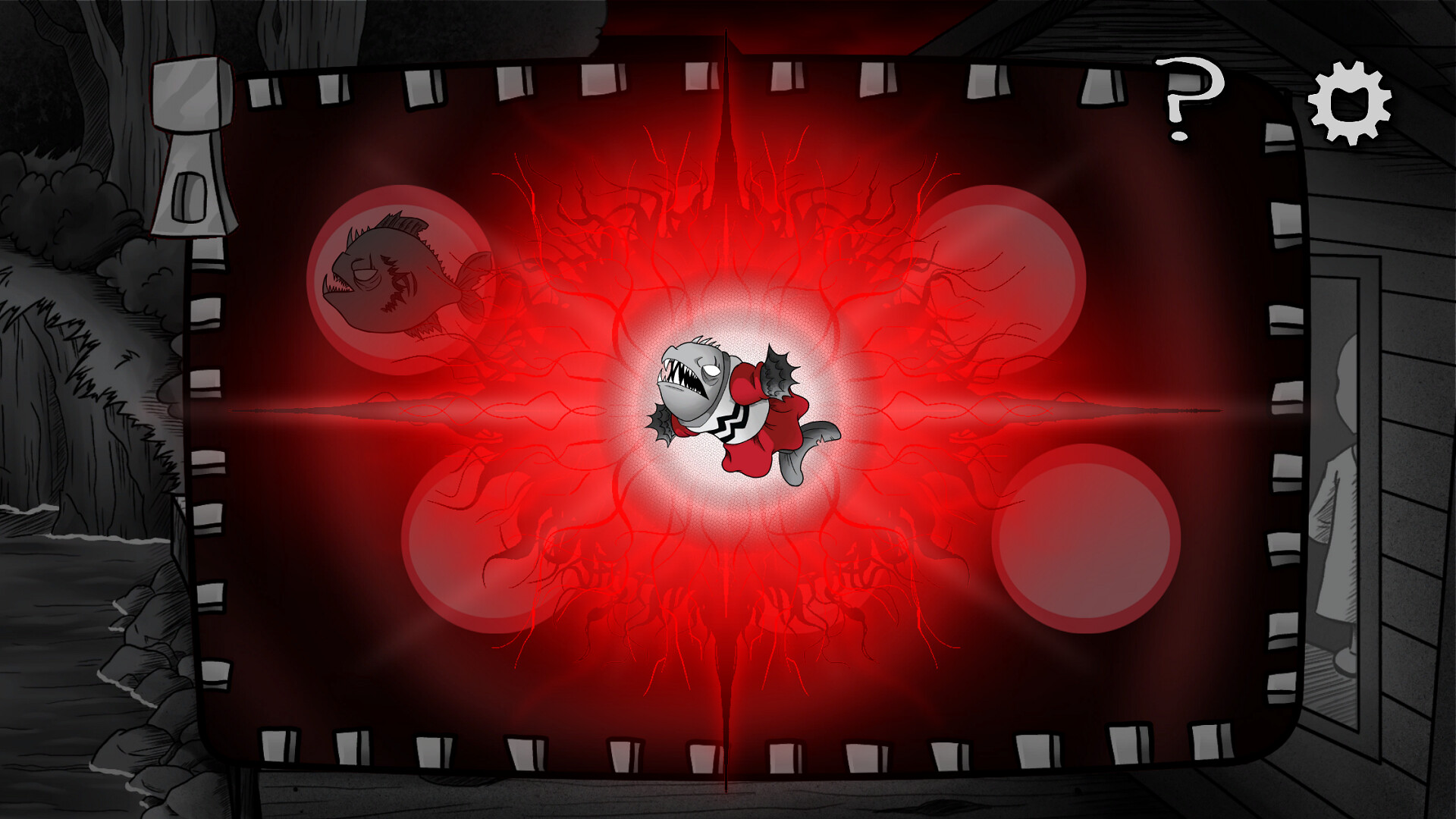
Системные требования Erma: The Game — пойдёт ли на моём ПК?
Чтобы запустить «Erma: The Game» на ПК, по данным Steam достаточно минимальной конфигурации: ос Windows 7, видеокарта Adreno 618, процессор Snapdragon 7C Gen 2, место на диске 7 GB.
Для комфортной игры без просадок разработчик рекомендует: видеокарта NVIDIA GeForce GTX 1050+, процессор Intel Core i3. Точный расчёт под ваше железо — в разделе «Пойдёт ли на моём ПК».
Минимальные требования
- 64-разрядные процессор и операционная система
- ОС *: Windows 7
- Процессор: Snapdragon 7C Gen 2
- Видеокарта: Adreno 618
- Место на диске: 7 GB
Рекомендуемые требования
- 64-разрядные процессор и операционная система
- ОС: Windows 10
- Процессор: Intel Core i3
- Видеокарта: NVIDIA GeForce GTX 1050+
- Место на диске: 8 GB
Гайд и ответы по Erma: The Game
Перед установкой «Erma: The Game» — коротко по данным Steam Плюс ответы на частые вопросы.
Erma: The Game на Steam Deck
«Erma: The Game» на Steam Deck — статус Verified/Playable и на что обратить внимание в портативном режиме.
Playable — играбельно на Steam Deck
Можно ли играть в Erma: The Game без интернета
Можно ли играть в «Erma: The Game» без интернета — одиночный режим, кооп и MMO по категориям Steam.
Да, по данным Steam доступен одиночный режим — игру можно проходить офлайн.
Сколько времени займёт Erma: The Game?
Steam не публикует официальное время прохождения «Erma: The Game». Казуальные и indie-проекты вроде «Erma: The Game» часто длятся от пары часов до 10–15 часов. В Steam у «Erma: The Game» уже 207 отзывов — там часто пишут о длительности. Ориентируйтесь также на гайды и видео на YouTube.
Erma: The Game — есть ли поддержка геймпада?
«Erma: The Game»: явной поддержки геймпада в Steam нет — уточните в описании или отзывах.
Не запускается, вылетает, лагает — Erma: The Game
О чём Erma: The Game
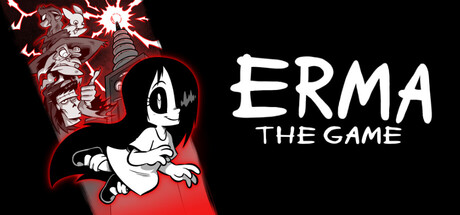
From the illustrators behind the comedy horror webtoon Erma, Erma: The Game is a point-and-click adventure game, where you play as the titular character Erma. As your science fair project goes explosively awry, you must find the pieces that have scattered throughout your hometown and gather them to rebuild your project.
Along the way, you'll come across the wayward townsfolk who have found the pieces of your project before you. Barter with, trade for, and trap them with whatever you can find to get those pieces back. One man's trash is another's treasure, after all!
Oh, and take care to search everything thoroughly. An old town like this can hide many secrets.
By any chance, you wouldn't have happened to hear that whispering, did you?
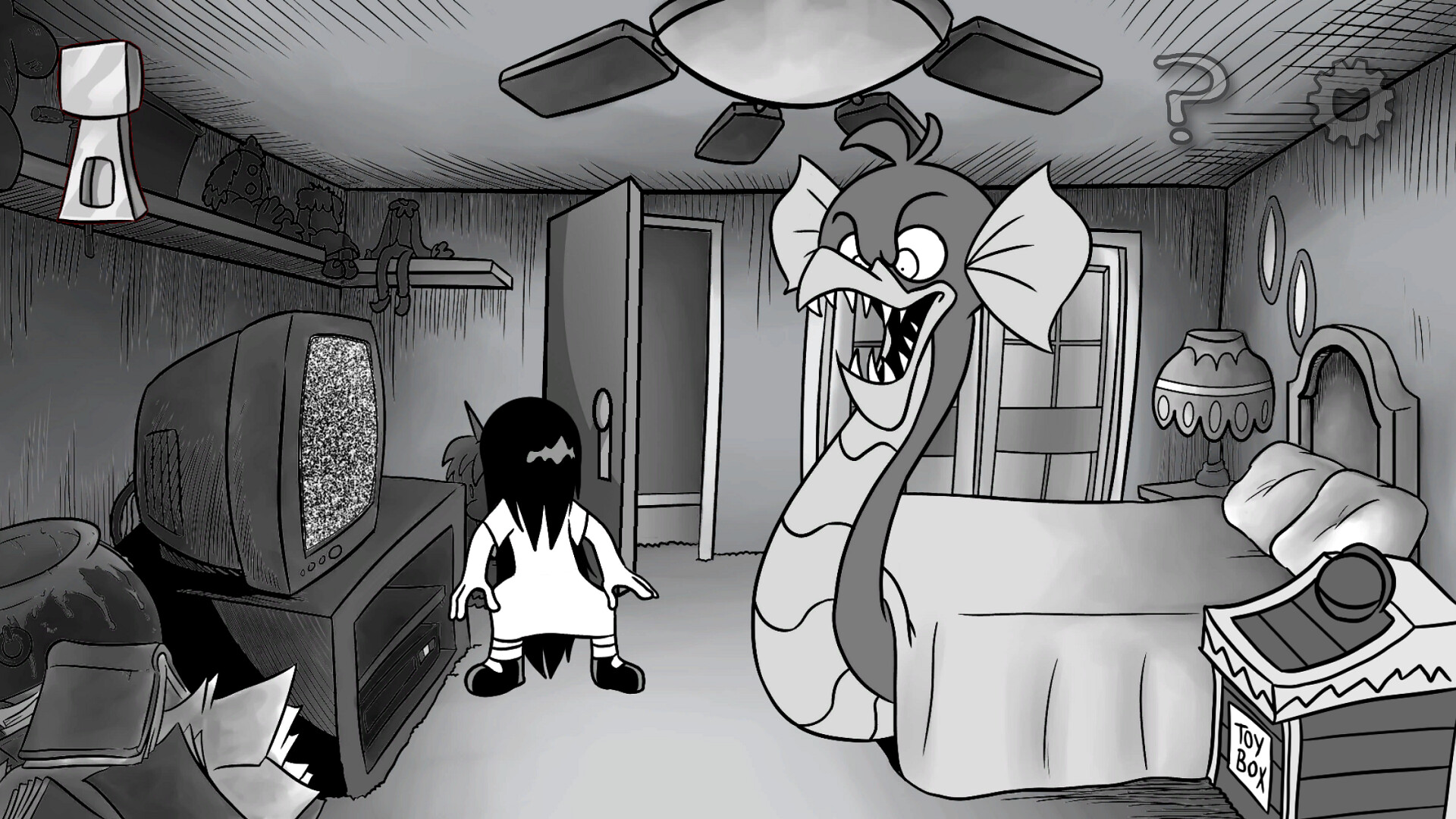
Inspired by Pajama Sam, Erma: The Game is a point-and-click adventure and collection game. A simple inventory interface allows you to collect and combine various bits and baubles while you wander the areas around your small town.
Pieces of your science fair project have been scattered across the map of your hometown, and each piece has been found by a different inhabitant. Figure out what they're looking for and use items found as you explore, investigate, and play minigames to satisfy the locals. Beat games, collect items, and figure out how to combine or use them to progress.
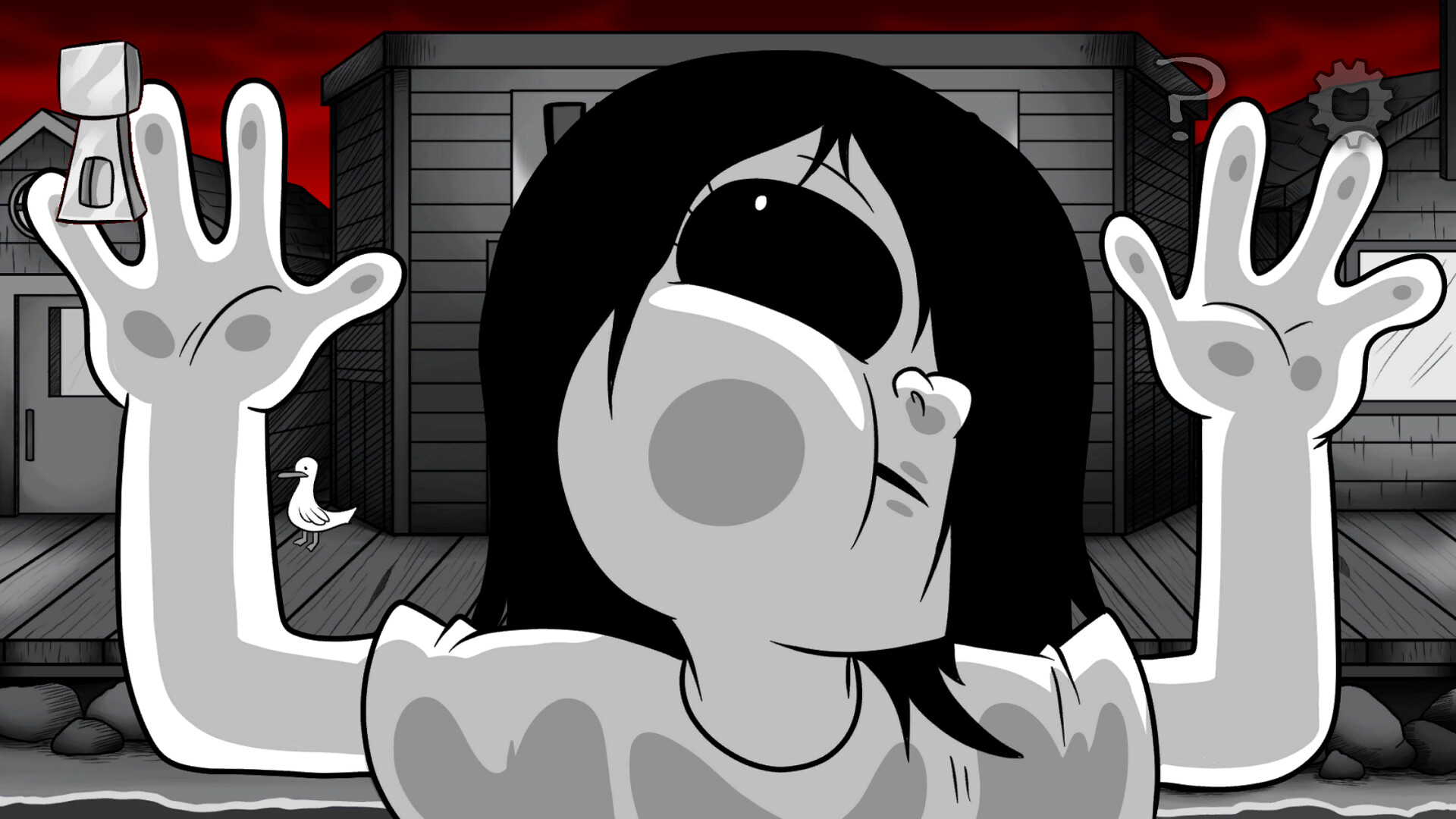
Erma is a love-letter to horror. As such, the world has been filled with many fun little nods to a multitude of media. There's no rush; take your time to thoroughly explore the world and enjoy the animated detail drawn by the illustrators of Erma!
• Easy mouse gameplay for clicking and dragging. The only keyboard inputs are ESC to leave the game…