Fatale
Про игру
Место в каталоге, подборки и покупка
«Fatale» — для коротких вечерних сессий и нестандартных идей; ключевые режимы: одиночное прохождение.
- одиночное прохождение
Подборки и ранг
Для «Fatale» мы собрали 3 смежных списков («Топ игр Steam», «Новинки Steam» и др.) и материалы: минимальные и рекомендуемые specs, похожие игры и ответы на частые вопросы.
Steam и платформы
«Fatale» — покупка и установка через Steam; страницу можно добавить в список желаемого.
- 169 ₽
Краткая информация о Fatale
Платформы
Теги Steam


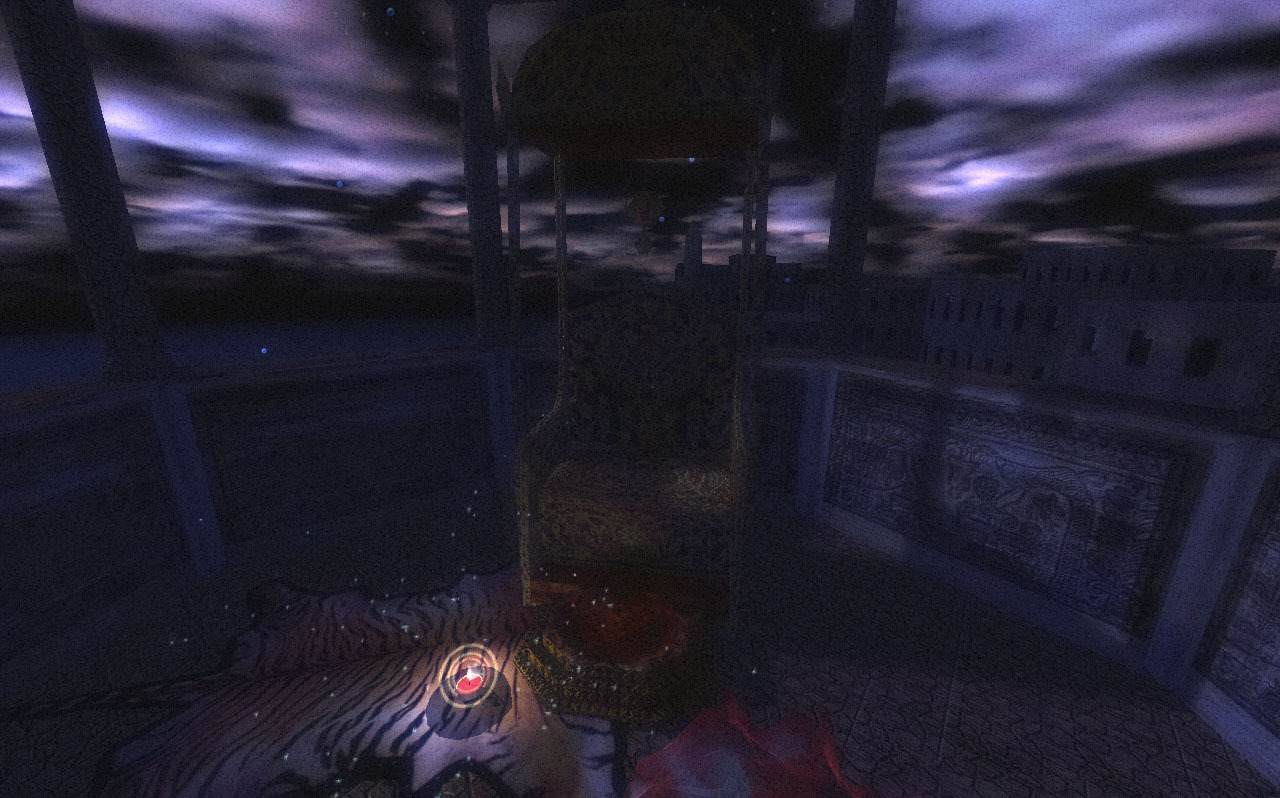
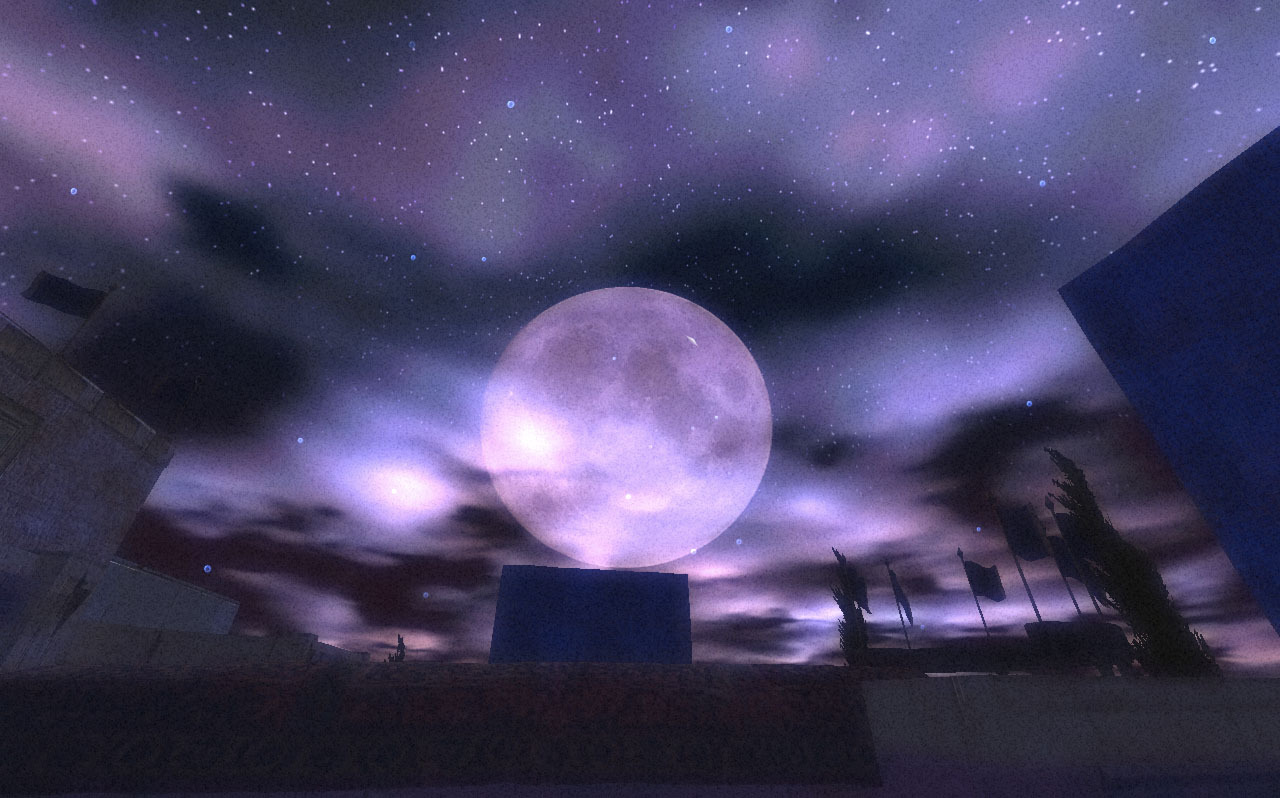
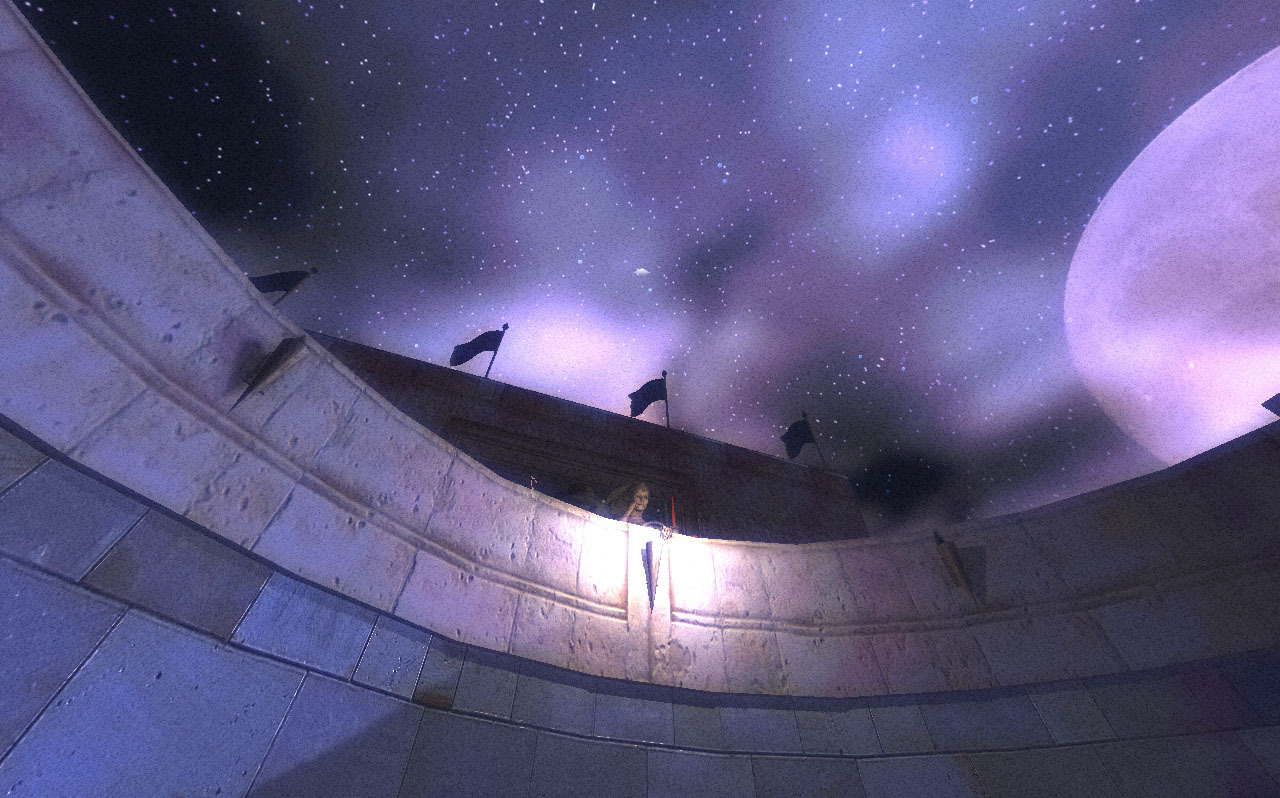
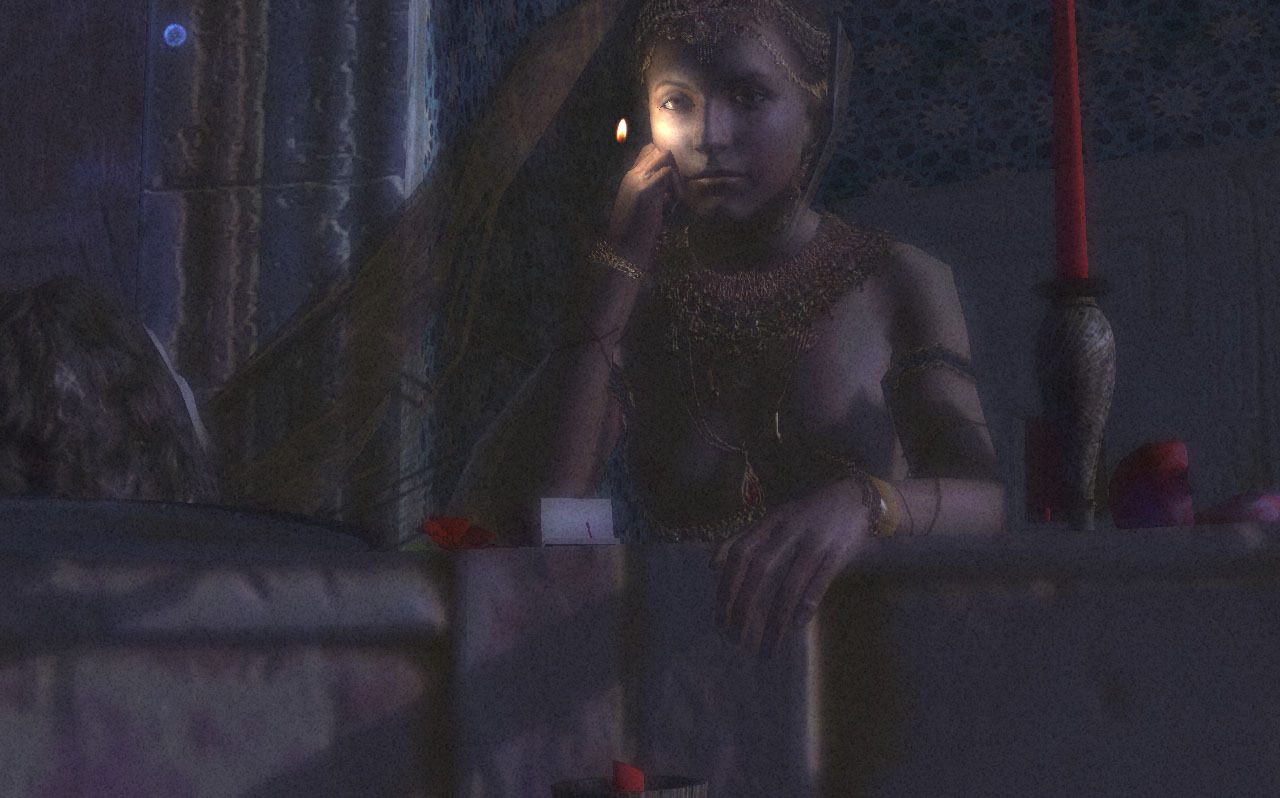
Скриншоты Fatale

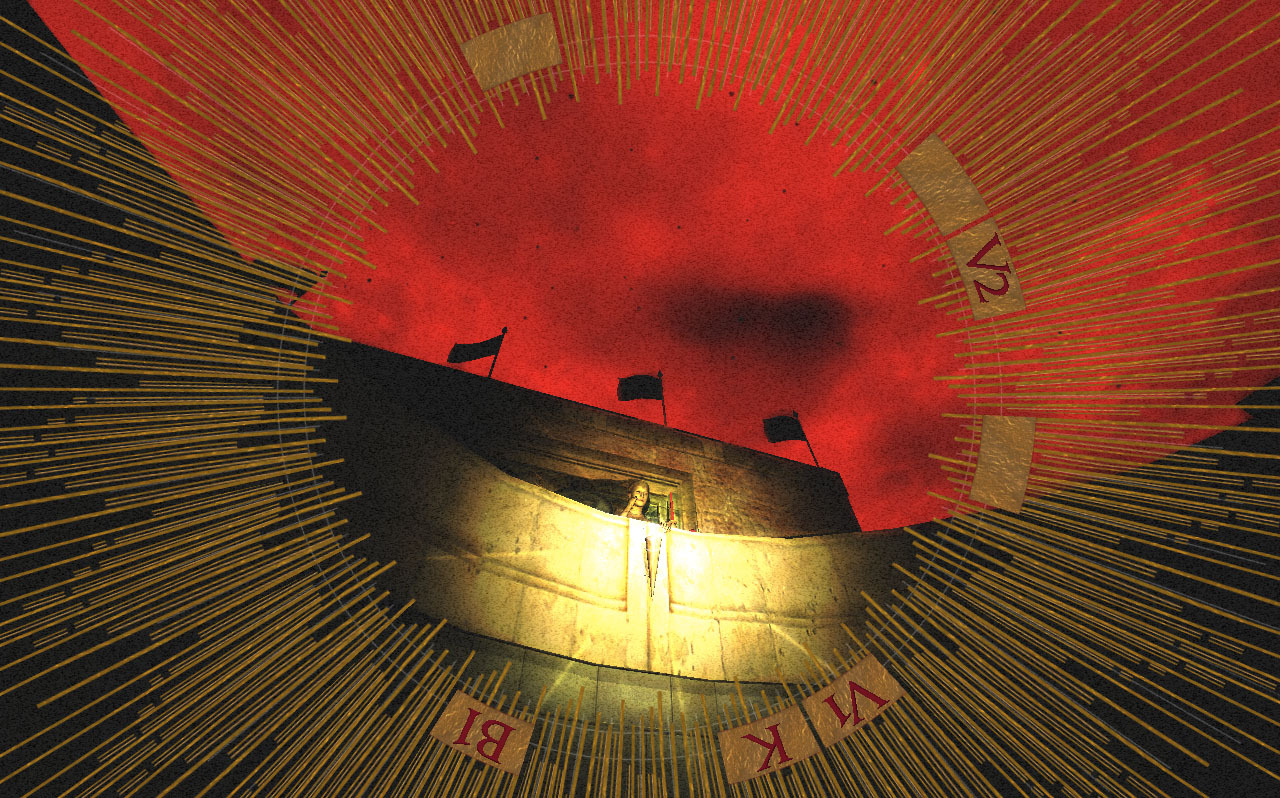

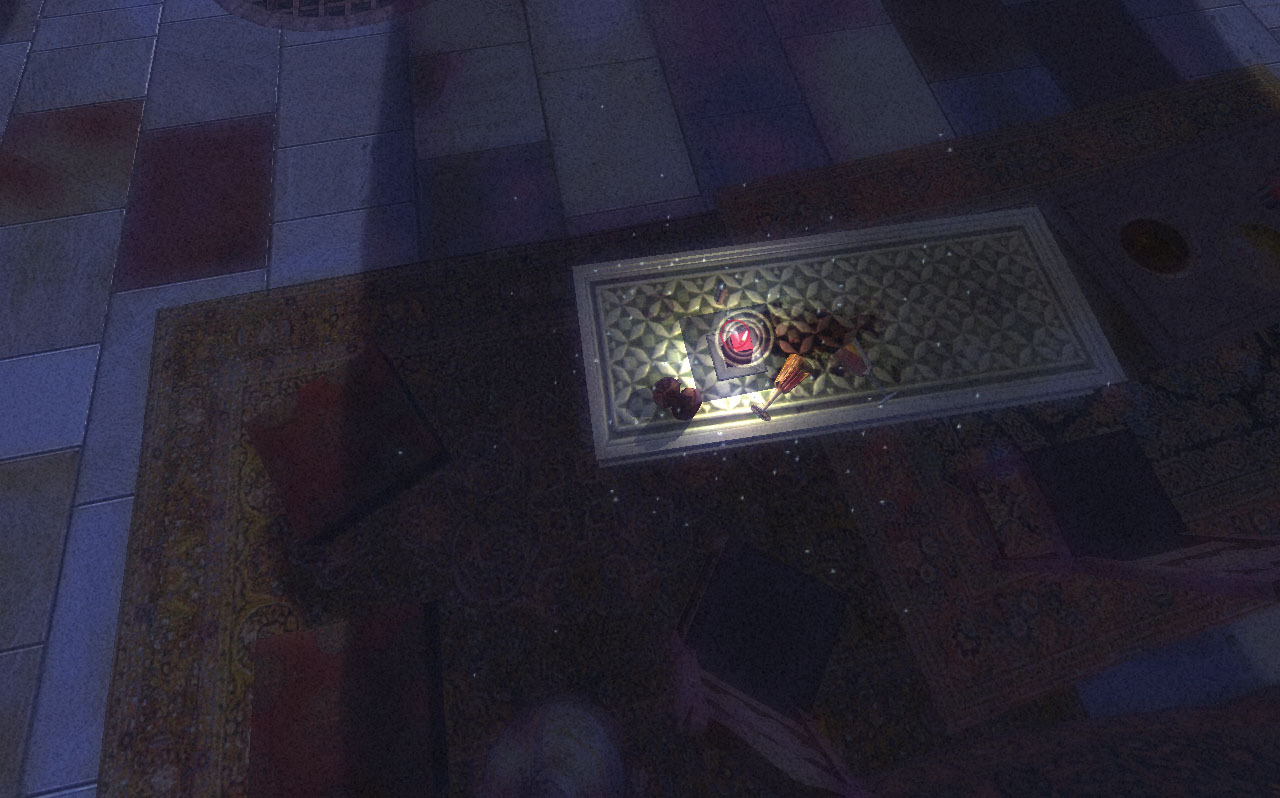
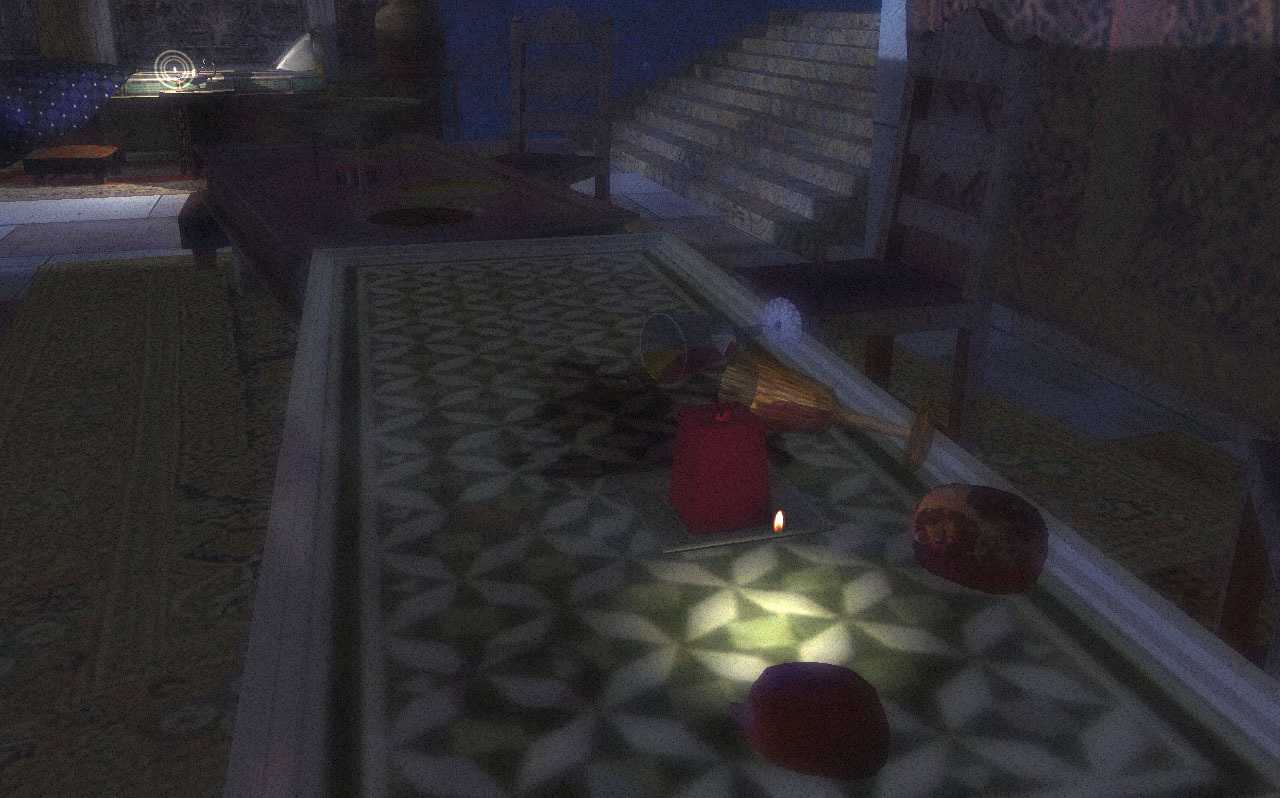

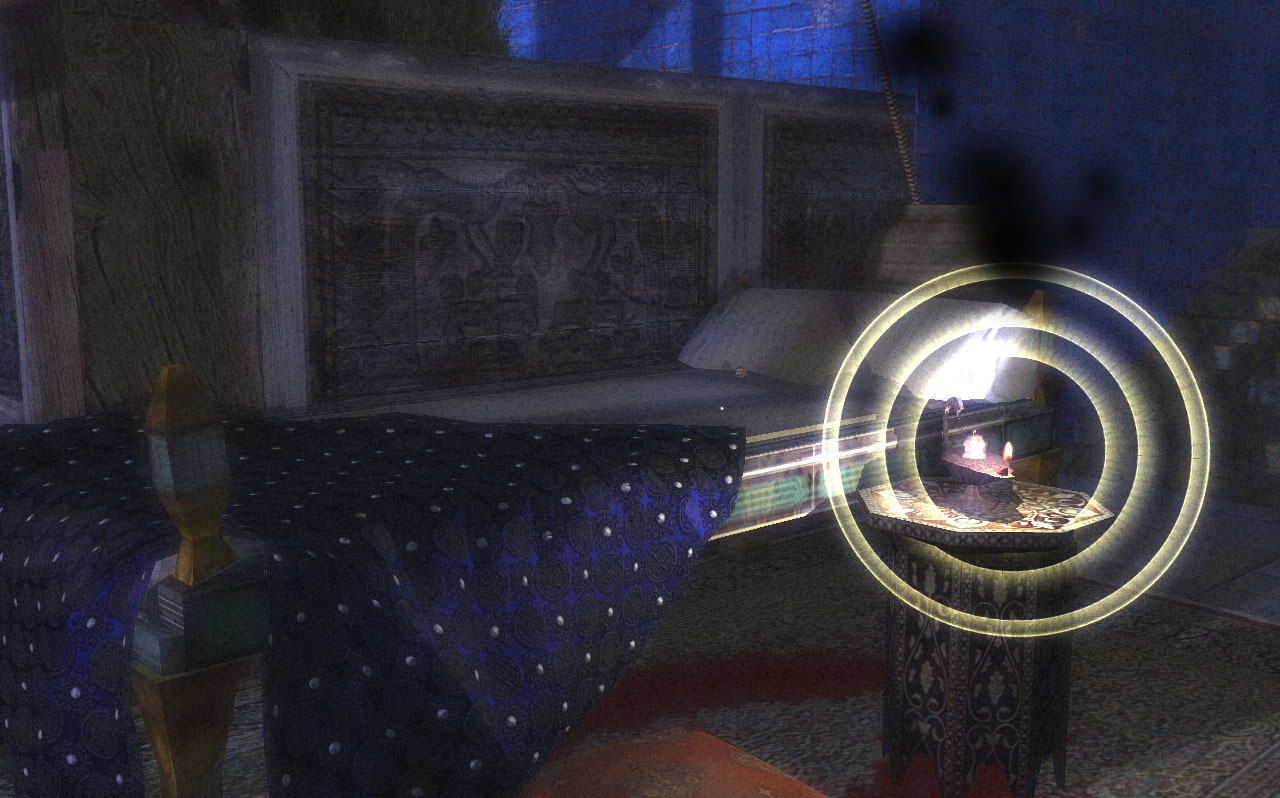

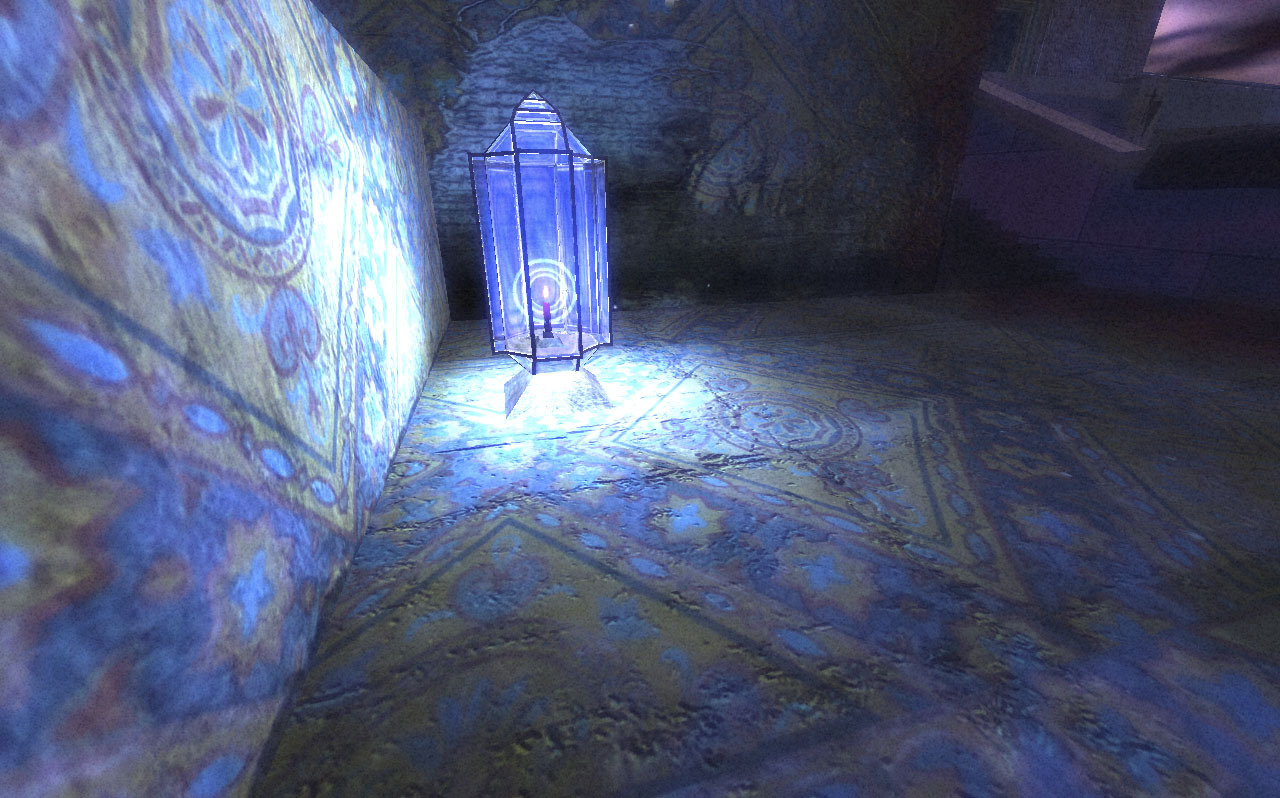
Системные требования Fatale — пойдёт ли на моём ПК?
Чтобы запустить «Fatale» на ПК, по данным Steam достаточно минимальной конфигурации: ос Windows XP/Vista/7, видеокарта Radeon или GeForce последних серий, место на диске 225 МБ свободного места.
Если система на грани минимума, снизьте настройки графики и закройте фоновые приложения. Подробный разбор и калькулятор совместимости — по ссылке «Пойдёт ли» в меню страницы.
Минимальные требования
- ОС: Windows XP/Vista/7
- Видеокарта: Radeon или GeForce последних серий
- DirectX®: DirectX 9.0c
- Жесткий диск: 225 МБ свободного места
Гайд и ответы по Fatale
Перед установкой «Fatale» — коротко по данным Steam Плюс ответы на частые вопросы.
Fatale на Steam Deck
Стоит ли брать «Fatale» в дорогу на Deck — ниже статус из Steam и типичные ограничения по производительности.
Статус Steam Deck не указан
Можно ли играть в Fatale без интернета
Перед поездкой без Wi‑Fi проверьте «Fatale» — ниже режимы из Store API Steam.
Да, по данным Steam доступен одиночный режим — игру можно проходить офлайн.
На сколько часов рассчитан Fatale?
Steam не публикует официальное время прохождения «Fatale». Казуальные и indie-проекты вроде «Fatale» часто длятся от пары часов до 10–15 часов. В Steam у «Fatale» уже 121 отзывов — там часто пишут о длительности. Ориентируйтесь также на гайды и видео на YouTube.
Работает ли геймпад в Fatale?
«Fatale»: явной поддержки геймпада в Steam нет — уточните в описании или отзывах.
Не запускается, вылетает, лагает — Fatale


О чём Fatale
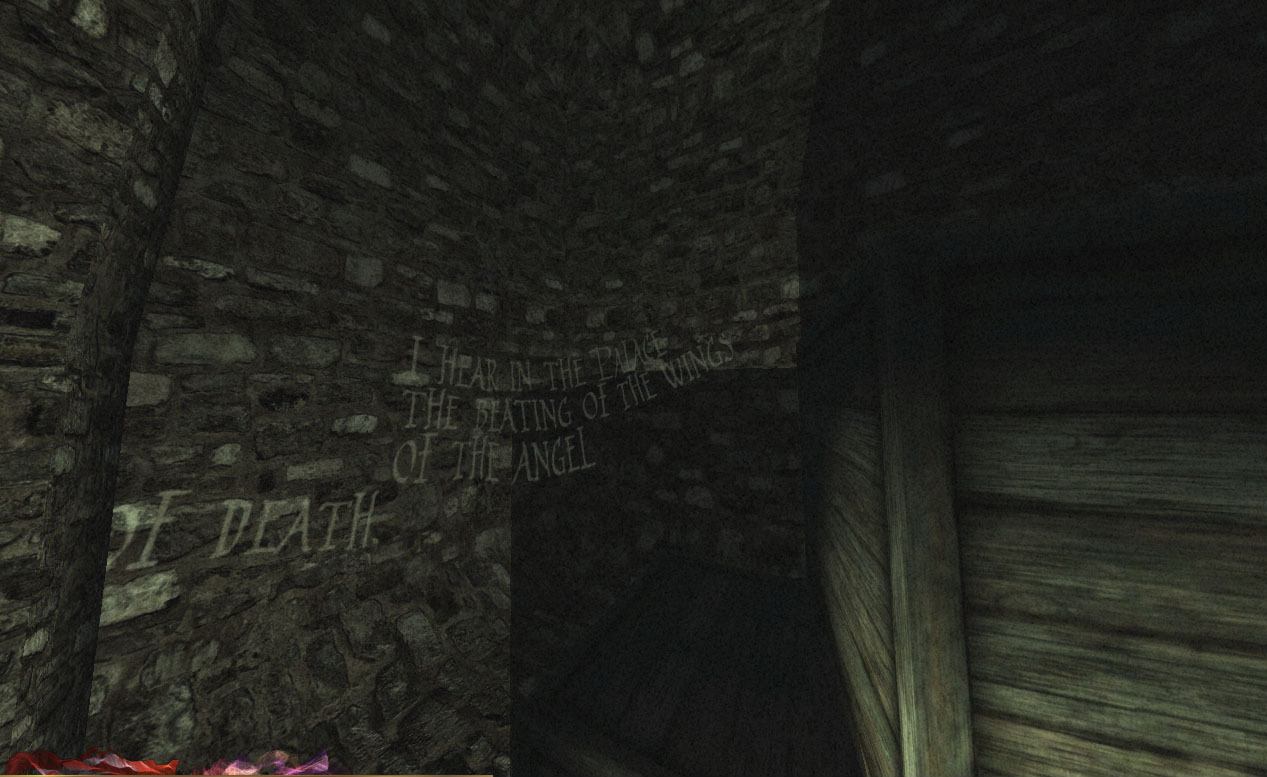
"Salomé, Salomé, dance for me. I pray thee dance for me. I am sad to-night. Yes, I am passing sad to-night. When I came hither I slipped in blood, which is an evil omen; and I heard, I am sure I heard in the air a beating of wings, a beating of giant wings. I cannot tell what they mean .... I am sad to-night. Therefore dance for me. Dance for me, Salomé, I beseech you. If you dance for me you may ask of me what you will, and I will give it you, even unto the half of my kingdom."
Salome was a first century Judean princess mentioned in the Christian Bible by Matthew and by Mark. But it is Oscar Wilde's 19th century play Salome that really inspired Fatale. In the Bible, Salome is a child who dances for King Herod and asks the head of John the Baptist as a reward. In Wilde's version, Salome falls in love with the prophet. He rejects her and she has him executed. The play ends with her kissing the lips of his decapitated head.
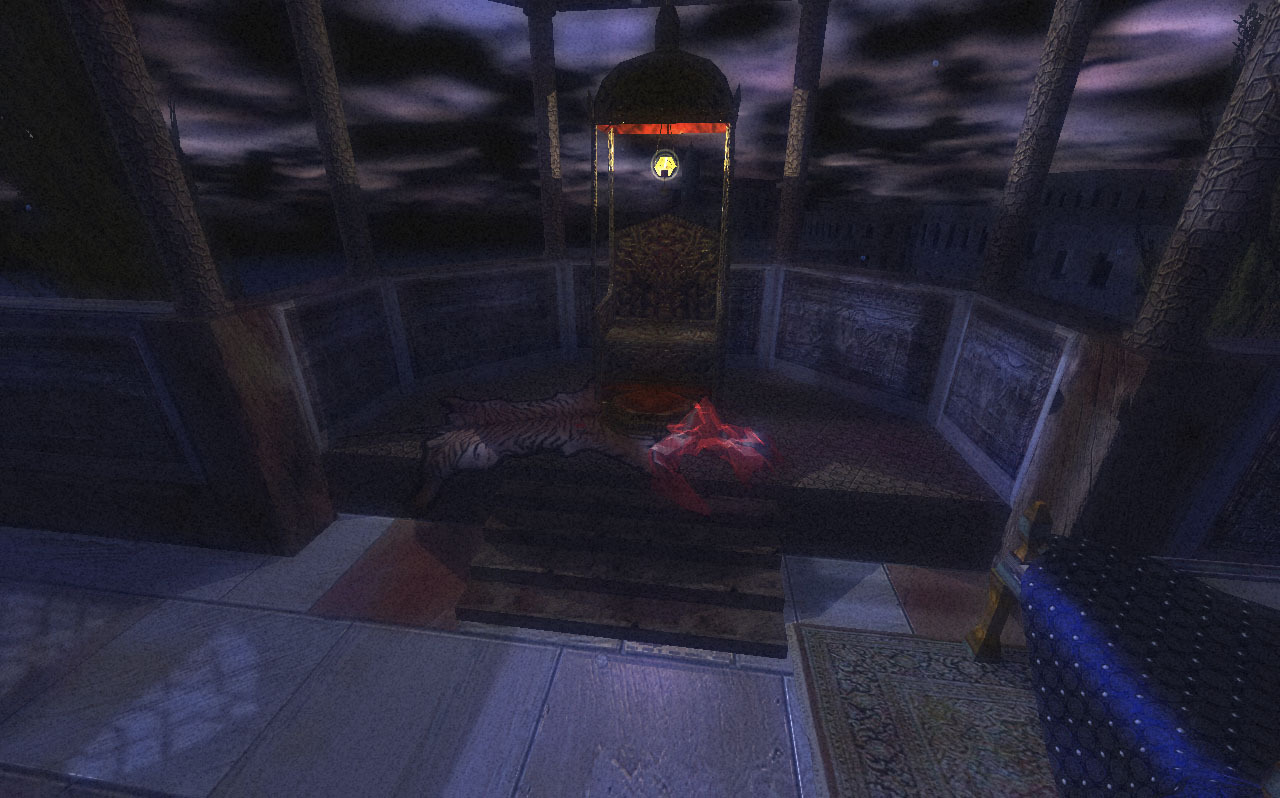
Most of Fatale takes place in the aftermath of this event, when all has turned quiet and the moon brings comfort to troubled hearts.
Explore a living tableau filled with references to the legendary tale of Salome and enjoy the moonlit serenity of a fatal night in the orient. Fatale offers an experimental play experience that stimulates the imagination and encourages multiple interpretations and personal associations.
How to play Fatale:
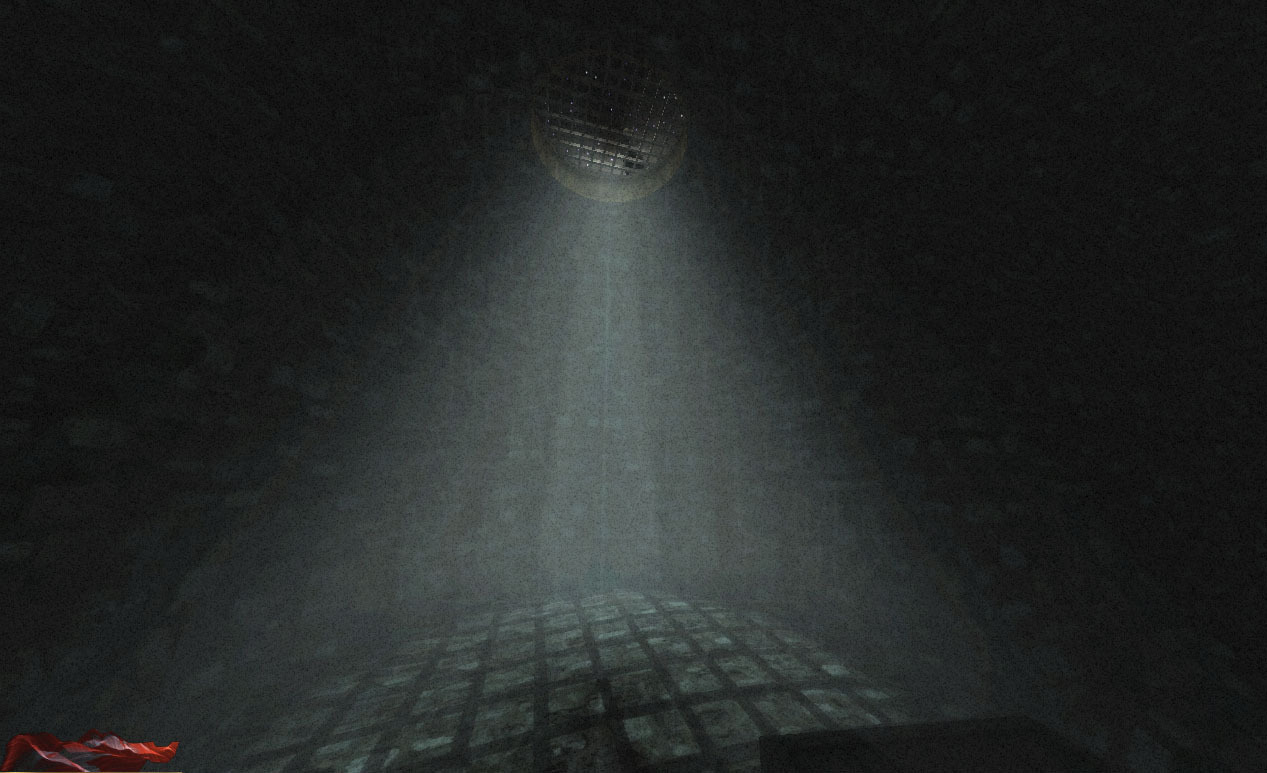
• The Cistern: Think of Fatale as a role playing game. We will leave it to your imagination who you are playing. You find yourself in a prison. And the distant sound of music plays overhead.
• The Terrace: On the terrace your experience is disembodied.
• FLY: Clicking with the LEFT MOUSE BUTTON you can move forward.
• RIGHT MOUSE BUTTON: Lets you travel backwards. You will see things differently if you hold either of the mouse buttons down.
• FLOAT: Use the MIDDLE MOUSE BUTTON you float freely forward.
• CONTROL: Hold down the SPACEBAR to bring up the aureola. This is your inventory of scenes you can revisit and interact with. Click the letters to return to a still scene. If a space is blank, clicking on it becomes a hint to where you should travel next.
• EXAMINE: The lights on the terrace invite you to hover over them to block them out. From scene to scene, you have various options for interaction. Your cursor keys pan the view, click & drag allows for camera rotation, and sometimes rolling over or clicking items in these scenes can lead to surprising results.
• EXPLORE: Above all, since this experience makes few demands, take your time. Notice the small details. Listen to the whispers and echoes. Therein, lies the joy. Allow yourself to fall in love with Salome, now you have all the time in the world.
• The Dance: An epilogue which appears on restart after each complete playthrough…