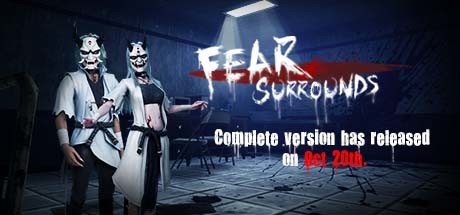
恐惧之间 Fear surrounds
Про игру
Место в каталоге, подборки и покупка
«恐惧之间 Fear surrounds» заточена под кооператив, PvP и онлайн — для ценителей сюжета, прокачки и долгих сессий.
- кооператив
- PvP
- онлайн
Место в каталоге
Игра есть в 4 подборках каталога («Топ игр Steam», «Популярные игры Steam» и др.); ниже ссылки. На странице «恐惧之间 Fear surrounds» также системные требования, калькулятор «Пойдёт ли», FAQ и разбор лагов.
Краткая информация о 恐惧之间 Fear surrounds
Платформы
Особенности
Теги Steam
Видео, стримы и гайды по 恐惧之间 Fear surrounds


Сообщество и сервисы Steam — 恐惧之间 Fear surrounds
Скриншоты 恐惧之间 Fear surrounds
Системные требования 恐惧之间 Fear surrounds — пойдёт ли на моём ПК?
Чтобы запустить «恐惧之间 Fear surrounds» на ПК, по данным Steam достаточно минимальной конфигурации: ос Windows 7, озу 1 GB ОЗУ, видеокарта gtx 960, процессор core i5. По требованиям к памяти это очень скромный по нынешним меркам ПК.
Для комфортной игры без просадок разработчик рекомендует: озу 2 GB ОЗУ, видеокарта gtx 1060, процессор core i7. Разрыв по ОЗУ (1 → 2 ГБ) обычно чувствуется в стабильности FPS. Точный расчёт под ваше железо — в разделе «Пойдёт ли на моём ПК».
Минимальные требования
- 64-разрядные процессор и операционная система
- ОС *: Windows 7
- Процессор: core i5
- Оперативная память: 1 GB ОЗУ
- Видеокарта: gtx 960
- Место на диске: 2 GB
Рекомендуемые требования
- 64-разрядные процессор и операционная система
- ОС: Windows 10
- Процессор: core i7
- Оперативная память: 2 GB ОЗУ
- Видеокарта: gtx 1060
- Место на диске: 4 GB
Гайд и ответы по 恐惧之间 Fear surrounds
Практичные ответы: пойдёт ли на ваш ПК, сколько весит, есть ли русский и можно ли без интернета Плюс ответы на частые вопросы.
恐惧之间 Fear surrounds на Steam Deck
«恐惧之间 Fear surrounds» на Steam Deck — статус Verified/Playable и на что обратить внимание в портативном режиме.
Статус Steam Deck не указан
Можно ли играть в 恐惧之间 Fear surrounds без интернета
Перед поездкой без Wi‑Fi проверьте «恐惧之间 Fear surrounds» — ниже режимы из Store API Steam.
Только мультиплеер — без интернета играть нельзя.
Какой онлайн у 恐惧之间 Fear surrounds сейчас?
У «恐惧之间 Fear surrounds» есть онлайн-мультиплеер. Режимы «恐惧之间 Fear surrounds»: кооператив, PvP. Сколько человек в одной сессии — в описании Steam. Текущий онлайн по всей игре — график на странице магазина или Steam Charts.
Какое время прохождения у 恐惧之间 Fear surrounds?
Steam не публикует официальное время прохождения «恐惧之间 Fear surrounds». Для RPG вроде «恐惧之间 Fear surrounds» обычно закладывают десятки часов на сюжет и больше на полное прохождение. В Steam у «恐惧之间 Fear surrounds» уже 8 941 отзывов — там часто пишут о длительности. Ориентируйтесь также на гайды и видео на YouTube.
Поддерживает ли 恐惧之间 Fear surrounds геймпад?
«恐惧之间 Fear surrounds»: явной поддержки геймпада в Steam нет — уточните в описании или отзывах.
Не запускается, вылетает, лагает — 恐惧之间 Fear surrounds
О чём 恐惧之间 Fear surrounds
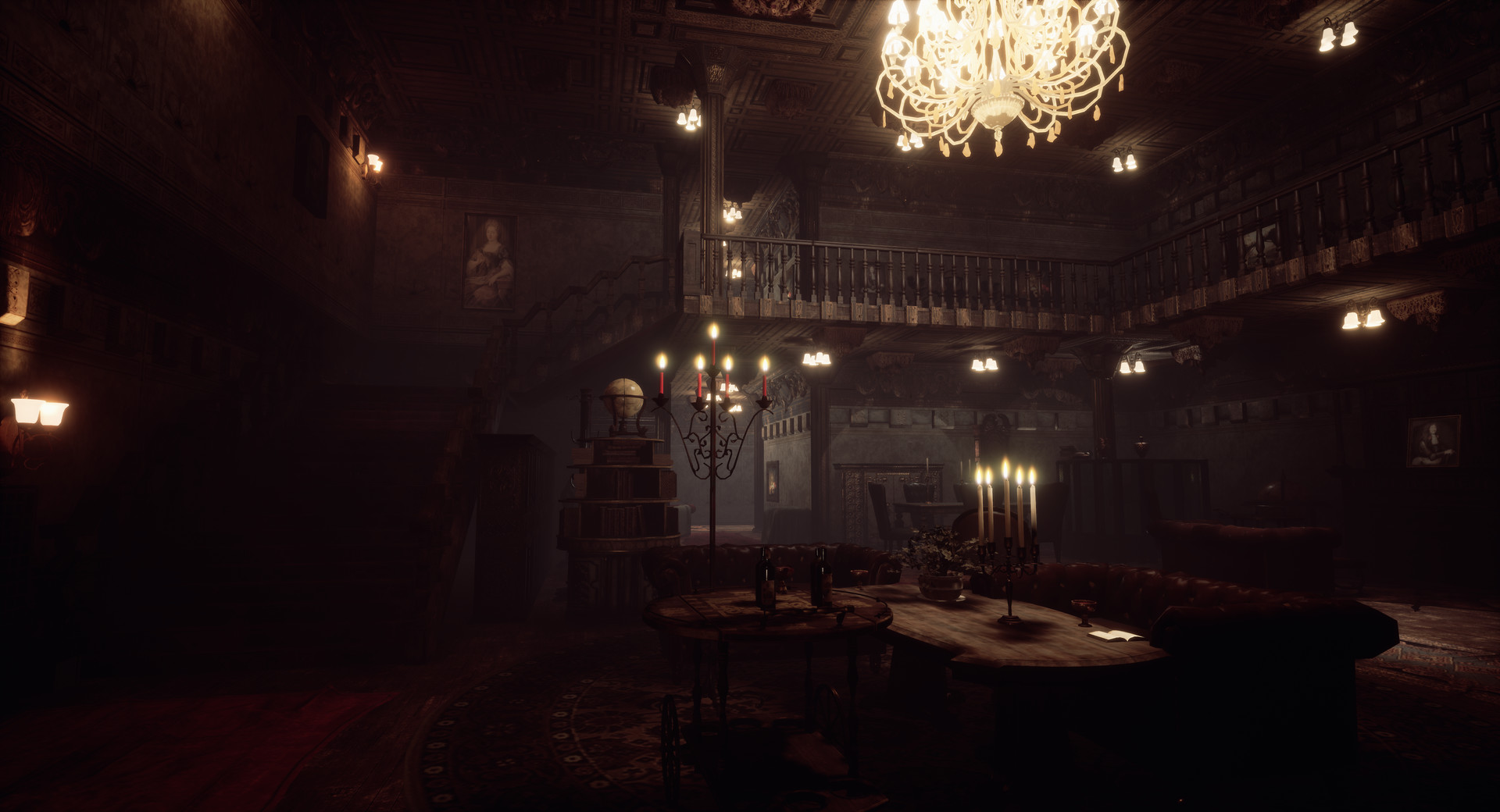
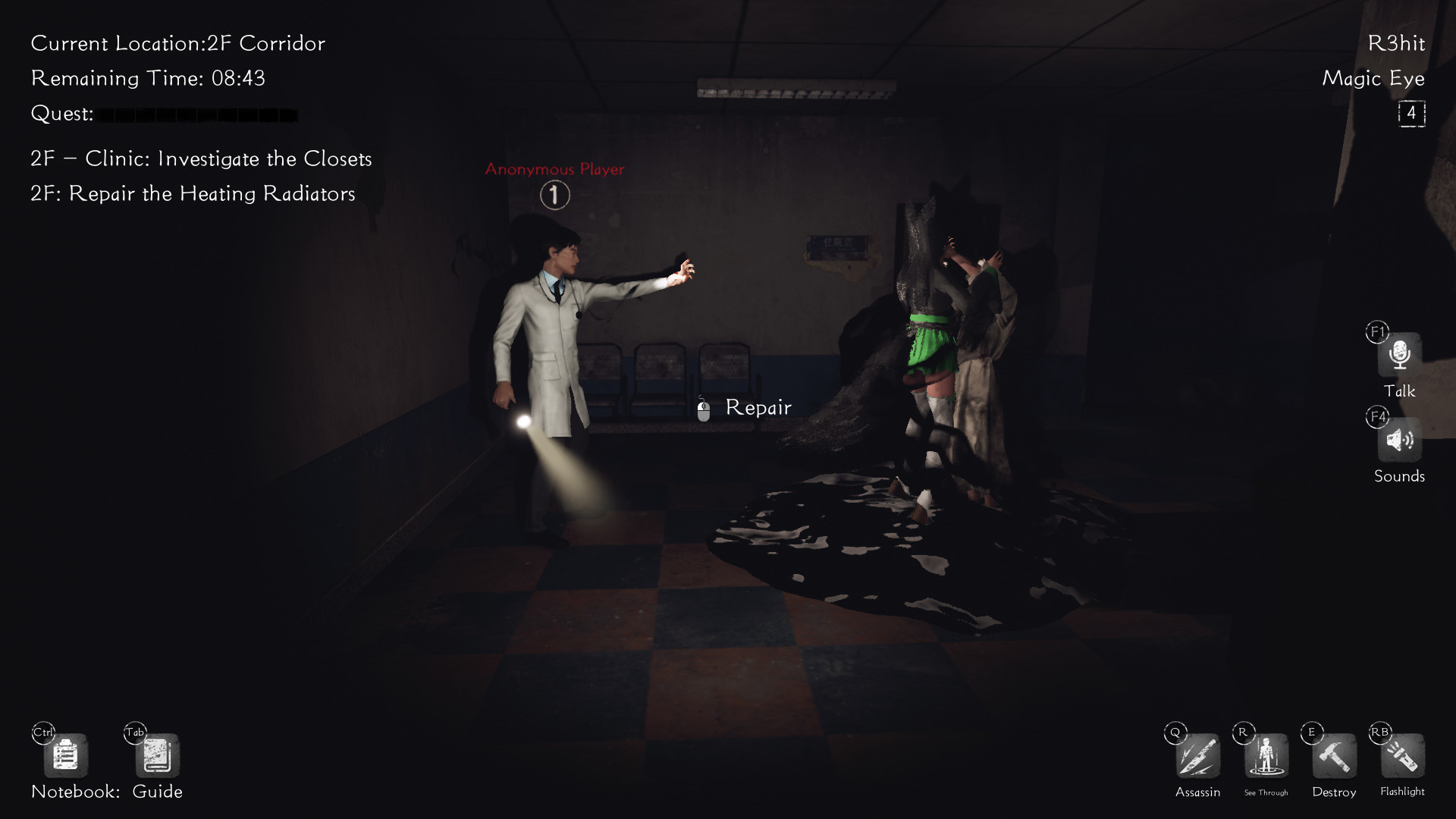
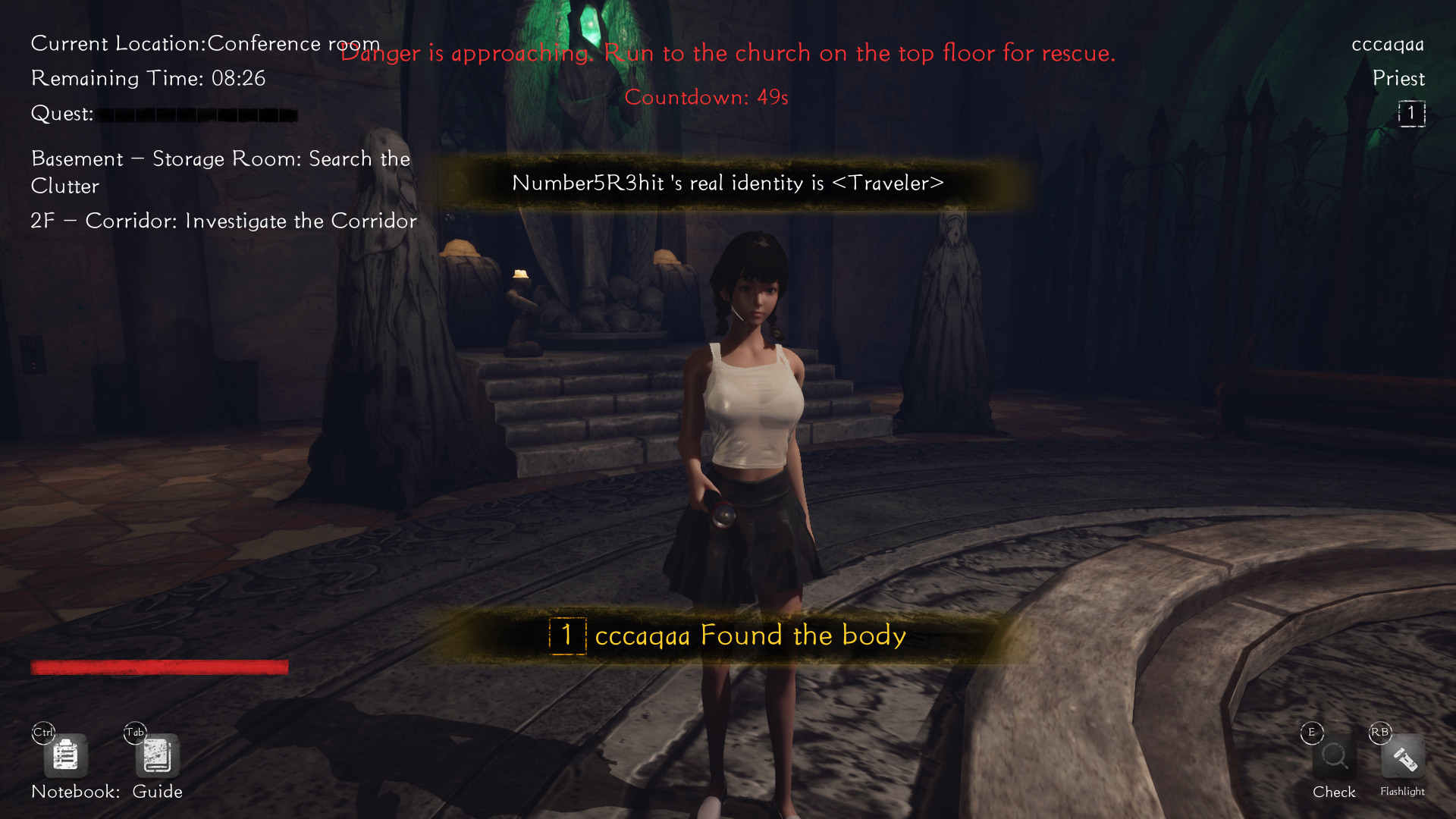
Overview Fear Surrounds is a horror-themed 3D Werewolf game. Specters hide among a group of good guys who need to root out the specters' true identities asap. The game has dozens of professions and maps, making for a diverse experience that never gets old. Plus there are fun modes like Battle Royale.
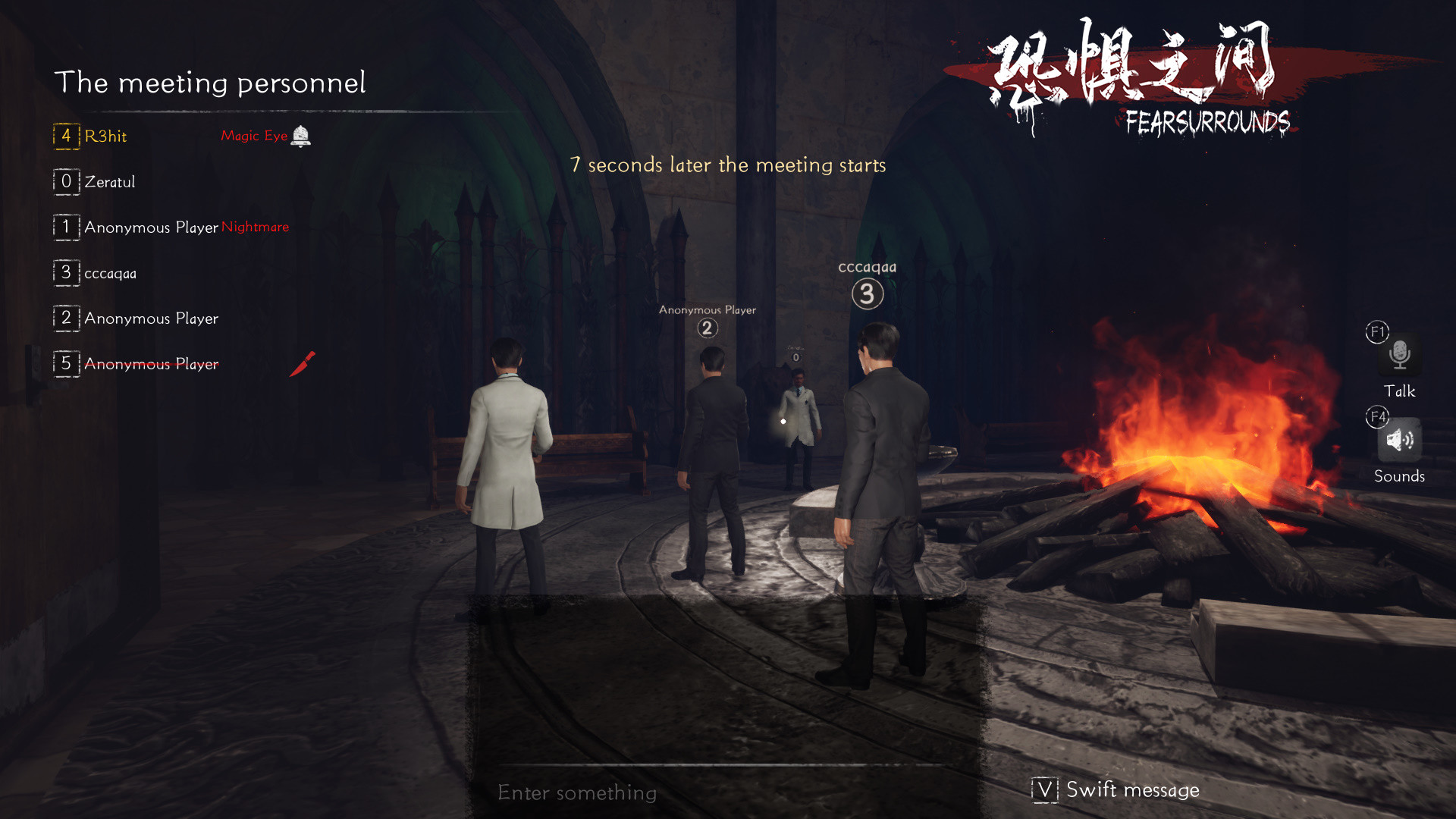
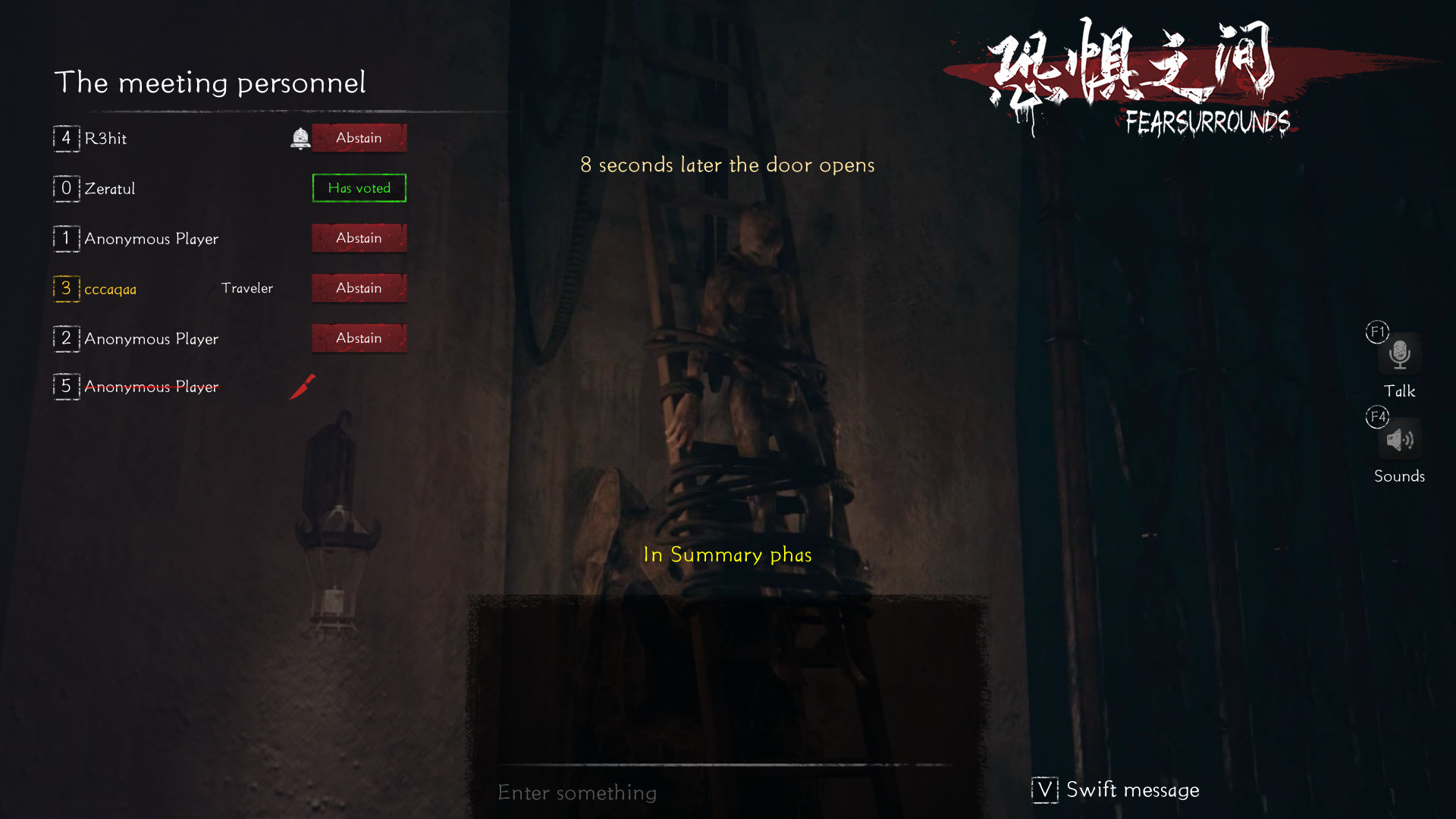
How to Play Players play as either specters or good guys and must determine who the killers are through behavior and speaking in meetings.
Good guys must constantly watch over the actions of those around them. During meetings, they must clearly describe their whereabouts, who they suspect and why. But don't trust the words of others lightly, and don't make rash conclusions based on conjecture. If you're wrong, your team will be at a disadvantage. Clergy have a broader field of view and must use their skills to lead the good team to victory.
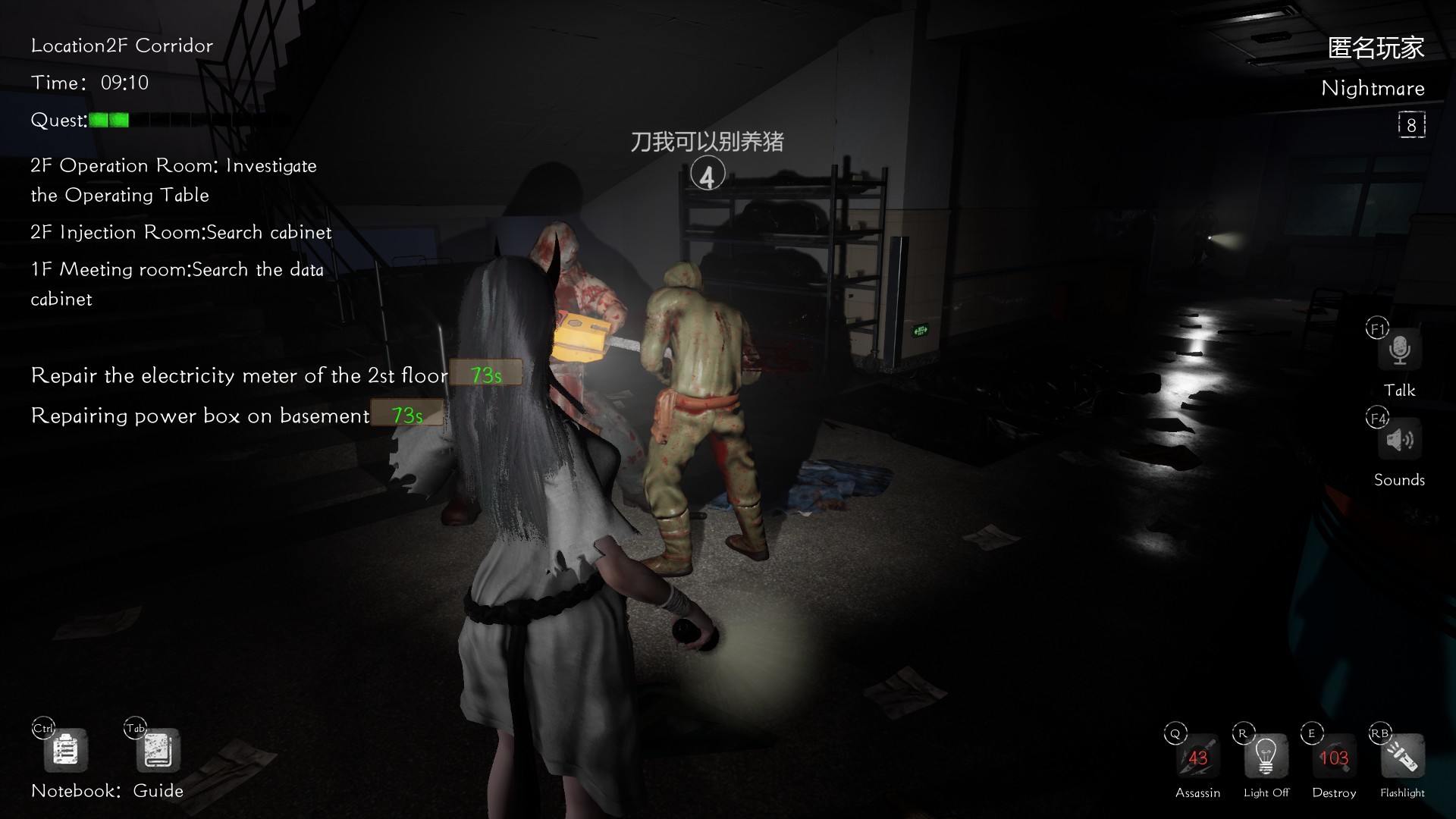
Specters need to kill all of the good guys without getting caught. They can communicate with teammates with voice messages, use skills to cover each other, and kill good guys or create alibis among chaos. They need to lie about their whereabouts during meetings, accuse others or even pretend to be Clergy. Their goal is to interfere with the good team's judgment as much as possible.
Player Objectives Good Faction 1. Complete all quests to achieve victory. 2. Vote out all specters during meetings to achieve victory. (Analyze the behavior and speech of other players to determine if they are good or bad. If you make the wrong choice, someone innocent may die because of it.)
Specters Faction 1. Pretend to be good. Kill good guys when there are no eyewitnesses. 2. Use destruction skills to create an opportunity to kill. 3. Lie during meetings to influence the votes. 4. Kill all good guys to achieve victory.
Profession Details Good Faction Professions: 1. Traveler: must continuously complete quests to avoid losing HP and dying. Has no special abilities.
Clergy: travelers with special abilities. Like regular travelers, they also continuously lose HP. 1. Priest: can verify someone's faction, but doesn't know their specific identity. 2. White Spirit: can assassinate one person once per game. 3. Avenger: when sacrificed, will kill the target who voted him/her out. 4. Forensic Doctor: can see all corpses on the map. 5. Idiot: will not be killed the first time they are sacrificed, but can no longer vote or speak in meetings afterwards. 6. Psychic: at each meeting, learns which faction the dead belong to.
Specter Professions: have the ability to assassinate and destroy by default. 1. Nightmare: can blind all players. 2. Magic Eye: can see the location of all players. 3. Ghost King: has an extra assassination ability, but dies after using it. 4. Ghost Priest: can verify the identity of a corpse. 5. Hidden Demon: before awakening, cannot be detected by the Priest or Pope's skills. 6. Silence Specter: can silence 1 player during each round of the game. 7. Betrayer: has the abilities of a regular traveler, and neither specters nor travelers know his identity. Has to help the specters win.
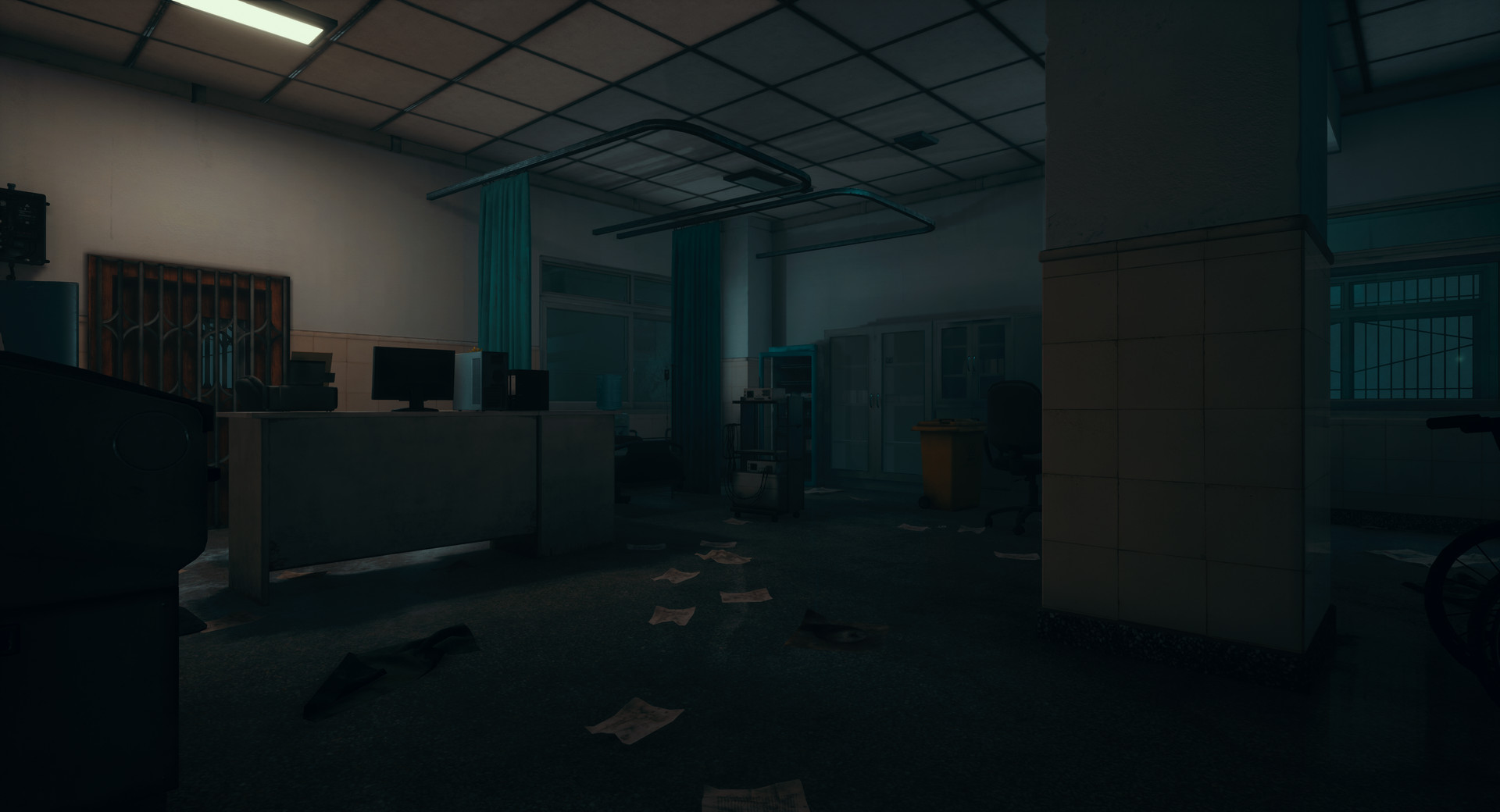
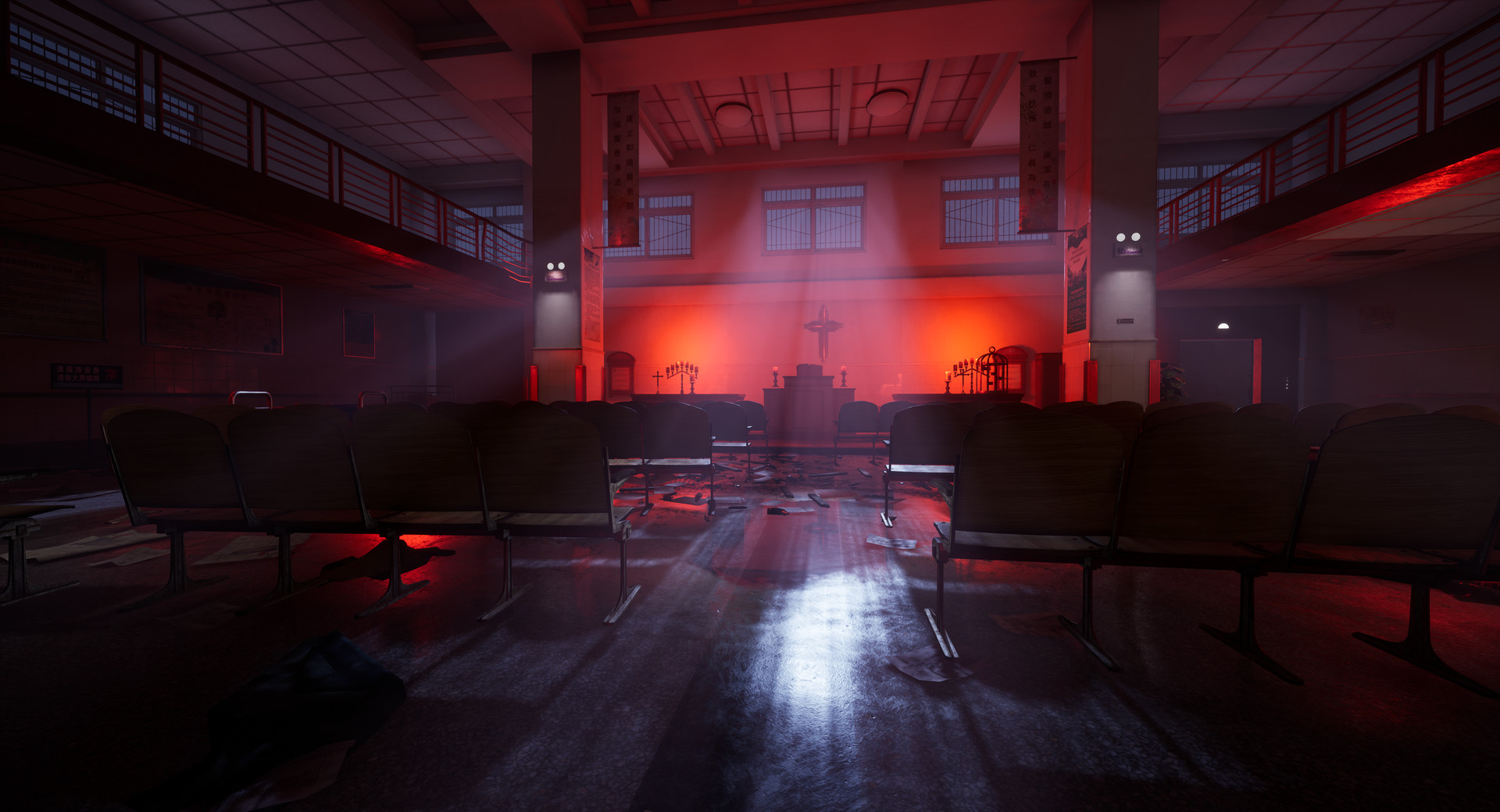
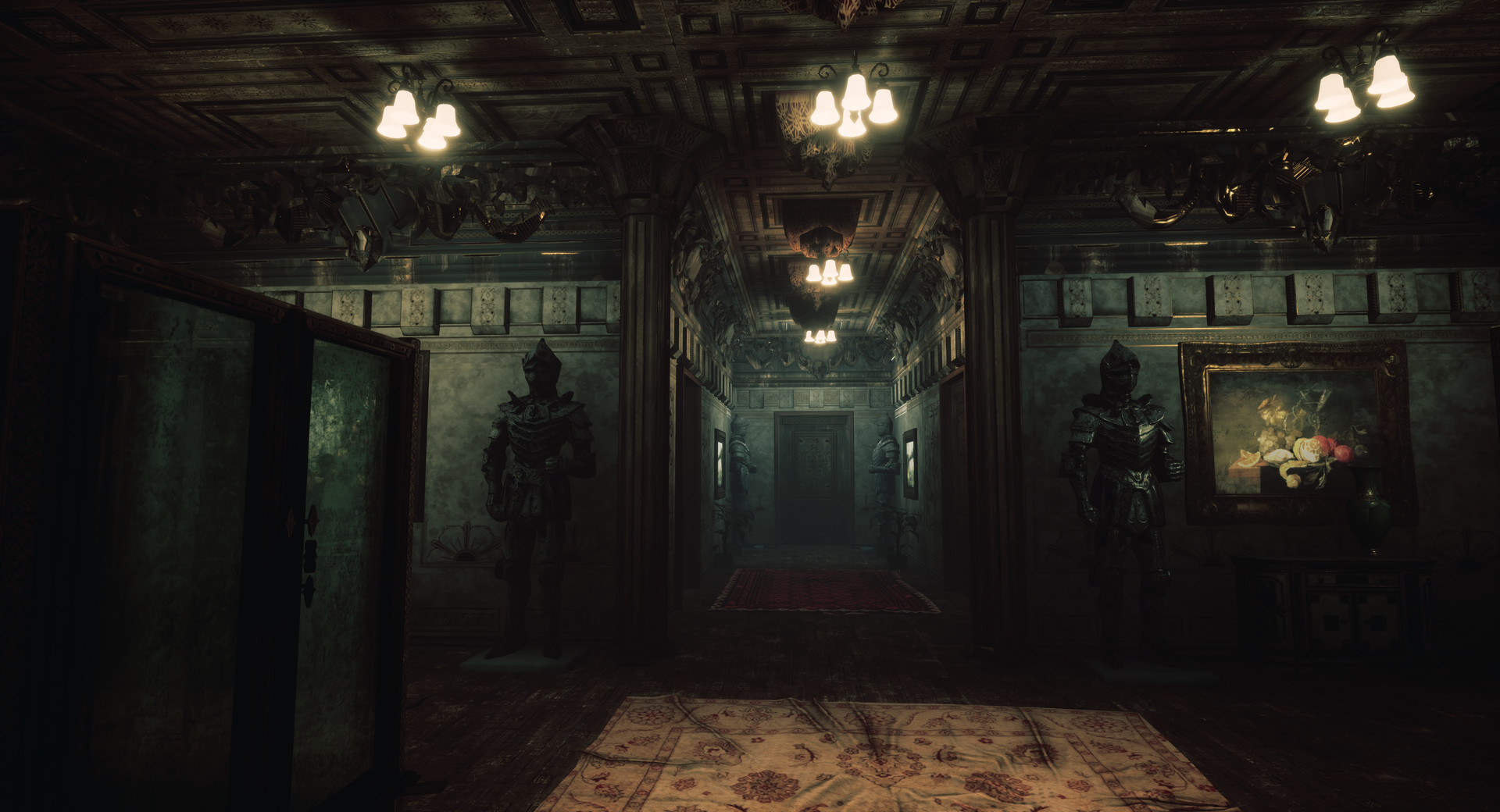
Map Details There are many maps including hospital, school and prison. Each map offers unique scenario that players must solve in combination with the jobs. Use CTRL to view the map and Tab to display nearby quests.…