
Keep Digging
Про игру
Место в каталоге, подборки и покупка
«Keep Digging» заточена под одиночное прохождение, кооператив и PvP — для тех, кому важны реализм и погружение в процесс.
- одиночное прохождение
- кооператив
- PvP
PlayGuide
«Keep Digging» попала в 4 тематических подборок PlayGuide («Топ игр Steam», «Популярные игры Steam» и др.) — ссылки ниже. Также на странице: системные требования, калькулятор «Пойдёт ли», FAQ и разбор лагов.
Краткая информация о Keep Digging
Платформы
Особенности
Теги Steam


Сообщество и сервисы Steam — Keep Digging
Скриншоты Keep Digging
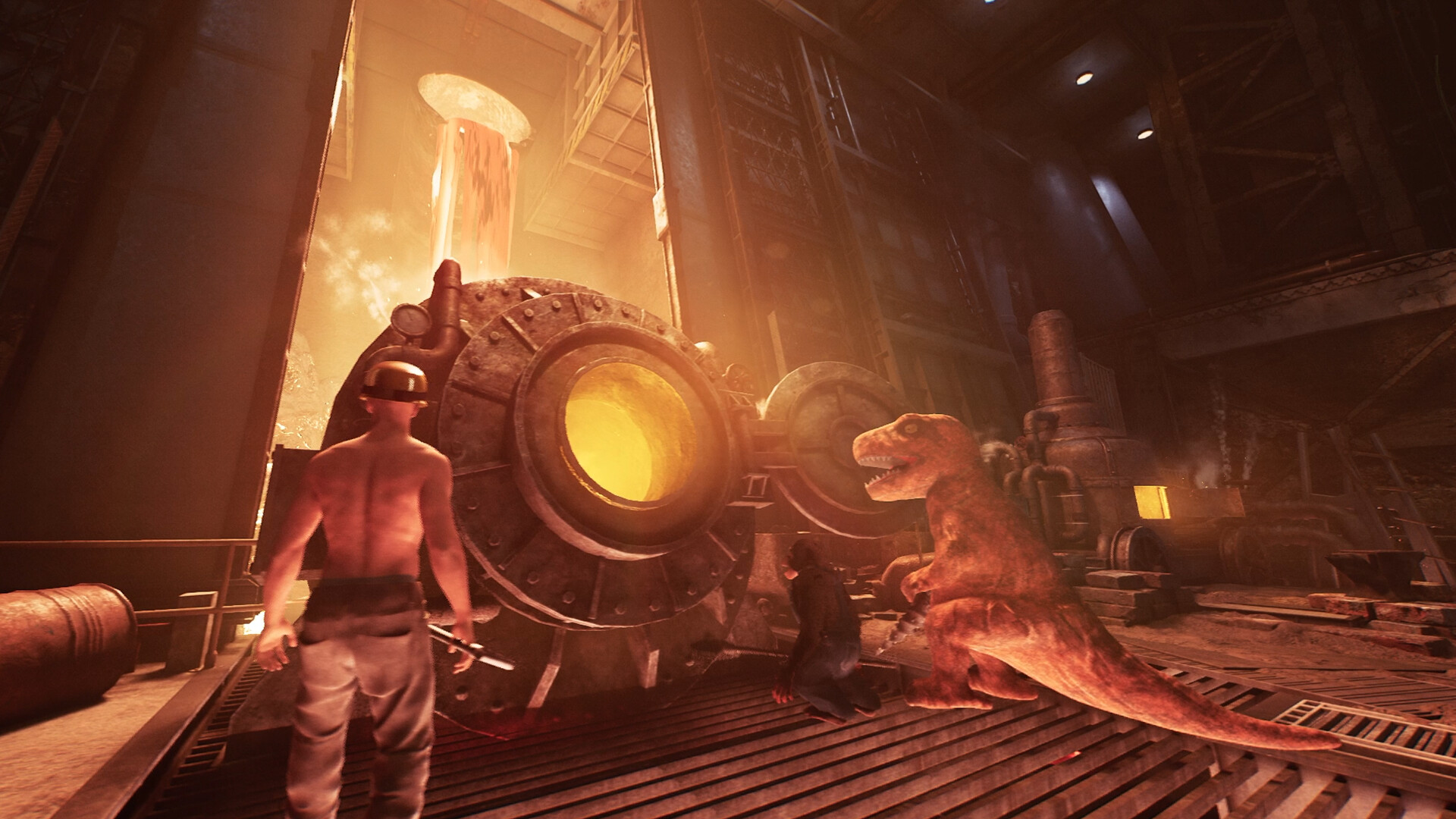
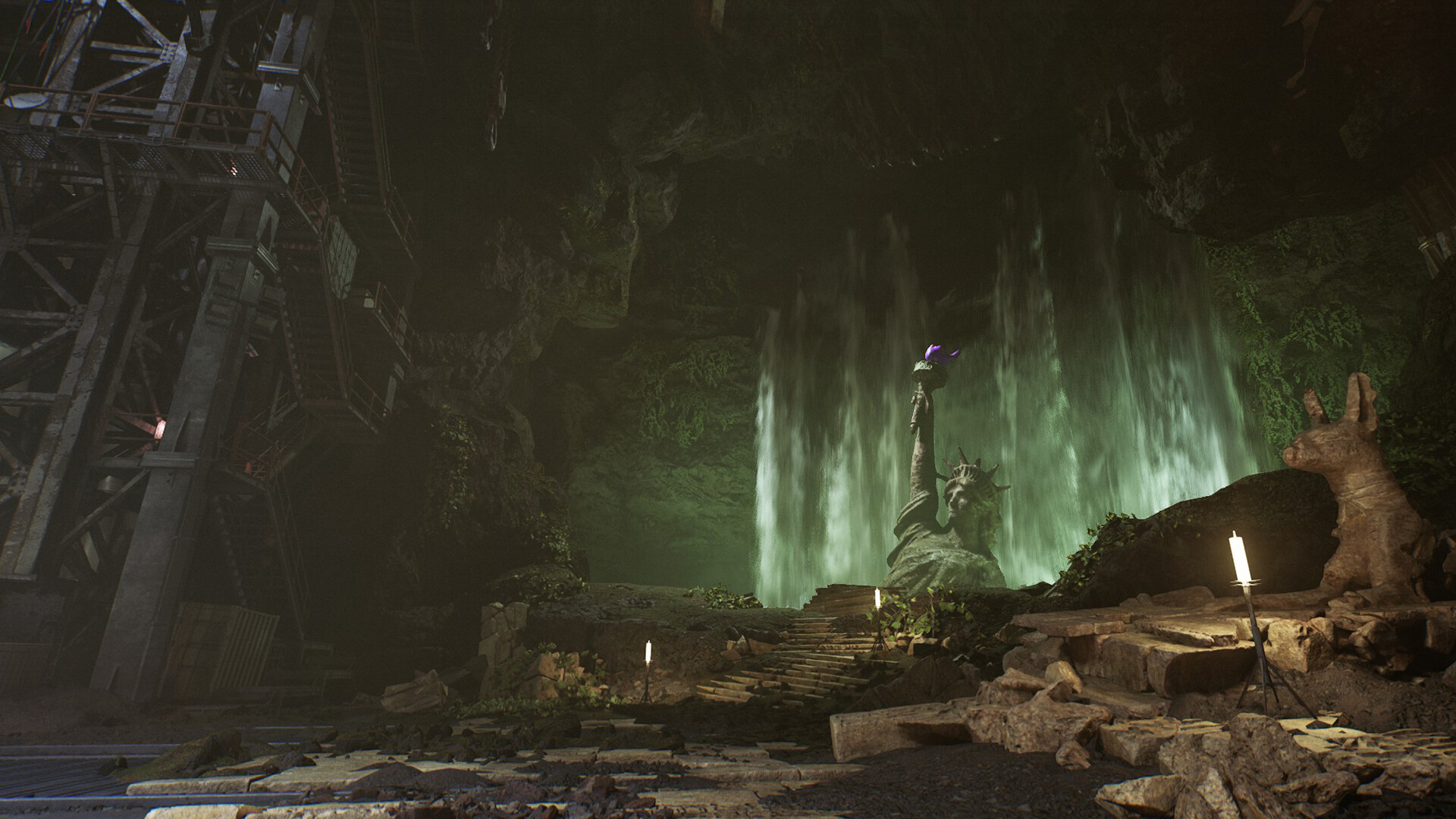
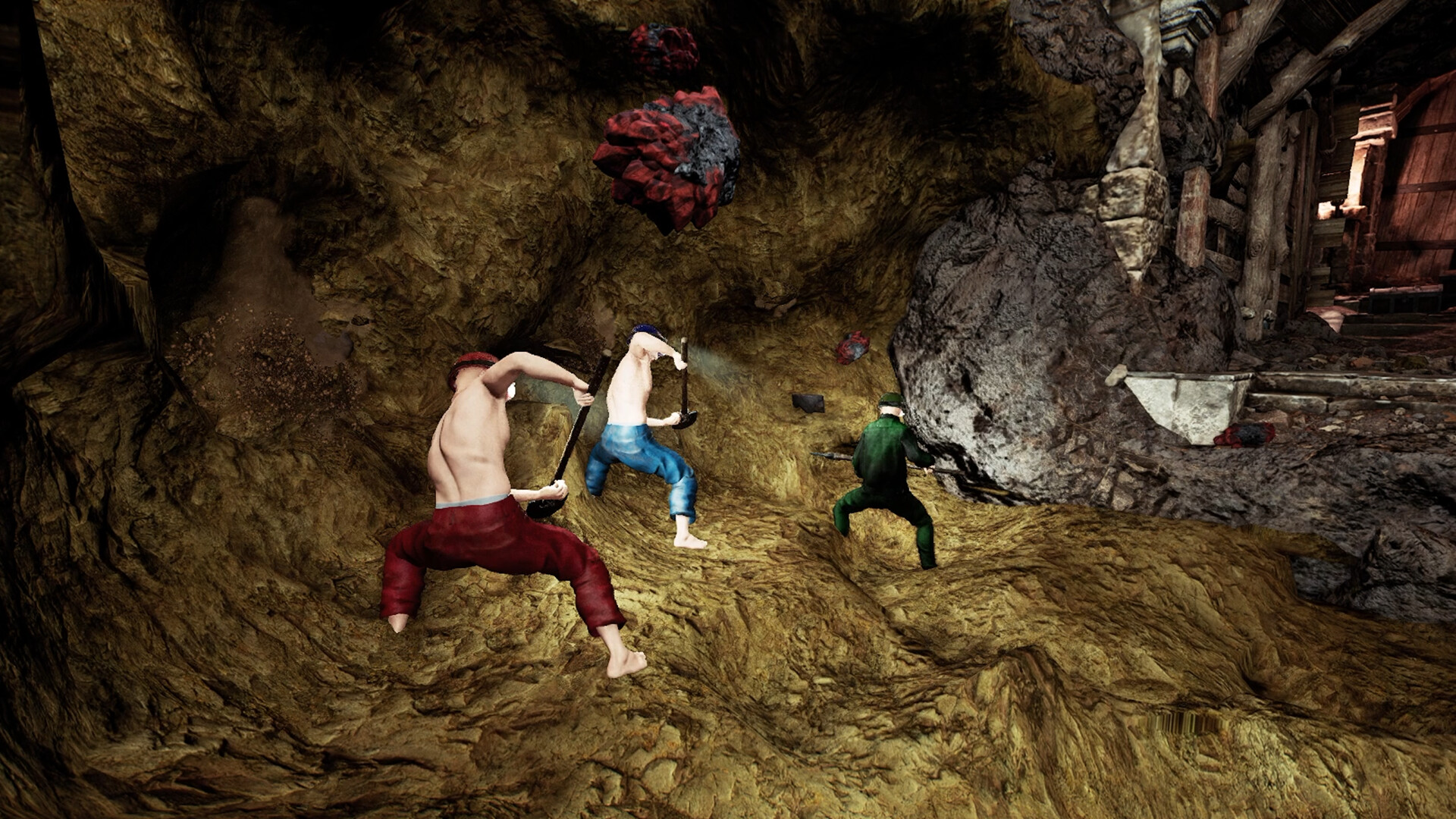
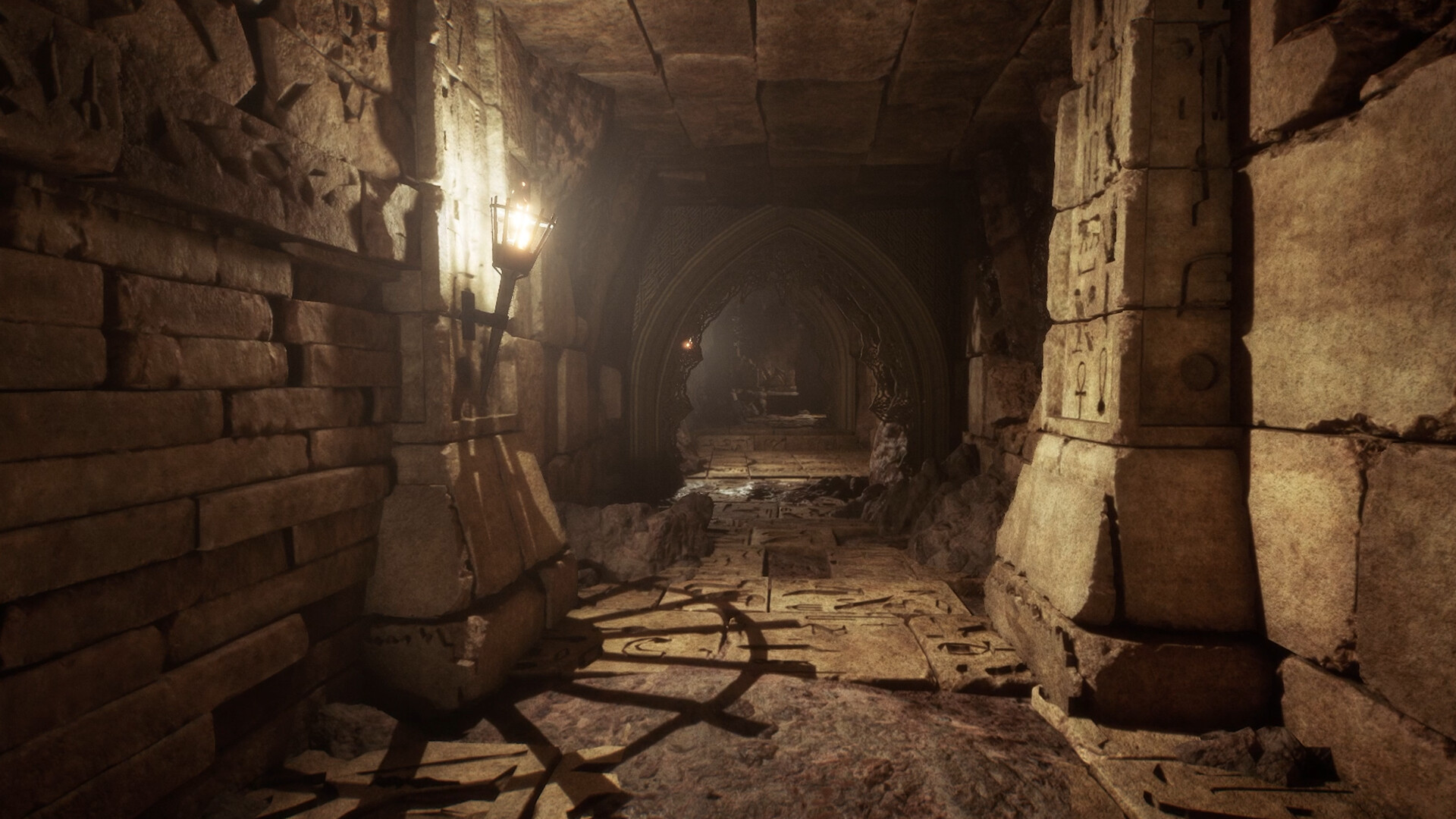
Системные требования Keep Digging — пойдёт ли на моём ПК?
Чтобы запустить «Keep Digging» на ПК, по данным Steam достаточно минимальной конфигурации: ос Windows 10 64bit, озу 8 GB ОЗУ, видеокарта NVIDIA GTX 1060 / Radeon RX 580 (6GB+ of VRAM), процессор Intel Core i5. По требованиям к памяти это типичный домашний компьютер прошлых лет — без запаса на максималки.
Для комфортной игры без просадок разработчик рекомендует: озу 16 GB ОЗУ, видеокарта NVIDIA GeForce GTX 1660 / Radeon R9 390X (6GB+ of VRAM), процессор Intel Core i7. Разрыв по ОЗУ (8 → 16 ГБ) обычно чувствуется в стабильности FPS. Точный расчёт под ваше железо — в разделе «Пойдёт ли на моём ПК».
Минимальные требования
- 64-разрядные процессор и операционная система
- ОС: Windows 10 64bit
- Процессор: Intel Core i5
- Оперативная память: 8 GB ОЗУ
- Видеокарта: NVIDIA GTX 1060 / Radeon RX 580 (6GB+ of VRAM)
- DirectX: версии 12
- Сеть: Широкополосное подключение к интернету
- Место на диске: 10 GB
- Дополнительно: SSD Required
Рекомендуемые требования
- 64-разрядные процессор и операционная система
- ОС: Windows 11 64bit
- Процессор: Intel Core i7
- Оперативная память: 16 GB ОЗУ
- Видеокарта: NVIDIA GeForce GTX 1660 / Radeon R9 390X (6GB+ of VRAM)
- DirectX: версии 12
- Сеть: Широкополосное подключение к интернету
- Место на диске: 10 GB
- Дополнительно: SSD Required
Гайд и ответы по Keep Digging
Перед установкой «Keep Digging» — коротко по данным Steam Плюс ответы на частые вопросы.
Keep Digging на Steam Deck
Стоит ли брать «Keep Digging» в дорогу на Deck — ниже статус из Steam и типичные ограничения по производительности.
Playable — играбельно на Steam Deck
Можно ли играть в Keep Digging без интернета
Перед поездкой без Wi‑Fi проверьте «Keep Digging» — ниже режимы из Store API Steam.
Есть одиночный режим, но также указан мультиплеер — офлайн возможен в сюжете, онлайн-режимы требуют сеть.
Много ли людей играет в Keep Digging?
У «Keep Digging» есть онлайн-мультиплеер. Режимы «Keep Digging»: кооператив, PvP. Сколько человек в одной сессии — в описании Steam. Текущий онлайн по всей игре — график на странице магазина или Steam Charts.
Какое время прохождения у Keep Digging?
Steam не публикует официальное время прохождения «Keep Digging». Казуальные и indie-проекты вроде «Keep Digging» часто длятся от пары часов до 10–15 часов. В Steam у «Keep Digging» уже 2 826 отзывов — там часто пишут о длительности. Ориентируйтесь также на гайды и видео на YouTube.
Поддерживает ли Keep Digging геймпад?
У «Keep Digging» частичная поддержка геймпада — не все действия могут быть на контроллере.
Не запускается, вылетает, лагает — Keep Digging
О чём Keep Digging
What is Keep Digging?
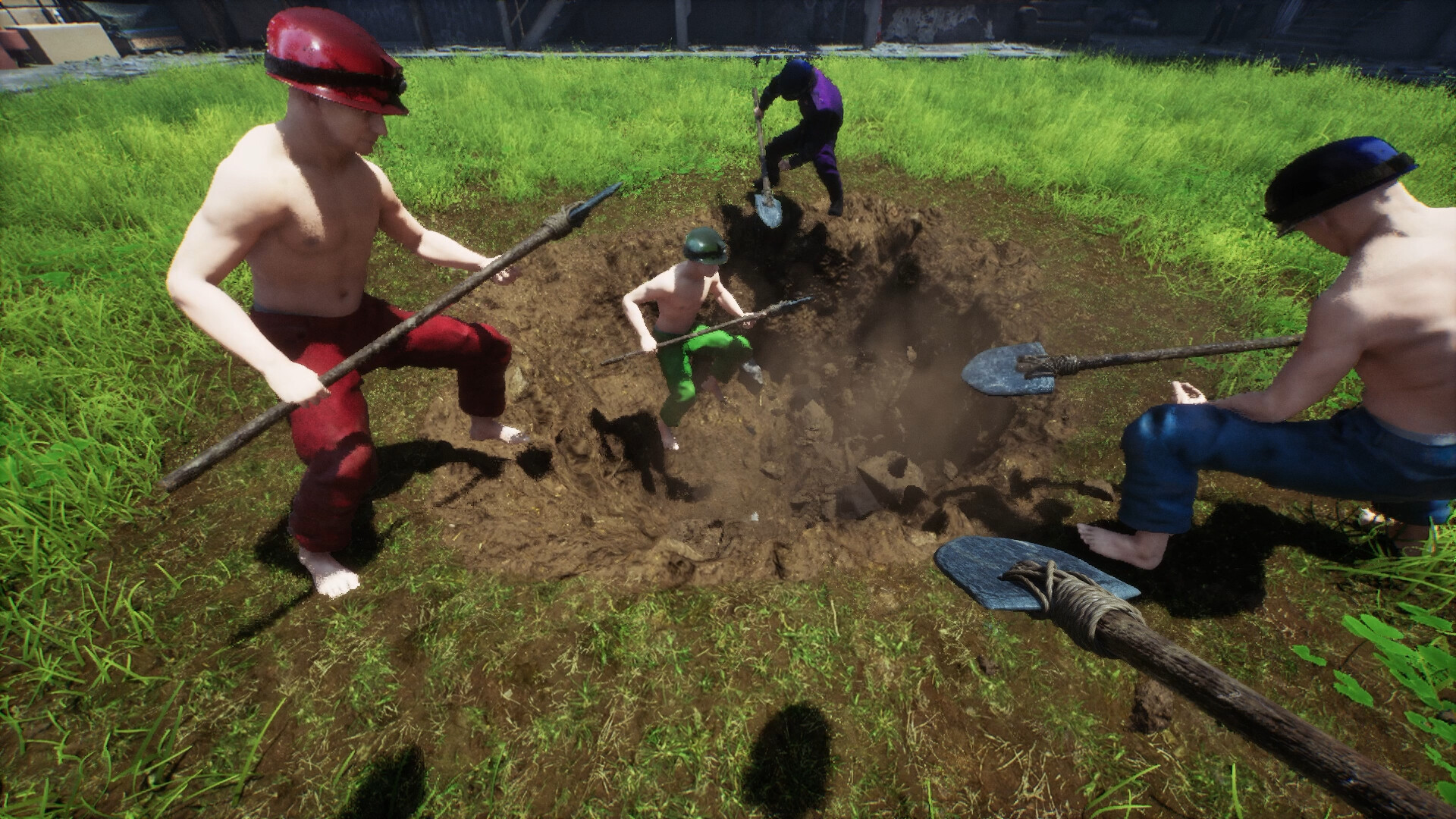
Keep Digging is a multiplayer digging survival craft game where up to 8 players dig through an underground world, bring materials back home, craft equipment, and dive even deeper.
Version 2.0 greatly overhauls the game systems and map. It adds a procedurally generated 5000m underground world, more than 350 items, inventory management, the smelter, forging, enchantments, and more, turning everything you dig up into progress for your character.
Dig, Bring It Back, Build
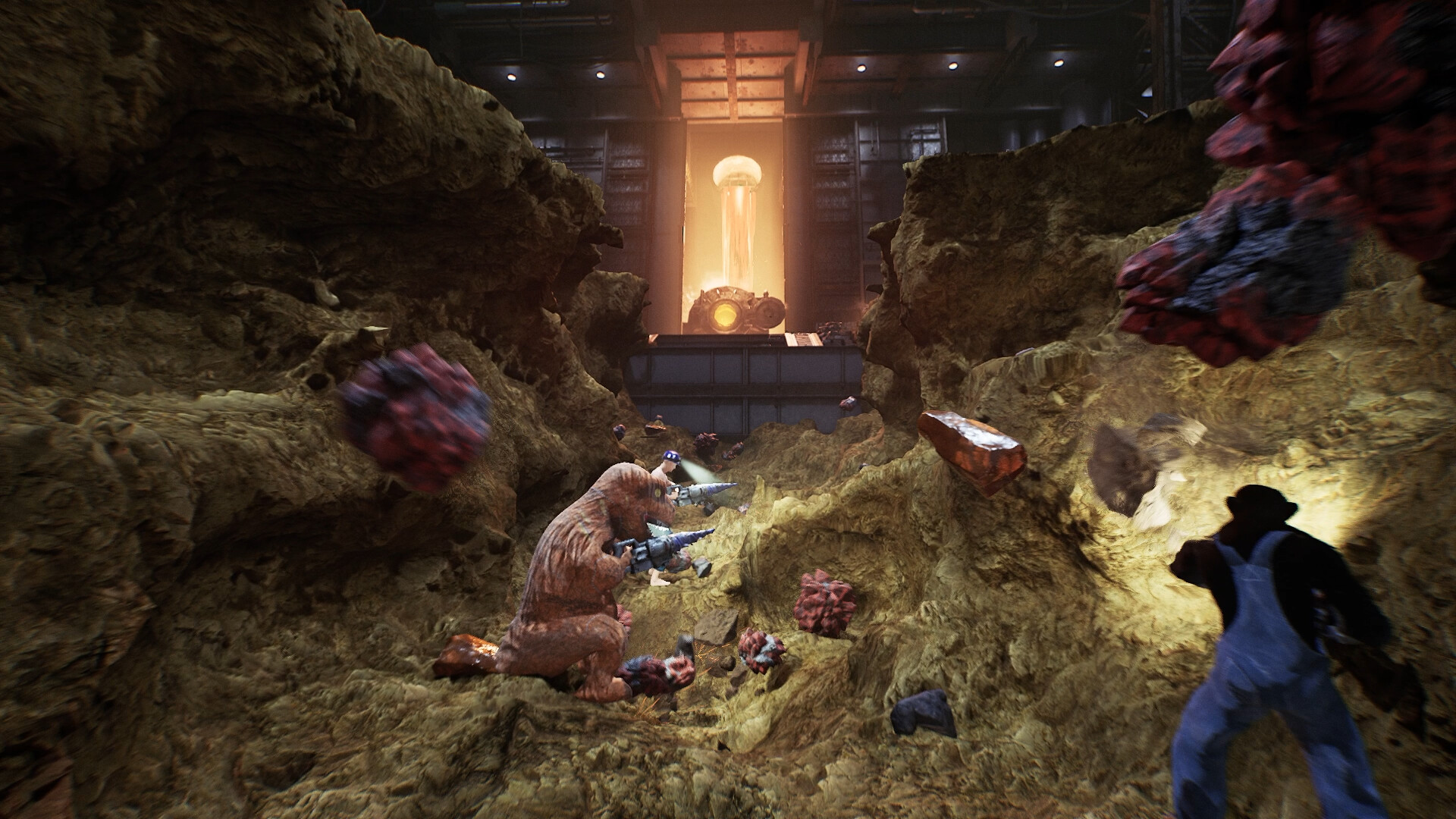
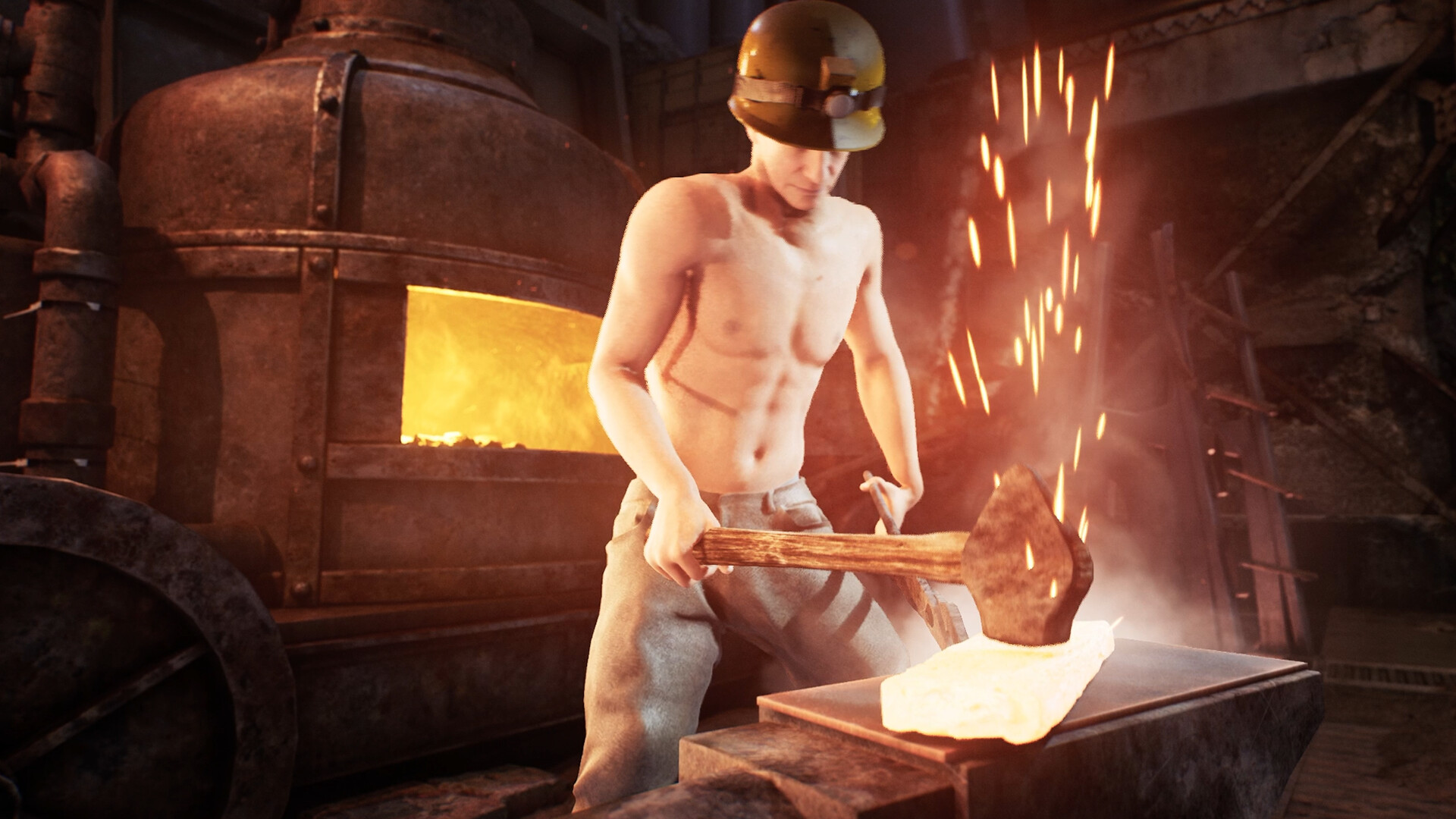
Gather ores and materials underground, bring them back to base, and use the smelter to turn them into ingots. Then forge your own equipment using blueprints found while exploring.
• More than 350 items to discover
• An inventory system for managing materials and equipment
• Use the smelter to turn mined ores into ingots
• Forge equipment from blueprints found underground
• Equipment, blueprints, and orbs have quality levels, so the same item can perform differently
Search for better materials, craft better equipment, and dig even deeper. What you bring back from each dig changes what you can do on the next expedition.
Build Your Gear With Enchantments
Create mysterious orbs with random effects from Gemstones. By combining orbs and stacking multiple effects, you can build equipment that fits your play style.
• Random stats are added when creating or combining orbs
• Enhance digging efficiency, movement, exploration, and more
• Effect combinations can greatly change equipment performance
• Keep refining your setup to create your own equipment set
Aim for the ultimate gear so you can dig deeper, faster, and stronger.
A Procedurally Generated 5000m Underground World
In Version 2.0, the underground world has been completely renewed. The 5000m-deep map is procedurally generated, so each playthrough brings different terrain, treasure chests, fossils, and exploration routes.
• A completely new 5000m-deep map
• A different underground world every time through procedural generation
• Many more treasure chests, fossils, and discoveries
• Digging deeper matters, but securing a route back is just as important
This is not just about digging straight down. Explore your surroundings, search for materials and blueprints, and build a route that lets you return safely.
Multiplayer for Up to 8 Players
Online multiplayer supports up to 8 players. Explore the underground world together with friends, or enjoy the tension of competing for items through PvP.
• Online multiplayer for up to 8 players
• Explore the underground world in co-op with friends
• PvP elements create item-stealing encounters between players
• Bring equipment and money earned in single-player with you
• Items found in other players' worlds can also be taken back to your own world
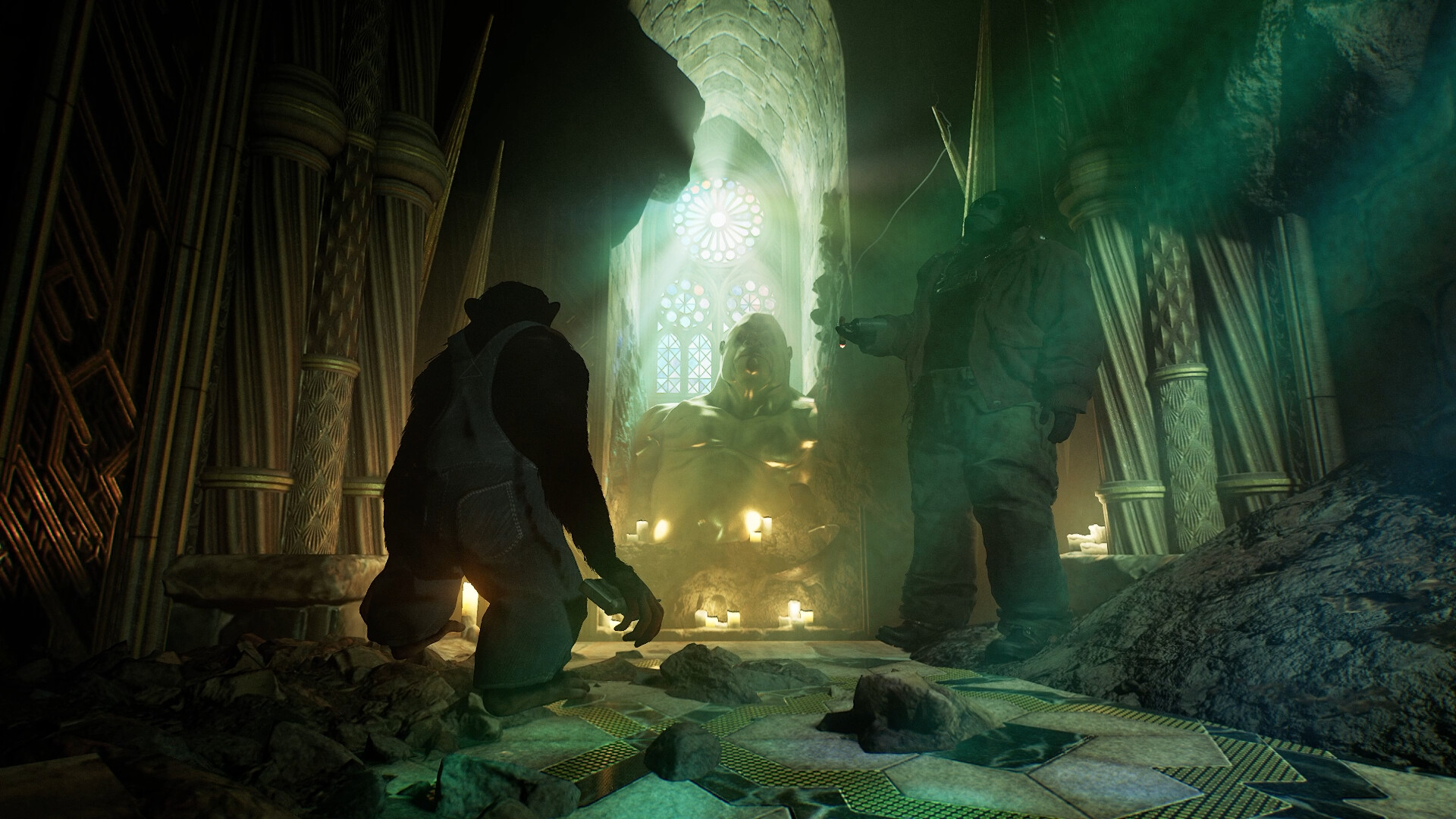
Costumes such as samurai and gorilla outfits, along with emotes that have special effects, let you customize your character.…