Madrun
Про игру
Место в каталоге, подборки и покупка
«Madrun» — для фанатов скорости и соревновательного драйва; ключевые режимы: одиночное прохождение, PvP и онлайн.
- одиночное прохождение
- PvP
- онлайн
Где искать ещё
Для «Madrun» мы собрали 4 смежных списков («Топ игр Steam», «Новинки Steam» и др.) и материалы: скриншоты, сравнение с похожими, FAQ и раздел про проблемы с запуском.
Где купить
Ключ и загрузка «Madrun» — на официальной странице игры в Steam.
- Бесплатно
Краткая информация о Madrun
Платформы
Особенности
Теги Steam


Скриншоты Madrun
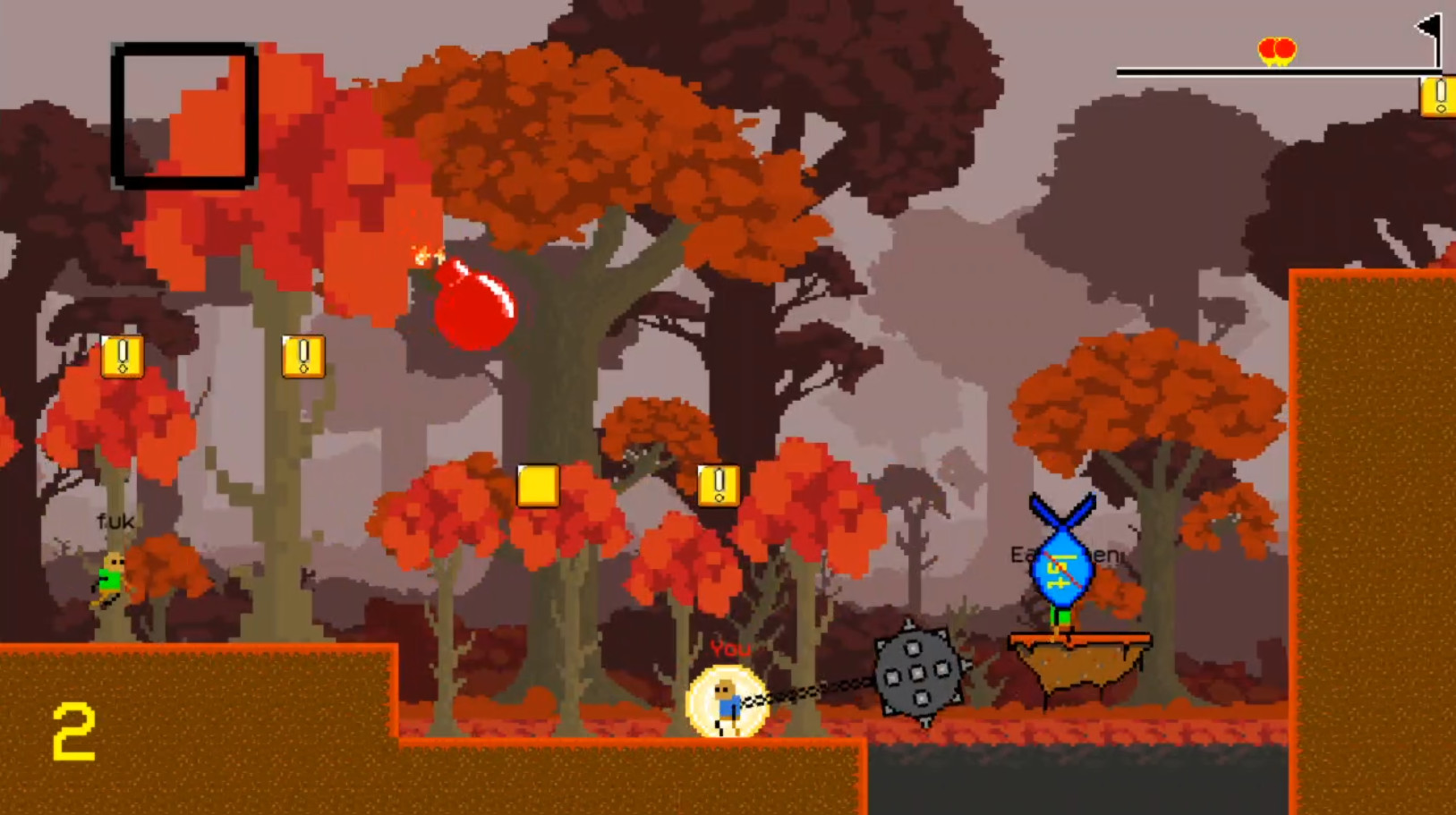
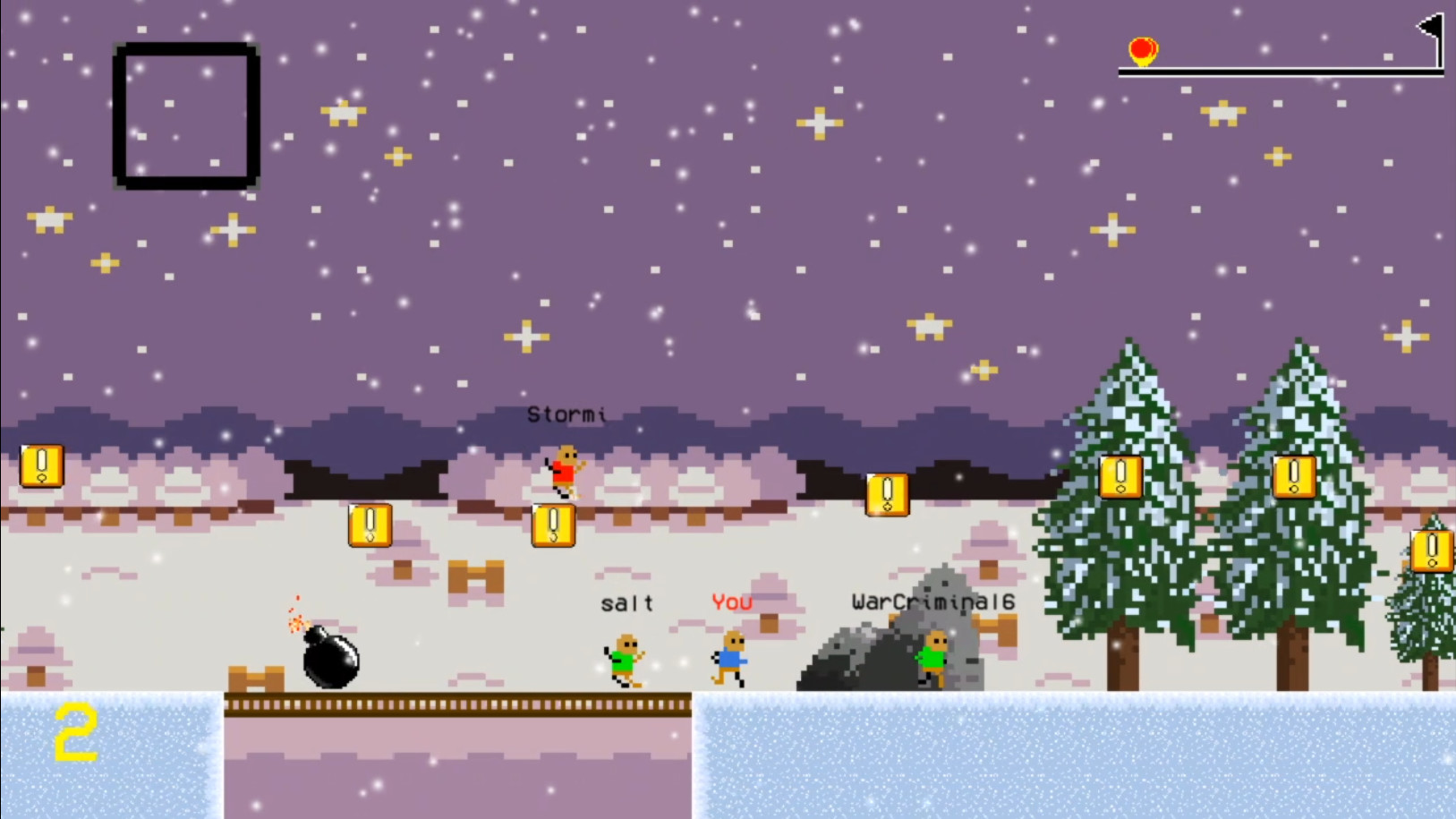
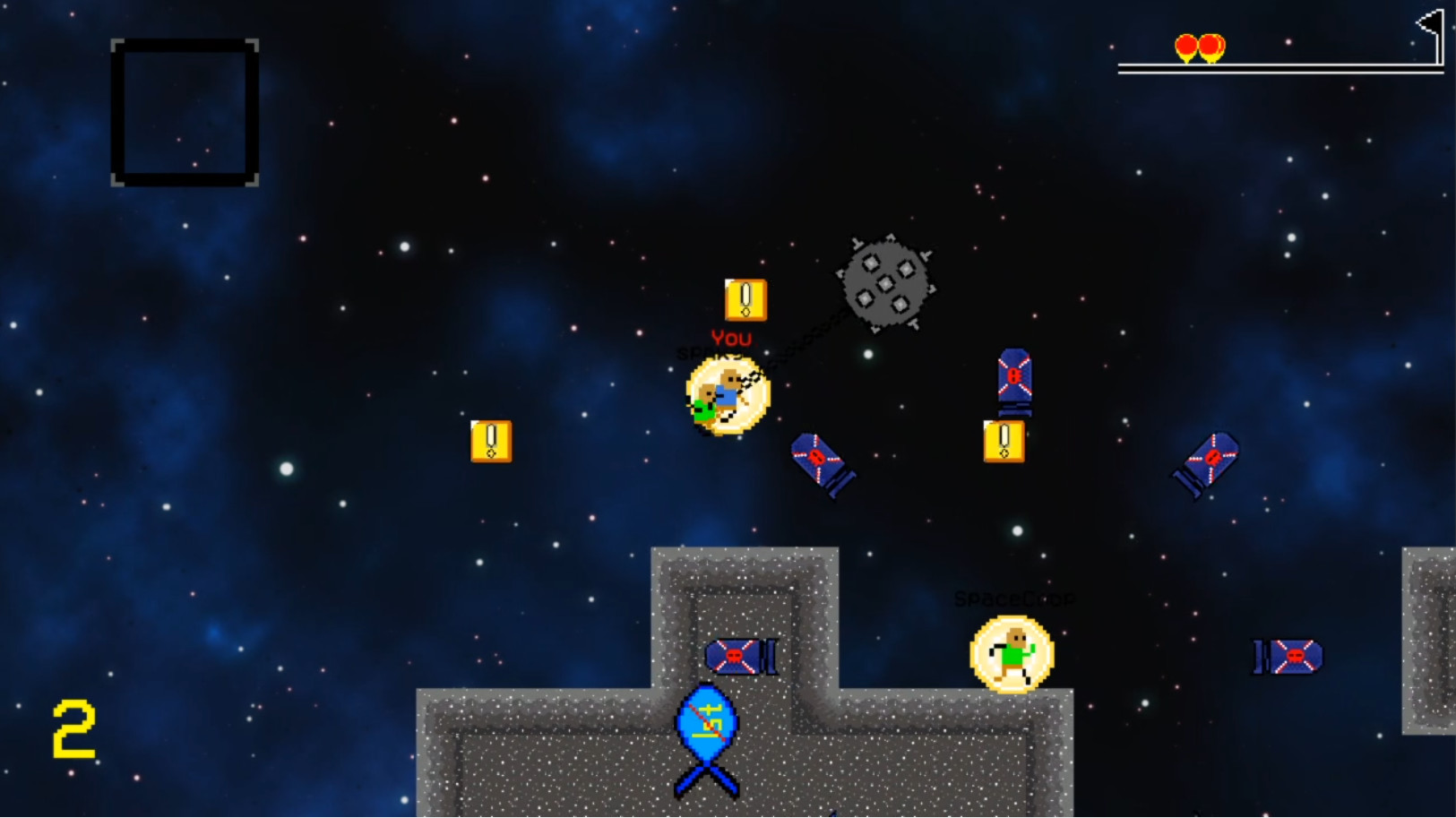
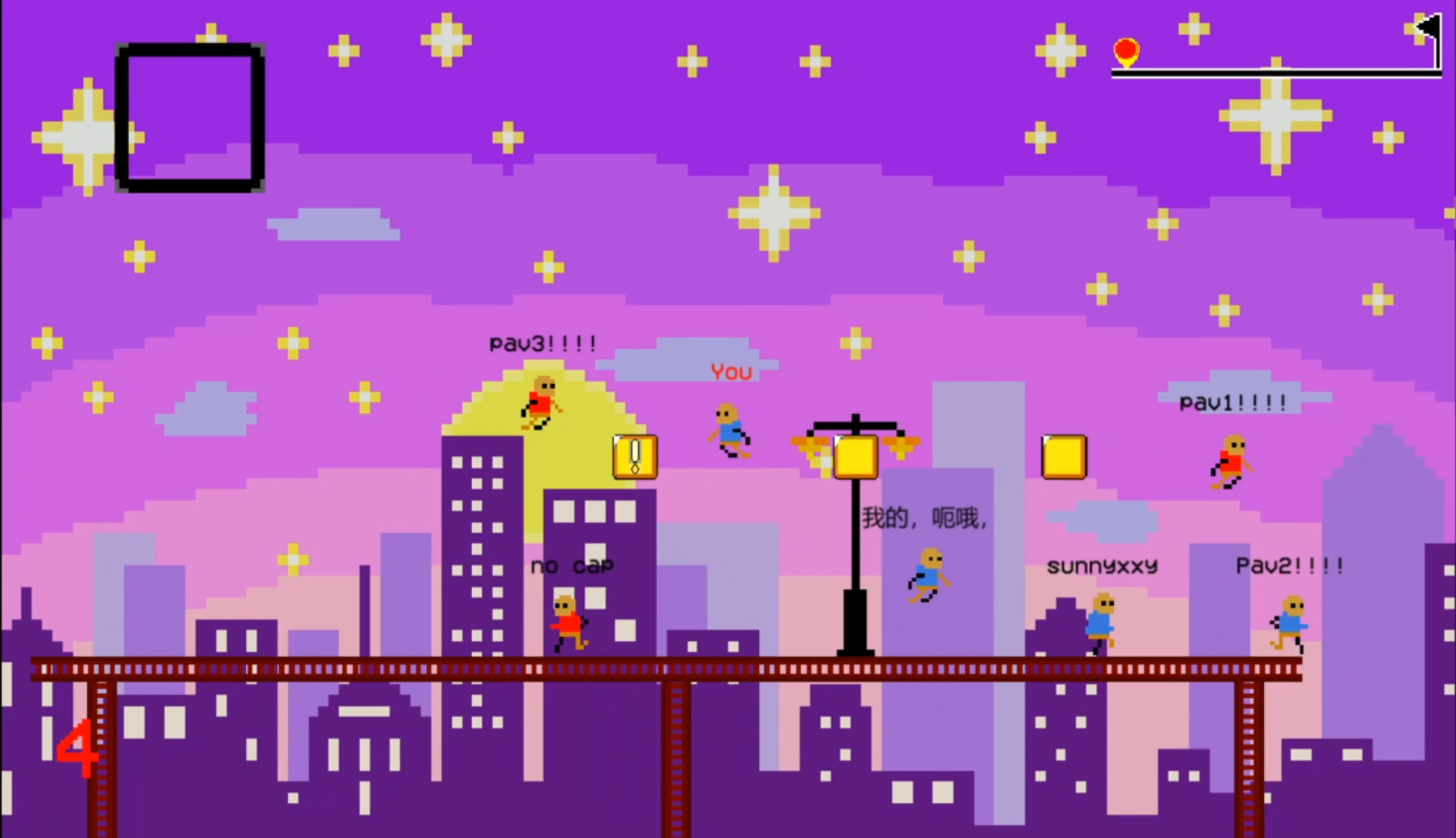
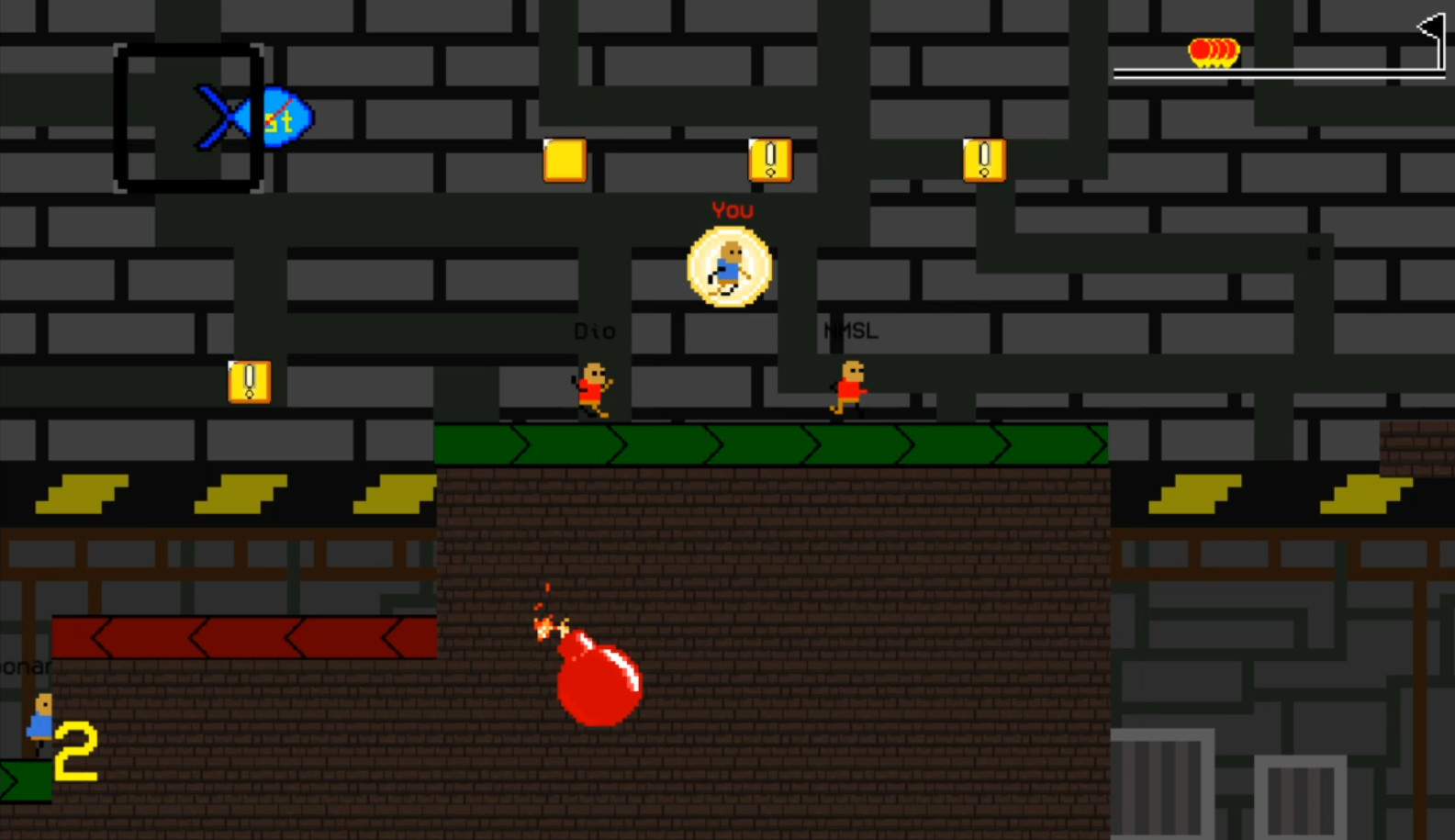
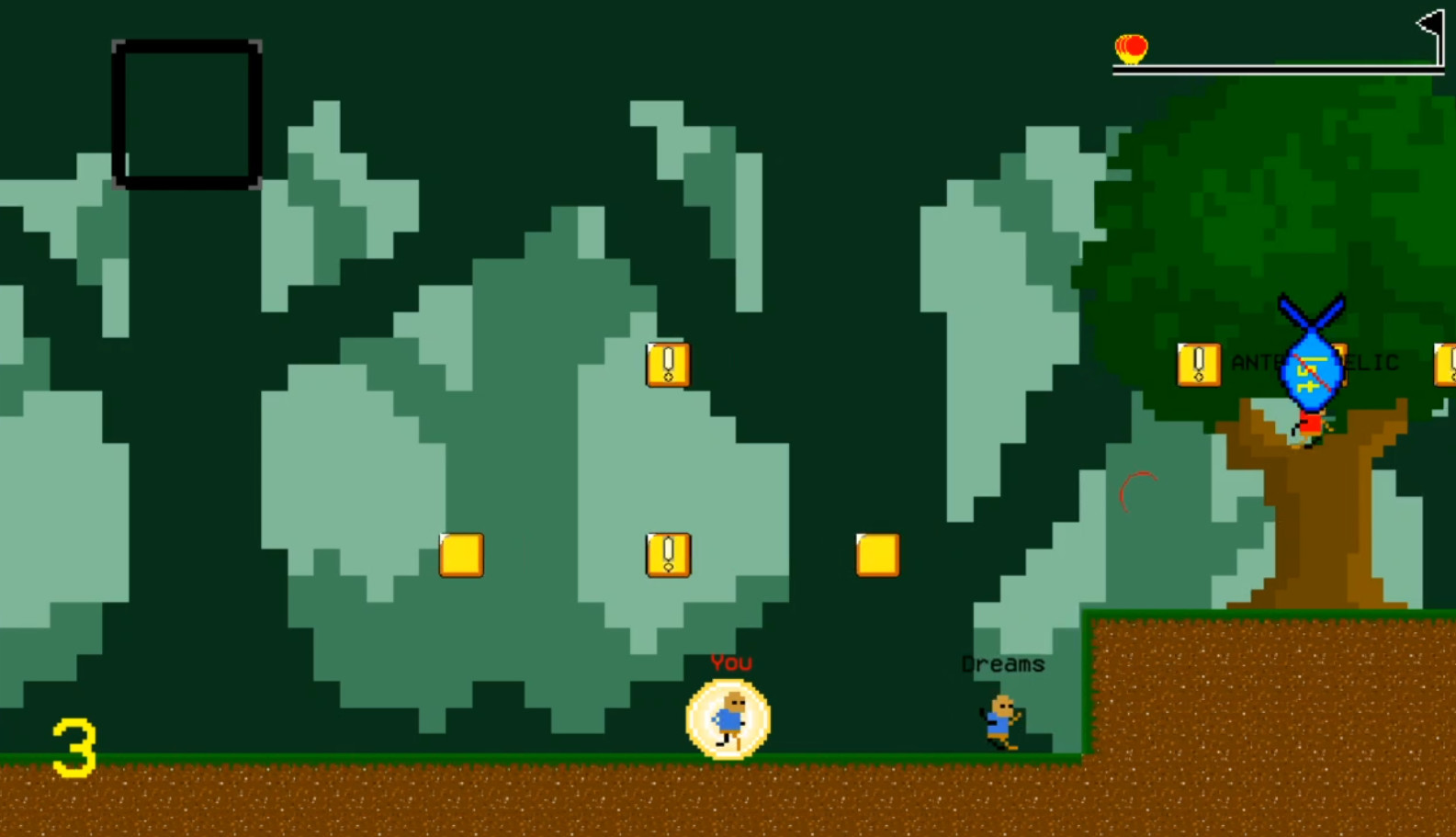
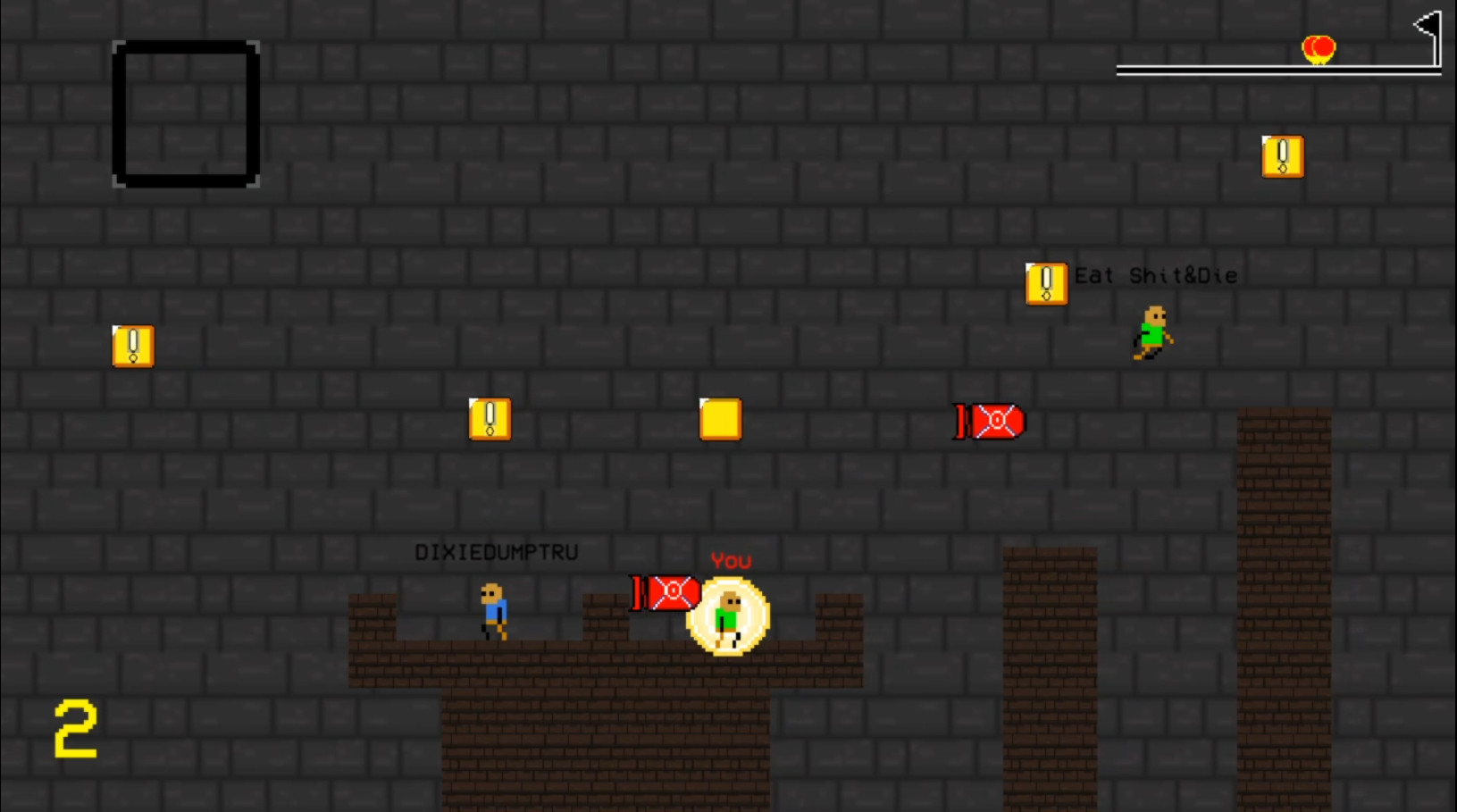
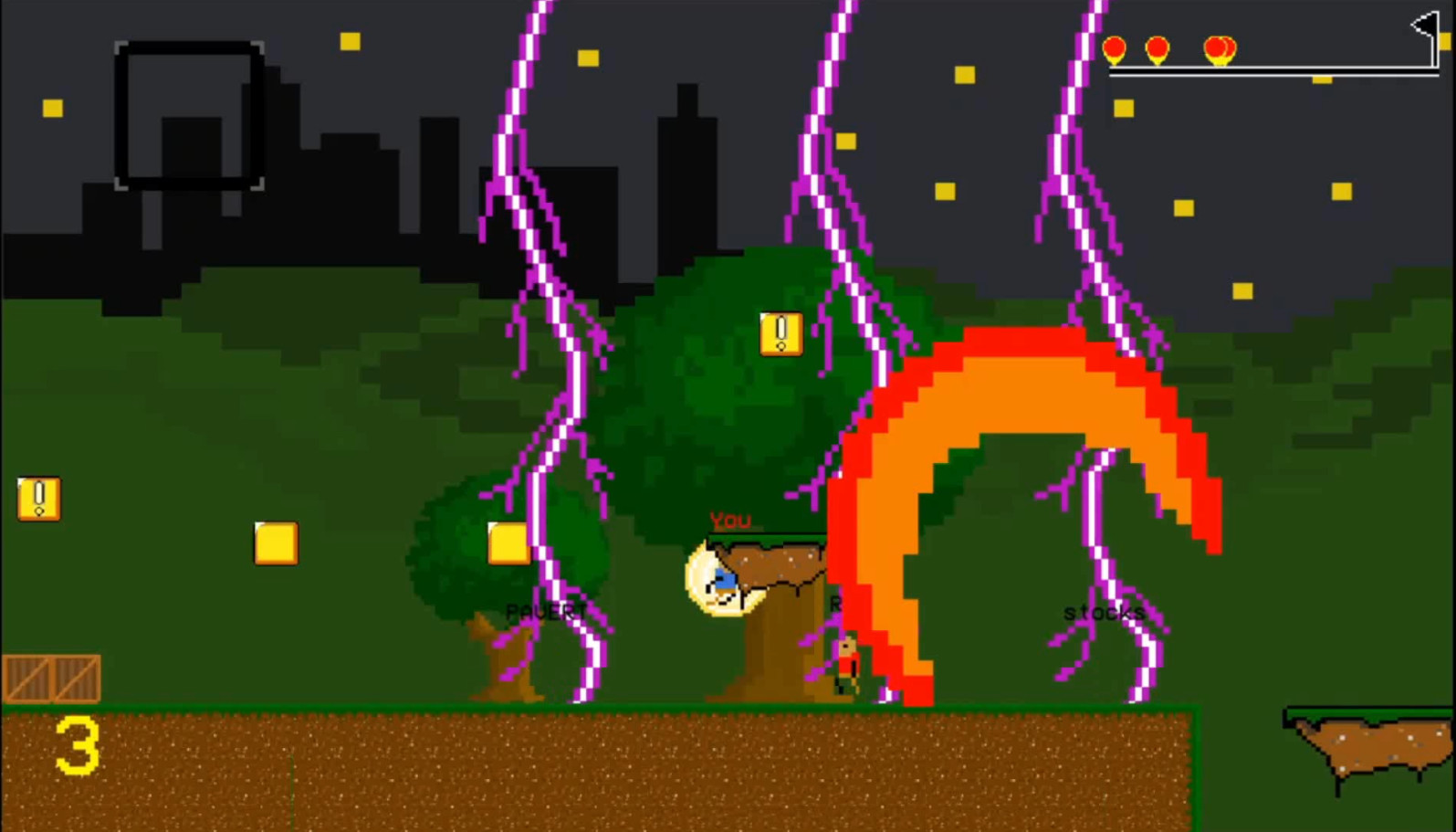
Системные требования Madrun — пойдёт ли на моём ПК?
Чтобы запустить «Madrun» на ПК, по данным Steam достаточно минимальной конфигурации: ос WIndows 7 and Newer, озу 1024 MB ОЗУ, видеокарта Intel HD Graphics, процессор Intel Celeron X64 architecture.
Для комфортной игры без просадок разработчик рекомендует: озу 2048 MB ОЗУ, видеокарта Intel HD Graphics, процессор Intel Core i3 X64 architecture. Точный расчёт под ваше железо — в разделе «Пойдёт ли на моём ПК».
Минимальные требования
- 64-разрядные процессор и операционная система
- ОС *: WIndows 7 and Newer
- Процессор: Intel Celeron X64 architecture
- Оперативная память: 1024 MB ОЗУ
- Видеокарта: Intel HD Graphics
- Место на диске: 70 MB
- Дополнительно: This game requires as much processing power as a browser. As long as your system is 64 bit, you should be able to run the game.
Рекомендуемые требования
- 64-разрядные процессор и операционная система
- ОС *: Windows 8 and Newer
- Процессор: Intel Core i3 X64 architecture
- Оперативная память: 2048 MB ОЗУ
- Видеокарта: Intel HD Graphics
- Место на диске: 500 MB
Гайд и ответы по Madrun
Требования, размер, язык, Steam Deck и офлайн — кратко по данным Steam Плюс ответы на частые вопросы.
Madrun на Steam Deck
Стоит ли брать «Madrun» в дорогу на Deck — ниже статус из Steam и типичные ограничения по производительности.
Статус Steam Deck не указан
Можно ли играть в Madrun без интернета
Перед поездкой без Wi‑Fi проверьте «Madrun» — ниже режимы из Store API Steam.
Есть одиночный режим, но также указан мультиплеер — офлайн возможен в сюжете, онлайн-режимы требуют сеть.
Бесплатна ли Madrun?
«Madrun» распространяется бесплатно в Steam. Внутриигровые покупки могут быть — смотрите описание в Steam.
Работает ли геймпад в Madrun?
«Madrun»: явной поддержки геймпада в Steam нет — уточните в описании или отзывах.
Сколько времени займёт Madrun?
Steam не публикует официальное время прохождения «Madrun». «Madrun» из жанра гонок/спорта — сессии короткие, но карьера и онлайн могут занять много часов. Ориентируйтесь также на гайды и видео на YouTube.
Не запускается, вылетает, лагает — Madrun
О чём Madrun
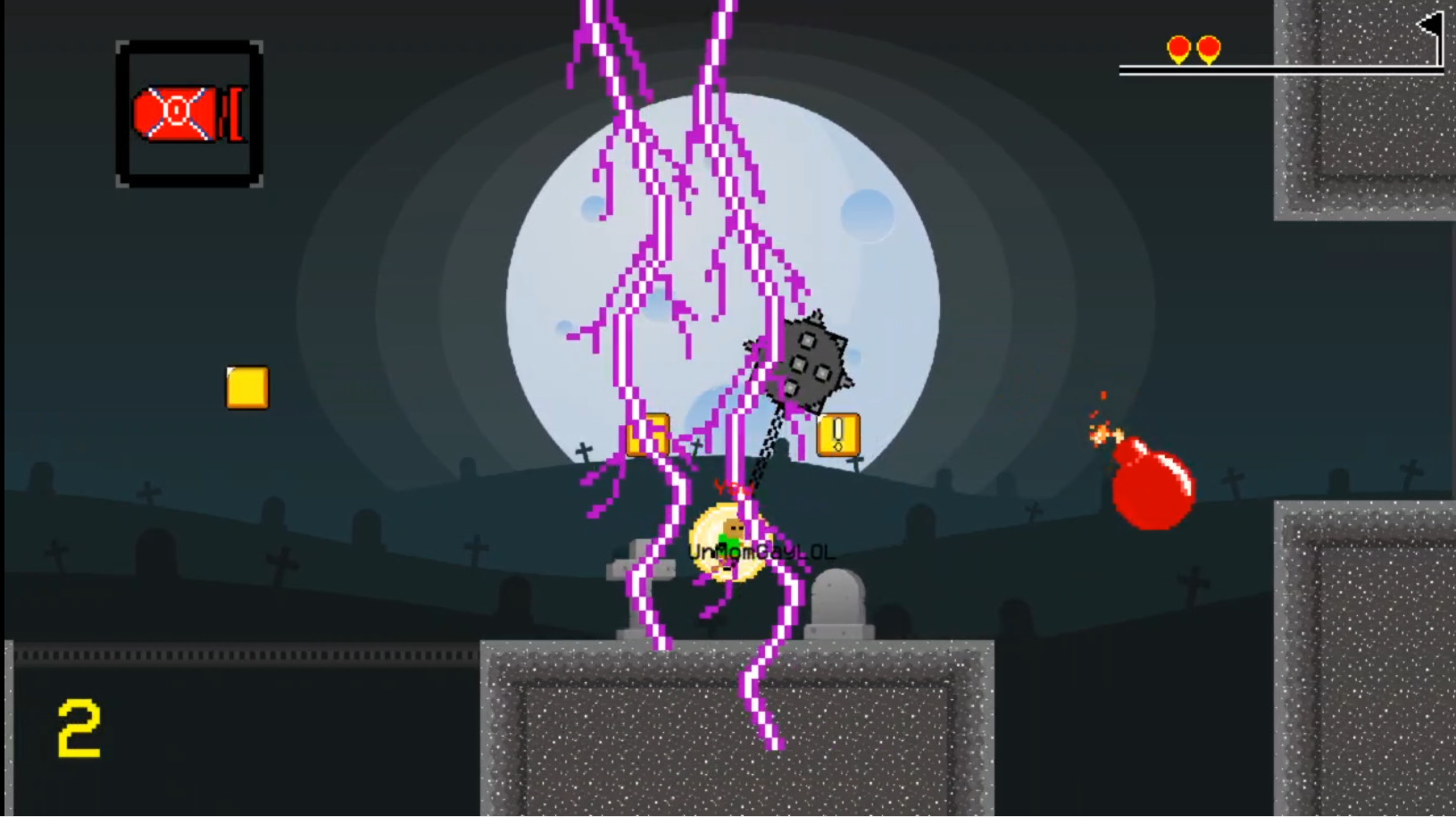
Race against up to 7 other players online and create catastrophic chaos with items beyond insanity. Breaking the tradition of single-player, story-based platformers. Interested? This is the brand new 2D platformer experience you want.
This is a completely free game with no in-game purchases or advertisements. It's meant to be available for anyone to enjoy.
Gameplay
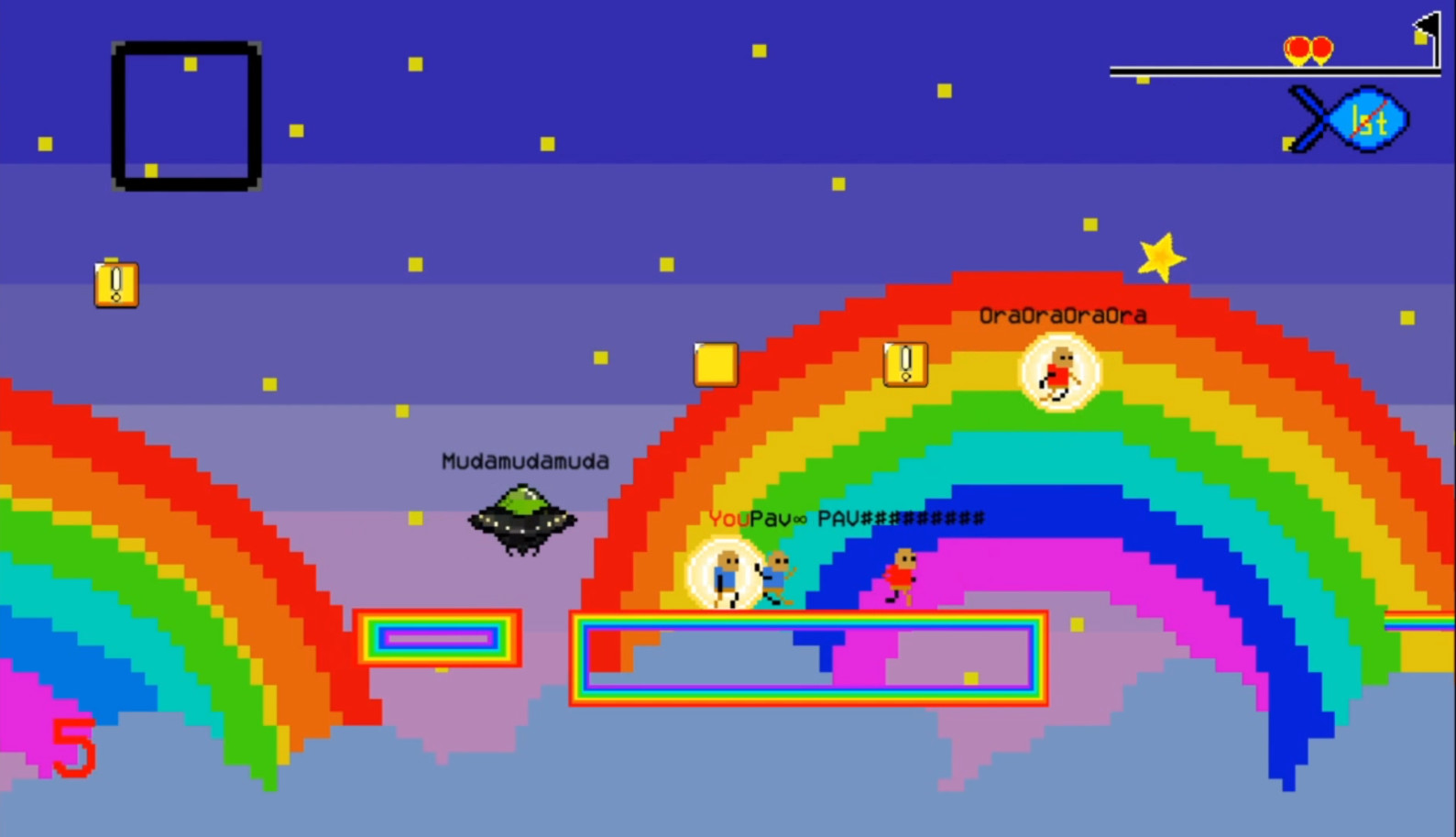
The game consists of 20 levels, each with their own themes, gimmicks, and difficulty. The game also includes a random level generator. Each race is unique. No matter how many times you play any level, a new race will never be the same.
When you hit a "!" block, you'll receive an item. The item distribution is based on your position and random chance. The further behind you are, the more powerful your items will be. Use your items quickly to ensure maximum chaos~
Racing is separated into three modes: Online VS, Local Duel, and Time Attack.
In Online VS, you can connect and race with up to 7 other players. The bigger the room, the more chaos and destruction...
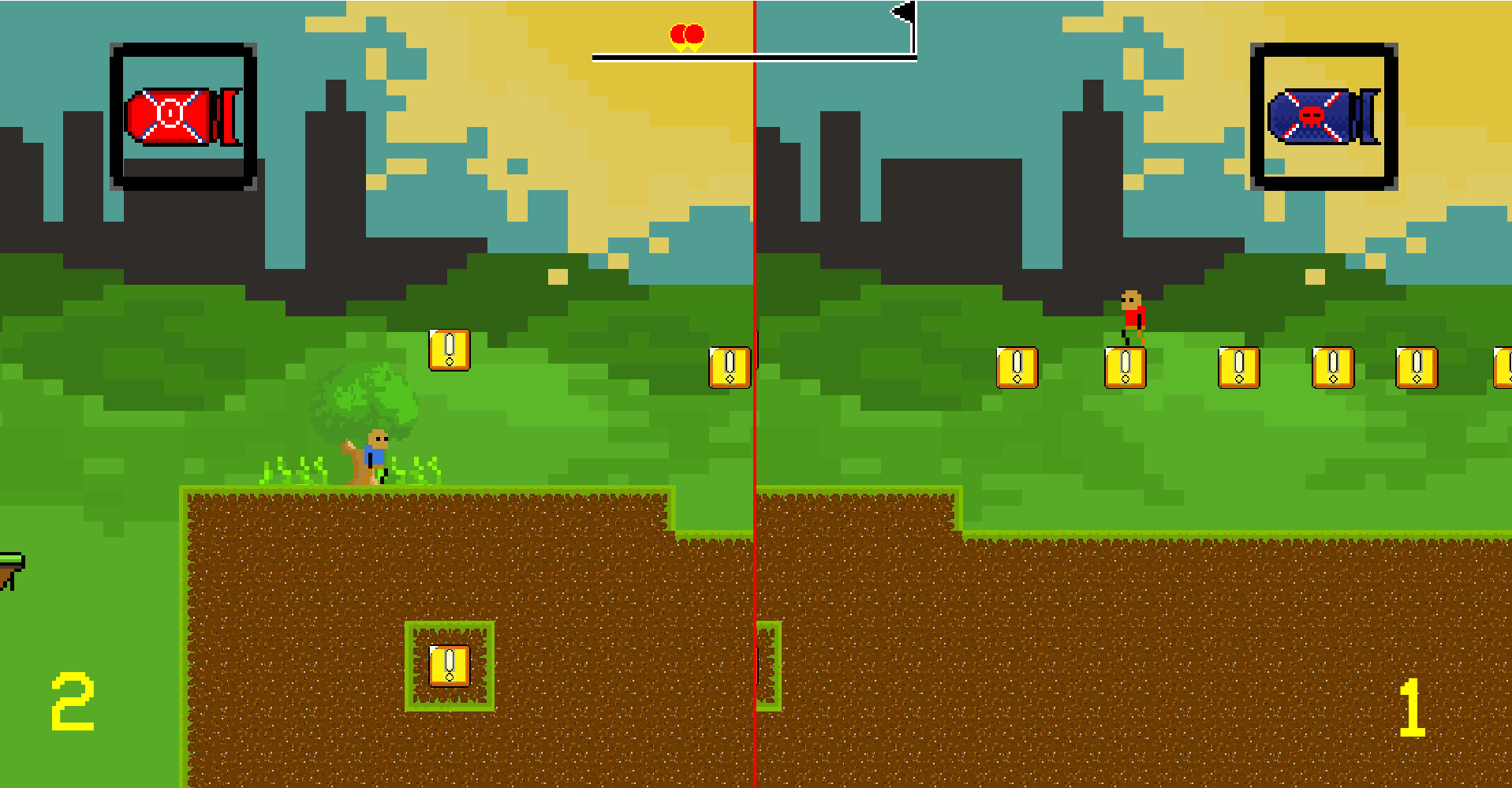
In Local Duel mode, you can race offline against a friend on the same device on split-screen. The default controls are recommended (player 1 on WASD, player 2 on arrow keys).
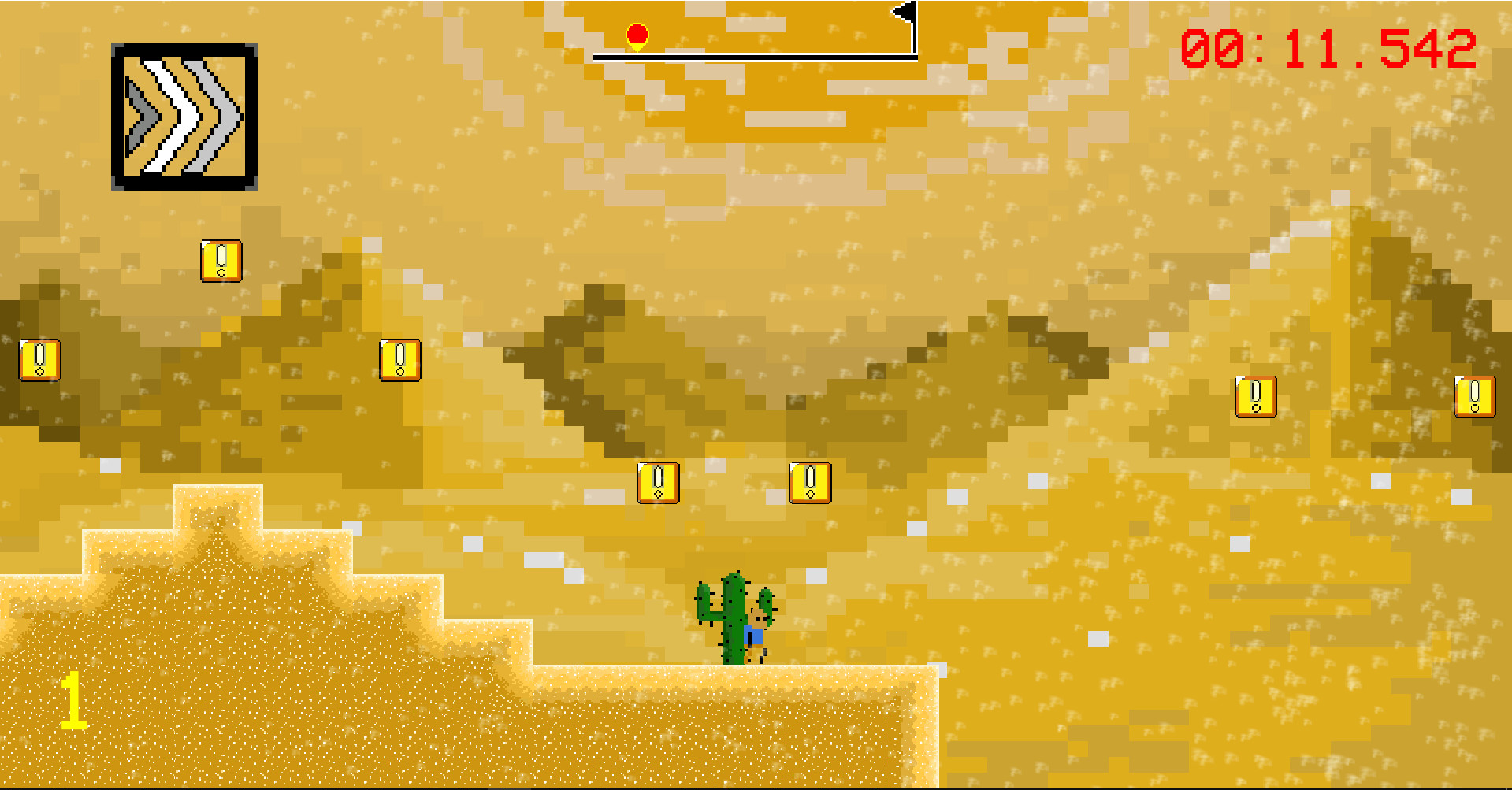
In Time Attack mode, you can race offline alone for the best record in every level.
Menu Navigation
The title screen allows you to choose between the three racing modes, settings, credits, and help. The settings menu has multiple functions. First, you may change your controls. The Online Mode toggle allows you to choose between playing with players from all over the world or just from your region. You can turn on or off player names during online races and the minimap. Lastly, you can switch between full-screen and windowed mode. The help menu explains the functionality of each item in the game. The credits menu lists the contributors who made this game for you.
In the Online VS menu, you can host a public room (anyone can join), host a private room (only players who know the exact room name can join), join anyone's public room, or join a private room with the correct room name. Once in a room, you'll be able to chat with the other players, and the host decides when the game will start. After the room starts, all players will vote for a level to race in and a vote will be chosen randomly. Then it's time to wreak havoc and race to the flag!
While racing, you can press Enter to pause the game. In Online VS and Local Duel, you can either continue the match or quit the match from the pause menu. In Time Attack, you can also retry the level from the start.
Controls…