Maestro VR
Про игру
Место в каталоге, подборки и покупка
«Maestro VR» заточена под одиночное прохождение — для тех, кому важны реализм и погружение в процесс.
- одиночное прохождение
PlayGuide
В PlayGuide «Maestro VR» открывается через 4 подборок («Топ игр Steam», «Новинки Steam» и др.). Плюс на этой странице — требования к ПК, скриншоты, FAQ и типичные ошибки запуска.
Где купить
Ключ и загрузка «Maestro VR» — на официальной странице игры в Steam.
- −75%
- 275 ₽
Краткая информация о Maestro VR
Платформы
Особенности
Теги Steam


Сообщество и сервисы Steam — Maestro VR
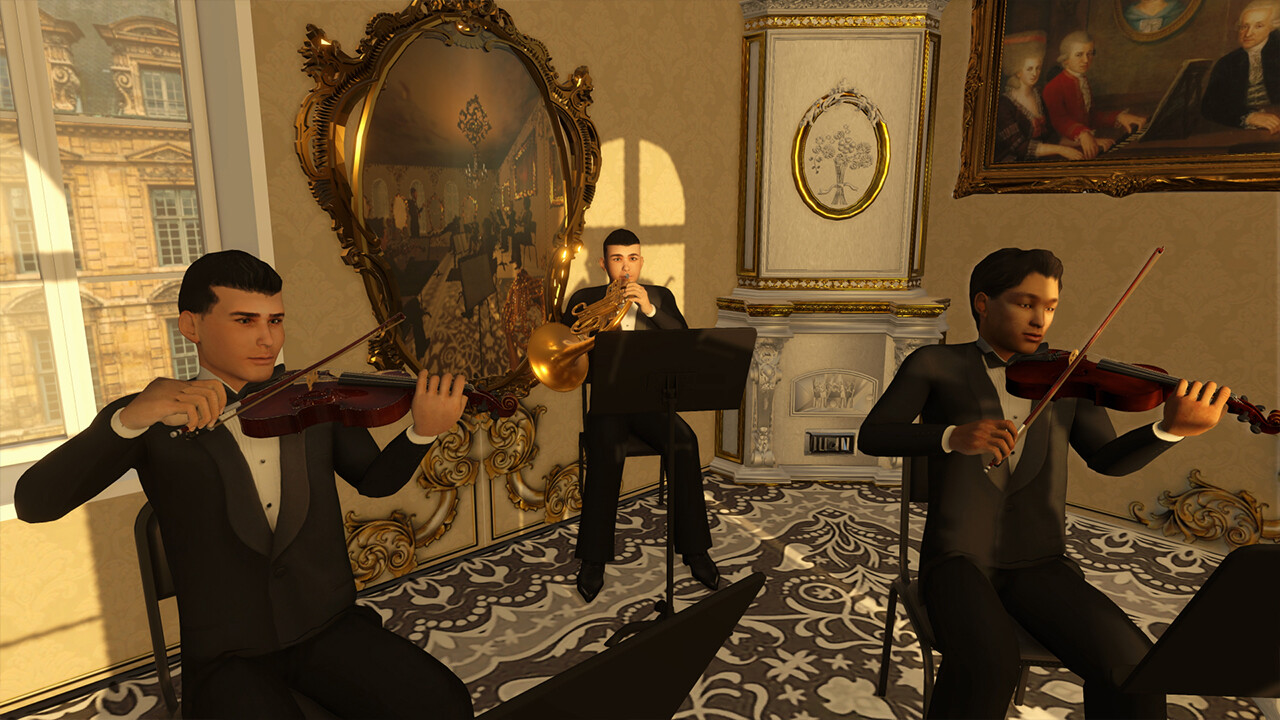
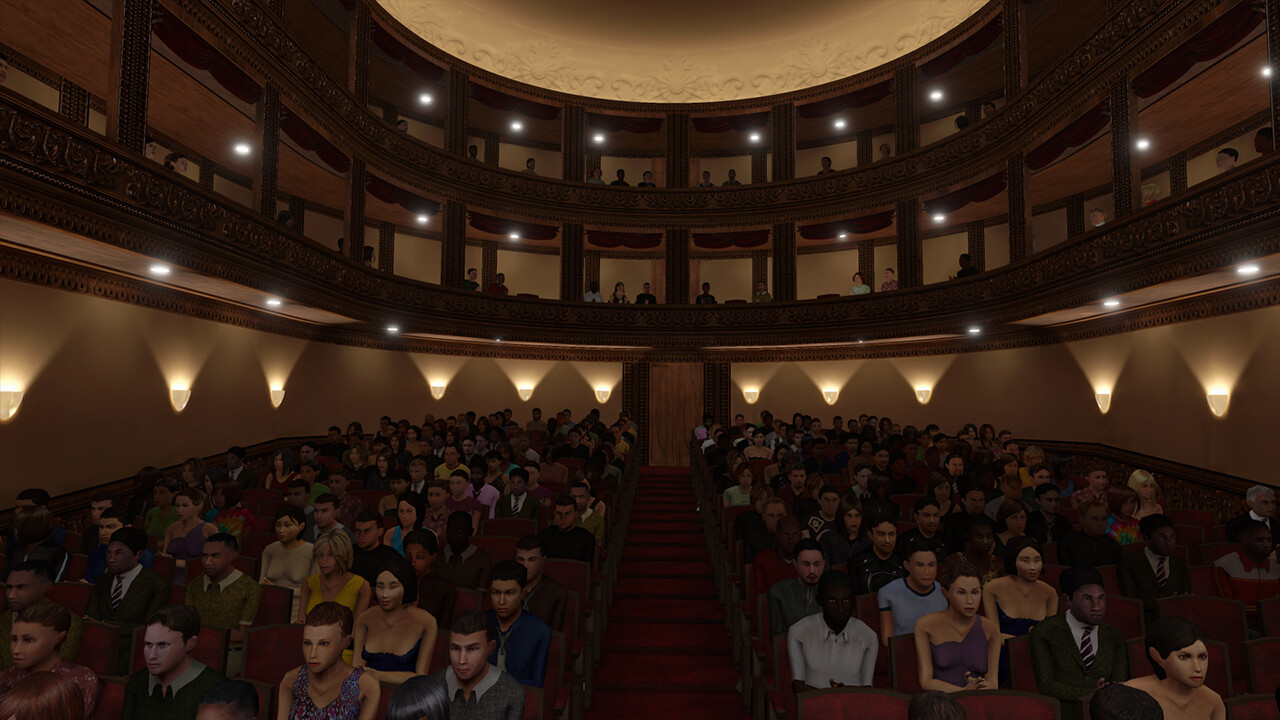
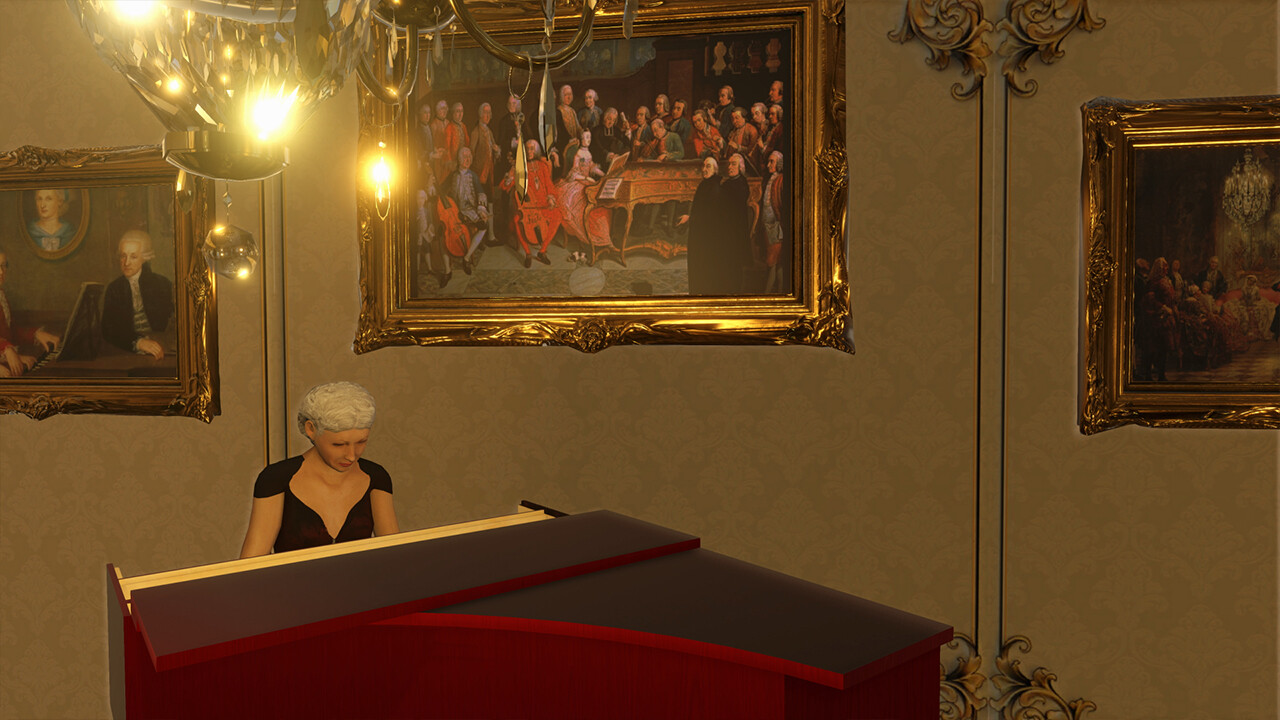
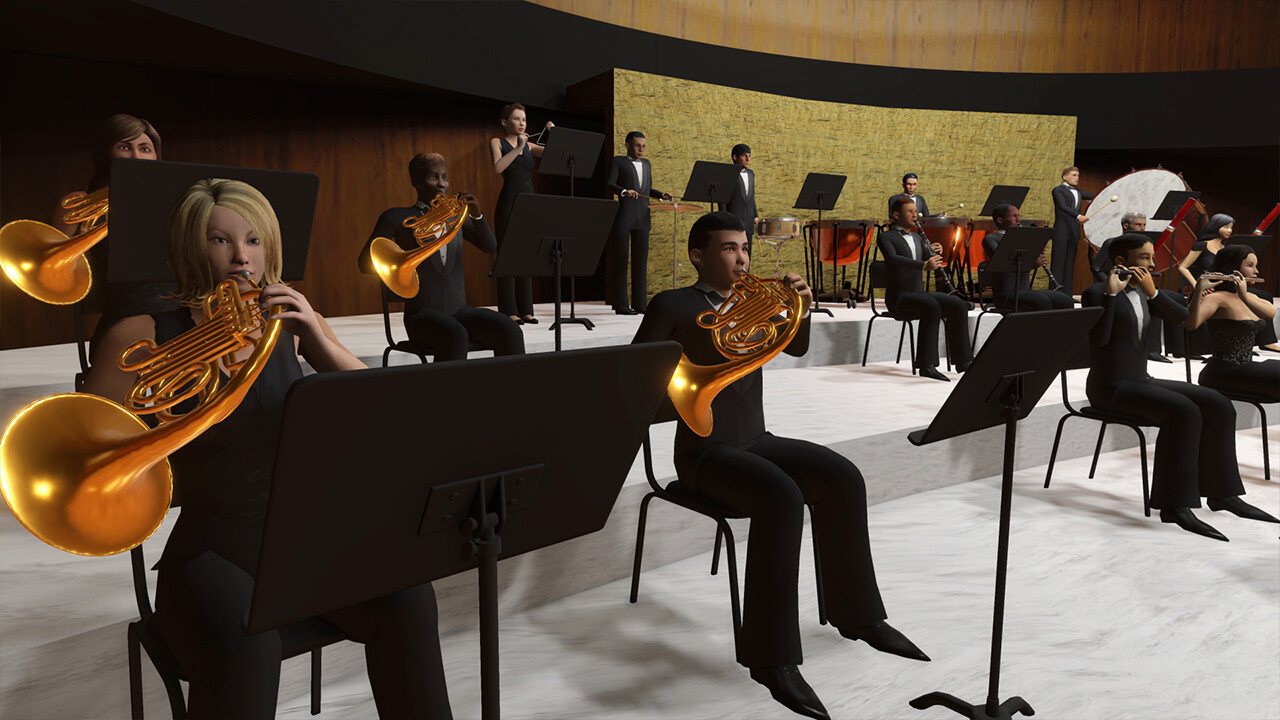
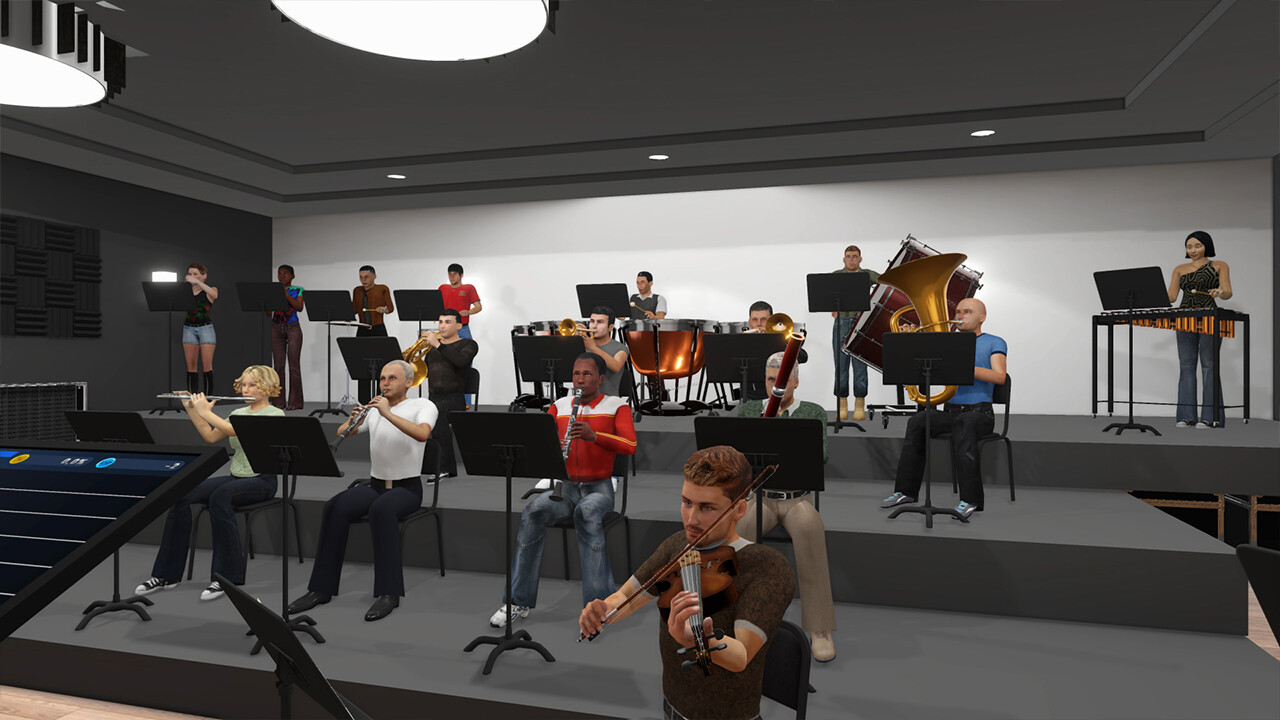
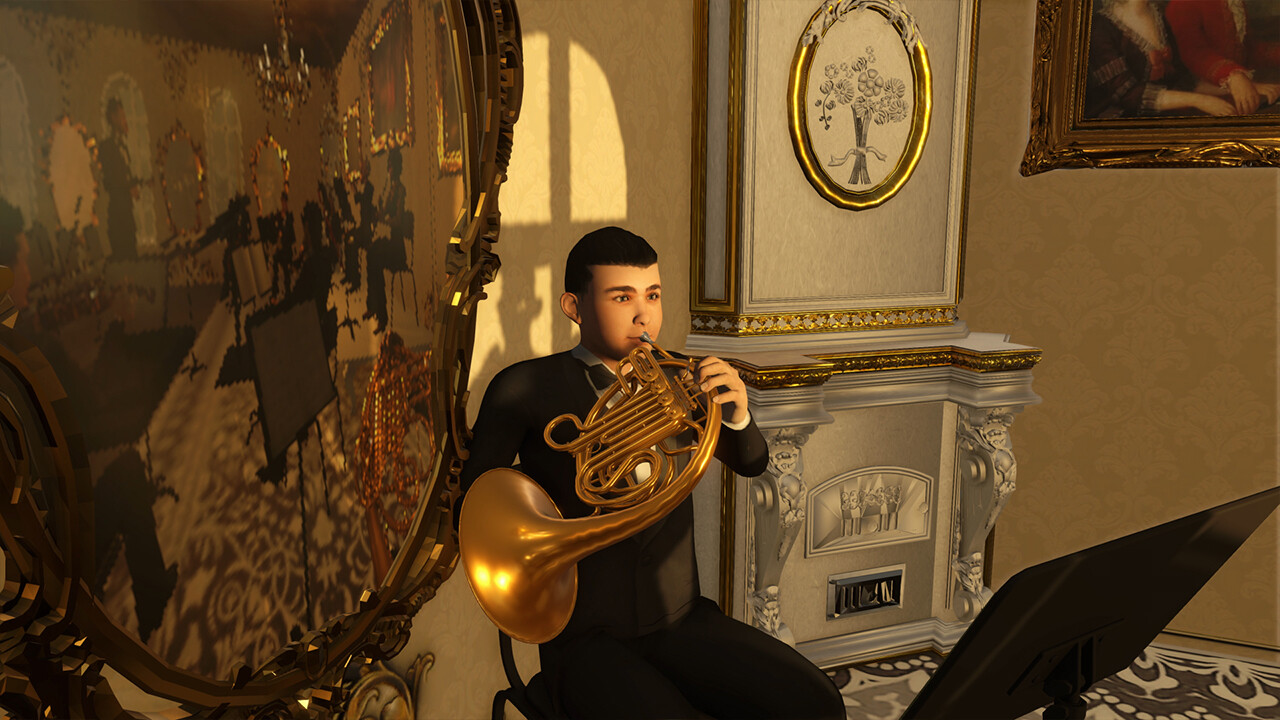
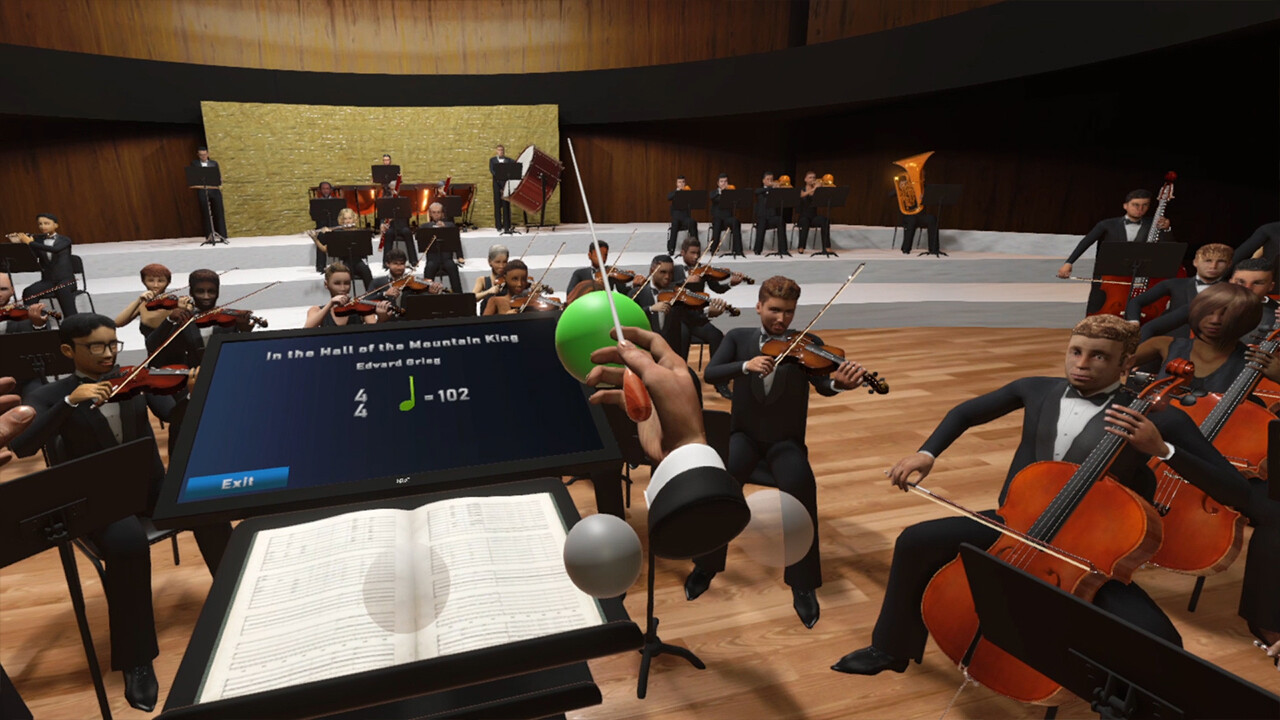
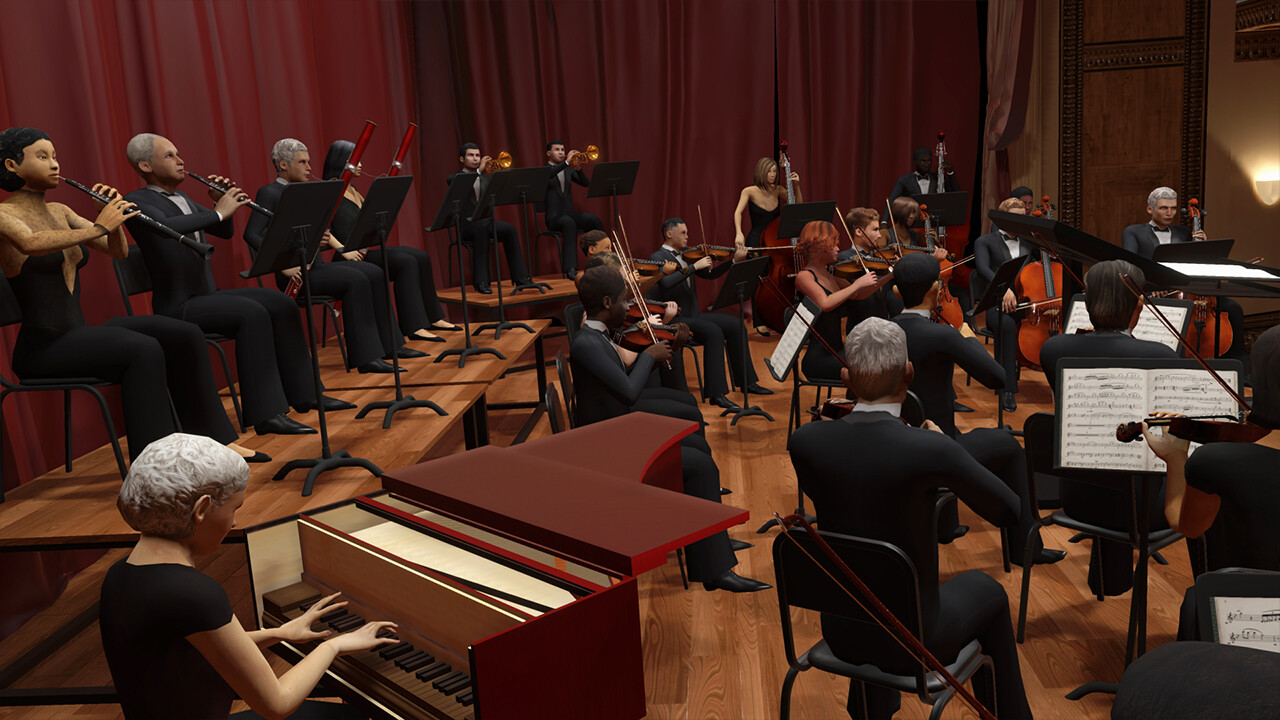
Скриншоты Maestro VR
Системные требования Maestro VR — пойдёт ли на моём ПК?
Чтобы запустить «Maestro VR» на ПК, по данным Steam достаточно минимальной конфигурации: ос Windows 10, озу 8 GB ОЗУ, видеокарта NVIDIA GeForce GTX 1660 Super / AMD Radeon RX 5600 XT or equivalent, процессор Intel Core i5-9600K / AMD Ryzen 5 3600 or equivalent. По требованиям к памяти это типичный домашний компьютер прошлых лет — без запаса на максималки.
Для комфортной игры без просадок разработчик рекомендует: озу 16 GB ОЗУ, видеокарта NVIDIA GeForce RTX 3080 / AMD Radeon RX 6800 XT or equivalent, процессор Intel Core i7-12700K / AMD Ryzen 7 5800X or equivalent. Разрыв по ОЗУ (8 → 16 ГБ) обычно чувствуется в стабильности FPS. Точный расчёт под ваше железо — в разделе «Пойдёт ли на моём ПК».
Минимальные требования
- ОС: Windows 10
- Процессор: Intel Core i5-9600K / AMD Ryzen 5 3600 or equivalent
- Оперативная память: 8 GB ОЗУ
- Видеокарта: NVIDIA GeForce GTX 1660 Super / AMD Radeon RX 5600 XT or equivalent
- DirectX: версии 12
- Место на диске: 5 GB
- Звуковая карта: DirectX compatible
- Поддержка VR: OpenXR and SteamVR compatible. Supports Oculus Rift S, HTC Vive, Valve Index, Meta Quest 2, 3, 3s(via Link), Pimax, and other OpenXR
- Дополнительно: A compatible VR headset is required.
Рекомендуемые требования
- ОС: Windows 10
- Процессор: Intel Core i7-12700K / AMD Ryzen 7 5800X or equivalent
- Оперативная память: 16 GB ОЗУ
- Видеокарта: NVIDIA GeForce RTX 3080 / AMD Radeon RX 6800 XT or equivalent
- DirectX: версии 12
- Место на диске: 10 GB
- Звуковая карта: DirectX compatible
- Поддержка VR: OpenXR and SteamVR compatible. Supports Oculus Rift S, HTC Vive, Valve Index, Meta Quest 2, 3, 3s(via Link), Pimax, and other OpenXR
- Дополнительно: A high-end VR headset is recommended for an optimal experience.
Гайд и ответы по Maestro VR
Требования, размер, язык, Steam Deck и офлайн — кратко по данным Steam Плюс ответы на частые вопросы.
Maestro VR на Steam Deck
Портативная совместимость «Maestro VR»: официальная отметка Steam Deck и практические нюансы управления.
Статус Steam Deck не указан
Можно ли играть в Maestro VR без интернета
Офлайн в «Maestro VR»: когда игра запускается без сети, а когда нужен постоянный онлайн.
Да, по данным Steam доступен одиночный режим — игру можно проходить офлайн.
Какое время прохождения у Maestro VR?
Steam не публикует официальное время прохождения «Maestro VR». В Steam у «Maestro VR» уже 110 отзывов — там часто пишут о длительности. Ориентируйтесь также на гайды и видео на YouTube.
Поддерживает ли Maestro VR геймпад?
«Maestro VR»: явной поддержки геймпада в Steam нет — уточните в описании или отзывах.
Не запускается, вылетает, лагает — Maestro VR
О чём Maestro VR
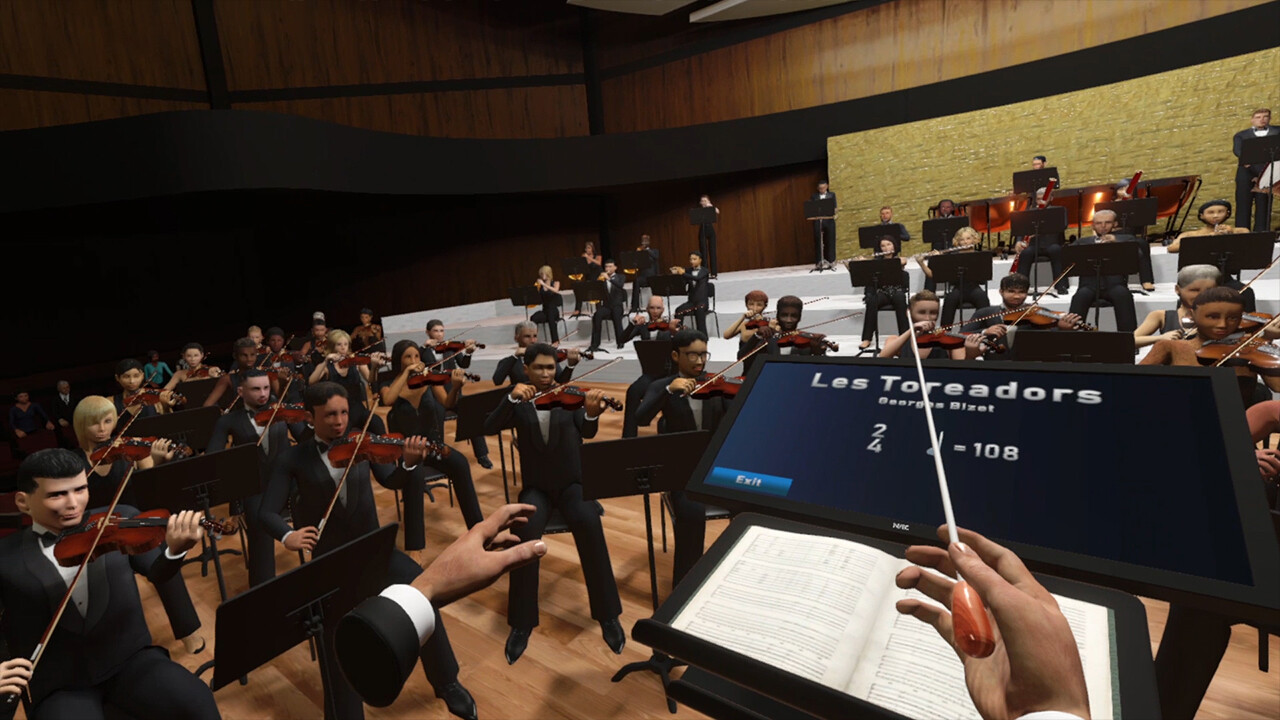
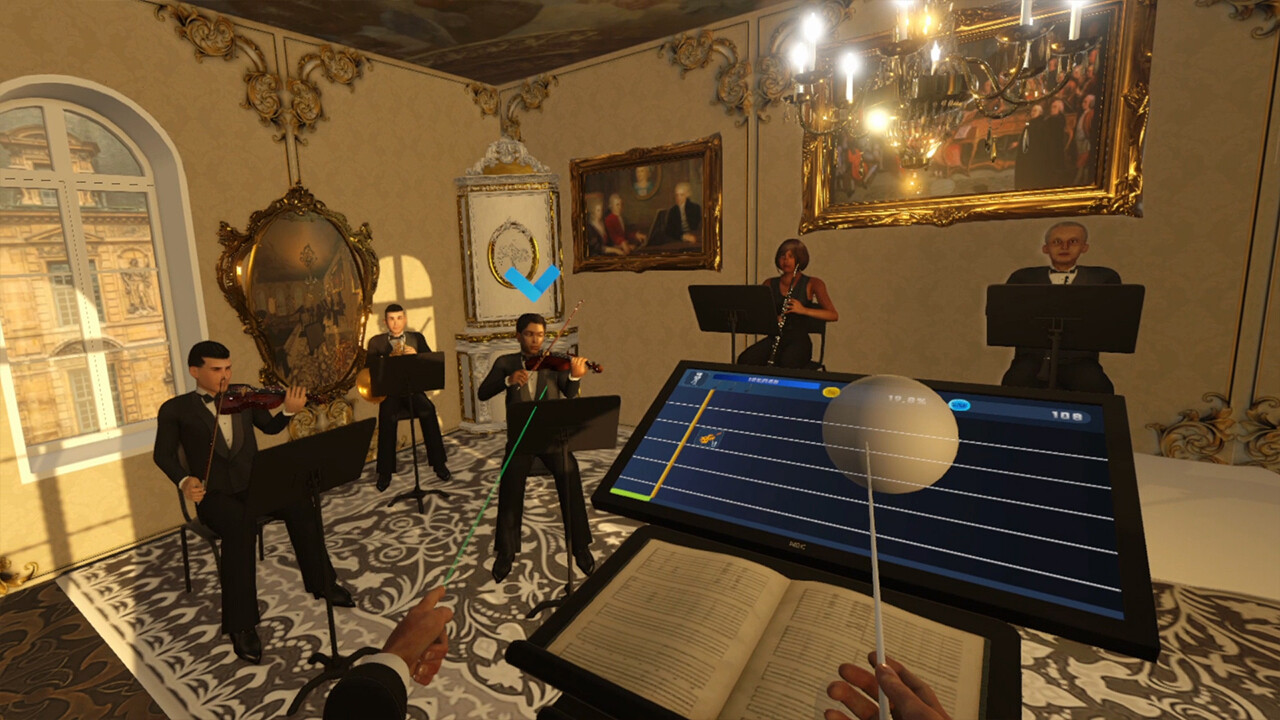
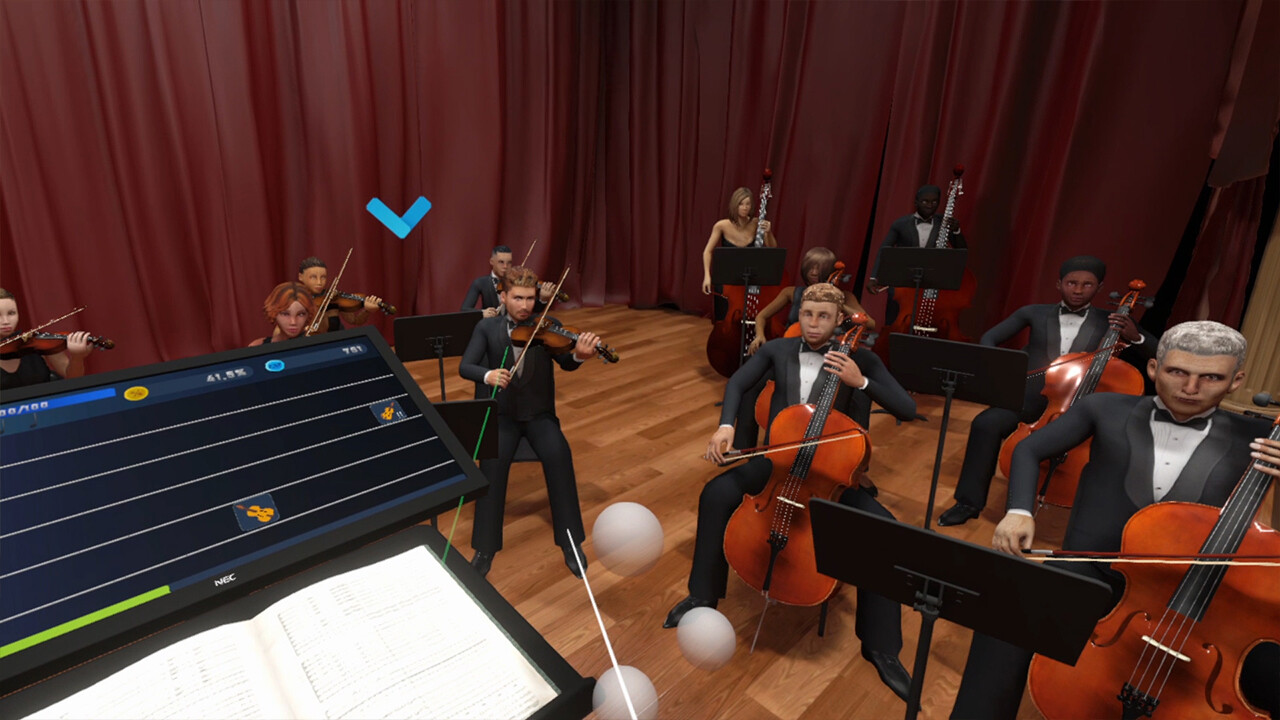
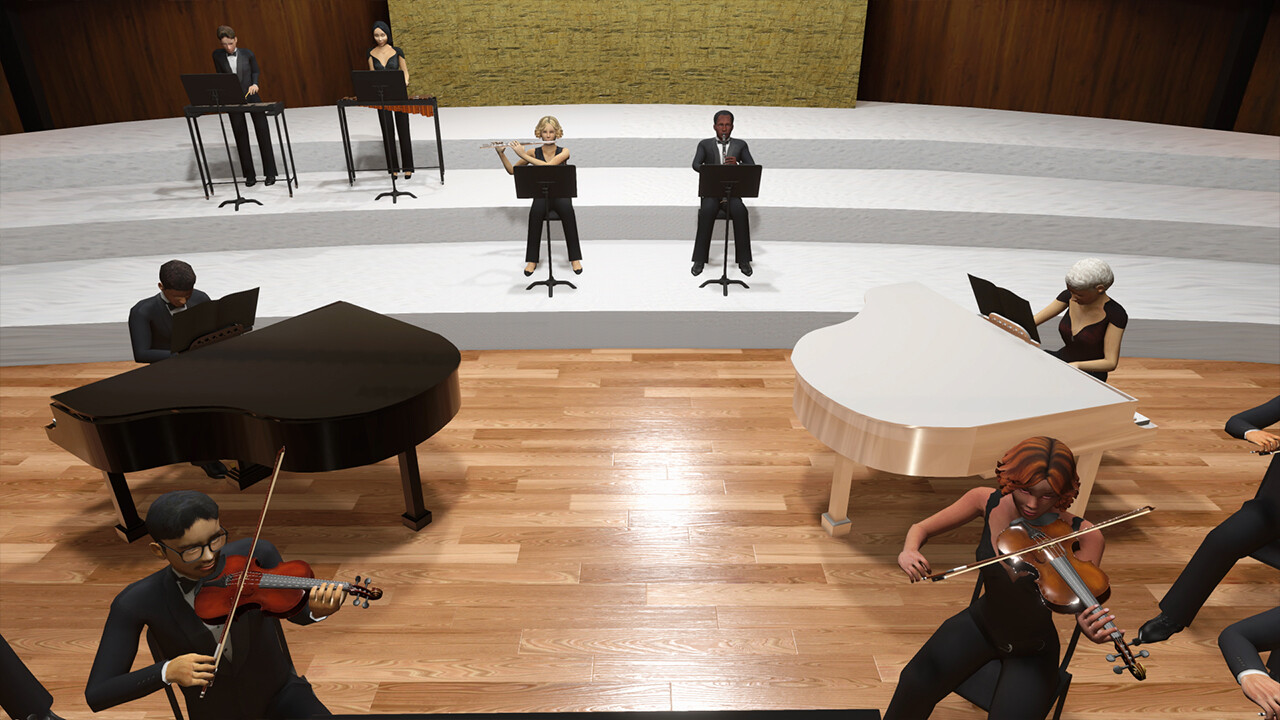
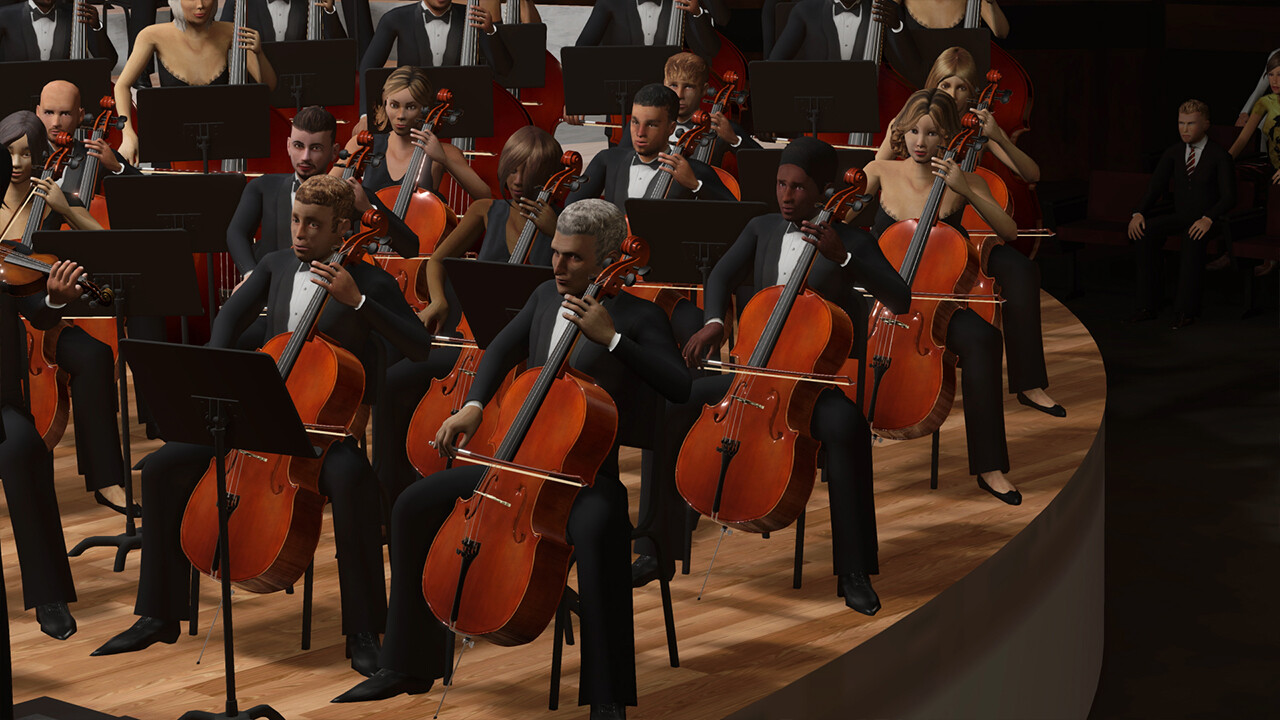
Maestro VR is a virtual reality video game that allows you to become a conductor and immerse yourself in a unique and immersive musical experience. Use your hands to follow the tempo, dynamics, and give cues to the musicians while conducting musical pieces from different eras with realistic conducting patterns based on the score. Additionally, you can learn the basics of conducting in the tutorial, earn experience points, gain new titles, and unlock new batons and power-ups that will give you greater freedom to conduct and become a true Maestro.Fetures
• Become a conductor in virtual reality.
• Use your hands to follow the tempo, dynamics, and give cues to the musicians.
• Immersive symphony orchestra positioned in 3D sound.
• Conduct musical pieces from different eras.
• Realistic conducting patterns based on the score.
• Progression System
The process of learning to become a conductor is a long and constant journey of learning, practice, and experience. In Maestro VR, you start with a basic baton that forces you to strictly follow the conducting patterns (as a student would). As you accumulate experience, you gain new titles, and more audience attend your concerts. You can also unlock new batons and power-ups that will give you greater freedom to conduct and become a true Maestro.
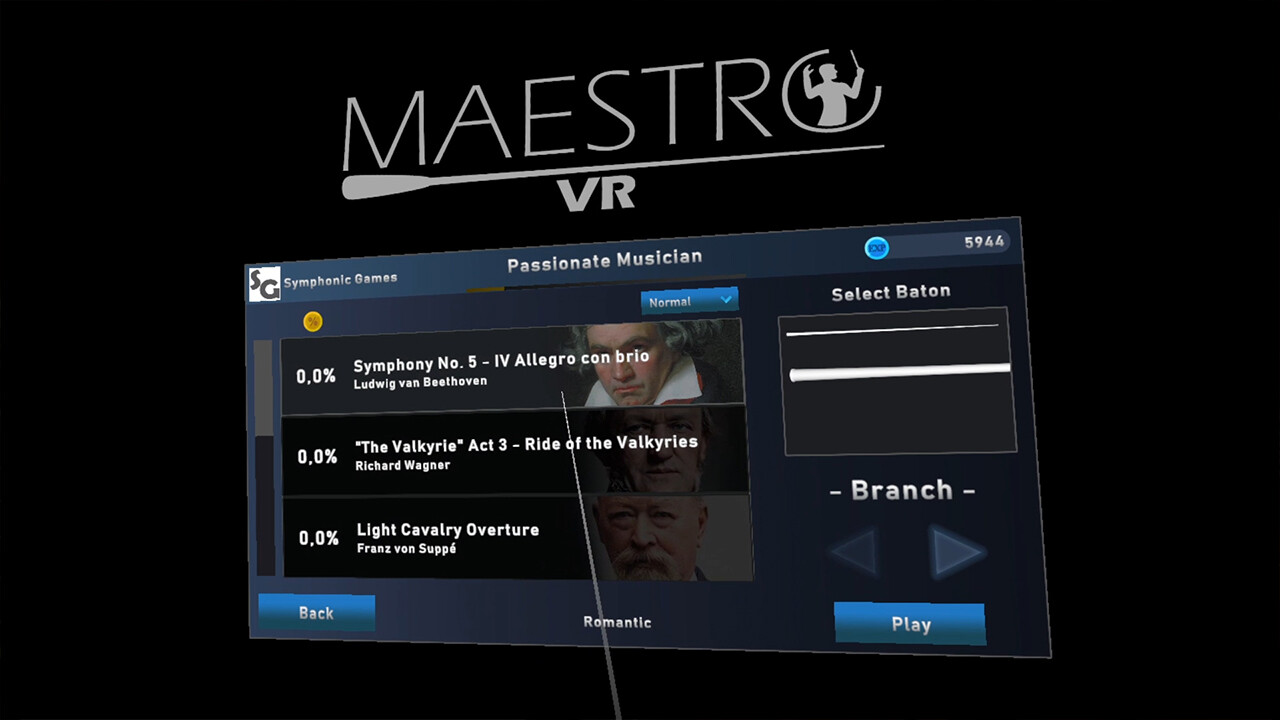
- Learn the basics of conducting in the Tutorial. - Earn experience points. - Obtain titles to get more audience. - Unlock Batons that grant you skills. - Power-ups with skills per concert. - 4 difficulty modes.
• Creative Mode
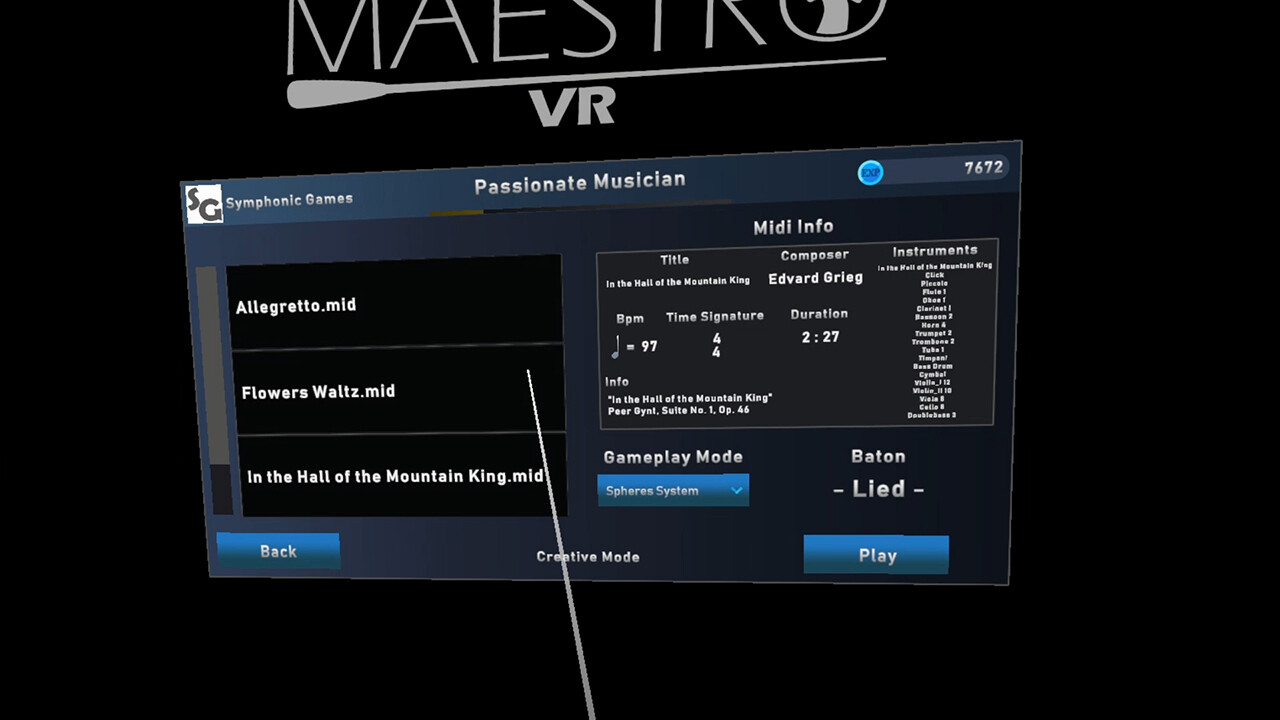
In Creative Mode, you can manipulate the tempo with your hands and load custom MIDI files to customize your orchestra and conduct your own musical pieces. The orchestra play the MIDI file in a spatialized 3D audio, and you can share your MIDI files on the Steam Workshop.
- Manipulate the tempo with your hands. - Load MIDI files to customize your orchestra and direct your own musical pieces. - Load custom SoundFonts. - The orchestra play the MIDI file in a spatialized 3D audio. - Share your MIDI files on the Steam Workshop.
• Casual Mode
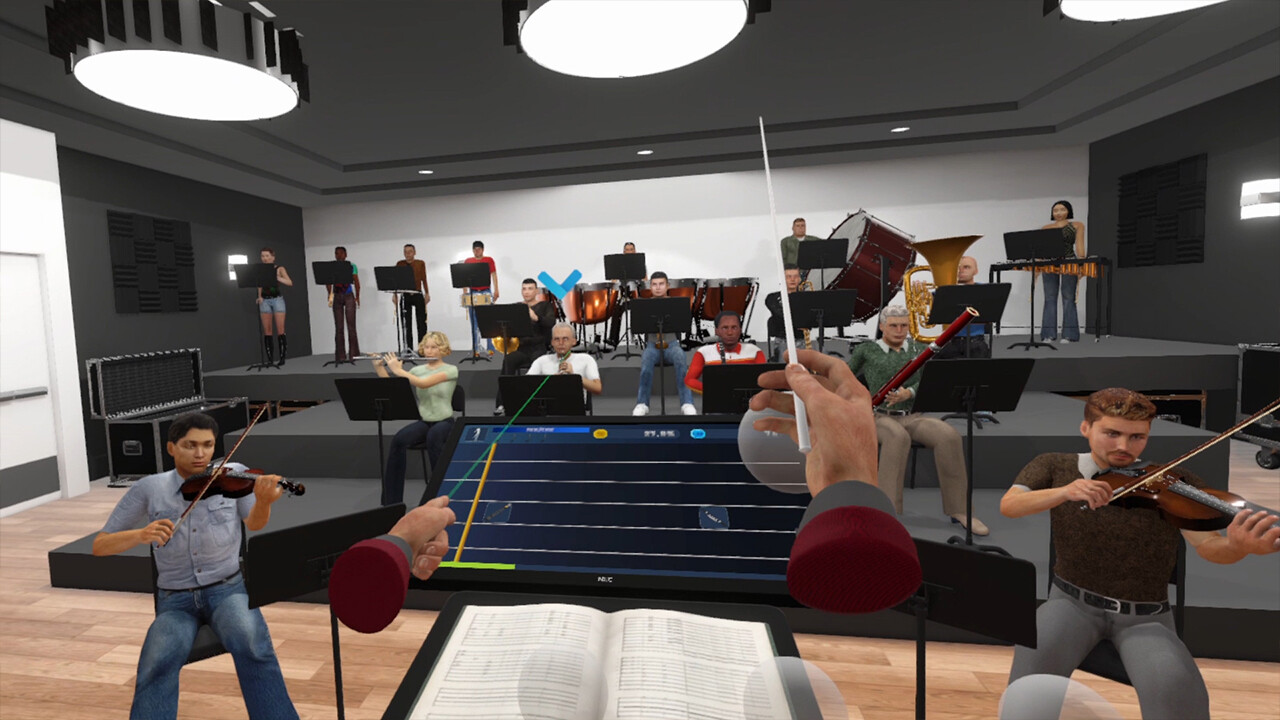
In Casual Mode, casual players can feel the sensation of conducting quickly and intuitively by moving their hands in the direction of the arrows and giving cues to the instruments…