Modbox
Про игру
Место в каталоге, подборки и покупка
«Modbox» — для тех, кому важны реализм и погружение в процесс; ключевые режимы: одиночное прохождение, кооператив и PvP.
- одиночное прохождение
- кооператив
- PvP
Место в каталоге
Игра есть в 4 подборках каталога («Топ игр Steam», «Новинки Steam» и др.); ниже ссылки. На странице «Modbox» также минимальные и рекомендуемые specs, похожие игры и ответы на частые вопросы.
Где купить
Оформить «Modbox» можно в Steam — цена и скидки обновляются на карточке магазина.
- 550 ₽
Краткая информация о Modbox
Платформы
Особенности
Теги Steam


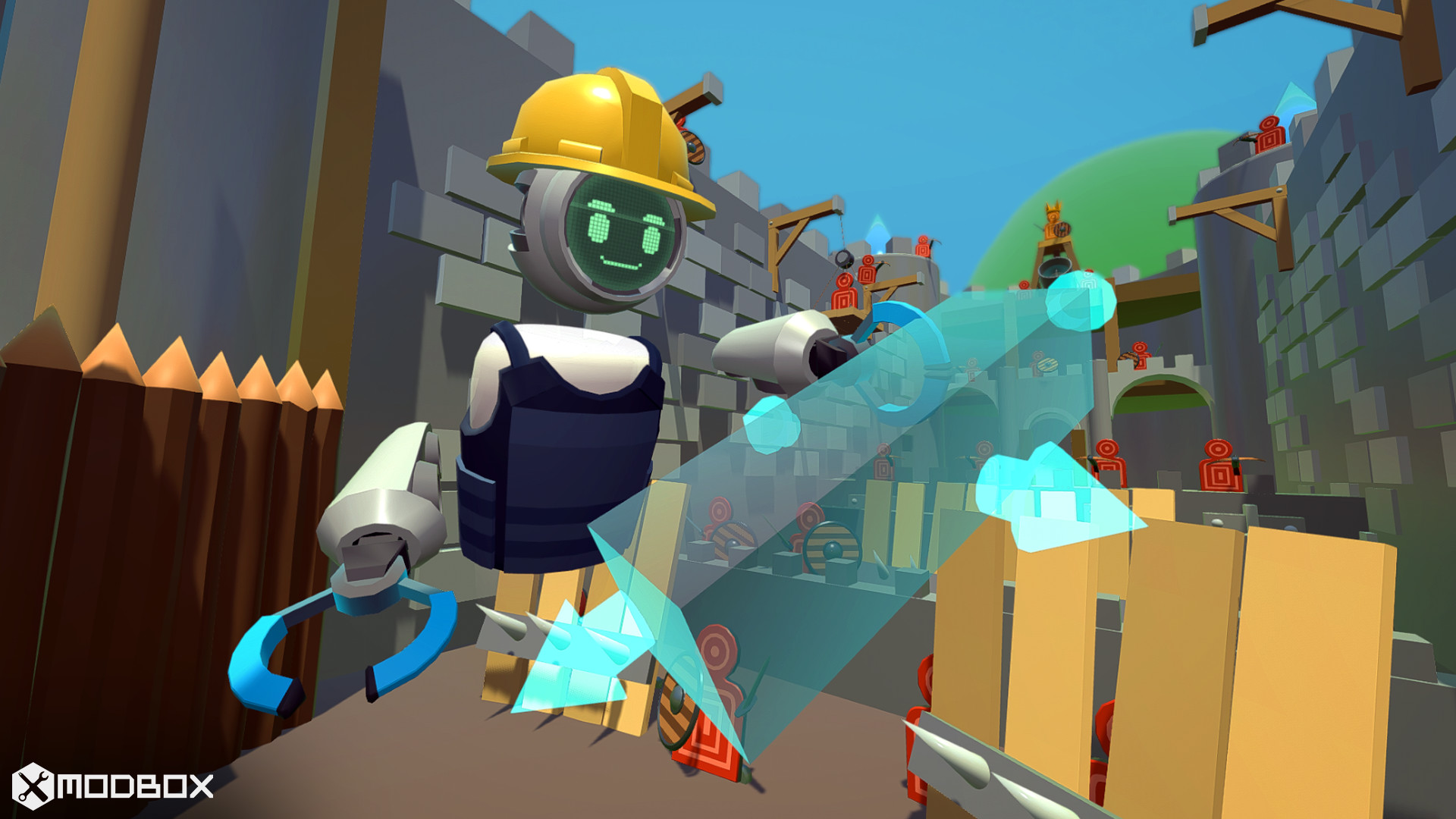
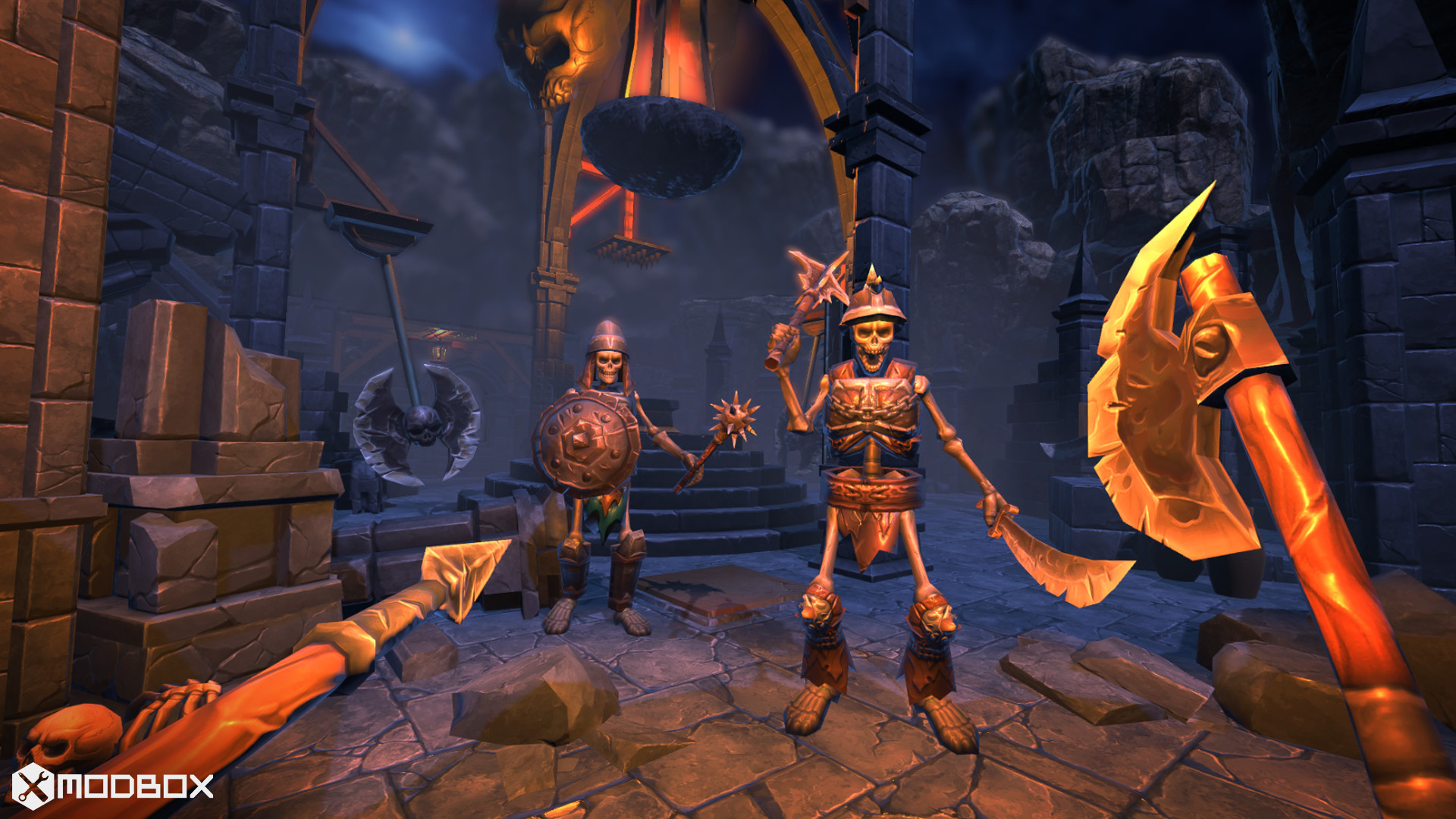
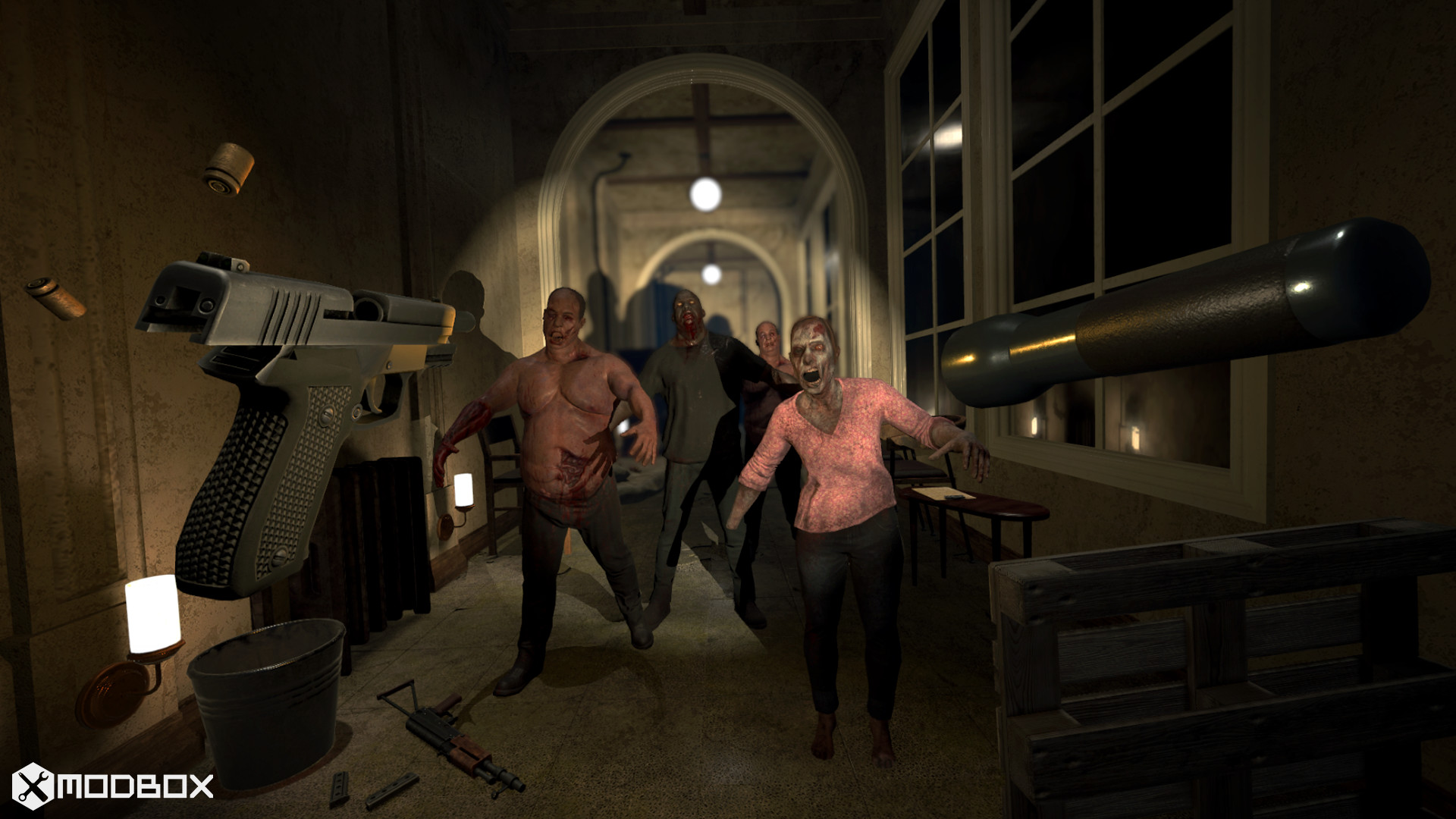
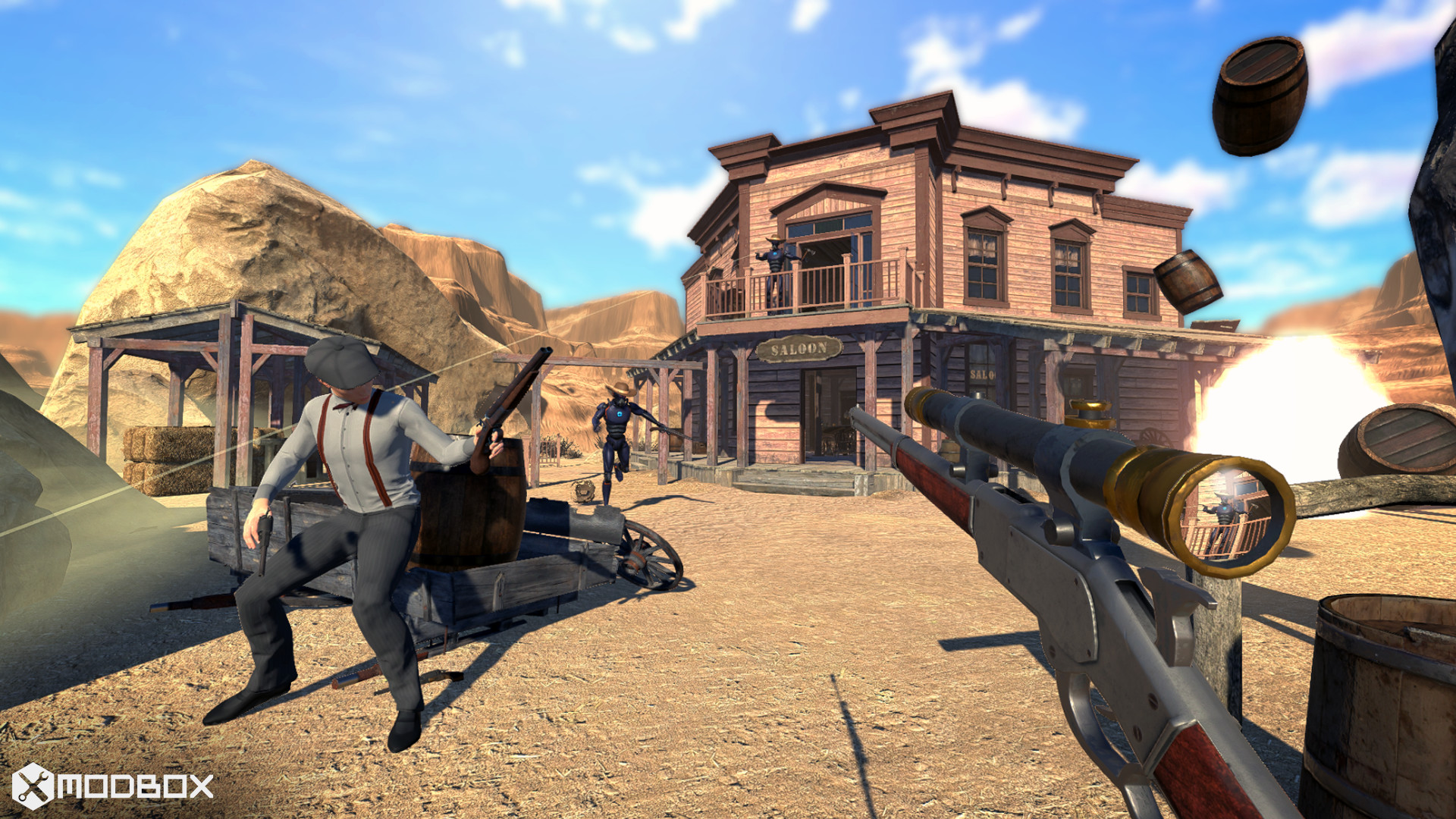
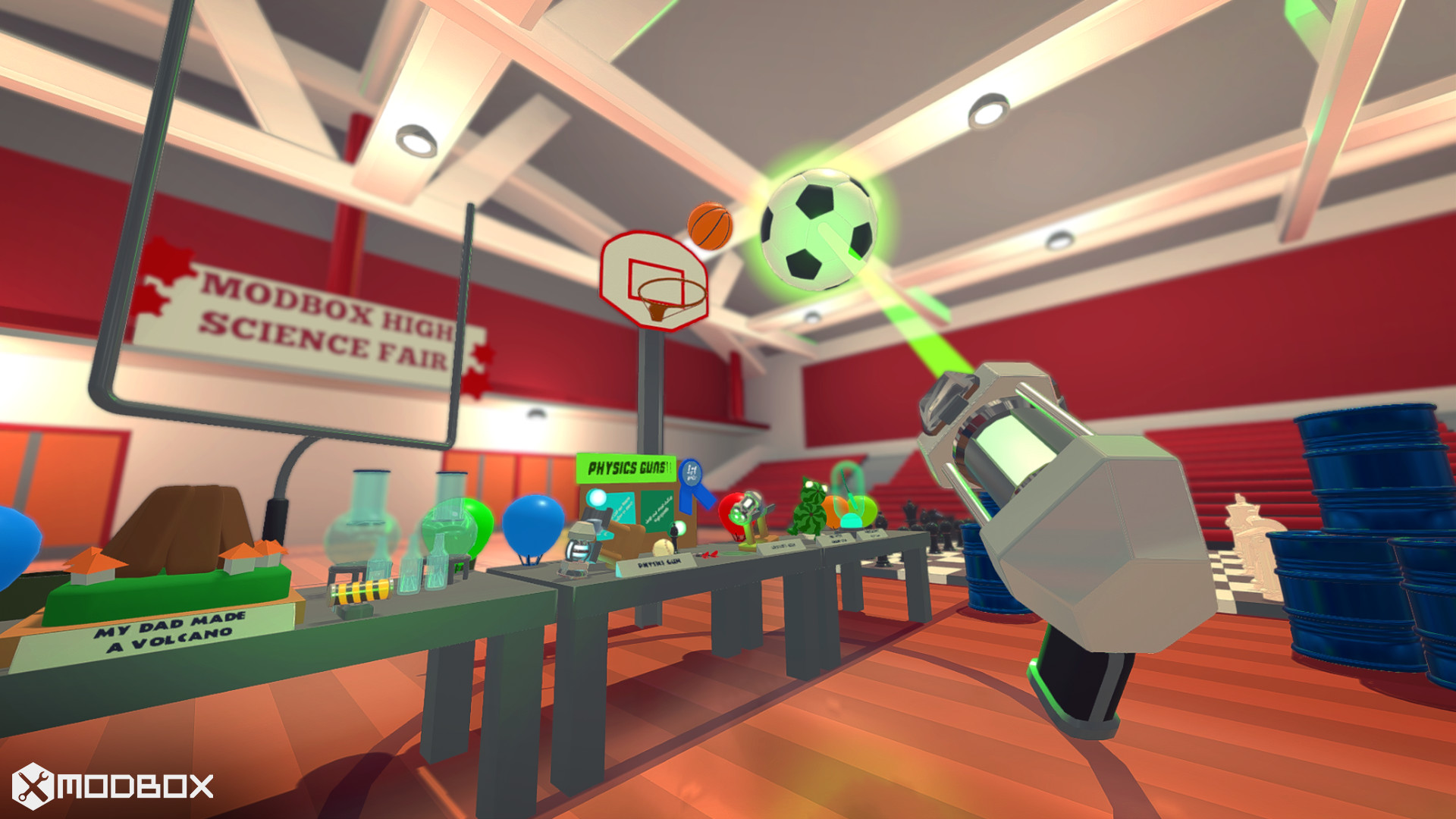
Скриншоты Modbox
Системные требования Modbox — пойдёт ли на моём ПК?
Чтобы запустить «Modbox» на ПК, по данным Steam достаточно минимальной конфигурации: ос Windows 7, озу 6 GB ОЗУ, видеокарта Desktop Mode: Intel HD4000, Shader Model 5.0 Compatible GPU, процессор Desktop Mode: Intel i3 with SSE2 support or equivalent AMD family. По требованиям к памяти это типичный домашний компьютер прошлых лет — без запаса на максималки.
Для комфортной игры без просадок разработчик рекомендует: видеокарта FOR VR: GTX 1060 / RX 580 - 6GB VRAM, процессор FOR VR: Core i5-7500 / Ryzen 5 1600. Точный расчёт под ваше железо — в разделе «Пойдёт ли на моём ПК».
Минимальные требования
- ОС *: Windows 7
- Процессор: Desktop Mode: Intel i3 with SSE2 support or equivalent AMD family
- Оперативная память: 6 GB ОЗУ
- Видеокарта: Desktop Mode: Intel HD4000, Shader Model 5.0 Compatible GPU
- DirectX: версии 11
- Место на диске: 8 GB
- Поддержка VR: SteamVR or Oculus PC
Рекомендуемые требования
- ОС *: Windows 7
- Процессор: FOR VR: Core i5-7500 / Ryzen 5 1600
- Видеокарта: FOR VR: GTX 1060 / RX 580 - 6GB VRAM
- Место на диске: 8 GB
Гайд и ответы по Modbox
Требования, размер, язык, Steam Deck и офлайн — кратко по данным Steam Плюс ответы на частые вопросы.
Modbox на Steam Deck
«Modbox» на Steam Deck — статус Verified/Playable и на что обратить внимание в портативном режиме.
Статус Steam Deck не указан
Можно ли играть в Modbox без интернета
Можно ли играть в «Modbox» без интернета — одиночный режим, кооп и MMO по категориям Steam.
Есть одиночный режим, но также указан мультиплеер — офлайн возможен в сюжете, онлайн-режимы требуют сеть.
Modbox: сколько человек одновременно в сети?
У «Modbox» есть онлайн-мультиплеер. Режимы «Modbox»: кооператив, PvP. Сколько человек в одной сессии — в описании Steam. Текущий онлайн по всей игре — график на странице магазина или Steam Charts.
Сколько длится Modbox?
Steam не публикует официальное время прохождения «Modbox». Казуальные и indie-проекты вроде «Modbox» часто длятся от пары часов до 10–15 часов. В Steam у «Modbox» уже 200 отзывов — там часто пишут о длительности. Ориентируйтесь также на гайды и видео на YouTube.
Работает ли геймпад в Modbox?
«Modbox» в Steam отмечена с полной поддержкой геймпада.
Не запускается, вылетает, лагает — Modbox
О чём Modbox
Modbox is a multiplayer game creation sandbox that lets players create games together online. It has it's own custom powerful visual scripting language to make multiplayer game creation easy. Released as VR only in 2016 - relaunched as Modbox 2.0 for Desktop/VR on September 9th 2020.
Build games focused on:
• Online Co-op with complex AI and game mechanics
• Physics based gameplay and destruction
• Any combination of online/local/split screen multiplayer with VR and Desktop players
Games created entirely in Modbox:
Modbox Guide:Multiplayer Creation
• Create Multiplayer / Singleplayer / Coop games while switching between VR and Desktop on PC. Or create games in your own environment on a AR device. Everything is synced with other online players in real time.
• Share Creations made on Steam Workshop, or cross-platform on Mod.io
• Use any of the editor tools while playing. There are both Tools used for hands / while playing as a avatar, and a Desktop Editor mode
• Play and edit with other players in Local Multiplayer with up to 4 players locally with split screen (or Keyboard or Gamepads) with another player in VR. Local players can also play online.
• Prefabs can be used to create reusable parts out of Creations. Prefabs can then be shared online for other creators to use - and can include assets (3d models, visual scripting, C# projects). Prefabs can also include other nested prefabs, allow for easily building large complex worlds out of reusable parts.
• Create a server at anytime (while playing or editing), and use the Servers Permissions system to control who can administer/ edit / play on your server. Advanced Scripting
• The ingame visual scripting system MBScript can be used for scripting gameplay / AI / Physics. MBScript is a drag and drop visual scripting system that has both a node like tool (using the Wiring tool/desktop window), and a Blocks/Scratch like interface for more advanced building (using the same type system as C#).
• MBScript can be edited both visually with drag and drop, and in the ingame text editor (with autocomplete using a ingame VisualStudioCode Monaco editor). MBScript can be used to create complex AI characters and multiplayer bots.
• The C# Compiler mod (PC platform only) allows for writing your own C# code to include in Creations. Can add new Entity Components, editor tools, or new functions and options to run in MBScript / Wiring. Open C# projects in VisualStudio, and write code while the game is running for instantly compiling and seeing changes. All the Modbox game and editor tool C# source is included as reference/editable ingame. Physics and Interaction
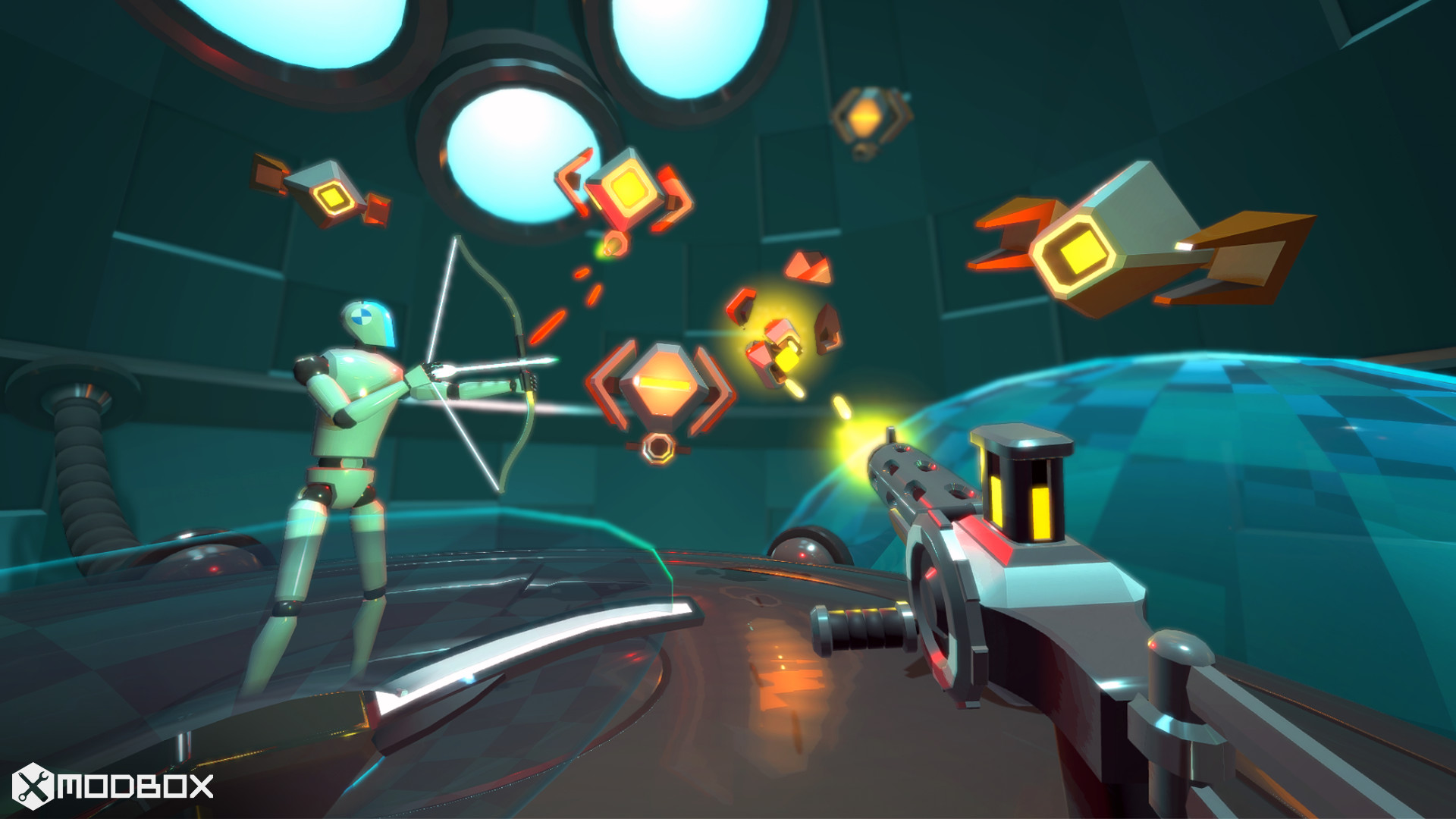
• Full body VR simulation and physics based VR locomotion. All game objects were designed first for VR interaction (including reloading clips into guns, pulling bows to fire arrows, etc), with procedural animation used for Desktop players / AI to do same actions.
• Physics and Destruction - Building physics creations in Modbox does not use a physics hierarchy like other level editors / game creations tools. Instead 'Connections' are made between physics objects when editing, which will join them together in play mode with physics. This allows for realistic destruction and dynamic environments.
• Voxel Editing allow for destruction and modifying while playing. Editing and Building
• Create UI interfaces with UI Entities - using the same visual scripting / wiring systems as world creation to create HUDs and other in world UI for players (including new Tools and Menus)
• Use the Voxel Editing tool and desktop window to create large voxel terrains, with caves / hills / buildings. Create smooth voxel worlds or switch to Cubic for Minecraft-style blocks.
• Mesh Editing tools for creating meshes out of primitives ingame Moddable
• Assets System with Importing Assets - Import 3d models, humanoid models, textures, sounds. All at runtime while playing. Use the Material Editor to set material properties. Import 3d models from online sources including Google Poly (SketchFab coming soon)
• Everything in Modbox is a mod - including default included mods like SteamVR / Oculus VR support, Steamworks, Mod.IO uploading, Nvidia Flex liquid/soft particles, and editor tools like Mesh Editing and Voxel Editing. It's designed to be as extensible and configurable as possible.
• Mods can contain assets and be used in creations (such as the Modern Weapons mod) that players will download to play the creation. Or they can be Local Mods adding options and features just to the local players (like VR Spectator Camera)…