Oblivity - Find your perfect Sensitivity
Про игру
Место в каталоге, подборки и покупка
«Oblivity - Find your perfect Sensitivity» — проект с акцентом на одиночное прохождение — для тех, кому важны реализм и погружение в процесс.
- одиночное прохождение
Подборки и ранг
Игра есть в 4 подборках каталога («Топ игр Steam», «Популярные игры Steam» и др.); ниже ссылки. На странице «Oblivity - Find your perfect Sensitivity» также минимальные и рекомендуемые specs, похожие игры и ответы на частые вопросы.
Краткая информация о Oblivity - Find your perfect Sensitivity
Платформы
Теги Steam
Видео, стримы и гайды по Oblivity - Find your perfect Sensitivity


Сообщество и сервисы Steam — Oblivity - Find your perfect Sensitivity
Скриншоты Oblivity - Find your perfect Sensitivity
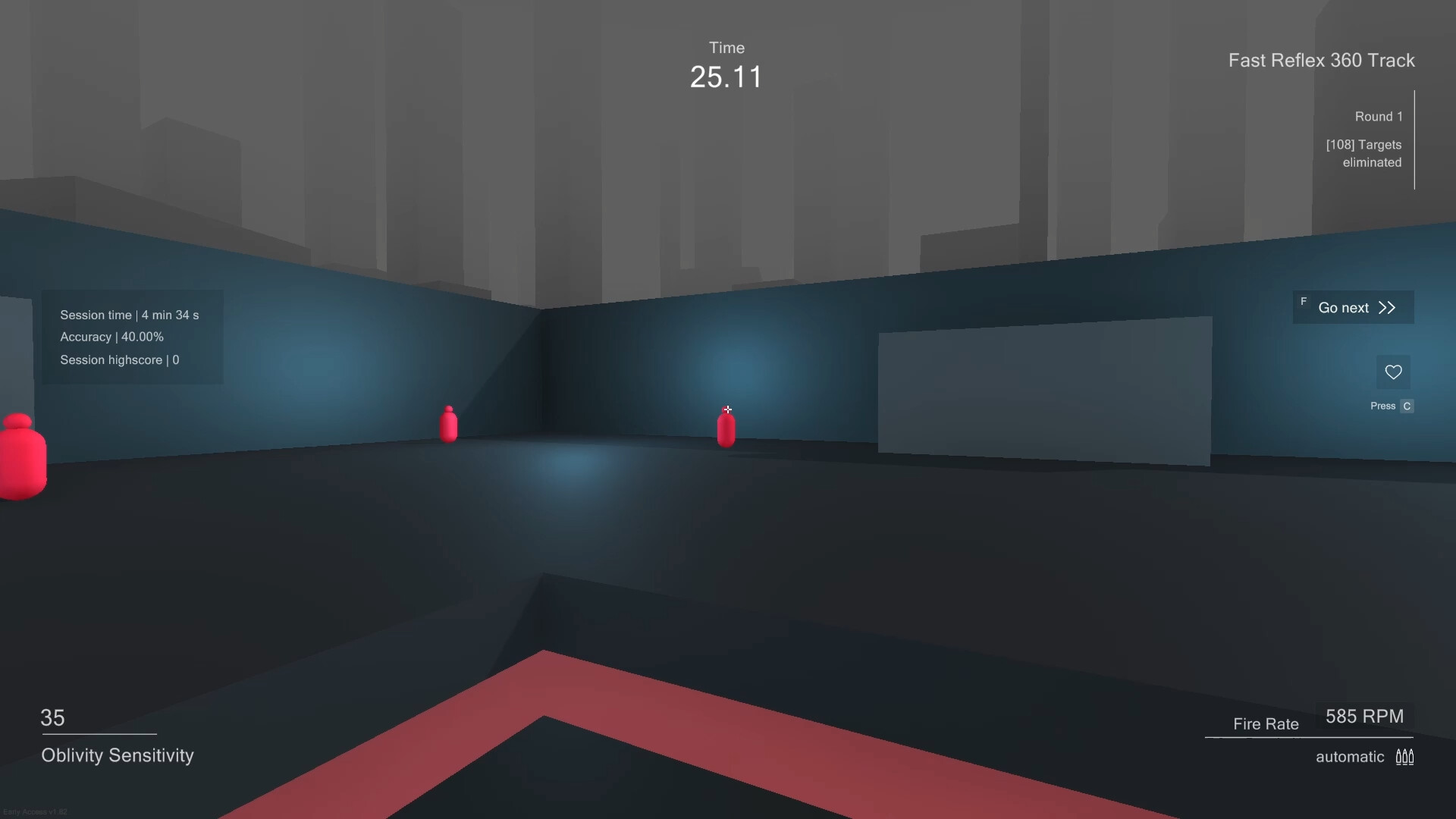
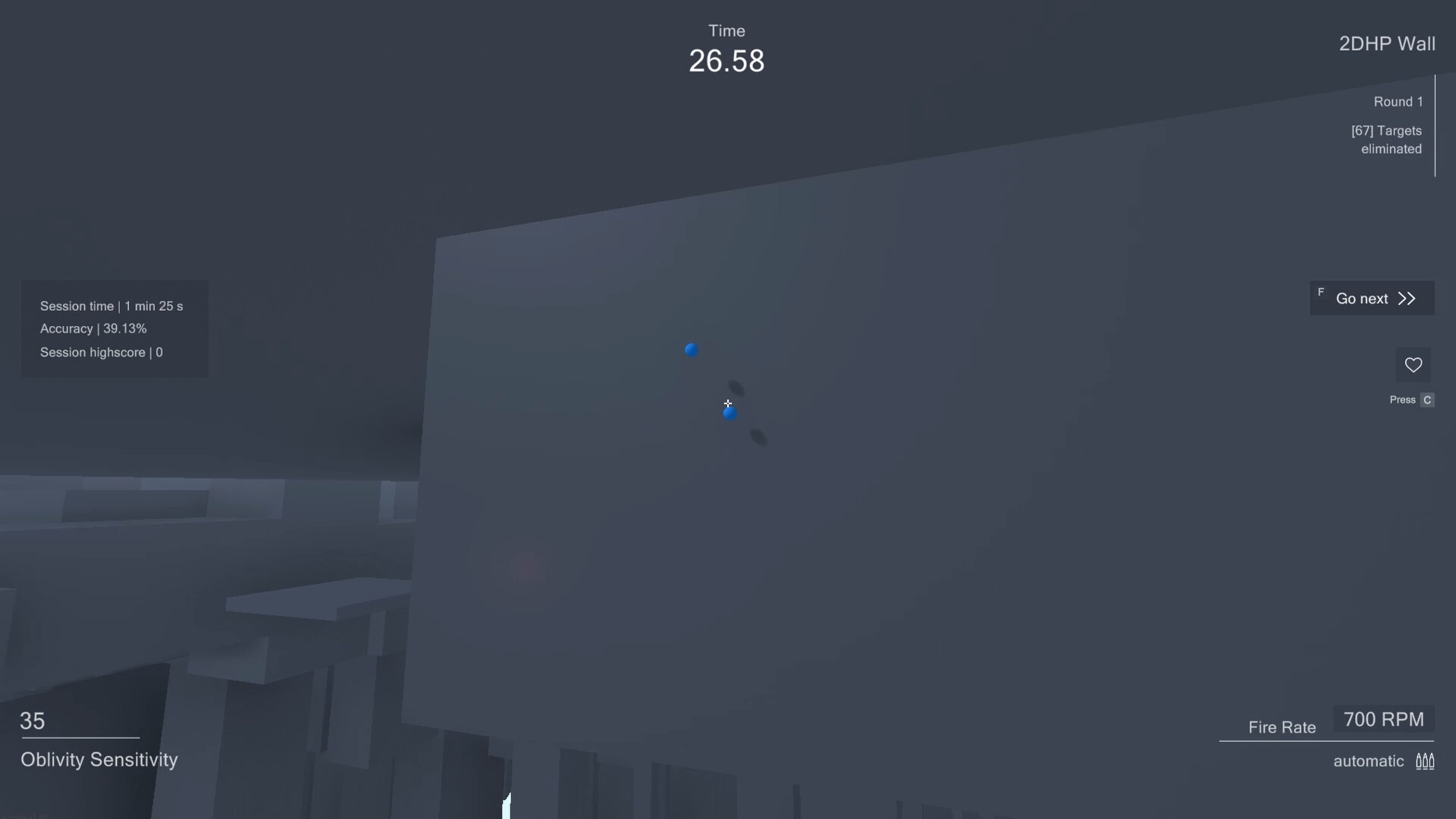
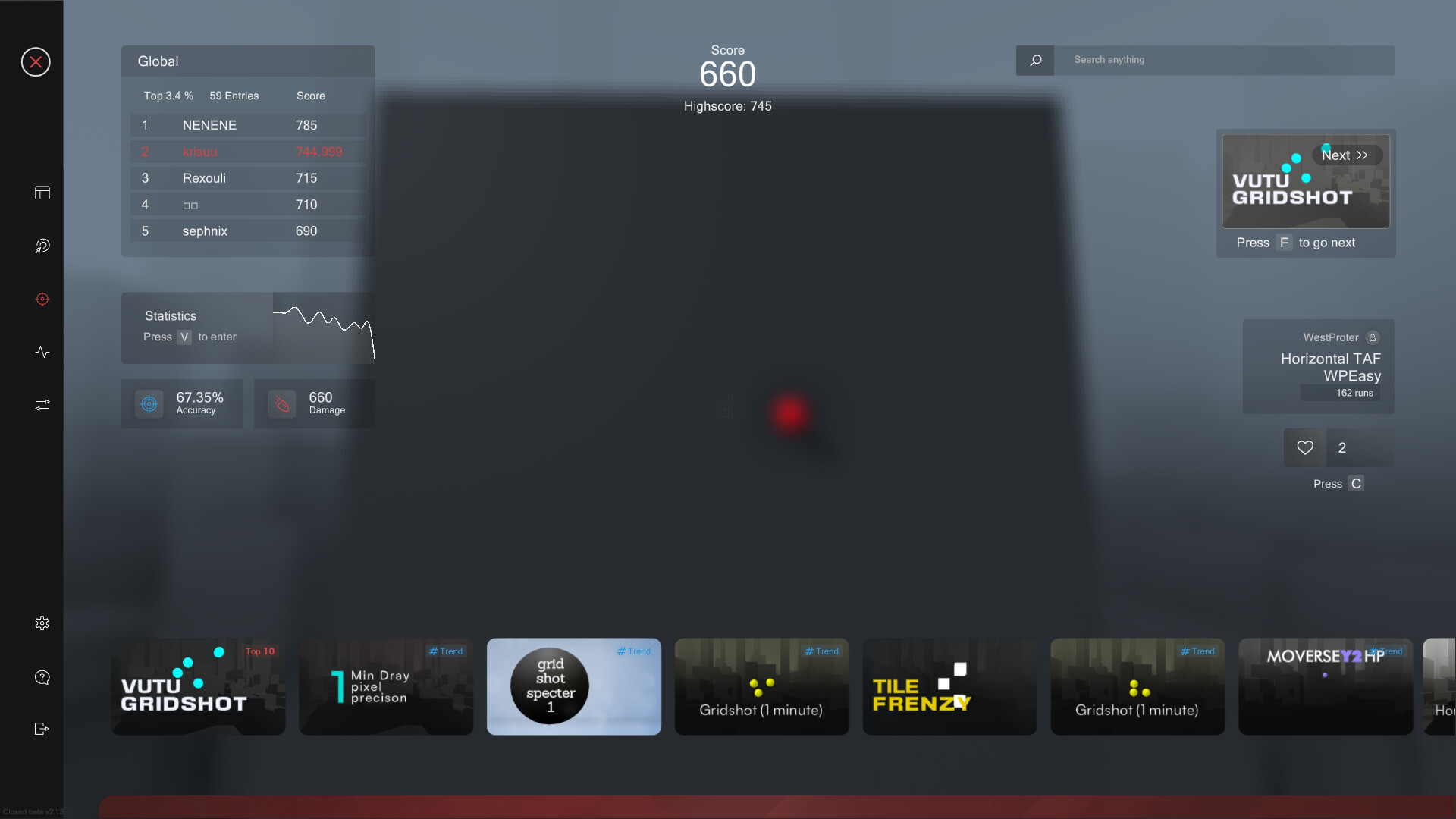
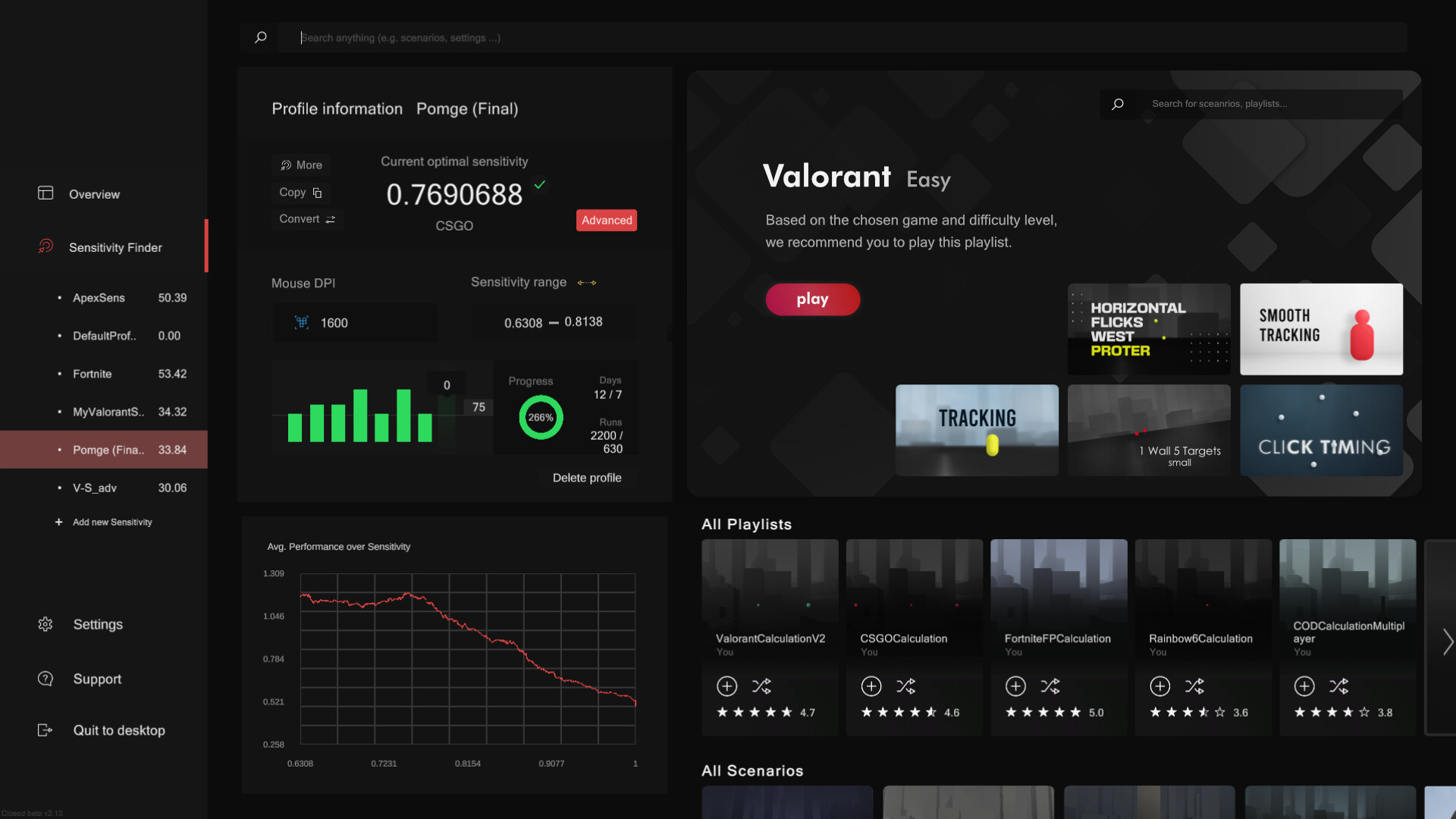


Системные требования Oblivity - Find your perfect Sensitivity — пойдёт ли на моём ПК?
Чтобы запустить «Oblivity - Find your perfect Sensitivity» на ПК, по данным Steam достаточно минимальной конфигурации: ос Windows 10, озу 4 GB ОЗУ, видеокарта GTX 560, процессор Intel Core i3. По требованиям к памяти это очень скромный по нынешним меркам ПК.
Для комфортной игры без просадок разработчик рекомендует: озу 6 GB ОЗУ, видеокарта GTX 960, процессор Intel Core i5. Разрыв по ОЗУ (4 → 6 ГБ) обычно чувствуется в стабильности FPS. Точный расчёт под ваше железо — в разделе «Пойдёт ли на моём ПК».
Минимальные требования
- ОС: Windows 10
- Процессор: Intel Core i3
- Оперативная память: 4 GB ОЗУ
- Видеокарта: GTX 560
- Место на диске: 600 MB
- Дополнительно: As long as your pc isn't a potato you shouldn't have any performance issues.
Рекомендуемые требования
- ОС: Windows 10
- Процессор: Intel Core i5
- Оперативная память: 6 GB ОЗУ
- Видеокарта: GTX 960
- Место на диске: 1 GB
- Дополнительно: As long as your pc isn't a potato you shouldn't have any performance issues.
Гайд и ответы по Oblivity - Find your perfect Sensitivity
Требования, размер, язык, Steam Deck и офлайн — кратко по данным Steam Плюс ответы на частые вопросы.
Oblivity - Find your perfect Sensitivity на Steam Deck
Стоит ли брать «Oblivity - Find your perfect Sensitivity» в дорогу на Deck — ниже статус из Steam и типичные ограничения по производительности.
Playable — играбельно на Steam Deck
Можно ли играть в Oblivity - Find your perfect Sensitivity без интернета
Перед поездкой без Wi‑Fi проверьте «Oblivity - Find your perfect Sensitivity» — ниже режимы из Store API Steam.
Да, по данным Steam доступен одиночный режим — игру можно проходить офлайн.
На сколько часов рассчитан Oblivity - Find your perfect Sensitivity?
Steam не публикует официальное время прохождения «Oblivity - Find your perfect Sensitivity». Казуальные и indie-проекты вроде «Oblivity - Find your perfect Sensitivity» часто длятся от пары часов до 10–15 часов. В Steam у «Oblivity - Find your perfect Sensitivity» уже 1 400 отзывов — там часто пишут о длительности. Ориентируйтесь также на гайды и видео на YouTube.
Поддерживает ли Oblivity - Find your perfect Sensitivity геймпад?
«Oblivity - Find your perfect Sensitivity»: явной поддержки геймпада в Steam нет — уточните в описании или отзывах.
Не запускается, вылетает, лагает — Oblivity - Find your perfect Sensitivity
О чём Oblivity - Find your perfect Sensitivity
Aim Trainer:
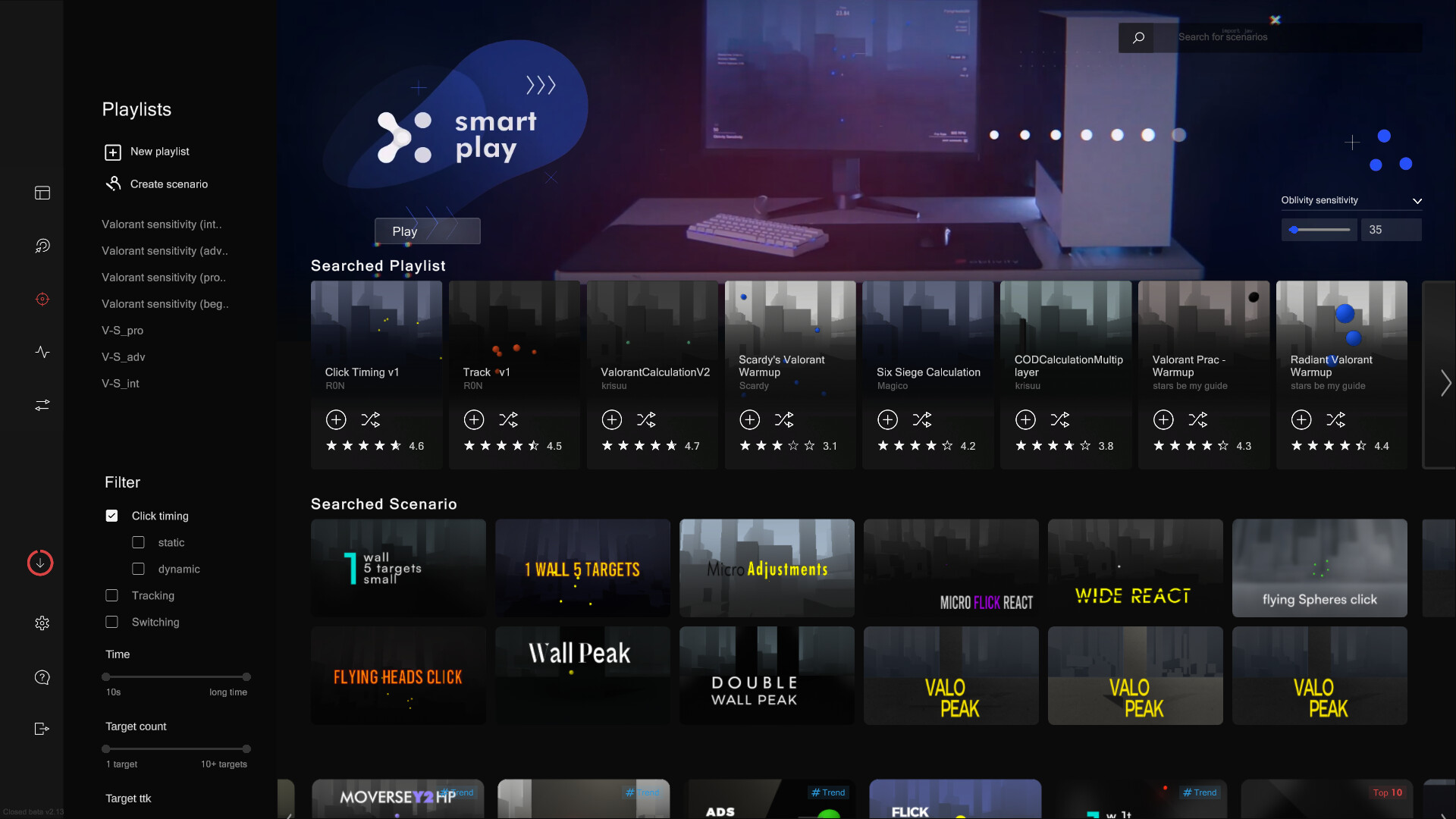
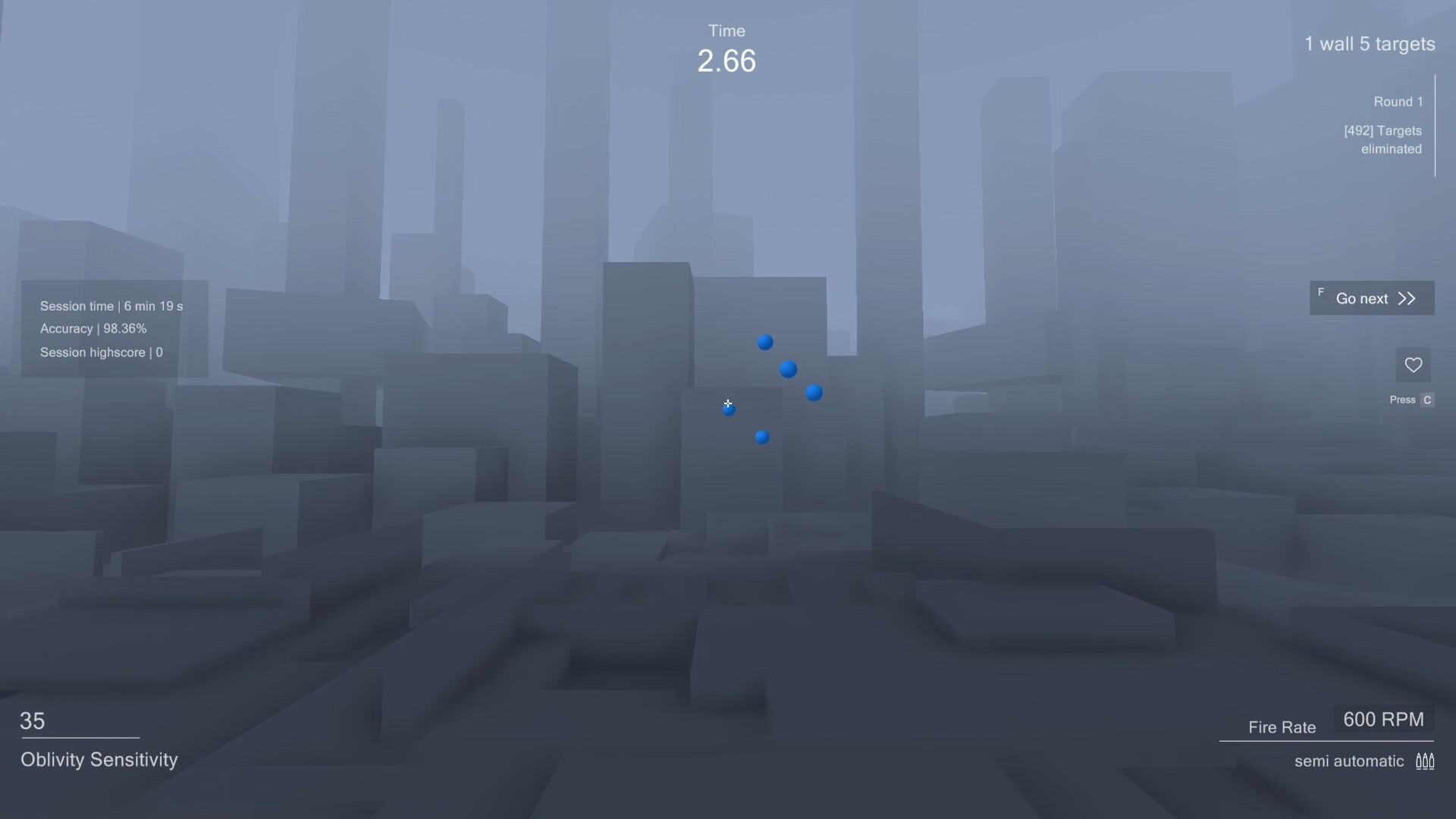
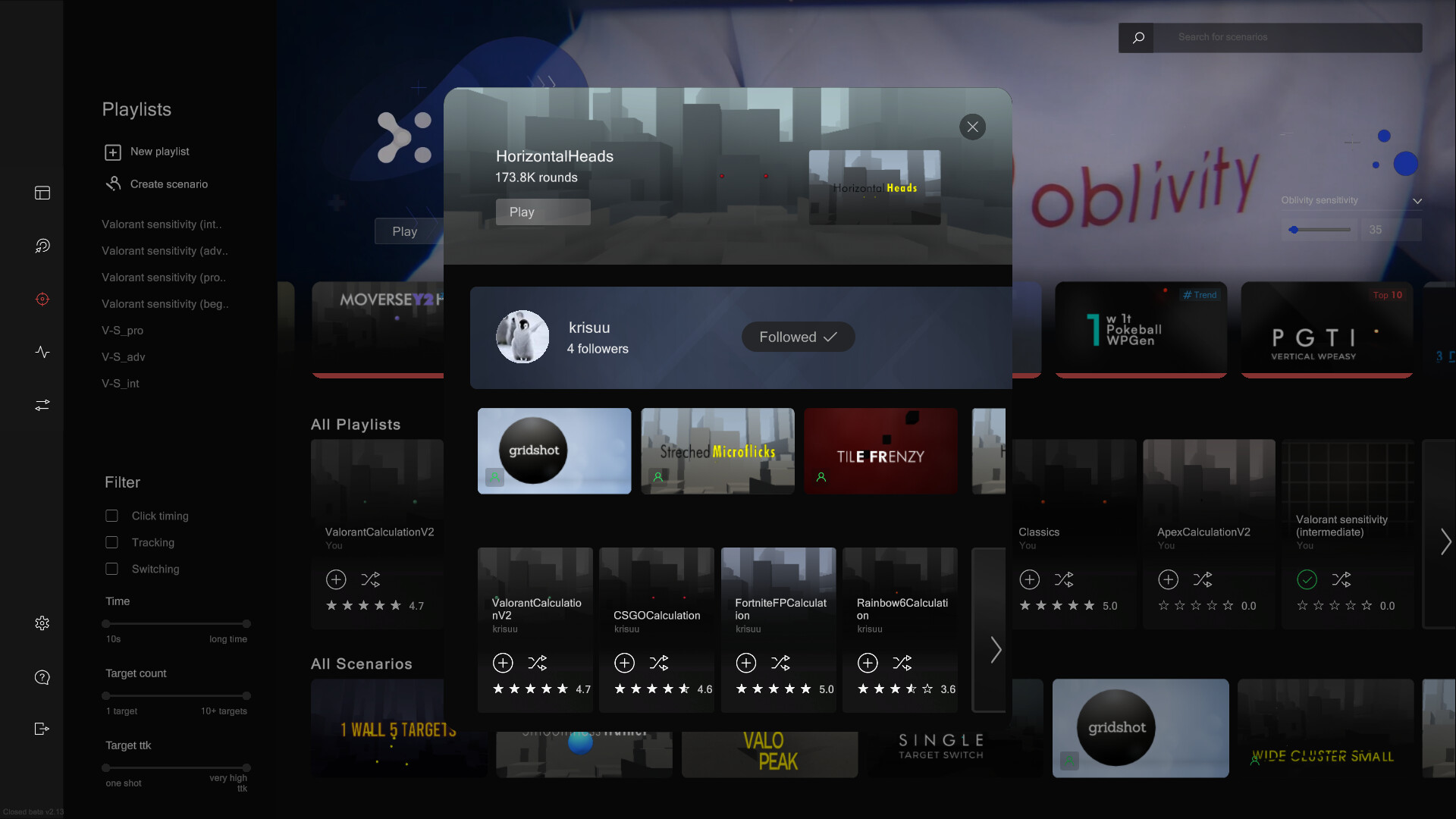
In Oblivity's trainer you can try out your new mouse sensitivity right away. You will find anything in the continuously growing online library of scenarios and playlists. How high can you climb the leaderboards against other players and your friends? You can also create scenarios yourself, upload them and share them with the Oblivity community. Special aim training technies such as mouse pathing or metronom aiming are supported as well.
Sensitivity Finder:
The sensitivity finder is a unique feature Oblivity is especially known for. It will help you to find an optimal mouse sensitivity for your favourite game!
You play a selection of scenarios matching your selected FPS game. Each round your mouse sensitivity changes. Oblivitys algorithm tracks your performance and mouse movement data to determine the sensitivity you perform best with. Over a longer playtime, Oblivity can collect enough data to show you exactly how well you perform on different mouse sensitivity levels.
Smart Play:
Smart Play is the perfect place to discover new scenarios. Just click "Next" and we will pick the following scenario based on your liking and preferences.
Analysis:
After your training session, you can immediately view the statistics of your runs in the analysis section. Oblivity provides as much data as possible to show where you have weaknesses and do aiming mistakes. This includes the usual information like accuracy, mouse speed and score. But you will also see data such as the deviation from the ideal aiming path, overshoot, undershoot or aiming smoothness.
Replay:
Every run can be rewatched with the replay tool. The timeline shows, where you did which mistake. Be it over- undershooting the deviation or your overall performance. The playback speed can be adjusted to any level. You can also turn on onscreen indicators that show your aim line compared to the optimal aiming path.
Converter:
Oblivity also offers a converter. It is not only intended to convert your new Oblivity mouse sensitivity to that of your favorite game. You can very accurately convert the sensitivity of all supported first person shooters to that of any another game.Options:
Oblivity is fully customizable! You can adjust anything to create your perfect, individual aim training experience.…