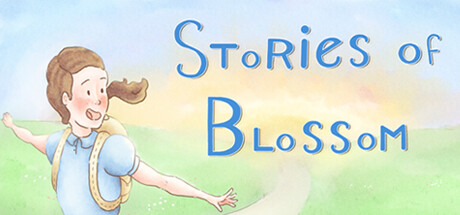
Stories of Blossom
Про игру
Место в каталоге, подборки и покупка
В «Stories of Blossom» главный упор на одиночное прохождение — для поклонников жанра «Приключенческие игры».
- одиночное прохождение
PlayGuide
Игра есть в 4 подборках каталога («Новинки Steam», «Бесплатные игры Steam» и др.); ниже ссылки. На странице «Stories of Blossom» также системные требования, калькулятор «Пойдёт ли», FAQ и разбор лагов.
Где купить
Ключ и загрузка «Stories of Blossom» — на официальной странице игры в Steam.
- Бесплатно
Краткая информация о Stories of Blossom
Платформы
Особенности
Теги Steam
Видео, стримы и гайды по Stories of Blossom


Сообщество и сервисы Steam — Stories of Blossom
Скриншоты Stories of Blossom
Системные требования Stories of Blossom — пойдёт ли на моём ПК?
Чтобы запустить «Stories of Blossom» на ПК, по данным Steam достаточно минимальной конфигурации: ос Windows 7+, озу 2 GB ОЗУ, видеокарта 1.5 GB, процессор 2.50GHz. По требованиям к памяти это очень скромный по нынешним меркам ПК.
Для комфортной игры без просадок разработчик рекомендует: озу 2 GB ОЗУ, видеокарта 1.5 GB, процессор 3.00GHz. Точный расчёт под ваше железо — в разделе «Пойдёт ли на моём ПК».
Минимальные требования
- 64-разрядные процессор и операционная система
- ОС *: Windows 7+
- Процессор: 2.50GHz
- Оперативная память: 2 GB ОЗУ
- Видеокарта: 1.5 GB
- Место на диске: 2 GB
Рекомендуемые требования
- 64-разрядные процессор и операционная система
- ОС: Windows 10
- Процессор: 3.00GHz
- Оперативная память: 2 GB ОЗУ
- Видеокарта: 1.5 GB
- Место на диске: 2 GB
Гайд и ответы по Stories of Blossom
Практичные ответы: пойдёт ли на ваш ПК, сколько весит, есть ли русский и можно ли без интернета Плюс ответы на частые вопросы.
Есть ли русский в Stories of Blossom
Если важен русский язык в «Stories of Blossom», проверьте тип локализации — интерфейса, субтитров или полной озвучки.
Русский язык в списке Steam не найден — вероятно только другие языки.
*озвучивание доступно на этих языках
Stories of Blossom на Steam Deck
Стоит ли брать «Stories of Blossom» в дорогу на Deck — ниже статус из Steam и типичные ограничения по производительности.
Статус Steam Deck не указан
Можно ли играть в Stories of Blossom без интернета
Можно ли играть в «Stories of Blossom» без интернета — одиночный режим, кооп и MMO по категориям Steam.
Да, по данным Steam доступен одиночный режим — игру можно проходить офлайн.
Stories of Blossom — можно ли играть бесплатно?
«Stories of Blossom» распространяется бесплатно в Steam.
Можно ли играть в Stories of Blossom с контроллером?
«Stories of Blossom» в Steam отмечена с полной поддержкой геймпада.
Сколько длится Stories of Blossom?
Steam не публикует официальное время прохождения «Stories of Blossom». Ориентируйтесь также на гайды и видео на YouTube.
Не запускается, вылетает, лагает — Stories of Blossom
О чём Stories of Blossom
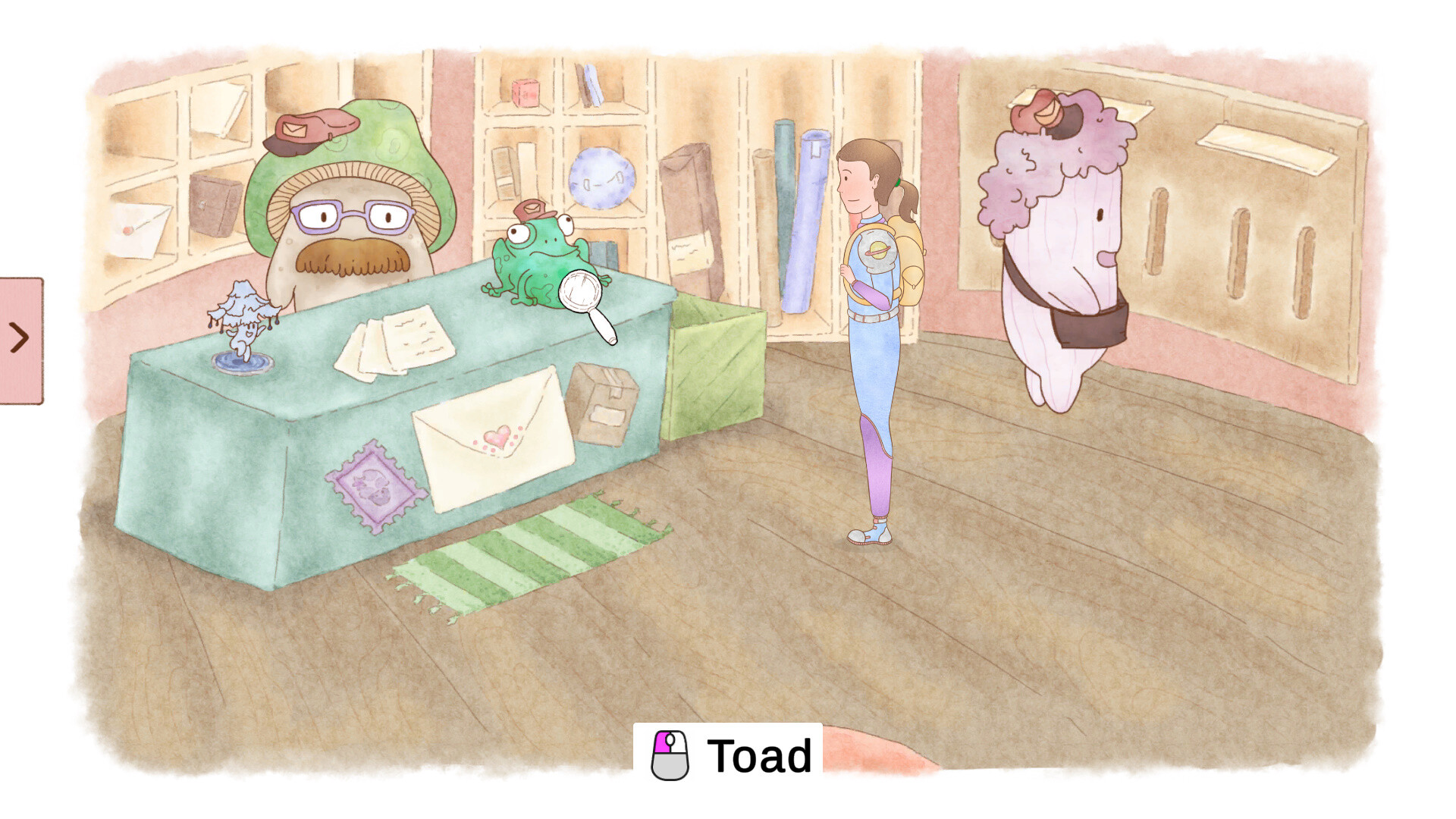
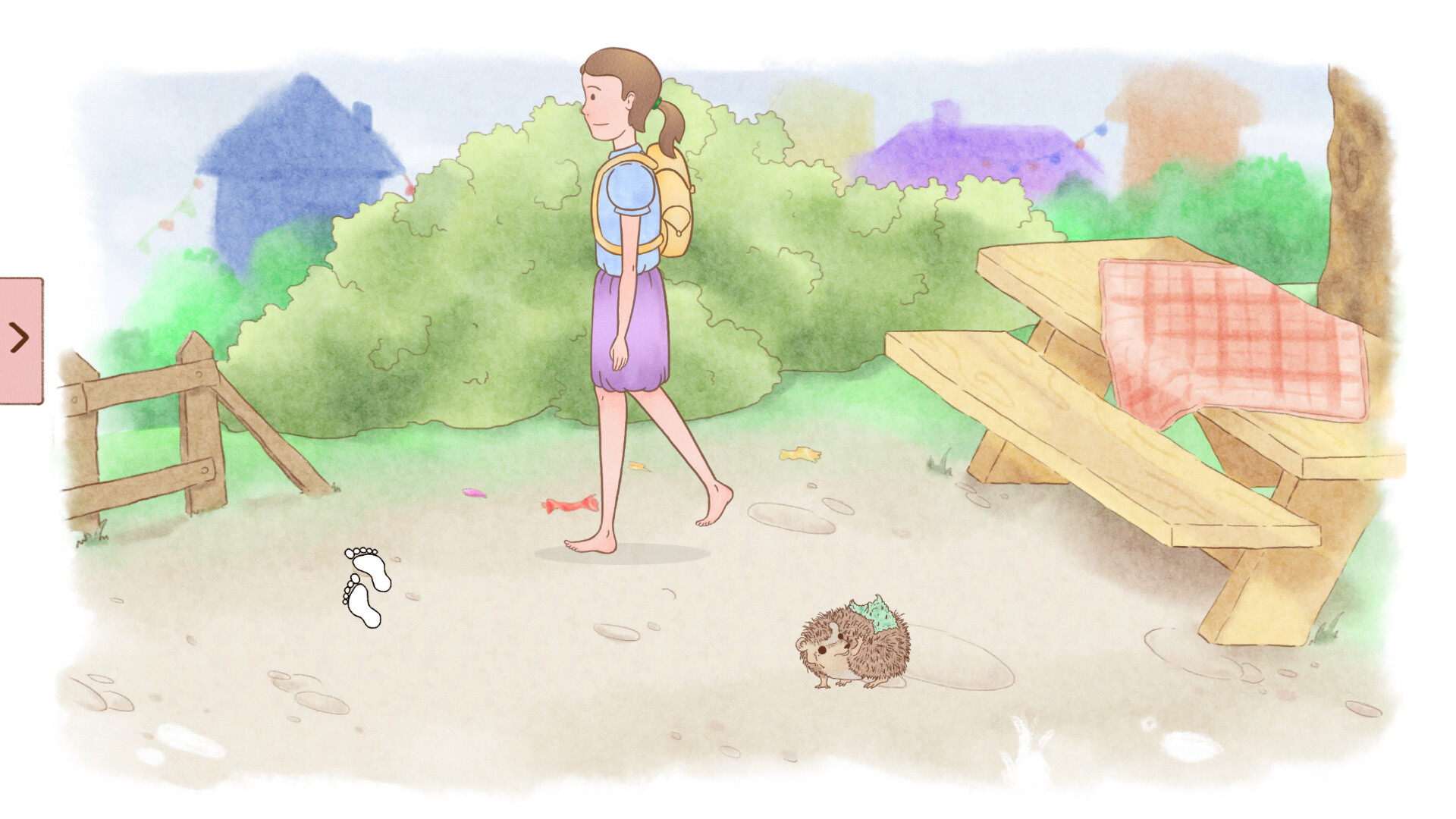
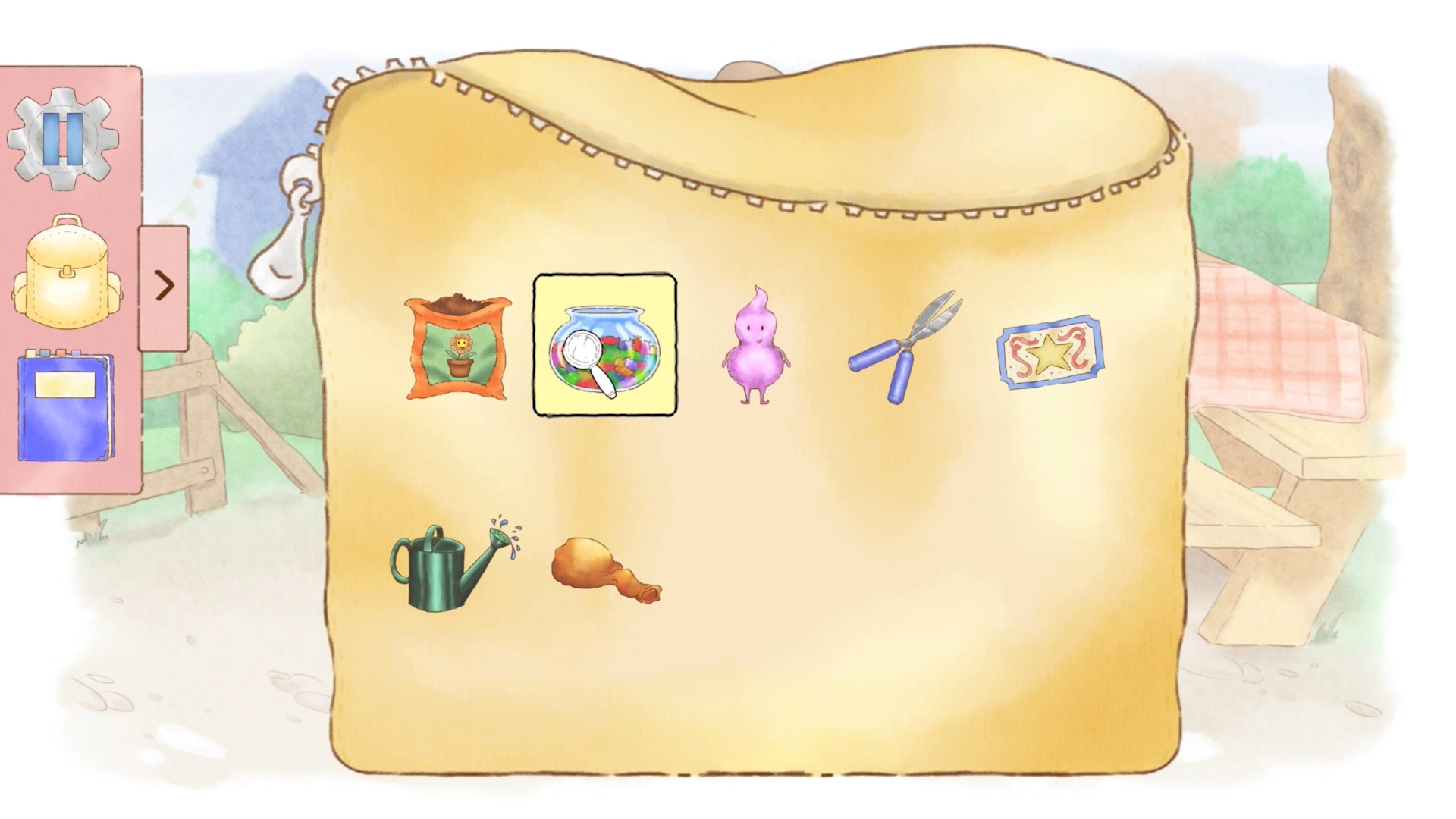
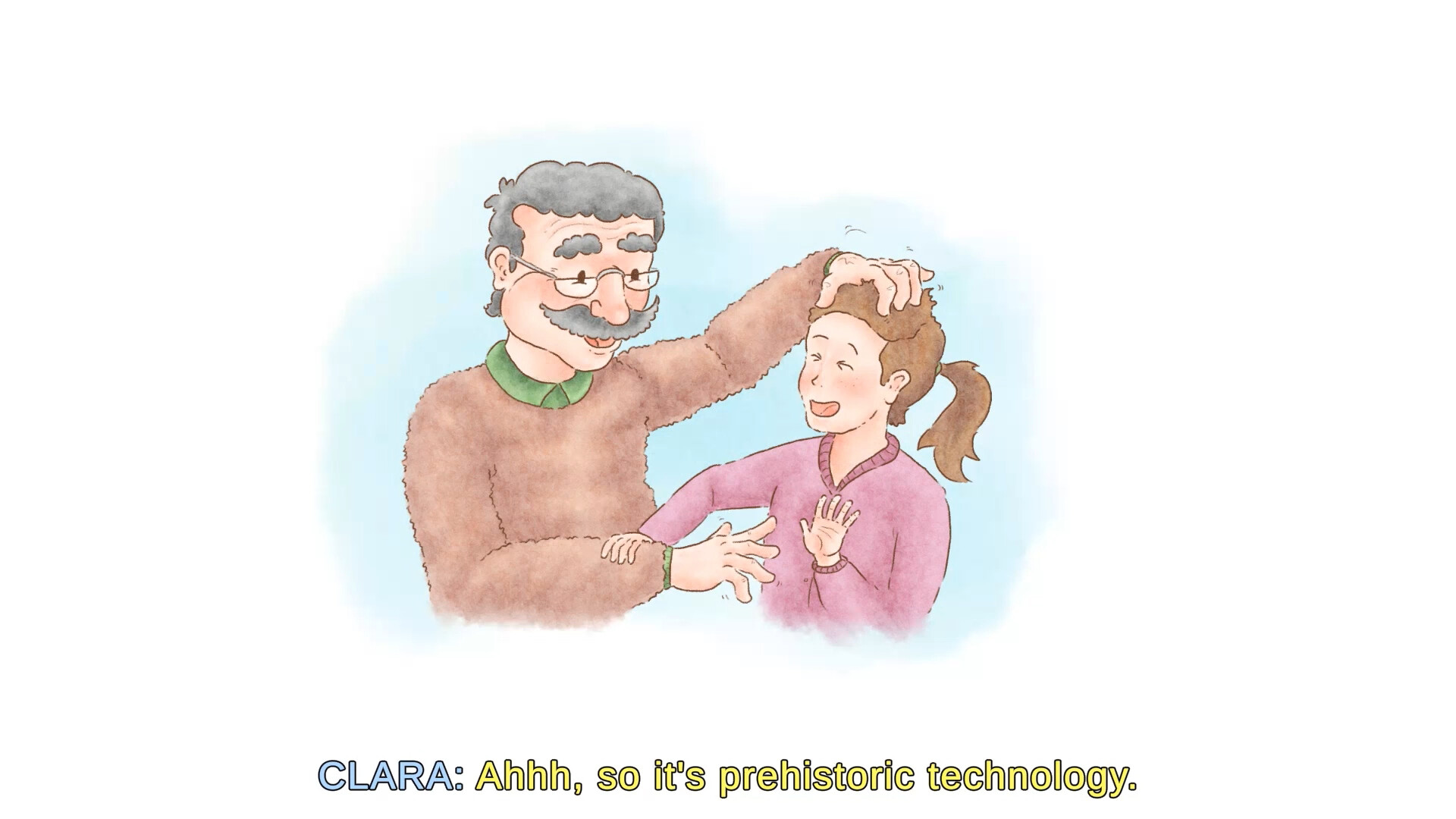
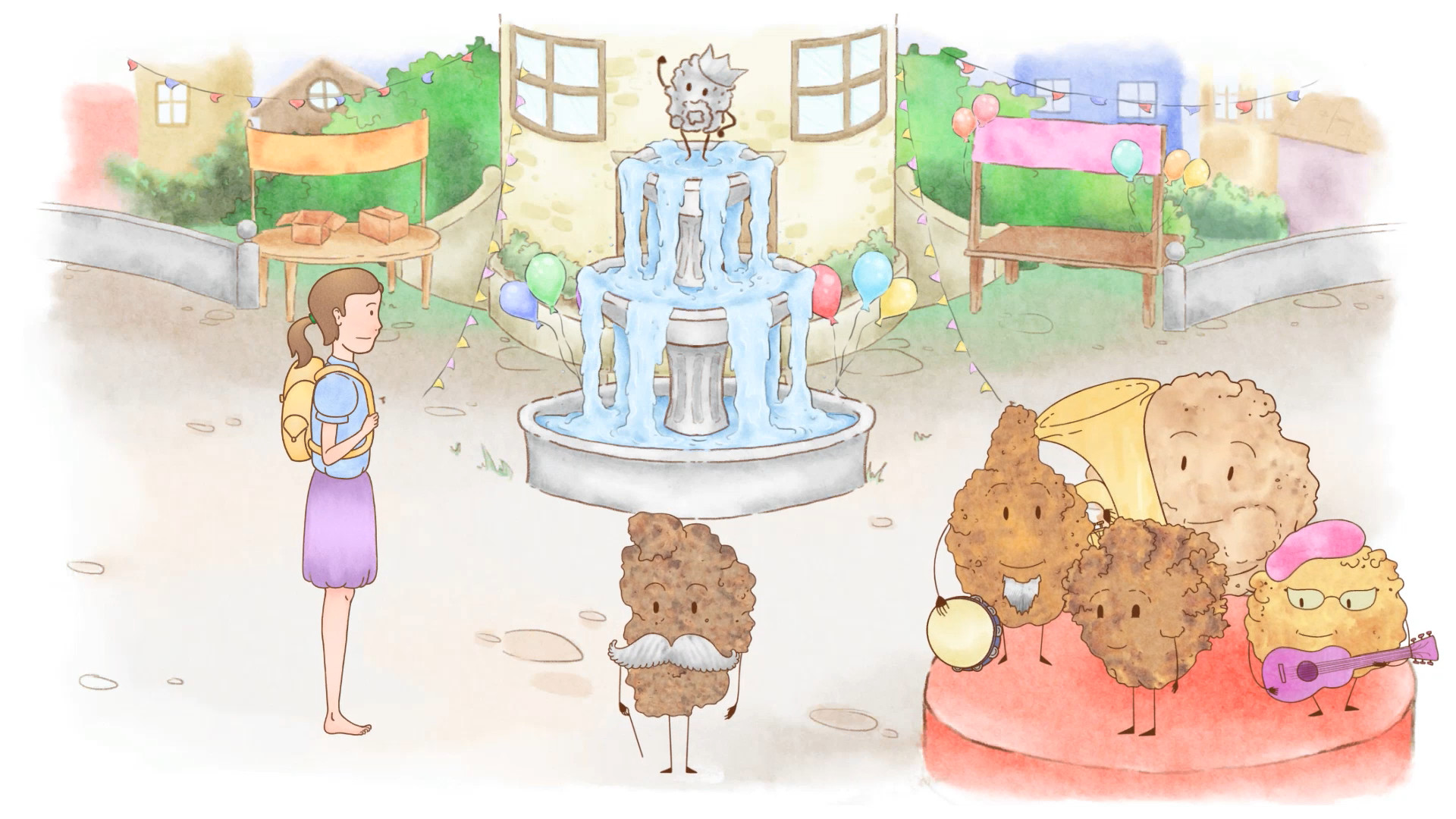
An accessible point and click adventure that joins Clara as she brings to life three short tales told by her nurturing grandfather.
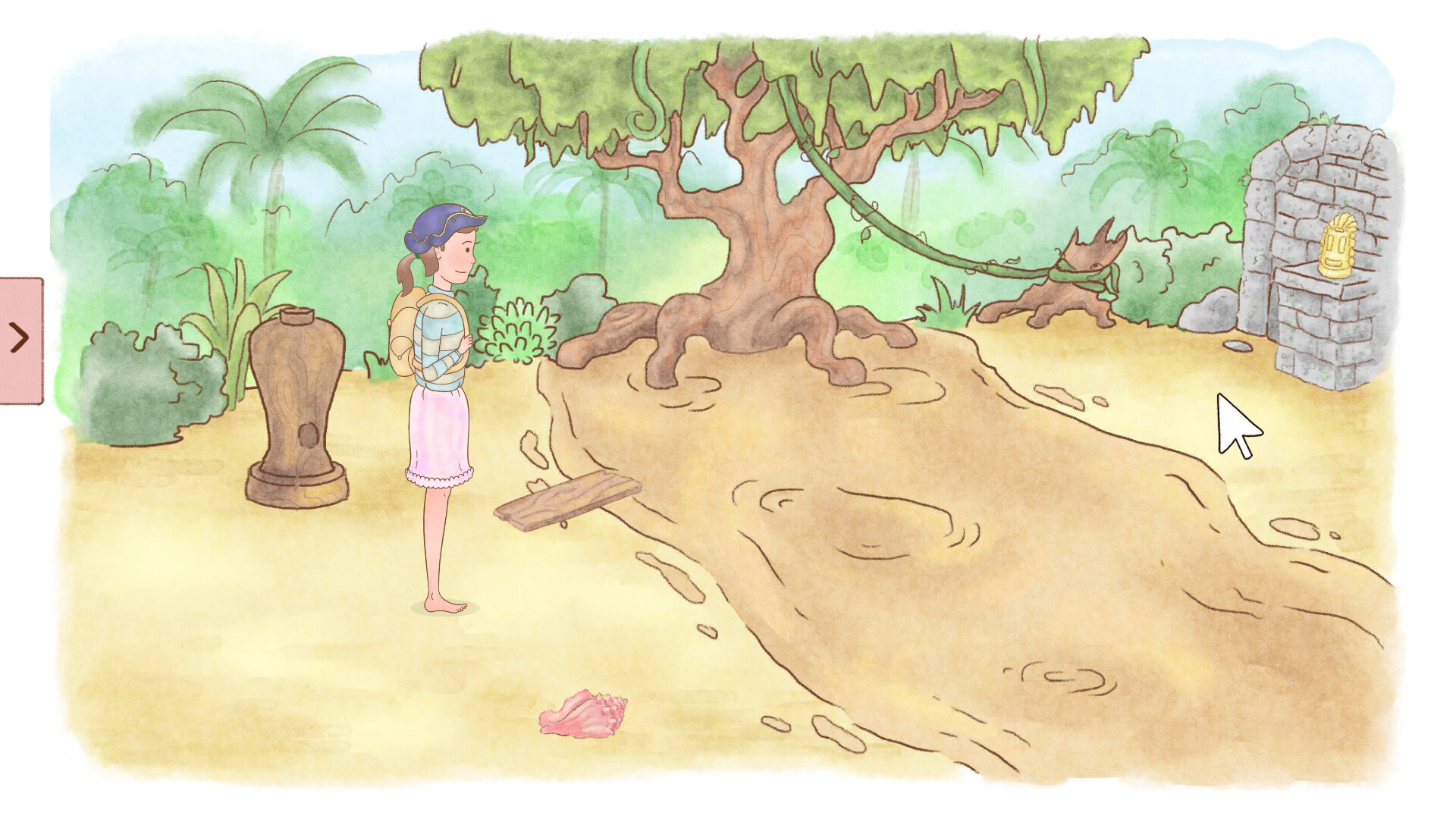
Embody the role of an adventurer, astronaut, and pirate.
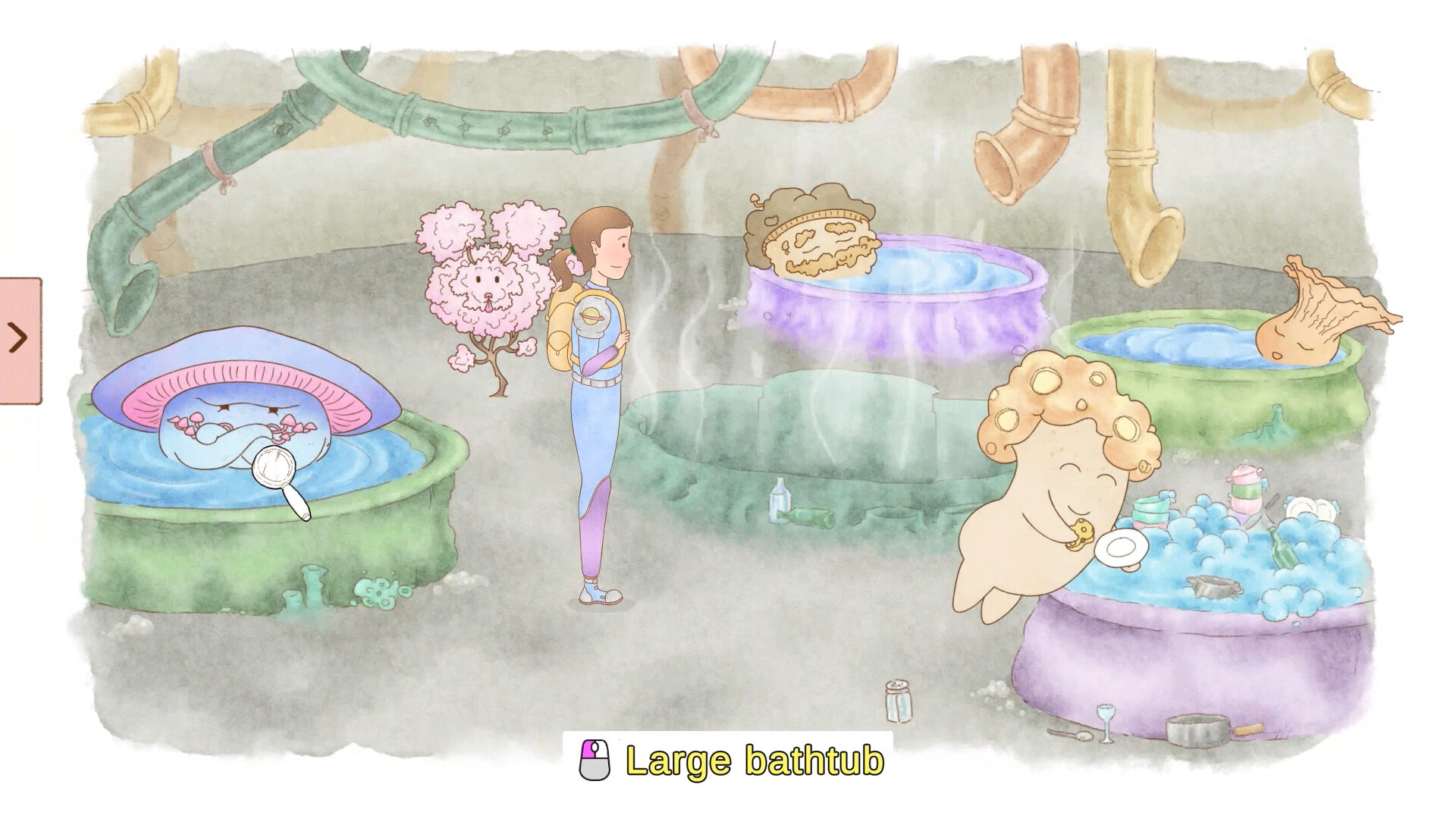
Explore 25 colourful storybook illustrations, from the sunny countryside, to an unexplored planet full of little fungi people.
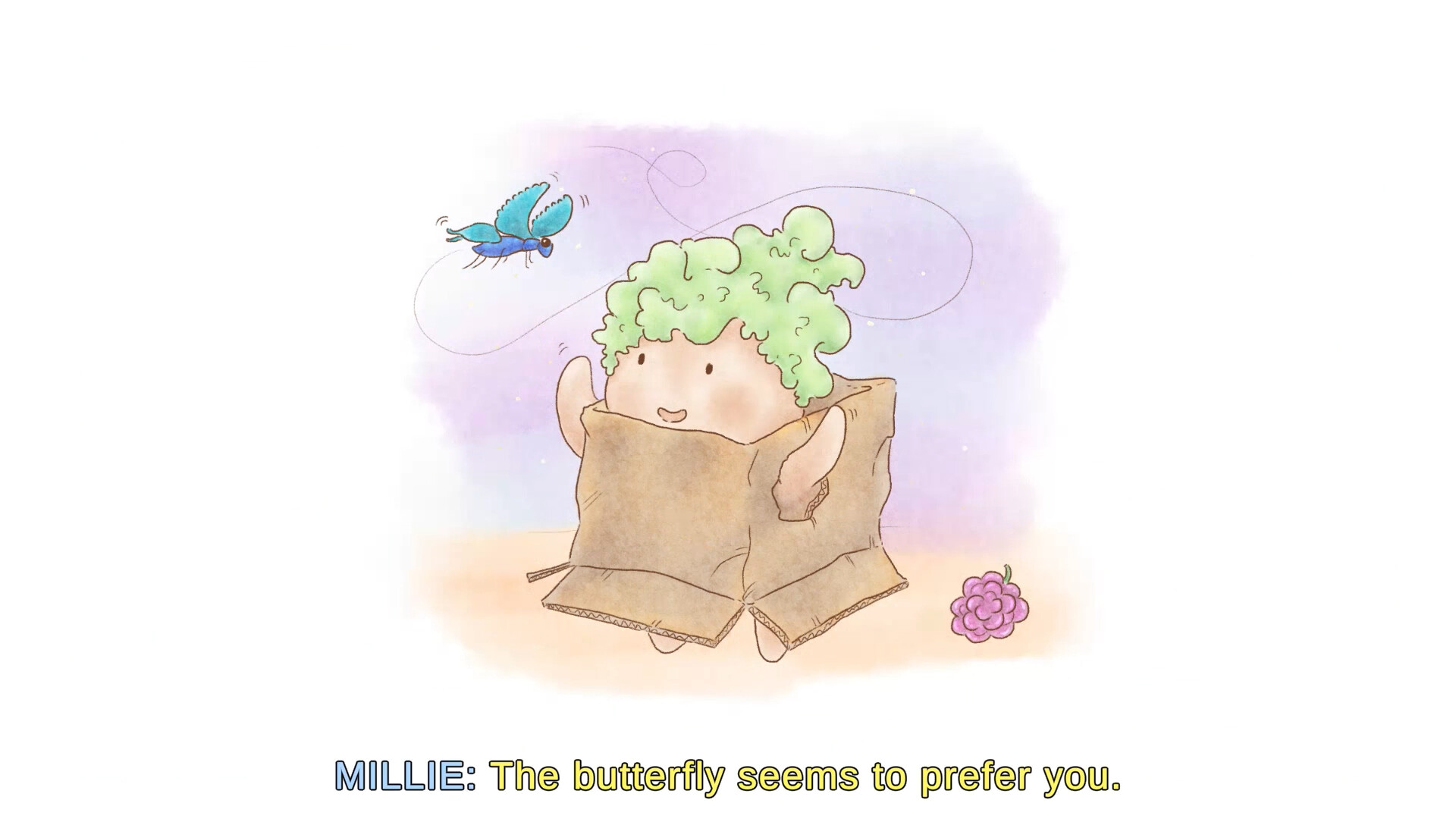
Befriend cute creatures in odd situations.
And help solve all their problems along the way.
Game Features
From the very beginning game accessibility has been our main goal. We have work closely with those from the disabled and neurodiverse communities to help us remove barriers from our game.
A lot of this work has been baked into the experience itself such as the readability of each dialogue line, the design of our puzzles, and how we layout information and our menus.
We also have a large array of accessibility options, that you can use to tweak the experience to your liking.
Audio:
• Fully voiced characters
• Volume controls for master, ambience, music, voice over, general SFX, UI SFX, text to speech, and audio descriptions channels
• Text to speech (toggle, three voice types, speed, pitch, input instructions toggle)
• Audio descriptions
Input:
• Point and focus navigation (point with analog input or tab through elements)
• Minimum input required (2 digital buttons or 1 analogue with 1 button)
• Additional input actions provided to navigate menus faster
• Double select to instantly exit a scene and increase character movement
• Input remapping
• Input delay
• Stick sensitivity (Controller only)
• Invert Y & X axis (Controller only)
• Stick deadzone (Controller only)
• Trigger presspoint (Controller only)
Subtitles:
• Dialogue subtitles toggle
• Dialogue manual & auto progression
• Audio captions
• Interaction Labels
• Subtitle text size
• Text outline
• Hint highlights
• Speaker names
• Speaker intonation
• Body text colour
• Speaker text colour
• Background colour
Visuals:
• Windowed mode
• Brightness
• Global text size
• Highlight icon toggle
• Highlight colour
Assistance:
• Accessibility onboarding on first launch
• In-game tutorial…