Tile Runner
Про игру
Место в каталоге, подборки и покупка
«Tile Runner» — проект с акцентом на одиночное прохождение — для коротких вечерних сессий и нестандартных идей.
- одиночное прохождение
Место в каталоге
Игра есть в 4 подборках каталога («Топ игр Steam», «Новинки Steam» и др.); ниже ссылки. На странице «Tile Runner» также требования Steam, блок «Пойдёт ли на моём ПК», FAQ и подборки по жанру.
Цена и платформы
Ключ и загрузка «Tile Runner» — на официальной странице игры в Steam.
- Бесплатно
Краткая информация о Tile Runner
Платформы
Теги Steam


Сообщество и сервисы Steam — Tile Runner
Скриншоты Tile Runner

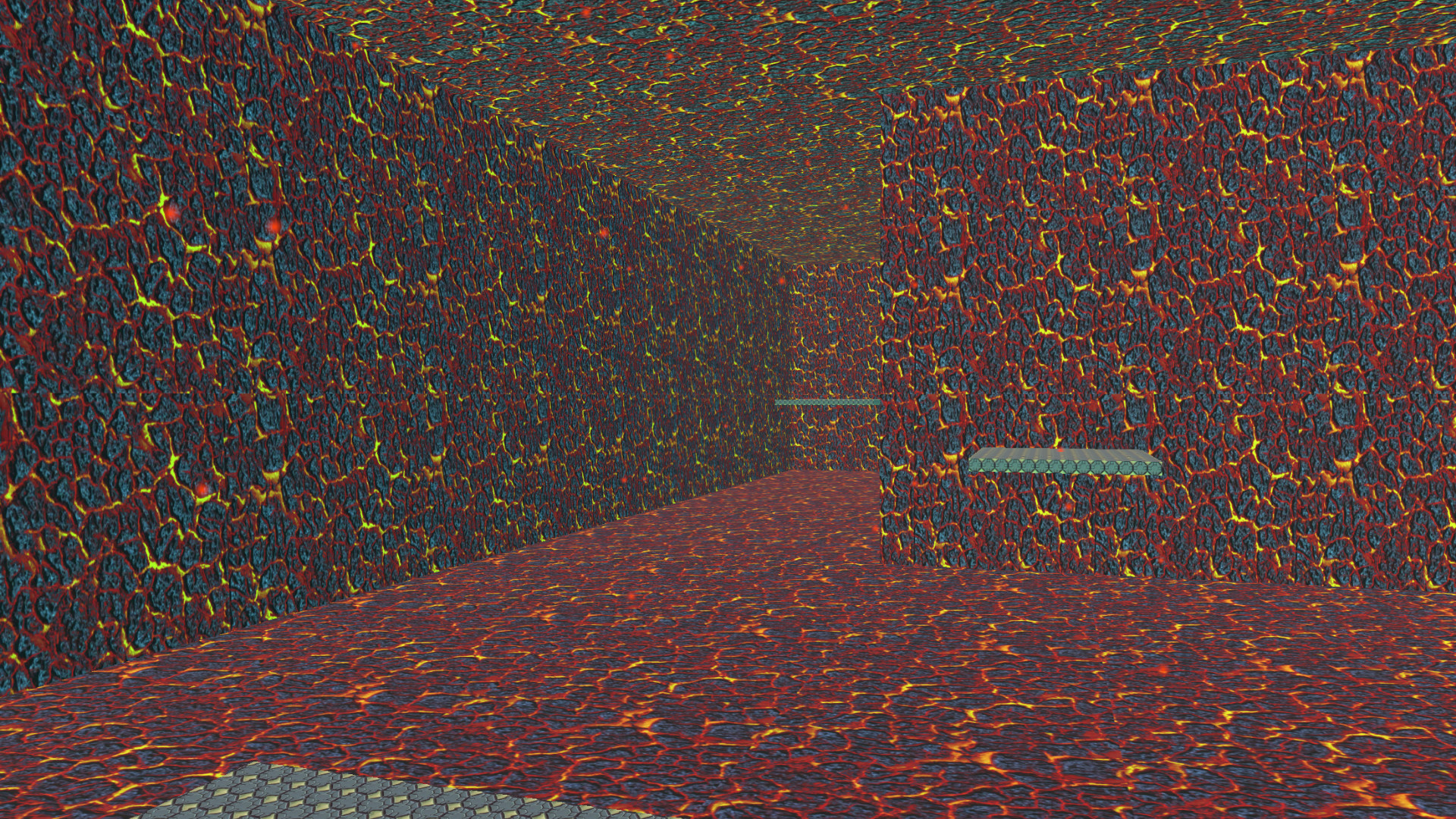

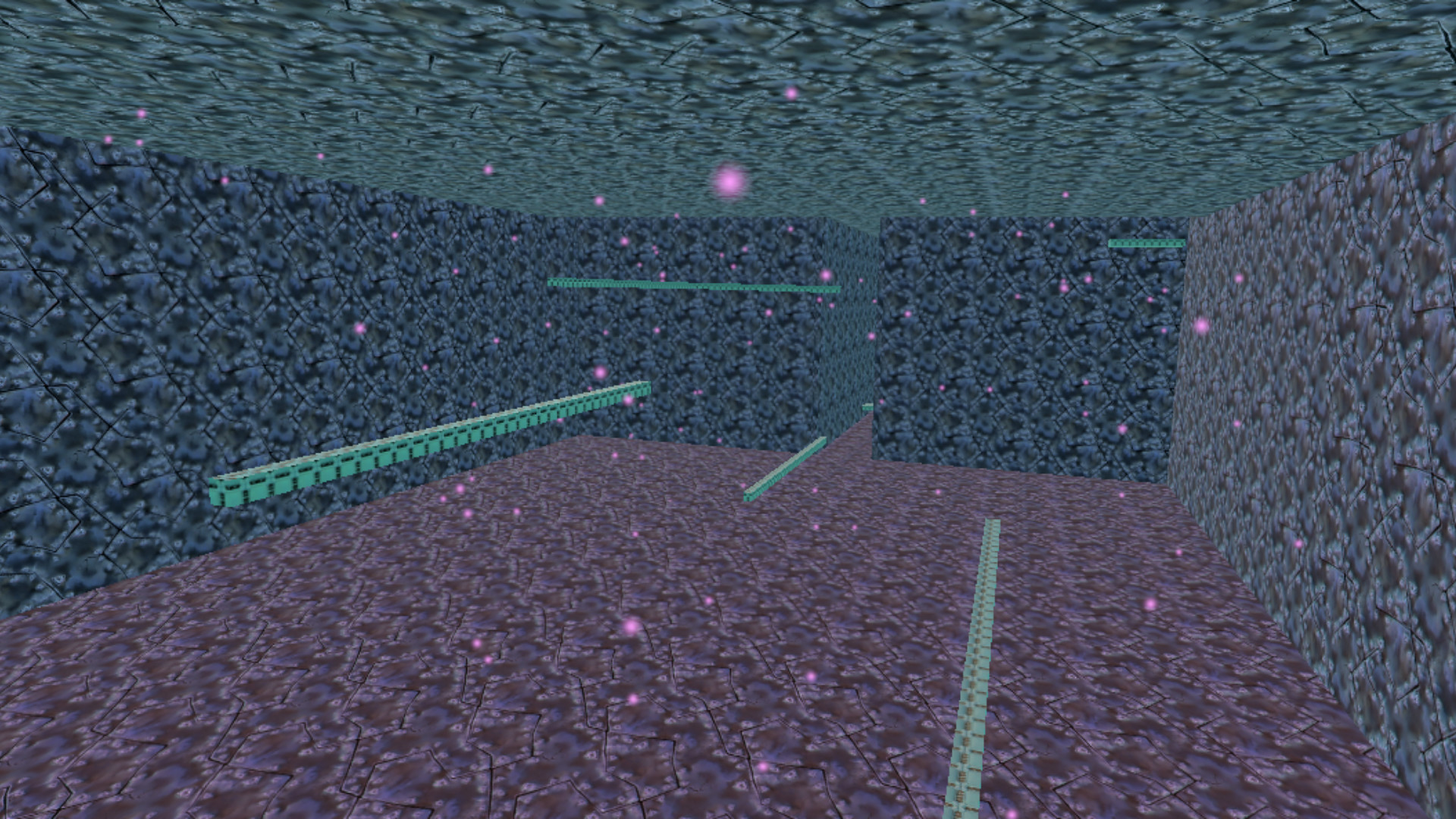
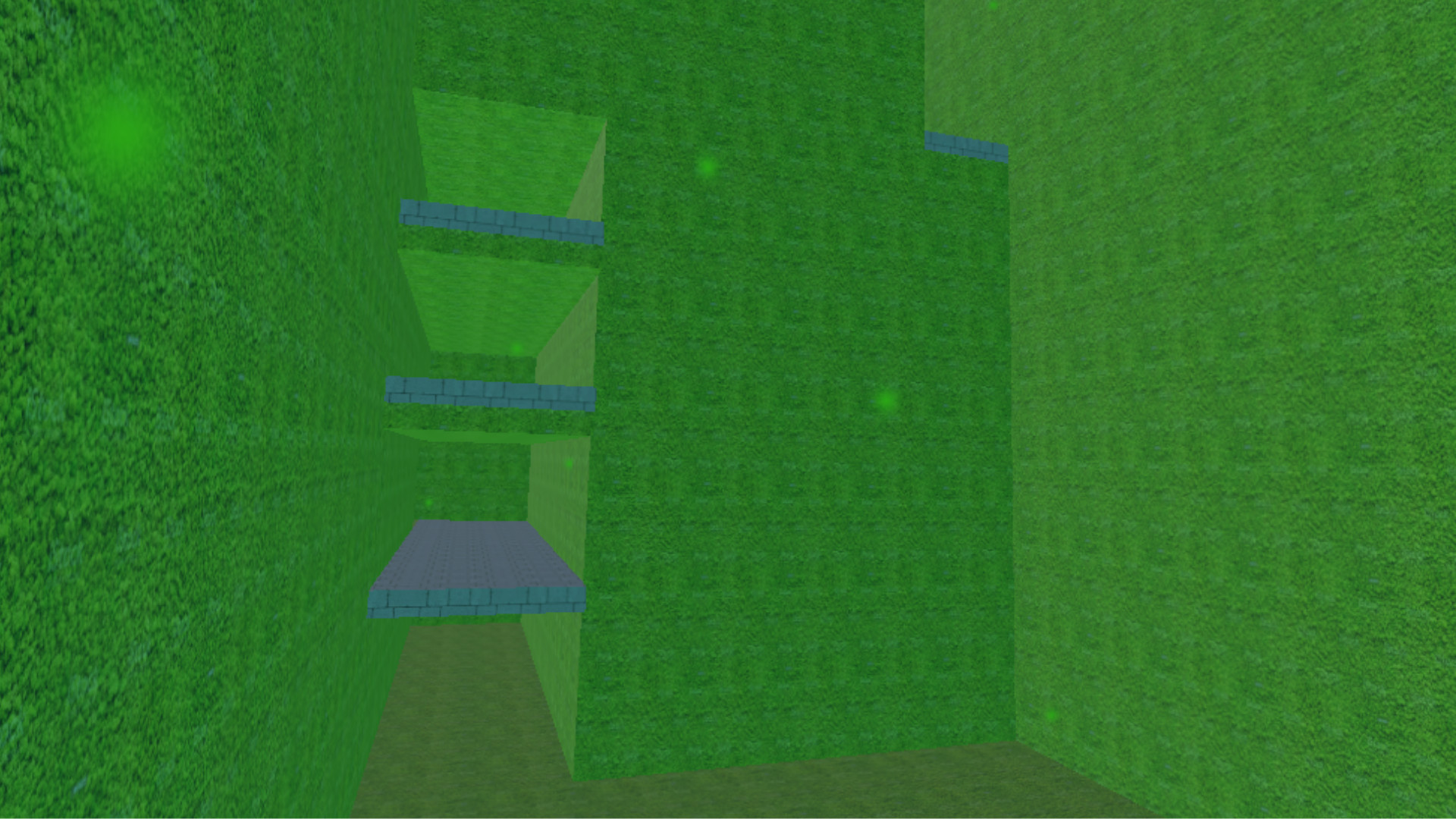

Системные требования Tile Runner — пойдёт ли на моём ПК?
Чтобы запустить «Tile Runner» на ПК, по данным Steam достаточно минимальной конфигурации: ос Make sure you're running the latest version, видеокарта DirectX 9 or later with WDDM 1.0 driver, процессор 1 gigahertz (GHz) or faster processor or SoC.
Если система на грани минимума, снизьте настройки графики и закройте фоновые приложения. Подробный разбор и калькулятор совместимости — по ссылке «Пойдёт ли» в меню страницы.
Минимальные требования
- ОС: Make sure you're running the latest version
- Процессор: 1 gigahertz (GHz) or faster processor or SoC
- Видеокарта: DirectX 9 or later with WDDM 1.0 driver
Гайд и ответы по Tile Runner
Перед установкой «Tile Runner» — коротко по данным Steam Плюс ответы на частые вопросы.
Есть ли русский в Tile Runner
Локализация «Tile Runner»: ниже — что именно переведено на русский, а что остаётся только на английском.
Русский язык в списке Steam не найден — вероятно только другие языки.
*озвучивание доступно на этих языках
Tile Runner на Steam Deck
Стоит ли брать «Tile Runner» в дорогу на Deck — ниже статус из Steam и типичные ограничения по производительности.
Playable — играбельно на Steam Deck
Можно ли играть в Tile Runner без интернета
Перед поездкой без Wi‑Fi проверьте «Tile Runner» — ниже режимы из Store API Steam.
Да, по данным Steam доступен одиночный режим — игру можно проходить офлайн.
Нужно ли платить за Tile Runner?
«Tile Runner» распространяется бесплатно в Steam.
Поддерживает ли Tile Runner геймпад?
«Tile Runner»: явной поддержки геймпада в Steam нет — уточните в описании или отзывах.
Сколько длится Tile Runner?
Steam не публикует официальное время прохождения «Tile Runner». Казуальные и indie-проекты вроде «Tile Runner» часто длятся от пары часов до 10–15 часов. Ориентируйтесь также на гайды и видео на YouTube.
Не запускается, вылетает, лагает — Tile Runner
О чём Tile Runner
Tile Runner, A 3D parkour game. 10 Levels, with increasing difficulty. Can you beat all 10? Good Luck !!!!!!!! Notes: If your mouse doesn't work when playing, try changing the sensitivity in the options. This game was made by me and my twin brother, and we are now seniors in high school. I had a lot of fun making this game, and I hope you have fun playing it :D 10/28: I noticed a lot of people have been saying the difficulty curve between levels is too high, so to make it easier, I will give hints for each level below. Level 1: Pretty Straightforward Level 2: If you are struggling at the jumps toward the end of the level (where it starts to get narrow), hug the inside walls to take the shortest path to the next platform. At the end of the level, the last jump is an option between left and right, MAKE SURE TO GO LEFT. Level 3: The dropper is introduced in this level, where you maneuver the character in order to make it into the opening below. In the dropper at the end of the level, try to go through the edges of the holes instead of the center in order to be able to get through the following holes. Level 4: Relatively straightforward, but you have to strafe a lot in the air, as well as do 360's. Try to get used to the movement mechanics. Level 5: The first jump is pretty difficult, so be precise in jump timing and movement in the air. After this jump, turn right immediately and look down to get to the next platform. Remember to strafe in the air if you feel you are jumping too far. Level 6: Path gets pretty narrow from here, so if your sensitivity isn't already high, increase it so that you are able to change direction quickly. Level 7: Strafing in the air is important to maneuver through the opening. Move very precisely during the 3rd jump to reach the next platform. During the 5th and 6th jump, look back at where you jumped from while in the air to see where to go. Near the end of the level, there is a large platform where you are able to move freely. After this point, go to the next jump area, hug the wall and start hugging the other side of the wall you just jumped over. Keep doing this. Level 8: Be very quick and precise in movements. Near the end of the level, there is a large room. Hug the large chunks of wall in front of you during jumps. Level 9: In the beginning of the level, do a 180 in the air and try to get above the initial spawn room.…