
Touhou Genso Wanderer -Lotus Labyrinth R-
Про игру
Место в каталоге, подборки и покупка
«Touhou Genso Wanderer -Lotus Labyrinth R-» заточена под одиночное прохождение — для ценителей сюжета, прокачки и долгих сессий.
- одиночное прохождение
Где искать ещё
«Touhou Genso Wanderer -Lotus Labyrinth R-» попала в 4 тематических подборок PlayGuide («Топ игр Steam», «Новинки Steam» и др.) — ссылки ниже. Также на странице: требования к ПК, скриншоты, FAQ и типичные ошибки запуска.
Где купить
«Touhou Genso Wanderer -Lotus Labyrinth R-» — покупка и установка через Steam; страницу можно добавить в список желаемого.
- 1 895 ₽
Краткая информация о Touhou Genso Wanderer -Lotus Labyrinth R-
Платформы
Особенности
Теги Steam
Видео, стримы и гайды по Touhou Genso Wanderer -Lotus Labyrinth R-


Сообщество и сервисы Steam — Touhou Genso Wanderer -Lotus Labyrinth R-
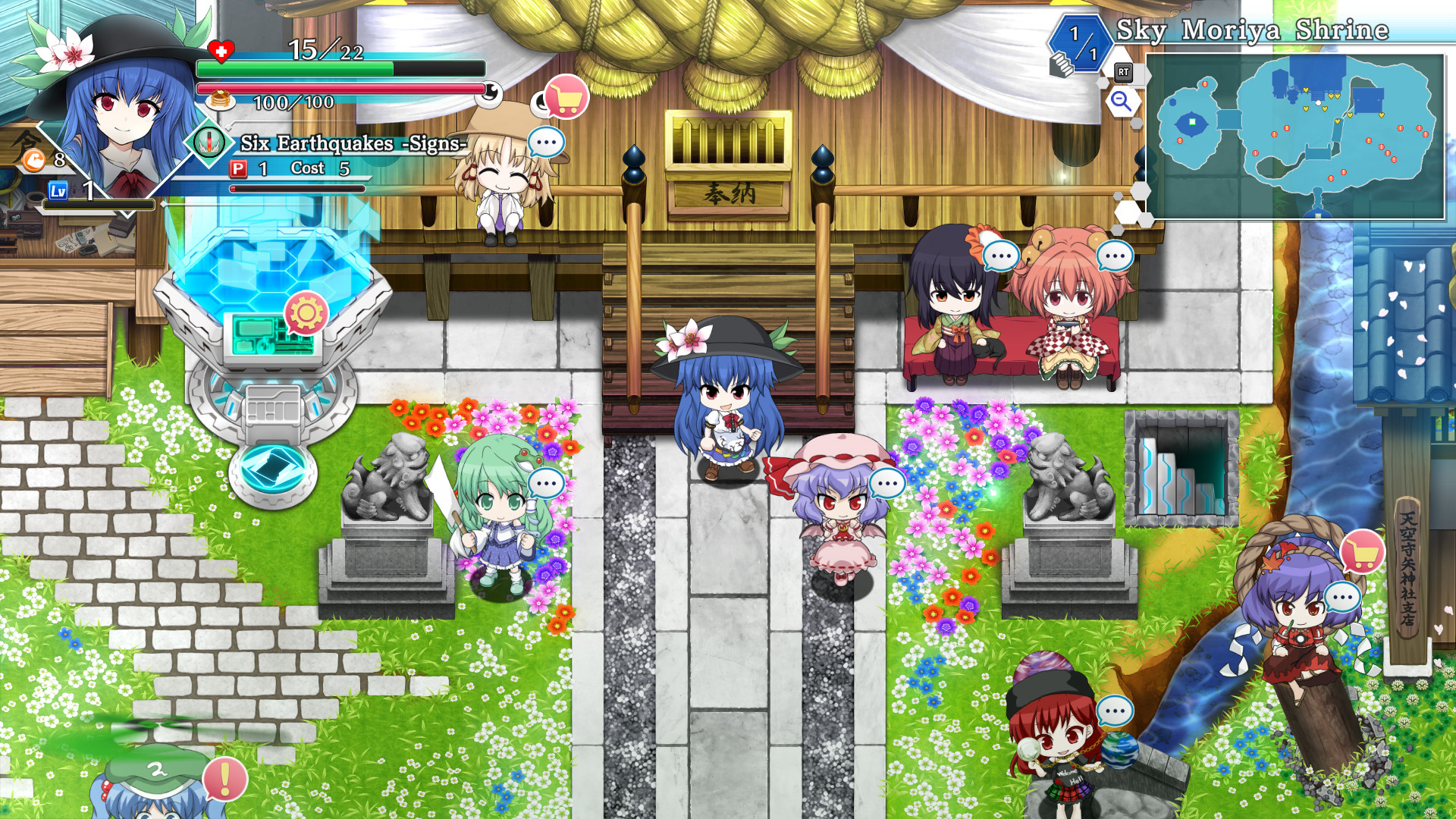
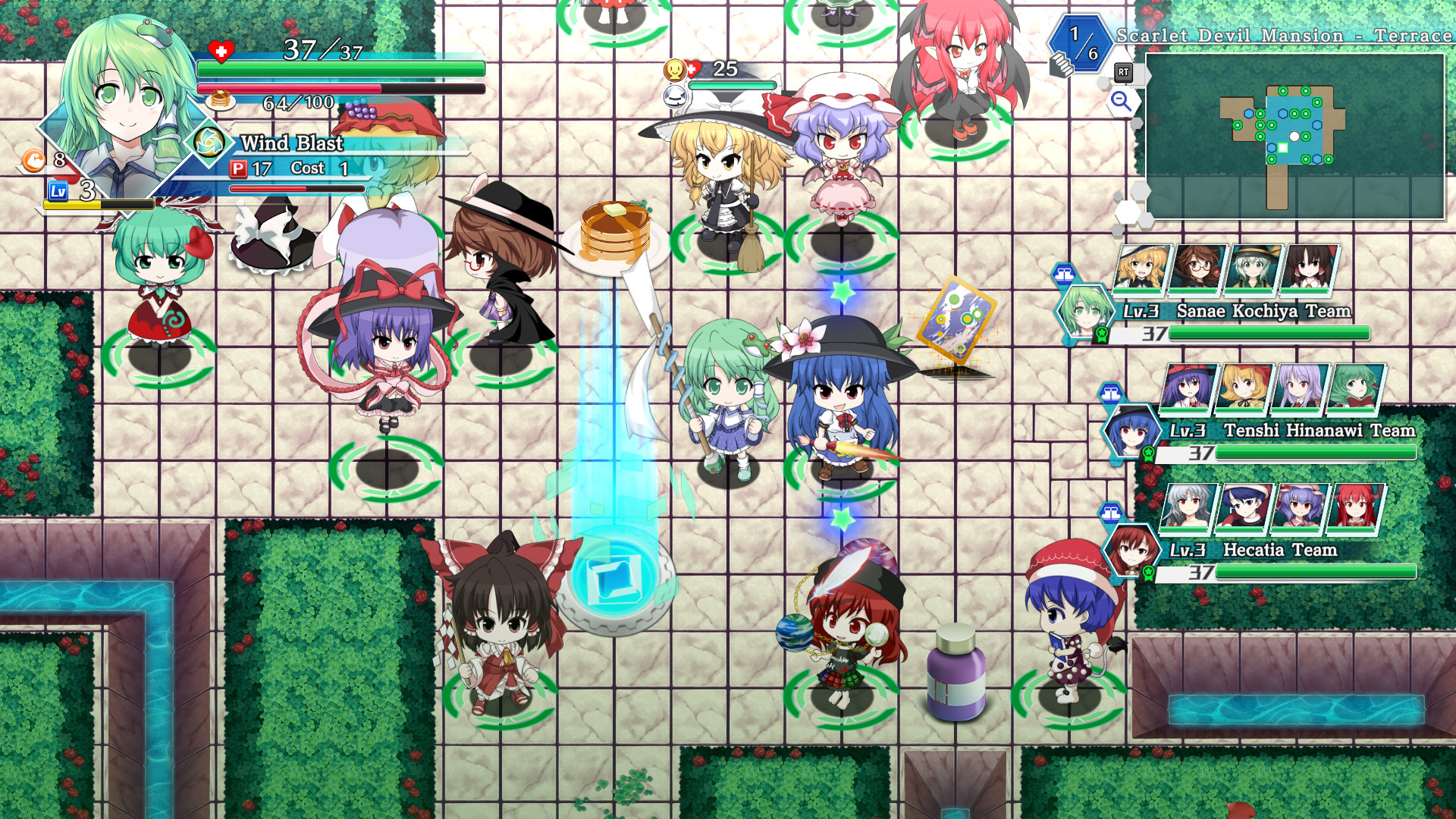
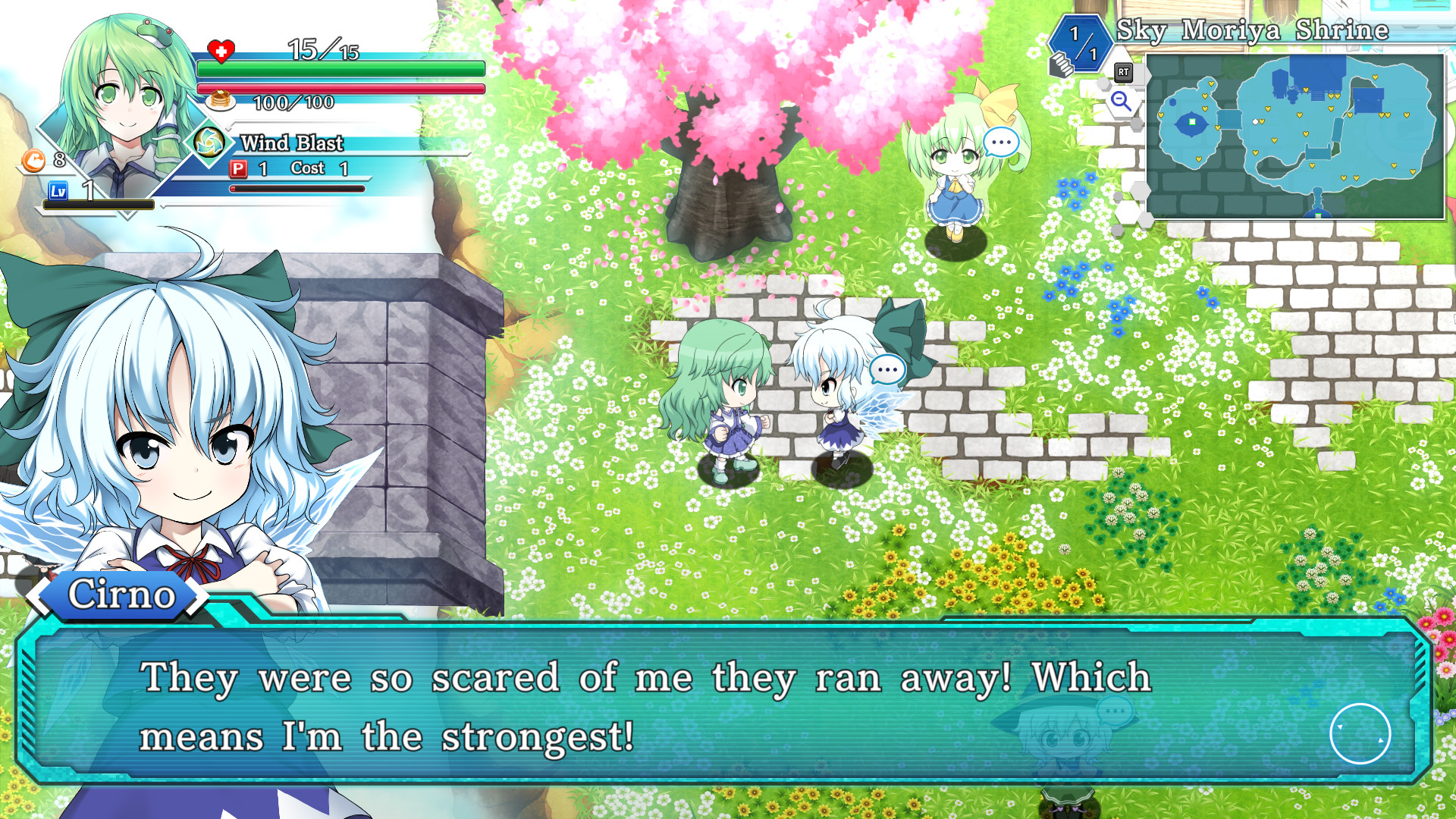
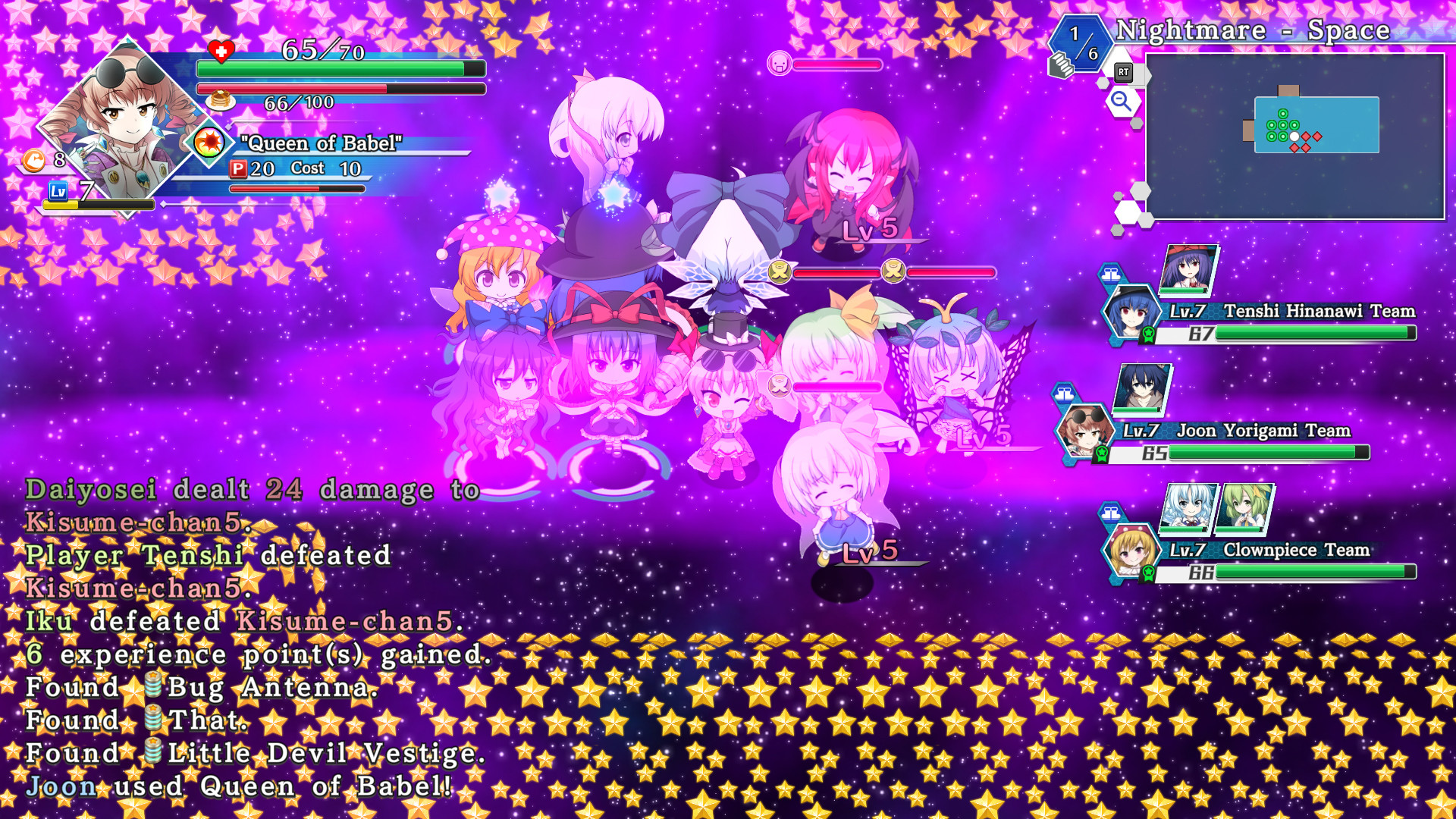
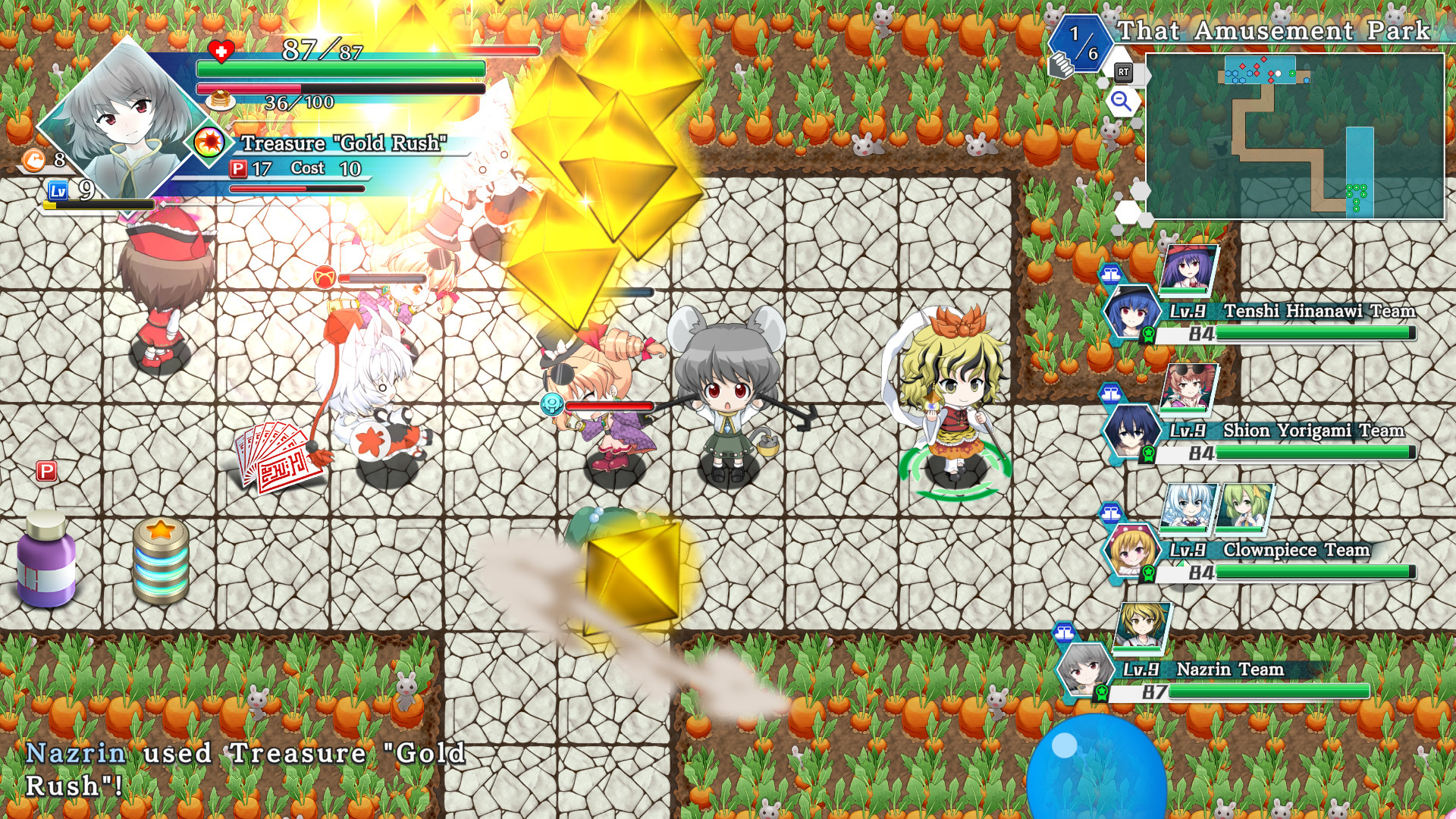
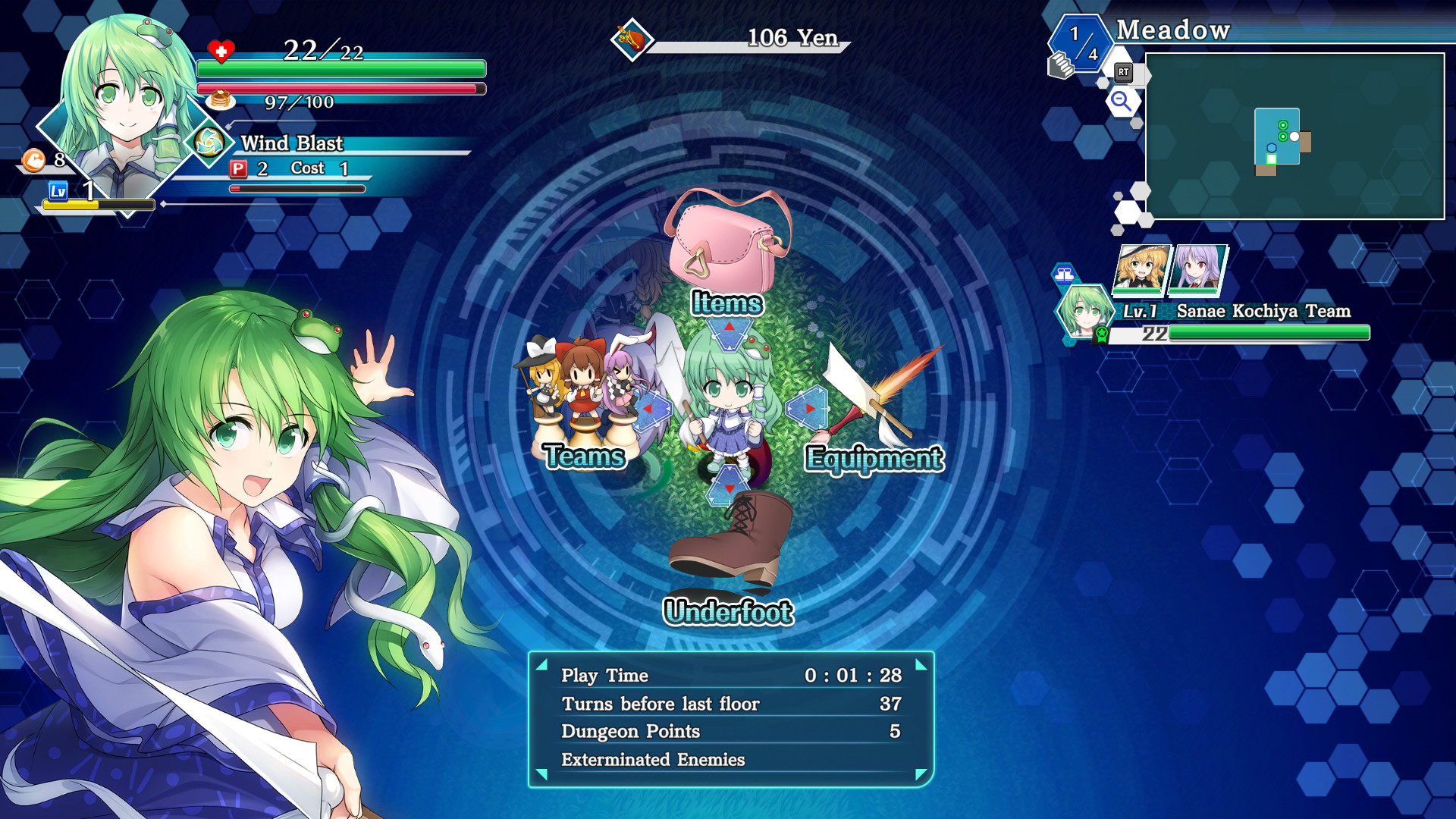
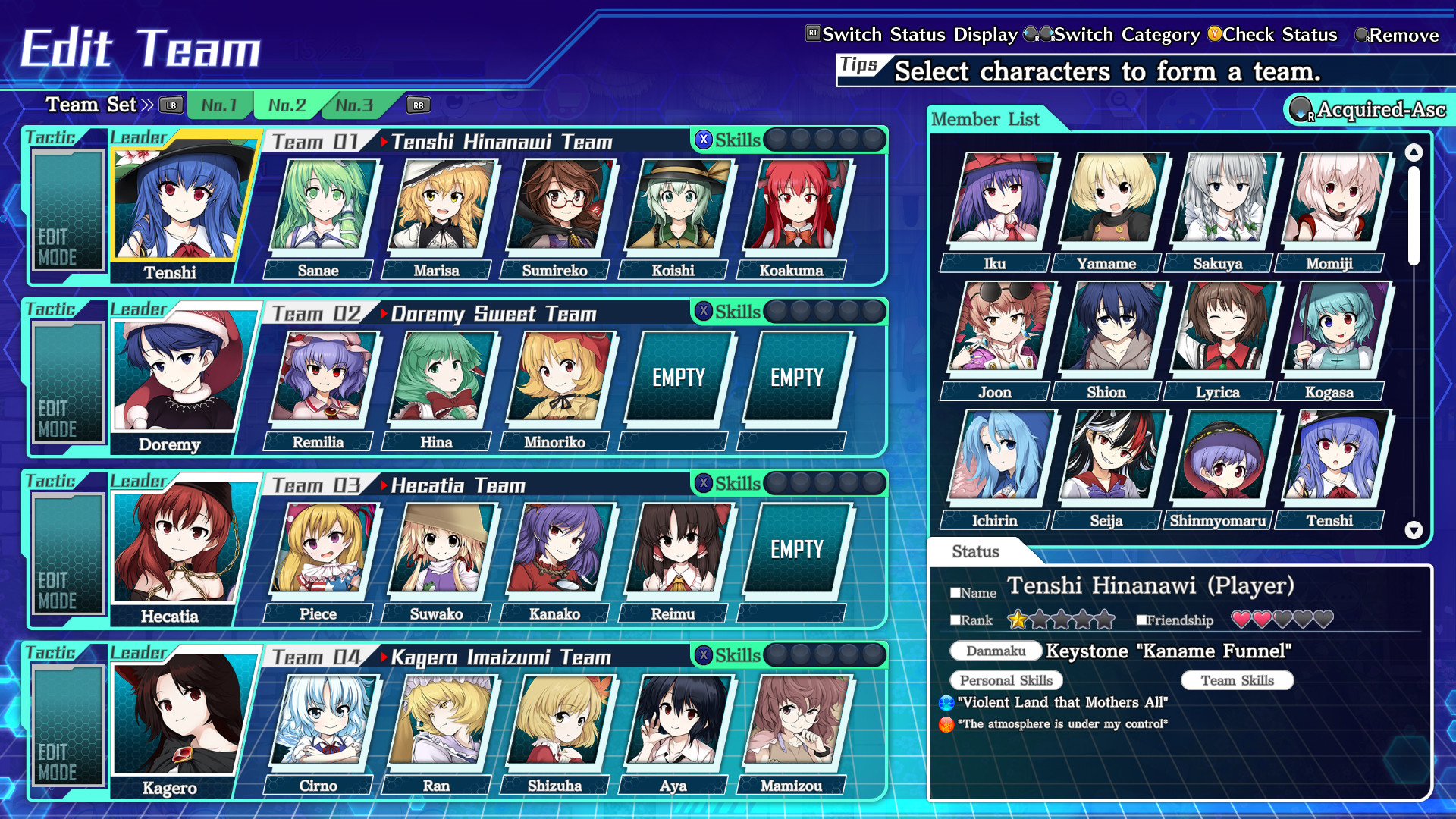
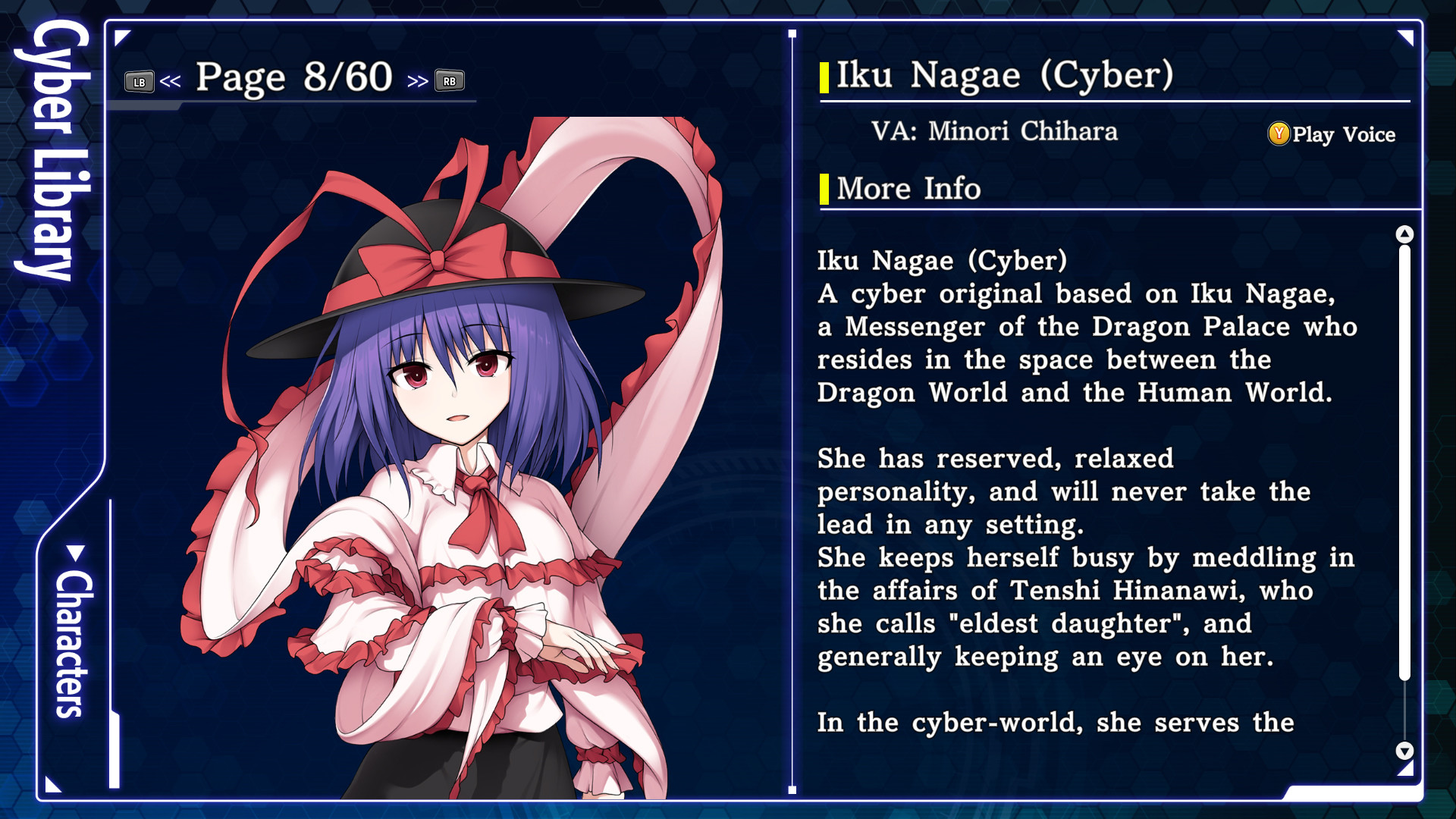
Скриншоты Touhou Genso Wanderer -Lotus Labyrinth R-







Системные требования Touhou Genso Wanderer -Lotus Labyrinth R- — пойдёт ли на моём ПК?
Чтобы запустить «Touhou Genso Wanderer -Lotus Labyrinth R-» на ПК, по данным Steam достаточно минимальной конфигурации: ос Windows® 10 64bit, озу 4 GB ОЗУ, видеокарта DirectX 11 Compatible GPU, процессор Intel® Core™ i5-3550. По требованиям к памяти это очень скромный по нынешним меркам ПК.
Для комфортной игры без просадок разработчик рекомендует: озу 8 GB ОЗУ, видеокарта NVIDIA® GeForce® GTX 560, процессор Intel® Core™ i7-3770K. Разрыв по ОЗУ (4 → 8 ГБ) обычно чувствуется в стабильности FPS. Точный расчёт под ваше железо — в разделе «Пойдёт ли на моём ПК».
Минимальные требования
- 64-разрядные процессор и операционная система
- ОС: Windows® 10 64bit
- Процессор: Intel® Core™ i5-3550
- Оперативная память: 4 GB ОЗУ
- Видеокарта: DirectX 11 Compatible GPU
- DirectX: версии 11
- Место на диске: 10 GB
- Звуковая карта: DirectSound Compatible Sound Card with latest drivers
Рекомендуемые требования
- 64-разрядные процессор и операционная система
- ОС: Windows® 10 64bit
- Процессор: Intel® Core™ i7-3770K
- Оперативная память: 8 GB ОЗУ
- Видеокарта: NVIDIA® GeForce® GTX 560
- DirectX: версии 11
- Место на диске: 10 GB
- Звуковая карта: DirectSound Compatible Sound Card with latest drivers
Гайд и ответы по Touhou Genso Wanderer -Lotus Labyrinth R-
Требования, размер, язык, Steam Deck и офлайн — кратко по данным Steam Плюс ответы на частые вопросы.
Touhou Genso Wanderer -Lotus Labyrinth R- на Steam Deck
Стоит ли брать «Touhou Genso Wanderer -Lotus Labyrinth R-» в дорогу на Deck — ниже статус из Steam и типичные ограничения по производительности.
Verified — отлично работает на Steam Deck
Можно ли играть в Touhou Genso Wanderer -Lotus Labyrinth R- без интернета
Перед поездкой без Wi‑Fi проверьте «Touhou Genso Wanderer -Lotus Labyrinth R-» — ниже режимы из Store API Steam.
Да, по данным Steam доступен одиночный режим — игру можно проходить офлайн.
Сколько длится Touhou Genso Wanderer -Lotus Labyrinth R-?
Steam не публикует официальное время прохождения «Touhou Genso Wanderer -Lotus Labyrinth R-». Для RPG вроде «Touhou Genso Wanderer -Lotus Labyrinth R-» обычно закладывают десятки часов на сюжет и больше на полное прохождение. В Steam у «Touhou Genso Wanderer -Lotus Labyrinth R-» уже 335 отзывов — там часто пишут о длительности. Ориентируйтесь также на гайды и видео на YouTube.
Touhou Genso Wanderer -Lotus Labyrinth R- — есть ли поддержка геймпада?
«Touhou Genso Wanderer -Lotus Labyrinth R-» в Steam отмечена с полной поддержкой геймпада.
Не запускается, вылетает, лагает — Touhou Genso Wanderer -Lotus Labyrinth R-
О чём Touhou Genso Wanderer -Lotus Labyrinth R-
Venture into dungeons with a huge party of your favorite Touhou characters! This is a dungeon-crawler RPG with an absurdly large party size! The dungeon-crawler RPG Genso Wanderer is now a game with an Oversized Party System that pushes the envelope of the roguelike genre!
Now you can bring dozens of partners with you on your dungeon crawls, in addition to other quality of life improvements that make the game's systems and controls smoother than ever. Overwhelm your enemies with strength in numbers!
Lead tons of your favorite Touhou characters at once and conquer the impregnable Lotus Labyrinth!THE STORY
One day, on one of his scavenging outings to Muenzuka, Rinnosuke Morichika finds a curious device that drifted in from the outside world. The device turns out to be a machine called the WRS (World Replication System), which generates a playable game set in a cyber-world.
Rinnosuke brings the WRS to Nitori Kawashiro for examination. Once Nitori activates it, it fulfills its intended purpose by generating the cyber-world Lotus Land. Sanae Kochiya and Tenshi Hinanawi happen to be there for this, and they log into the cyber-world to play this fancy new game. Little do they know that the cyber-world created by the WRS can also potentially spill over into the real world...
This is the start of an all-new adventure set in a cyber-world!SYSTEM
◆Oversized Party System - If you can't hack it alone, bring the whole gang! Prior Genso Wanderer games restricted the player to exploring alone, or with a single partner, but no longer! This game lets you bring in tons of partners all at once. Bring in everybody you've recruited! Or just bring in the characters you like! Blaze your way through dungeons with the power of friendship and overwhelming numbers!
◆Oversized Party Formation System - Form teams and bring them all in to conquer dungeons! In addition to the usual main party led by the player, you can assign your partners to entire other teams with their own leaders, which can then act separately. You can create optimal party comps, or you can throw all that out the window and make gimmick teams like the Scarlet Devil Mansion Team, the Green Hair Team, the Little Sister Team, or whatever else you feel like!
◆Partner Skill System - Master various skills, share them with partners, and power them up! In this game, partner abilities grow stronger with Skill items. Raise your partners' ranks and bring out their latent abilities! You can also assign skills by team! Customize and set skills to suit your own style of play!
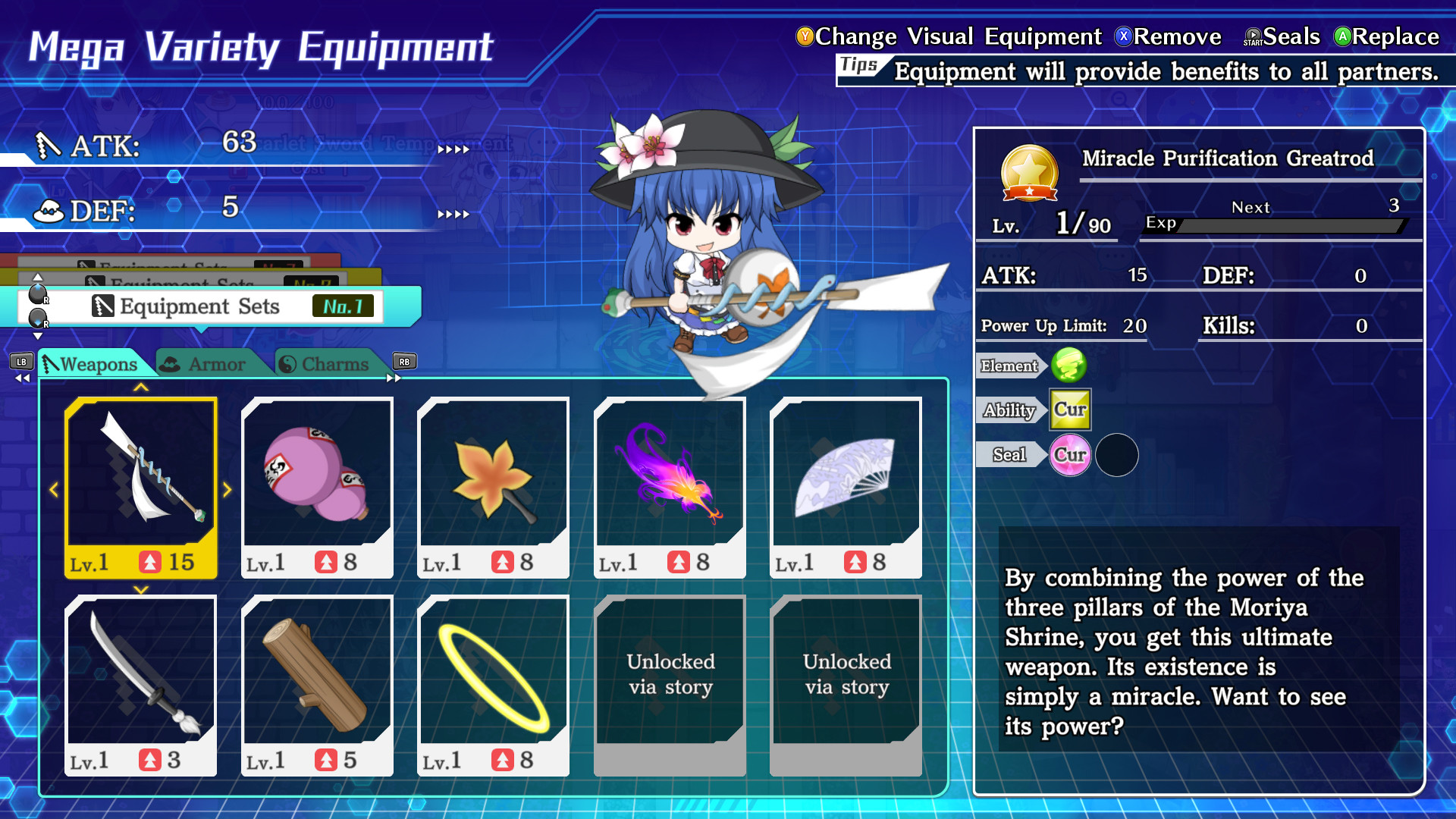
◆Mega Variety Equipment System - Load up on tons of weapons and armor! In a departure from prior Genso Wanderer titles, you can now equip up to 10 separate weapons, 10 separate pieces of armor, and 10 separate charms, all at the same time! And this equipment strengthens more than just the player. All of your party members benefit from it! Select an equipment loadout that accounts for all of your partners' traits and weaknesses, not just your main character's!FAQ
◆Saving This game autosaves at the following points: ・Moving to a new floor ・Abandoning or suspending a dungeon ・Returning to the title screen from the Option menu
◆Quitting the game In dungeons: Choose Suspend in the magic circle on any floor, then choose Quit from the title screen menu. Out of dungeons: Choose Return to Title from the menu, then choose Quit from the title screen menu.
◆Keyboard controls BASIC MENU KEY CONFIG Cursor up: ↑ Cursor down: ↓ Cursor left: ← Cursor right: → Confirm: Z Cancel: X
OTHER MENU KEY CONFIG Tab left: D Tab right: F Scroll up: PageUp Scroll down: PageDown Function 1: C Function 2: A Function 3: E Function 4: W Function 5: Left Shift Switch menu left: G Switch menu right: H Filter: PageUp Sort: PageDown Scroll left: Home Scroll right: End Quick command up: Home Quick command down: End Quick command left: PageDown Quick command right: Delete Switch equipment set up: Home Switch equipment set down: End
DUNGEON KEY CONFIG Move up: ↑ Move down: ↓ Move left: ← Move right: → Attack: Z Dash: X Cross menu: A Turn in place: C Fire danmaku: D Switch to Danmaku 1: PageDown Switch to Danmaku 2: End Switch to Danmaku 3: Delete Switch to Danmaku 4: Home Check danmaku radius: Insert Instant dash: F Diagonal movement: LeftControl Options menu: E Resize mini-map: Space Walk in place: Tab Switch mini-map: V Switch player: B
CROSS MENU KEY CONFIG Items: ↑ Tactics/Team: ← Equipment: → Underfoot: ↓ Switch stat display: H
DIALOGUE KEY CONFIG Text speed up: PageUp Text speed down: PageDown Next: Z Hide text: X Auto: Space Options: A Back log: C Skip: F End chapter: E
CHANGING KEY CONFIG With default settings enabled, press E to open the menu, then press D and F to navigate to [Key configuration] and make any changes.
Be aware of the following things when changing key configurations: On the key configuration screen, the Function 1 key (Default: C) will restore keys to their default settings. Be careful not to press it by accident.…