Tower! Simulator 3
Про игру
Место в каталоге, подборки и покупка
«Tower! Simulator 3» — проект с акцентом на одиночное прохождение, кооператив и онлайн — для любителей тактики и планирования.
- одиночное прохождение
- кооператив
- онлайн
Место в каталоге
В PlayGuide «Tower! Simulator 3» открывается через 4 подборок («Топ игр Steam», «Новинки Steam» и др.). Плюс на этой странице — требования Steam, блок «Пойдёт ли на моём ПК», FAQ и подборки по жанру.
Краткая информация о Tower! Simulator 3
Платформы
Особенности
Теги Steam
Видео, стримы и гайды по Tower! Simulator 3


Сообщество и сервисы Steam — Tower! Simulator 3
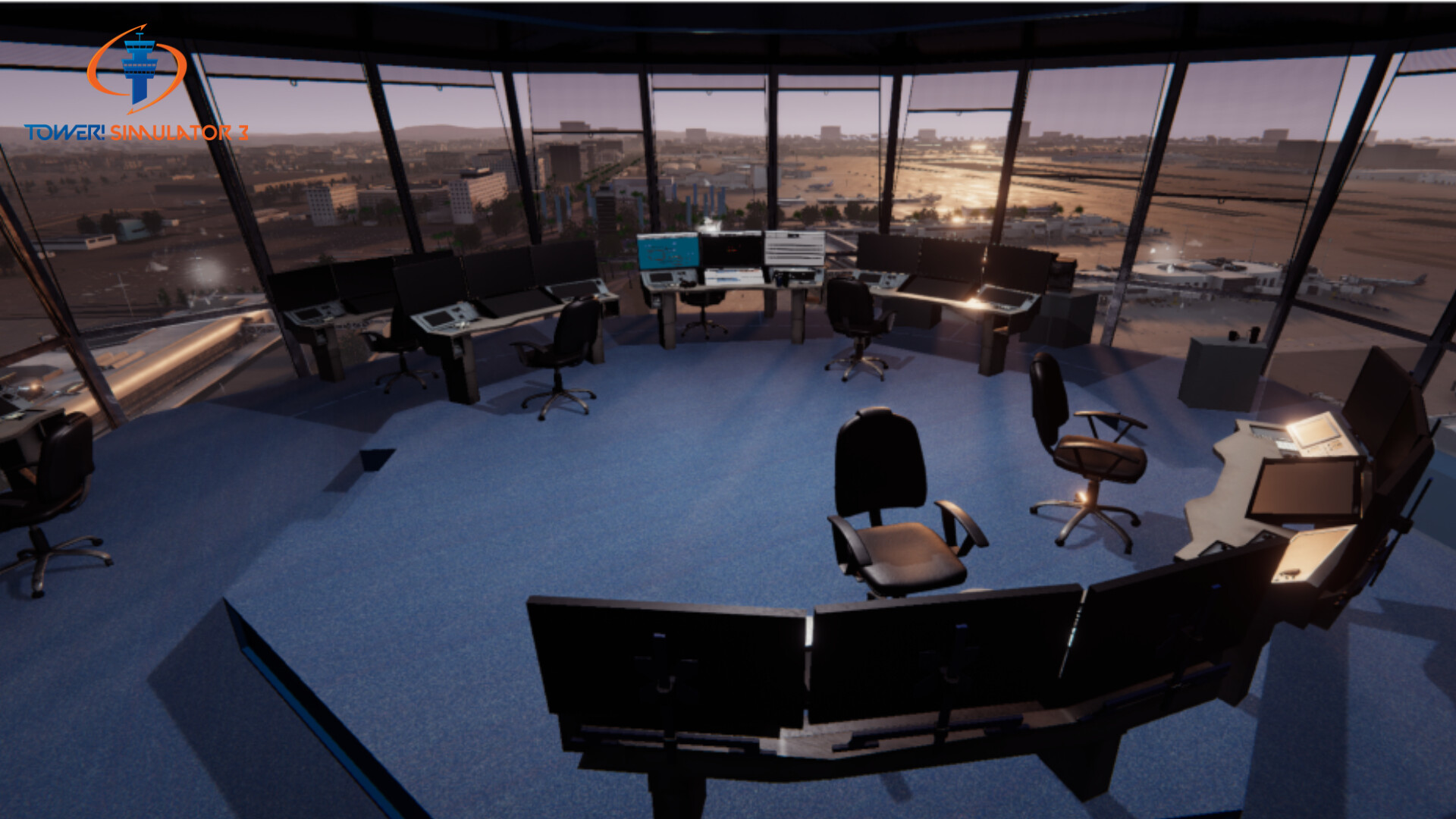
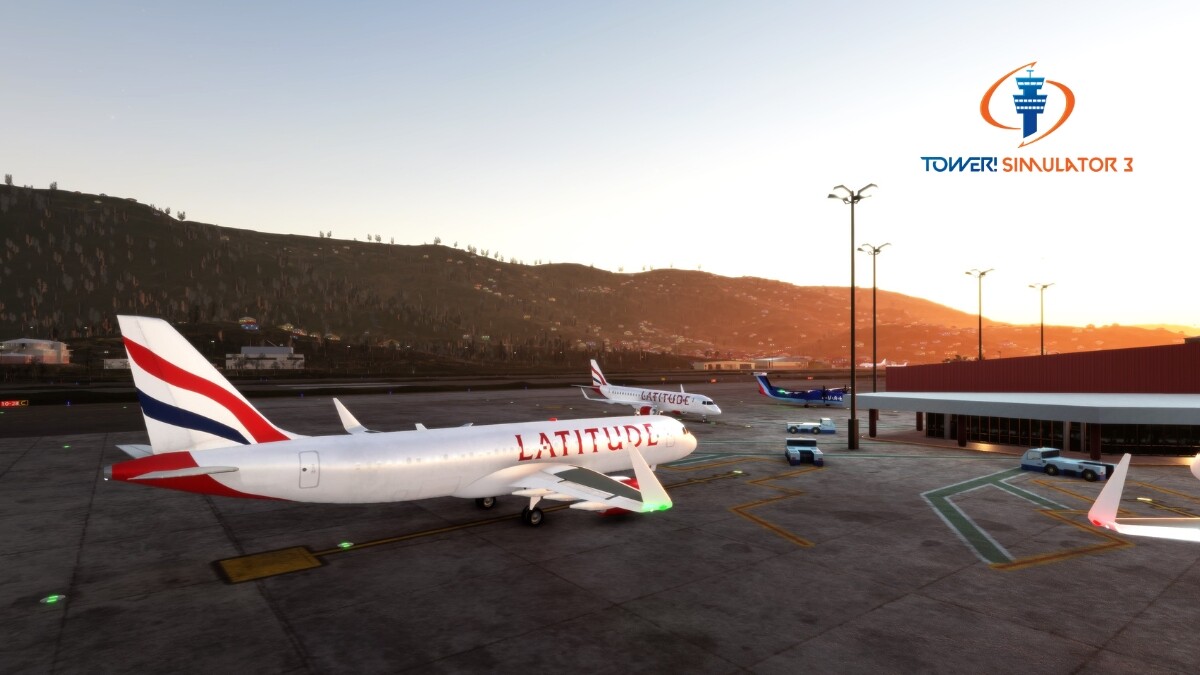
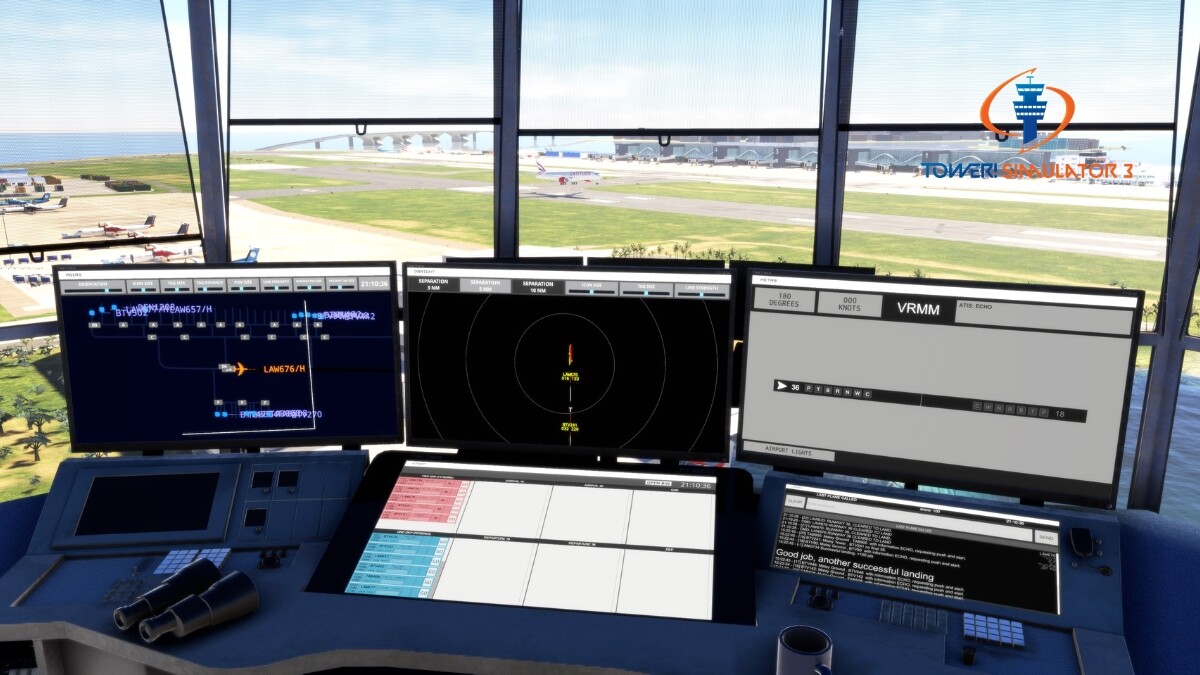
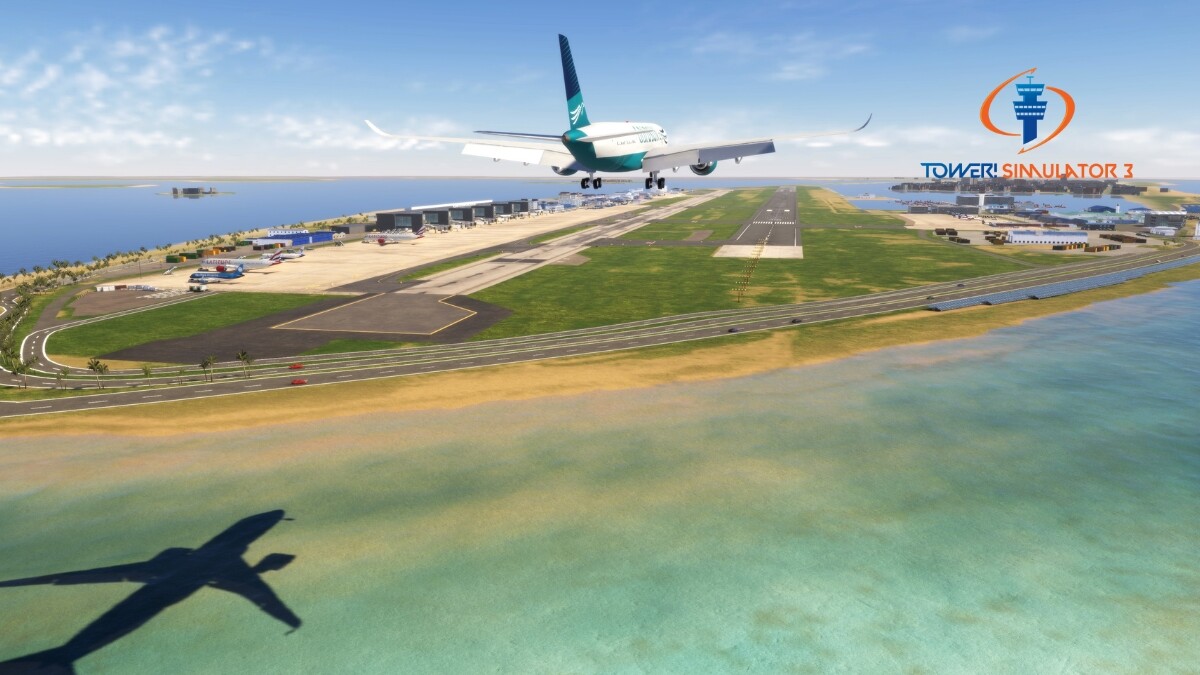
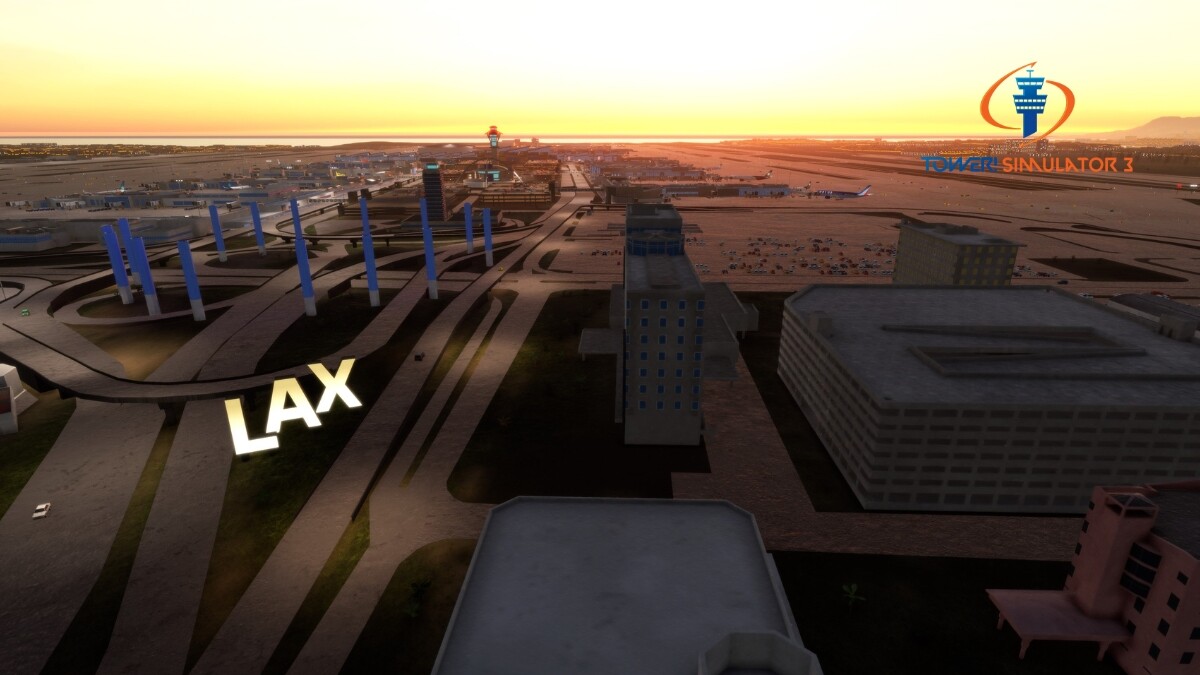
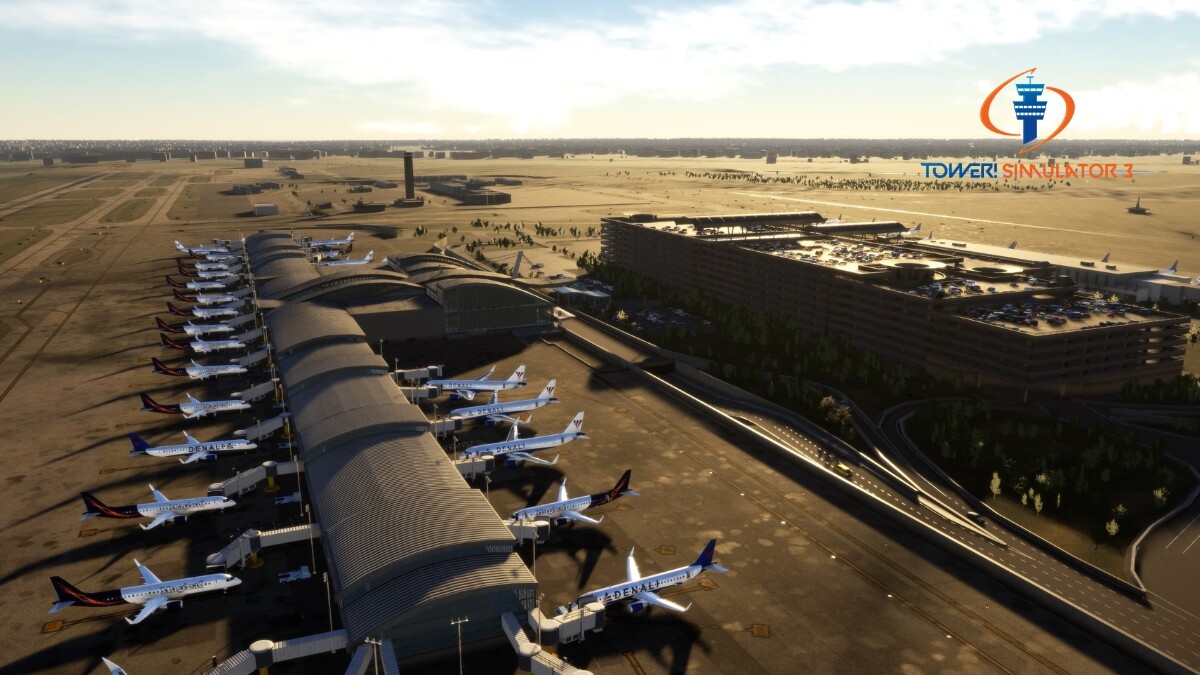
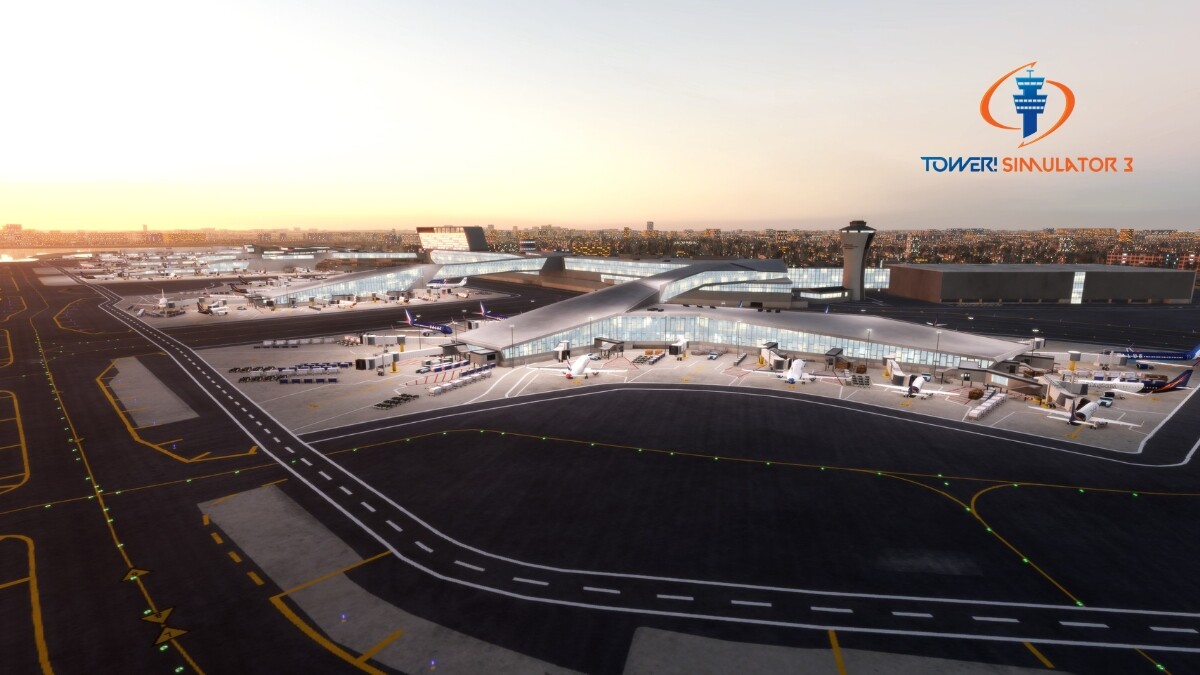
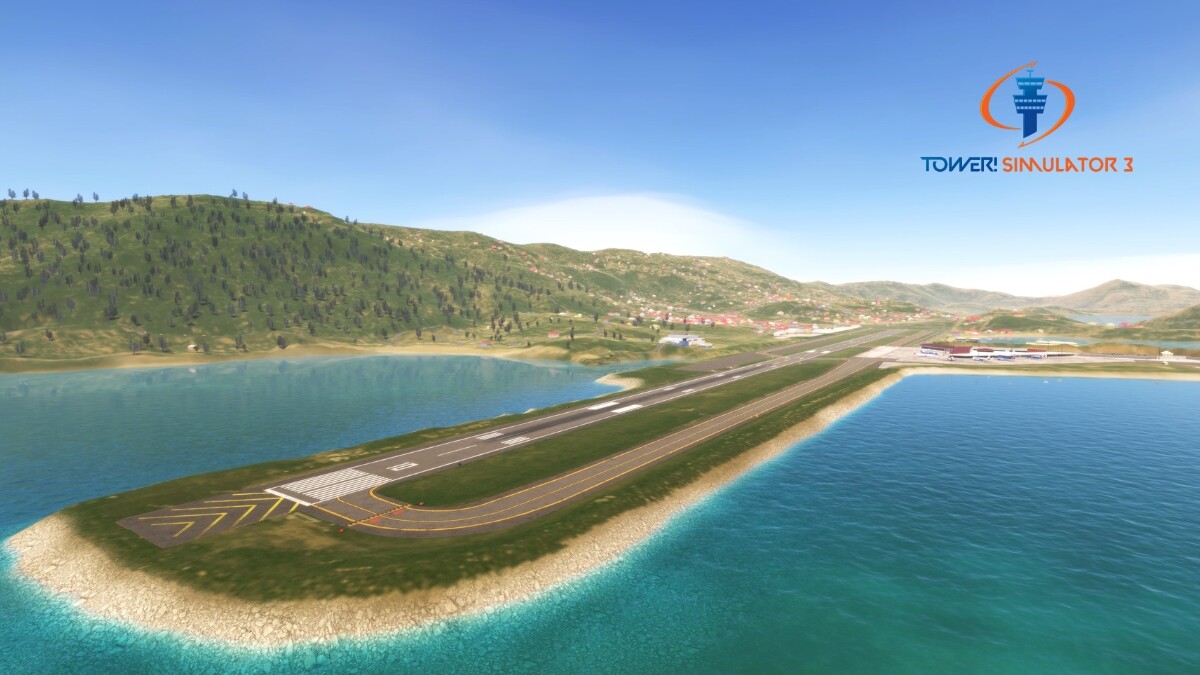
Скриншоты Tower! Simulator 3
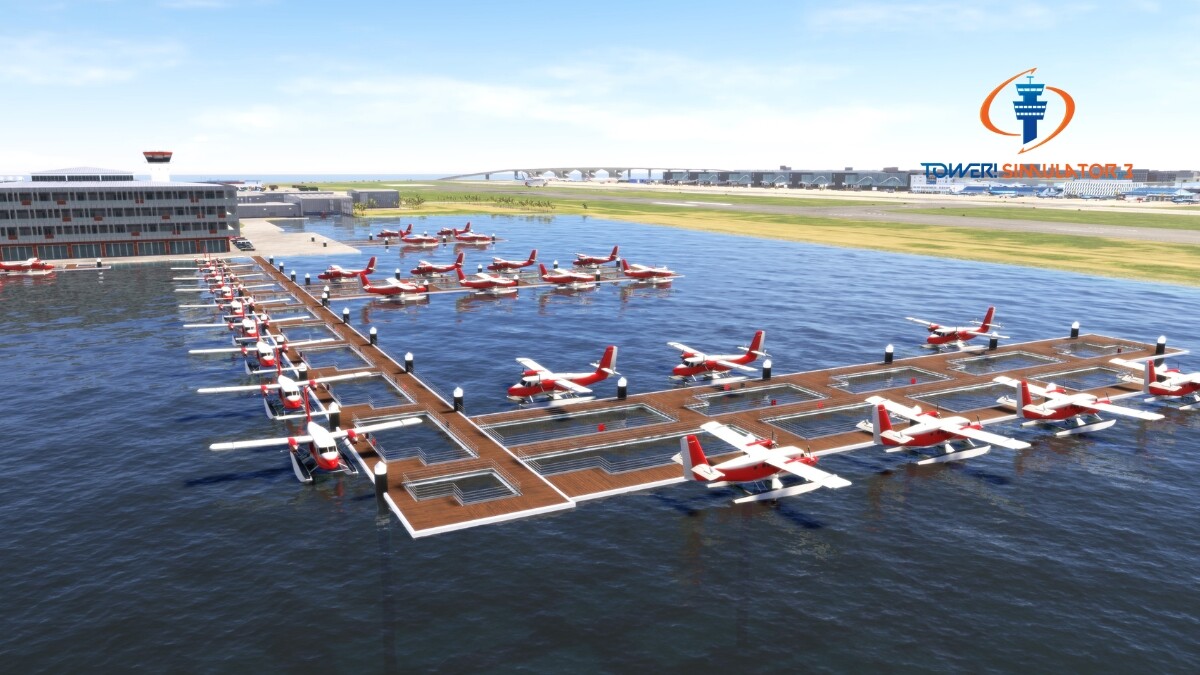
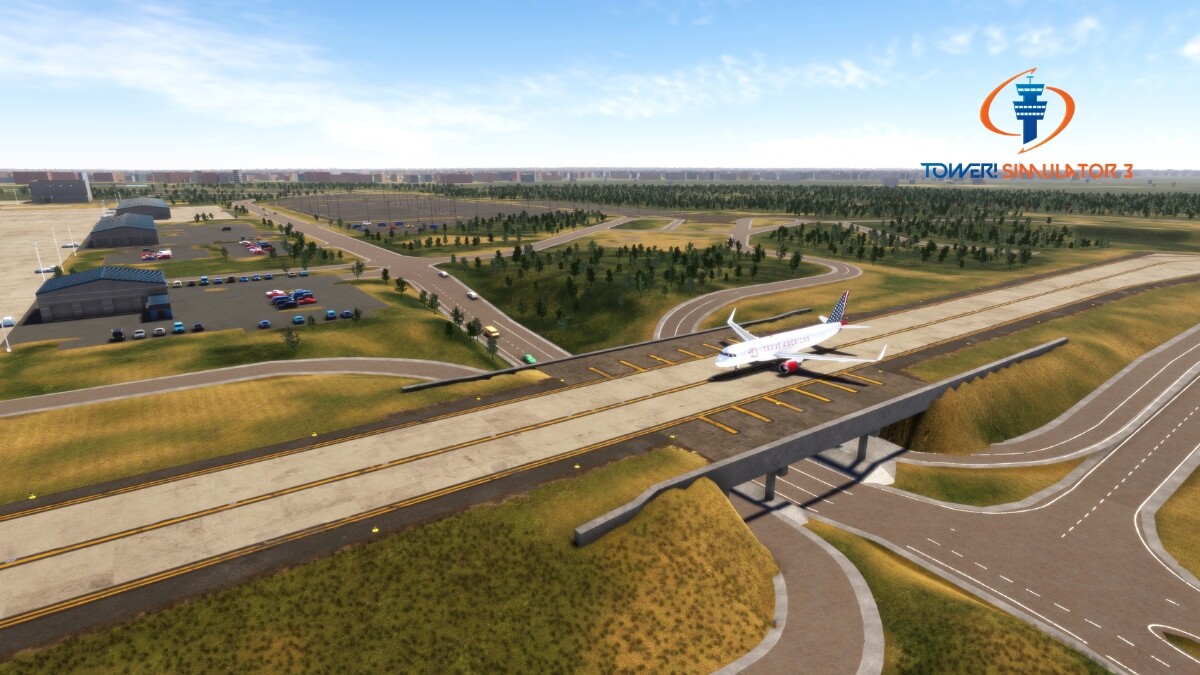
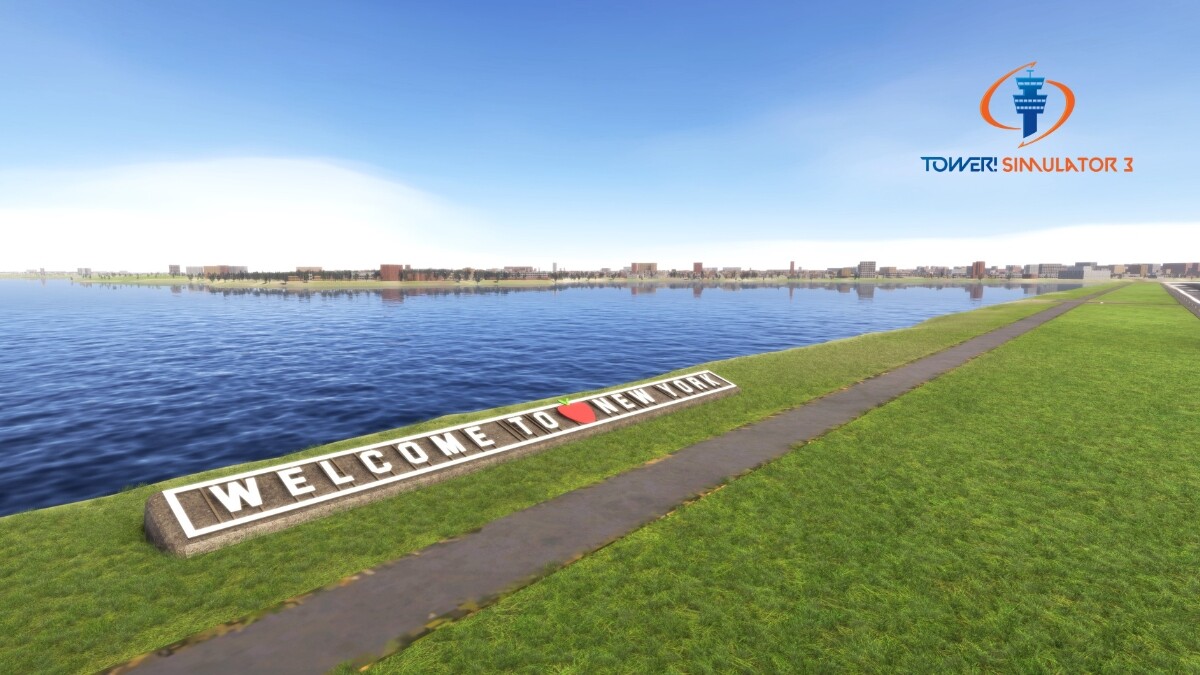
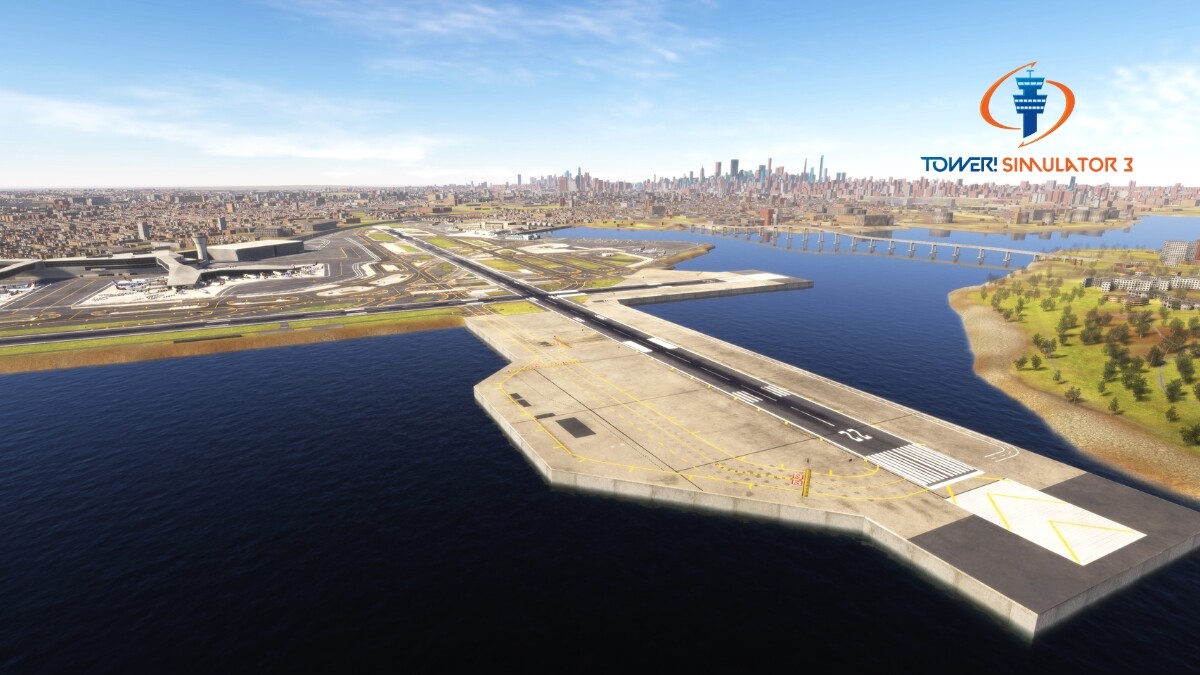
Системные требования Tower! Simulator 3 — пойдёт ли на моём ПК?
Чтобы запустить «Tower! Simulator 3» на ПК, по данным Steam достаточно минимальной конфигурации: ос 64 bit Windows 8.1, Windows 10 or Windows 11, озу 16 GB ОЗУ, видеокарта 4GB VRAM, процессор 3.5 Ghz. По требованиям к памяти это комфортный уровень для большинства современных игр.
Для комфортной игры без просадок разработчик рекомендует: озу 32 GB ОЗУ, видеокарта 8GB VRAM, процессор 3.7 Ghz. Разрыв по ОЗУ (16 → 32 ГБ) обычно чувствуется в стабильности FPS. Точный расчёт под ваше железо — в разделе «Пойдёт ли на моём ПК».
Минимальные требования
- 64-разрядные процессор и операционная система
- ОС *: 64 bit Windows 8.1, Windows 10 or Windows 11
- Процессор: 3.5 Ghz
- Оперативная память: 16 GB ОЗУ
- Видеокарта: 4GB VRAM
- Сеть: Широкополосное подключение к интернету
- Место на диске: 20 GB
- Дополнительно: Requires keyboard and microphone / headset
Рекомендуемые требования
- 64-разрядные процессор и операционная система
- ОС *: 64 bit Windows 8.1, Windows 10 or Windows 11
- Процессор: 3.7 Ghz
- Оперативная память: 32 GB ОЗУ
- Видеокарта: 8GB VRAM
- Сеть: Широкополосное подключение к интернету
- Место на диске: 20 GB
- Дополнительно: Requires keyboard and microphone / headset
Гайд и ответы по Tower! Simulator 3
Требования, размер, язык, Steam Deck и офлайн — кратко по данным Steam Плюс ответы на частые вопросы.
Tower! Simulator 3 на Steam Deck
Стоит ли брать «Tower! Simulator 3» в дорогу на Deck — ниже статус из Steam и типичные ограничения по производительности.
Unsupported — официально не поддерживается
Можно ли играть в Tower! Simulator 3 без интернета
Можно ли играть в «Tower! Simulator 3» без интернета — одиночный режим, кооп и MMO по категориям Steam.
Есть одиночный режим, но также указан мультиплеер — офлайн возможен в сюжете, онлайн-режимы требуют сеть.
Какой онлайн у Tower! Simulator 3 сейчас?
У «Tower! Simulator 3» есть онлайн-мультиплеер. Режимы «Tower! Simulator 3»: кооператив. Сколько человек в одной сессии — в описании Steam. Текущий онлайн по всей игре — график на странице магазина или Steam Charts.
Сколько длится Tower! Simulator 3?
Steam не публикует официальное время прохождения «Tower! Simulator 3». Казуальные и indie-проекты вроде «Tower! Simulator 3» часто длятся от пары часов до 10–15 часов. В Steam у «Tower! Simulator 3» уже 982 отзывов — там часто пишут о длительности. Ориентируйтесь также на гайды и видео на YouTube.
Можно ли играть в Tower! Simulator 3 с контроллером?
«Tower! Simulator 3»: явной поддержки геймпада в Steam нет — уточните в описании или отзывах.
Не запускается, вылетает, лагает — Tower! Simulator 3
О чём Tower! Simulator 3
Experience Unparalleled Immersion with the Next-Generation ATC Simulator. Introducing the latest evolution in air traffic control simulation—Tower! Simulator 3.
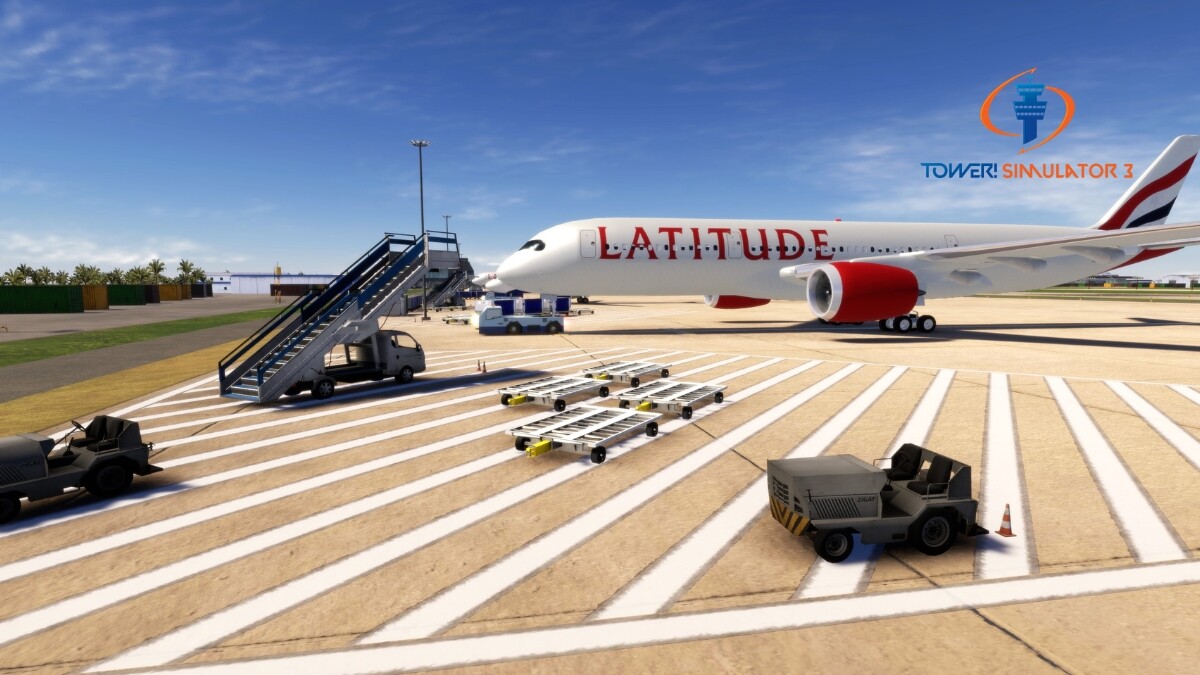
Immerse yourself in an ultra-realistic environment that brings the thrill and challenges of air traffic control right to your fingertips. With our brand-new lighting system based on real-world parameters and an intuitive 2D graphical user interface (GUI), Tower! Simulator 3 sets a new gold standard in ATC simulation.
Key Features
- Advanced Voice Recognition: Communicate with pilots using state-of-the-art voice recognition technology for an authentic ATC experience.
- Realistic Pilot Voices: Featuring lifelike pilot communications provided by the Acapela Group.
- Intuitive 2D GUI: Our newly designed 2D interface offers seamless navigation and control, making it easier than ever to manage air traffic.
- Cutting-Edge Realistic Lighting: Experience dynamic lighting simulated in real-time, utilizing technology used by movie studios for cinematic fidelity.
- Customizable Experience: Tailor your simulation with adjustable radars, schedules, data strips, and aircraft characteristics.
- 3D Tower View: Step into a fully modeled 3D control tower and watch planes take off and land as if you were really there.
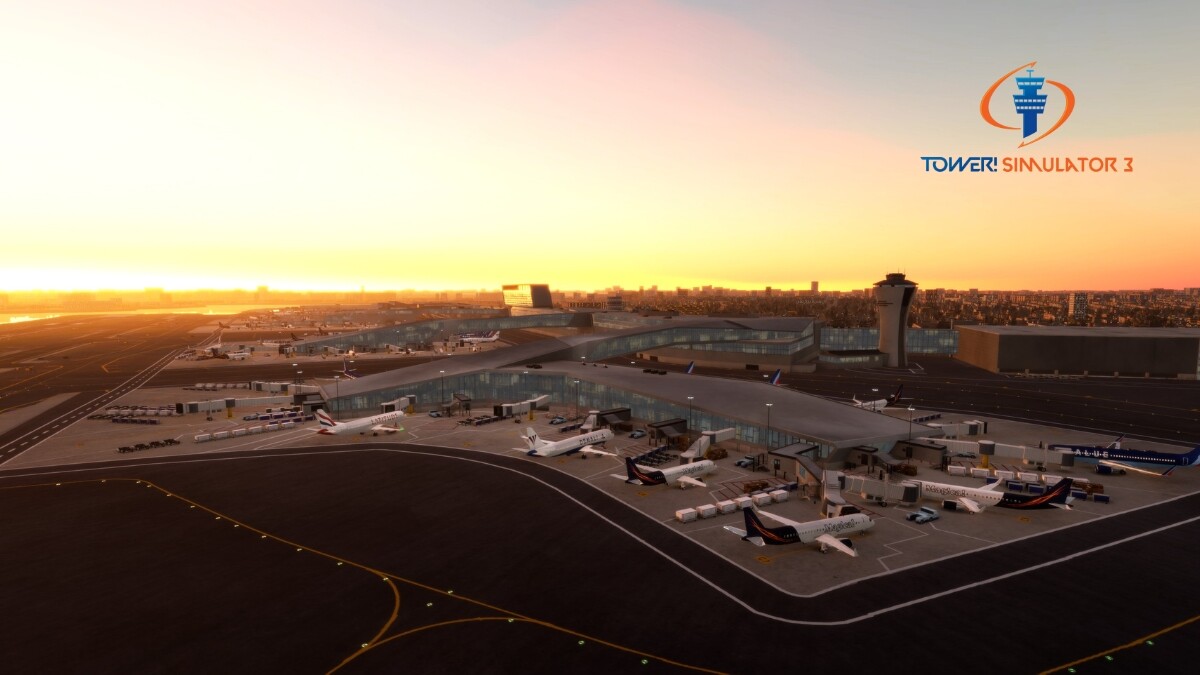
- Expanded Airport Selection: Now featuring 11 detailed airports, including the newly added KTLH and TNCM. Each airport is meticulously modeled using data from OpenStreetMap for unprecedented detail.
- Multi-Monitor Support: Enhance your simulation experience with support for multiple monitors.
- Professional Training Tool: Used by real-world air traffic controllers for training purposes.
Detailed Real-World Locations
Leveraging OpenStreetMap data, Tower! Simulator 3 models surrounding areas with exceptional accuracy. Our new lighting system, based on real-world parameters, delivers the most authentic visual experience in ATC simulation history.
Expanded Airport List
Our base game now includes 11 highly detailed airports:
• TIST (Cyril E. King Airport)
• KLGA (LaGuardia Airport)
• KLAX (Los Angeles International Airport)
• KRDU (Raleigh-Durham International Airport)
• TXKF (L.F. Wade International Airport)
• EDDS (Stuttgart Airport)
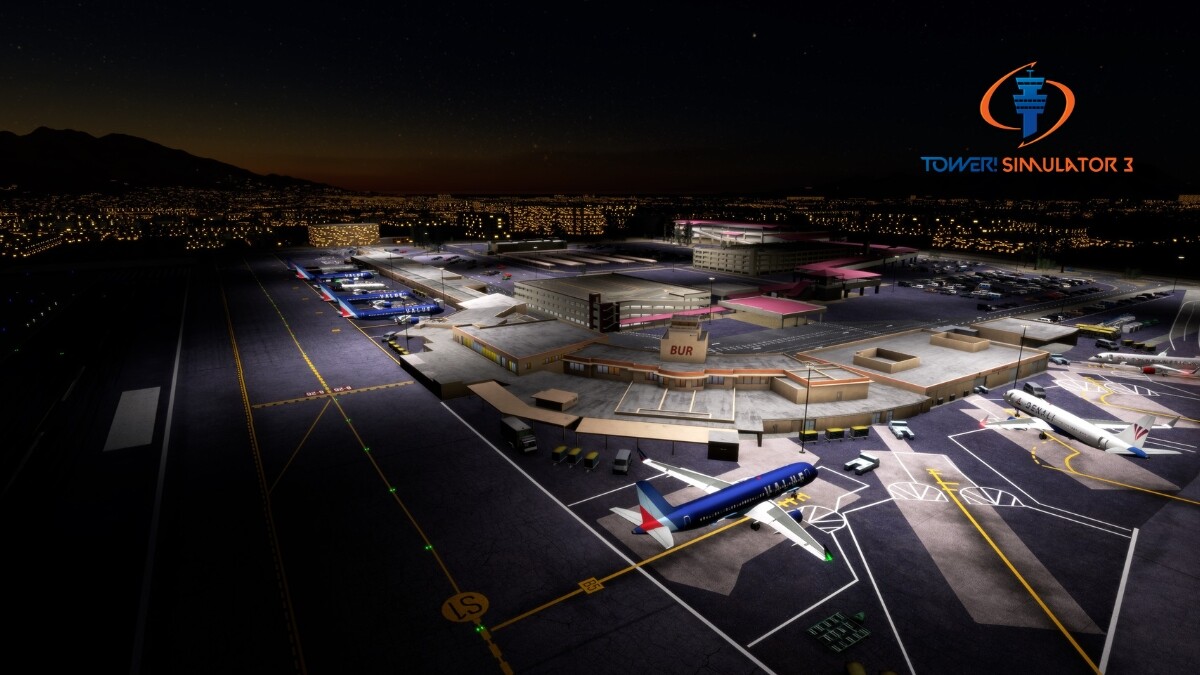
• KBUR (Hollywood Burbank Airport)
• VRMM (Velana International Airport)
• VIDP (Indira Gandhi International Airport)
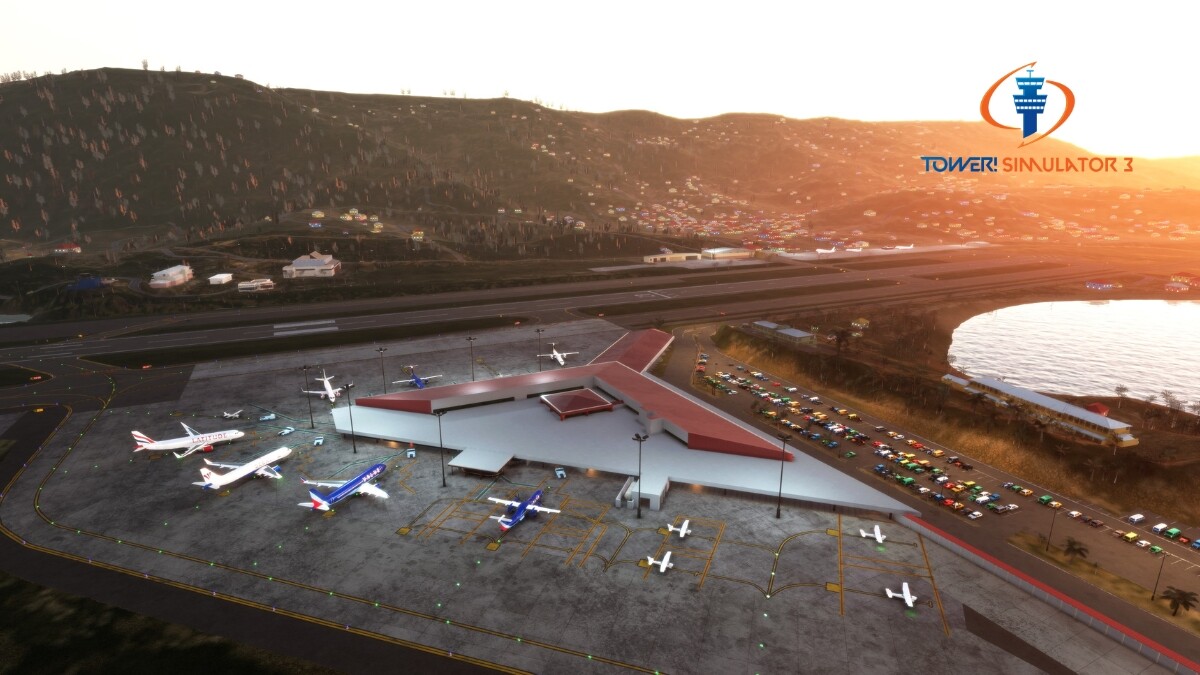
• TNCM (St. Marteen, Princess Juliana Airport)
• KTLH (Tallahassee International Airport)
Enhanced Radar, Terrain, and Strips
The terrain features 16 times more detail than before, keeping visuals sharp even at close range. The updated ground radar offers a modern look and feel, and the digital strips are fully customizable to suit your preferences.
Dynamic Lighting
Our new lighting system calculates lighting in real-time, adapting to changes in game state, time of day, and environmental conditions. Developed in collaboration with film visual effects professionals, this feature brings cinematic-quality lighting to your simulation experience.
Customization and Modding
We’ve opened up extensive customization options:
- Electronic Strips: Customize the digital strips for each airport, including layout and background images.
- Airline Liveries: Configure and assign special airline liveries, flight types, and even the country of origin.
- Terminal Assignments: Define terminals based on airline, flight type, or custom criteria.
Built for Professionals and Enthusiasts Alike
Whether you're an aviation enthusiast, an ATC student, or a professional controller, Tower! Simulator 3 offers a platform that meets your needs. Use voice commands to communicate with pilots and manage air traffic with the same tools used in professional training environments.
Join the Next Generation of ATC Simulation
Tower! Simulator 3 isn't just a game; it's a comprehensive simulation platform designed…