Tree Simulator 2023
Про игру
Место в каталоге, подборки и покупка
«Tree Simulator 2023» — для тех, кому важны реализм и погружение в процесс; ключевые режимы: одиночное прохождение, кооператив и онлайн.
- одиночное прохождение
- кооператив
- онлайн
Подборки и ранг
В PlayGuide «Tree Simulator 2023» открывается через 4 подборок («Топ игр Steam», «Новинки Steam» и др.). Плюс на этой странице — требования Steam, блок «Пойдёт ли на моём ПК», FAQ и подборки по жанру.
Краткая информация о Tree Simulator 2023
Платформы
Особенности
Теги Steam
Видео, стримы и гайды по Tree Simulator 2023


Сообщество и сервисы Steam — Tree Simulator 2023
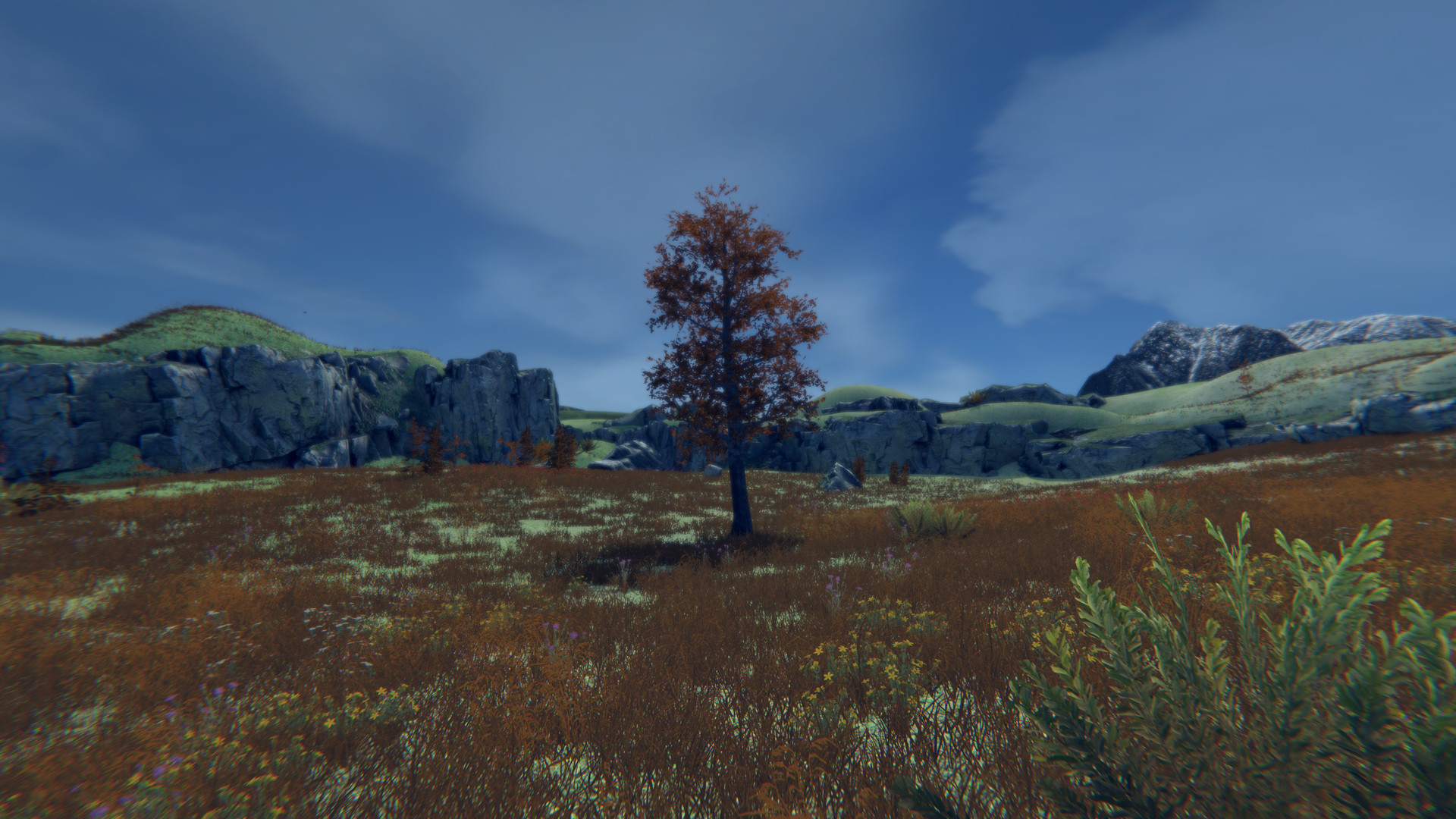
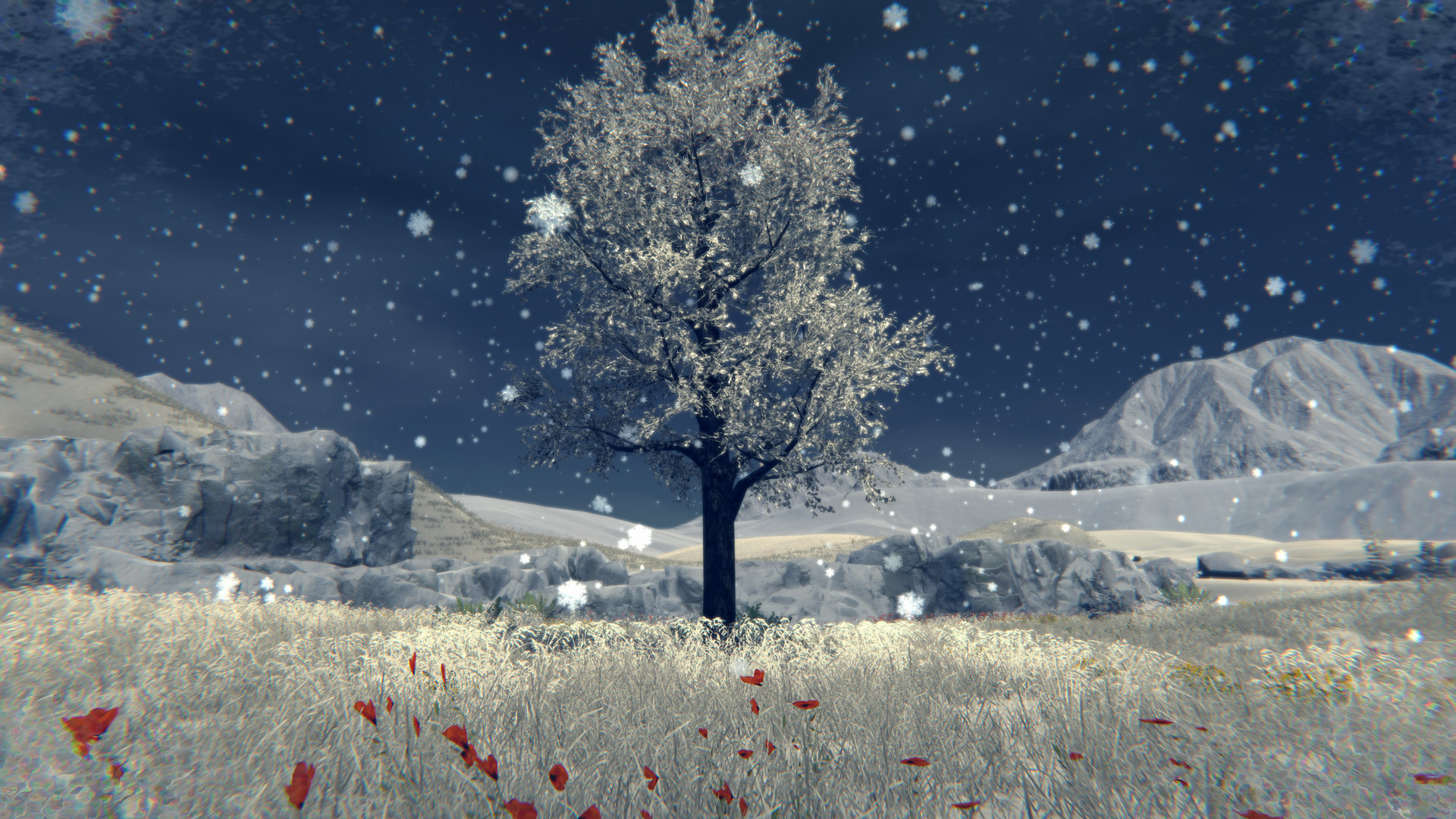
Скриншоты Tree Simulator 2023
Системные требования Tree Simulator 2023 — пойдёт ли на моём ПК?
Чтобы запустить «Tree Simulator 2023» на ПК, по данным Steam достаточно минимальной конфигурации: ос Windows 7, 10 or 11, озу 2 GB ОЗУ, видеокарта GTX 560, процессор Intel i3. По требованиям к памяти это очень скромный по нынешним меркам ПК.
Если система на грани минимума, снизьте настройки графики и закройте фоновые приложения. Подробный разбор и калькулятор совместимости — по ссылке «Пойдёт ли» в меню страницы.
Минимальные требования
- ОС *: Windows 7, 10 or 11
- Процессор: Intel i3
- Оперативная память: 2 GB ОЗУ
- Видеокарта: GTX 560
- DirectX: версии 11
- Место на диске: 3 GB
- Звуковая карта: Yes
Гайд и ответы по Tree Simulator 2023
Практичные ответы: пойдёт ли на ваш ПК, сколько весит, есть ли русский и можно ли без интернета Плюс ответы на частые вопросы.
Tree Simulator 2023 на Steam Deck
Стоит ли брать «Tree Simulator 2023» в дорогу на Deck — ниже статус из Steam и типичные ограничения по производительности.
Verified — отлично работает на Steam Deck
Можно ли играть в Tree Simulator 2023 без интернета
Можно ли играть в «Tree Simulator 2023» без интернета — одиночный режим, кооп и MMO по категориям Steam.
Есть одиночный режим, но также указан мультиплеер — офлайн возможен в сюжете, онлайн-режимы требуют сеть.
Tree Simulator 2023: сколько человек одновременно в сети?
У «Tree Simulator 2023» есть онлайн-мультиплеер. Режимы «Tree Simulator 2023»: кооператив. Сколько человек в одной сессии — в описании Steam. Текущий онлайн по всей игре — график на странице магазина или Steam Charts.
Сколько времени займёт Tree Simulator 2023?
Steam не публикует официальное время прохождения «Tree Simulator 2023». Казуальные и indie-проекты вроде «Tree Simulator 2023» часто длятся от пары часов до 10–15 часов. В Steam у «Tree Simulator 2023» уже 671 отзывов — там часто пишут о длительности. Ориентируйтесь также на гайды и видео на YouTube.
Работает ли геймпад в Tree Simulator 2023?
«Tree Simulator 2023» в Steam отмечена с полной поддержкой геймпада.
Не запускается, вылетает, лагает — Tree Simulator 2023
Другие части серии


О чём Tree Simulator 2023
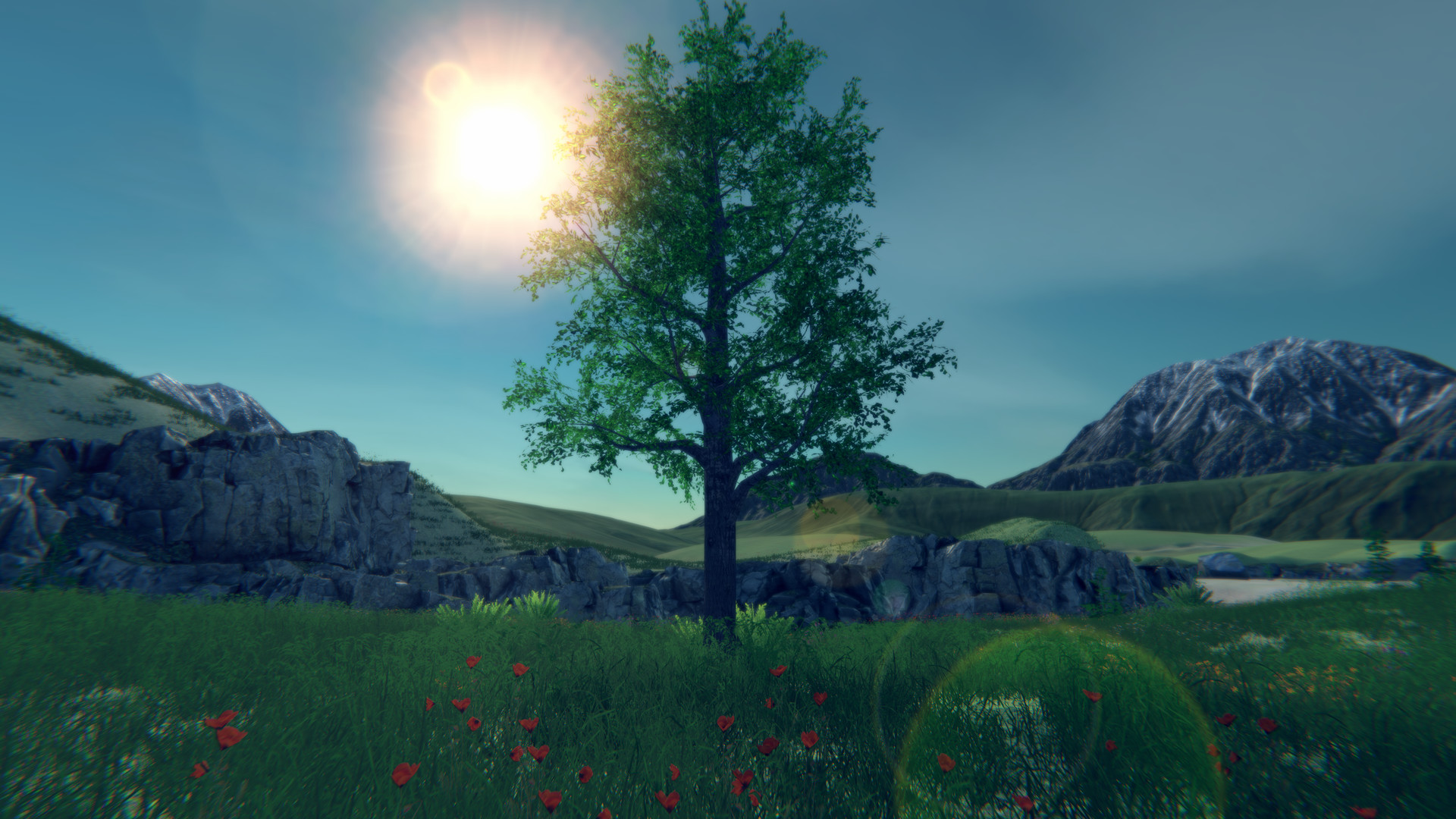
It's that time! Its time to discover what it means to be a tree! Become a true work of art! Every frame a painting, every tree an original masterpiece. Be a tree alone or with friends online!
A lot went into 2023 so here is a breakdown of some of the features.Features
• Be a tree
• 3rd "person" camera
• Stretch your roots and move around.
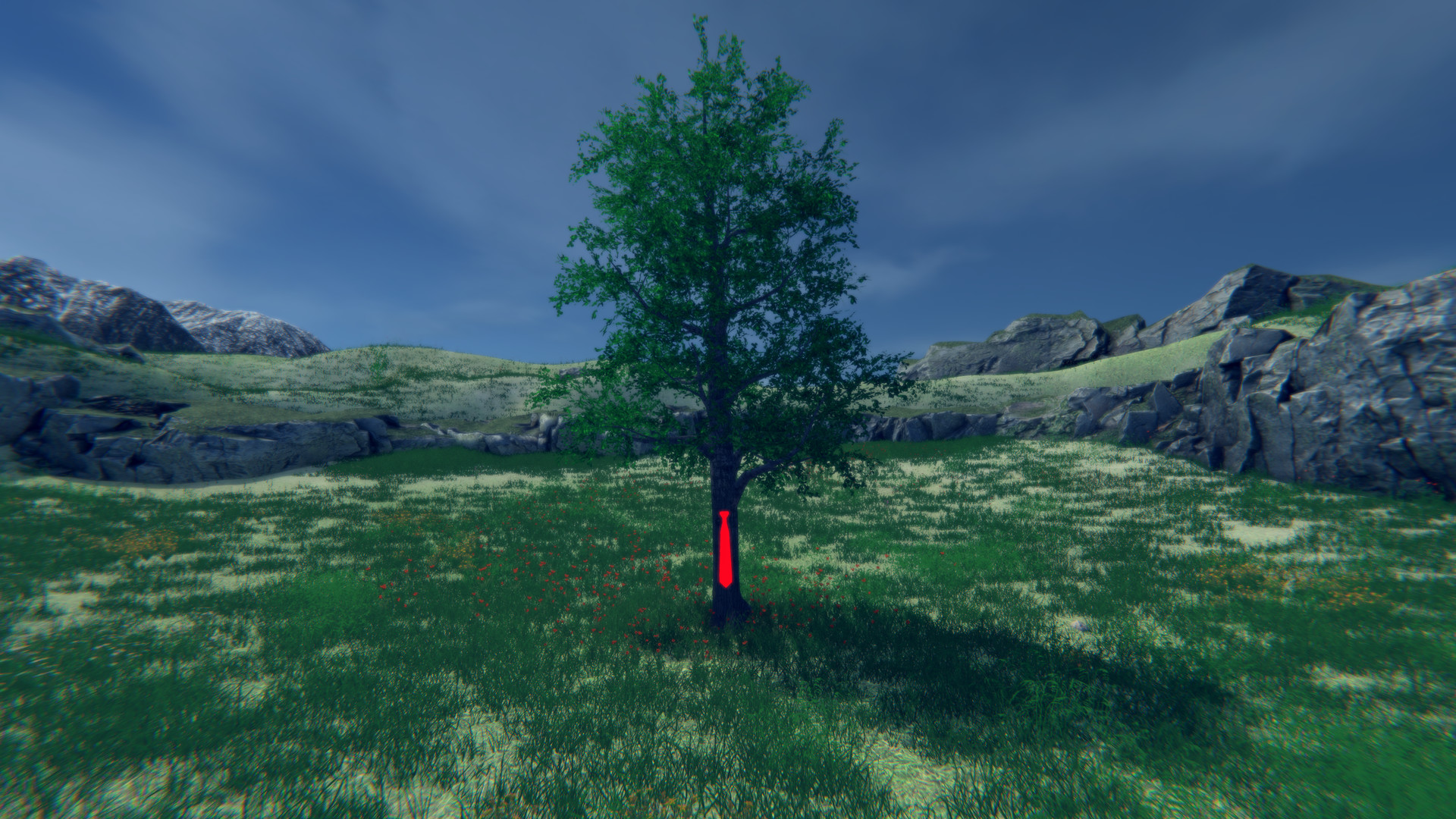
• More cosmetic items similar to the "Red tie"
• Small handcrafted map now with a new area
• Select from 31 trees
• Many configurable tree settings
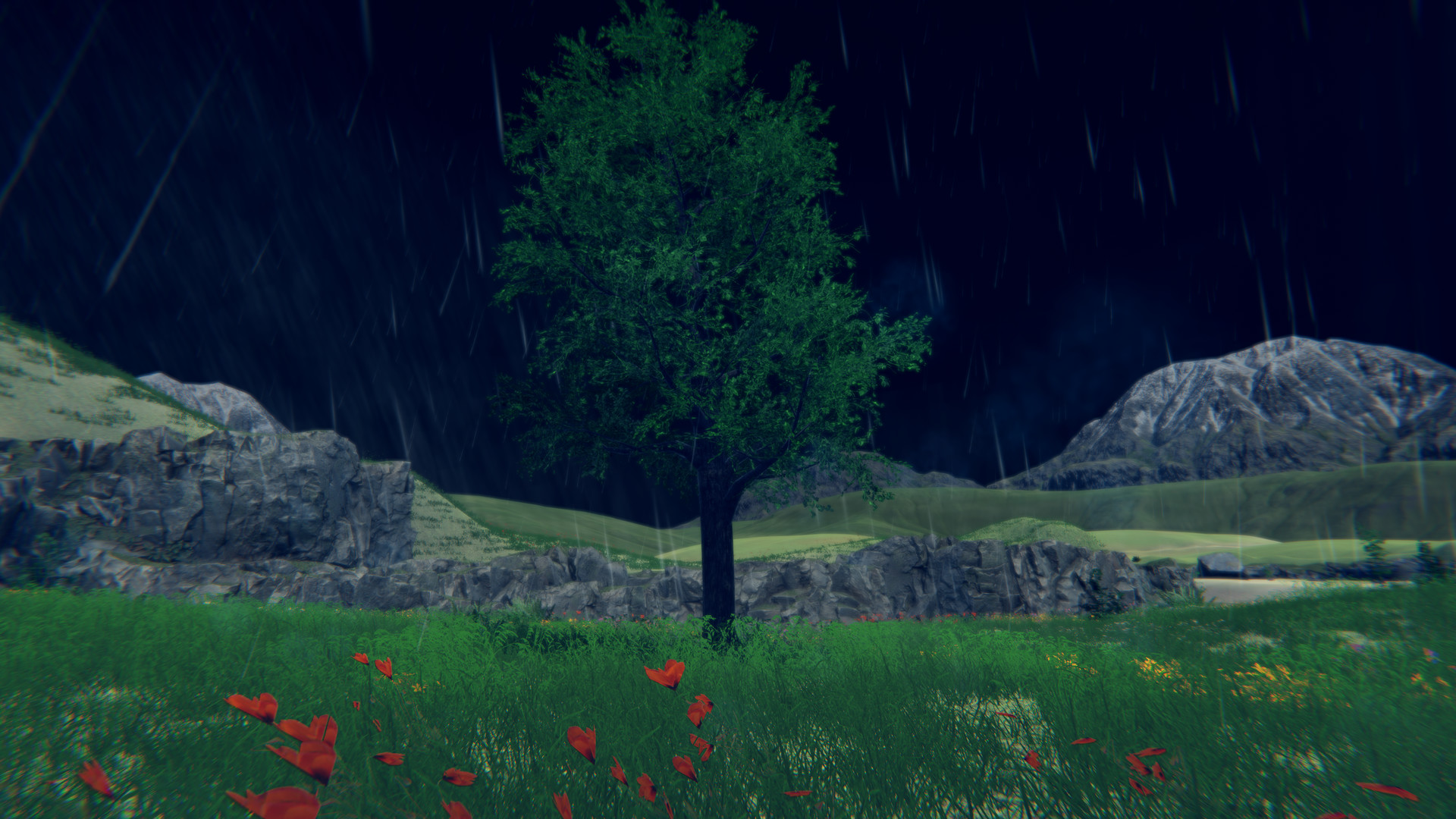
• Customizable weather system (Rain, Snow, Wind, Fog, Overcast)
• Day night cycle
• Seasons (As the seasons change, the trees appearance, weather, and environment will change)
• Save settings
• Multiplayer
• Server admin support
• Server browser that helps you easily connect with other players
• Private game support
• Password required servers (optional)
• Built in text based chat
• Halloween mode
• Christmas mode
• Ultra-wide monitor support
• Windowed support (a little wonky)
• Wallpaper engine support
• Xbox Controller support
• PS4 Controller Support Multiplayer
Be the best forest you can be! Invite up to 250 glorious trees to join your forest. You can host a server and set the amount of trees that can join along with passwords and making the lobby private. Servers that are public will appear in a lobby list when trees click "Join". If a server is private you will only be able to join if that person is on your friends list or by invite.
For transparency, multiplayer is tested with 4 trees, but it should support up to 250.
There is no built-in voice chat. It is recommended that Discord or Steam chat be used.
You can join a game in various ways:Host a game
• Host tree clicks "Host"
• Host tree configures various desired settings or leaves them as default (Server name, private, password required)
• Host tree clicks "Confirm" Join a game from the menu
• Tree clicks "Join"
• Tree observes desired lobby in the list
• Tree clicks "Connect" on desired lobby Join a game from an invite
• Host tree presses [Esc] on the keyboard
• Host tree clicks "Invite"
• Host tree uses invite dialog to invite other trees
• Other trees start Tree Simulator 2023
• Other trees press [Shift]+[Tab] to activate the Steam overlay
• Other trees click "Play Game" in the Steam chat window Join a game from your friends list…