
VARYZNEX
Про игру
Место в каталоге, подборки и покупка
«VARYZNEX» заточена под одиночное прохождение — для коротких вечерних сессий и нестандартных идей.
- одиночное прохождение
Место в каталоге
Для «VARYZNEX» мы собрали 2 смежных списков («Новинки Steam», «Игры с поддержкой геймпада») и материалы: системные требования, калькулятор «Пойдёт ли», FAQ и разбор лагов.
Цена и платформы
«VARYZNEX» — покупка и установка через Steam; страницу можно добавить в список желаемого.
- 419 ₽
Краткая информация о VARYZNEX
Платформы
Особенности
Теги Steam


Скриншоты VARYZNEX
Системные требования VARYZNEX — пойдёт ли на моём ПК?
Чтобы запустить «VARYZNEX» на ПК, по данным Steam достаточно минимальной конфигурации: ос Windows10 or later, озу 8 GB ОЗУ, процессор Core-i3, место на диске 200 MB. По требованиям к памяти это типичный домашний компьютер прошлых лет — без запаса на максималки.
Для комфортной игры без просадок разработчик рекомендует: озу 8 GB ОЗУ, процессор Core-i5. Точный расчёт под ваше железо — в разделе «Пойдёт ли на моём ПК».
Минимальные требования
- 64-разрядные процессор и операционная система
- ОС: Windows10 or later
- Процессор: Core-i3
- Оперативная память: 8 GB ОЗУ
- DirectX: версии 11
- Сеть: Широкополосное подключение к интернету
- Место на диске: 200 MB
- Дополнительно: Requires a 64-bit processor and operating system
Рекомендуемые требования
- 64-разрядные процессор и операционная система
- ОС: Windows10 or later
- Процессор: Core-i5
- Оперативная память: 8 GB ОЗУ
- DirectX: версии 11
- Сеть: Широкополосное подключение к интернету
- Место на диске: 200 MB
- Дополнительно: Requires a 64-bit processor and operating system
Гайд и ответы по VARYZNEX
Перед установкой «VARYZNEX» — коротко по данным Steam Плюс ответы на частые вопросы.
Есть ли русский в VARYZNEX
Если важен русский язык в «VARYZNEX», проверьте тип локализации — интерфейса, субтитров или полной озвучки.
Русский язык в списке Steam не найден — вероятно только другие языки.
VARYZNEX на Steam Deck
Стоит ли брать «VARYZNEX» в дорогу на Deck — ниже статус из Steam и типичные ограничения по производительности.
Статус Steam Deck не указан
Можно ли играть в VARYZNEX без интернета
Можно ли играть в «VARYZNEX» без интернета — одиночный режим, кооп и MMO по категориям Steam.
Да, по данным Steam доступен одиночный режим — игру можно проходить офлайн.
Сколько времени займёт VARYZNEX?
Steam не публикует официальное время прохождения «VARYZNEX». Ориентируйтесь также на гайды и видео на YouTube.
Поддерживает ли VARYZNEX геймпад?
«VARYZNEX» в Steam отмечена с полной поддержкой геймпада.
VARYZNEX — сколько ГБ нужно для установки?
По данным Steam, «VARYZNEX» занимает около 200 MB на диске. Заложите запас на сохранения, моды и обновления.
Не запускается, вылетает, лагает — VARYZNEX
О чём VARYZNEX
*The DEMO version is under production and may differ from the product version.
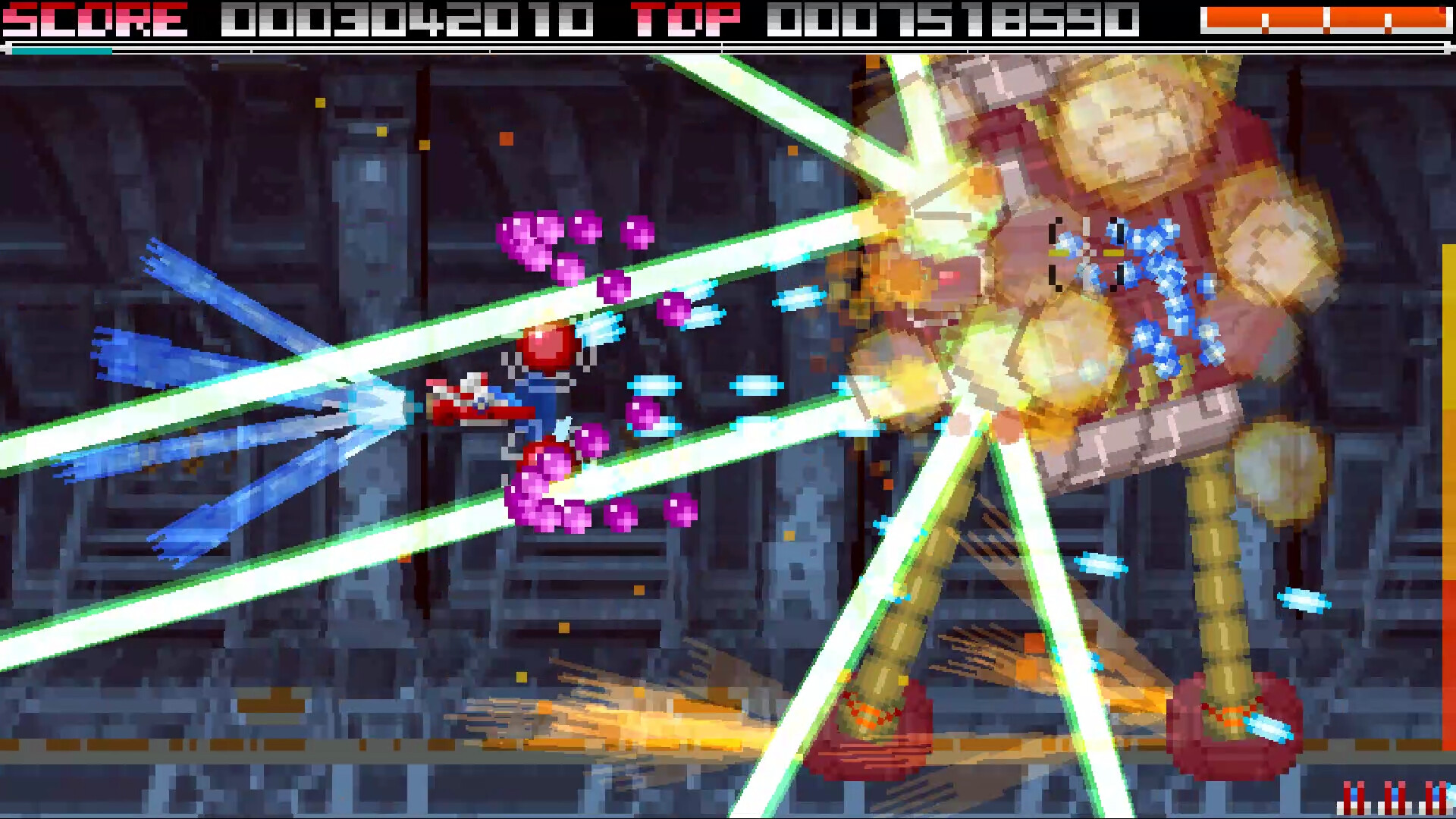
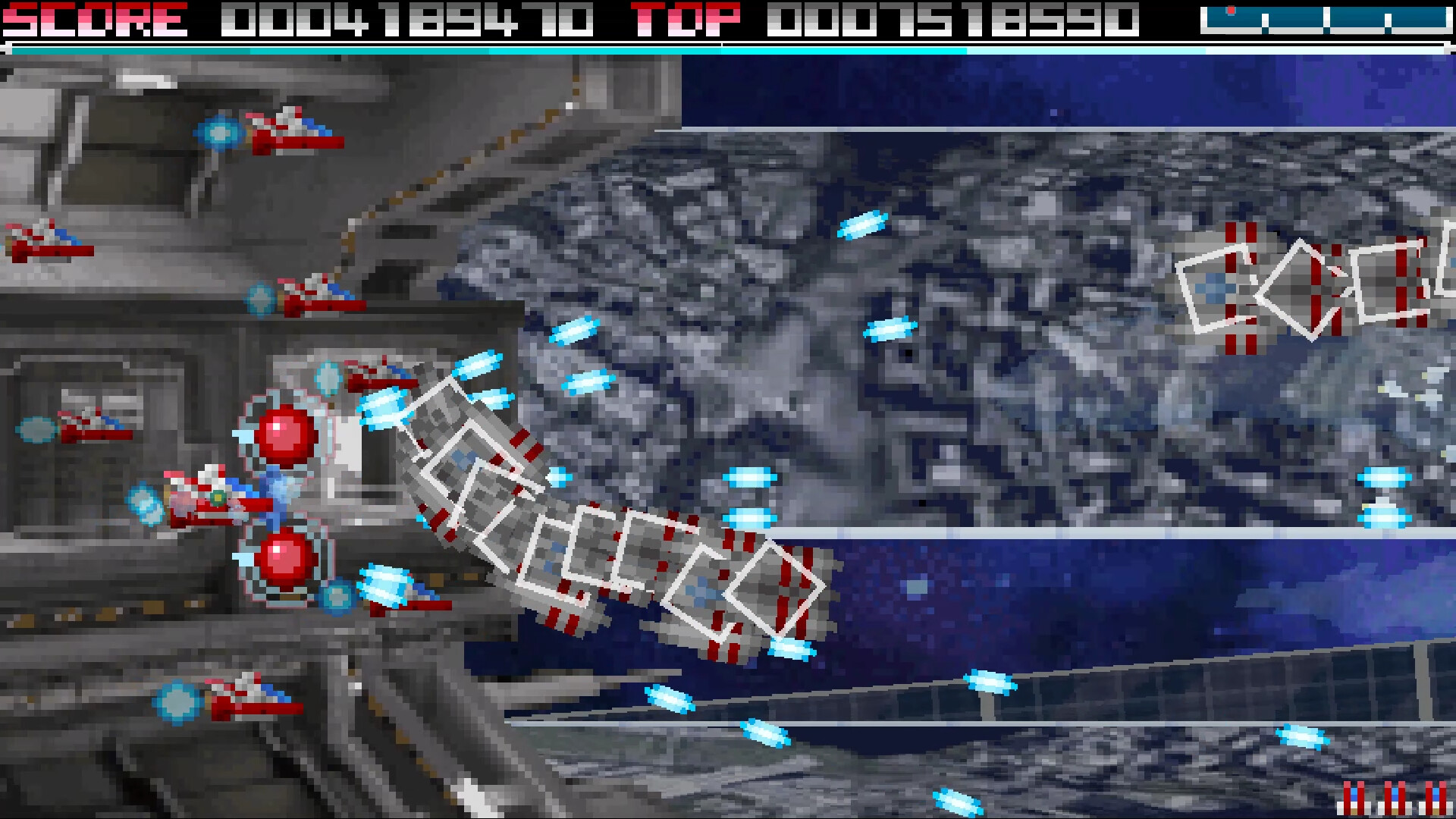
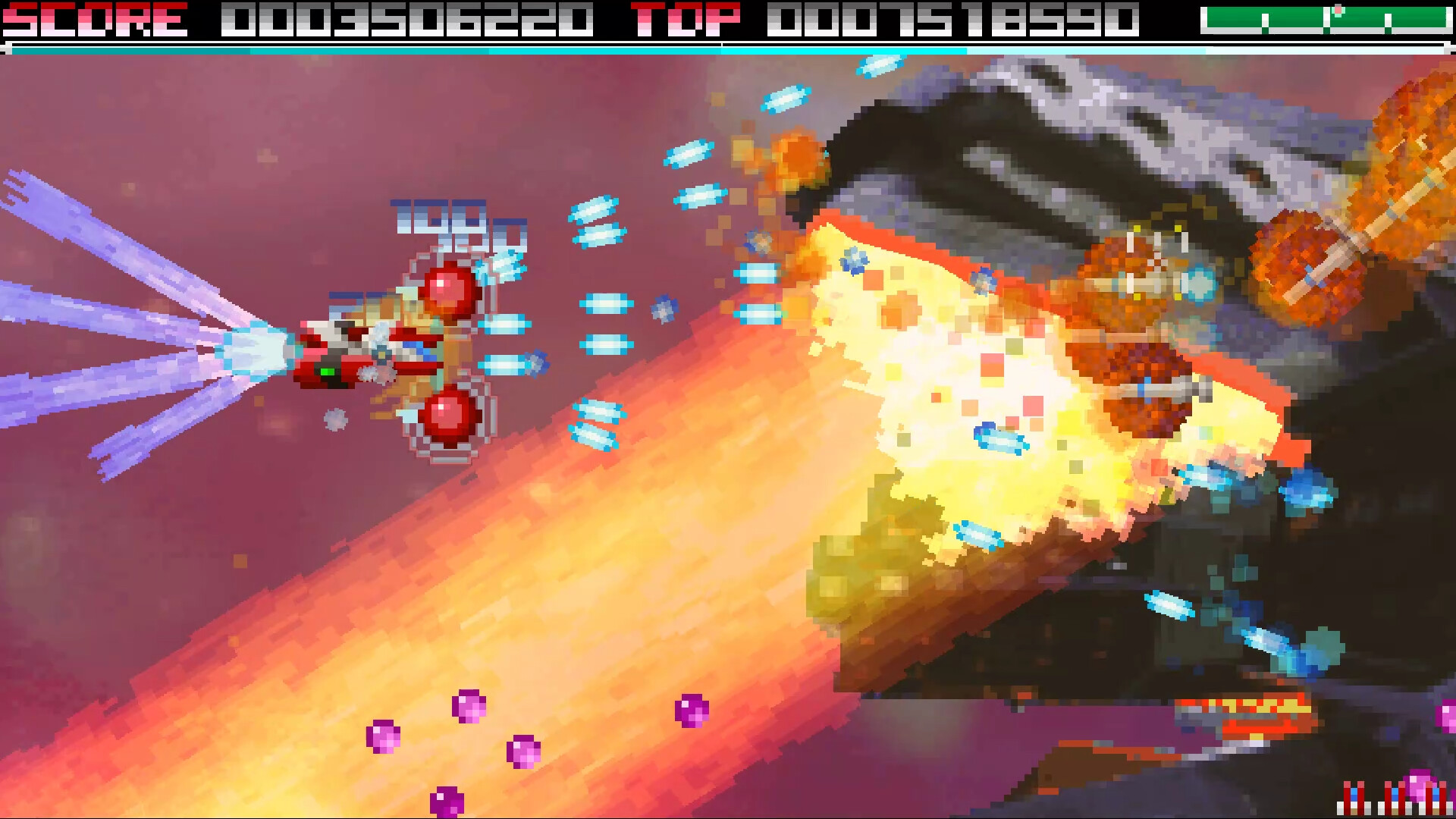
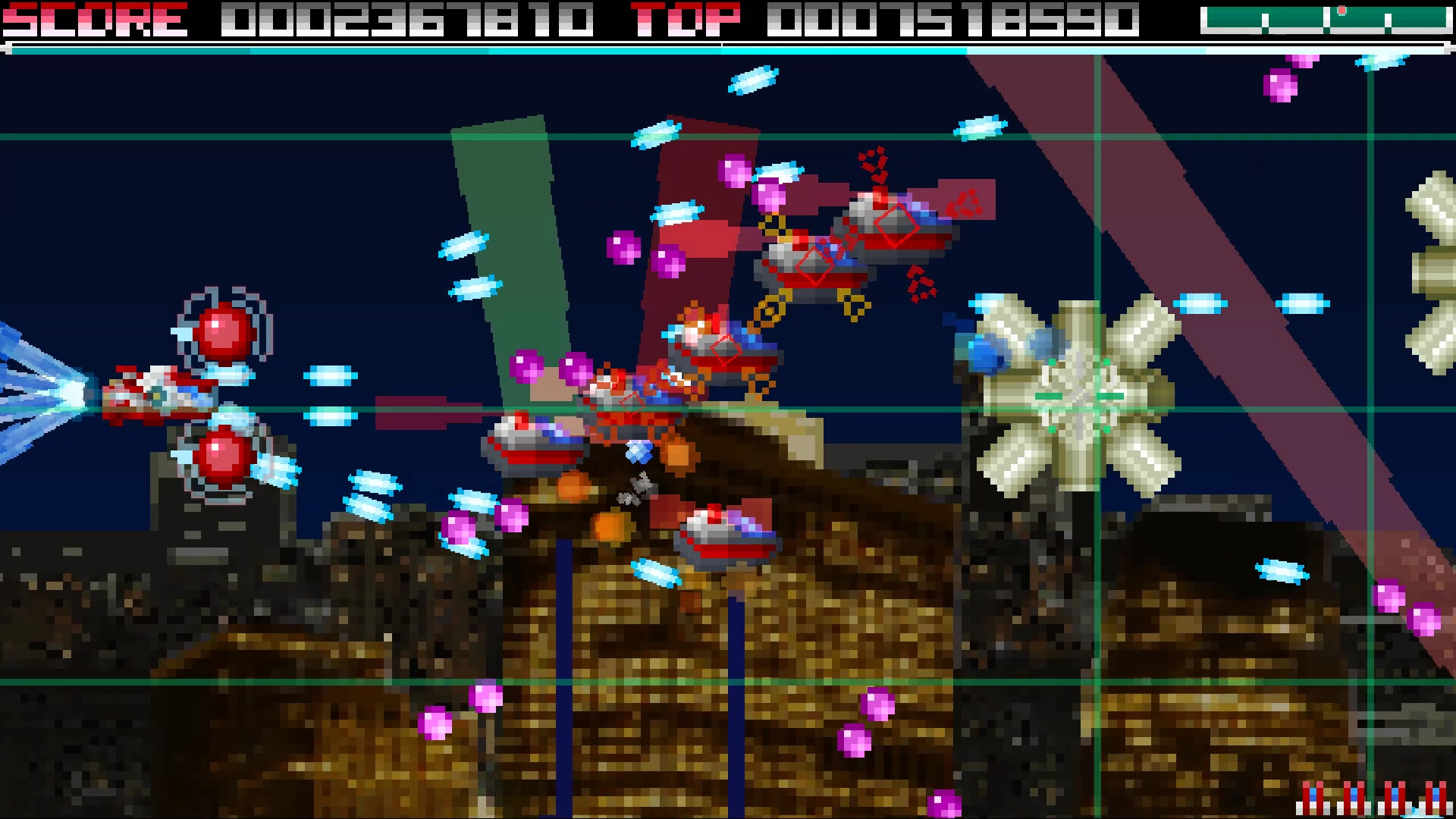
A horizontal scrolling shooter where you defeat enemies using BITs that can change attack direction.
Defeat enemies to release energy items. Approach them to draw them in automatically, but releasing the attack button will also attract distant items. (The faster you collect them, the more points and energy you gain.)
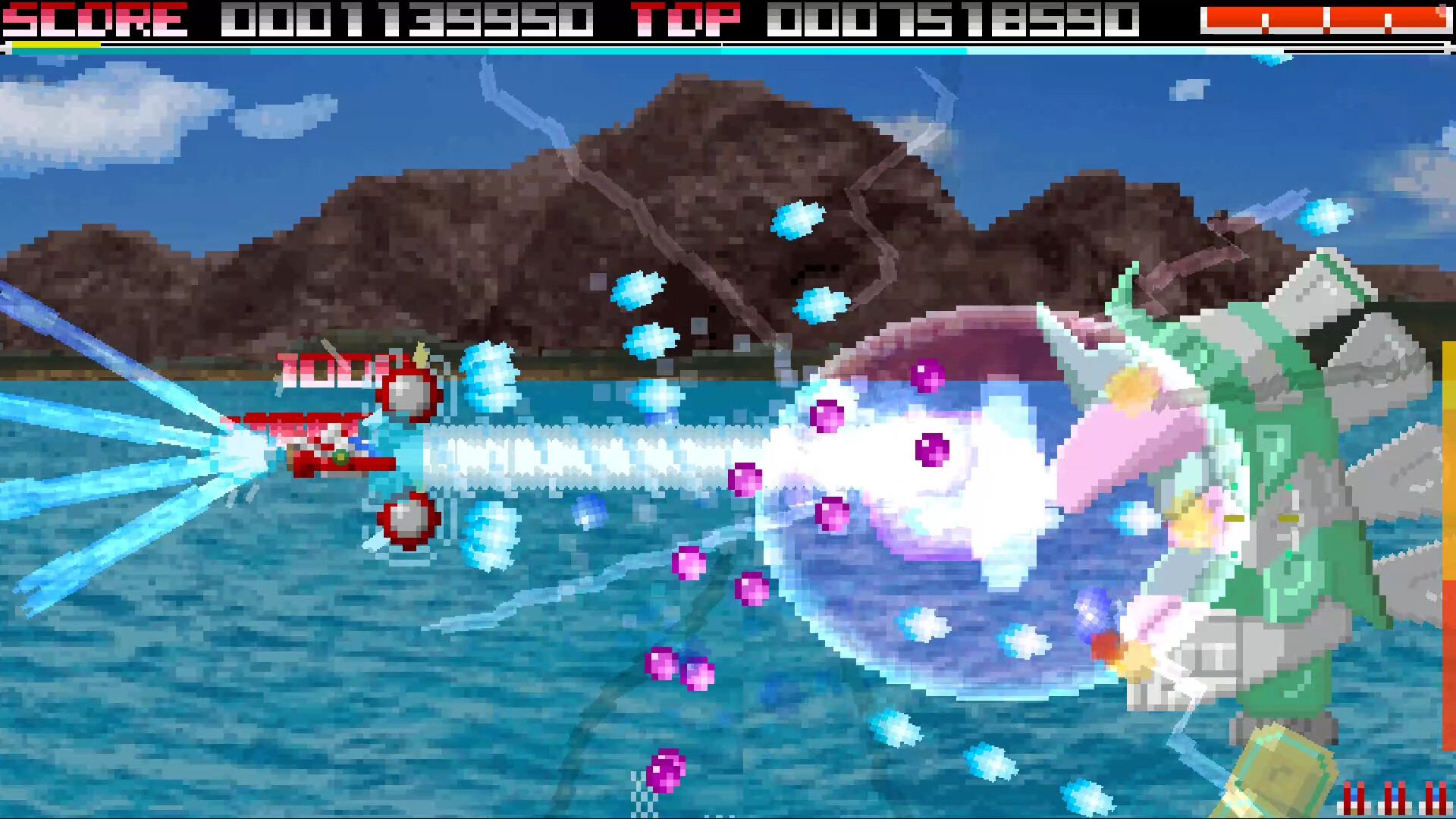
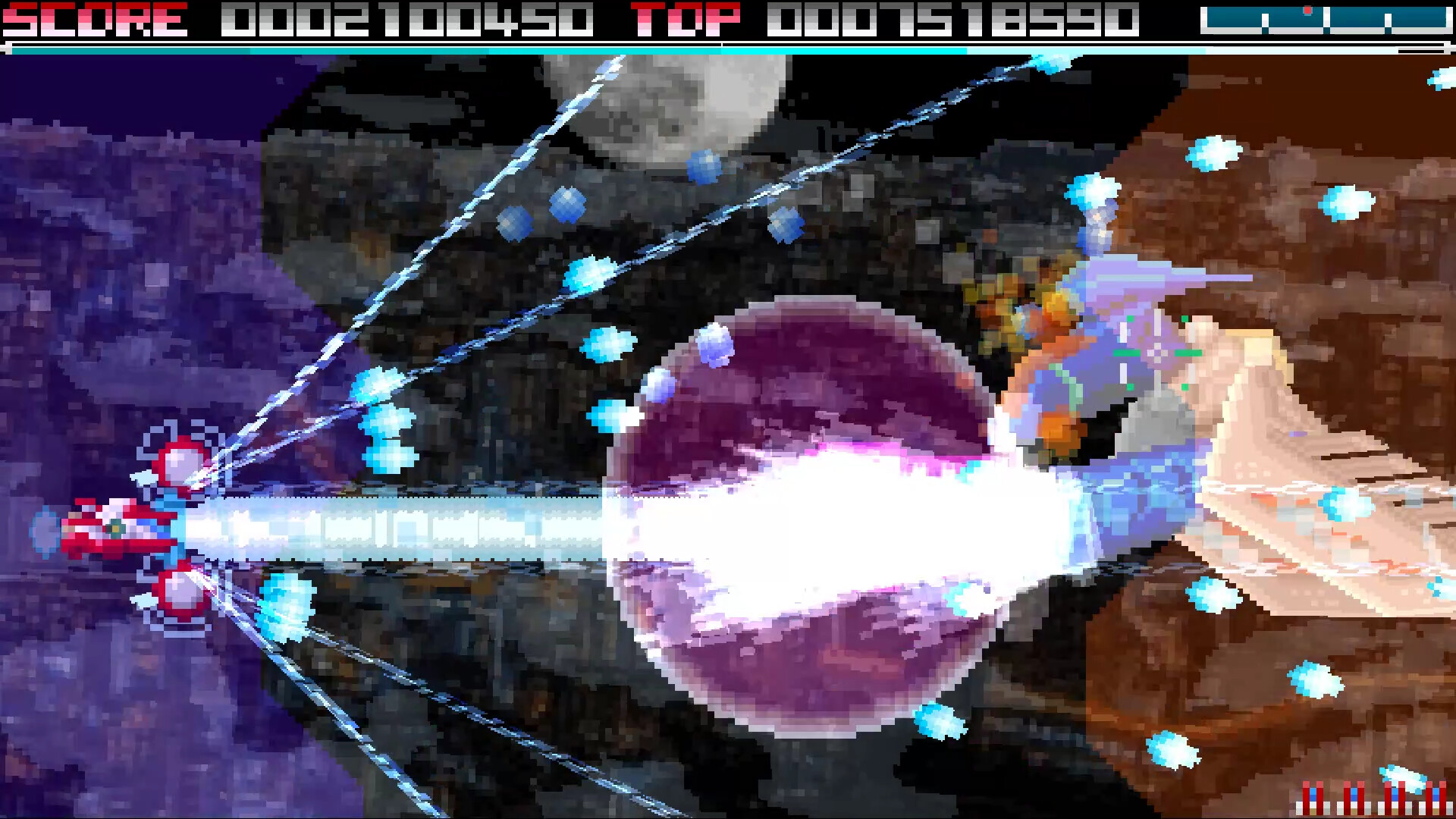
Once your energy gauge is full, Hyper mode becomes available. While Hyper is active, your ship’s shot changes to a powerful laser and enemy point values are doubled. BITs can also block pink enemy attacks during Hyper.
Continuing to collect energy even further unlocks Double Hyper. in Double Hyper, homing shots are added to your arsenal and points are quadrupled. (Colliding your Hyper laser with a boss or large enemy’s laser creates a massive amount of energy items and deals heavy damage with powerful energy balls.)
Medium and larger enemies offer a time bonus — the faster you defeat them, the higher the point multiplier. Combining this with Hyper multipliers allows for a maximum of 32x points.
In boss battles, bosses release energy items every time they lose 1/4 of their health. The fewer seconds that have passed, the more items appear. Defeating them quickly also grants additional “Destruction Bonus Energy.”
Clear a stage with no deaths to earn a NO MISS BONUS. The bonus doubles with each consecutive no-miss stage, and the final stage bonus is doubled again.
3 Game Modes × 2 Difficulties (NORMAL / HARD)
NORMAL / HARD
The Hyper gauge also functions as shield energy.
At full gauge: NORMAL allows up to 6 hits, HARD allows up to 3 hits. In HARD mode, enemy attacks become more intense, but the number of energy items that appear is doubled (though each item provides half the energy).
X-mode (X-NORMAL / X-HARD)
You can hold up to 2 shields (1 on HARD). Even if you lose them upon taking damage, you can redeploy them by accumulating gauge after activating Hyper. Hitting enemies with shots outside of Hyper increases the gauge. Activating Hyper while holding a shield grants bonus points.
VX-mode (VX-NORMAL / VX-HARD)
Energy gain is 1.5× higher than other modes. You have 1 automatically regenerating shield that works even during Hyper. When respawning, the energy gauge retains the amount it had before the player ship was destroyed. Gauge increase from shooting enemies outside of Hyper is higher than in X-mode.
Settings Screen Options
BLUR: Toggle blur effects SHAKE: Toggle screen shake EFFECT: Set to MIN to reduce explosion debris and other objects BLASTTINT: Choose explosion effect color intensity WALLWARN: Turn terrain collision warning ON/OFF LOW SPEED: Choose from 4 types of low-speed movement behavior BIT Control: 6 types (TYPE-A to TYPE-F) — forward fixed, free movement, hold-style, etc.
〇 TYPE-A・TYPE-B Press the R button (default) to cycle through BIT positions.
〇 TYPE-C (Recommended)・TYPE-D Hold R and move the control stick to adjust BIT position. Release R to confirm the position.
〇 TYPE-E・TYPE-F When R is not pressed: BITs stay in front. When R is held: BITs move to a different fixed position (position changes depending on lever input or lack thereof).
Config Screen
Separate from the Settings screen, you can access it with ESC or the START button (default)…