

VRWorkout
Про игру
Место в каталоге, подборки и покупка
«VRWorkout» — для фанатов скорости и соревновательного драйва; ключевые режимы: одиночное прохождение.
- одиночное прохождение
Подборки и ранг
«VRWorkout» попала в 3 тематических подборок PlayGuide («Новинки Steam», «Бесплатные игры Steam» и др.) — ссылки ниже. Также на странице: системные требования, калькулятор «Пойдёт ли», FAQ и разбор лагов.
Steam и платформы
«VRWorkout» — покупка и установка через Steam; страницу можно добавить в список желаемого.
- Бесплатно
Краткая информация о VRWorkout
Платформы
Теги Steam


Сообщество и сервисы Steam — VRWorkout
Скриншоты VRWorkout

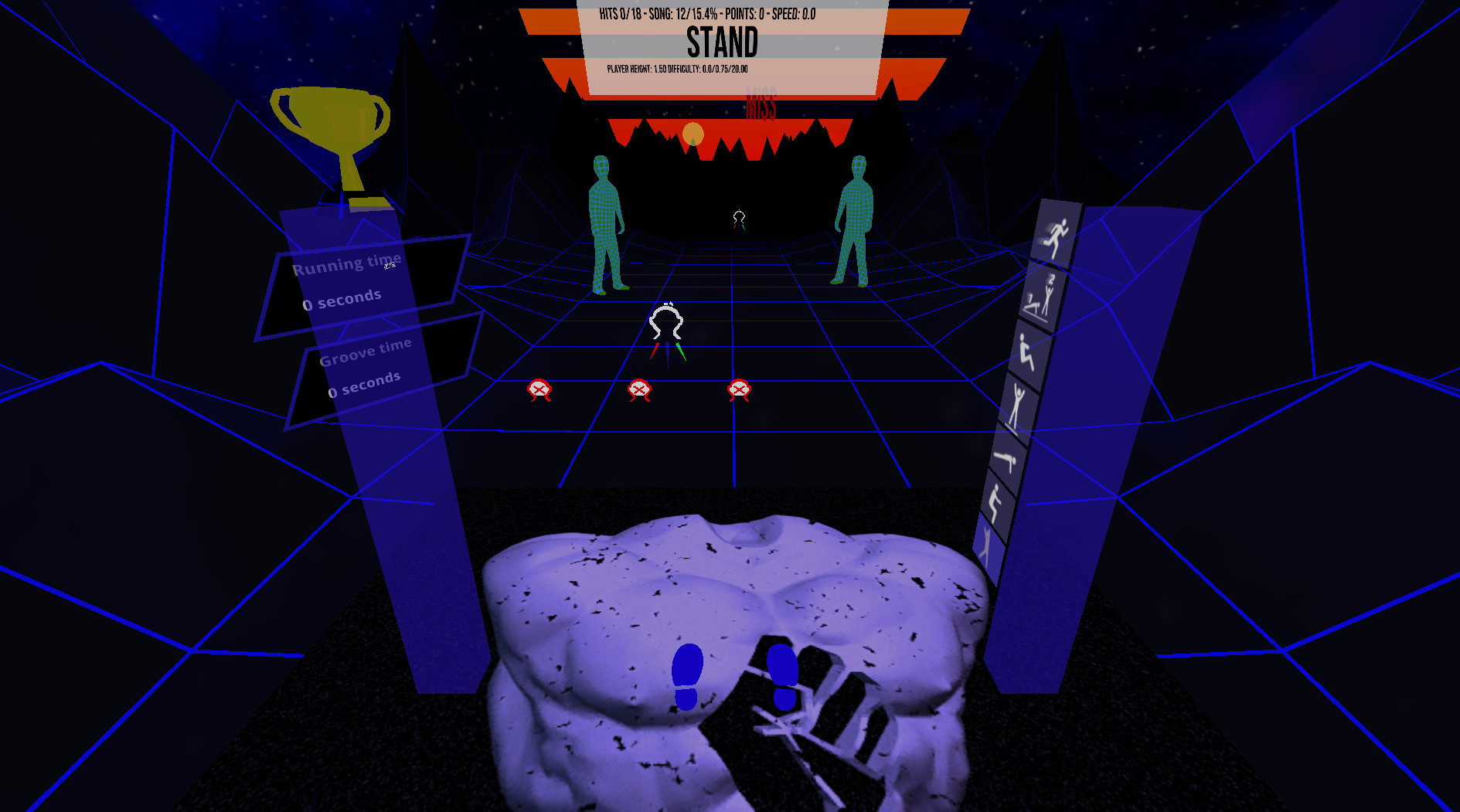


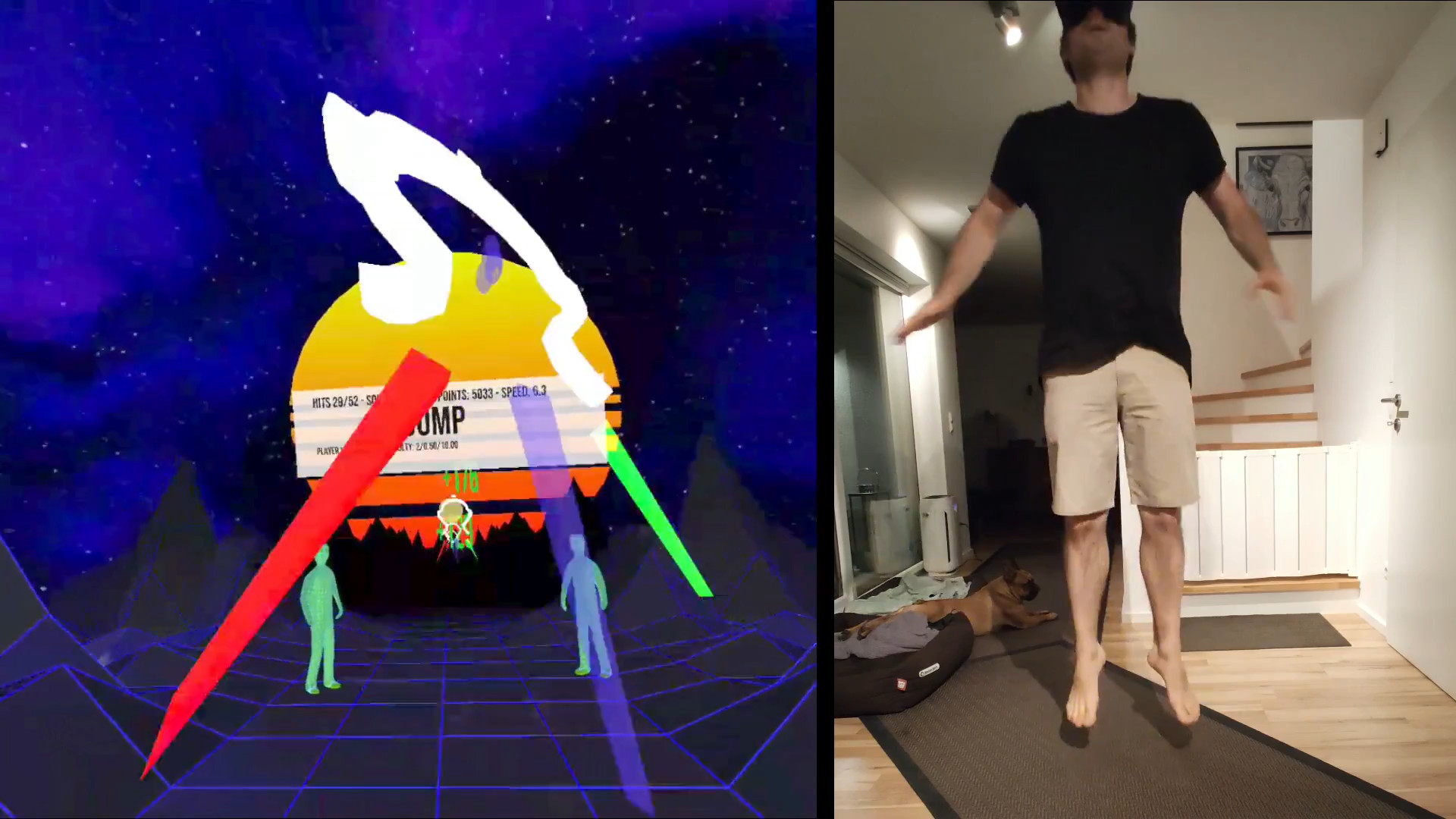


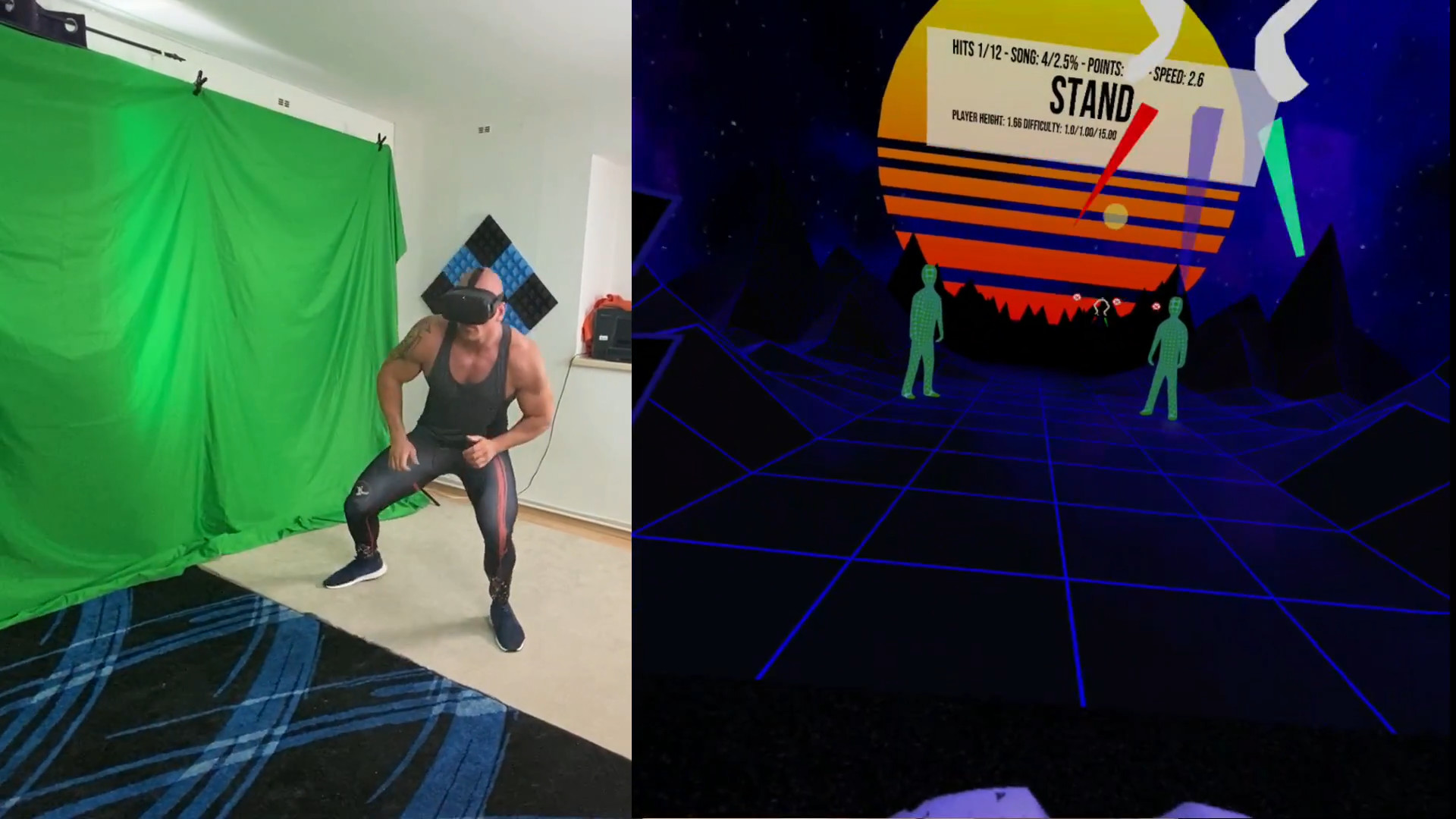

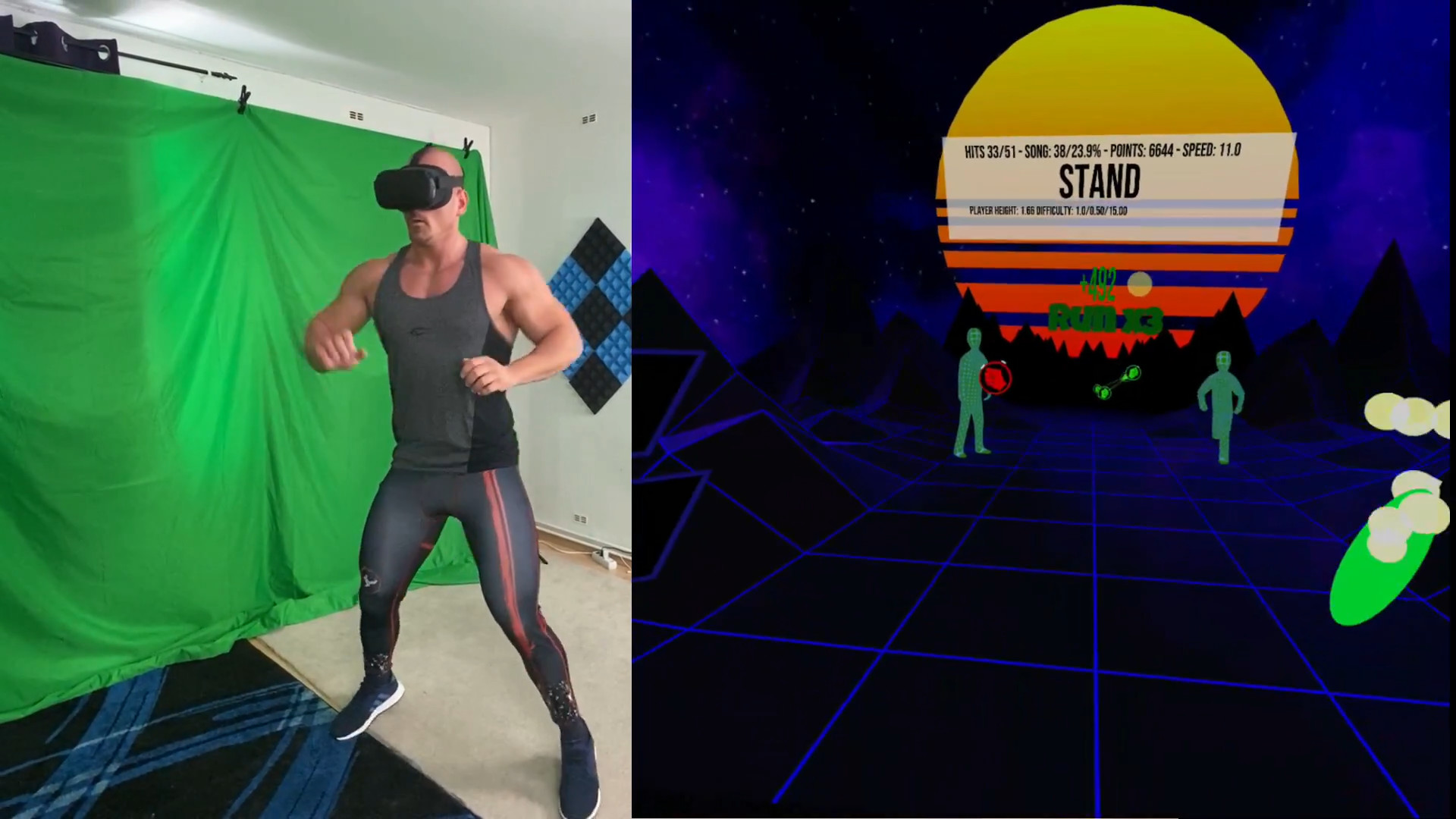

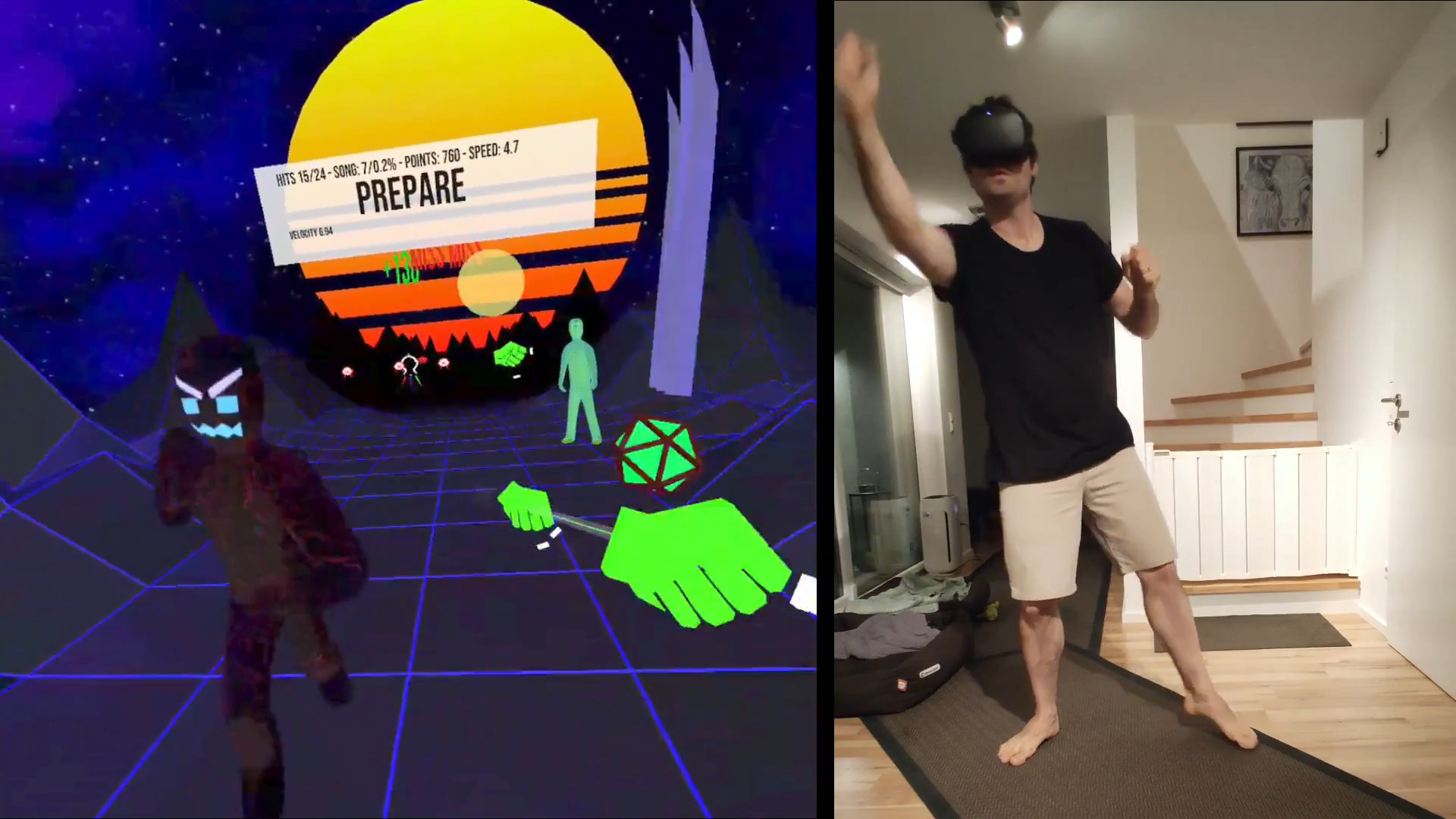
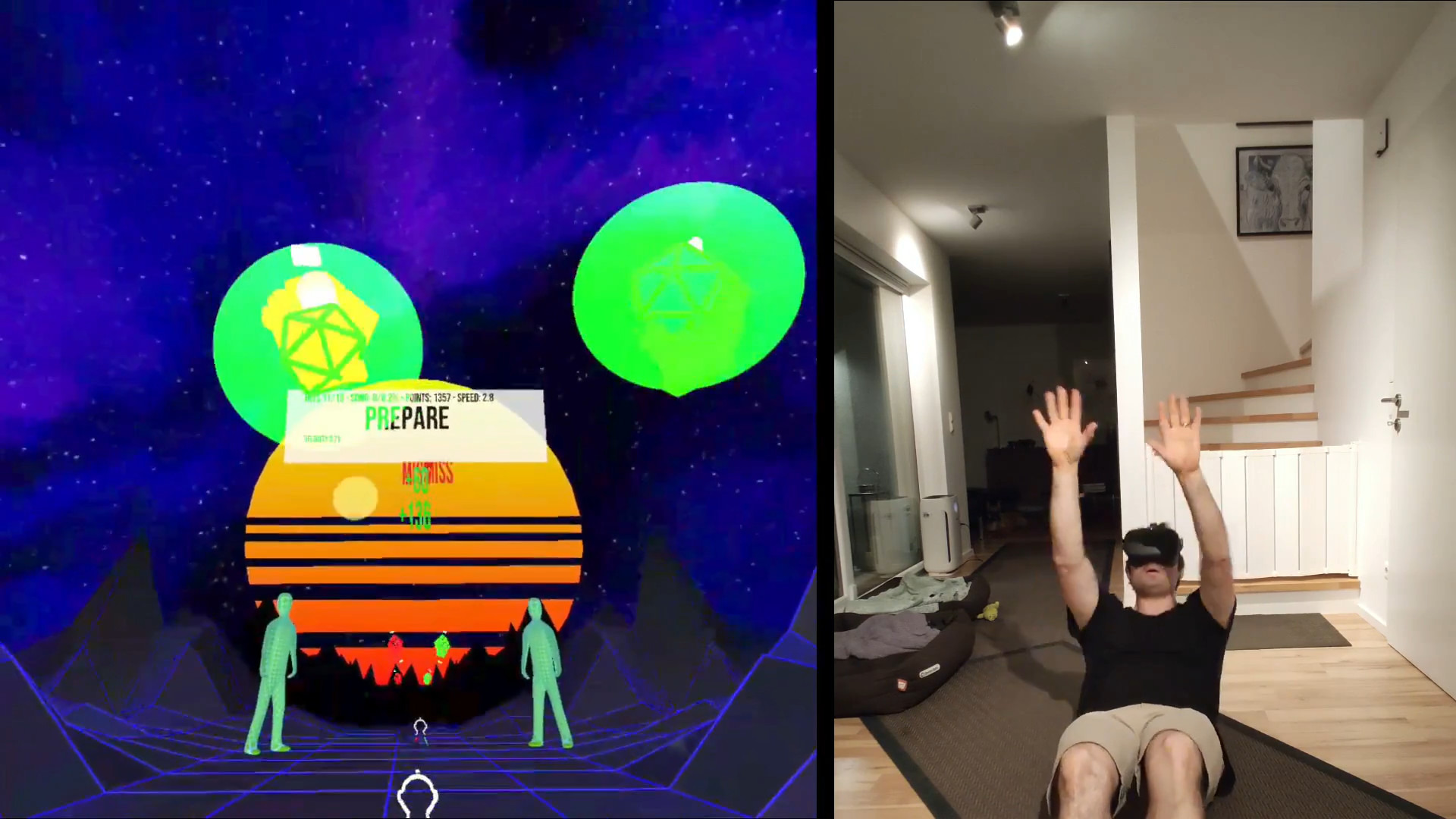
Системные требования VRWorkout — пойдёт ли на моём ПК?
Чтобы запустить «VRWorkout» на ПК, по данным Steam достаточно минимальной конфигурации: ос Windows 7, озу 4 GB ОЗУ, видеокарта NVIDIA GTX 970 / AMD Radeon R9 290, процессор Intel Core i5-4590 / AMD FX 8350. По требованиям к памяти это очень скромный по нынешним меркам ПК.
Для комфортной игры без просадок разработчик рекомендует: озу 8 GB ОЗУ, видеокарта NVIDIA GTX 1080, процессор Intel i7. Разрыв по ОЗУ (4 → 8 ГБ) обычно чувствуется в стабильности FPS. Точный расчёт под ваше железо — в разделе «Пойдёт ли на моём ПК».
Минимальные требования
- 64-разрядные процессор и операционная система
- ОС *: Windows 7
- Процессор: Intel Core i5-4590 / AMD FX 8350
- Оперативная память: 4 GB ОЗУ
- Видеокарта: NVIDIA GTX 970 / AMD Radeon R9 290
- Место на диске: 500 MB
- Поддержка VR: SteamVR. Room Scale 2m by 1.5m area required
Рекомендуемые требования
- 64-разрядные процессор и операционная система
- ОС: Windows 10
- Процессор: Intel i7
- Оперативная память: 8 GB ОЗУ
- Видеокарта: NVIDIA GTX 1080
- Место на диске: 500 MB
- Дополнительно: 2xVIVE trackers
Гайд и ответы по VRWorkout
Практичные ответы: пойдёт ли на ваш ПК, сколько весит, есть ли русский и можно ли без интернета Плюс ответы на частые вопросы.
Есть ли русский в VRWorkout
Если важен русский язык в «VRWorkout», проверьте тип локализации — интерфейса, субтитров или полной озвучки.
Русский язык в списке Steam не найден — вероятно только другие языки.
*озвучивание доступно на этих языках
VRWorkout на Steam Deck
«VRWorkout» на Steam Deck — статус Verified/Playable и на что обратить внимание в портативном режиме.
Unsupported — официально не поддерживается
Можно ли играть в VRWorkout без интернета
Можно ли играть в «VRWorkout» без интернета — одиночный режим, кооп и MMO по категориям Steam.
Да, по данным Steam доступен одиночный режим — игру можно проходить офлайн.
Нужно ли платить за VRWorkout?
«VRWorkout» распространяется бесплатно в Steam.
Можно ли играть в VRWorkout с контроллером?
«VRWorkout»: явной поддержки геймпада в Steam нет — уточните в описании или отзывах.
Сколько длится VRWorkout?
Steam не публикует официальное время прохождения «VRWorkout». «VRWorkout» из жанра гонок/спорта — сессии короткие, но карьера и онлайн могут занять много часов. Ориентируйтесь также на гайды и видео на YouTube.
Не запускается, вылетает, лагает — VRWorkout
О чём VRWorkout
Transform your living room into a personal gym
VRWorkout is a fitness rhythm game with full-body engagement.
Jumping // Squatting // Pushups // Side Planks // Crunches // Running // Burpees and Sprinting
DISCLAIMER: Use at your own risk! This game does not check if you bump into your surroundings. There is a lot of movement involved since this is a physical workout game, which bears the risk of injury. Always use common sense when performing the movements inside the game. If you feel that some exercises are too dangerous DO NOT PERFORM them. You acknowledge that this software is free and you are using it at your own riskHow to play
If your system does not have hand tracking support you can strap the controllers to your wrists, for example with knuckle straps:
Here are other options to use controllers:
If you are just trying it out for the first time you can hold the controllers in your hands, just don't expect to be able to hit the hand cues during the pushups and probably avoid the burpees. Once you are comfortable and want to move forward with a more serious workout either use VIVE Trackers with wrist straps or strap the controllers to your wrists in a safe manner.
VIVE wands are a bit trickier. One method that works quite well is to use a forearm guard usually used in archery and fixing the controller with Velcro to it. Those forearm guards are usually rather cheap (~$20) and are quite a good option to fix a VR controller to the forearm.
• Try to hit the hand cues to the beat of the music.
• The head cue has to be touched with your head. Just touch it, you don't need for headbutting
• Run in place to receive point multipliers!
• If you want to switch out an exercise during play double-tap the new exercise twice in the exercise selector to your right. The optimal time to hit the cues is when the marker that rotates around the cue touches the second one.
Upon starting you will see several different blocks. Touch one of them at the desired difficulty spot to select a level and difficulty. To disable exercises switch them on/off with the switches to your left.
Exiting a stage during play: On the top of the left blue pole is a sign to exit a stage.
Play with your own music in Freeplay mode* Put on some music in the background and hit the blue drum in the main menu to the beat of the music. Once the beat is set, select one of the freeplay modes to your right. They will send the cues according to the BPM you set but without playing any music.Current features
• 3 difficulty levels
• Automatic player height detection
• Audio instructions that tell the player when to switch positions
• Increase points by running in place or by moving more
• Freeplay mode without music, so you can play to your own background music
• Experimental heart rate integration (auto difficulty)
• In-game recentering
• 34 songs included
• Custom song support
• Online portal access (patrons and beta testers only)
• Heart rate integration…